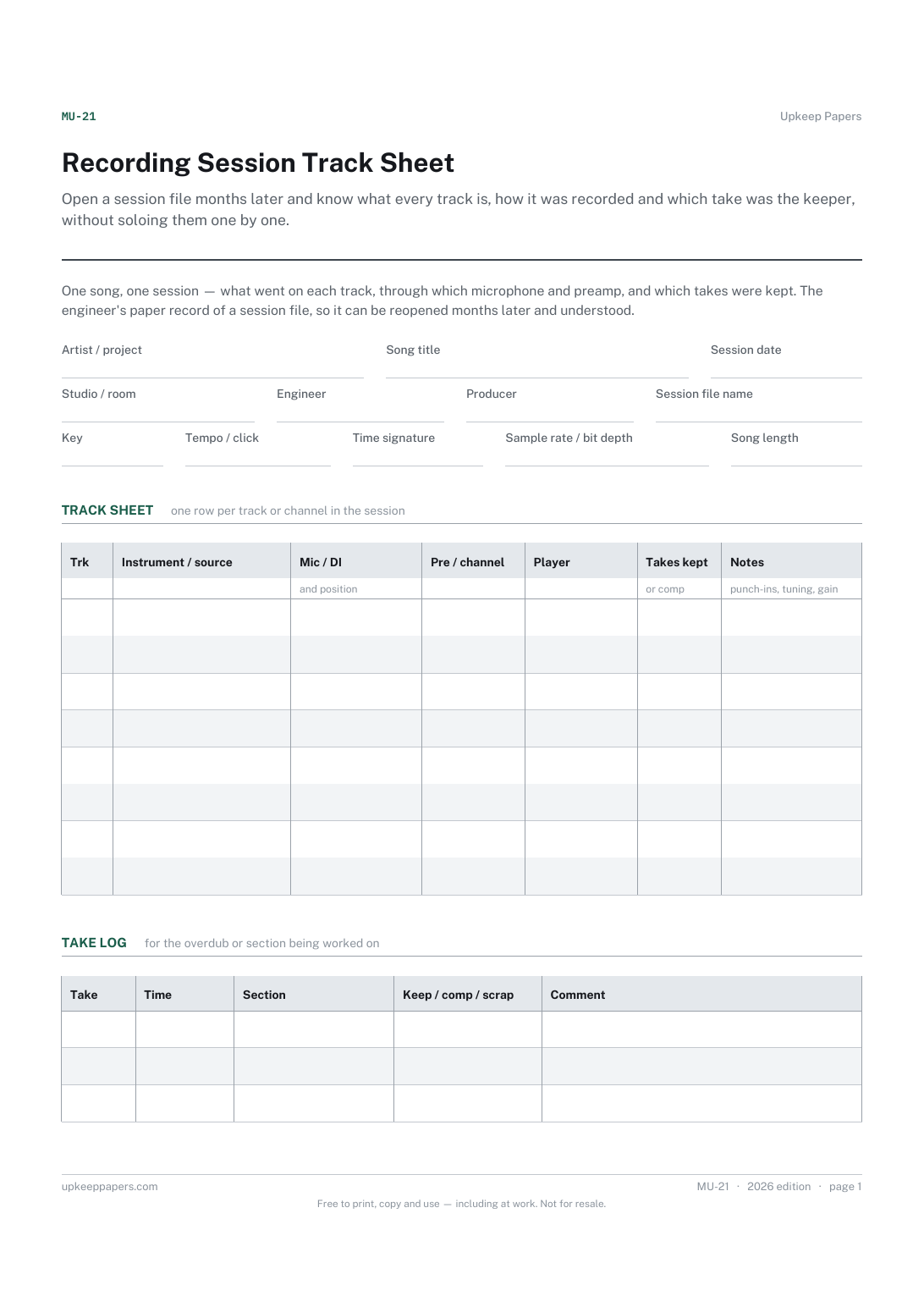
Recording Session Track Sheet
Open a session file months later and know what every track is, how it was recorded and which take was the keeper, without soloing them one by one.
MU-21 1 page
Everything here is free. Making it takes time and money. Everything here is free.
 Buy us a coffee
 Music and performance · MU-28
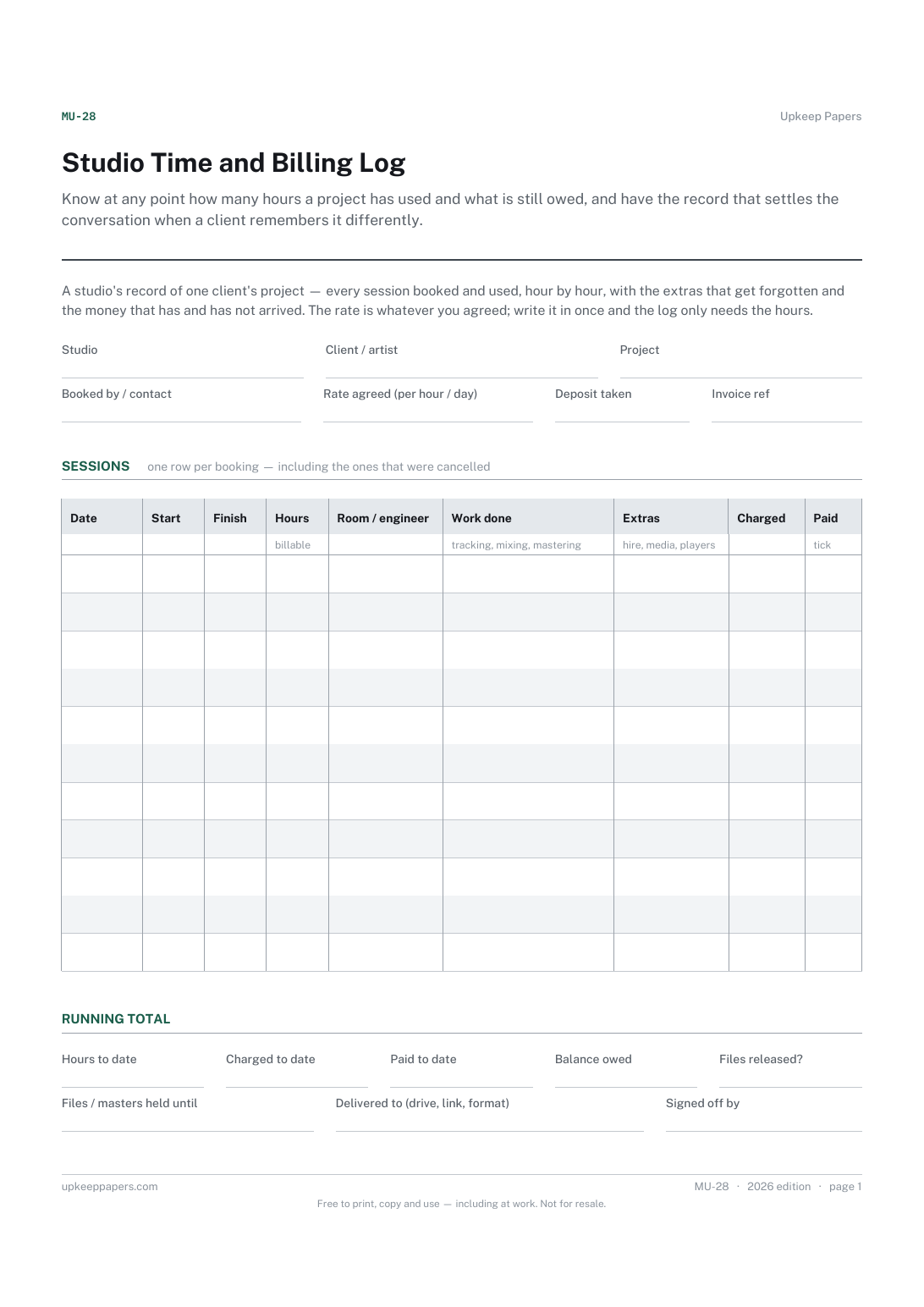
A studio session billing log — every booking for one client's project with start, finish and billable hours, room and engineer, extras, charged and paid.
One page. Choose your paper size — both versions are laid out identically, so neither one gets shrunk to fit.
Print it and write on it
Fill it in type and save
The fillable versions have real form fields — open them in any PDF reader, type into them and save. Printing help.
Know at any point how many hours a project has used and what is still owed, and have the record that settles the conversation when a client remembers it differently.
Studio owners, freelance engineers who hire rooms, and rehearsal or project studios that bill by the hour or by the day.
One page, top to bottom:
Printed under the title: A studio's record of one client's project — every session booked and used, hour by hour, with the extras that get forgotten and the money that has and has not arrived. The rate is whatever you agreed; write it in once and the log only needs the hours.
Write-on lines: Studio · Client / artist · Project · Booked by / contact · Rate agreed (per hour / day) · Deposit taken · Invoice ref
Table, 11 rows: Date · Start · Finish · Hours · Room / engineer · Work done · Extras · Charged · Paid
Write-on lines: Hours to date · Charged to date · Paid to date · Balance owed · Files released? · Files / masters held until · Delivered to (drive, link, format) · Signed off by
Because studio rates vary by room, by city and by the day of the week, and the one you charge is your own business. The header has a blank for it so the log only needs hours.
Whether you hold masters until payment is your policy, not the sheet's. There is a box to record what you told the client, so the terms are on the same page as the hours.
Open a session file months later and know what every track is, how it was recorded and which take was the keeper, without soloing them one by one.
See at a glance which invoices are out, which are late and when each was last chased, which is the information that actually gets invoices paid.
Write an invoice by hand when you need one, in a layout that leaves room for whatever your country requires rather than assuming a set of fields.
Record a week's hours on one page, including what the time was spent on, so hours can be approved and costed from the same sheet.

Every sheet, binder, game and puzzle on Upkeep Papers is free to download, with no email and no account. Making them is not free: each one takes days of research, design and checking, and the site costs money to run. If something here saved you time, you can buy us a coffee. It is entirely optional: nothing is locked, and nothing changes if you don’t.
Buy us a coffee Opens PayPal in a new tab. Any amount, and nothing changes if you would rather not.


