Content Idea Backlog
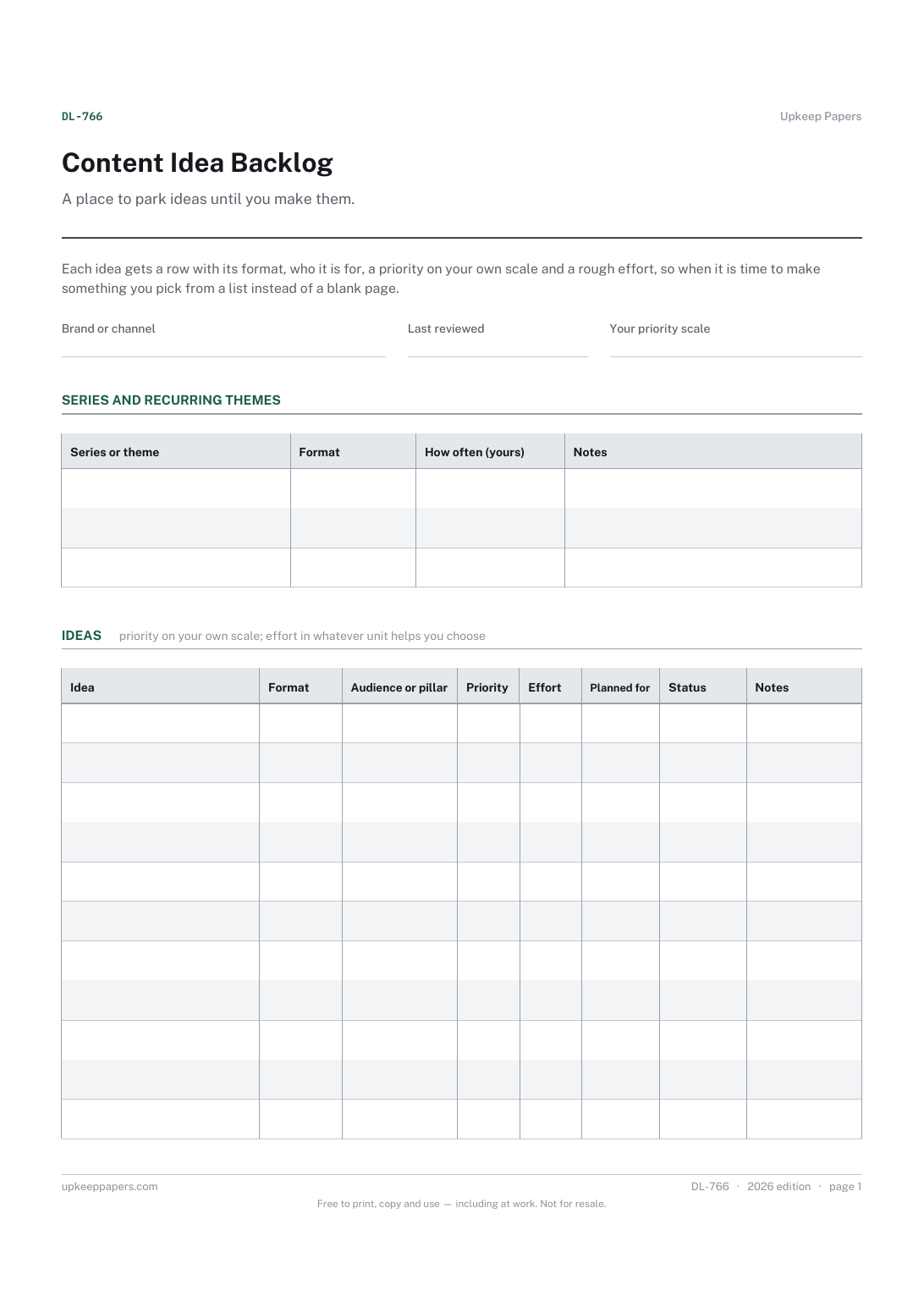
Every content idea in one list, whatever format it suits.
DL-766 Planner PDF Online
Everything here is free. Making it takes time and money. Everything here is free.
 Buy us a coffee
 Digital Life and Content · DL-762 · Inventory
Free font and stock image licence inventory — each asset with its source, licence, permitted use and where it was used. Printable PDF and browser versions.
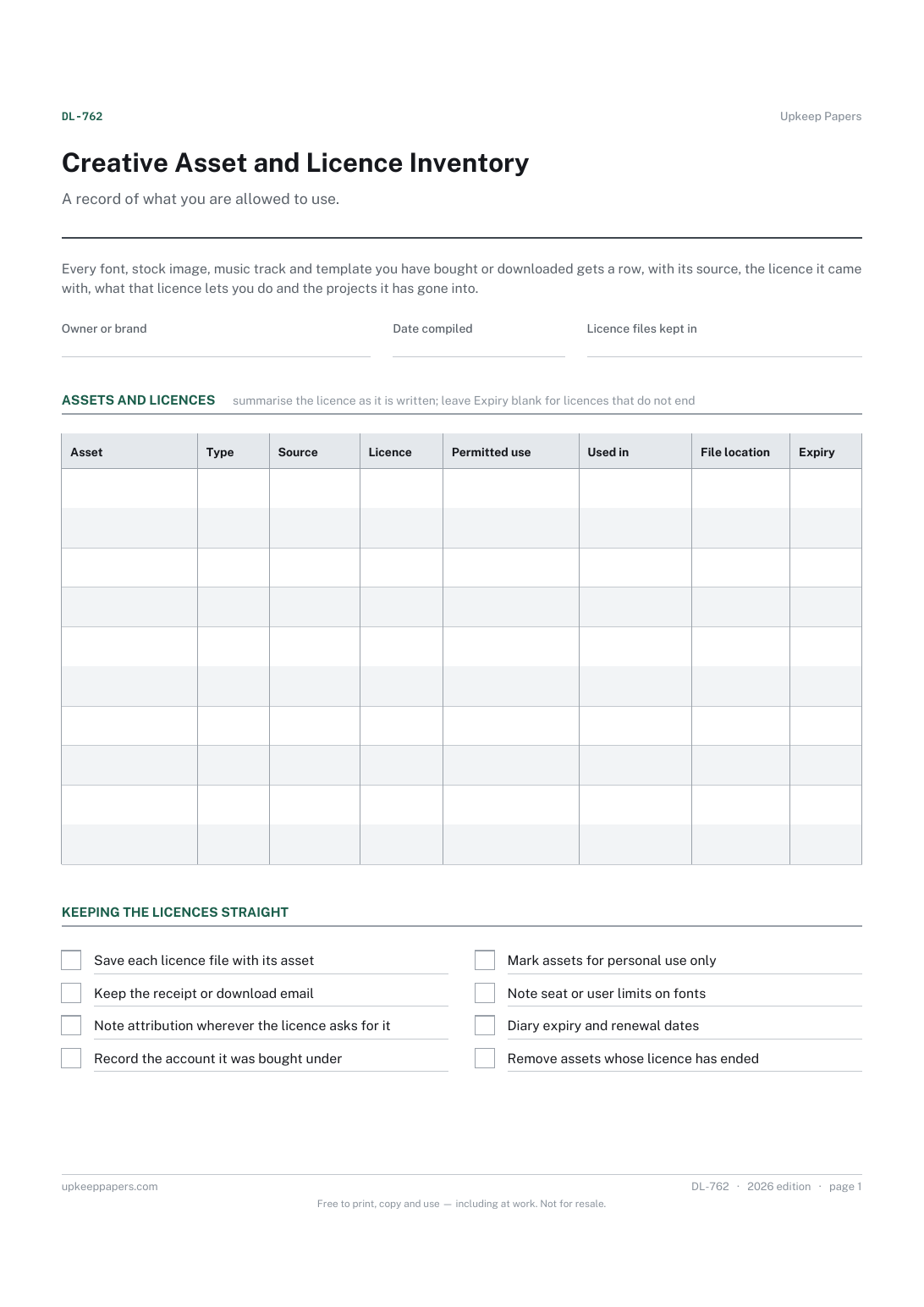
One page. The A4 and US Letter files are laid out identically, so neither is shrunk to fit.
Print it and write on it
Fillable PDF type and save
Or no download needed
Fill it in onlineThe fillable versions have real form fields — open them in any PDF reader, type into them and save. Printing help.
The same sheet, on screen. Tick, type, add or remove rows, then print it or download the completed version as a PDF. Everything stays in your browser — your entries are kept in this browser's own storage on this device, nothing is uploaded, and there is no account.
A record of what you are allowed to use. Every font, stock image, music track and template you have bought or downloaded gets a row, with its source, the licence it came with, what that licence lets you do and the projects it has gone into.
Designers, content creators and small businesses who reuse bought and downloaded assets across many projects and need to answer, months later, where something came from and whether it can be used again.
The printable is laid out inside a box that fits both A4 and US Letter, so the two files are identical and neither one is scaled. The fillable PDF has real form fields. The online version keeps what you enter in your own browser and builds the completed PDF on your device.
Download the A4 or US Letter file to match the paper in your printer, open it in a PDF reader and print at 100% — not "fit to page", which shrinks the writing space. Both files leave a 14 mm margin, which clears the unprintable edge on home printers. To print the online version with your entries in it, use the Print this sheet button, which prints only the sheet and none of the page around it. More on printing.
A short summary of what the licence itself says, such as personal only, commercial, number of seats, or no resale. It is a reminder, not a substitute: when a use matters, go back to the licence text you saved.
Whichever you would look up. A font family or an image pack bought under one licence can go on a single row; an asset you use on its own, or one with different terms, is easier to find on its own row.
No. It records what you were given and where it went. Whether a particular use is allowed depends on the licence wording and the rules where you are, so check the licence, or ask the seller, when you are unsure.
If a licence changes, expires or is questioned, you can see at once which projects and clients are affected instead of searching through old files.
Every content idea in one list, whatever format it suits.
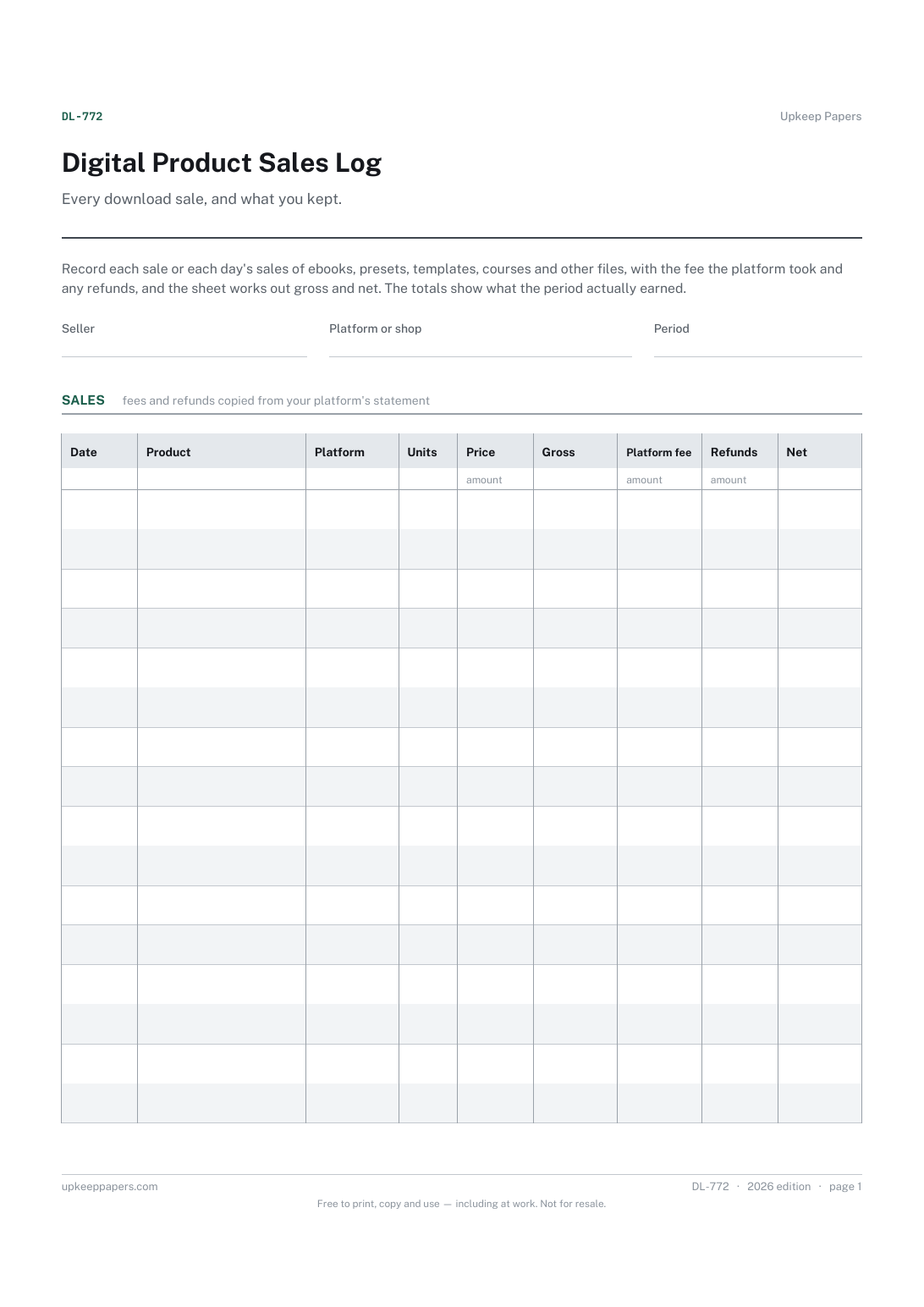
Each sale or batch of sales, with the product and platform.
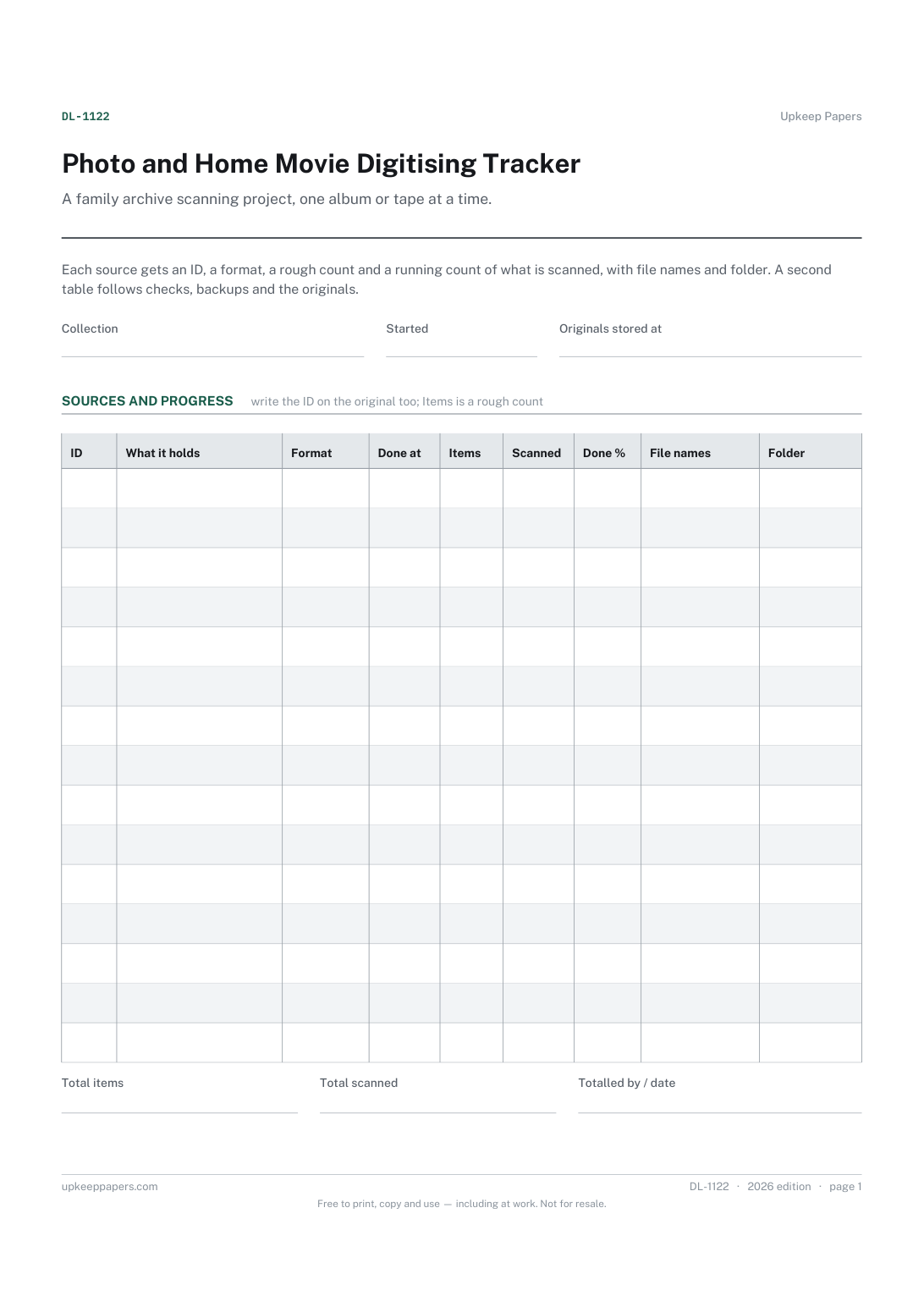
Every album, box, reel and tape in the project, with an ID for each.
Printable sheets, workbooks and tools on the same subject.
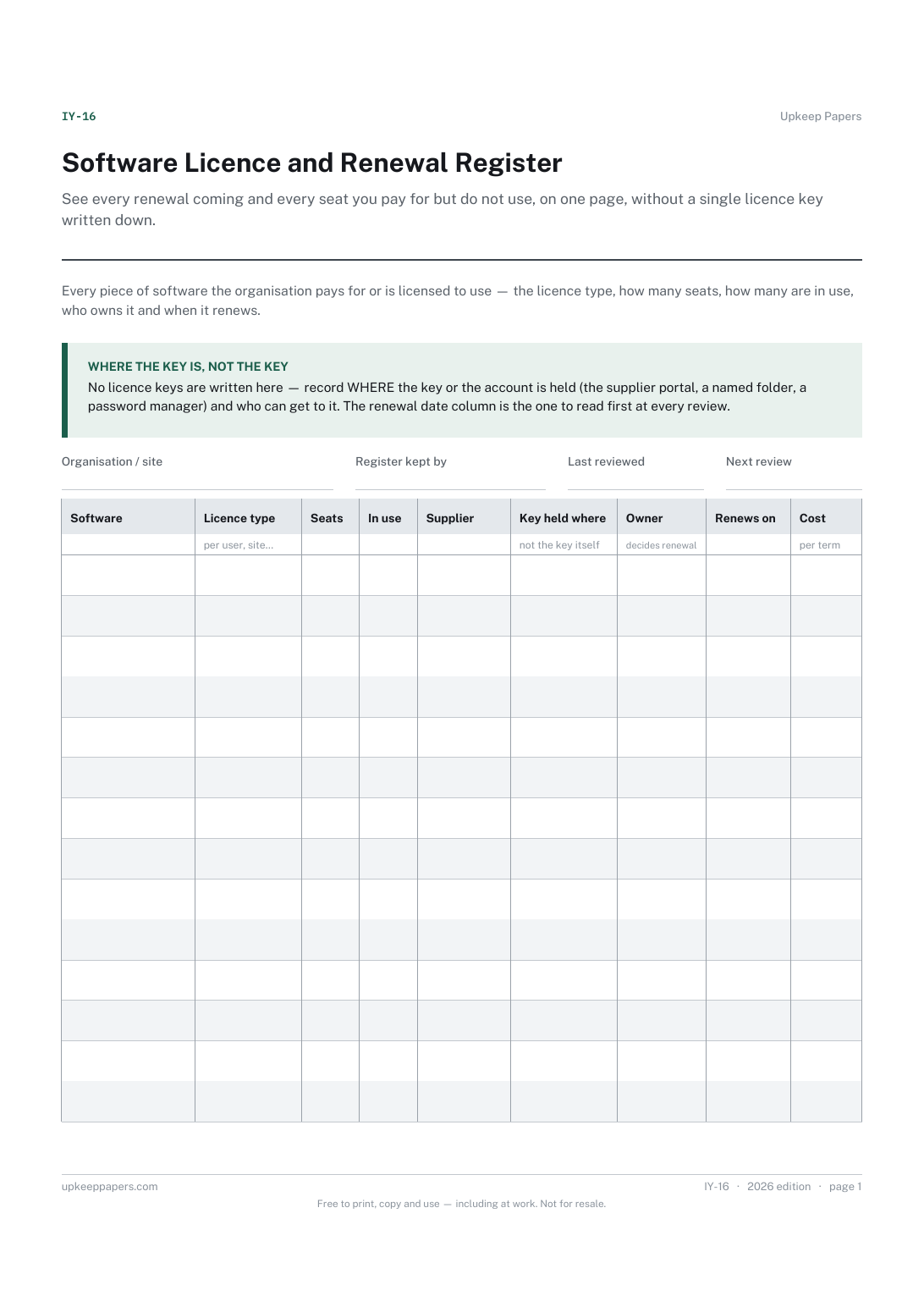
See every renewal coming and every seat you pay for but do not use, on one page, without a single licence key written down.
Record what the business owns rather than what is in the shed: a numbered list with cost and disposal, which is what an insurer or an accountant asks for.

Every sheet, binder, game and puzzle on Upkeep Papers is free to download, with no email and no account. Making them is not free: each one takes days of research, design and checking, and the site costs money to run. If something here saved you time, you can buy us a coffee. It is entirely optional: nothing is locked, and nothing changes if you don’t.
Buy us a coffee Opens PayPal in a new tab. Any amount, and nothing changes if you would rather not.