Content Creator Expense Tracker
Every purchase with its date, supplier and what it was.
DL-773 Tracker PDF Excel Online
Everything here is free. Making it takes time and money. Everything here is free.
 Buy us a coffee
 Digital Life and Content · DL-772 · Log
Digital product sales log for ebooks, presets, templates and courses — units, gross, platform fees, refunds and net per sale. PDF, Excel and browser.
2 pages. The A4 and US Letter files are laid out identically, so neither is shrunk to fit.
Print it and write on it
Fillable PDF type and save
Spreadsheet formulas included
The fillable versions have real form fields — open them in any PDF reader, type into them and save. Printing help.
The same sheet, on screen. Totals and figures are worked out as you type, rows can be added or removed, and you can print it or download the completed version as a PDF. Everything stays in your browser — your entries are kept in this browser's own storage on this device, nothing is uploaded, and there is no account.
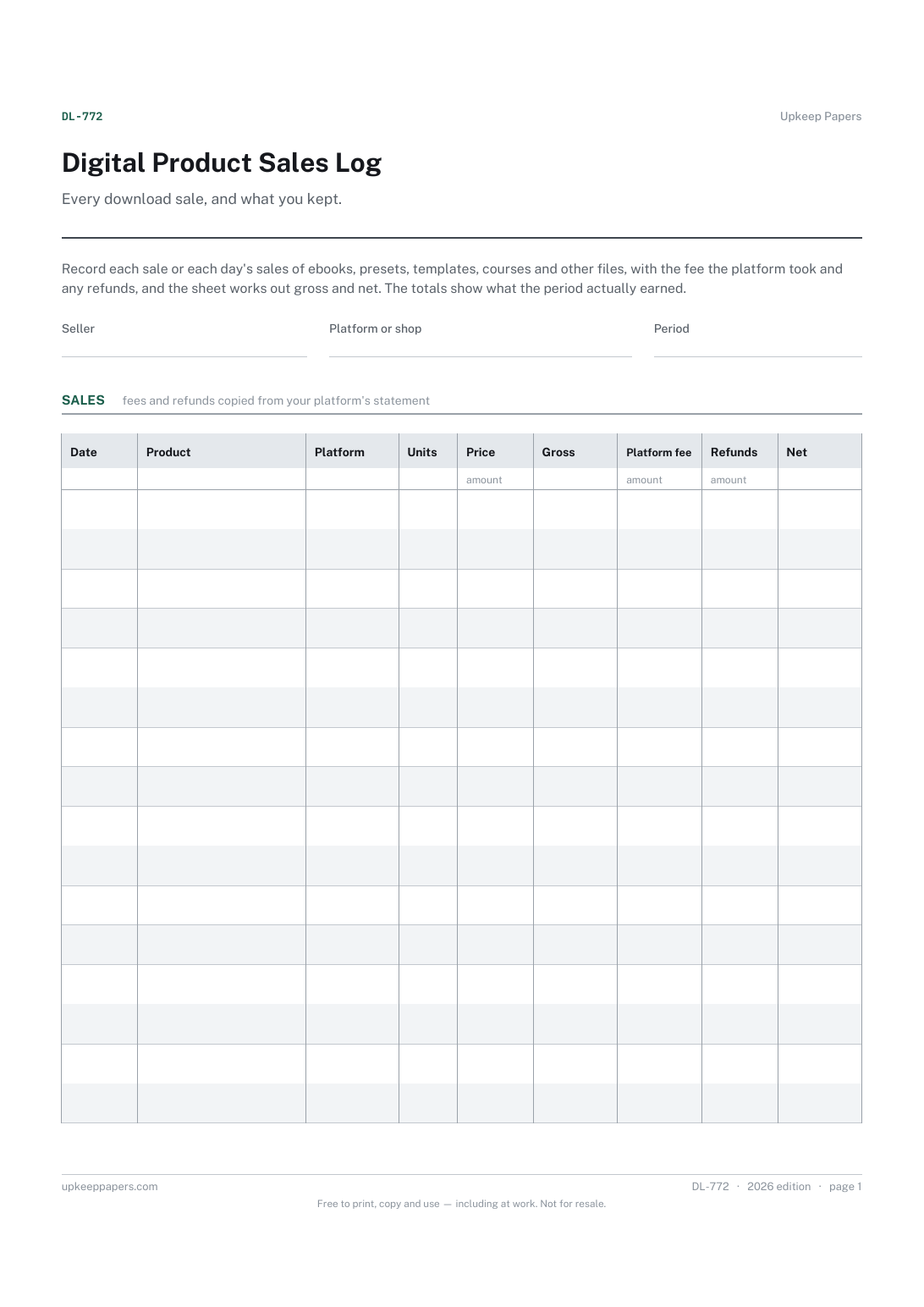
Every download sale, and what you kept. Record each sale or each day's sales of ebooks, presets, templates, courses and other files, with the fee the platform took and any refunds, and the sheet works out gross and net. The totals show what the period actually earned.
Creators and small sellers with digital products on a shop, marketplace or their own site, keeping a record of their own alongside the platform's reports.
The printable is laid out inside a box that fits both A4 and US Letter, so the two files are identical and neither one is scaled. The fillable PDF has real form fields. The workbook uses plain formulas only — SUM, IF, COUNTIF and the like — so it opens in Excel, LibreOffice and Google Sheets without anything breaking, and every calculated cell is grey so you can see which figures it worked out.
Download the A4 or US Letter file to match the paper in your printer, open it in a PDF reader and print at 100% — not "fit to page", which shrinks the writing space. Both files leave a 14 mm margin, which clears the unprintable edge on home printers. To print the online version with your entries in it, use the Print this sheet button, which prints only the sheet and none of the page around it. More on printing.
Either works as long as you keep to one. A few sales a week can go in one at a time. If you sell many, one row per product per day or per payout keeps the sheet to a manageable length.
From your platform's order or payout report. Fees vary by platform, plan and payment method, so copy the actual amount taken rather than applying a percentage.
Filter or sort the product column in the Excel workbook, or add each product's units on paper at the end of the period. The summary gives overall totals rather than a per-product ranking.
No. It is a sales record you can hand to whoever does your books or copy into your own accounts. Check the rules where you are for what records you need to keep.
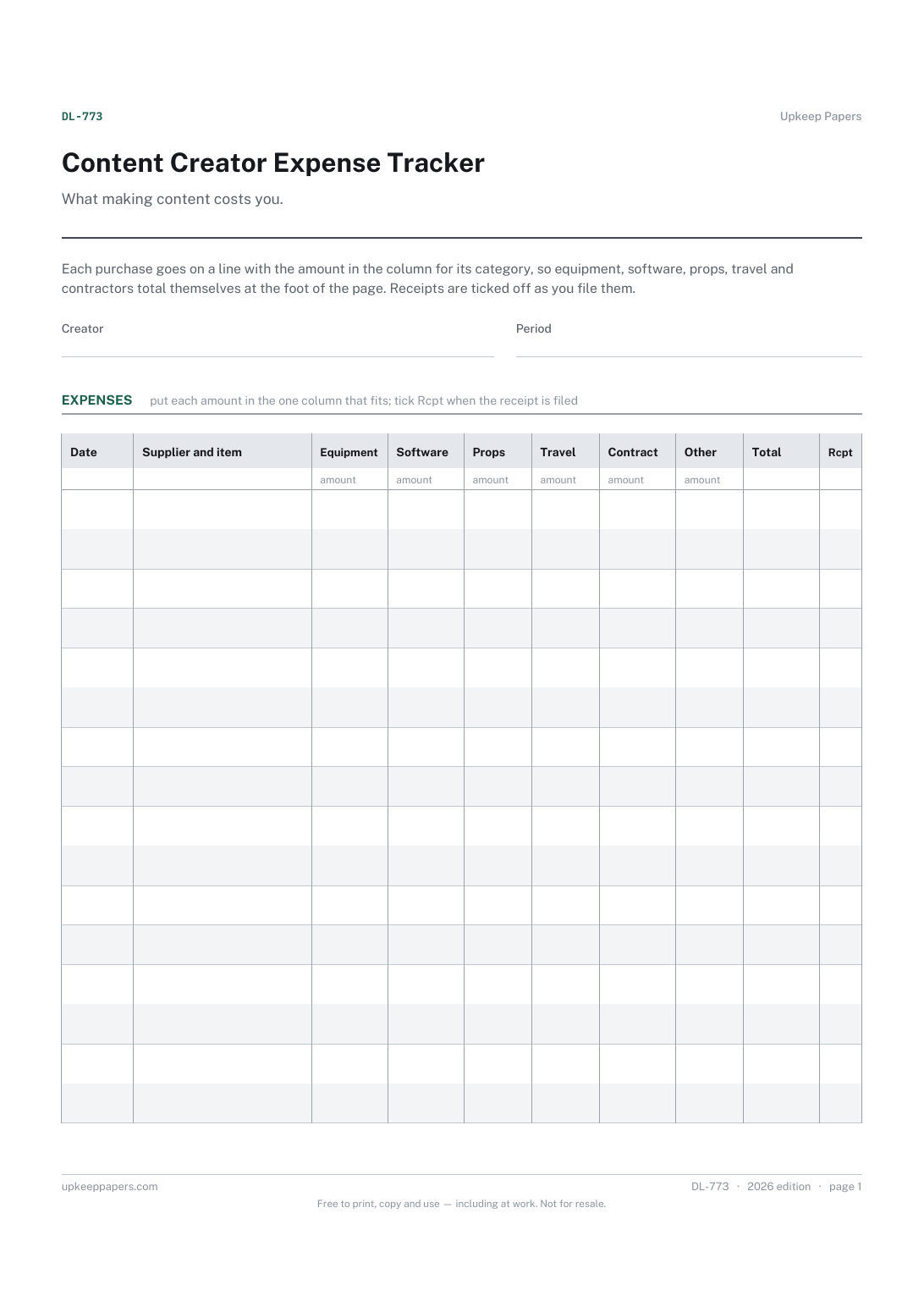
Every purchase with its date, supplier and what it was.
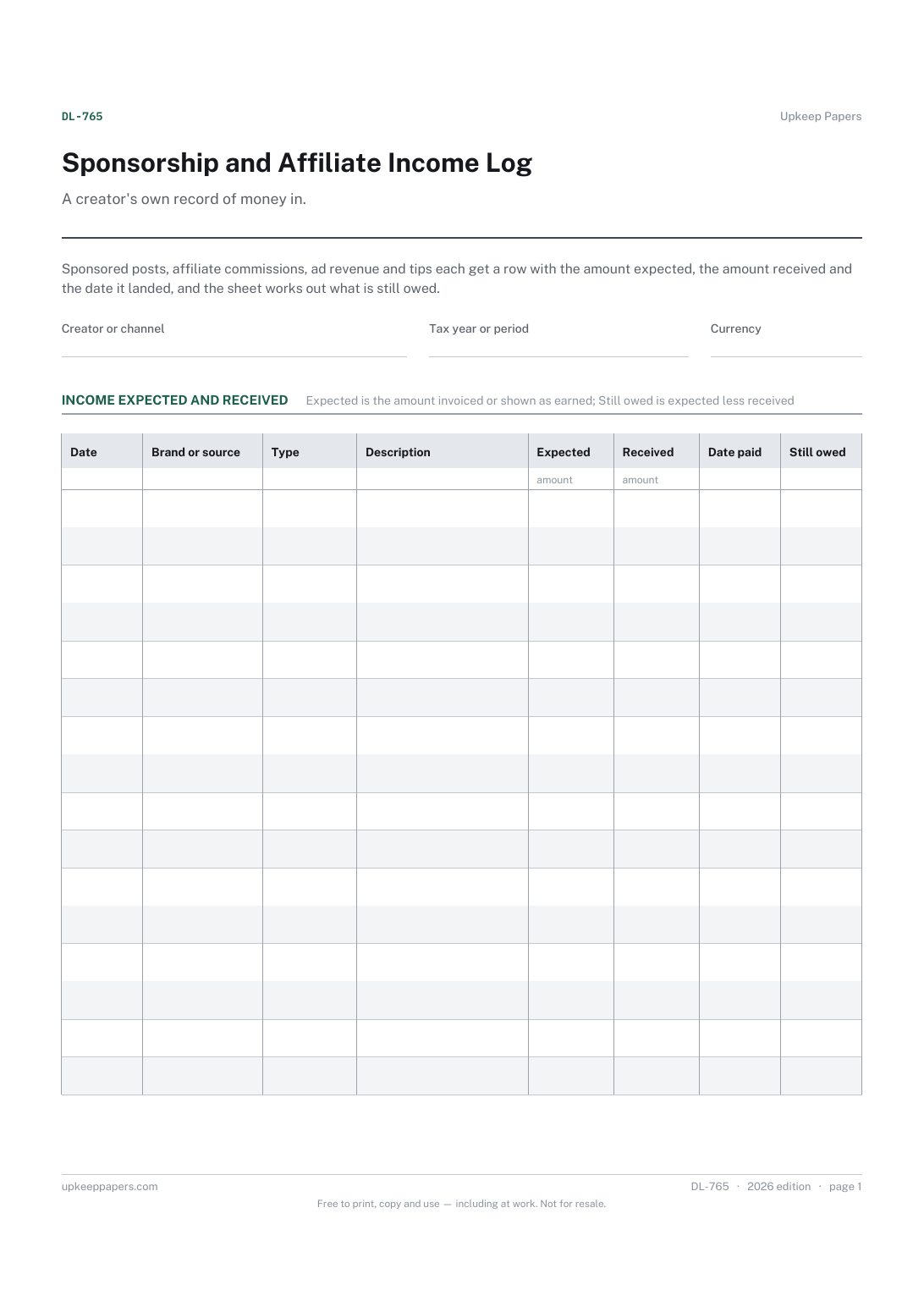
Every sponsorship, commission, payout and tip in date order.
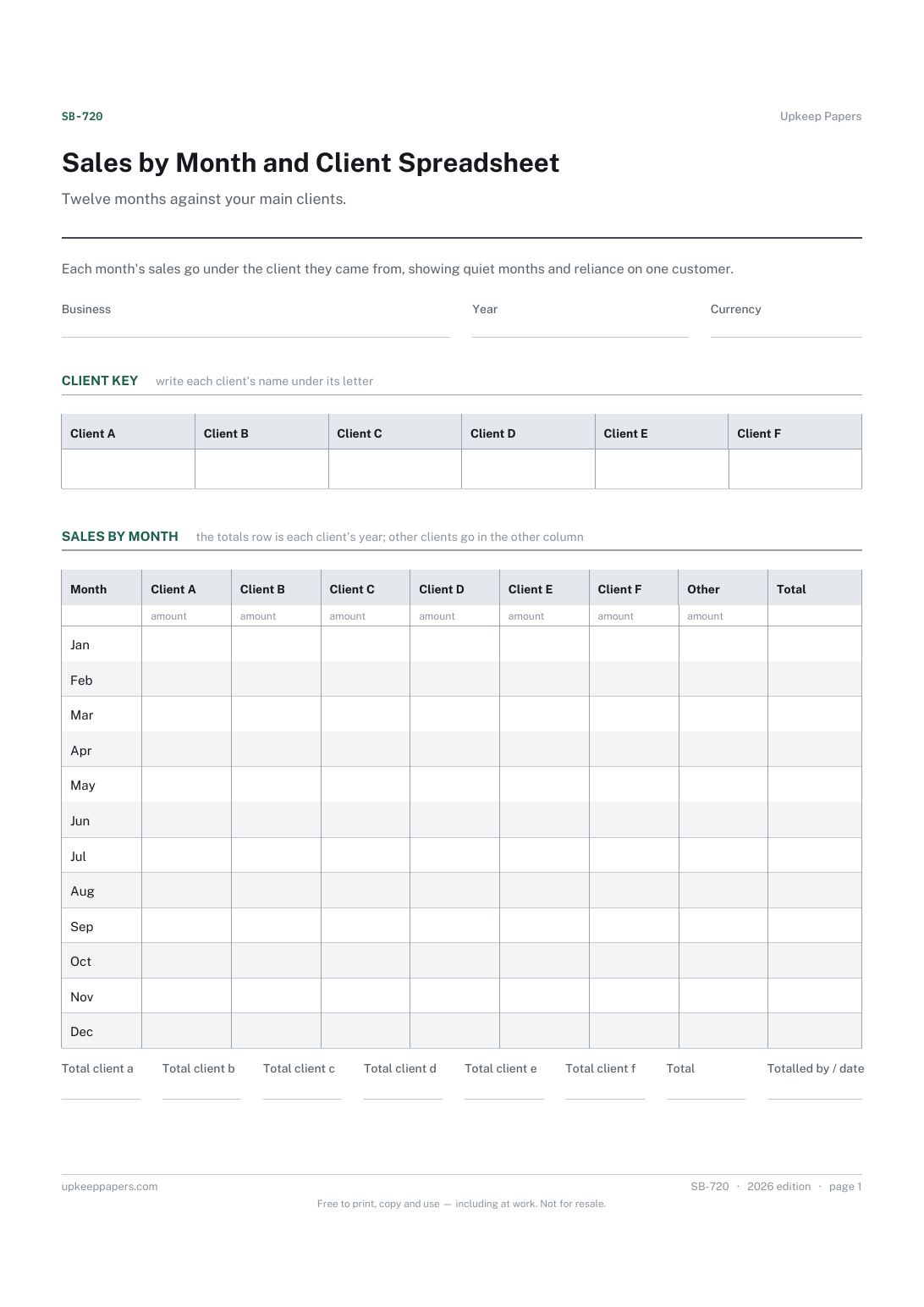
What each of your main clients brought in, month by month.
Printable sheets, workbooks and tools on the same subject.
Keep one line per sale as it happens, with the payment recorded beside it, so the month adds up from something written on the day.
Simple books for a small business — money in, money out, categorised, with a monthly profit line and a year-end category breakdown.

Every sheet, binder, game and puzzle on Upkeep Papers is free to download, with no email and no account. Making them is not free: each one takes days of research, design and checking, and the site costs money to run. If something here saved you time, you can buy us a coffee. It is entirely optional: nothing is locked, and nothing changes if you don’t.
Buy us a coffee Opens PayPal in a new tab. Any amount, and nothing changes if you would rather not.