Content Idea Backlog
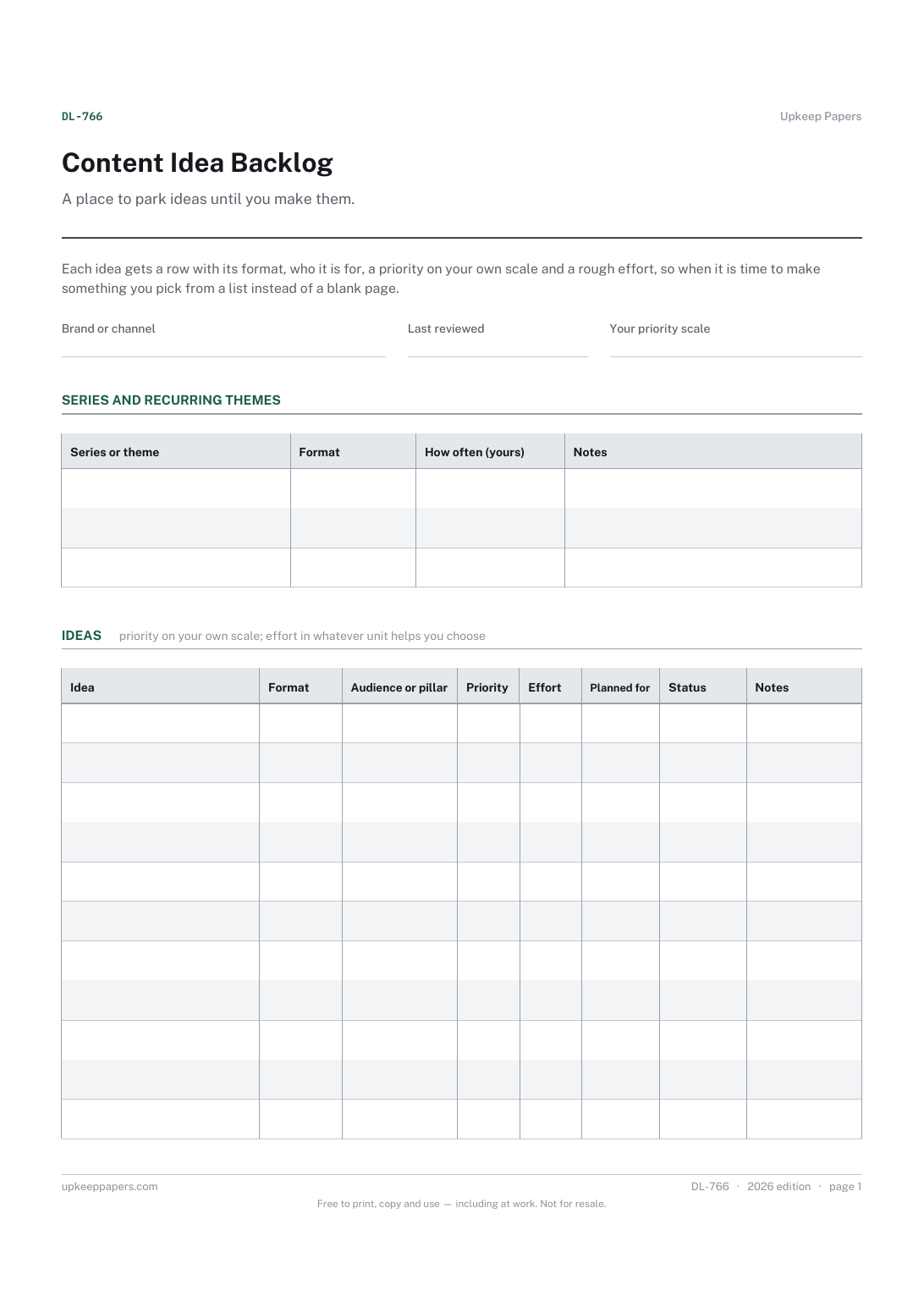
Every content idea in one list, whatever format it suits.
DL-766 Planner PDF Online
Everything here is free. Making it takes time and money. Everything here is free.
 Buy us a coffee
 Digital Life and Content · DL-751 · Calendar
Social media content calendar — plan a month of posts by date and platform and mark each drafted, scheduled or published. Printable PDF and browser versions.
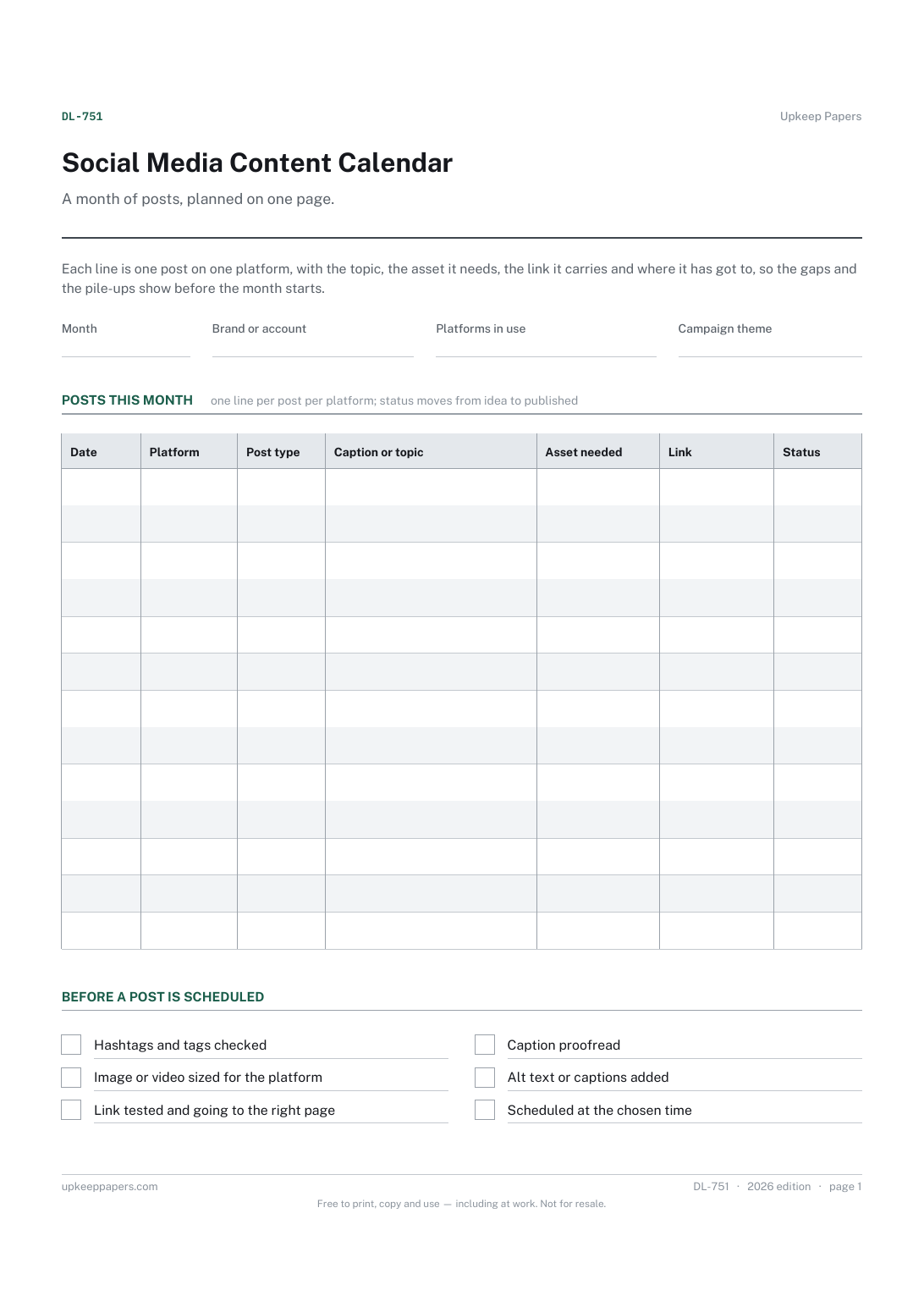
One page. The A4 and US Letter files are laid out identically, so neither is shrunk to fit.
Print it and write on it
Fillable PDF type and save
Or no download needed
Fill it in onlineThe fillable versions have real form fields — open them in any PDF reader, type into them and save. Printing help.
The same sheet, on screen. Tick, type, add or remove rows, then print it or download the completed version as a PDF. Everything stays in your browser — your entries are kept in this browser's own storage on this device, nothing is uploaded, and there is no account.
A month of posts, planned on one page. Each line is one post on one platform, with the topic, the asset it needs, the link it carries and where it has got to, so the gaps and the pile-ups show before the month starts.
Small businesses, sole traders, clubs and individual creators who post on more than one platform and want to see the whole month in one place rather than in several apps.
The printable is laid out inside a box that fits both A4 and US Letter, so the two files are identical and neither one is scaled. The fillable PDF has real form fields. The online version keeps what you enter in your own browser and builds the completed PDF on your device.
Download the A4 or US Letter file to match the paper in your printer, open it in a PDF reader and print at 100% — not "fit to page", which shrinks the writing space. Both files leave a 14 mm margin, which clears the unprintable edge on home printers. To print the online version with your entries in it, use the Print this sheet button, which prints only the sheet and none of the page around it. More on printing.
As many as you can make and keep up with. The sheet has no suggested frequency; fill the dates you can honestly cover and leave the rest blank. An empty week is easier to fix on paper than halfway through the month.
Because the same idea usually needs a different caption, size and link on each platform, and each one gets scheduled separately. Separate lines mean each one has its own status.
Optional. If the month has a launch, an event or a season behind it, writing it at the top keeps the posts pointing the same way. Leave it blank for an ordinary month.
Keep a running list somewhere else and pull from it when you fill this sheet. The content idea backlog is built for that, so the calendar only holds what has been chosen for this month.
Every content idea in one list, whatever format it suits.
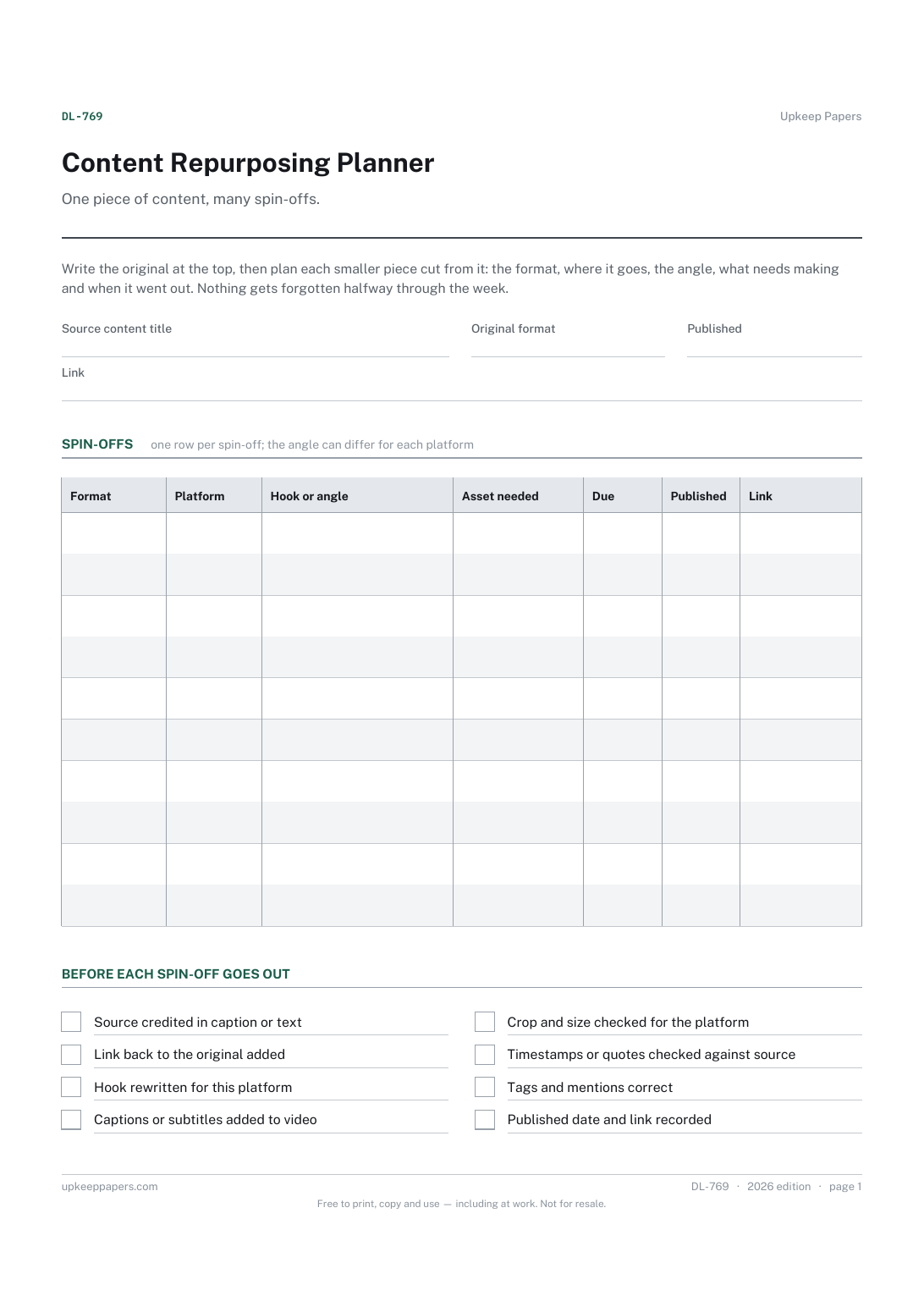
The source piece, its format, publication date and link.
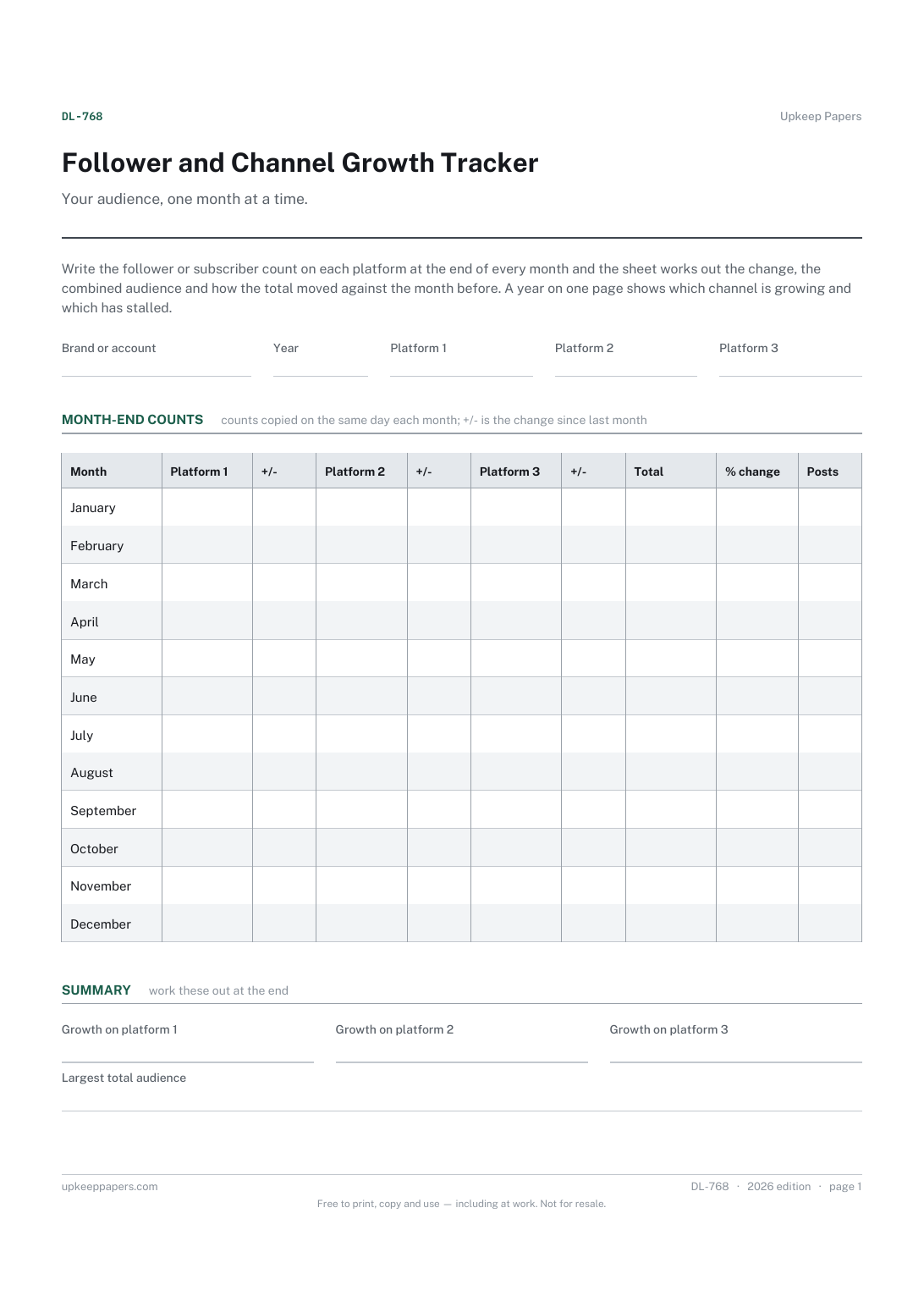
Follower or subscriber counts on up to three platforms at each month end.
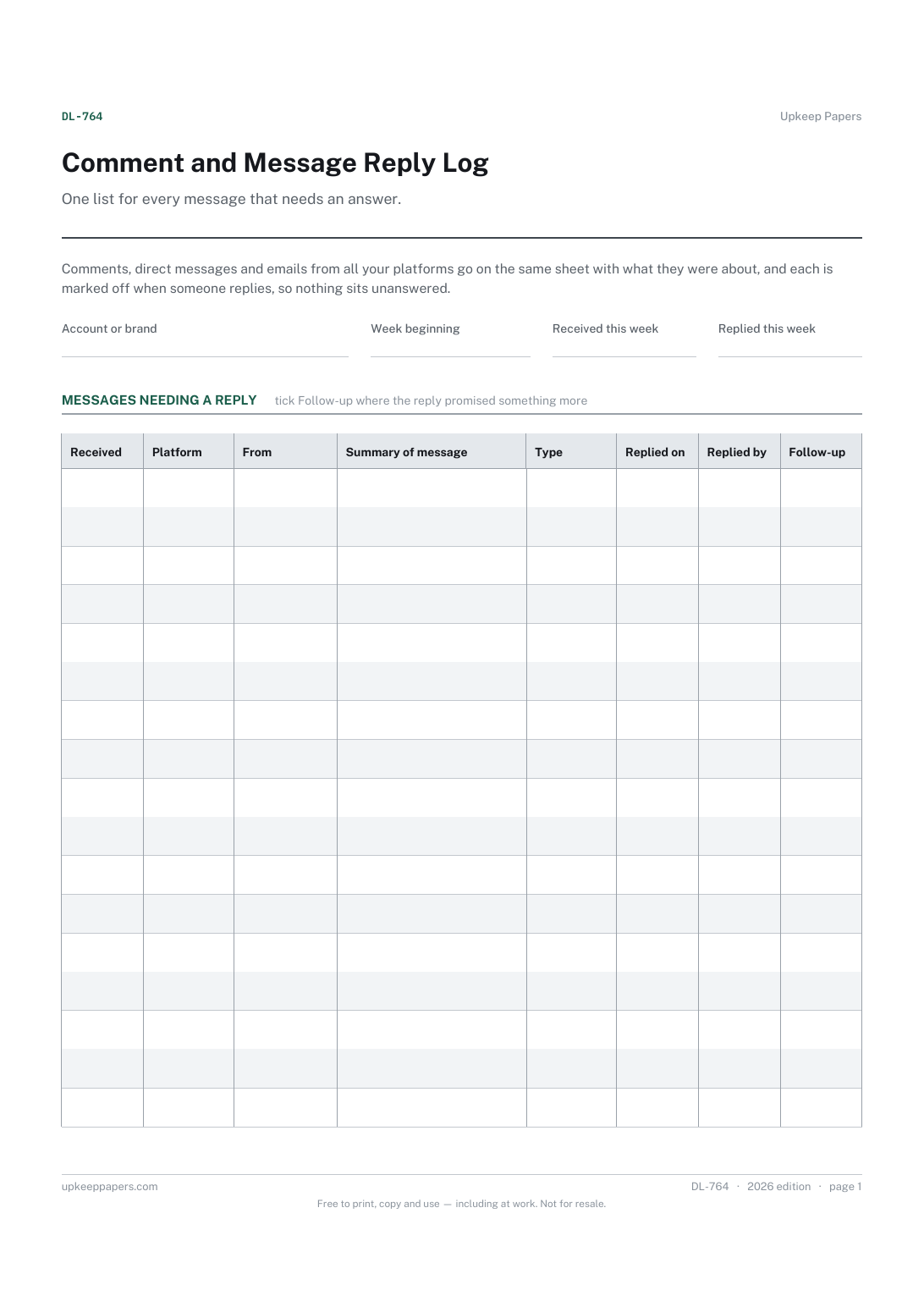
Every comment, DM and email that needs a reply, whatever the platform.
Printable sheets, workbooks and tools on the same subject.
Write the shot list before the shoot rather than in the car afterwards, and tick shots as captured so nothing is assumed.

Every sheet, binder, game and puzzle on Upkeep Papers is free to download, with no email and no account. Making them is not free: each one takes days of research, design and checking, and the site costs money to run. If something here saved you time, you can buy us a coffee. It is entirely optional: nothing is locked, and nothing changes if you don’t.
Buy us a coffee Opens PayPal in a new tab. Any amount, and nothing changes if you would rather not.