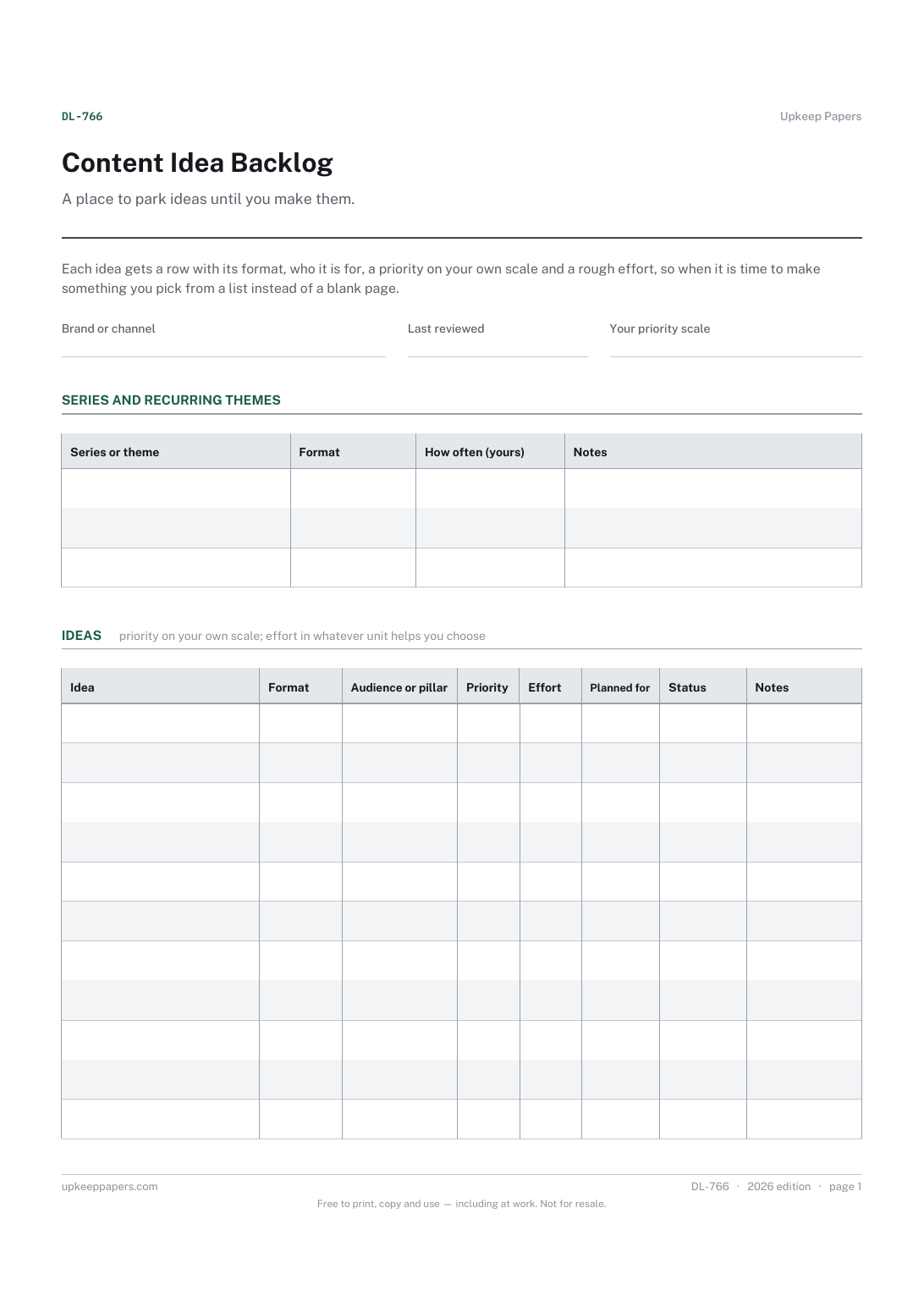
Content Idea Backlog
Every content idea in one list, whatever format it suits.
DL-766 Planner PDF Online
Everything here is free. Making it takes time and money. Everything here is free.
 Buy us a coffee
 Digital Life and Content · DL-754 · Planner
Podcast episode planner — one page per episode with guest details, segment running order, talking points and release checks. Printable PDF and browser.
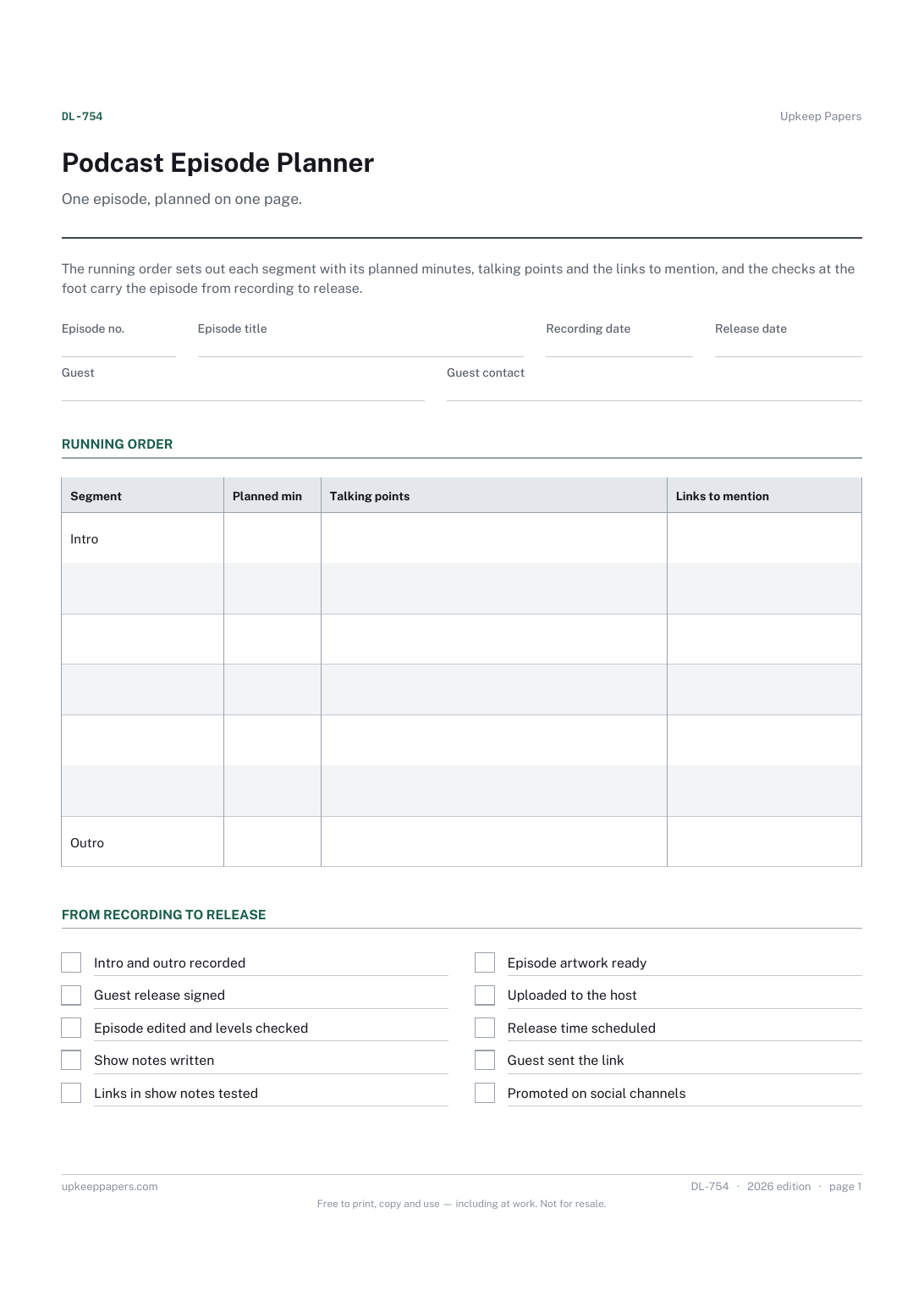
One page. The A4 and US Letter files are laid out identically, so neither is shrunk to fit.
Print it and write on it
Fillable PDF type and save
Or no download needed
Fill it in onlineThe fillable versions have real form fields — open them in any PDF reader, type into them and save. Printing help.
The same sheet, on screen. Tick, type, add or remove rows, then print it or download the completed version as a PDF. Everything stays in your browser — your entries are kept in this browser's own storage on this device, nothing is uploaded, and there is no account.
One episode, planned on one page. The running order sets out each segment with its planned minutes, talking points and the links to mention, and the checks at the foot carry the episode from recording to release.
Independent podcasters and small teams who record their own shows, whether solo, with a co-host or with a guest each week.
The printable is laid out inside a box that fits both A4 and US Letter, so the two files are identical and neither one is scaled. The fillable PDF has real form fields. The online version keeps what you enter in your own browser and builds the completed PDF on your device.
Download the A4 or US Letter file to match the paper in your printer, open it in a PDF reader and print at 100% — not "fit to page", which shrinks the writing space. Both files leave a 14 mm margin, which clears the unprintable edge on home printers. To print the online version with your entries in it, use the Print this sheet button, which prints only the sheet and none of the page around it. More on printing.
As long as suits your show. The planned minutes column is for your own plan; add it up to see whether the episode matches the length you have in mind, and adjust before recording rather than in the edit.
Some podcasters ask guests to agree in writing to the recording being published. Whether you need one, and what it should say, depends on your show and the rules where you are; the tick is a reminder to settle it.
Yes. Leave the guest fields blank and use the running order and checks as normal. Solo episodes benefit most from written talking points.
Yes. Keep them in episode order and they become a record of every show: who was on, what was covered and what was promised in the show notes.
Every content idea in one list, whatever format it suits.
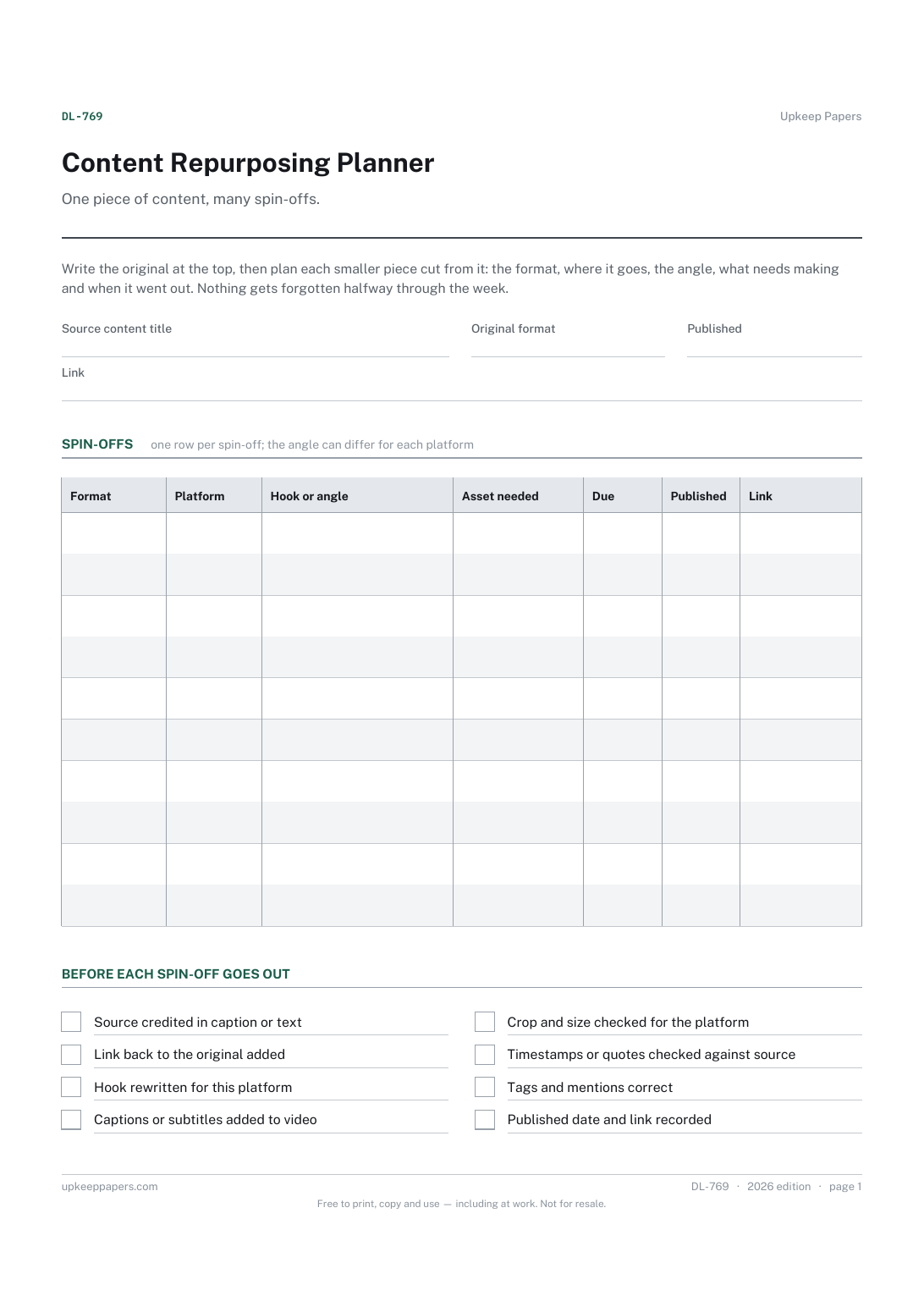
The source piece, its format, publication date and link.
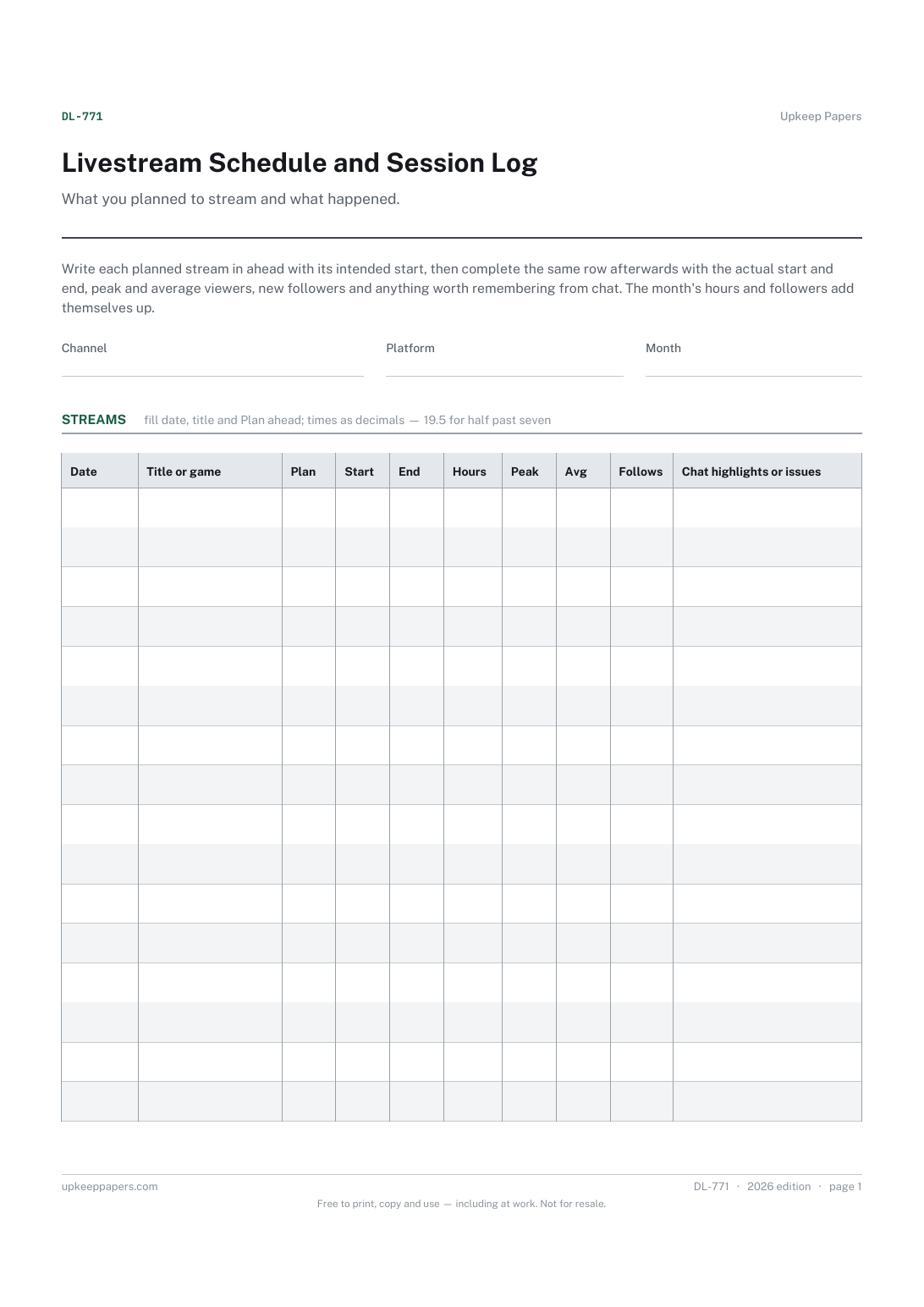
The streams you planned for the month, with start times.
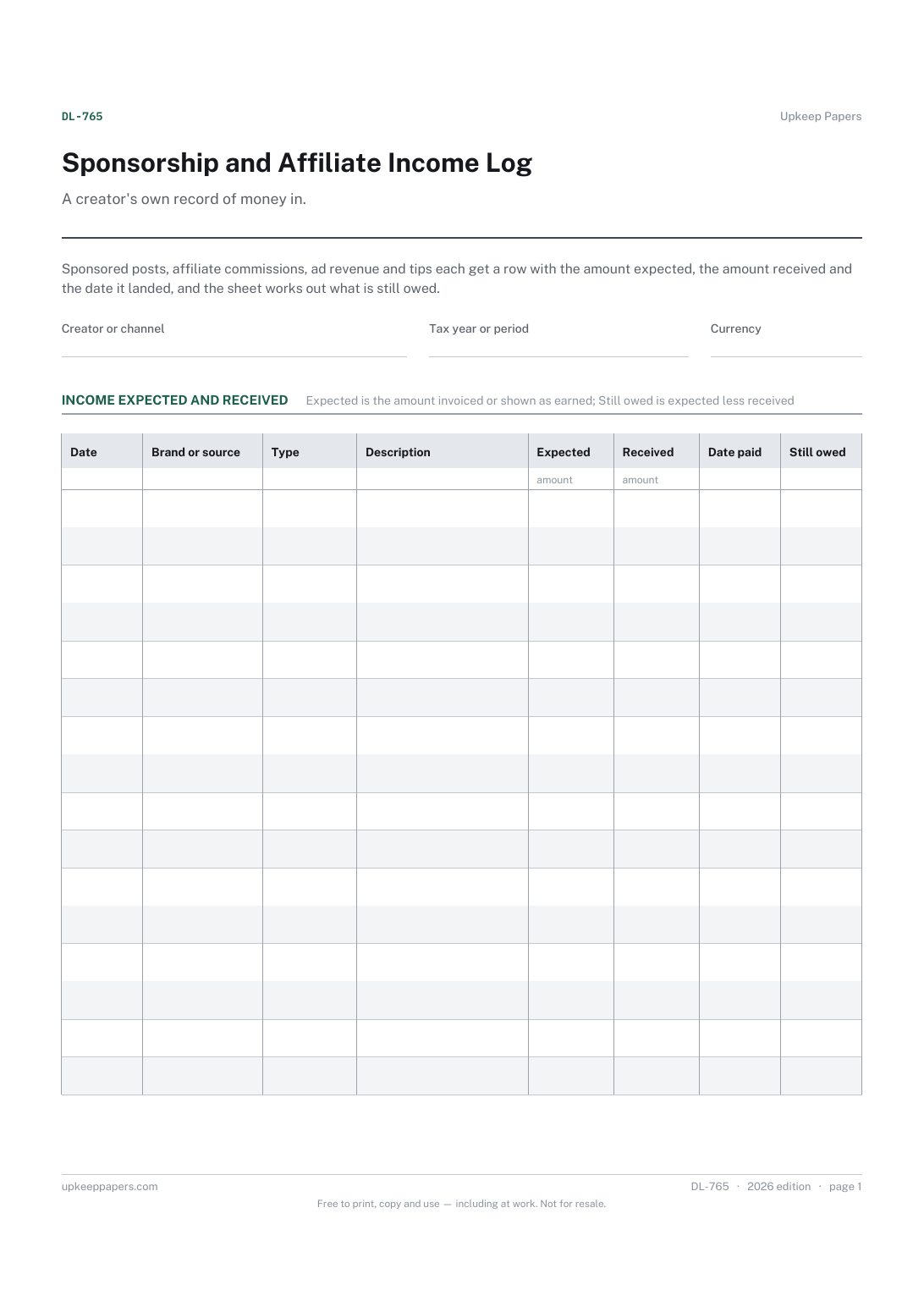
Every sponsorship, commission, payout and tip in date order.
Printable sheets, workbooks and tools on the same subject.
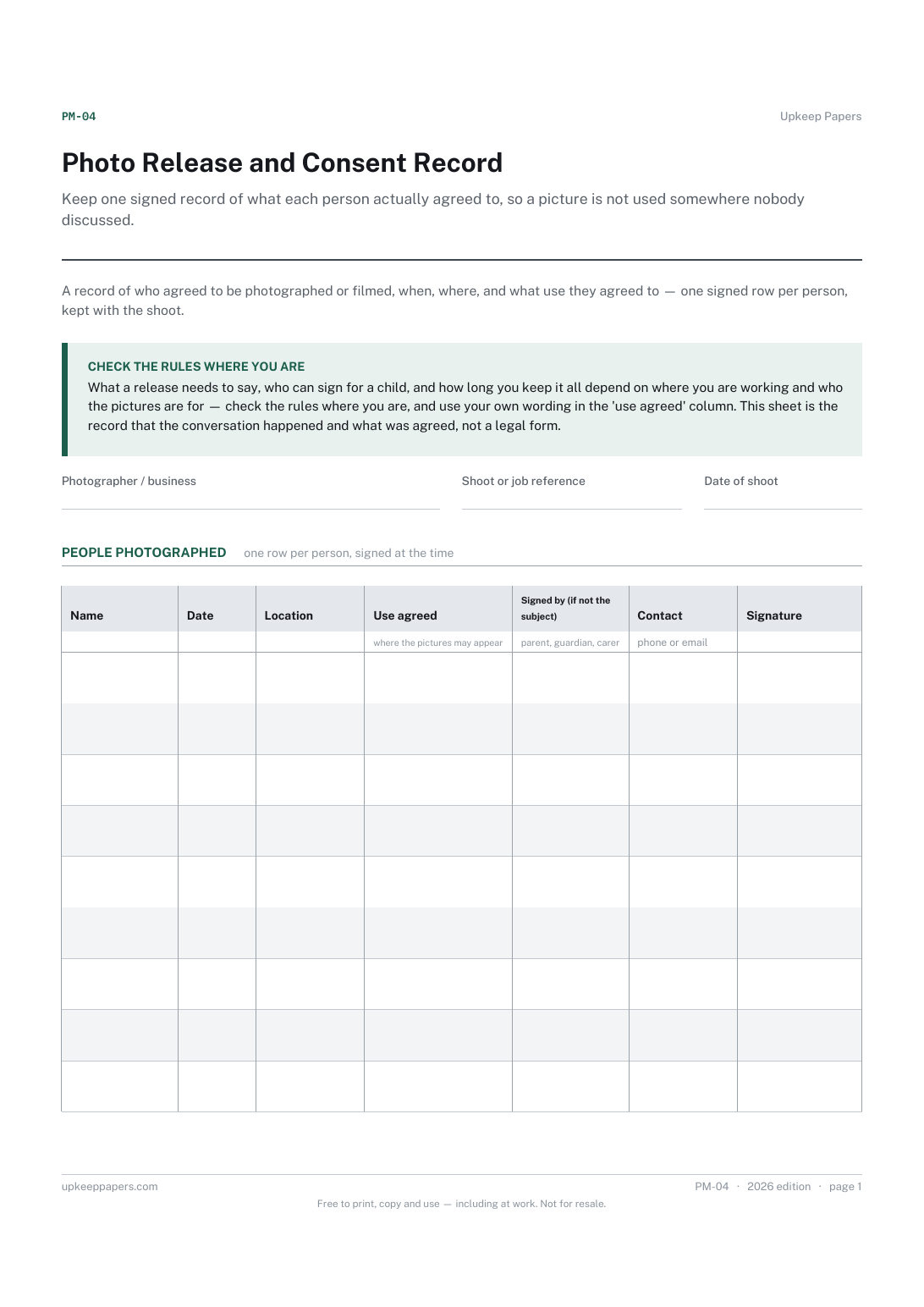
Keep one signed record of what each person actually agreed to, so a picture is not used somewhere nobody discussed.

Every sheet, binder, game and puzzle on Upkeep Papers is free to download, with no email and no account. Making them is not free: each one takes days of research, design and checking, and the site costs money to run. If something here saved you time, you can buy us a coffee. It is entirely optional: nothing is locked, and nothing changes if you don’t.
Buy us a coffee Opens PayPal in a new tab. Any amount, and nothing changes if you would rather not.