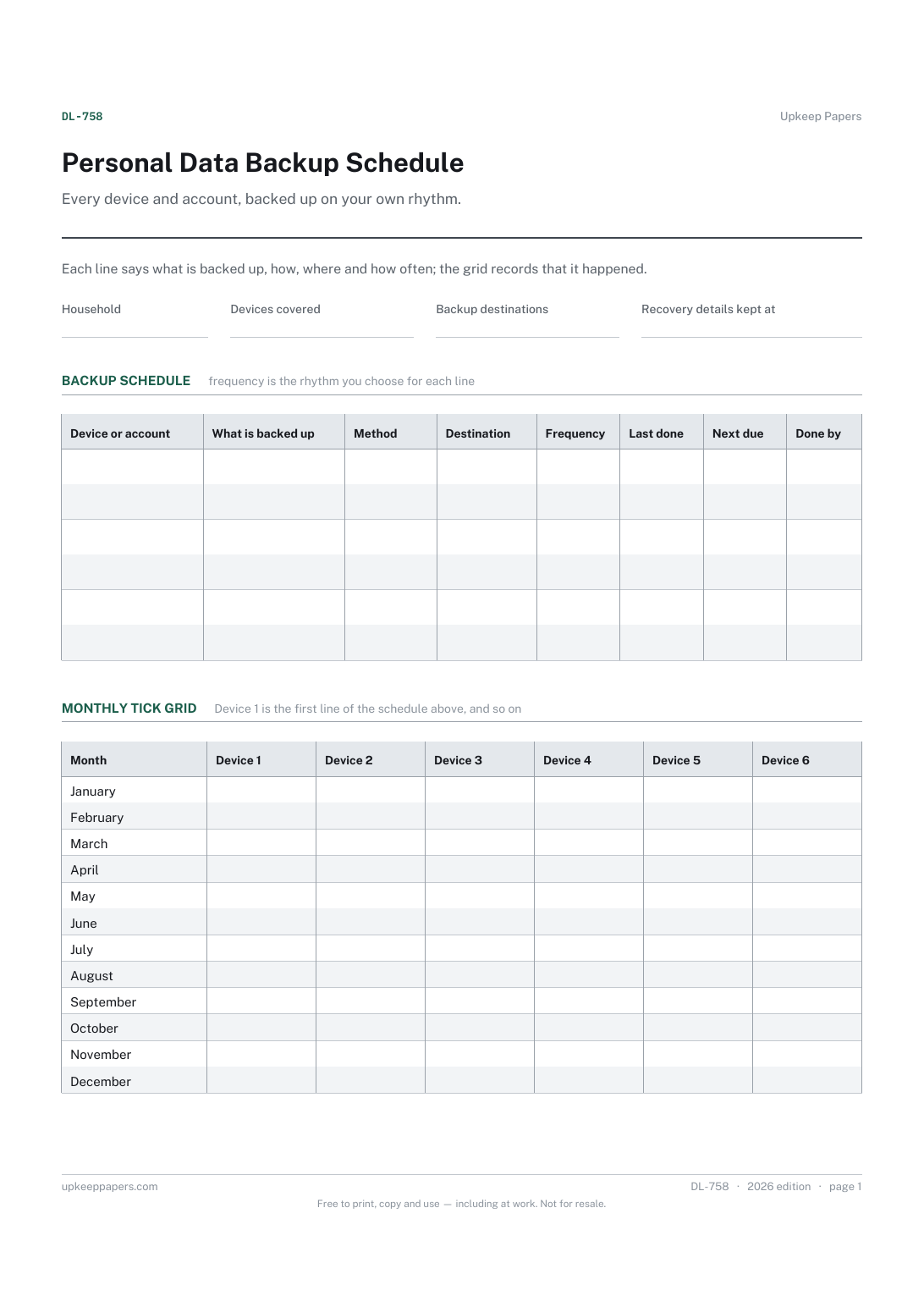
Personal Data Backup Schedule
Every device and account that holds something worth keeping.
DL-758 Schedule PDF Online
Everything here is free. Making it takes time and money. Everything here is free.
 Buy us a coffee
 Digital Life and Content · DL-757 · Planner
Photo backup and archive plan — where your photos live, where each copy is kept and how the archive is organised, with a tidy-up checklist. PDF and browser.
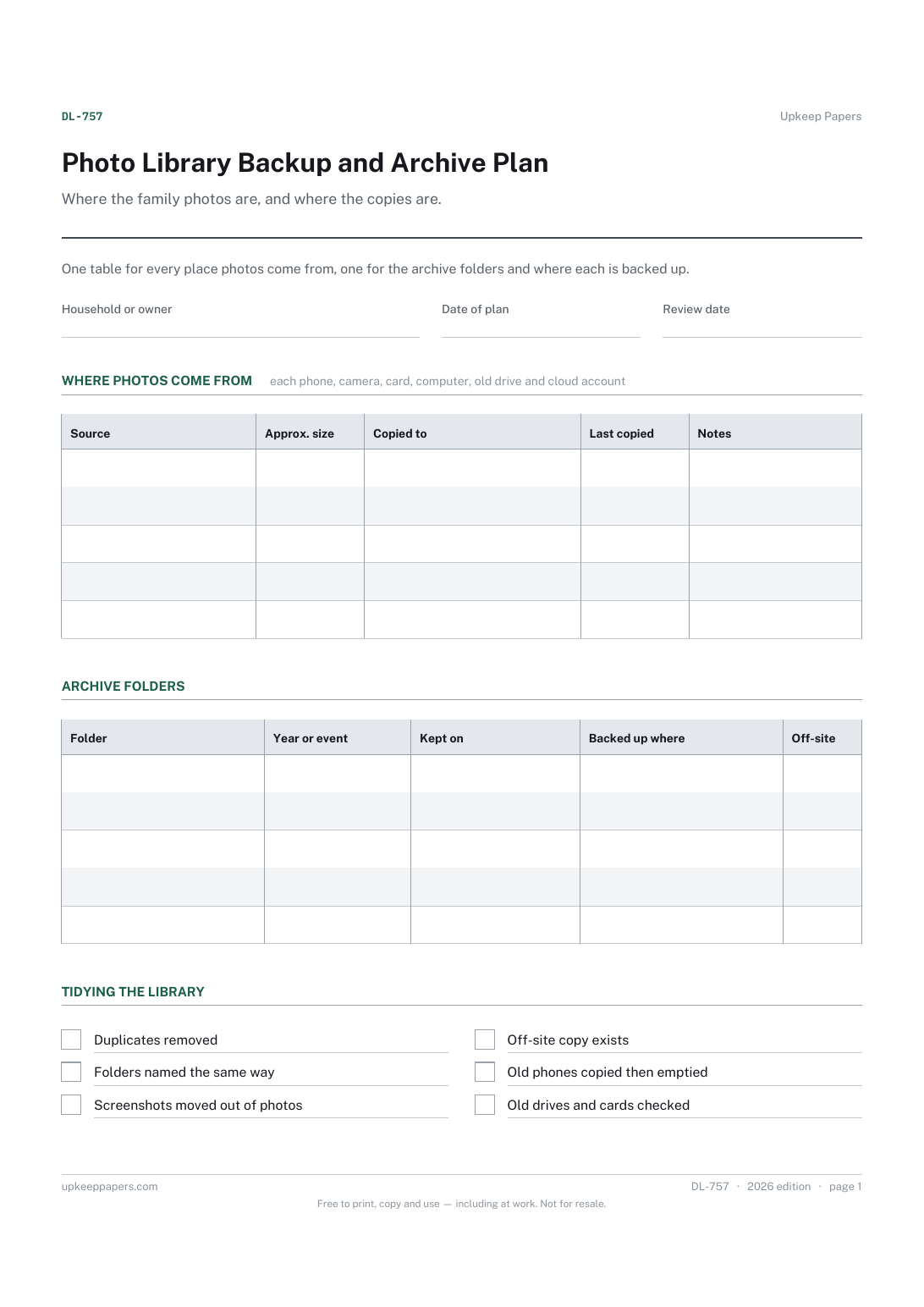
One page. The A4 and US Letter files are laid out identically, so neither is shrunk to fit.
Print it and write on it
Fillable PDF type and save
Or no download needed
Fill it in onlineThe fillable versions have real form fields — open them in any PDF reader, type into them and save. Printing help.
The same sheet, on screen. Tick, type, add or remove rows, then print it or download the completed version as a PDF. Everything stays in your browser — your entries are kept in this browser's own storage on this device, nothing is uploaded, and there is no account.
Where the family photos are, and where the copies are. One table for every place photos come from, one for the archive folders and where each is backed up.
Households with photos spread across phones, cameras, old laptops and drives who want every picture in more than one place, and the person in the family who ends up looking after them.
The printable is laid out inside a box that fits both A4 and US Letter, so the two files are identical and neither one is scaled. The fillable PDF has real form fields. The online version keeps what you enter in your own browser and builds the completed PDF on your device.
Download the A4 or US Letter file to match the paper in your printer, open it in a PDF reader and print at 100% — not "fit to page", which shrinks the writing space. Both files leave a 14 mm margin, which clears the unprintable edge on home printers. To print the online version with your entries in it, use the Print this sheet button, which prints only the sheet and none of the page around it. More on printing.
That is your decision. Many people aim for more than one copy, with at least one kept away from the house, but the sheet sets no number. It shows where copies exist so a gap is easy to see.
Anywhere photos are first taken or currently live: each phone, camera, memory card, computer, external drive and cloud account. Old devices in drawers count too; they are often where the only copy is.
However suits you, as long as it is consistent. Year then event is common. Writing the scheme in the second table helps everyone in the house file new photos the same way.
Set your own review date. A natural point is when a new phone or computer arrives, since that is when photos tend to get left behind.
Every device and account that holds something worth keeping.
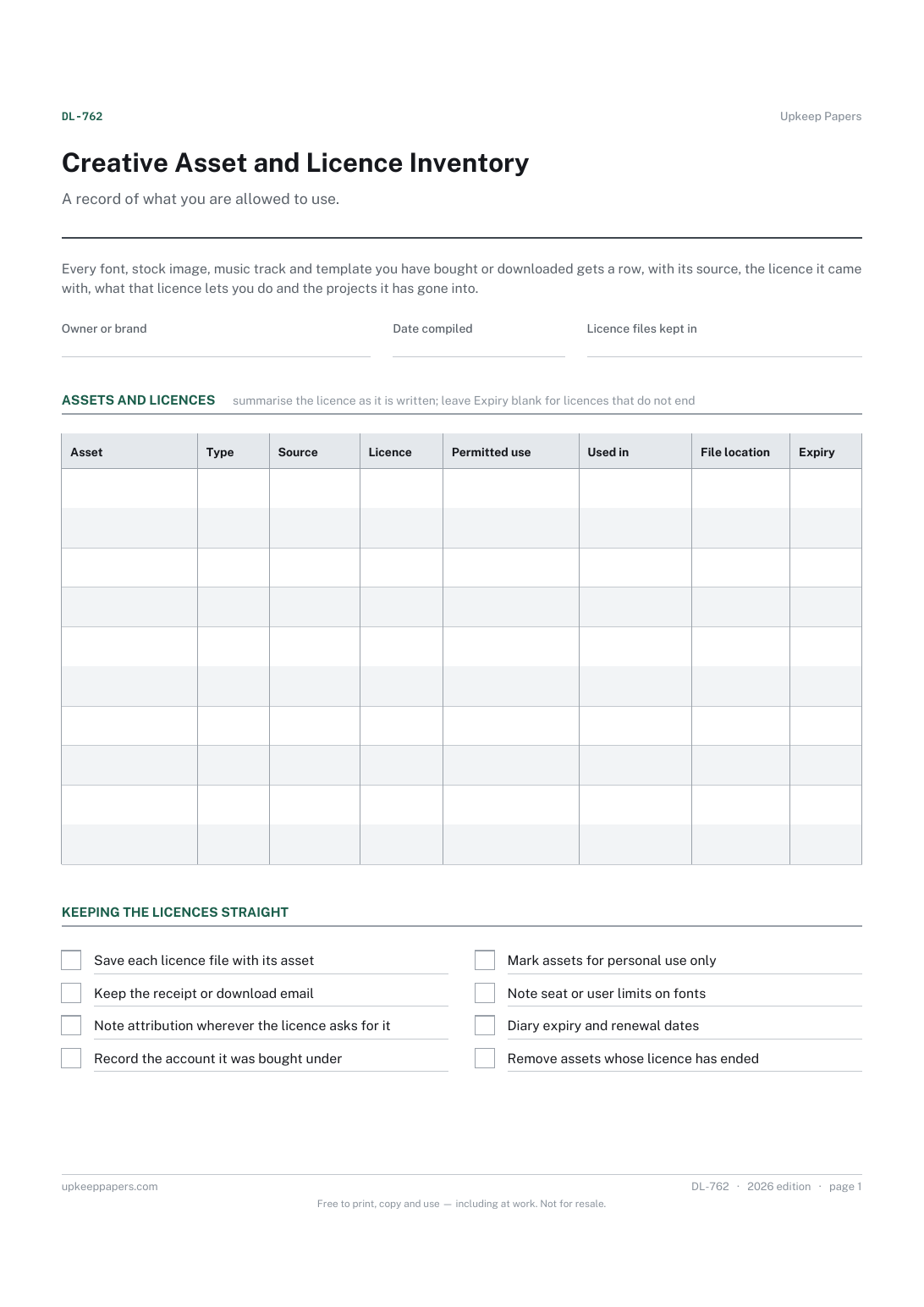
Every font, image, track and template you hold, and where it came from.
Printable sheets, workbooks and tools on the same subject.
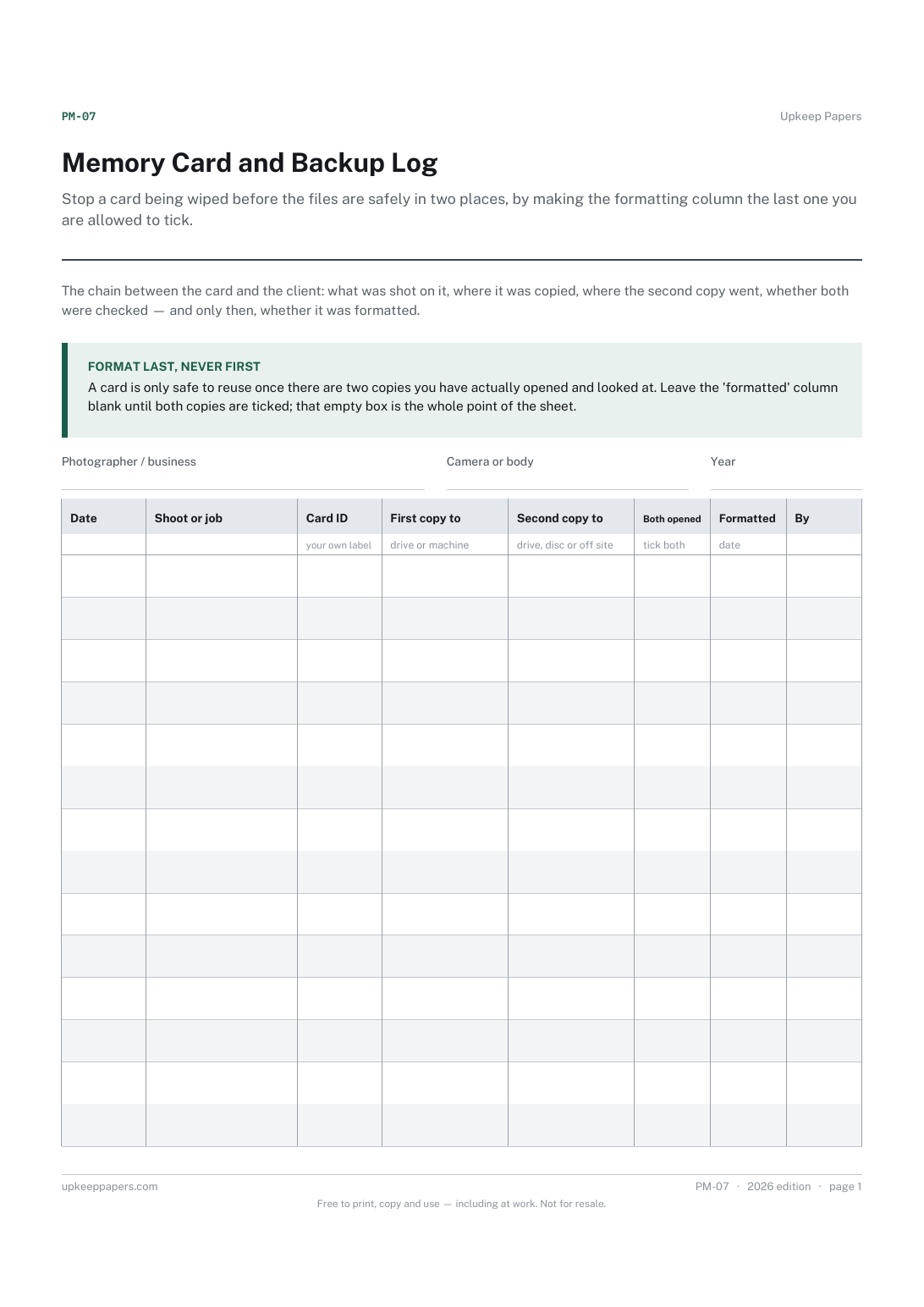
Stop a card being wiped before the files are safely in two places, by making the formatting column the last one you are allowed to tick.

Every sheet, binder, game and puzzle on Upkeep Papers is free to download, with no email and no account. Making them is not free: each one takes days of research, design and checking, and the site costs money to run. If something here saved you time, you can buy us a coffee. It is entirely optional: nothing is locked, and nothing changes if you don’t.
Buy us a coffee Opens PayPal in a new tab. Any amount, and nothing changes if you would rather not.