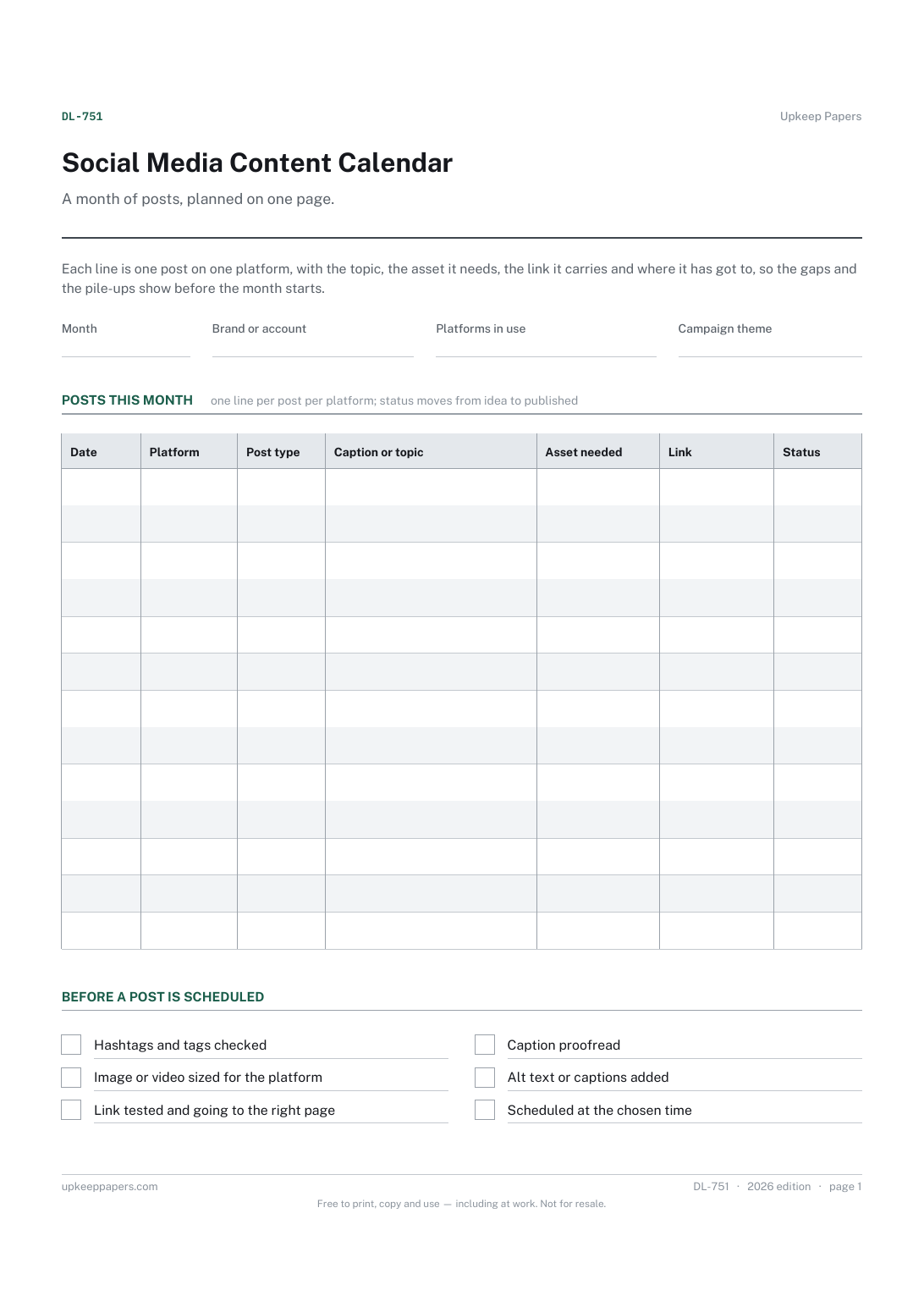
Social Media Content Calendar
What is going out on each date, and on which platform.
DL-751 Calendar PDF Online
Everything here is free. Making it takes time and money. Everything here is free.
 Buy us a coffee
 Digital Life and Content · DL-766 · Planner
Free content idea backlog template — park every post, video and episode idea with format, audience, priority and status. Printable PDF and browser versions.
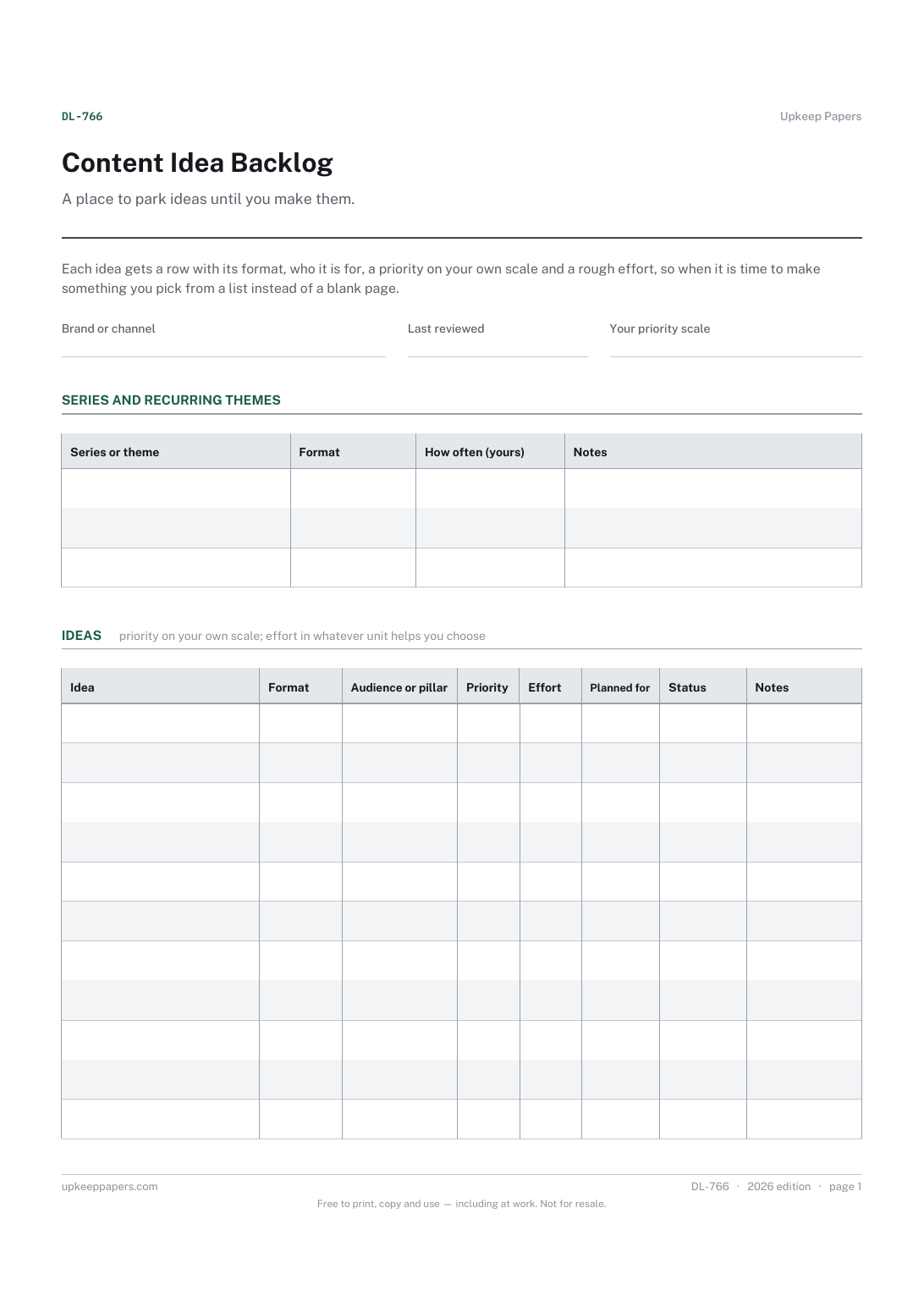
One page. The A4 and US Letter files are laid out identically, so neither is shrunk to fit.
Print it and write on it
Fillable PDF type and save
Or no download needed
Fill it in onlineThe fillable versions have real form fields — open them in any PDF reader, type into them and save. Printing help.
The same sheet, on screen. Tick, type, add or remove rows, then print it or download the completed version as a PDF. Everything stays in your browser — your entries are kept in this browser's own storage on this device, nothing is uploaded, and there is no account.
A place to park ideas until you make them. Each idea gets a row with its format, who it is for, a priority on your own scale and a rough effort, so when it is time to make something you pick from a list instead of a blank page.
Creators, bloggers, podcasters and small businesses posting online, who have more ideas than time and lose the good ones in notes apps and voice memos.
The printable is laid out inside a box that fits both A4 and US Letter, so the two files are identical and neither one is scaled. The fillable PDF has real form fields. The online version keeps what you enter in your own browser and builds the completed PDF on your device.
Download the A4 or US Letter file to match the paper in your printer, open it in a PDF reader and print at 100% — not "fit to page", which shrinks the writing space. Both files leave a 14 mm margin, which clears the unprintable edge on home printers. To print the online version with your entries in it, use the Print this sheet button, which prints only the sheet and none of the page around it. More on printing.
One of the few broad topics your channel keeps returning to. Tagging ideas by pillar or audience shows at a glance whether the backlog is lopsided towards one subject.
So you do not have the same idea again and wonder whether it was considered. A dropped idea with a note saying why is also easy to revive when circumstances change.
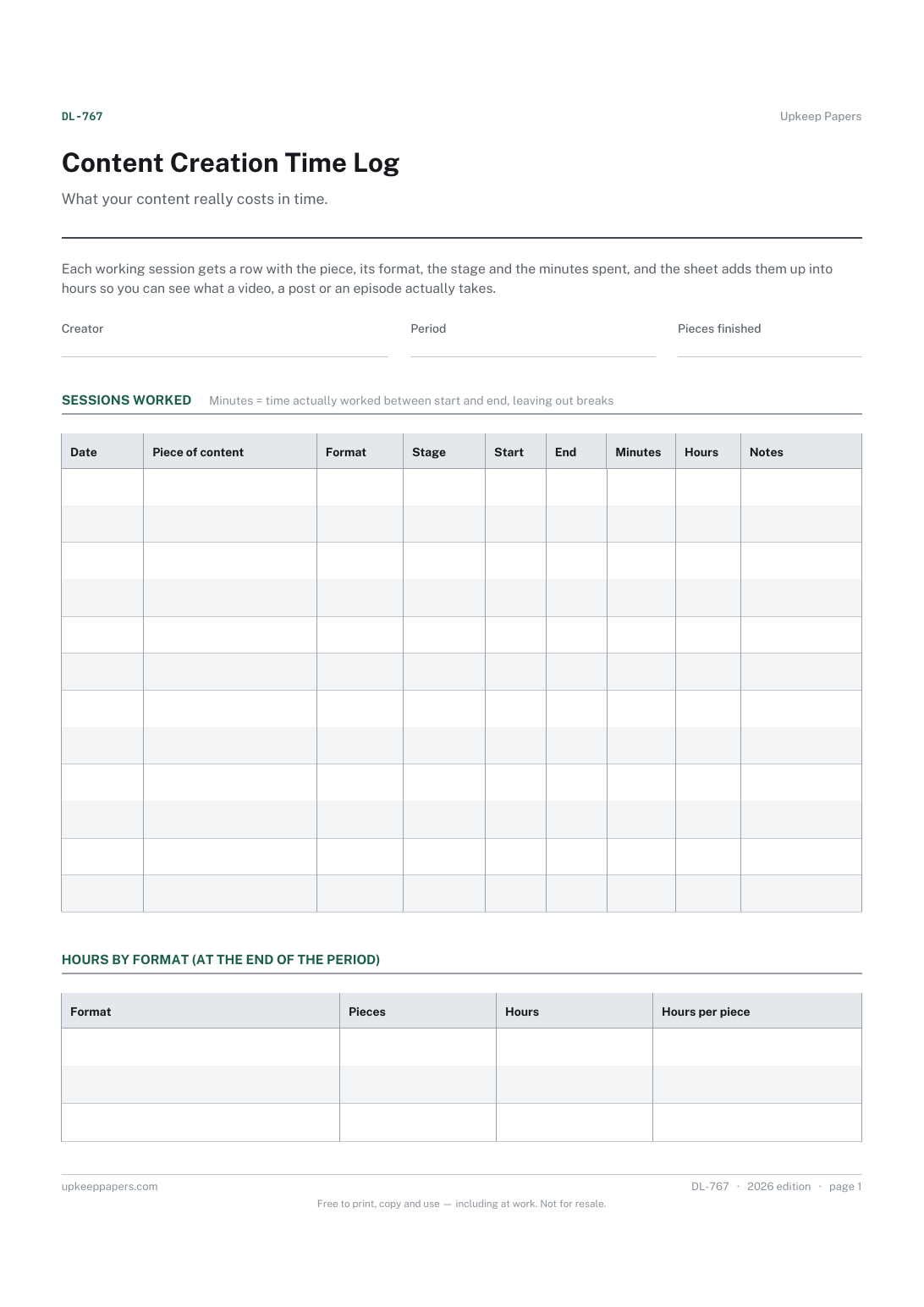
Whatever helps you choose: hours, a small-medium-large guess, or the number of people needed. The content creation time log can show what formats really take, which makes the guesses better over time.
The backlog holds ideas that are not yet scheduled. When an idea gets a date and a platform, it moves onto the calendar, and its status here changes to in progress.
What is going out on each date, and on which platform.
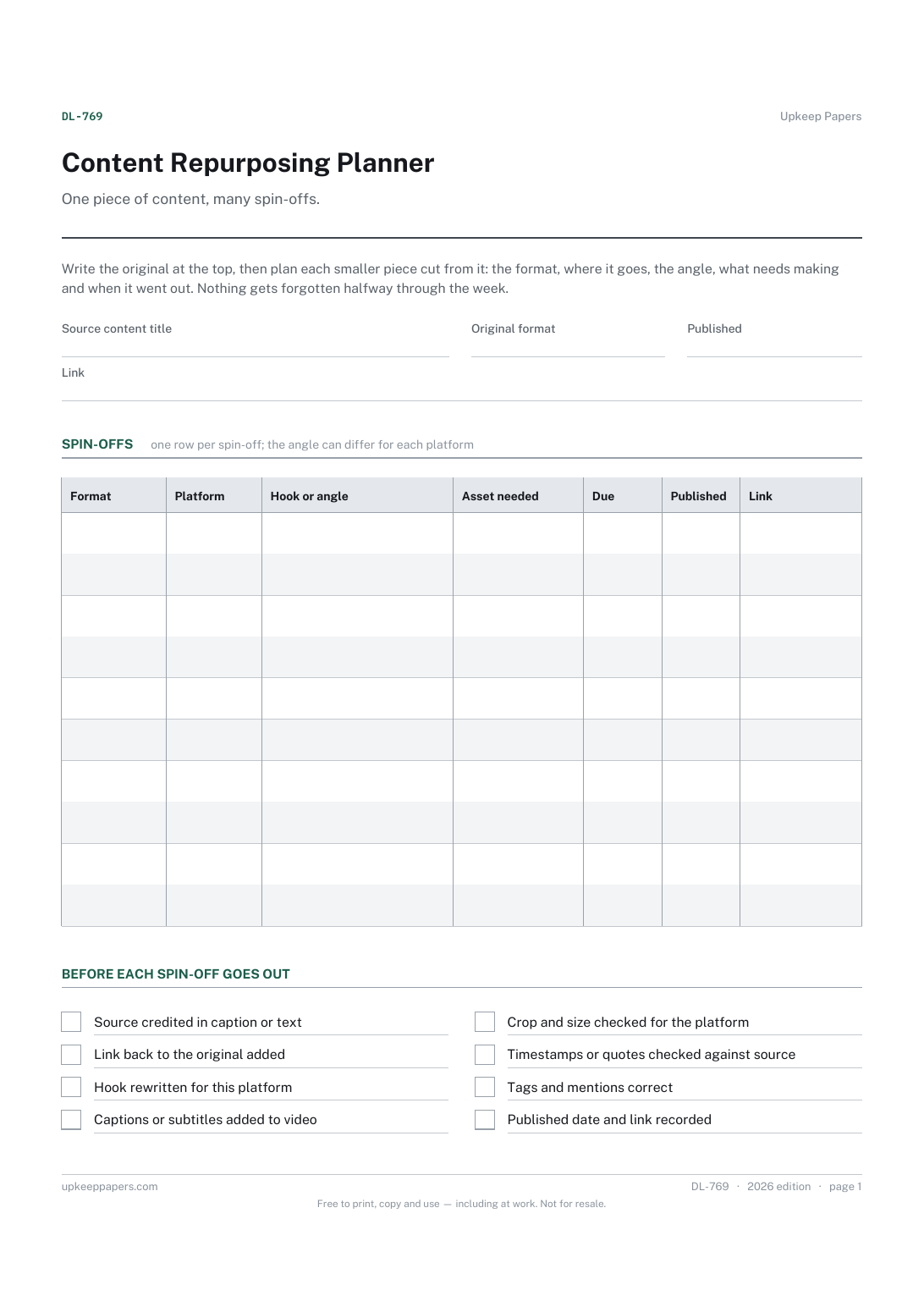
The source piece, its format, publication date and link.
Every session spent planning, writing, filming, editing and publishing.
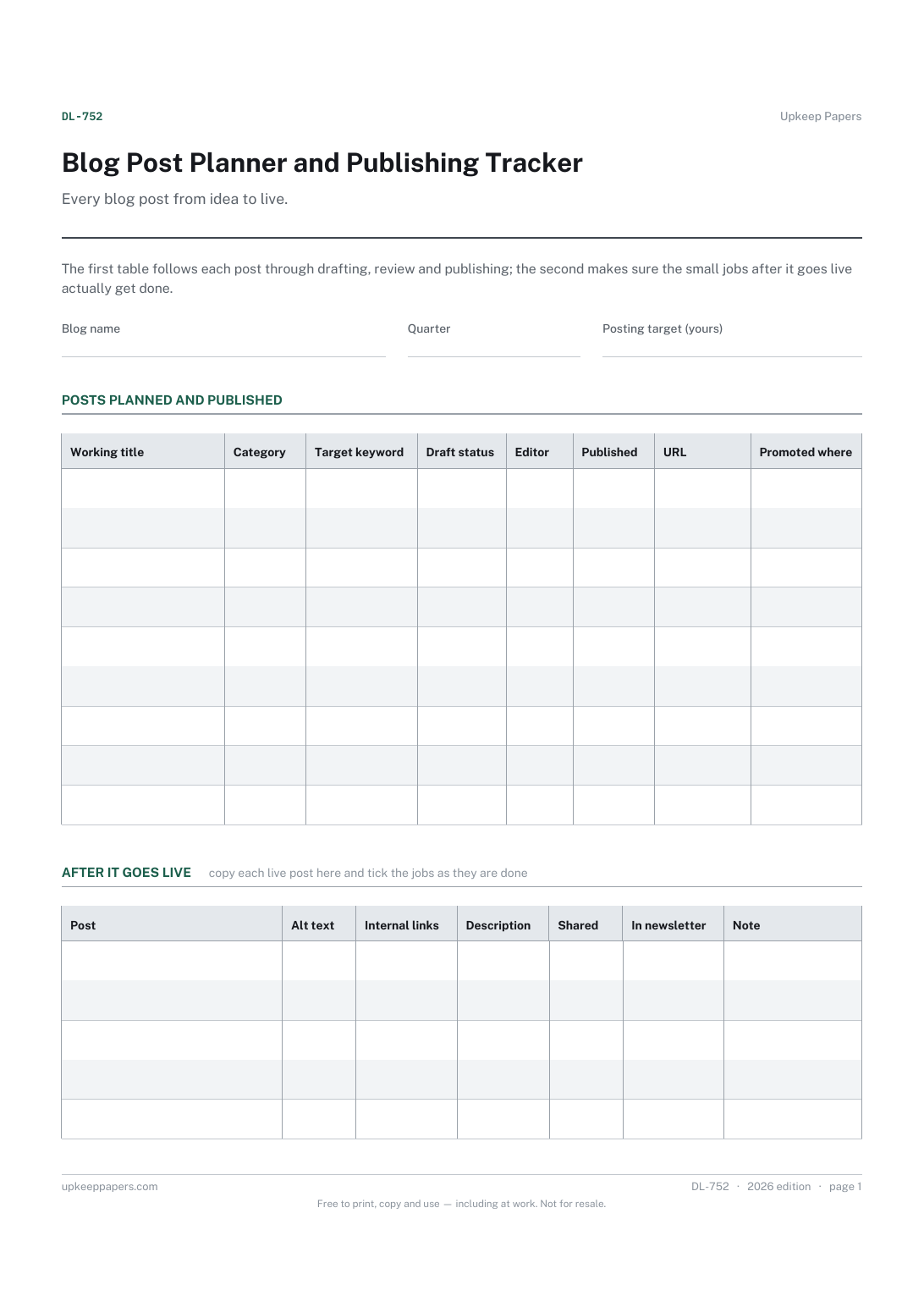
Which posts are planned for the quarter and what each one is about.

Every sheet, binder, game and puzzle on Upkeep Papers is free to download, with no email and no account. Making them is not free: each one takes days of research, design and checking, and the site costs money to run. If something here saved you time, you can buy us a coffee. It is entirely optional: nothing is locked, and nothing changes if you don’t.
Buy us a coffee Opens PayPal in a new tab. Any amount, and nothing changes if you would rather not.