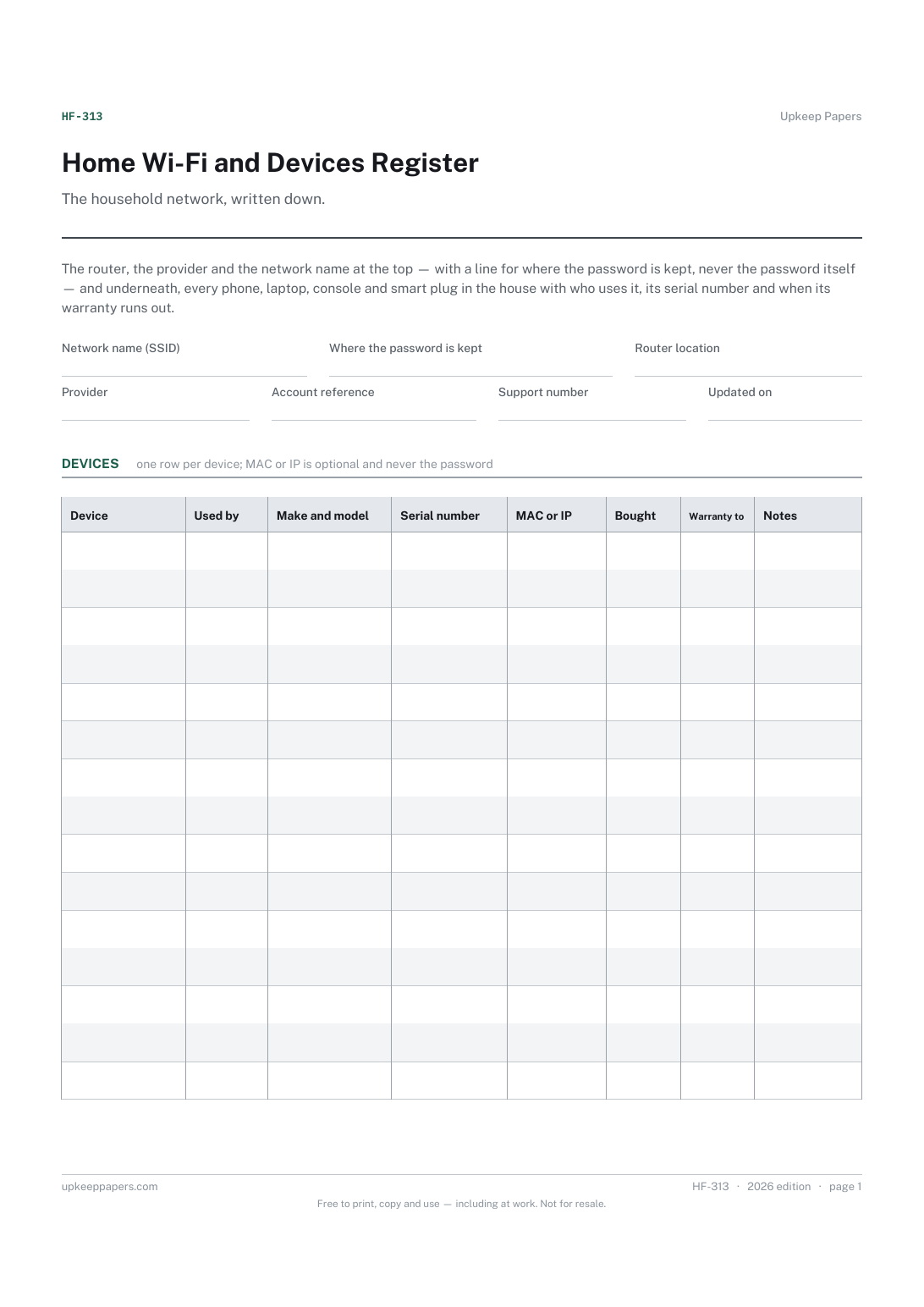
Home Wi-Fi and Devices Register
The network name, router location and the provider's support line, in one place.
HF-313 Record PDF Online
Everything here is free. Making it takes time and money. Everything here is free.
 Buy us a coffee
 Digital Life and Content · DL-1123 · Record
Old device wipe record: backups, sign-outs, reset, SIM, memory card and battery out, then where each phone, tablet or laptop went. Printable PDF and browser.
One page. The A4 and US Letter files are laid out identically, so neither is shrunk to fit.
Print it and write on it
Fillable PDF type and save
Or no download needed
Fill it in onlineThe fillable versions have real form fields — open them in any PDF reader, type into them and save. Printing help.
The same sheet, on screen. Tick, type, add or remove rows, then print it or download the completed version as a PDF. Everything stays in your browser — your entries are kept in this browser's own storage on this device, nothing is uploaded, and there is no account.
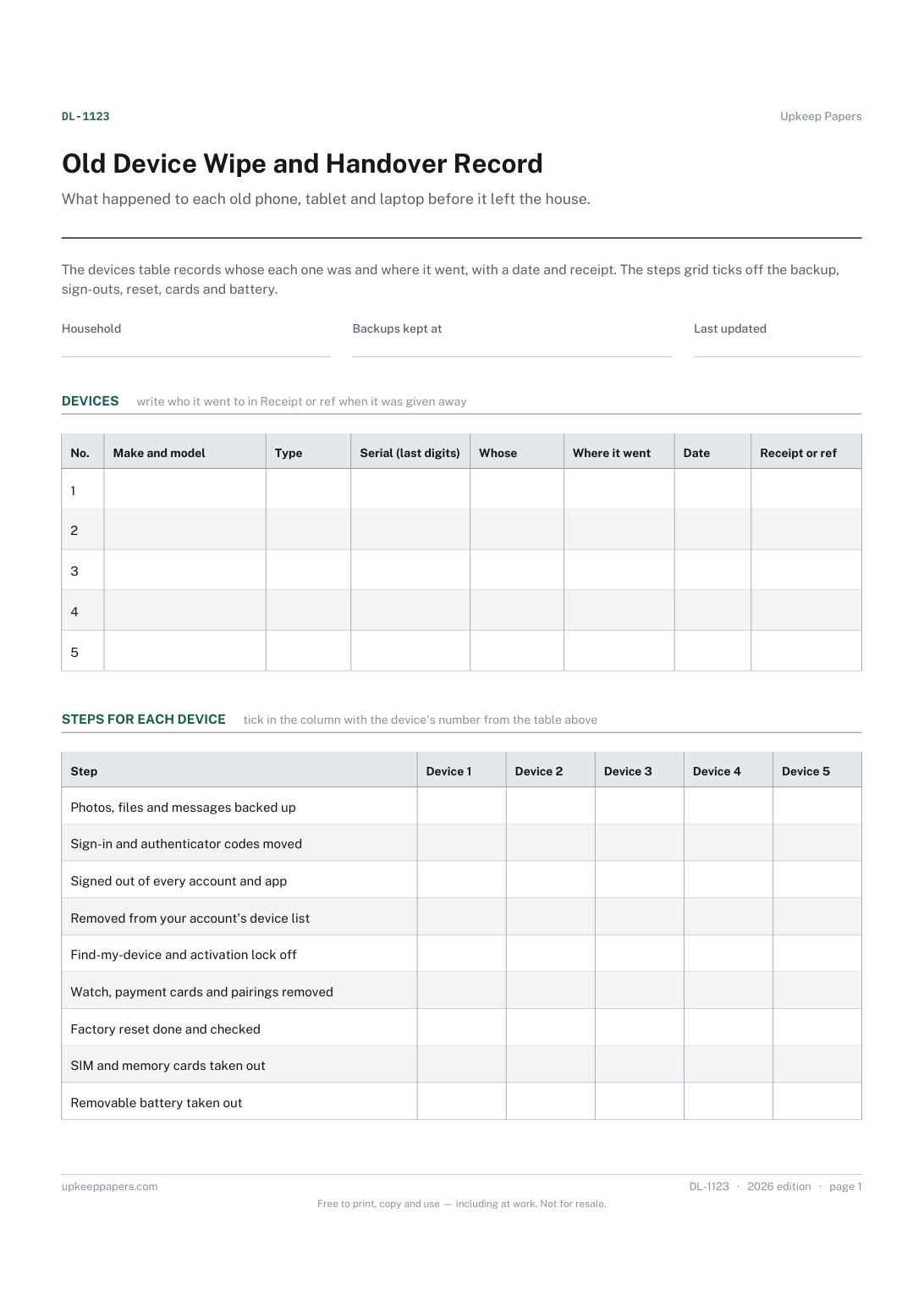
What happened to each old phone, tablet and laptop before it left the house. The devices table records whose each one was and where it went, with a date and receipt. The steps grid ticks off the backup, sign-outs, reset, cards and battery.
Households clearing a drawer of old phones, tablets, laptops and smartwatches before selling, trading in, donating or recycling them, and anyone passing a device on to a relative.
The printable is laid out inside a box that fits both A4 and US Letter, so the two files are identical and neither one is scaled. The fillable PDF has real form fields. The online version keeps what you enter in your own browser and builds the completed PDF on your device.
Download the A4 or US Letter file to match the paper in your printer, open it in a PDF reader and print at 100% — not "fit to page", which shrinks the writing space. Both files leave a 14 mm margin, which clears the unprintable edge on home printers. To print the online version with your entries in it, use the Print this sheet button, which prints only the sheet and none of the page around it. More on printing.
On many phones, tablets and laptops a lock linked to your account stays on after a reset, so the next owner cannot set the device up. Signing out and turning tracking off first saves a trip back to unlock it.
It is the usual way to clear a phone or tablet, but how thoroughly it clears the storage depends on the device. Follow the maker's instructions for your model, and ask a recycler or trade-in service how they handle data.
Where the battery comes out, remove it and take it to a battery collection point rather than the household bin; recyclers often ask for lithium batteries to be kept apart. Check the rules where you live for batteries and electronics.
The last few characters are usually enough to tell devices apart and match them to a receipt. Keep the full number on the sale, trade-in or recycling paperwork in case you need it later.
The setup checklist moves you onto the new device. This record follows the old one out of the house: what was saved, what was cleared and where it went.
The network name, router location and the provider's support line, in one place.
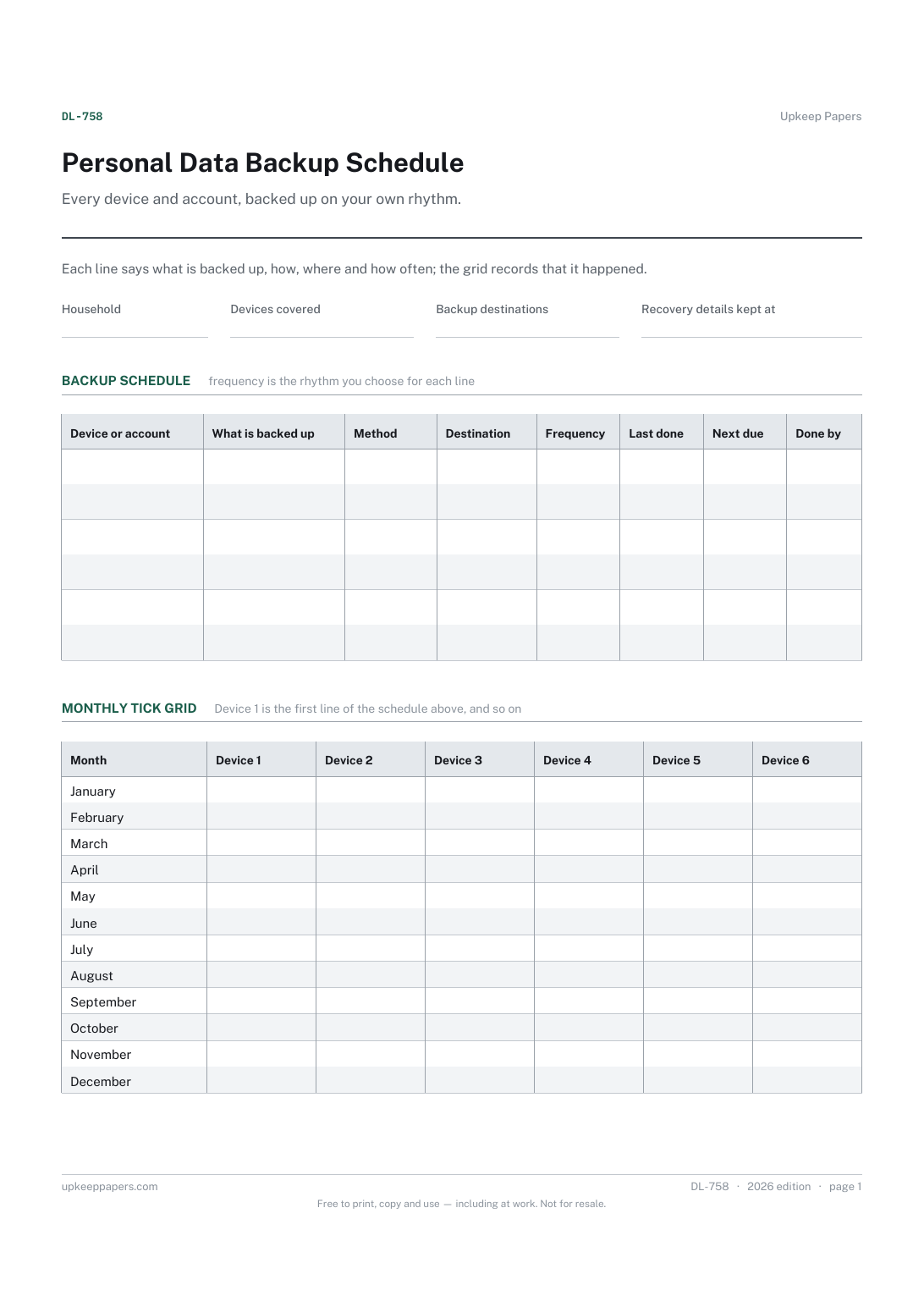
Every device and account that holds something worth keeping.
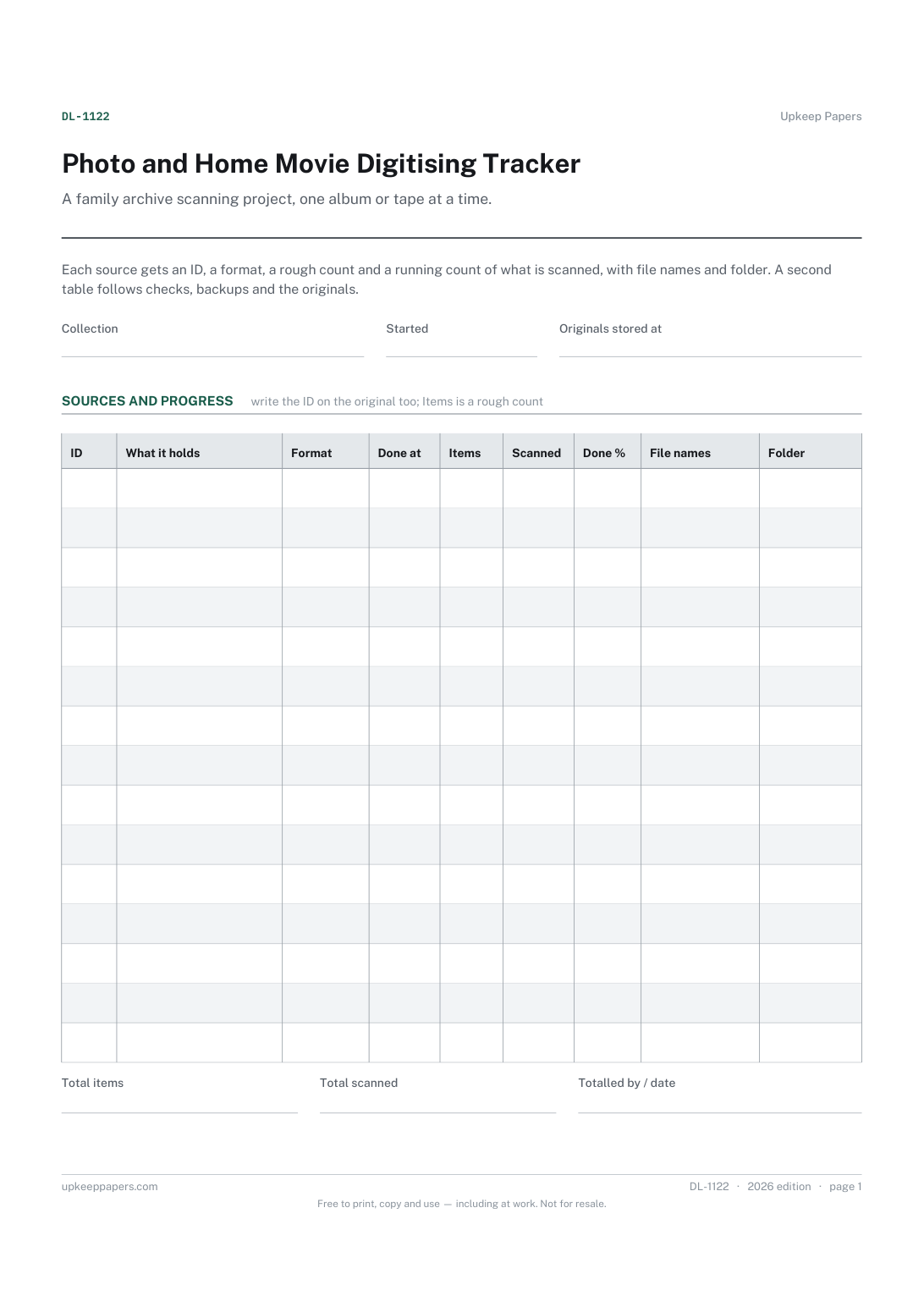
Every album, box, reel and tape in the project, with an ID for each.

Every sheet, binder, game and puzzle on Upkeep Papers is free to download, with no email and no account. Making them is not free: each one takes days of research, design and checking, and the site costs money to run. If something here saved you time, you can buy us a coffee. It is entirely optional: nothing is locked, and nothing changes if you don’t.
Buy us a coffee Opens PayPal in a new tab. Any amount, and nothing changes if you would rather not.