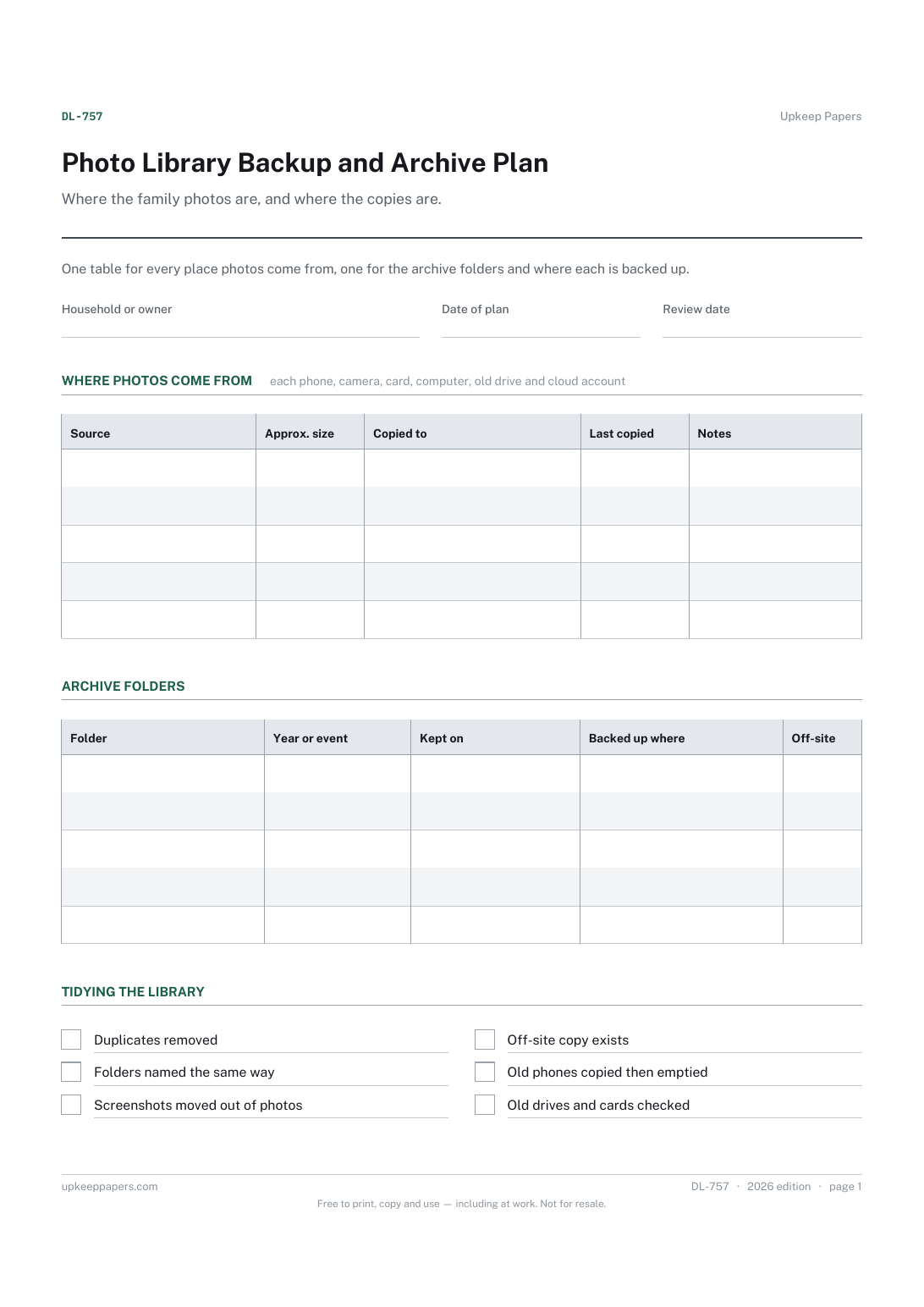
Photo Library Backup and Archive Plan
Every source of photos in the house, including old phones and drives.
DL-757 Planner PDF Online
Everything here is free. Making it takes time and money. Everything here is free.
 Buy us a coffee
 Digital Life and Content · DL-1122 · Tracker
Digitising tracker for family photos, slides and home movies: each album or tape, items scanned, file names, checks, backups and originals. Excel, PDF, browser.
2 pages. The A4 and US Letter files are laid out identically, so neither is shrunk to fit.
Print it and write on it
Fillable PDF type and save
Spreadsheet formulas included
The fillable versions have real form fields — open them in any PDF reader, type into them and save. Printing help.
The same sheet, on screen. Totals and figures are worked out as you type, rows can be added or removed, and you can print it or download the completed version as a PDF. Everything stays in your browser — your entries are kept in this browser's own storage on this device, nothing is uploaded, and there is no account.
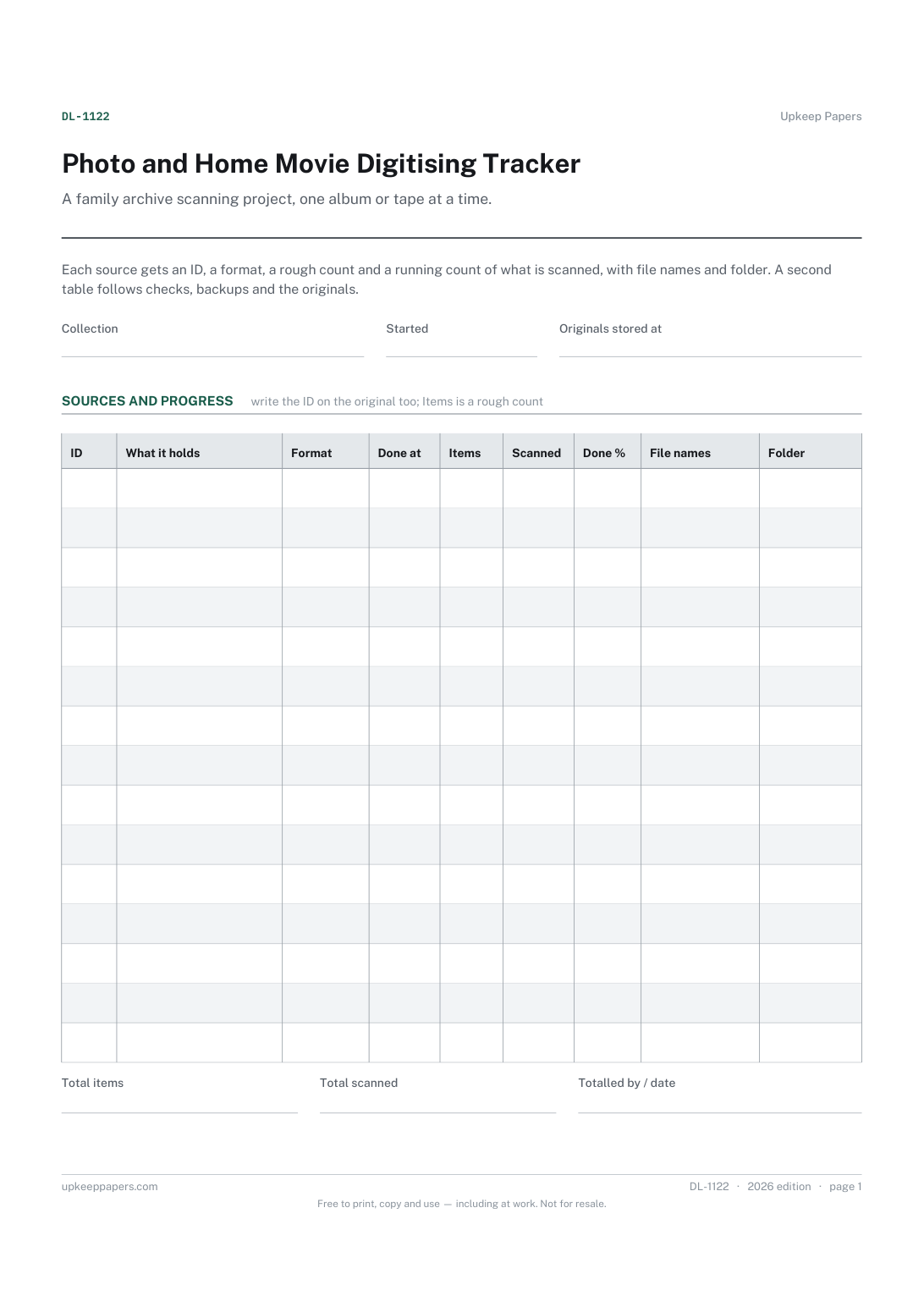
A family archive scanning project, one album or tape at a time. Each source gets an ID, a format, a rough count and a running count of what is scanned, with file names and folder. A second table follows checks, backups and the originals.
Families turning boxes of prints, slides, negatives, video tapes or cine film into digital files, whether scanning at home in the evenings or sending batches to a digitising service.
The printable is laid out inside a box that fits both A4 and US Letter, so the two files are identical and neither one is scaled. The fillable PDF has real form fields. The workbook uses plain formulas only — SUM, IF, COUNTIF and the like — so it opens in Excel, LibreOffice and Google Sheets without anything breaking, and every calculated cell is grey so you can see which figures it worked out.
Download the A4 or US Letter file to match the paper in your printer, open it in a PDF reader and print at 100% — not "fit to page", which shrinks the writing space. Both files leave a 14 mm margin, which clears the unprintable edge on home printers. To print the online version with your entries in it, use the Print this sheet button, which prints only the sheet and none of the page around it. More on printing.
No. A rough count is enough to see how far through a source you are. Count a few pages of an album and multiply, or estimate from the box, then correct the figure once the scanning is done.
Choose one pattern and keep to it, such as the source ID followed by a number. Archivists generally suggest simple names without spaces or punctuation, which sort neatly and open on any computer.
Tick it once the files carry the who, what, where and when that you know, whether in the file details, a caption or a list kept with the folder. Older relatives are often the best source, so ask them early.
Archivists generally advise keeping originals after digitising, because a scan is a copy and file formats change. The Original tick records that each one went back into storage, so nothing is lost by accident.
That is your decision. A common approach is more than one copy, on more than one kind of storage, with one kept away from the house. Copies counts what you made and the Off site tick shows whether one is elsewhere.
Every source of photos in the house, including old phones and drives.
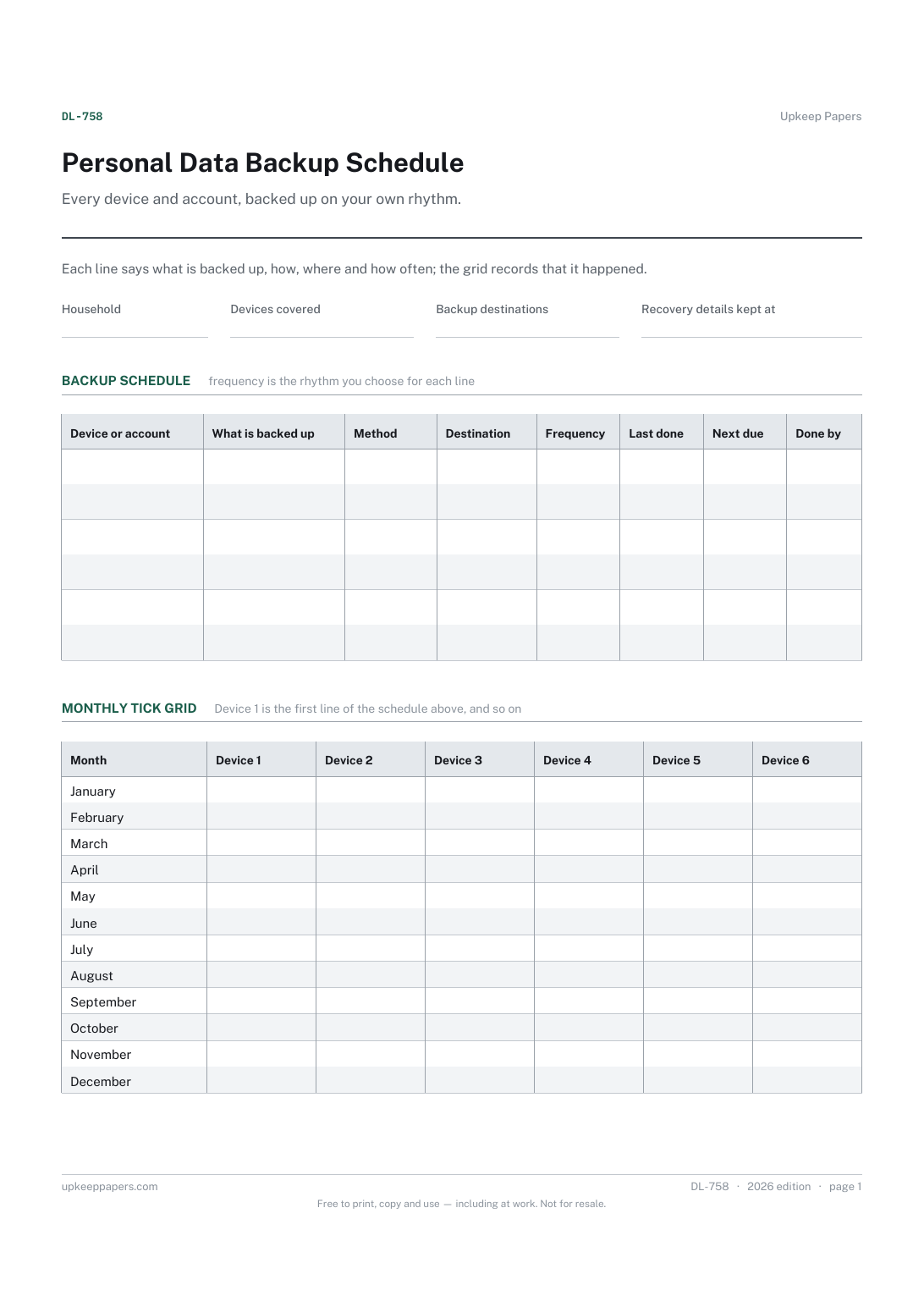
Every device and account that holds something worth keeping.
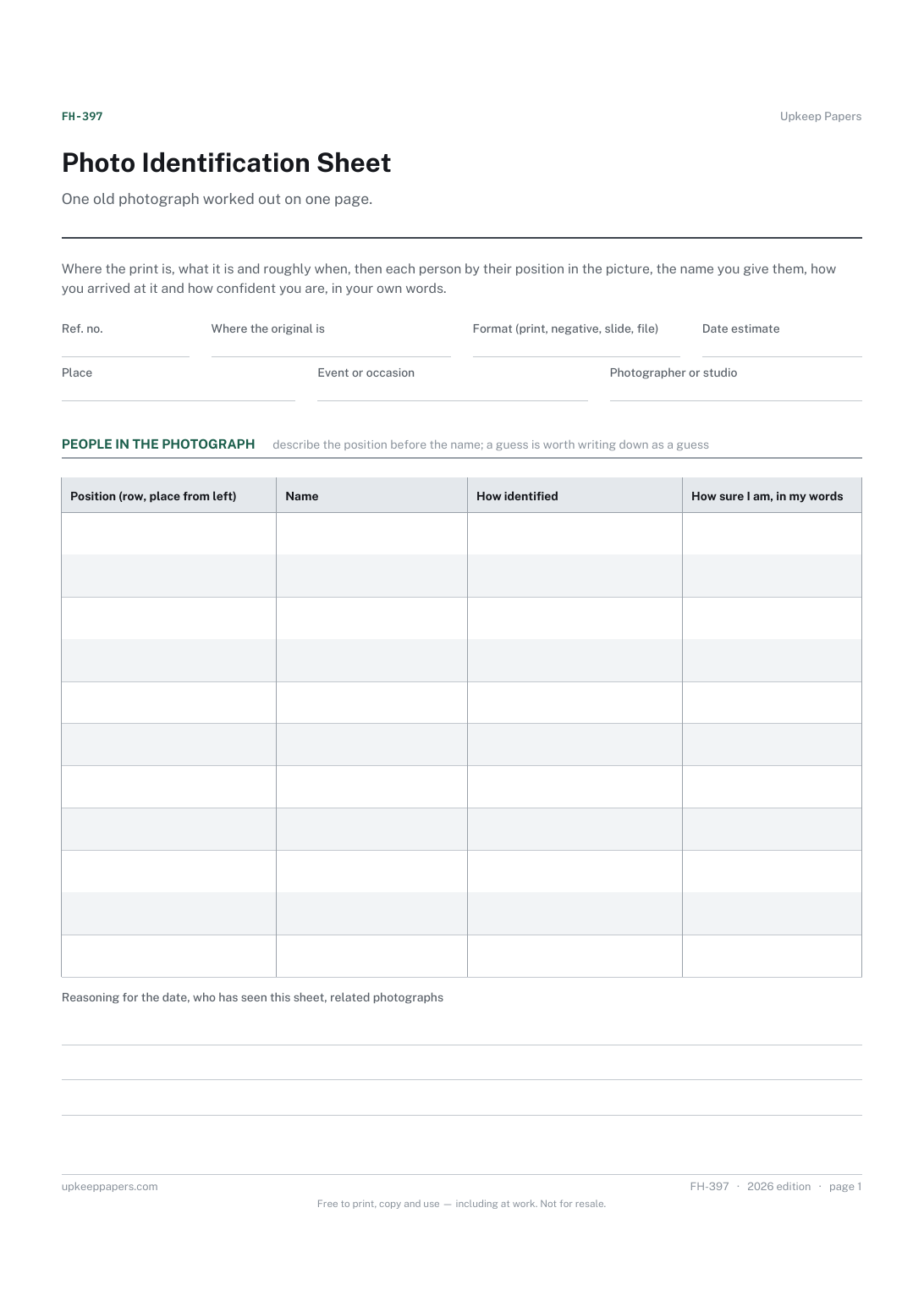
A reference number and the physical location of the print, negative or file.
Printable sheets, workbooks and tools on the same subject.
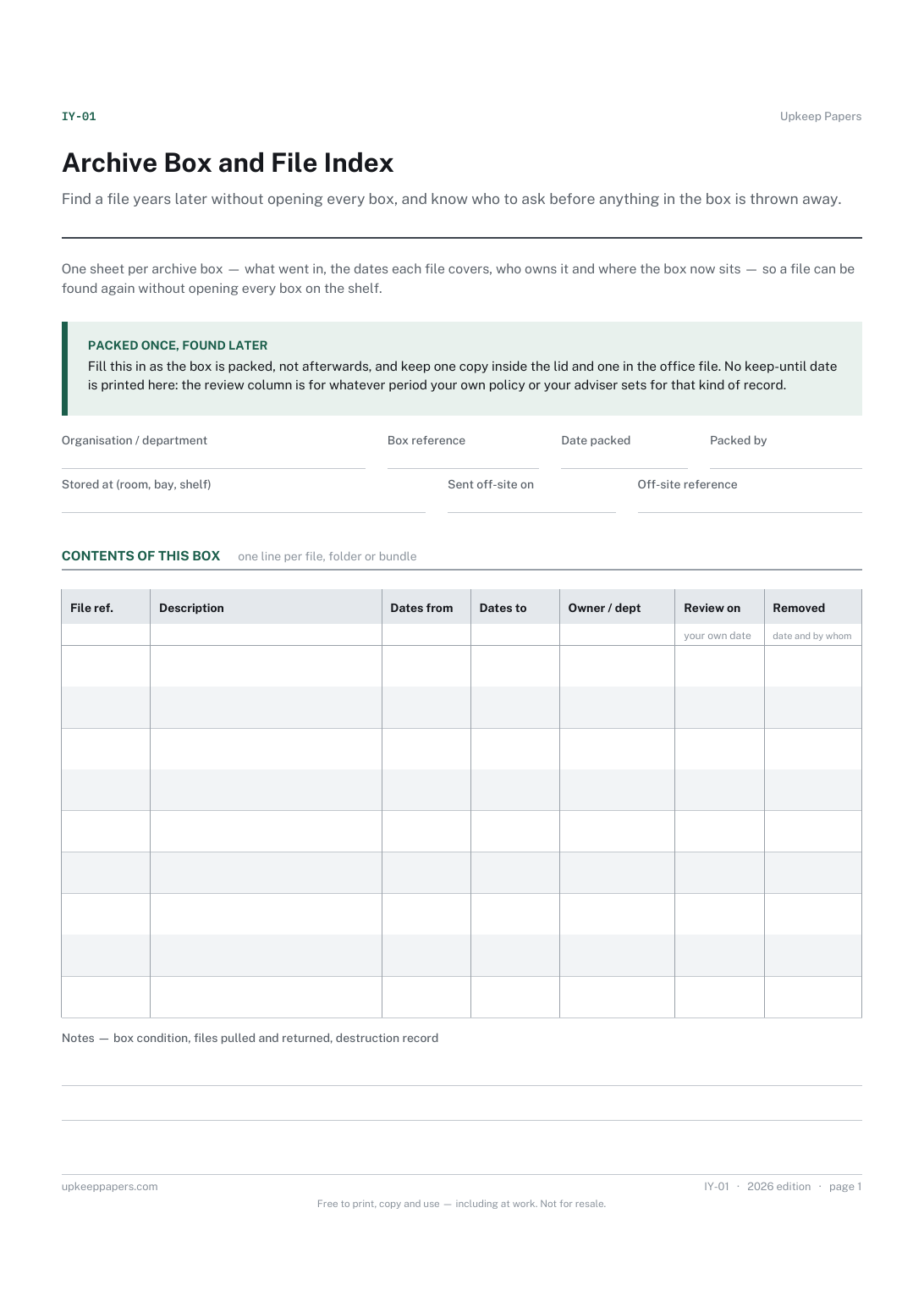
Find a file years later without opening every box, and know who to ask before anything in the box is thrown away.

Every sheet, binder, game and puzzle on Upkeep Papers is free to download, with no email and no account. Making them is not free: each one takes days of research, design and checking, and the site costs money to run. If something here saved you time, you can buy us a coffee. It is entirely optional: nothing is locked, and nothing changes if you don’t.
Buy us a coffee Opens PayPal in a new tab. Any amount, and nothing changes if you would rather not.