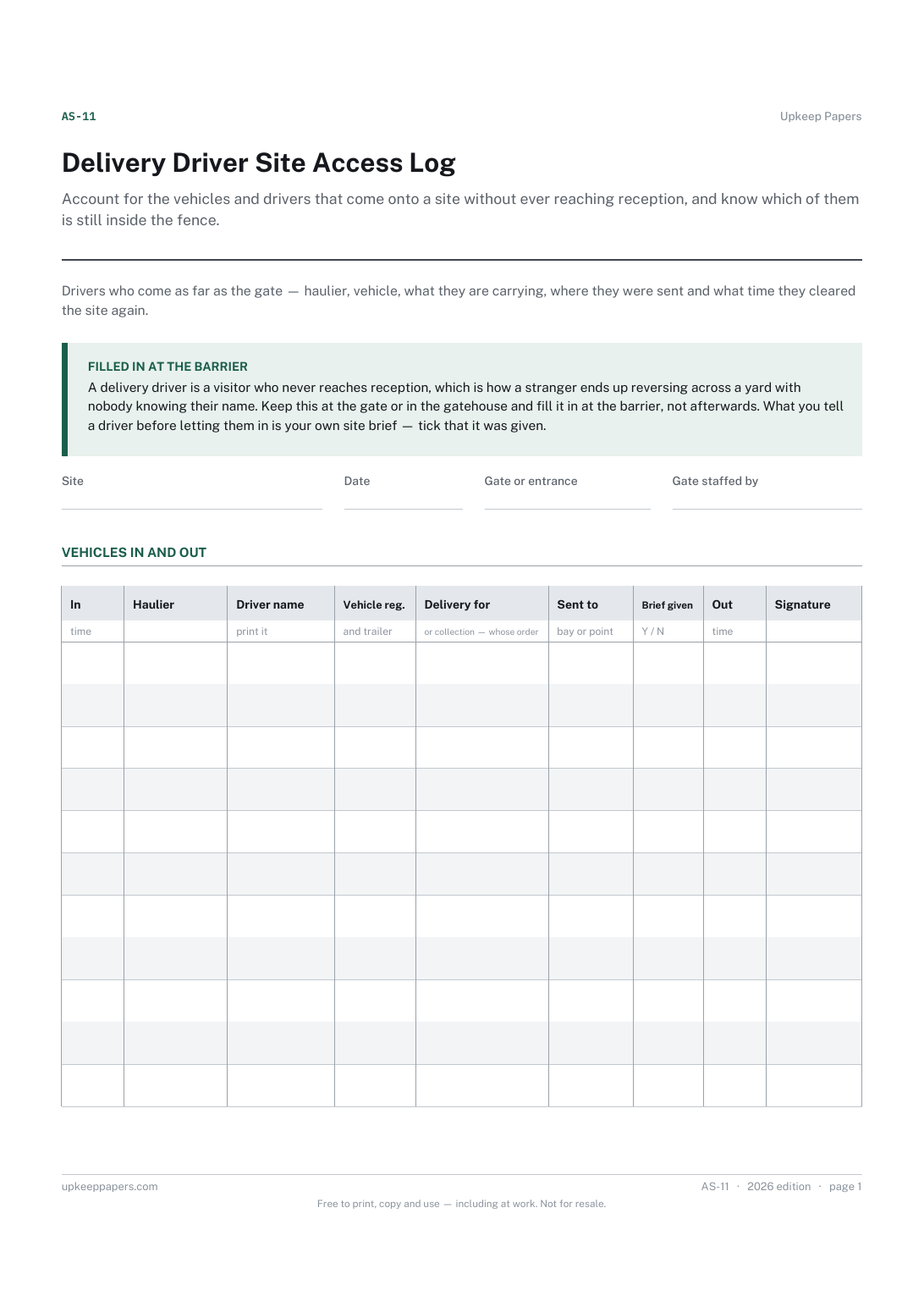
Delivery Driver Site Access Log
Account for the vehicles and drivers that come onto a site without ever reaching reception, and know which of them is still inside the fence.
AS-11 1 page
Everything here is free. Making it takes time and money. Everything here is free.
 Buy us a coffee
 Access and visitor control · AS-13
A gate fault log — each gate, barrier, shutter and turnstile listed once, then a running record of faults, who was told and what was done.
One page. Choose your paper size — both versions are laid out identically, so neither one gets shrunk to fit.
Print it and write on it
Fill it in type and save
The fillable versions have real form fields — open them in any PDF reader, type into them and save. Printing help.
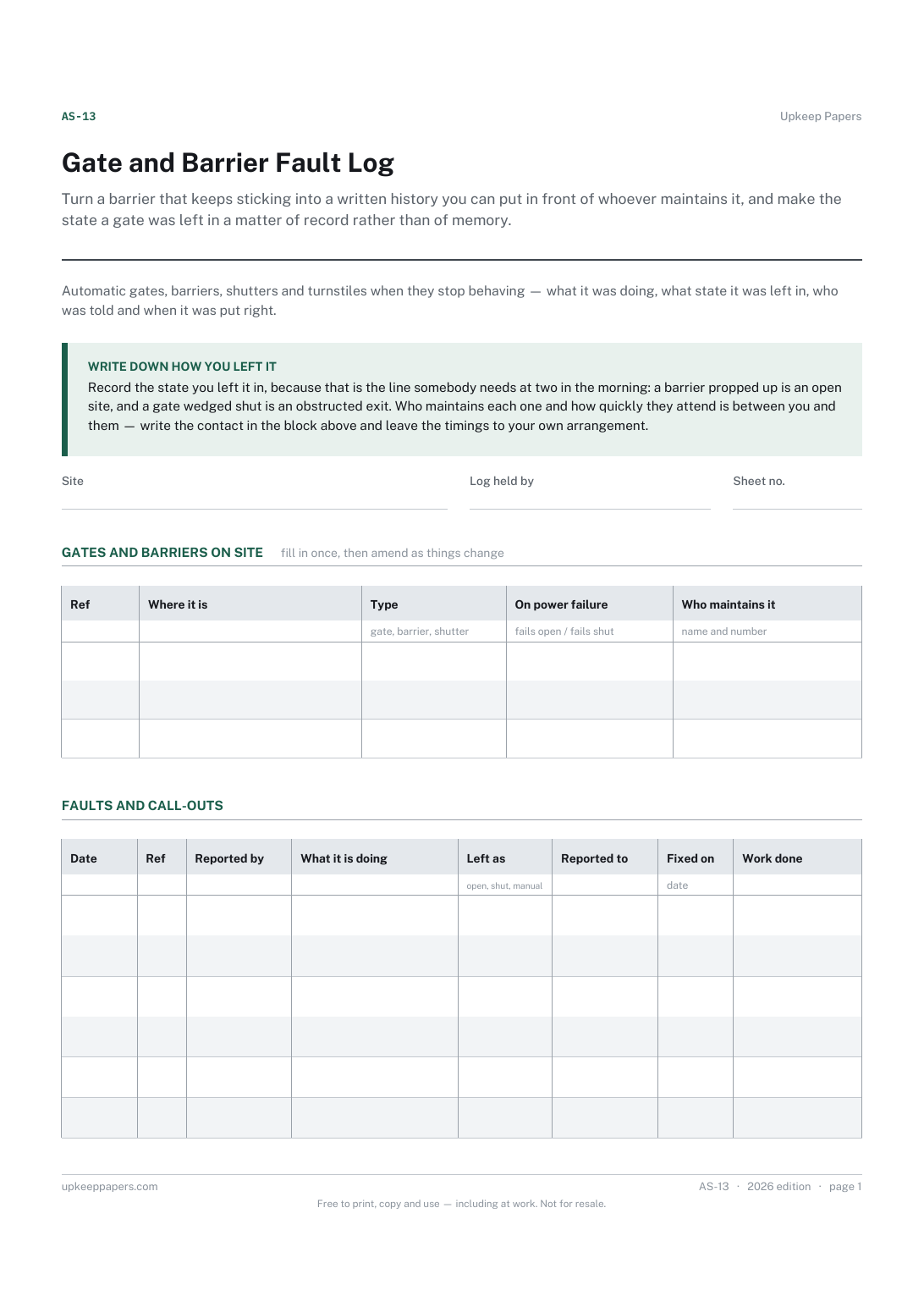
Turn a barrier that keeps sticking into a written history you can put in front of whoever maintains it, and make the state a gate was left in a matter of record rather than of memory.
Facilities and security staff, site and yard managers, and anyone responsible for powered gates, barriers or shutters on a business or residential site.
One page, top to bottom:
Printed under the title: Automatic gates, barriers, shutters and turnstiles when they stop behaving — what it was doing, what state it was left in, who was told and when it was put right.
Write down how you left it. Record the state you left it in, because that is the line somebody needs at two in the morning: a barrier propped up is an open site, and a gate wedged shut is an obstructed exit. Who maintains each one and how quickly they attend is between you and them — write the contact in the block above and leave the timings to your own arrangement.
Write-on lines: Site · Log held by · Sheet no.
Table, 3 rows: Ref · Where it is · Type · On power failure · Who maintains it
Table, 6 rows: Date · Ref · Reported by · What it is doing · Left as · Reported to · Fixed on · Work done
Because response times come from whatever arrangement you have with your maintainer, and that varies by contract, by site and by time of day. The sheet records when you reported it and when it was fixed, which is the evidence you would want if the two are further apart than you agreed.
Because it changes what a fault means. A barrier that fails open leaves the site unsecured; one that fails shut can block an exit or trap a vehicle. Writing it down once at the top saves somebody working it out in the dark.
Account for the vehicles and drivers that come onto a site without ever reaching reception, and know which of them is still inside the fence.
Keep a contemporaneous record of a shift, written as things happen rather than reconstructed at the end of it.
Know at a glance which keys are out and with whom, and be able to say honestly how many copies of any of them exist.
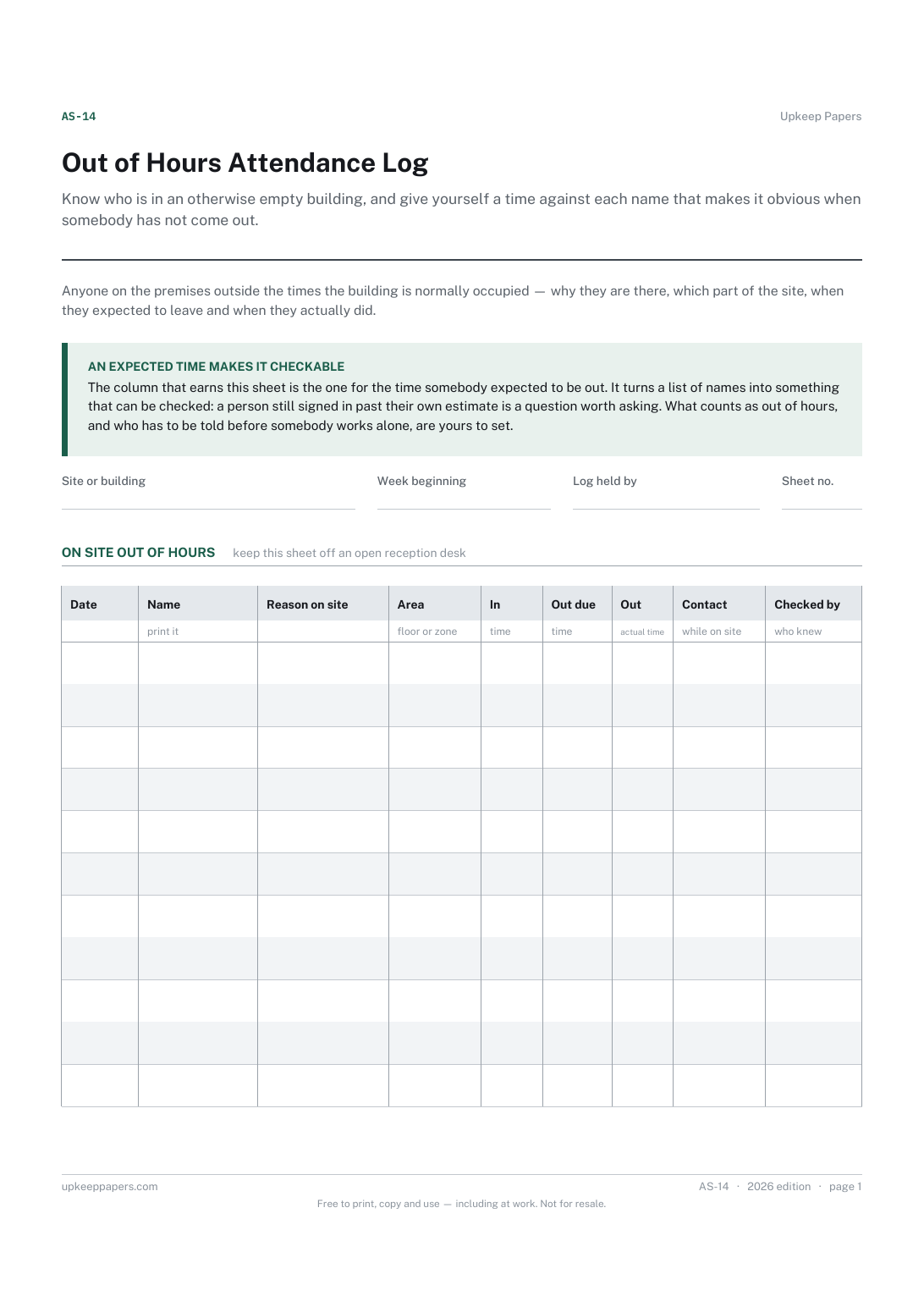
Know who is in an otherwise empty building, and give yourself a time against each name that makes it obvious when somebody has not come out.

Every sheet, binder, game and puzzle on Upkeep Papers is free to download, with no email and no account. Making them is not free: each one takes days of research, design and checking, and the site costs money to run. If something here saved you time, you can buy us a coffee. It is entirely optional: nothing is locked, and nothing changes if you don’t.
Buy us a coffee Opens PayPal in a new tab. Any amount, and nothing changes if you would rather not.