Service Visit Report Form
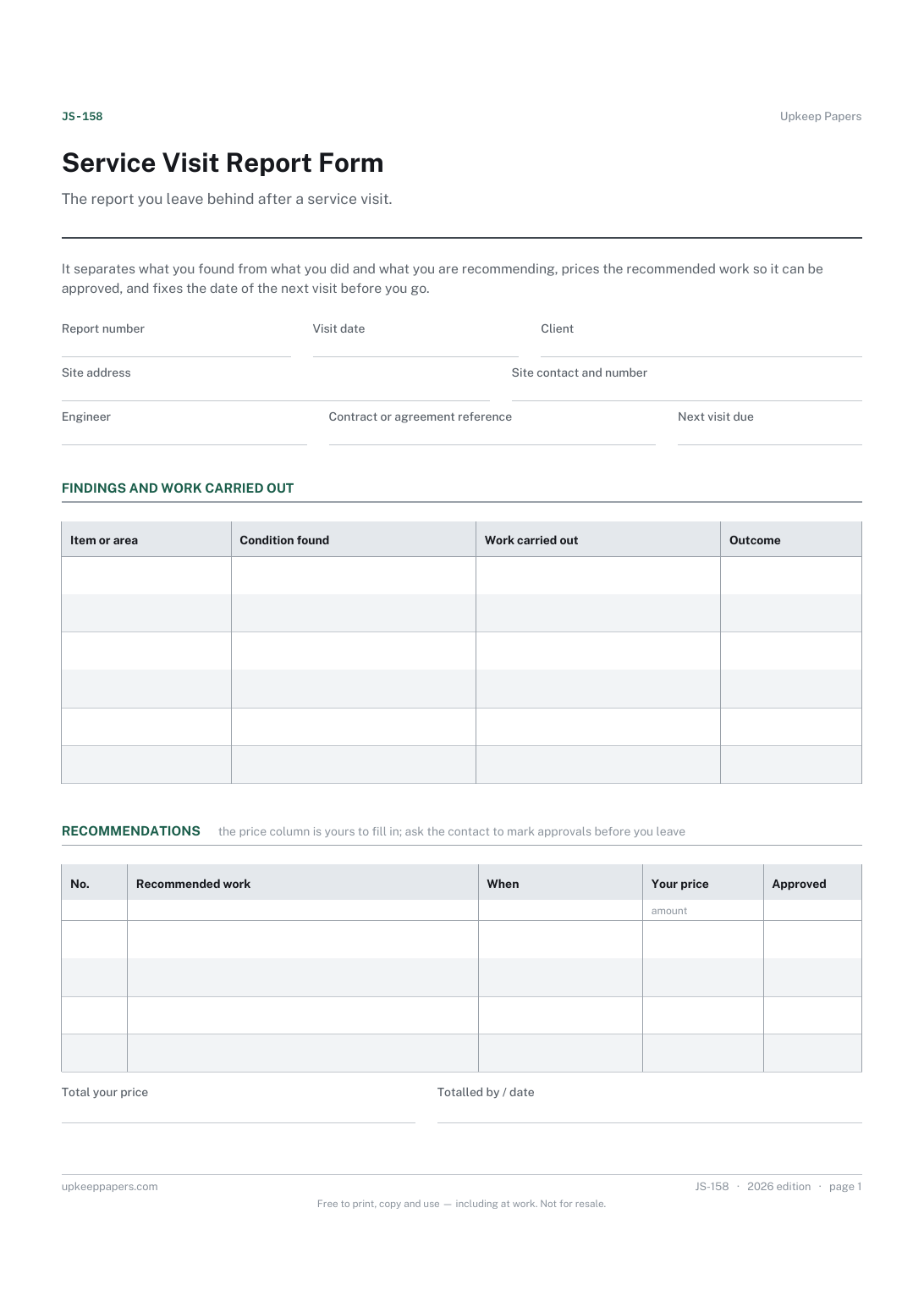
What you found at each item or area, in your own words.
JS-158 Form PDF Excel Online
Everything here is free. Making it takes time and money. Everything here is free.
 Buy us a coffee
 Job sheets and work orders · JS-155 · Form
Free maintenance work order form — raised by, priority, target date, assigned to, tasks, labour and materials totalled, signed off on completion. PDF and Excel.
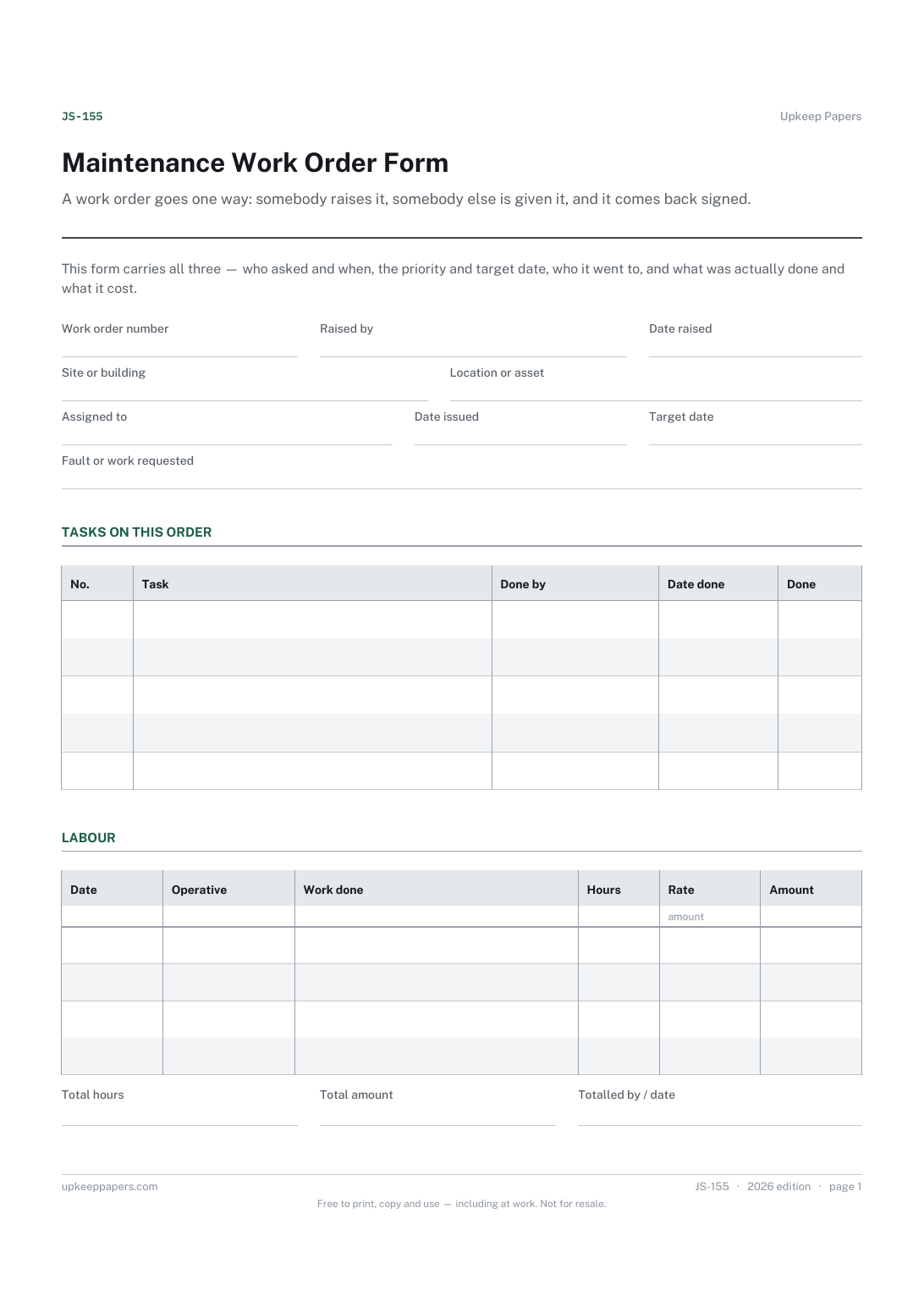
2 pages. The A4 and US Letter files are laid out identically, so neither is shrunk to fit.
Print it and write on it
Fillable PDF type and save
Spreadsheet formulas included
The fillable versions have real form fields — open them in any PDF reader, type into them and save. Printing help.
The same sheet, on screen. Totals and figures are worked out as you type, rows can be added or removed, and you can print it or download the completed version as a PDF. Everything stays in your browser — your entries are kept in this browser's own storage on this device, nothing is uploaded, and there is no account.
A work order goes one way: somebody raises it, somebody else is given it, and it comes back signed. This form carries all three — who asked and when, the priority and target date, who it went to, and what was actually done and what it cost.
Facilities and maintenance teams, site and premises managers, housing and property officers, and anyone who issues work to an in-house team or a contractor.
The printable is laid out inside a box that fits both A4 and US Letter, so the two files are identical and neither one is scaled. The fillable PDF has real form fields. The workbook uses plain formulas only — SUM, IF, COUNTIF and the like — so it opens in Excel, LibreOffice and Google Sheets without anything breaking, and every calculated cell is grey so you can see which figures it worked out.
Download the A4 or US Letter file to match the paper in your printer, open it in a PDF reader and print at 100% — not "fit to page", which shrinks the writing space. Both files leave a 14 mm margin, which clears the unprintable edge on home printers. To print the online version with your entries in it, use the Print this sheet button, which prints only the sheet and none of the page around it. More on printing.
The log is the running list of everything reported at one site. This is one order off that list — issued to a named person, with tasks, hours, materials and a sign-off. Raise the request in the log, issue the work on this.
Whatever your organisation already uses. The tick boxes are labelled plainly and there is a blank line for your own wording; no response time or deadline is attached to any of them here, because those come from your policy or your contract.
Yes. Write their firm in the assigned-to field and hand them a copy; their hours and materials go in the same tables. The subcontractor payment sheet is the better fit if you are agreeing deductions or retention.
Leave the task unticked, write why in the notes, and set a new target date. The summary counts completed tasks against the total, so a part-finished order is obvious at a glance.
What you found at each item or area, in your own words.
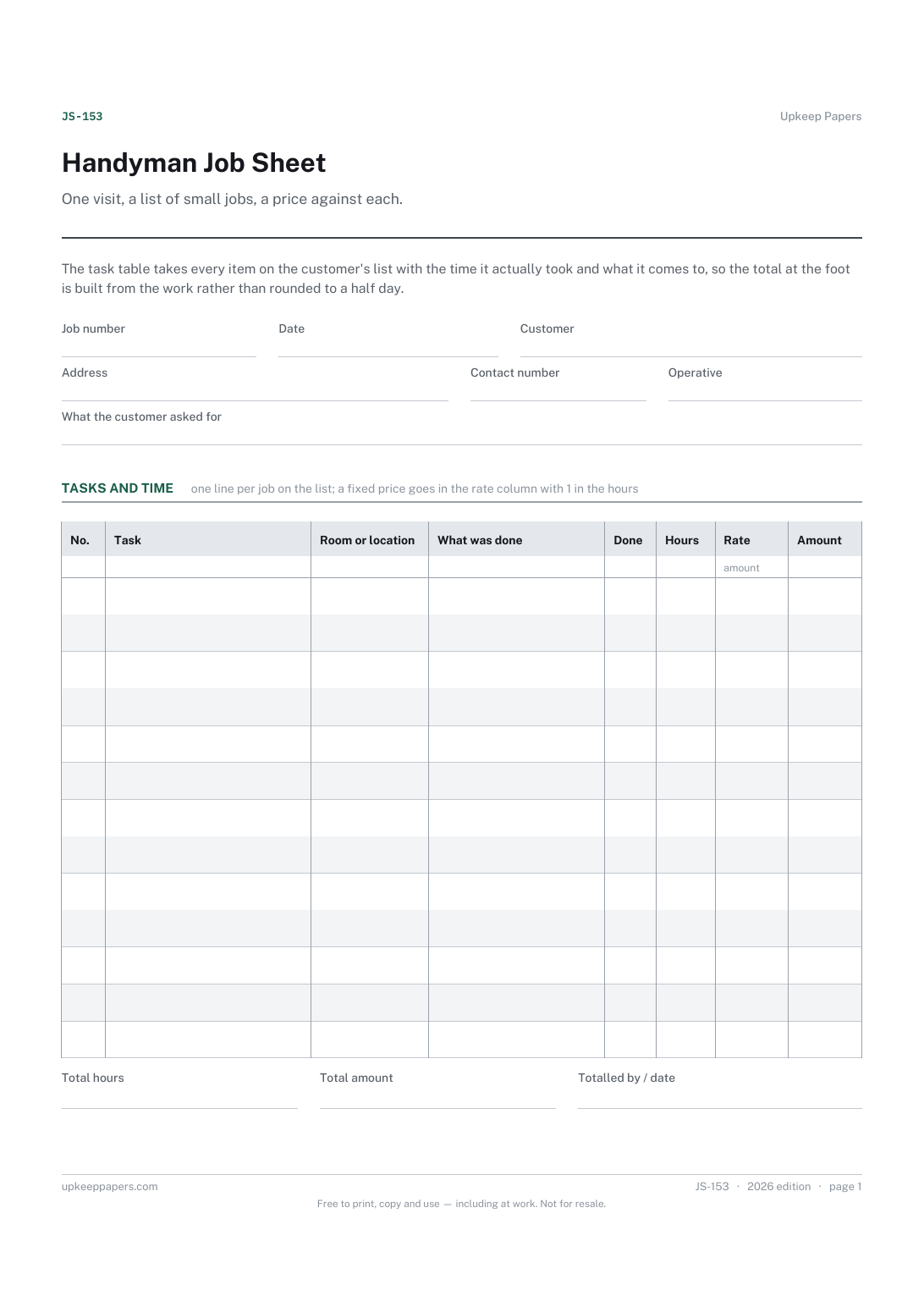
Every task on the customer's list, ticked off as it is done.
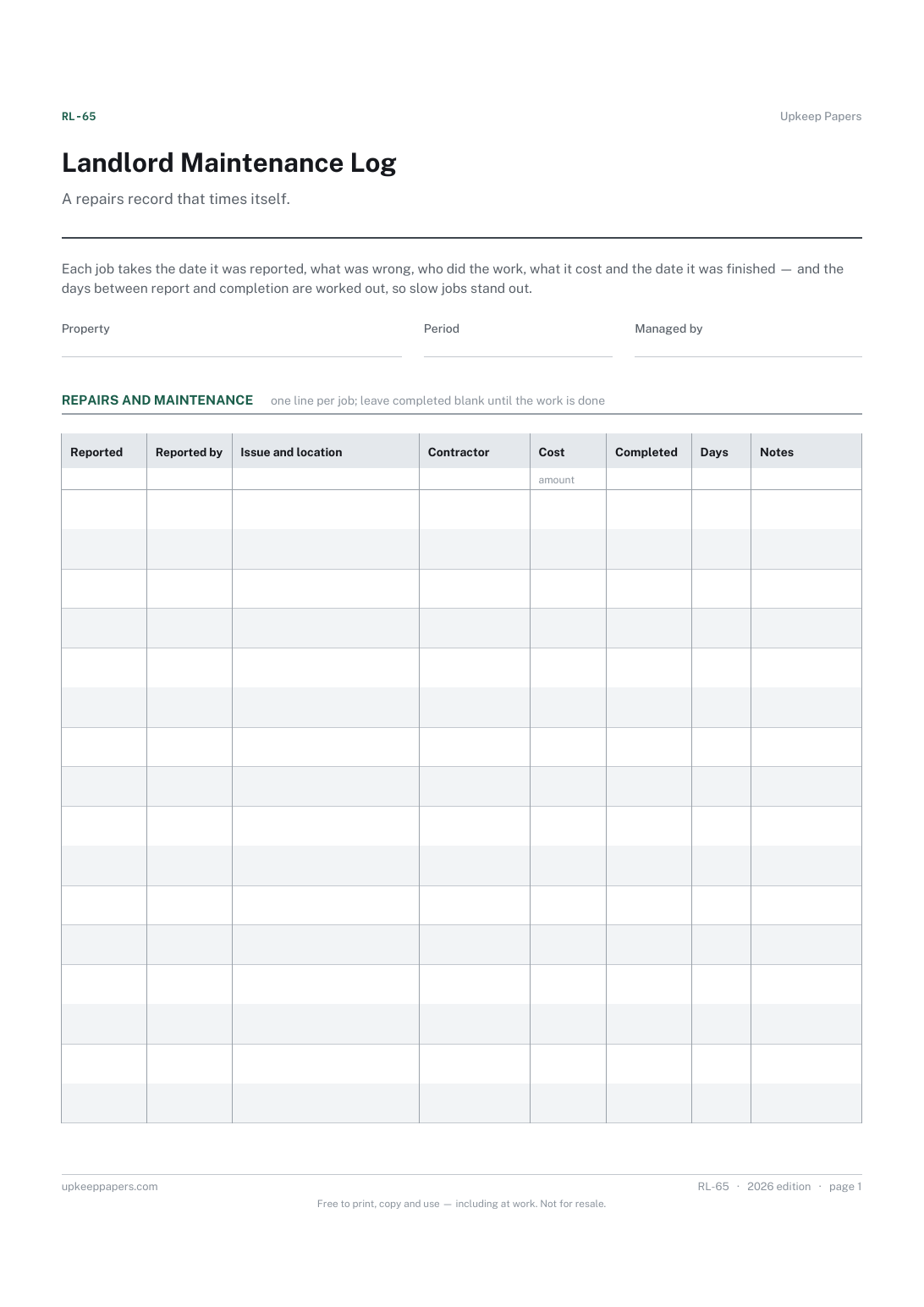
Every repair reported, dated, with who reported it.
Printable sheets, workbooks and tools on the same subject.
Record the date something was reported as well as the date it was fixed, which is the pair of dates that actually matters.
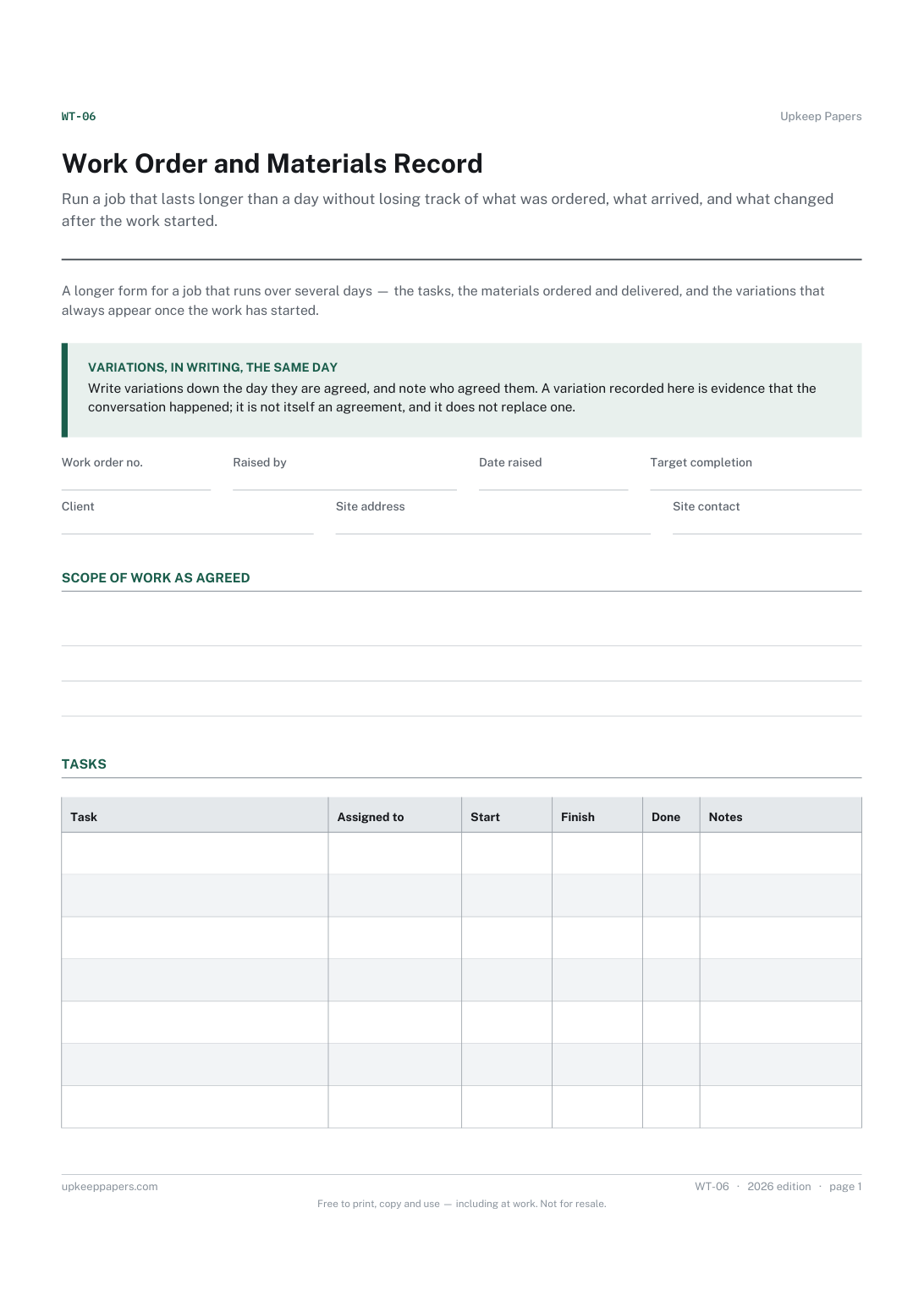
Run a job that lasts longer than a day without losing track of what was ordered, what arrived, and what changed after the work started.
Record what the business owns rather than what is in the shed: a numbered list with cost and disposal, which is what an insurer or an accountant asks for.

Every sheet, binder, game and puzzle on Upkeep Papers is free to download, with no email and no account. Making them is not free: each one takes days of research, design and checking, and the site costs money to run. If something here saved you time, you can buy us a coffee. It is entirely optional: nothing is locked, and nothing changes if you don’t.
Buy us a coffee Opens PayPal in a new tab. Any amount, and nothing changes if you would rather not.