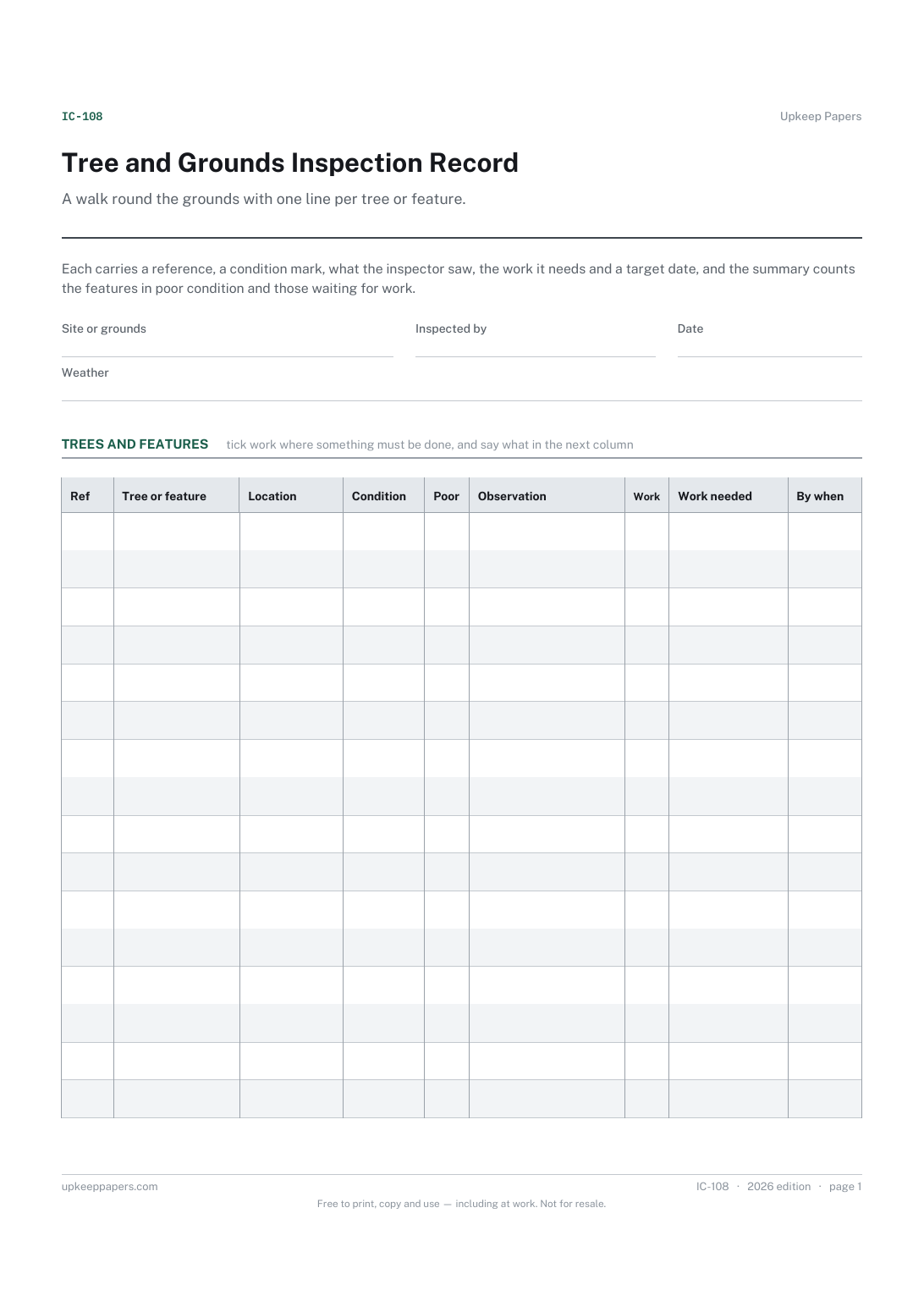
Tree and Grounds Inspection Record
Every tree, hedge, path, wall or bench on the round, each with its own reference.
IC-108 Record PDF Excel Online
Everything here is free. Making it takes time and money. Everything here is free.
 Buy us a coffee
 Job sheets and work orders · JS-144 · Form
Free landscaping and grounds job sheet — areas and quantities done, crew hours, plants and materials, waste removed, all totalled. PDF, Excel and browser.
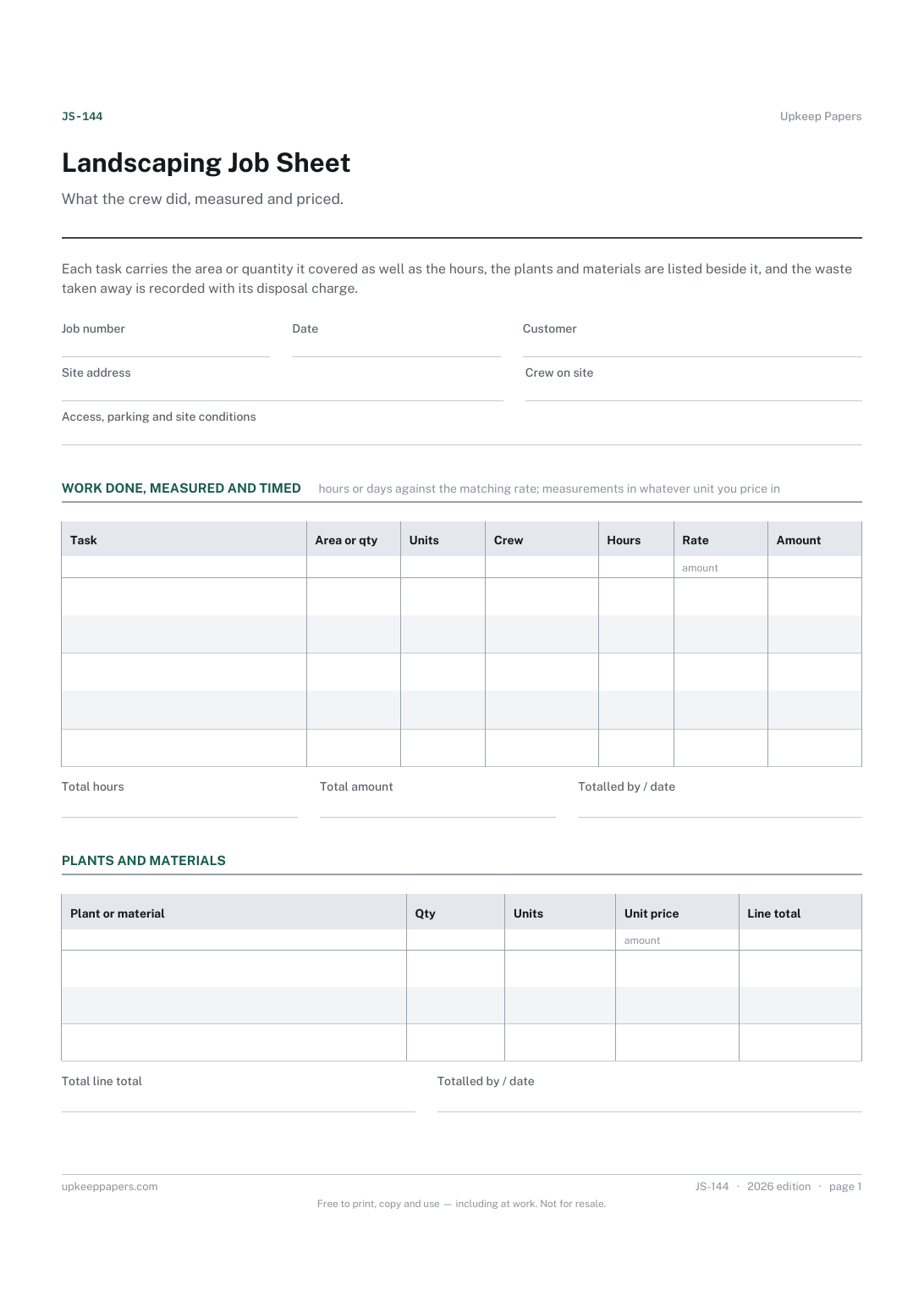
2 pages. The A4 and US Letter files are laid out identically, so neither is shrunk to fit.
Print it and write on it
Fillable PDF type and save
Spreadsheet formulas included
The fillable versions have real form fields — open them in any PDF reader, type into them and save. Printing help.
The same sheet, on screen. Totals and figures are worked out as you type, rows can be added or removed, and you can print it or download the completed version as a PDF. Everything stays in your browser — your entries are kept in this browser's own storage on this device, nothing is uploaded, and there is no account.
What the crew did, measured and priced. Each task carries the area or quantity it covered as well as the hours, the plants and materials are listed beside it, and the waste taken away is recorded with its disposal charge.
Landscapers, garden maintenance rounds and grounds teams who price by the square metre, the metre run or the day, and need the measurements written down on site.
The printable is laid out inside a box that fits both A4 and US Letter, so the two files are identical and neither one is scaled. The fillable PDF has real form fields. The workbook uses plain formulas only — SUM, IF, COUNTIF and the like — so it opens in Excel, LibreOffice and Google Sheets without anything breaking, and every calculated cell is grey so you can see which figures it worked out.
Download the A4 or US Letter file to match the paper in your printer, open it in a PDF reader and print at 100% — not "fit to page", which shrinks the writing space. Both files leave a 14 mm margin, which clears the unprintable edge on home printers. To print the online version with your entries in it, use the Print this sheet button, which prints only the sheet and none of the page around it. More on printing.
In whatever unit you price in — there is a units column so square metres, square yards, metres run and plain numbers all sit in the same table. Measure on site and write it down; an argument about area is hard to win a week later.
Yes, for a single visit. For a round of many gardens in a day, the window cleaning round sheet on this site is the right shape — a customer per line with a price and a paid tick.
Record it anyway, with the type and quantity, and put your own charge in the charge column. Whether you need a licence or a transfer note to carry it depends on the rules where you work.
Yes. Put the days in the hours column and the day rate in the rate column; the arithmetic is the same and the summary still totals the job.
Every tree, hedge, path, wall or bench on the round, each with its own reference.
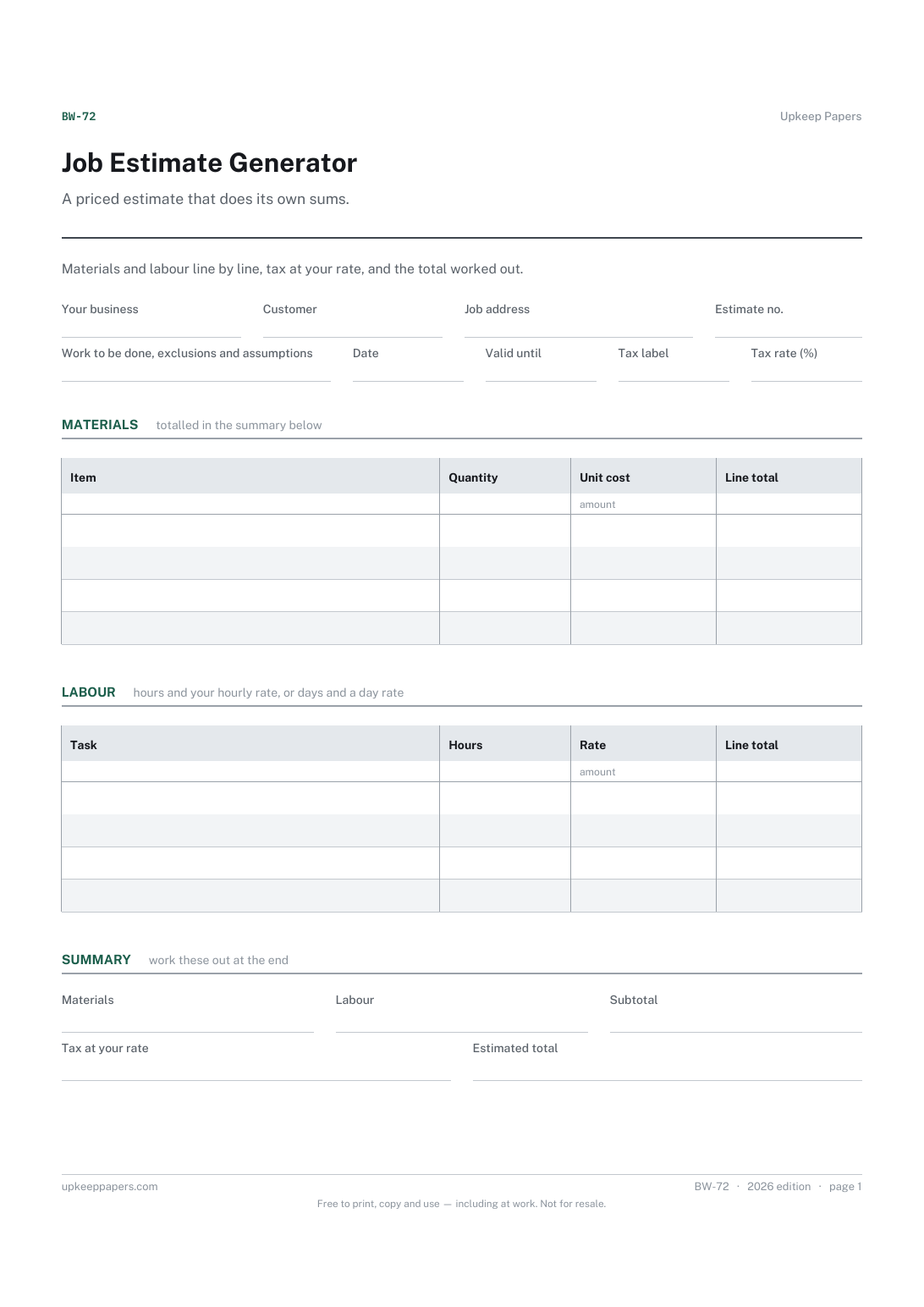
Materials and labour kept apart, so the customer can see what is what.
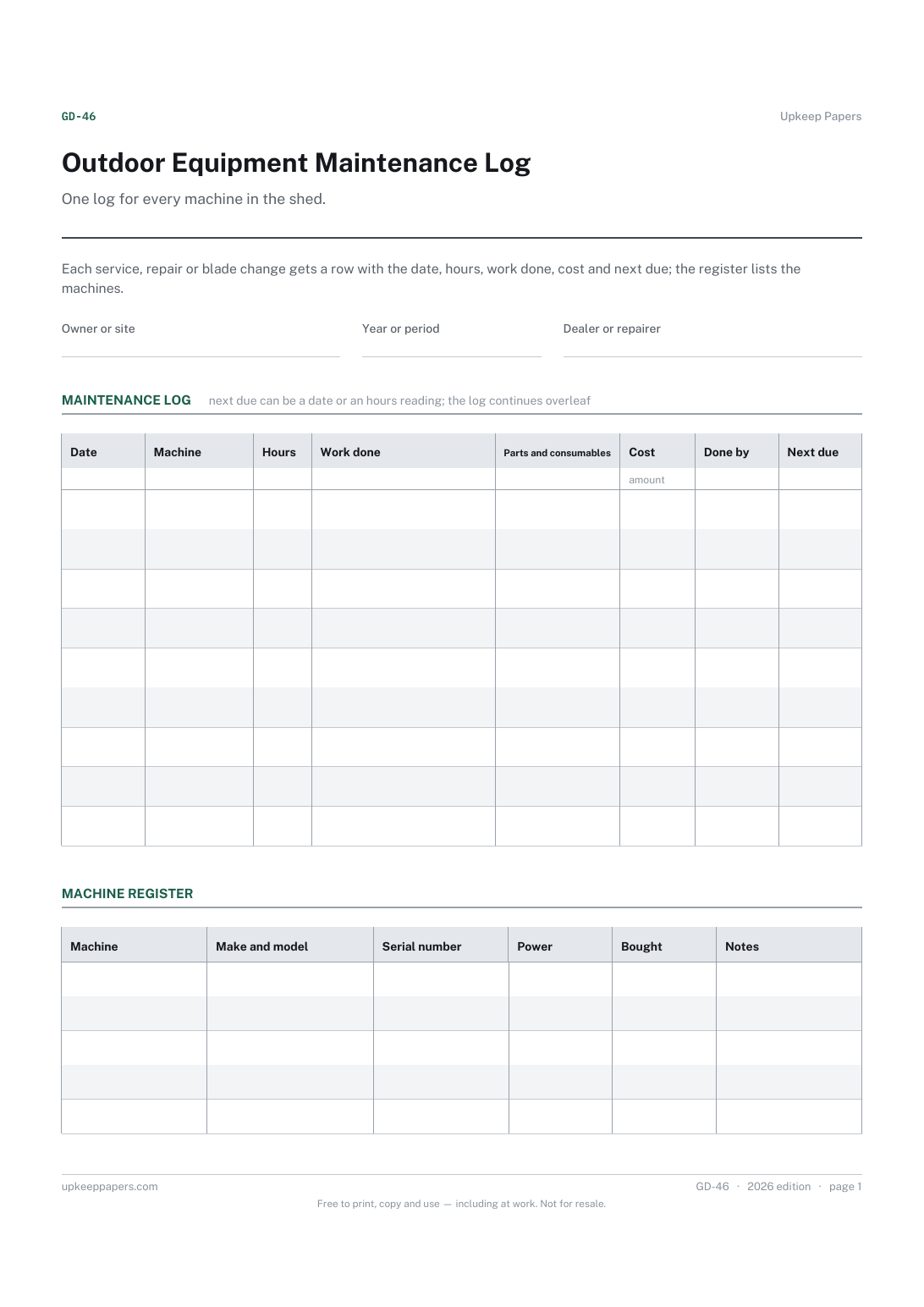
What was done to each machine and when, in one place instead of a drawer of receipts.
Printable sheets, workbooks and tools on the same subject.
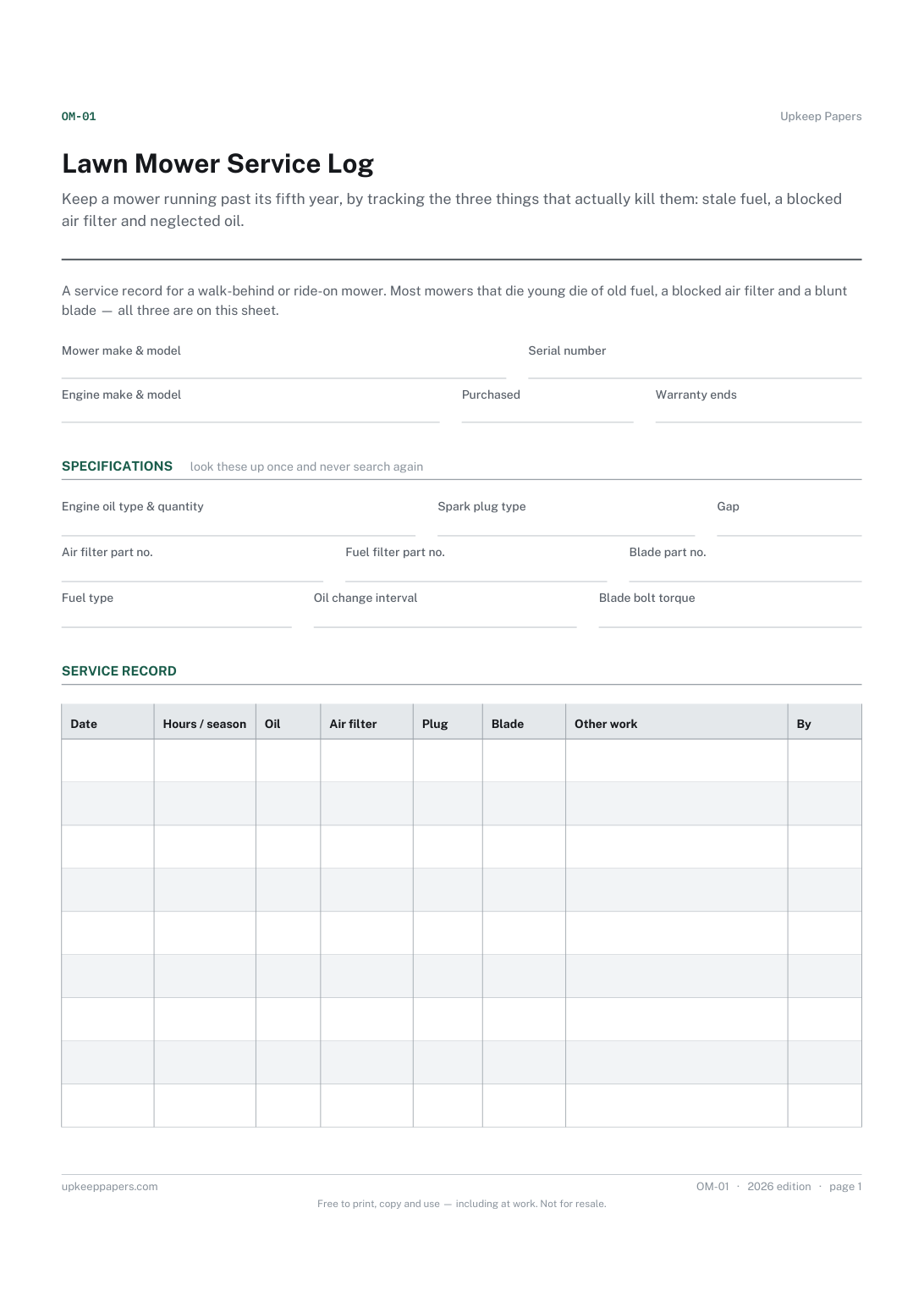
Keep a mower running past its fifth year, by tracking the three things that actually kill them: stale fuel, a blocked air filter and neglected oil.
Keep a running index of waste leaving the premises and of the documents that came back with it, so a request for records is a filing question.

Every sheet, binder, game and puzzle on Upkeep Papers is free to download, with no email and no account. Making them is not free: each one takes days of research, design and checking, and the site costs money to run. If something here saved you time, you can buy us a coffee. It is entirely optional: nothing is locked, and nothing changes if you don’t.
Buy us a coffee Opens PayPal in a new tab. Any amount, and nothing changes if you would rather not.