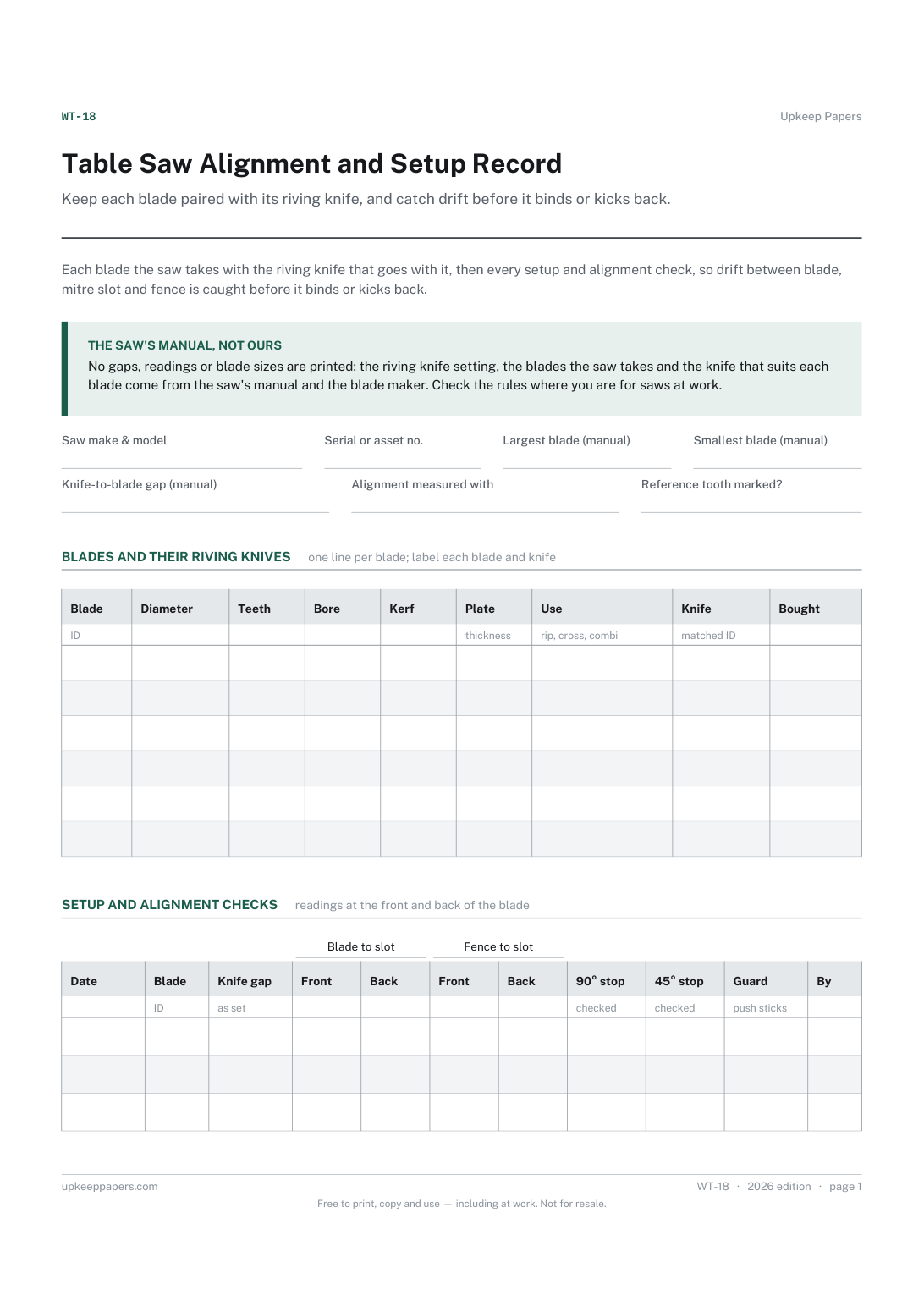
Table Saw Alignment and Setup Record
Keep each blade paired with its riving knife, and catch drift before it binds or kicks back.
WT-18 2 pages
Everything here is free. Making it takes time and money. Everything here is free.
 Buy us a coffee
 Workshop and tools · WT-19
A free printable bandsaw blade log: every blade by width, TPI and tooth form, then tension, tracking, guides and drift recorded each time a blade is fitted.
2 pages. Choose your paper size — both versions are laid out identically, so neither one gets shrunk to fit.
Print it and write on it
Fill it in type and save
The fillable versions have real form fields — open them in any PDF reader, type into them and save. Printing help.
Know what is in the blade rack, and set each blade the same way every time it goes on.
Woodworkers, joiners, furniture makers, schools and makerspaces with a bandsaw.
2 pages, in this order:
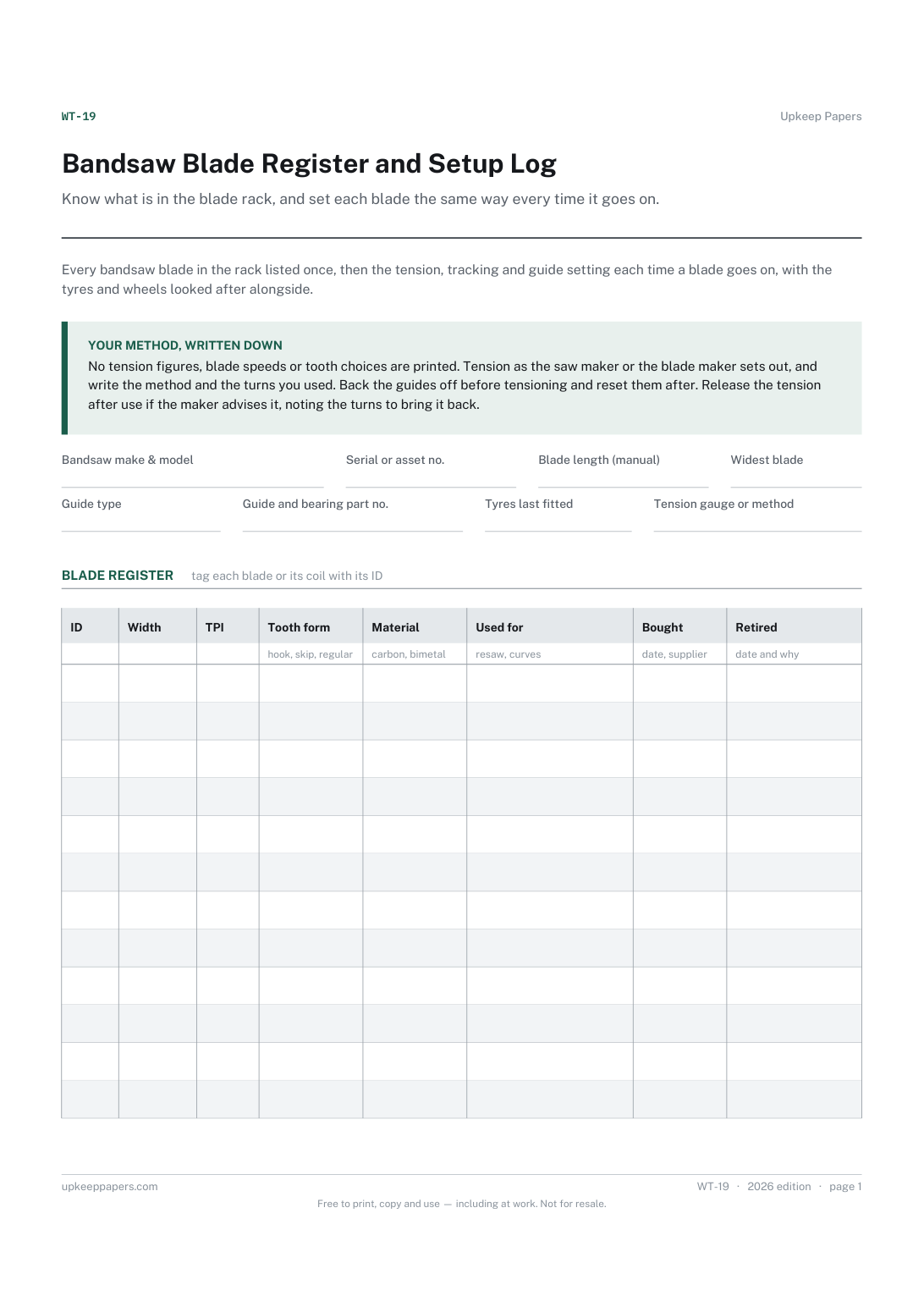
Printed under the title: Every bandsaw blade in the rack listed once, then the tension, tracking and guide setting each time a blade goes on, with the tyres and wheels looked after alongside.
Your method, written down. No tension figures, blade speeds or tooth choices are printed. Tension as the saw maker or the blade maker sets out, and write the method and the turns you used. Back the guides off before tensioning and reset them after. Release the tension after use if the maker advises it, noting the turns to bring it back.
Write-on lines: Bandsaw make & model · Serial or asset no. · Blade length (manual) · Widest blade · Guide type · Guide and bearing part no. · Tyres last fitted · Tension gauge or method
Table, 12 rows: ID · Width · TPI · Tooth form · Material · Used for · Bought · Retired
Table, 14 rows: Date · Blade · Tension · Tracking · Upper guides · Lower guides · Drift · Released? · By
Table, 4 rows: Date · Tyres · Brushes · Wheel bearings · Other work and parts · By
Because it depends on the saw, the blade's width and material, and the maker's method. Write the method you use and the turns it took, so the next fitting matches the last.
A blade that pulls to one side tells you about its set, its sharpness and the tracking. Recording it each fitting shows when a blade is wearing out or a setting has moved.
Keep each blade paired with its riving knife, and catch drift before it binds or kicks back.
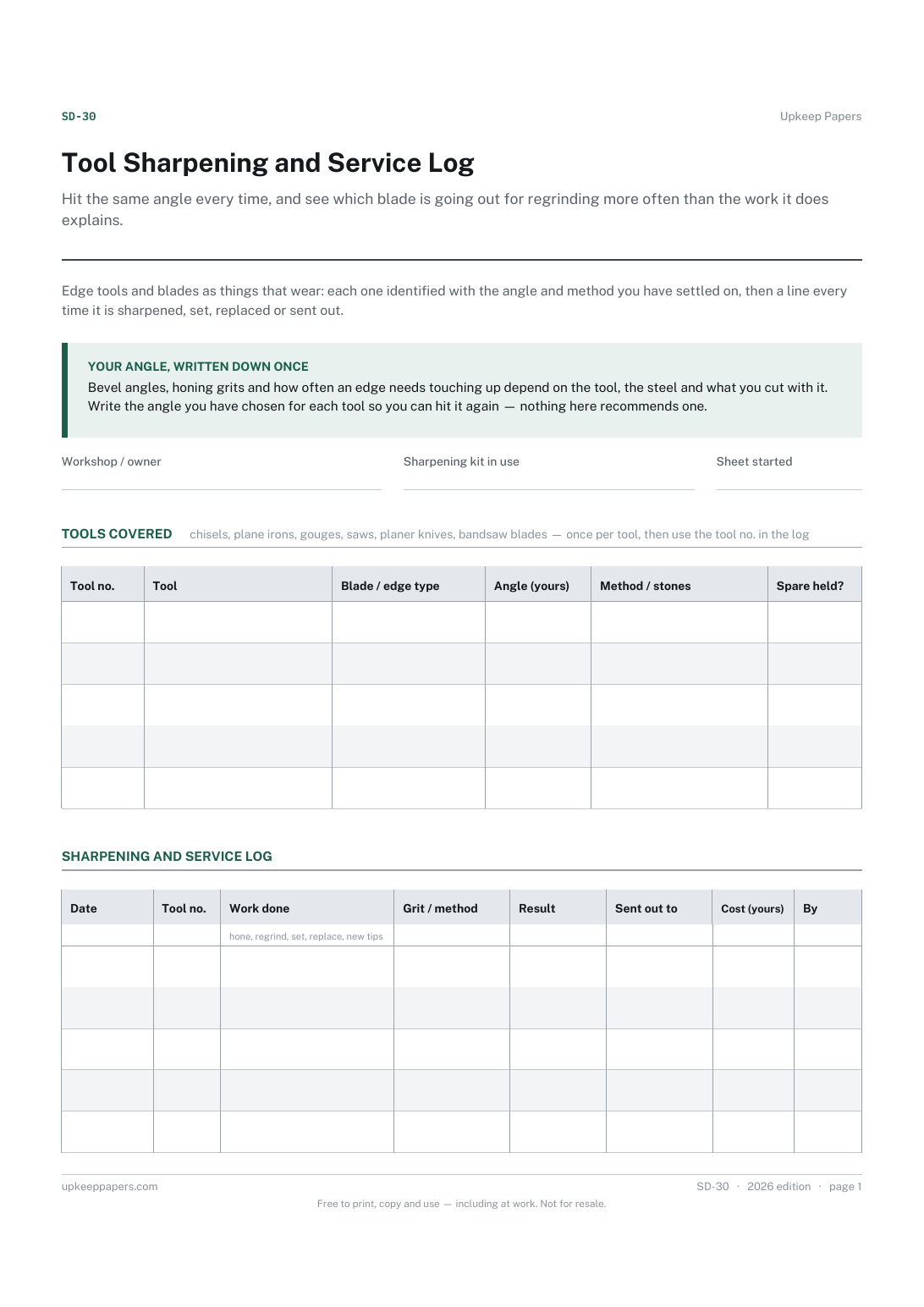
Hit the same angle every time, and see which blade is going out for regrinding more often than the work it does explains.
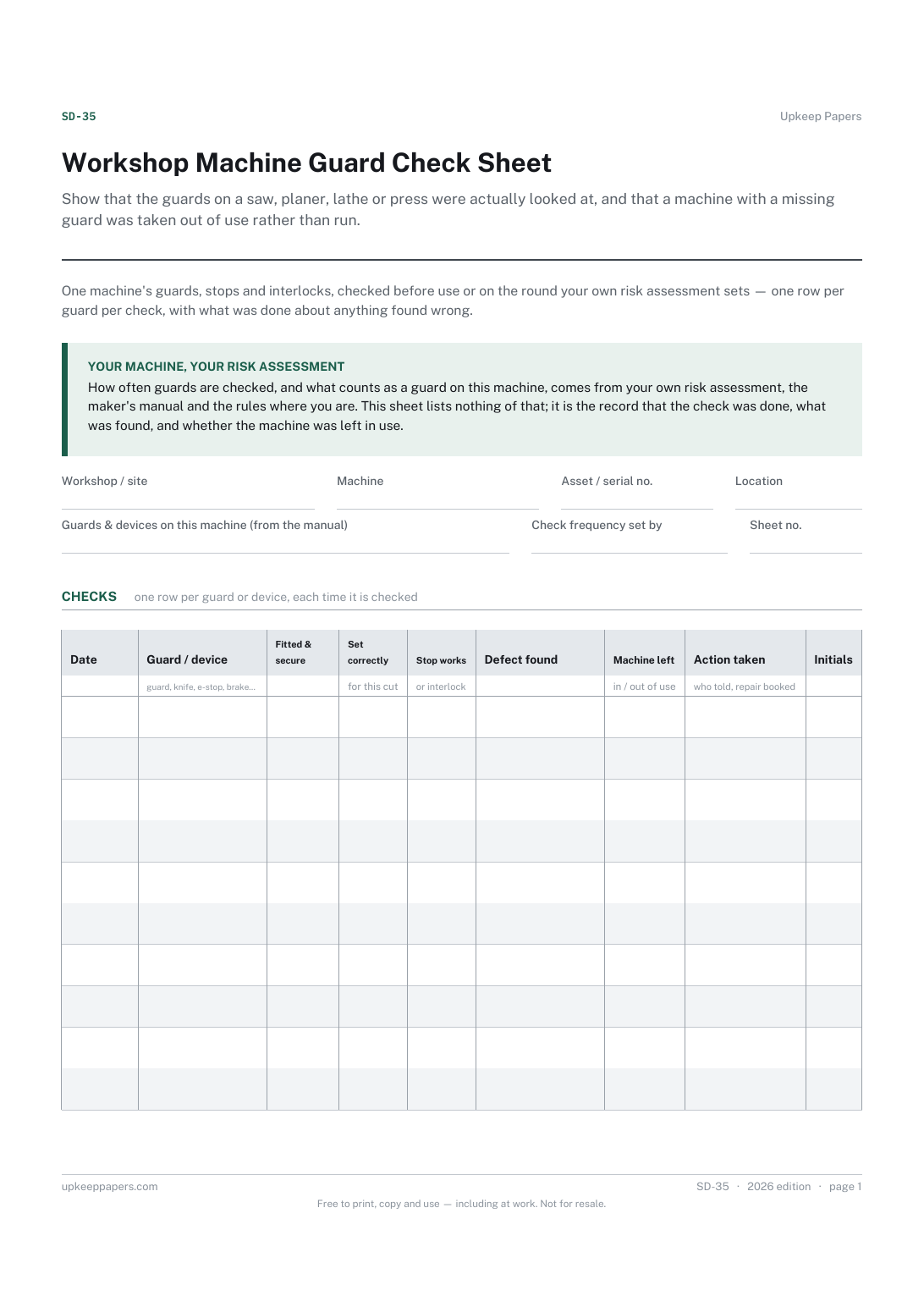
Show that the guards on a saw, planer, lathe or press were actually looked at, and that a machine with a missing guard was taken out of use rather than run.
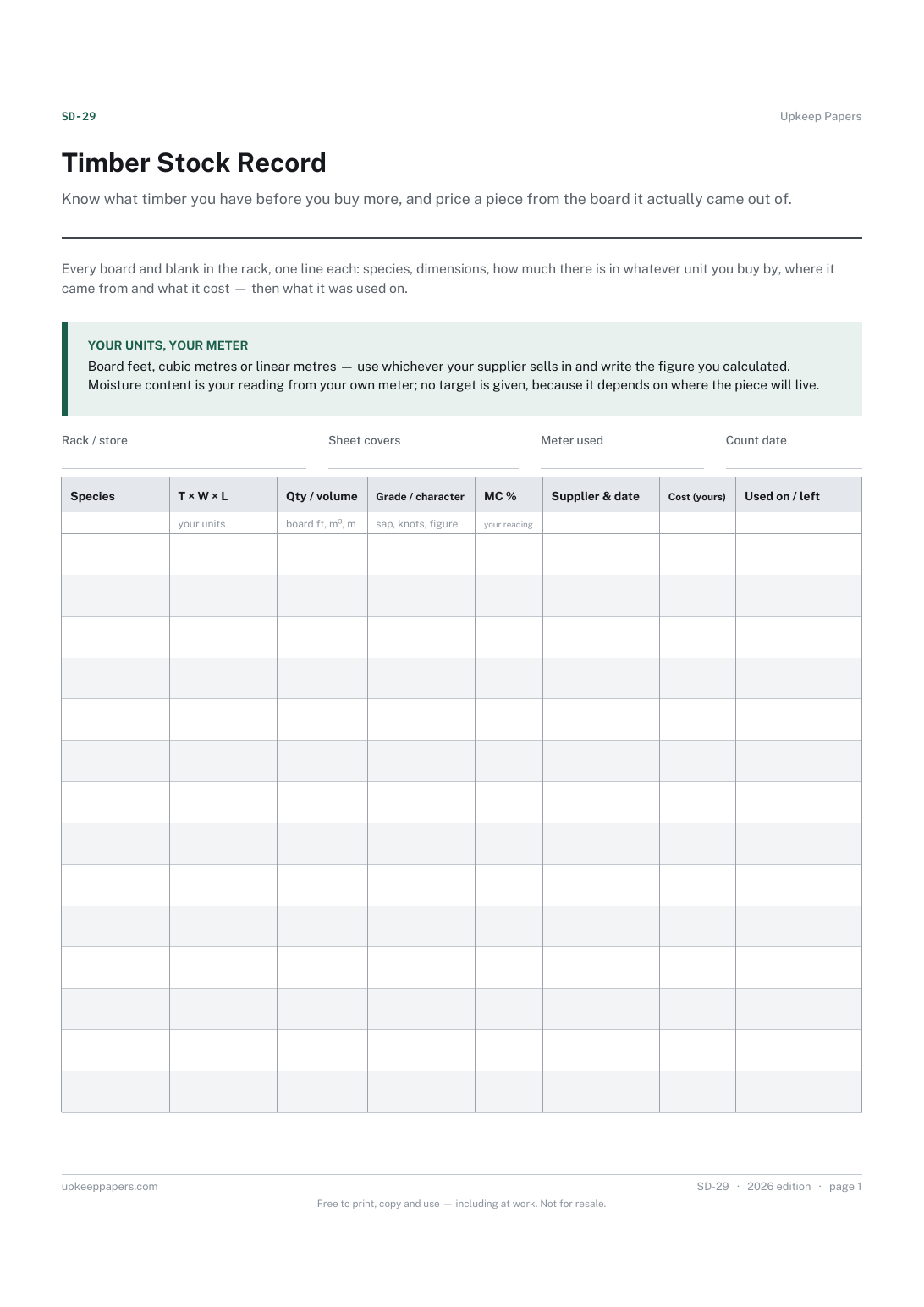
Know what timber you have before you buy more, and price a piece from the board it actually came out of.

Every sheet, binder, game and puzzle on Upkeep Papers is free to download, with no email and no account. Making them is not free: each one takes days of research, design and checking, and the site costs money to run. If something here saved you time, you can buy us a coffee. It is entirely optional: nothing is locked, and nothing changes if you don’t.
Buy us a coffee Opens PayPal in a new tab. Any amount, and nothing changes if you would rather not.