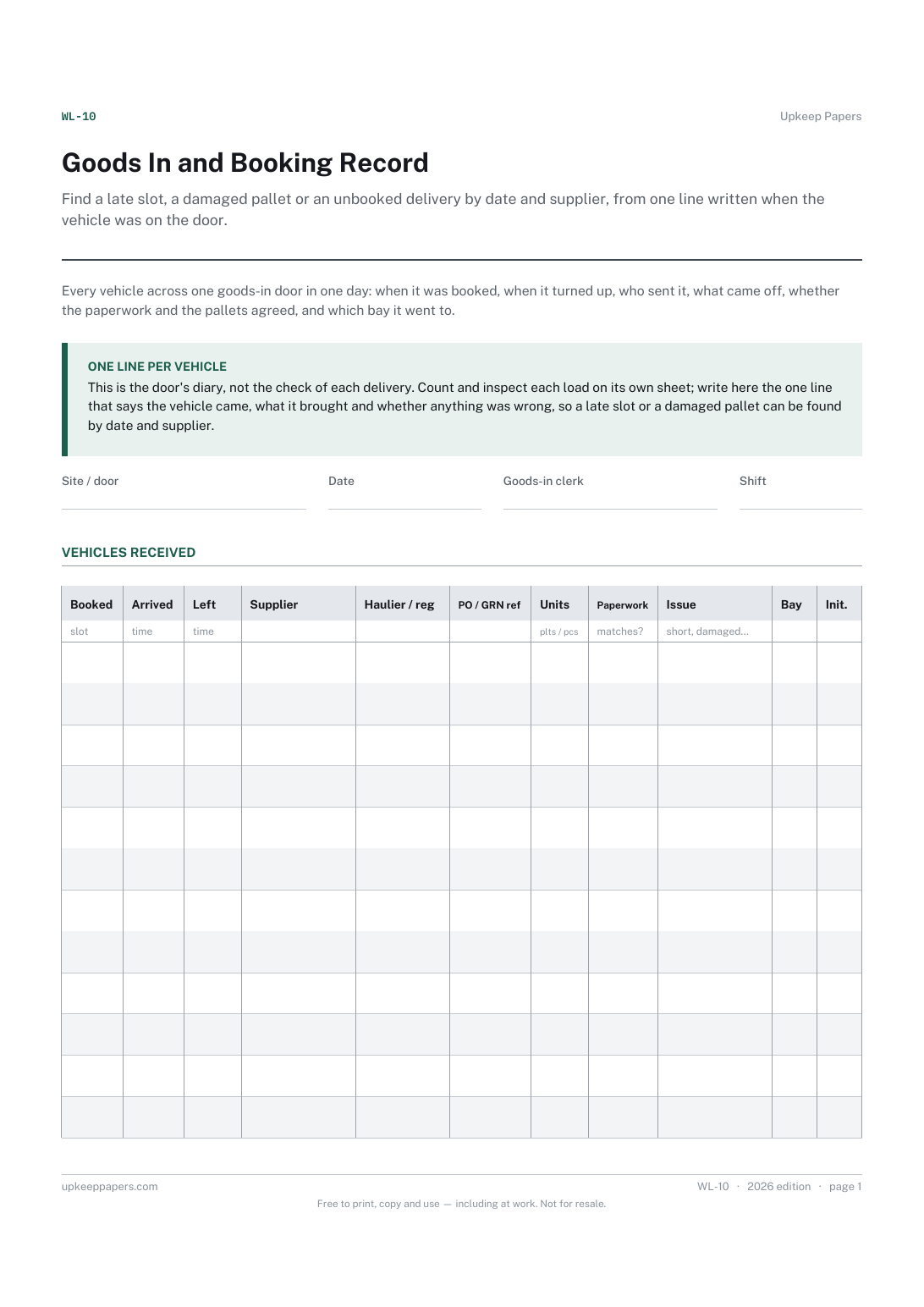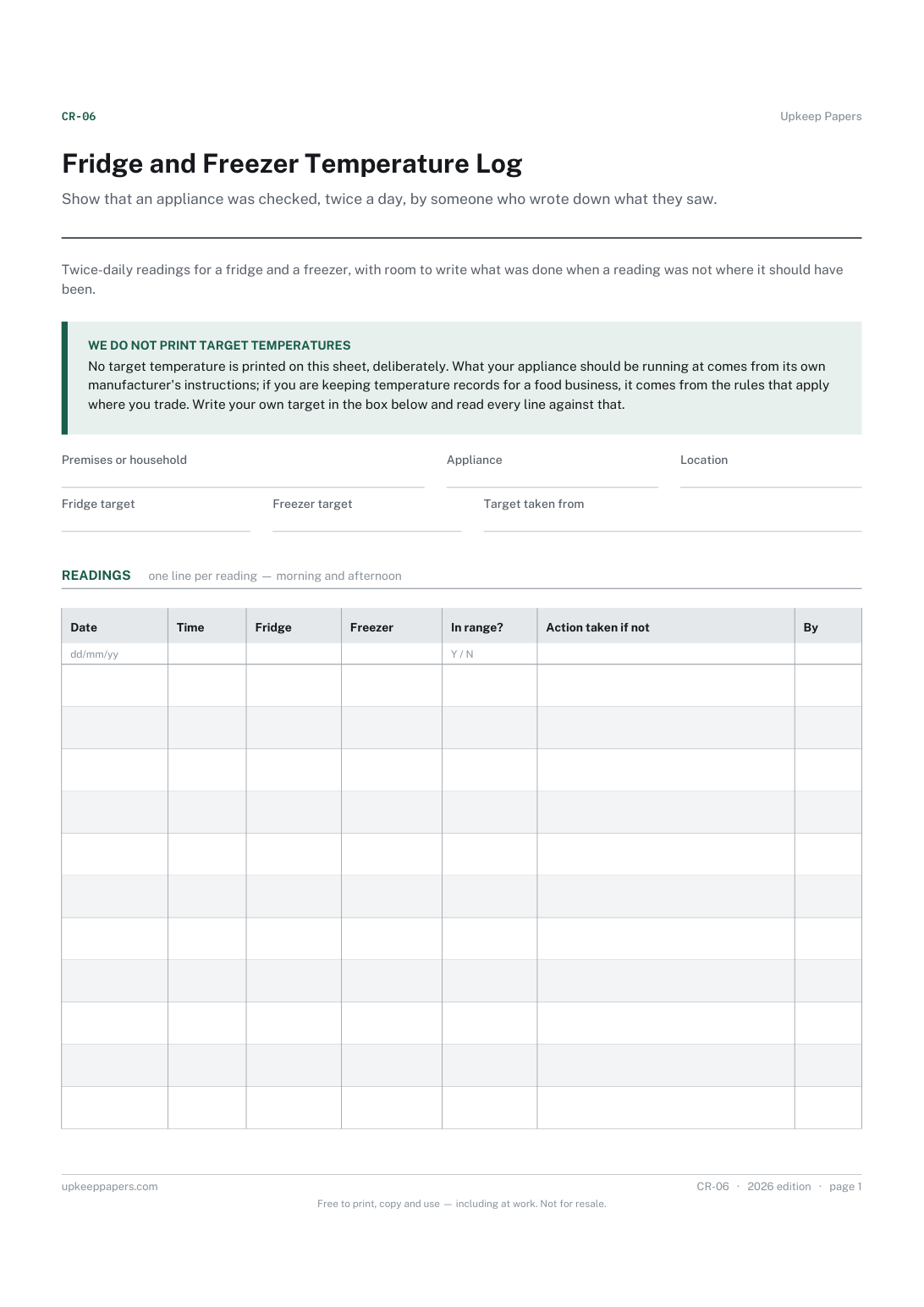
Fridge and Freezer Temperature Log
Show that an appliance was checked, twice a day, by someone who wrote down what they saw. A run of readings shows drift long before one reading shows a failure.
CR-06 1 page
Everything here is free. Making it takes time and money. Everything here is free.
 Buy us a coffee
 Warehouse and logistics · WL-03
A free printable cold store temperature sheet — your own range written at the top, then each reading with door, ice and alarm condition and the action taken.
One page. Choose your paper size — both versions are laid out identically, so neither one gets shrunk to fit.
Print it and write on it
Fill it in type and save
The fillable versions have real form fields — open them in any PDF reader, type into them and save. Printing help.
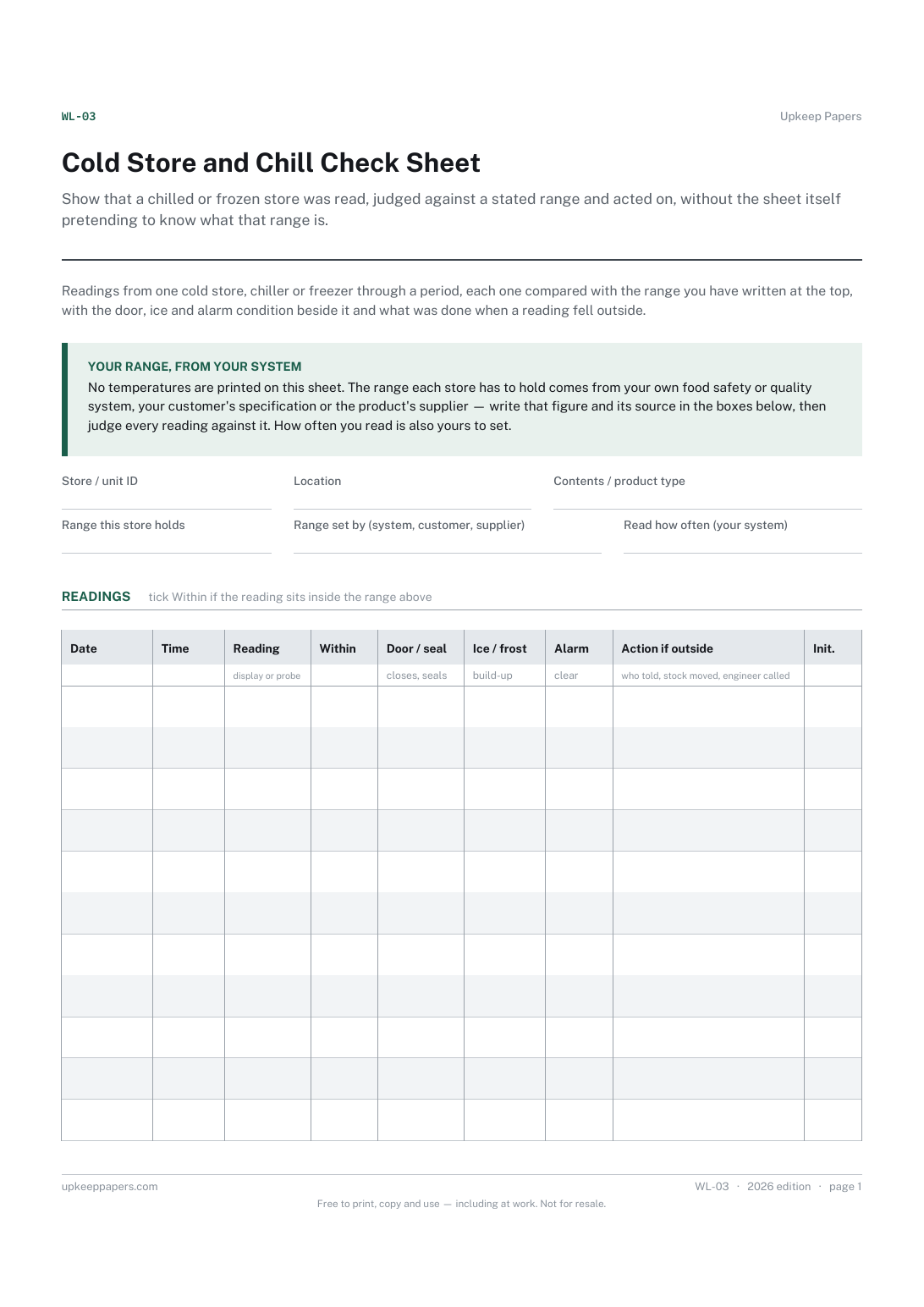
Show that a chilled or frozen store was read, judged against a stated range and acted on, without the sheet itself pretending to know what that range is.
Warehouse, stores and distribution staff responsible for a walk-in chiller, cold store, freezer room or refrigerated dock.
One page, top to bottom:
Printed under the title: Readings from one cold store, chiller or freezer through a period, each one compared with the range you have written at the top, with the door, ice and alarm condition beside it and what was done when a reading fell outside.
Your range, from your system. No temperatures are printed on this sheet. The range each store has to hold comes from your own food safety or quality system, your customer's specification or the product's supplier — write that figure and its source in the boxes below, then judge every reading against it. How often you read is also yours to set.
Write-on lines: Store / unit ID · Location · Contents / product type · Range this store holds · Range set by (system, customer, supplier) · Read how often (your system)
Table, 11 rows: Date · Time · Reading · Within · Door / seal · Ice / frost · Alarm · Action if outside · Init.
Because the right range depends on what is stored, who the customer is and what your own food safety or quality system says — and a printed figure would be wrong for someone. You write the range and its source at the top; the sheet holds you to it.
As often as your own system sets. There is a box at the top to write that frequency down, so anyone picking up the sheet knows what the gaps between rows are meant to be.
Show that an appliance was checked, twice a day, by someone who wrote down what they saw. A run of readings shows drift long before one reading shows a failure.
Record temperature checks through the day against the limits in your own documented process, with the corrective action recorded beside the failure.
Find a late slot, a damaged pallet or an unbooked delivery by date and supplier, from one line written when the vehicle was on the door.
Catch what is coming to the end of its date while there is still time to use it, and leave a dated record that the round was walked.

Every sheet, binder, game and puzzle on Upkeep Papers is free to download, with no email and no account. Making them is not free: each one takes days of research, design and checking, and the site costs money to run. If something here saved you time, you can buy us a coffee. It is entirely optional: nothing is locked, and nothing changes if you don’t.
Buy us a coffee Opens PayPal in a new tab. Any amount, and nothing changes if you would rather not.