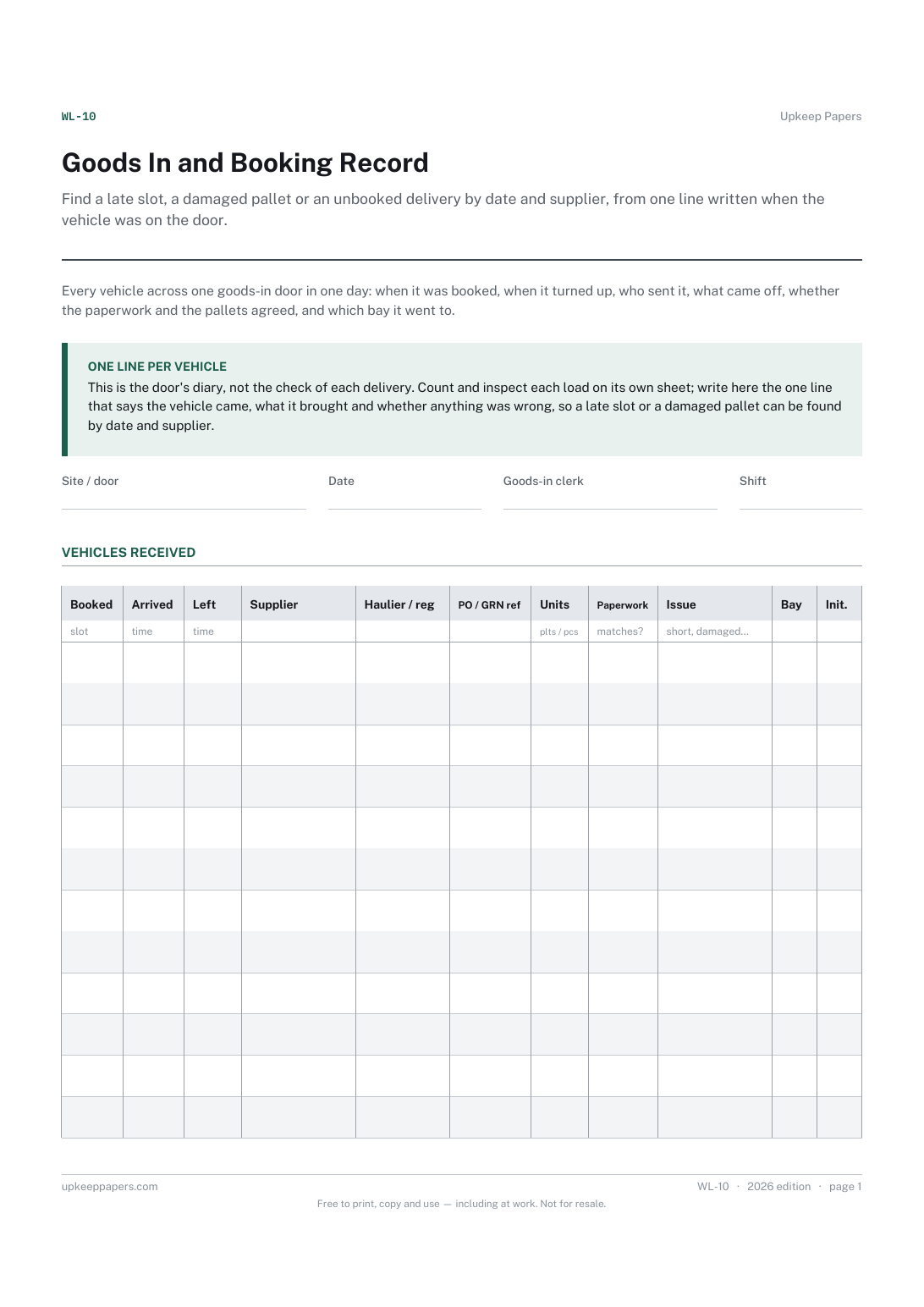
Goods In and Booking Record
Find a late slot, a damaged pallet or an unbooked delivery by date and supplier, from one line written when the vehicle was on the door.
WL-10 1 page
Everything here is free. Making it takes time and money. Everything here is free.
 Buy us a coffee
 Warehouse and logistics · WL-04
A free printable container unloading sheet — seal as found, each line counted against the packing list, the difference, condition and where every pallet went.
One page. Choose your paper size — both versions are laid out identically, so neither one gets shrunk to fit.
Print it and write on it
Fill it in type and save
The fillable versions have real form fields — open them in any PDF reader, type into them and save. Printing help.
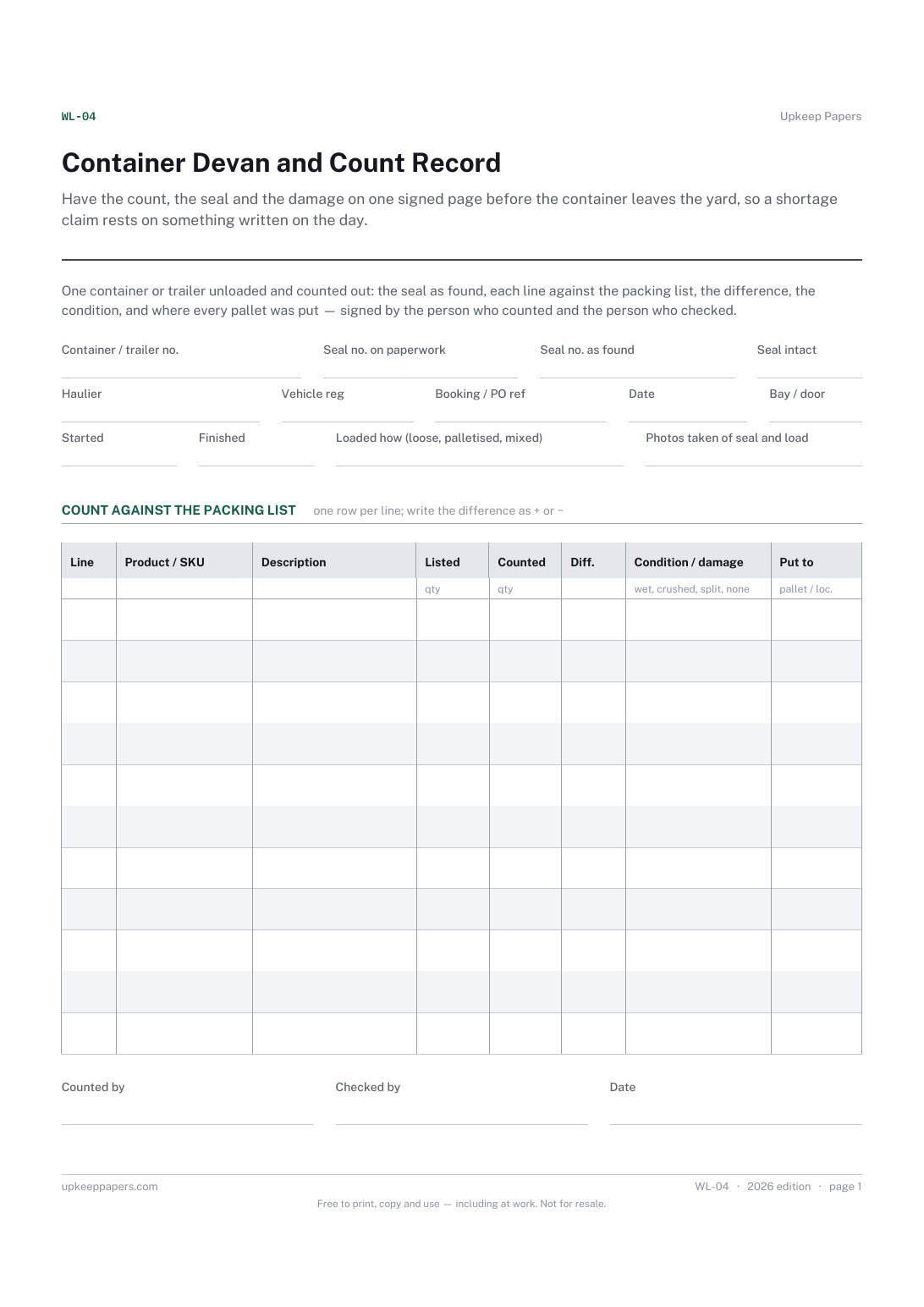
Have the count, the seal and the damage on one signed page before the container leaves the yard, so a shortage claim rests on something written on the day.
Goods-in teams, devan crews and stores staff unloading shipping containers or sealed trailers.
One page, top to bottom:
Printed under the title: One container or trailer unloaded and counted out: the seal as found, each line against the packing list, the difference, the condition, and where every pallet was put — signed by the person who counted and the person who checked.
Write-on lines: Container / trailer no. · Seal no. on paperwork · Seal no. as found · Seal intact · Haulier · Vehicle reg · Booking / PO ref · Date · Bay / door · Started · Finished · Loaded how (loose, palletised, mixed) · Photos taken of seal and load
Table, 11 rows: Line · Product / SKU · Description · Listed · Counted · Diff. · Condition / damage · Put to
Signature strip: Counted by · Checked by · Date
Write both numbers down, photograph the seal before cutting it, and follow your own site's rule on who to tell before you open the doors. The sheet has both boxes so that the mismatch is on record whatever you then decide.
Because the packing list is what the shipper says they loaded, and a container count is a test of that claim. The purchase order comparison comes afterwards, on the goods-in record.
Find a late slot, a damaged pallet or an unbooked delivery by date and supplier, from one line written when the vehicle was on the door.
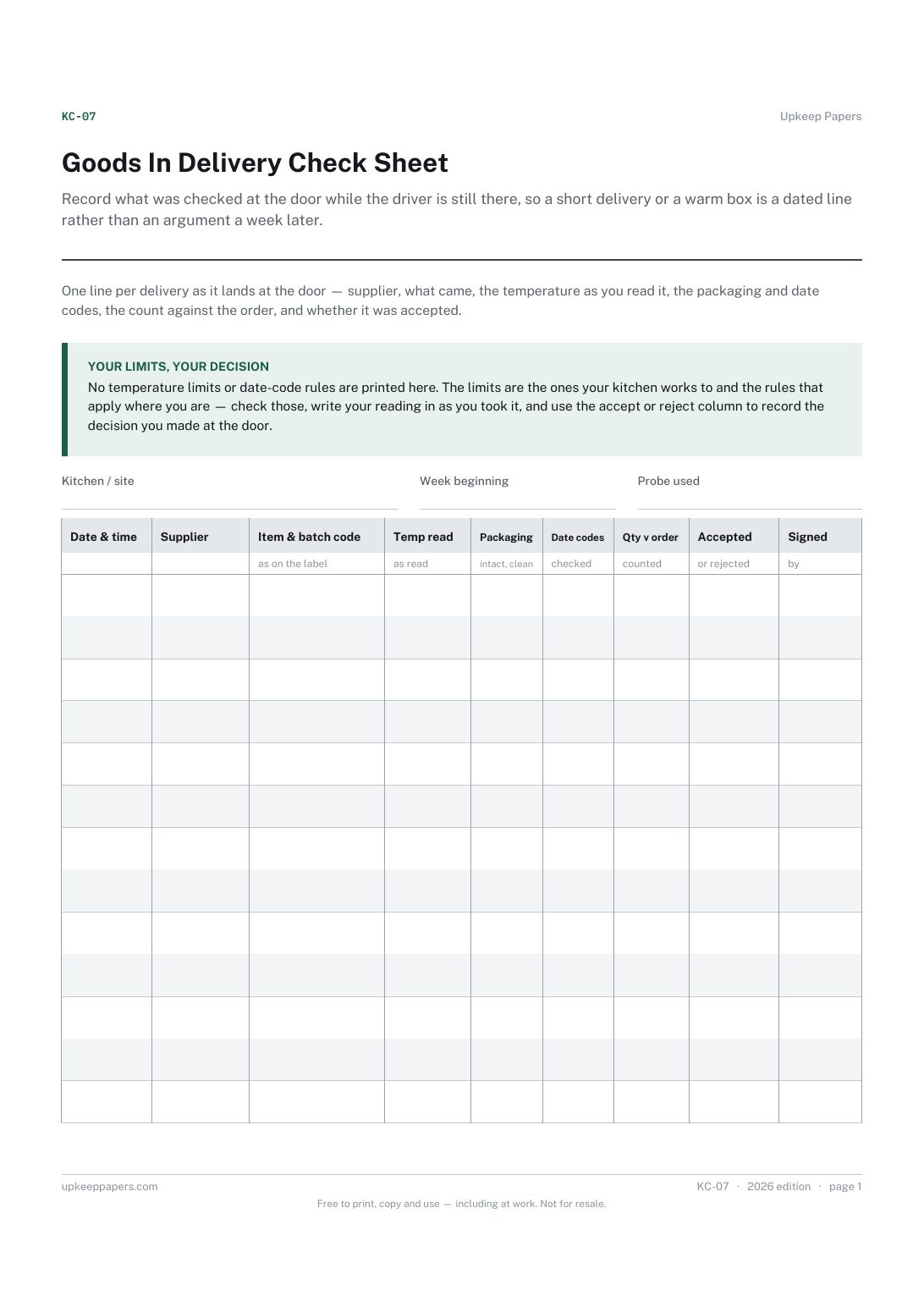
Record what was checked at the door while the driver is still there, so a short delivery or a warm box is a dated line rather than an argument a week later.
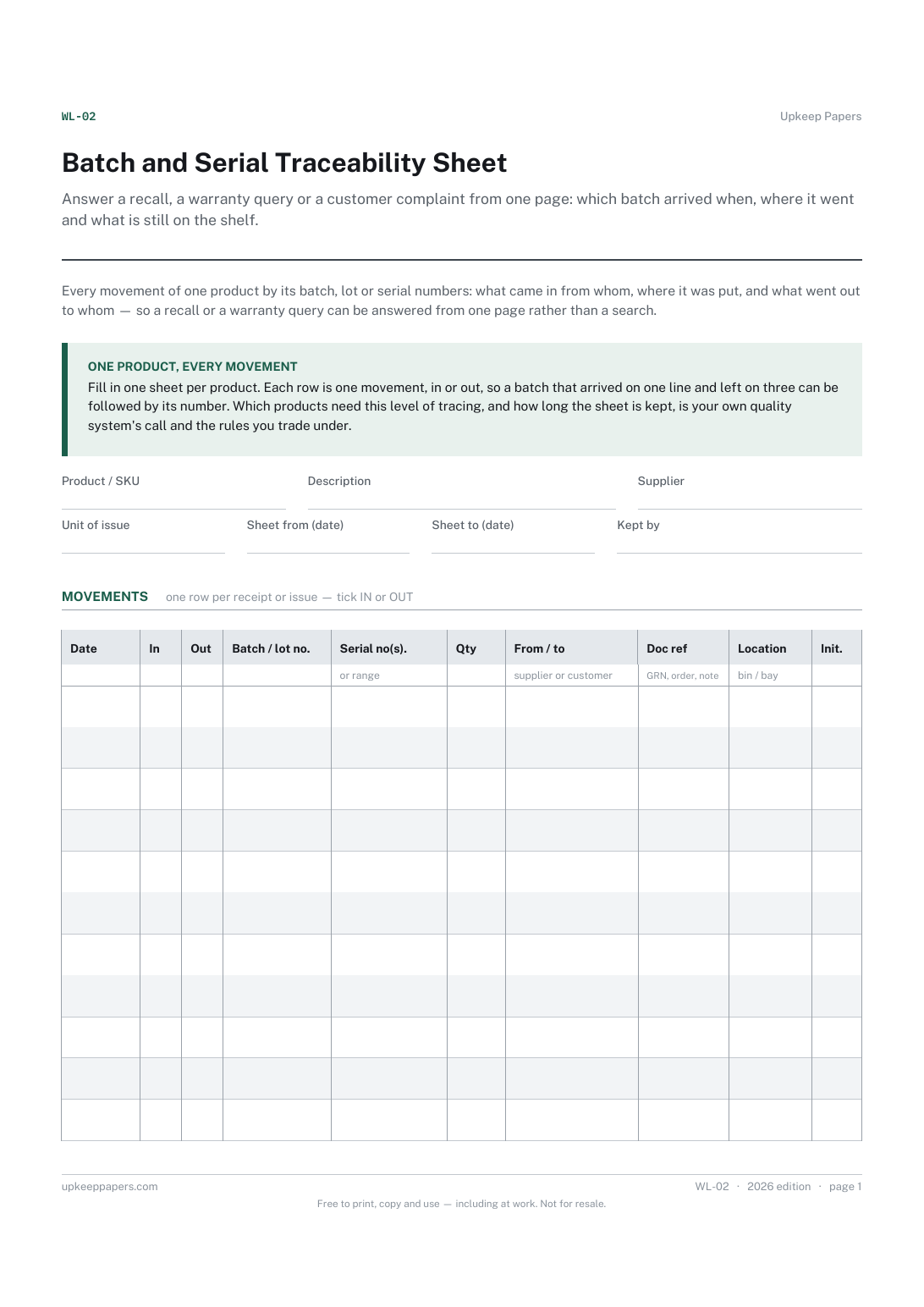
Answer a recall, a warranty query or a customer complaint from one page: which batch arrived when, where it went and what is still on the shelf.
Give a driver one sheet showing the whole run, with a signature line per drop and a place to record refusals and returns.

Every sheet, binder, game and puzzle on Upkeep Papers is free to download, with no email and no account. Making them is not free: each one takes days of research, design and checking, and the site costs money to run. If something here saved you time, you can buy us a coffee. It is entirely optional: nothing is locked, and nothing changes if you don’t.
Buy us a coffee Opens PayPal in a new tab. Any amount, and nothing changes if you would rather not.