Photography Job and Pricing Record
Show what the work actually pays, by recording editing time and travel alongside the fee instead of remembering only the fee.
PM-03 1 page
Everything here is free. Making it takes time and money. Everything here is free.
 Buy us a coffee
 Photography and media · PM-10
A free printable photo editing and delivery tracker — job, shoot date, frames selected and edited, how and when files went out, client sign-off and whether it was invoiced.
One page. Choose your paper size — both versions are laid out identically, so neither one gets shrunk to fit.
Print it and write on it
Fill it in type and save
The fillable versions have real form fields — open them in any PDF reader, type into them and save. Printing help.
See every job's position between the shoot and the payment on one page, including the ones that were delivered and then quietly never invoiced.
Working photographers with several jobs in the edit at once, and anyone running the back end of a small studio.
One page, top to bottom:
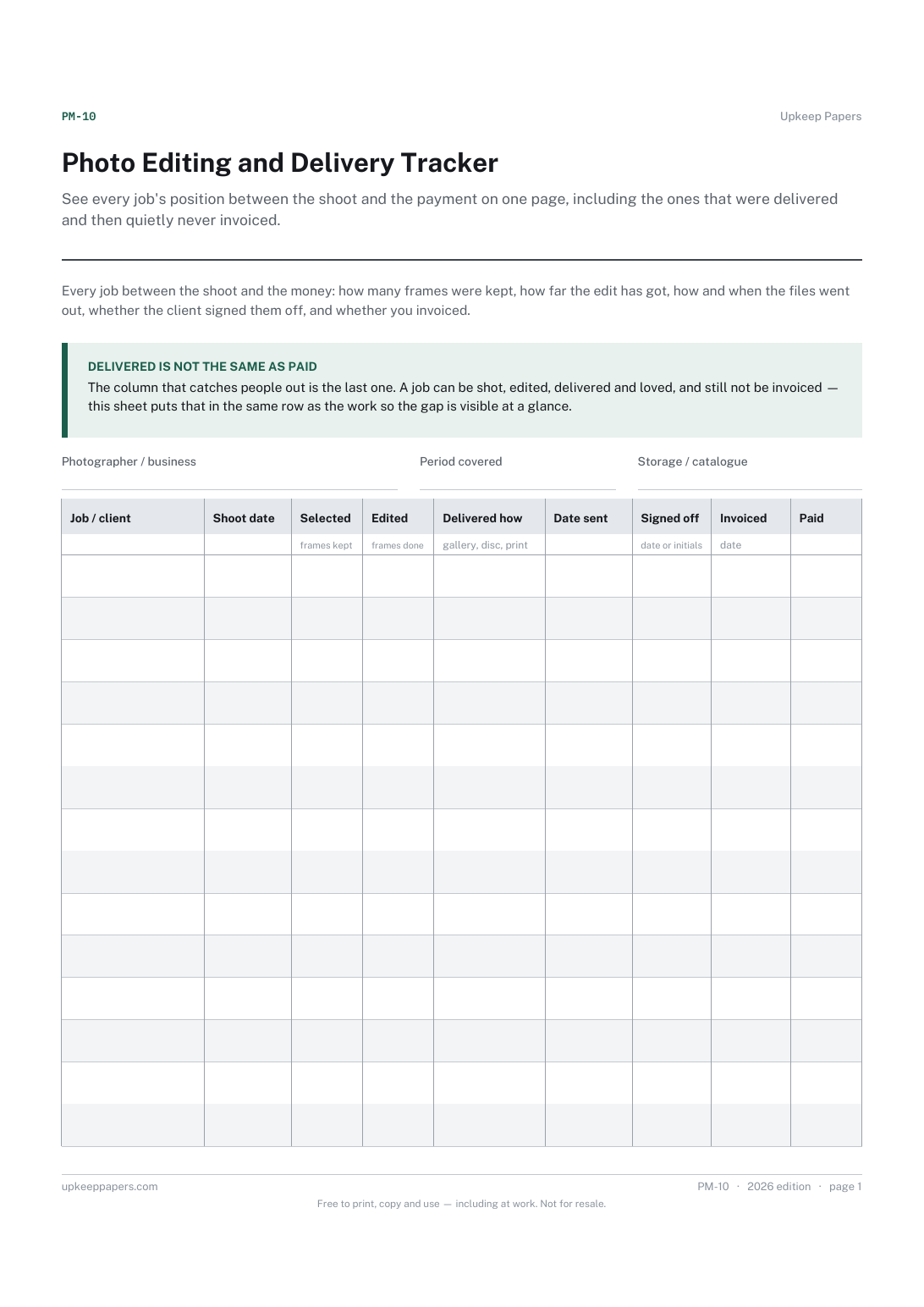
Printed under the title: Every job between the shoot and the money: how many frames were kept, how far the edit has got, how and when the files went out, whether the client signed them off, and whether you invoiced.
Delivered is not the same as paid. The column that catches people out is the last one. A job can be shot, edited, delivered and loved, and still not be invoiced — this sheet puts that in the same row as the work so the gap is visible at a glance.
Write-on lines: Photographer / business · Period covered · Storage / catalogue
Table, 14 rows: Job / client · Shoot date · Selected · Edited · Delivered how · Date sent · Signed off · Invoiced · Paid
Because delivery is where jobs get forgotten. Once the files are sent the work feels finished, and that is exactly when an invoice gets missed. Keeping the two columns in the same row makes the gap obvious.
Only if it earns its place. Some people want one page on the desk showing what is in the edit right now, rather than a screen they have to open; if the software already gives you that at a glance, you do not need this.
Show what the work actually pays, by recording editing time and travel alongside the fee instead of remembering only the fee.
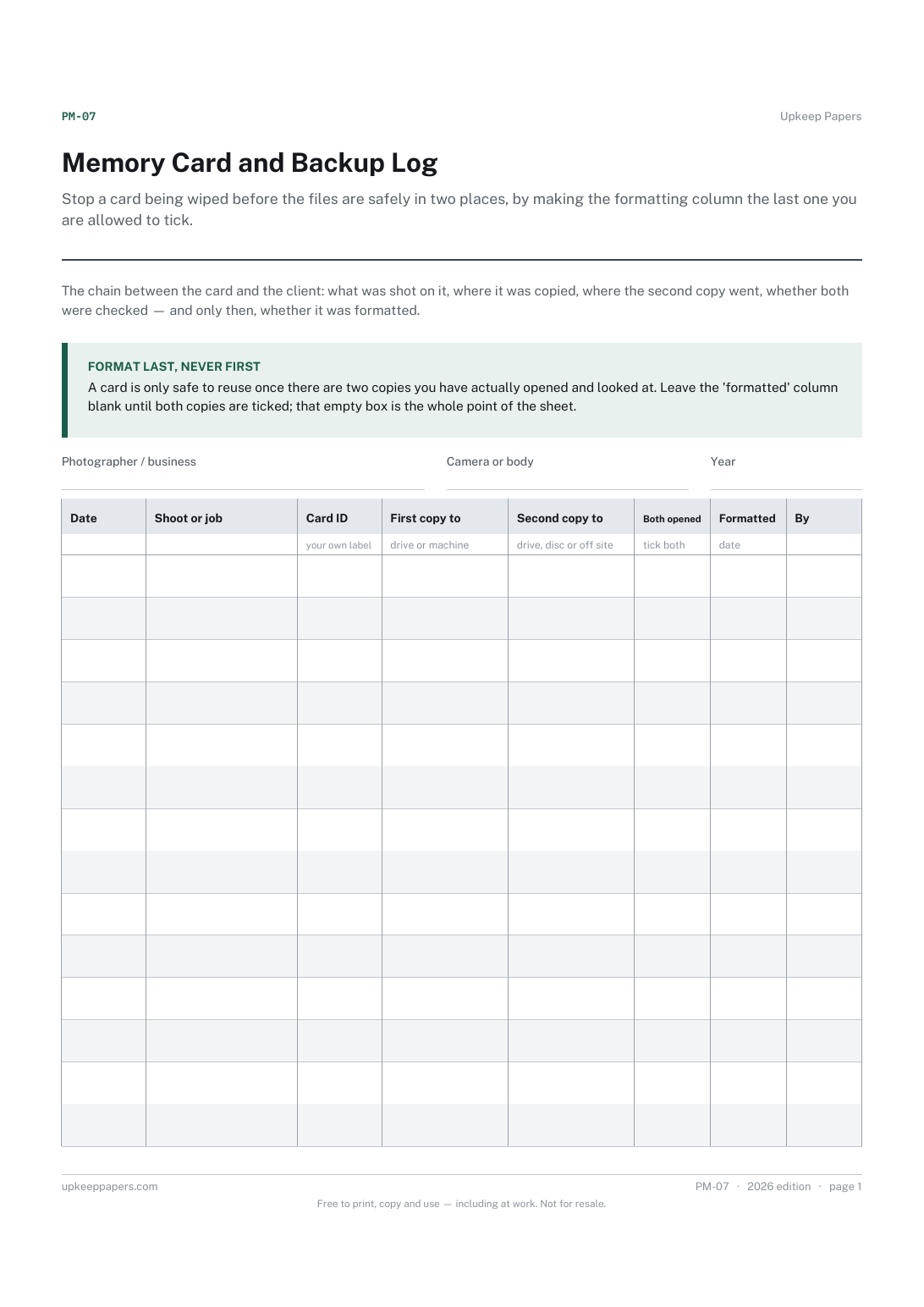
Stop a card being wiped before the files are safely in two places, by making the formatting column the last one you are allowed to tick.
See at a glance which invoices are out, which are late and when each was last chased, which is the information that actually gets invoices paid.
Write the shot list before the shoot rather than in the car afterwards, and tick shots as captured so nothing is assumed.

Every sheet, binder, game and puzzle on Upkeep Papers is free to download, with no email and no account. Making them is not free: each one takes days of research, design and checking, and the site costs money to run. If something here saved you time, you can buy us a coffee. It is entirely optional: nothing is locked, and nothing changes if you don’t.
Buy us a coffee Opens PayPal in a new tab. Any amount, and nothing changes if you would rather not.