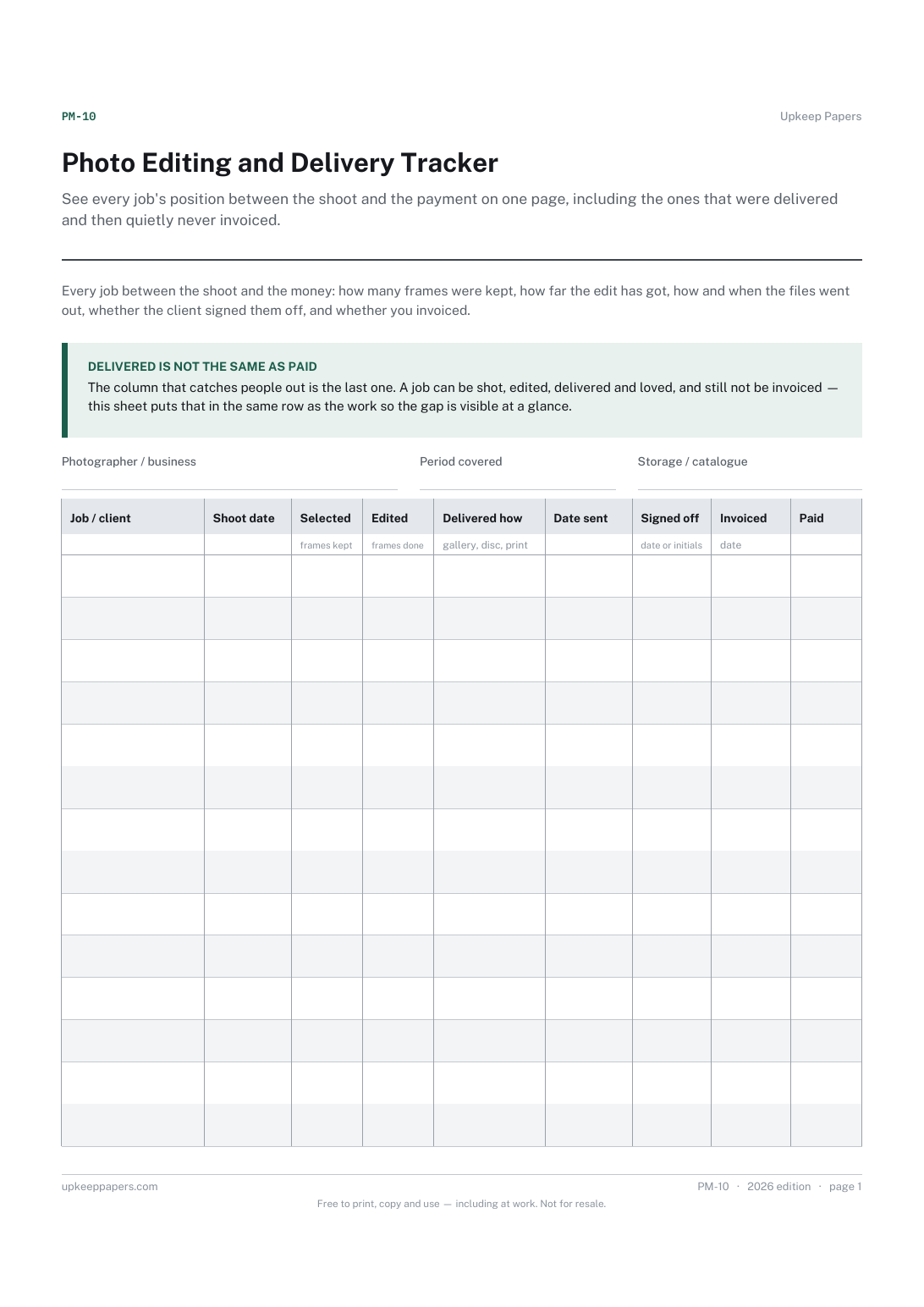
Photo Editing and Delivery Tracker
See every job's position between the shoot and the payment on one page, including the ones that were delivered and then quietly never invoiced.
PM-10 1 page
Everything here is free. Making it takes time and money. Everything here is free.
 Buy us a coffee
 Photography and media · PM-07
A free printable memory card and backup log — card, shoot, where each copy went, whether both were opened and checked, and only then, when it was formatted.
One page. Choose your paper size — both versions are laid out identically, so neither one gets shrunk to fit.
Print it and write on it
Fill it in type and save
The fillable versions have real form fields — open them in any PDF reader, type into them and save. Printing help.
Stop a card being wiped before the files are safely in two places, by making the formatting column the last one you are allowed to tick.
Photographers and videographers offloading cards after a shoot, and anyone handling someone else's footage.
One page, top to bottom:
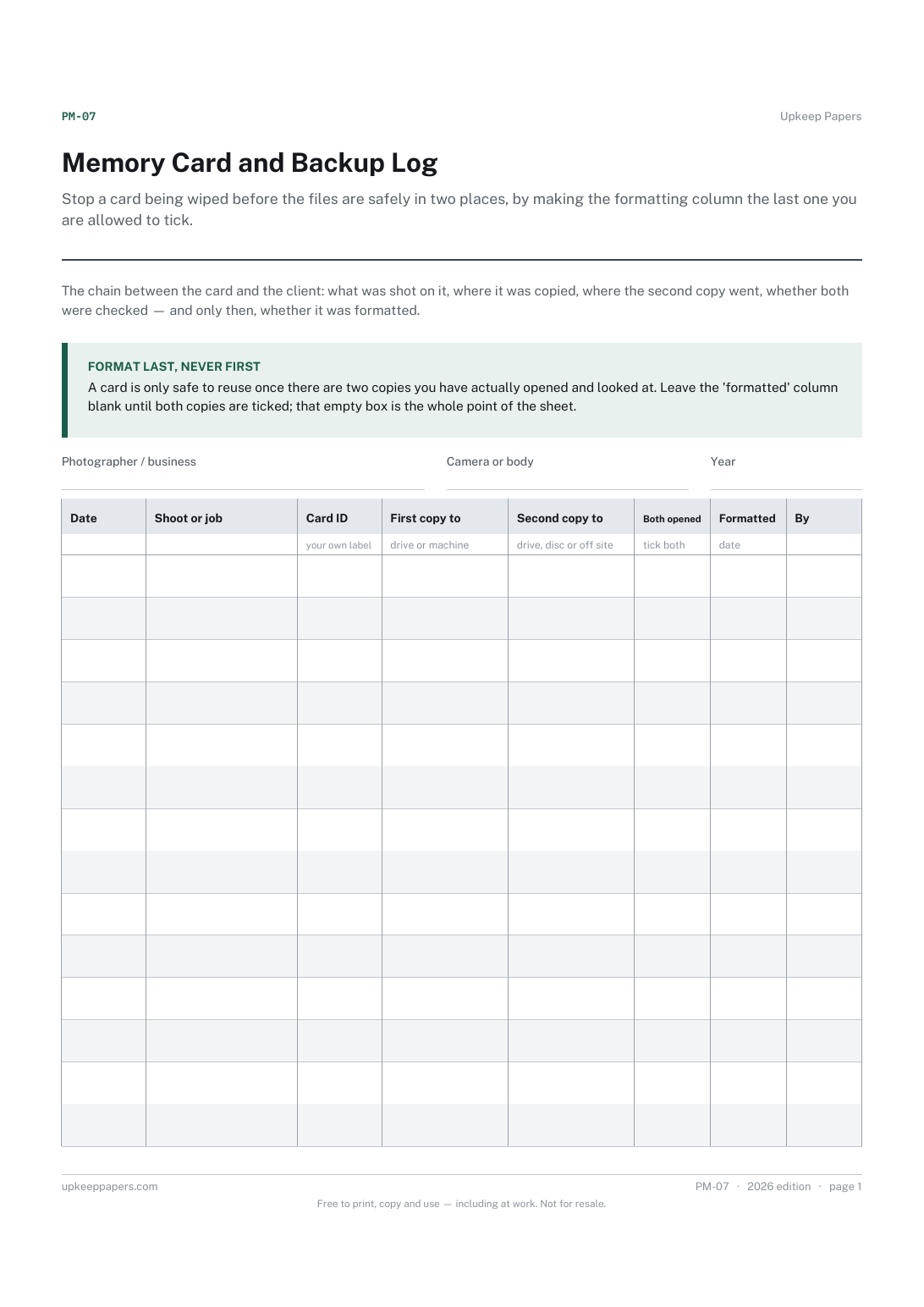
Printed under the title: The chain between the card and the client: what was shot on it, where it was copied, where the second copy went, whether both were checked — and only then, whether it was formatted.
Format last, never first. A card is only safe to reuse once there are two copies you have actually opened and looked at. Leave the 'formatted' column blank until both copies are ticked; that empty box is the whole point of the sheet.
Write-on lines: Photographer / business · Camera or body · Year
Table, 14 rows: Date · Shoot or job · Card ID · First copy to · Second copy to · Both opened · Formatted · By
Because that depends on what the work is worth, what you have to store it on and what you have agreed with the client. The sheet gives you two copy columns because two is the point at which formatting stops being a gamble; how much further you go is your call.
Because 'copied' and 'opened and looked right' are not the same thing, and the gap between them is where lost shoots live. The checked column is there to make you look.
See every job's position between the shoot and the payment on one page, including the ones that were delivered and then quietly never invoiced.
Get the serial numbers written down before they are needed, and keep track of what has been lent out and not come back.
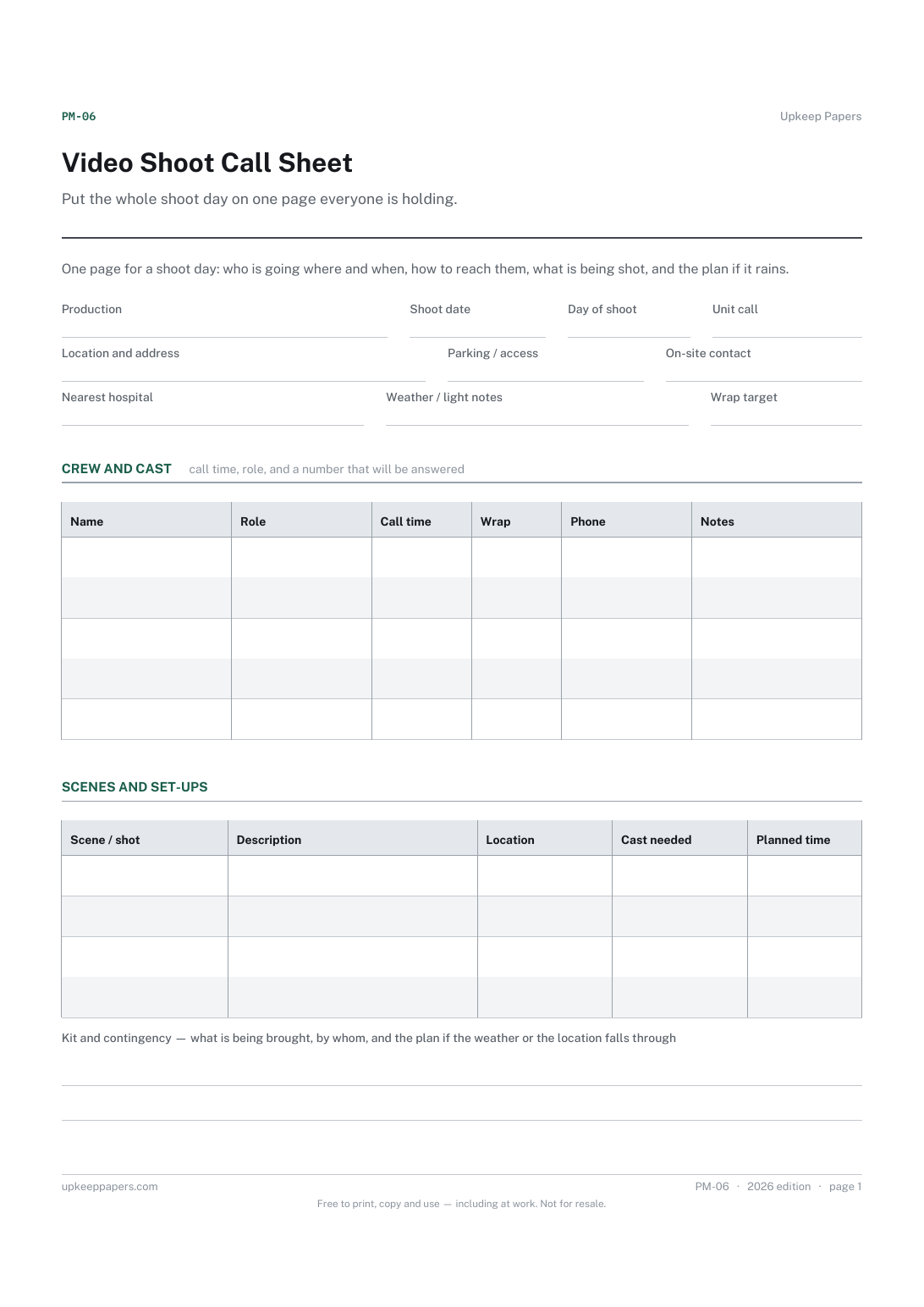
Put the whole shoot day on one page everyone is holding. Nobody arrives at the wrong place, and nobody waits for a number nobody has.
Write the shot list before the shoot rather than in the car afterwards, and tick shots as captured so nothing is assumed.
The same subject, with a version you can fill in on screen.
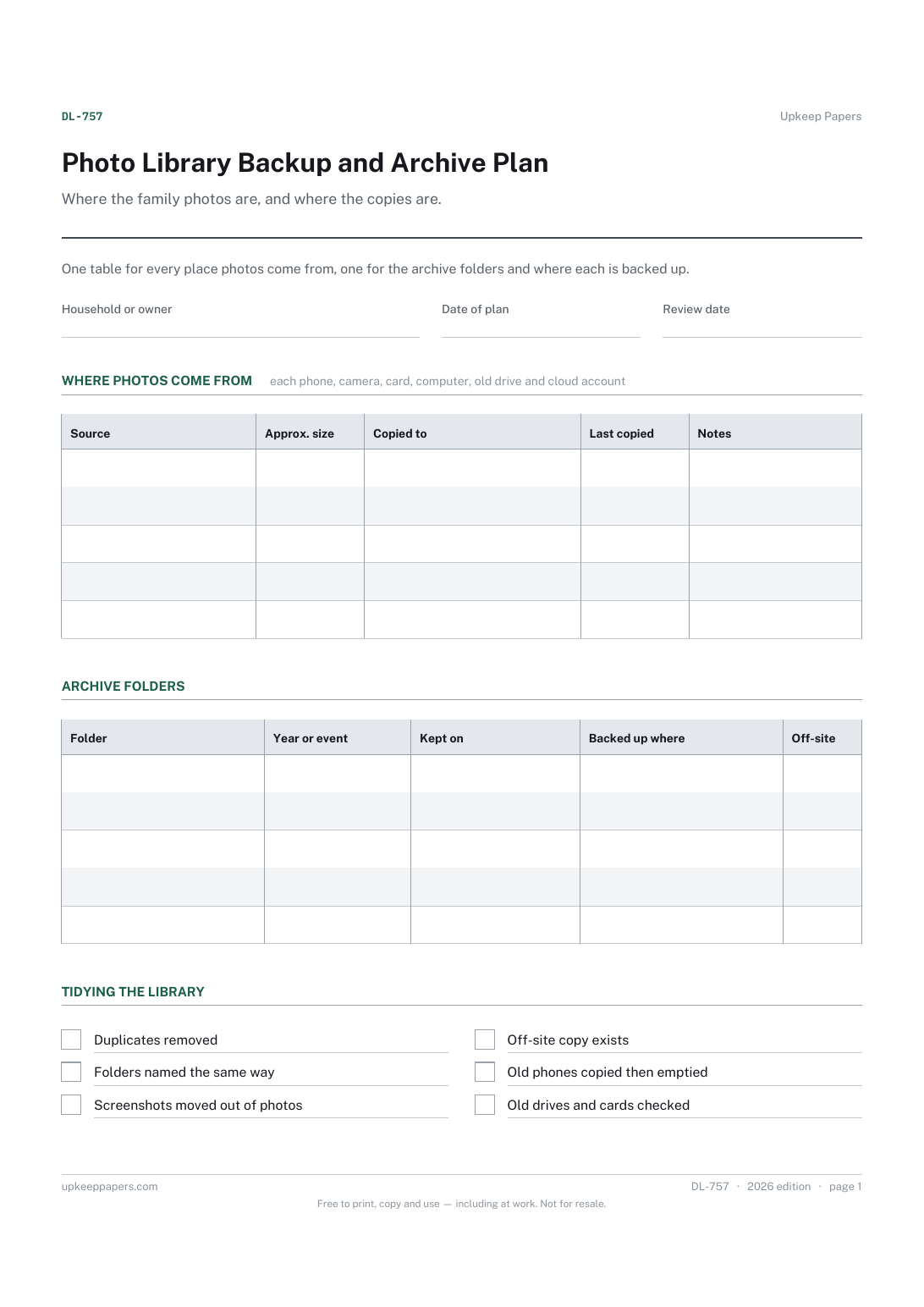
Every source of photos in the house, including old phones and drives.

Every sheet, binder, game and puzzle on Upkeep Papers is free to download, with no email and no account. Making them is not free: each one takes days of research, design and checking, and the site costs money to run. If something here saved you time, you can buy us a coffee. It is entirely optional: nothing is locked, and nothing changes if you don’t.
Buy us a coffee Opens PayPal in a new tab. Any amount, and nothing changes if you would rather not.