Photo Shoot Planner and Shot List
Write the shot list before the shoot rather than in the car afterwards, and tick shots as captured so nothing is assumed.
PM-01 1 page
Everything here is free. Making it takes time and money. Everything here is free.
 Buy us a coffee
 Photography and media · PM-08
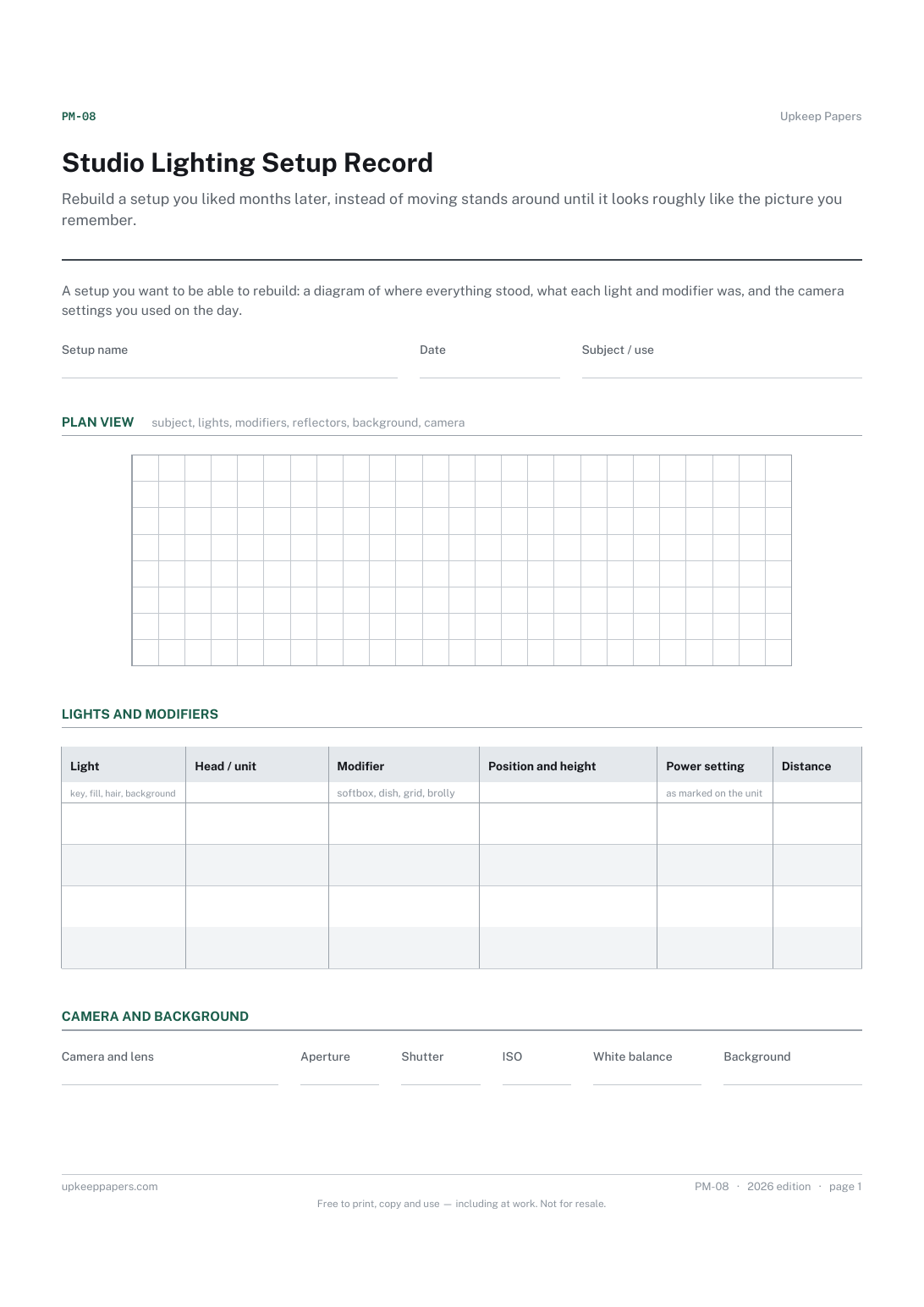
A free printable studio lighting setup record — a plan-view diagram box, the lights and modifiers used, where each stood, and the camera settings you worked at.
One page. Choose your paper size — both versions are laid out identically, so neither one gets shrunk to fit.
Print it and write on it
Fill it in type and save
The fillable versions have real form fields — open them in any PDF reader, type into them and save. Printing help.
Rebuild a setup you liked months later, instead of moving stands around until it looks roughly like the picture you remember.
Studio and location photographers, portrait and product shooters, and anyone teaching or learning lighting.
One page, top to bottom:
Printed under the title: A setup you want to be able to rebuild: a diagram of where everything stood, what each light and modifier was, and the camera settings you used on the day.
Write-on lines: Setup name · Date · Subject / use
Squared grid
Table, 4 rows: Light · Head / unit · Modifier · Position and height · Power setting · Distance
Write-on lines: Camera and lens · Aperture · Shutter · ISO · White balance · Background
Ruled lines: What worked, what to change next time
Because they mean nothing away from your own heads, modifiers and room. A number written next to a dial marking on your own unit is useful; a number we invented would not be. Every one of those columns is blank on purpose.
Because a plan view with the camera and the subject on it tells you the angles, and a list of lights does not. The grid is there to keep the sketch roughly to scale.
Write the shot list before the shoot rather than in the car afterwards, and tick shots as captured so nothing is assumed.
Get the serial numbers written down before they are needed, and keep track of what has been lent out and not come back.
Show what the work actually pays, by recording editing time and travel alongside the fee instead of remembering only the fee.
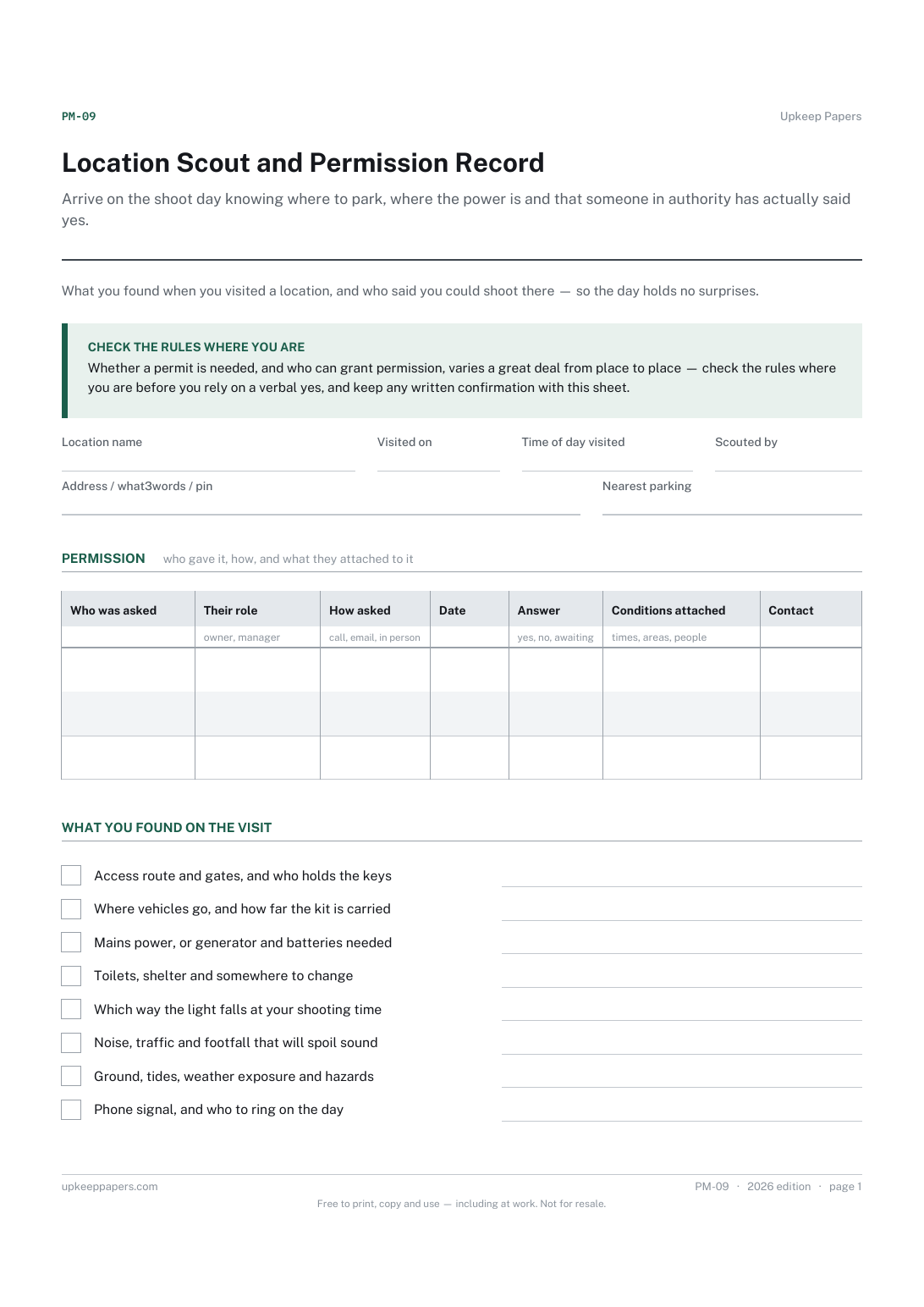
Arrive on the shoot day knowing where to park, where the power is and that someone in authority has actually said yes.

Every sheet, binder, game and puzzle on Upkeep Papers is free to download, with no email and no account. Making them is not free: each one takes days of research, design and checking, and the site costs money to run. If something here saved you time, you can buy us a coffee. It is entirely optional: nothing is locked, and nothing changes if you don’t.
Buy us a coffee Opens PayPal in a new tab. Any amount, and nothing changes if you would rather not.