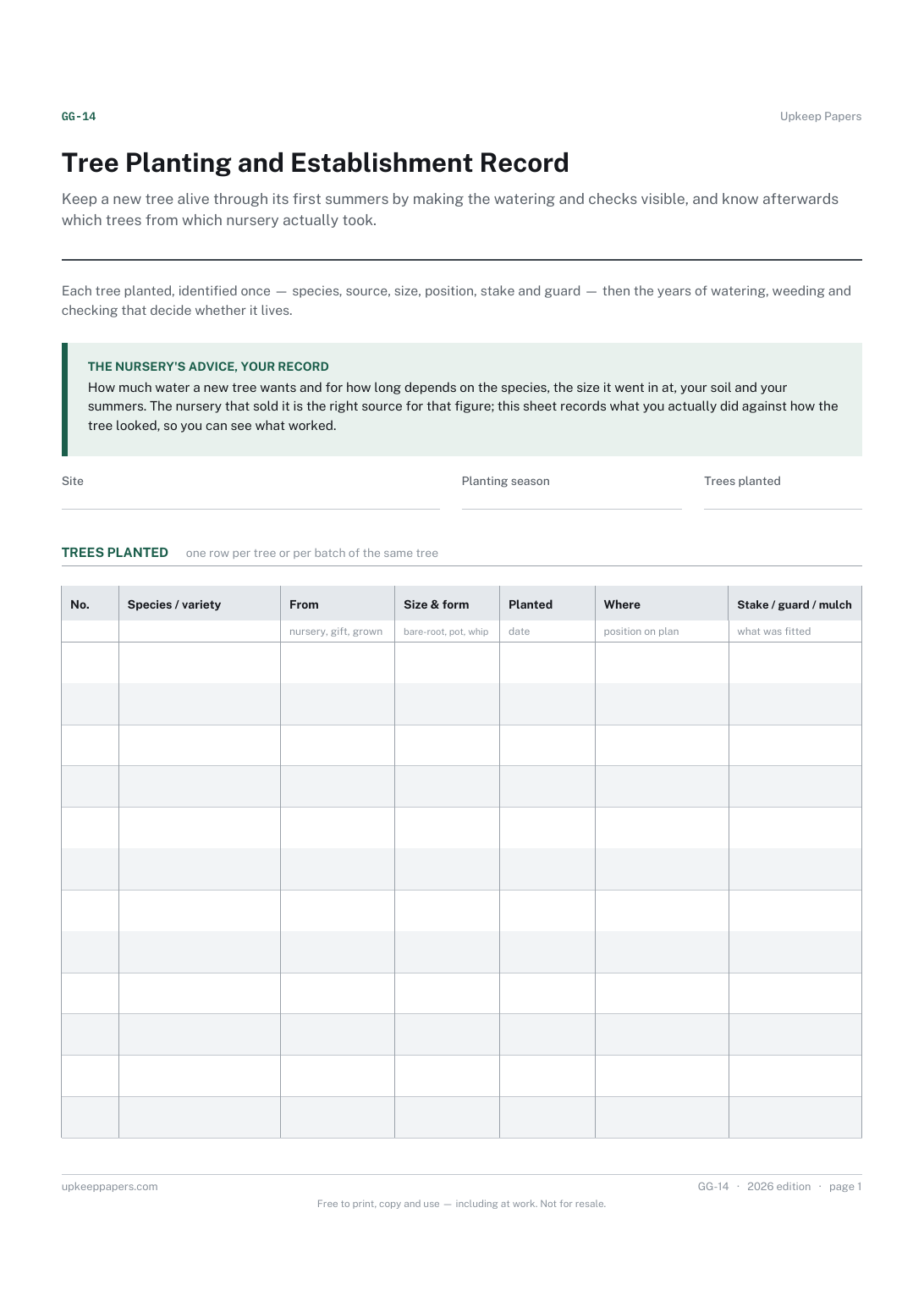
Tree Planting and Establishment Record
Keep a new tree alive through its first summers by making the watering and checks visible, and know afterwards which trees from which nursery actually took.
GG-14 2 pages
Everything here is free. Making it takes time and money. Everything here is free.
 Buy us a coffee
 Garden and growing · GG-16
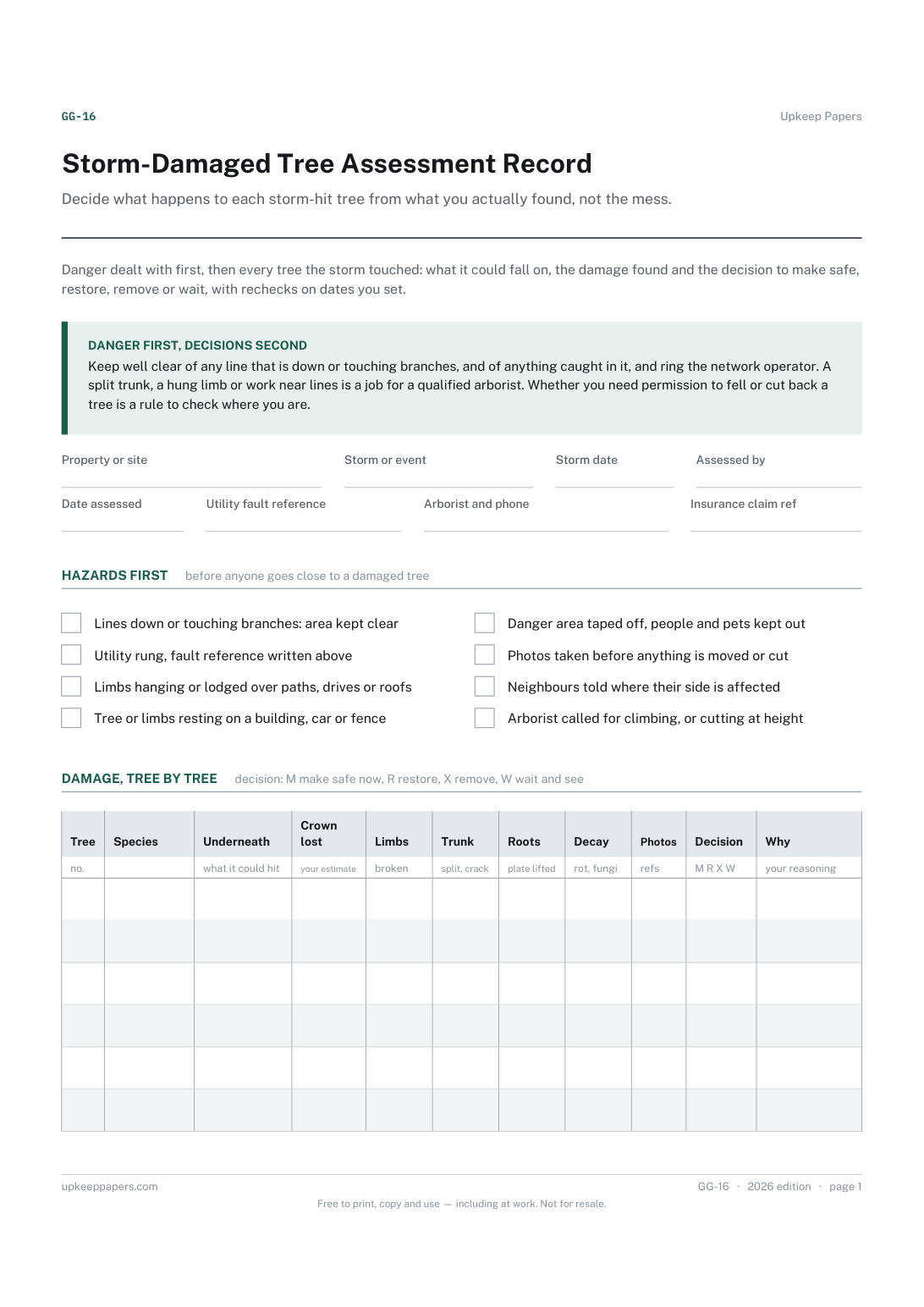
A free printable storm-damaged tree record: hazards dealt with first, then each tree's damage, the decision to make safe, restore, remove or wait, and rechecks.
2 pages. Choose your paper size — both versions are laid out identically, so neither one gets shrunk to fit.
Print it and write on it
Fill it in type and save
The fillable versions have real form fields — open them in any PDF reader, type into them and save. Printing help.
Decide what happens to each storm-hit tree from what you actually found, not the mess. The recheck table catches the trees that looked fine and then declined months later.
Homeowners, smallholders, groundskeepers and anyone responsible for trees after a storm, before and after the arborist calls.
2 pages, in this order:
Printed under the title: Danger dealt with first, then every tree the storm touched: what it could fall on, the damage found and the decision to make safe, restore, remove or wait, with rechecks on dates you set.
Danger first, decisions second. Keep well clear of any line that is down or touching branches, and of anything caught in it, and ring the network operator. A split trunk, a hung limb or work near lines is a job for a qualified arborist. Whether you need permission to fell or cut back a tree is a rule to check where you are.
Write-on lines: Property or site · Storm or event · Storm date · Assessed by · Date assessed · Utility fault reference · Arborist and phone · Insurance claim ref
Also printed: Tree · Species · Underneath · Crown · lost · Limbs · Trunk · Roots · Decay · Photos · Decision · Why · what it could hit · your estimate · broken · split, crack · plate lifted · rot, fungi · refs · your reasoning
Also printed: Tree · Work done · Done by · Date · Wood and waste · Cost · Permission · what was cut, braced, propped or removed · name, company · where it went · ref, if needed
Also printed: Date · Tree · New growth · Dieback · Bark · Fungi · Decision · Next · check · Notes · leaves, shoots · dead twigs, tips · bulging, splitting · brackets, caps · kept or changed · date you set
Because that judgement depends on the species, the tree's age and health, where the damage is and what lies underneath. A printed percentage would be wrong for many trees. Write your own estimate and reasoning, and get a qualified arborist's view on anything large, split or near a building.
Trees hurt by a storm can decline slowly: shoots die back, bark splits or fungi appear months later. The recheck table keeps those visits on dates you set, so a tree left to wait and see is actually looked at again.
That depends on where you are. Protected trees, conservation areas and felling rules differ by country and council, and some have exceptions for dangerous trees. Check the rules where you are and write any reference in the work table.
Keep a new tree alive through its first summers by making the watering and checks visible, and know afterwards which trees from which nursery actually took.
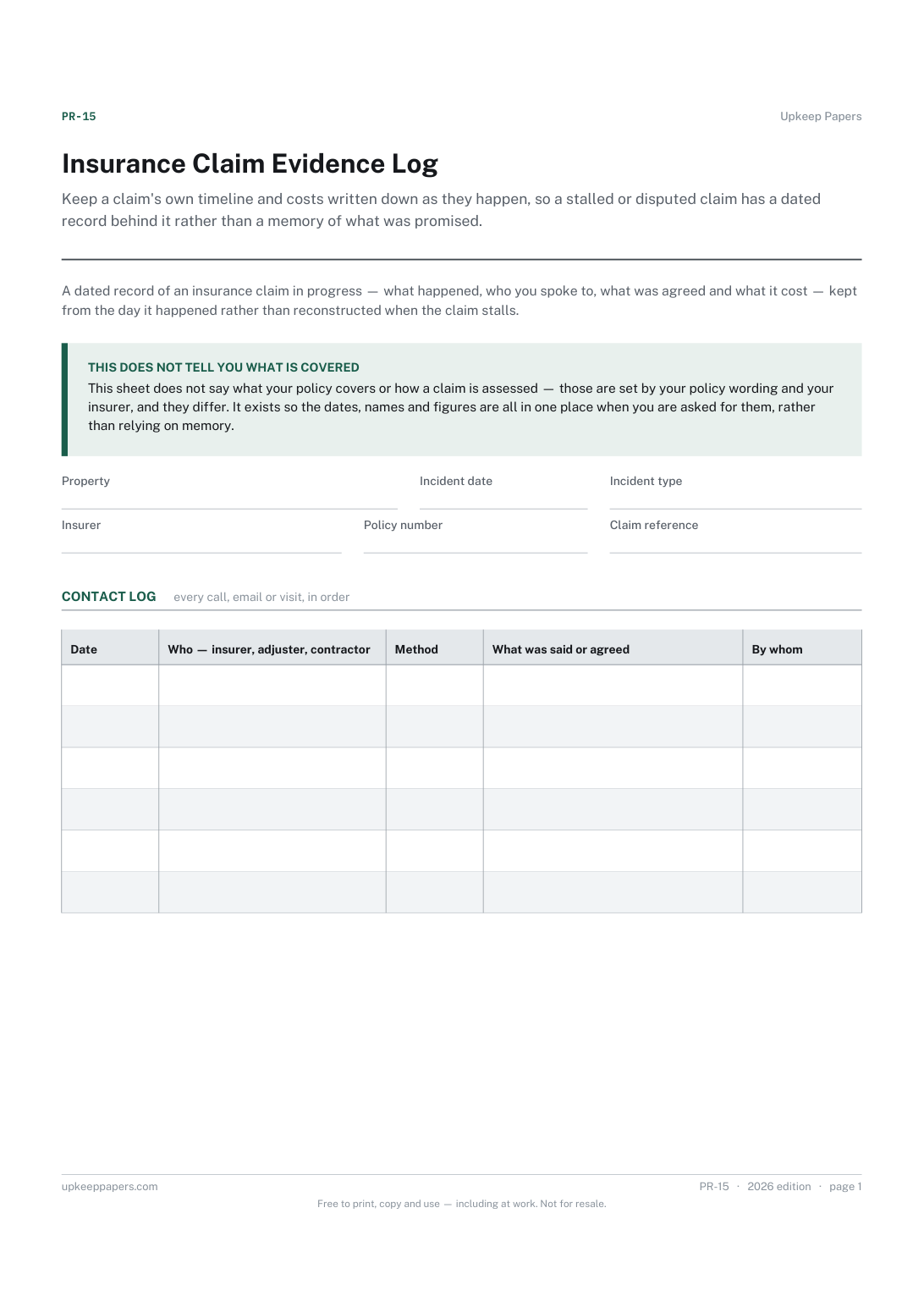
Keep a claim's own timeline and costs written down as they happen, so a stalled or disputed claim has a dated record behind it rather than a memory of what was promised.
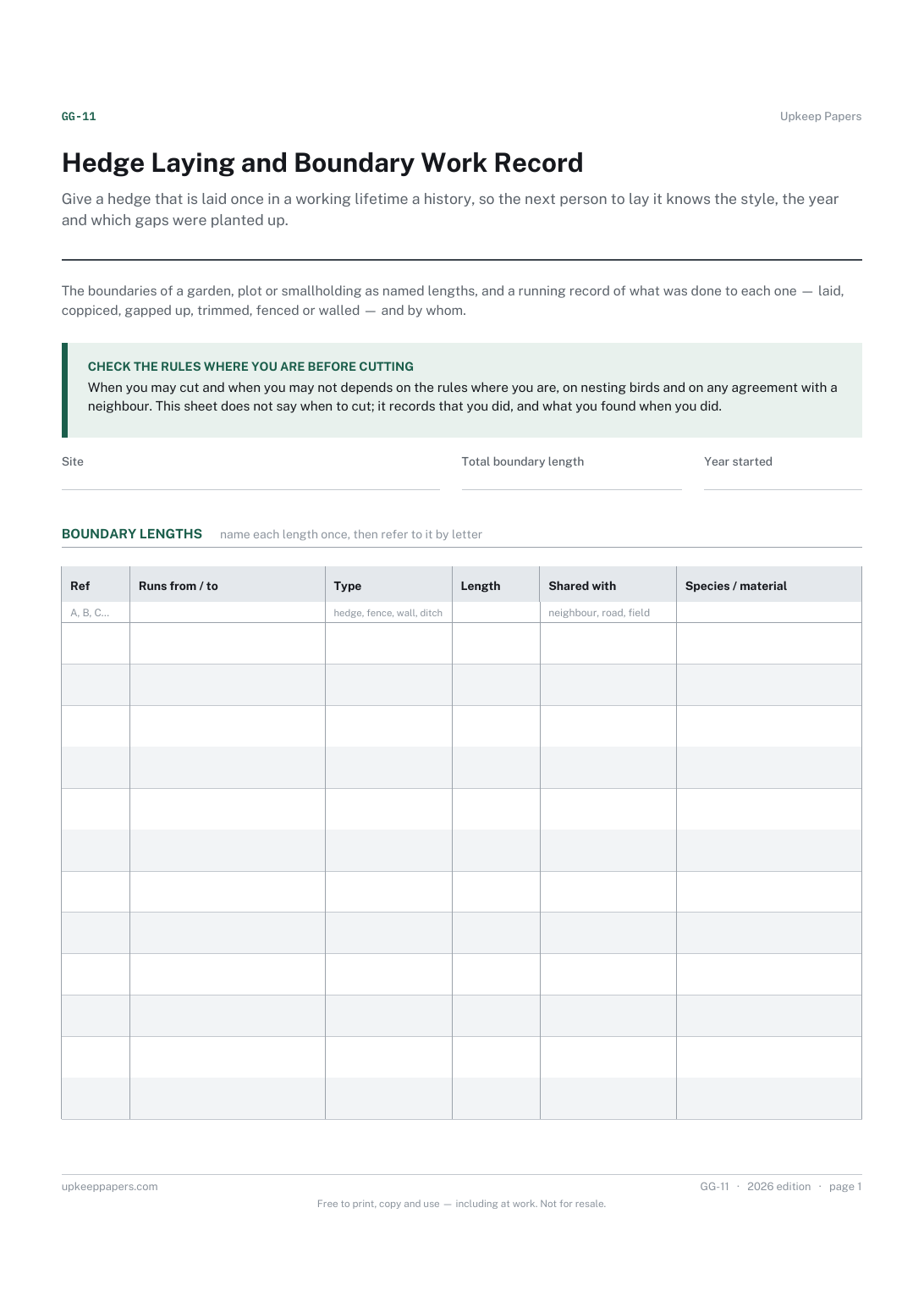
Give a hedge that is laid once in a working lifetime a history, so the next person to lay it knows the style, the year and which gaps were planted up.
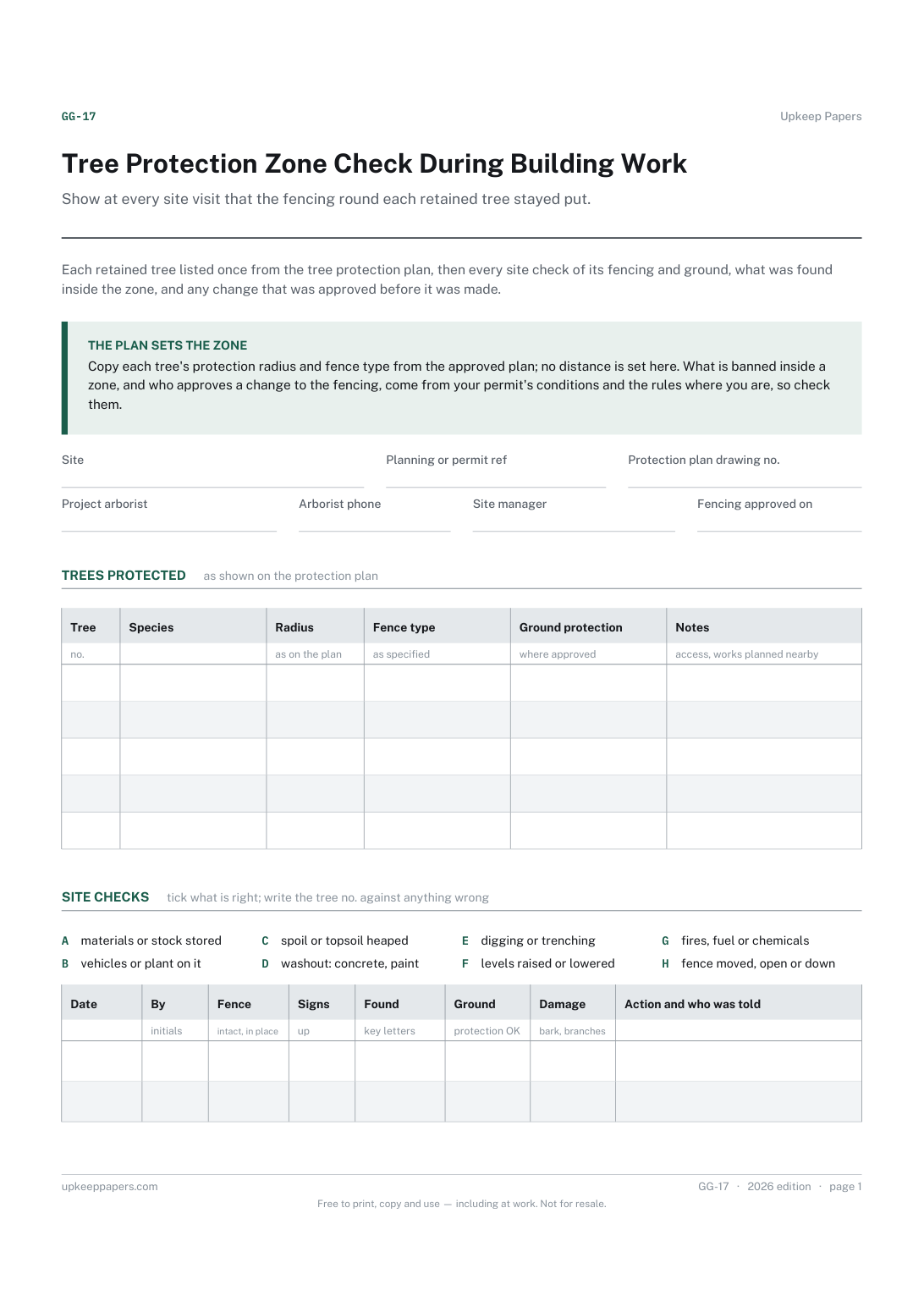
Show at every site visit that the fencing round each retained tree stayed put. A lettered key makes it quick to note exactly what was found inside a zone and who was told.
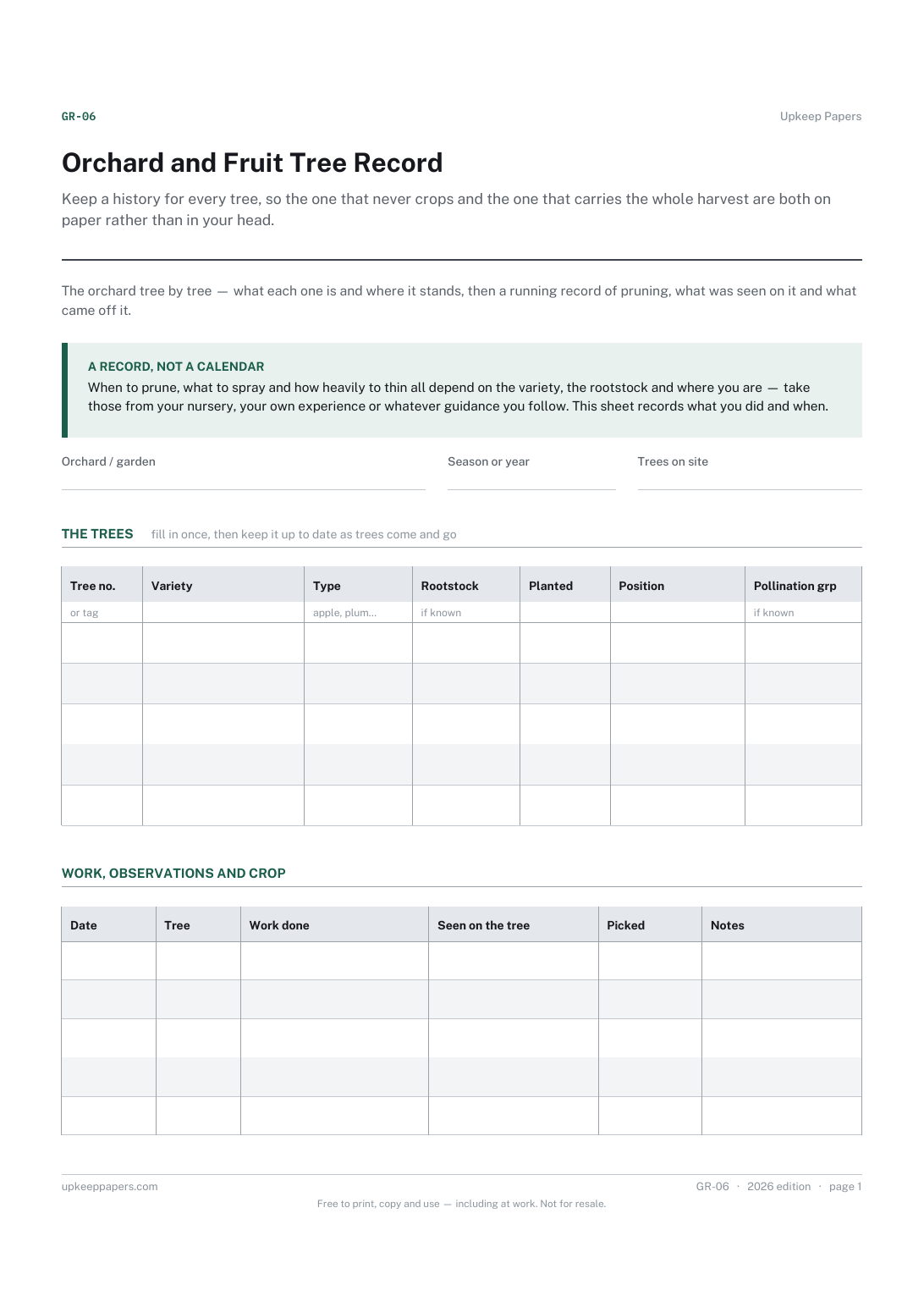
Keep a history for every tree, so the one that never crops and the one that carries the whole harvest are both on paper rather than in your head.

Every sheet, binder, game and puzzle on Upkeep Papers is free to download, with no email and no account. Making them is not free: each one takes days of research, design and checking, and the site costs money to run. If something here saved you time, you can buy us a coffee. It is entirely optional: nothing is locked, and nothing changes if you don’t.
Buy us a coffee Opens PayPal in a new tab. Any amount, and nothing changes if you would rather not.