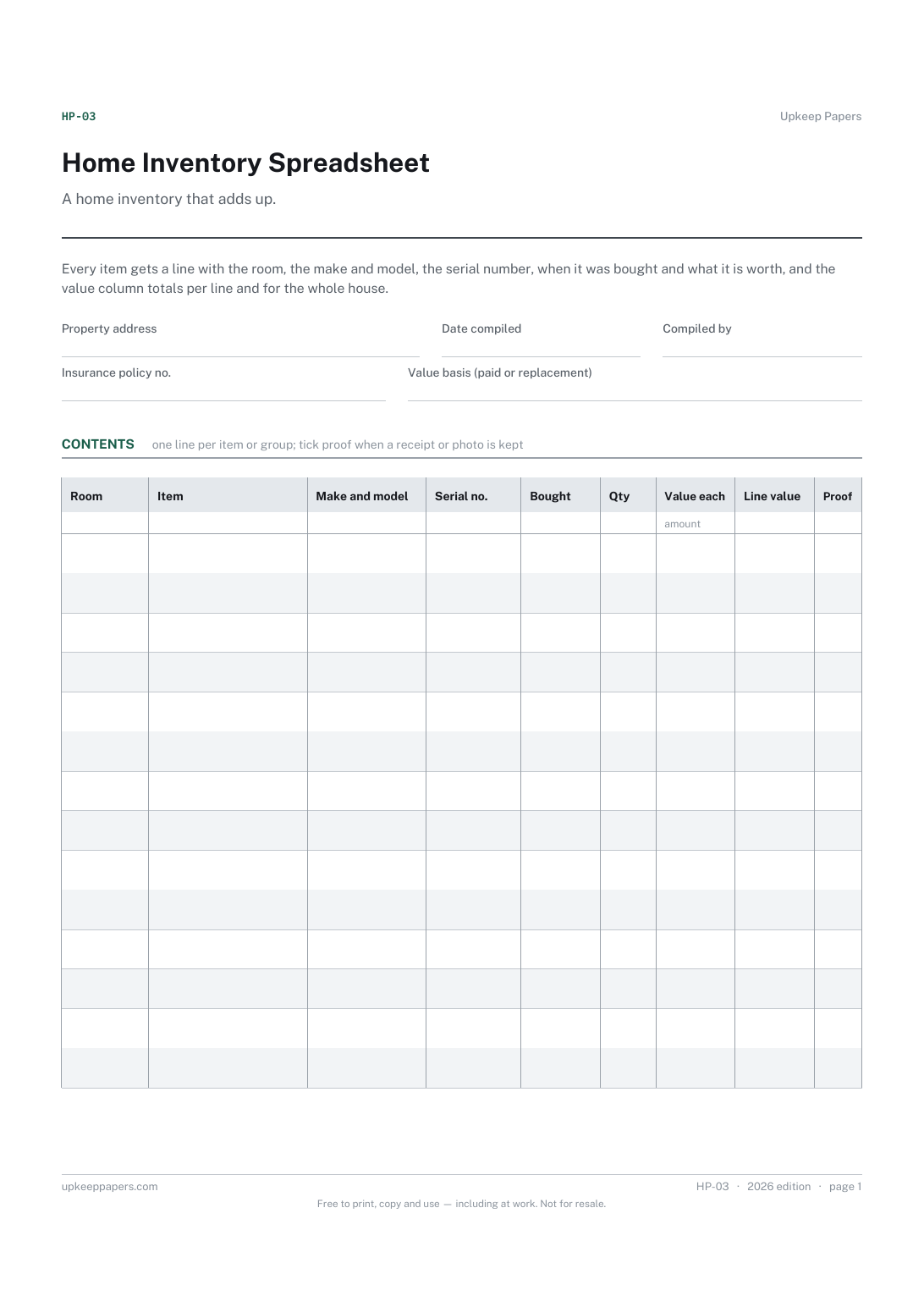
Home Inventory Spreadsheet
The total value of the contents, worked out from the lines rather than guessed.
HP-03 Inventory PDF Excel Online
Everything here is free. Making it takes time and money. Everything here is free.
 Buy us a coffee
 Home and property records · HP-1115 · Form
Free contents sum insured worksheet: room-by-room replacement estimate by group, valuables over the single-item limit, and the gap. Excel, PDF and browser.
2 pages. The A4 and US Letter files are laid out identically, so neither is shrunk to fit.
Print it and write on it
Fillable PDF type and save
Spreadsheet formulas included
The fillable versions have real form fields — open them in any PDF reader, type into them and save. Printing help.
The same sheet, on screen. Totals and figures are worked out as you type, rows can be added or removed, and you can print it or download the completed version as a PDF. Everything stays in your browser — your entries are kept in this browser's own storage on this device, nothing is uploaded, and there is no account.
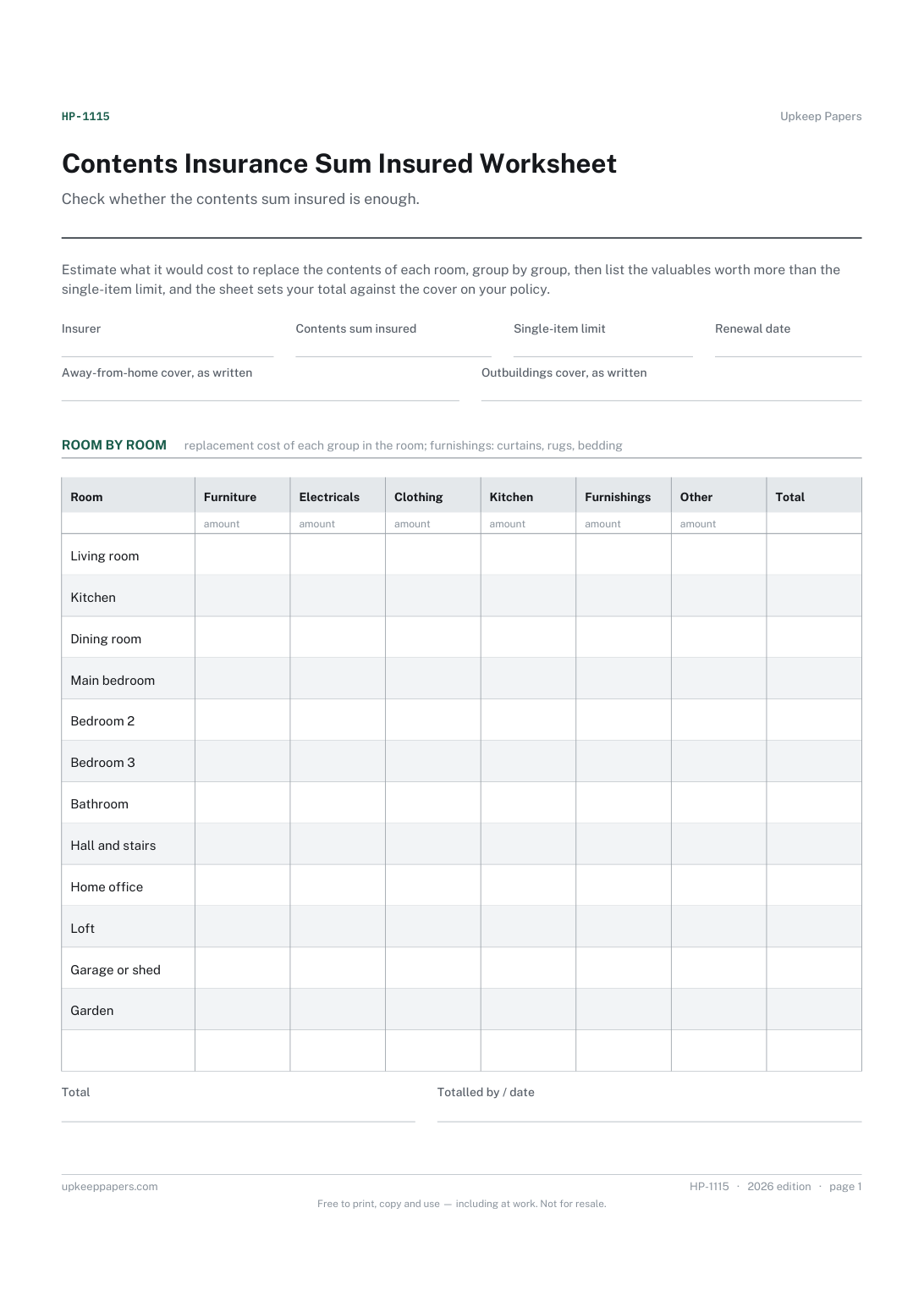
Check whether the contents sum insured is enough. Estimate what it would cost to replace the contents of each room, group by group, then list the valuables worth more than the single-item limit, and the sheet sets your total against the cover on your policy.
Householders and renters at renewal who have never checked their contents figure, anyone who has bought expensive items since the policy began, and people moving to a bigger home.
The printable is laid out inside a box that fits both A4 and US Letter, so the two files are identical and neither one is scaled. The fillable PDF has real form fields. The workbook uses plain formulas only — SUM, IF, COUNTIF and the like — so it opens in Excel, LibreOffice and Google Sheets without anything breaking, and every calculated cell is grey so you can see which figures it worked out.
Download the A4 or US Letter file to match the paper in your printer, open it in a PDF reader and print at 100% — not "fit to page", which shrinks the writing space. Both files leave a 14 mm margin, which clears the unprintable edge on home printers. To print the online version with your entries in it, use the Print this sheet button, which prints only the sheet and none of the page around it. More on printing.
Usually what it would cost to replace the contents with new items of a similar kind today, but policies differ. Check how your policy values contents before you start, and estimate on that basis.
Many policies cap what they will pay for any one item unless it is named on the schedule. Copy the limit from your policy; the second table lists everything worth more than it, so you can ask whether each should be named.
A home inventory lists each item with its details. This worksheet estimates a total room by room, in groups, to check the sum insured. It is quicker, and works well alongside an inventory rather than instead of one.
Talk to your insurer or broker before renewal. Some policies reduce what they pay if the sum insured is too low, so check how yours treats that. The worksheet is a check from your own figures, not a valuation.
The total value of the contents, worked out from the lines rather than guessed.
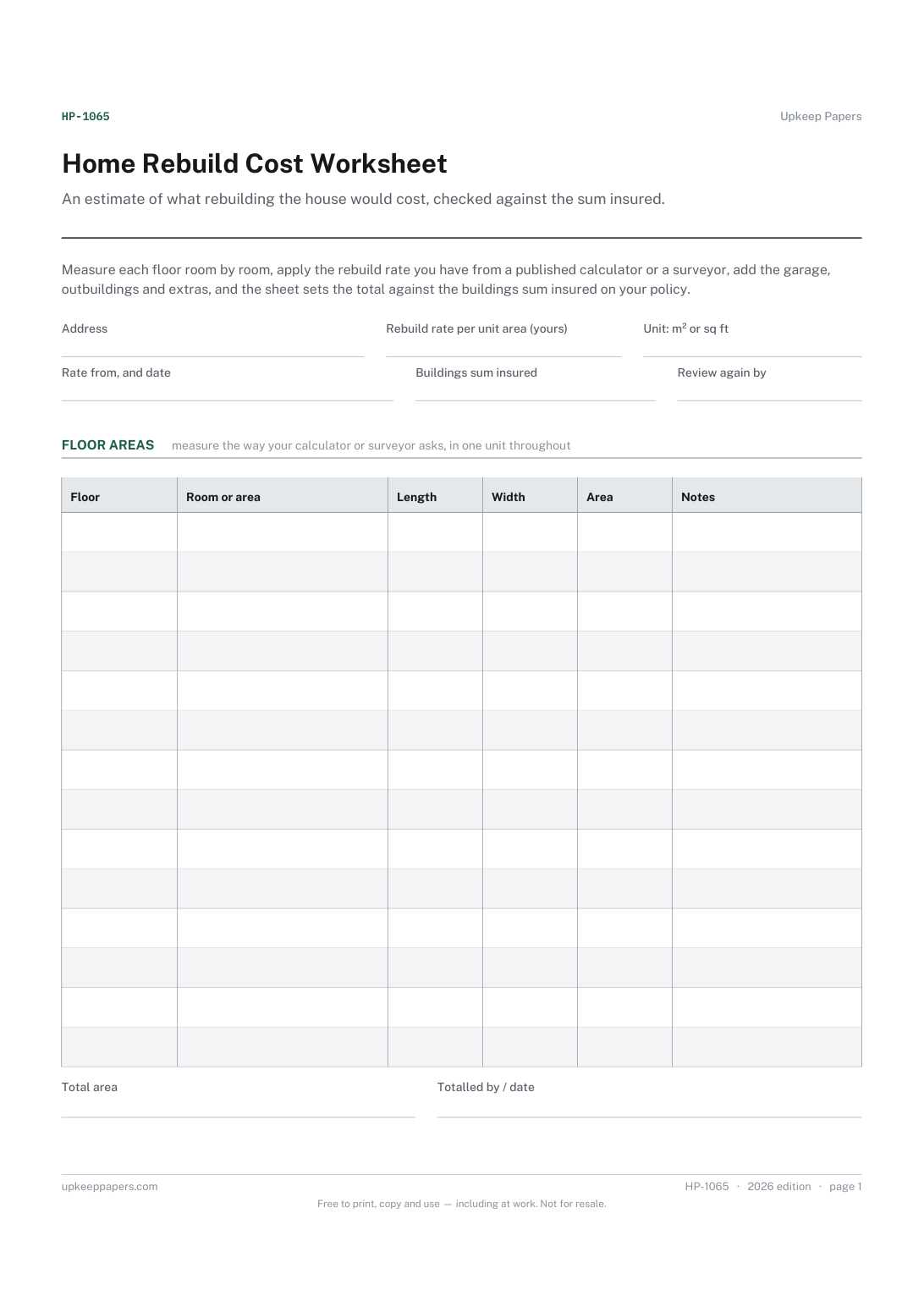
The floor area of every room and space, floor by floor.
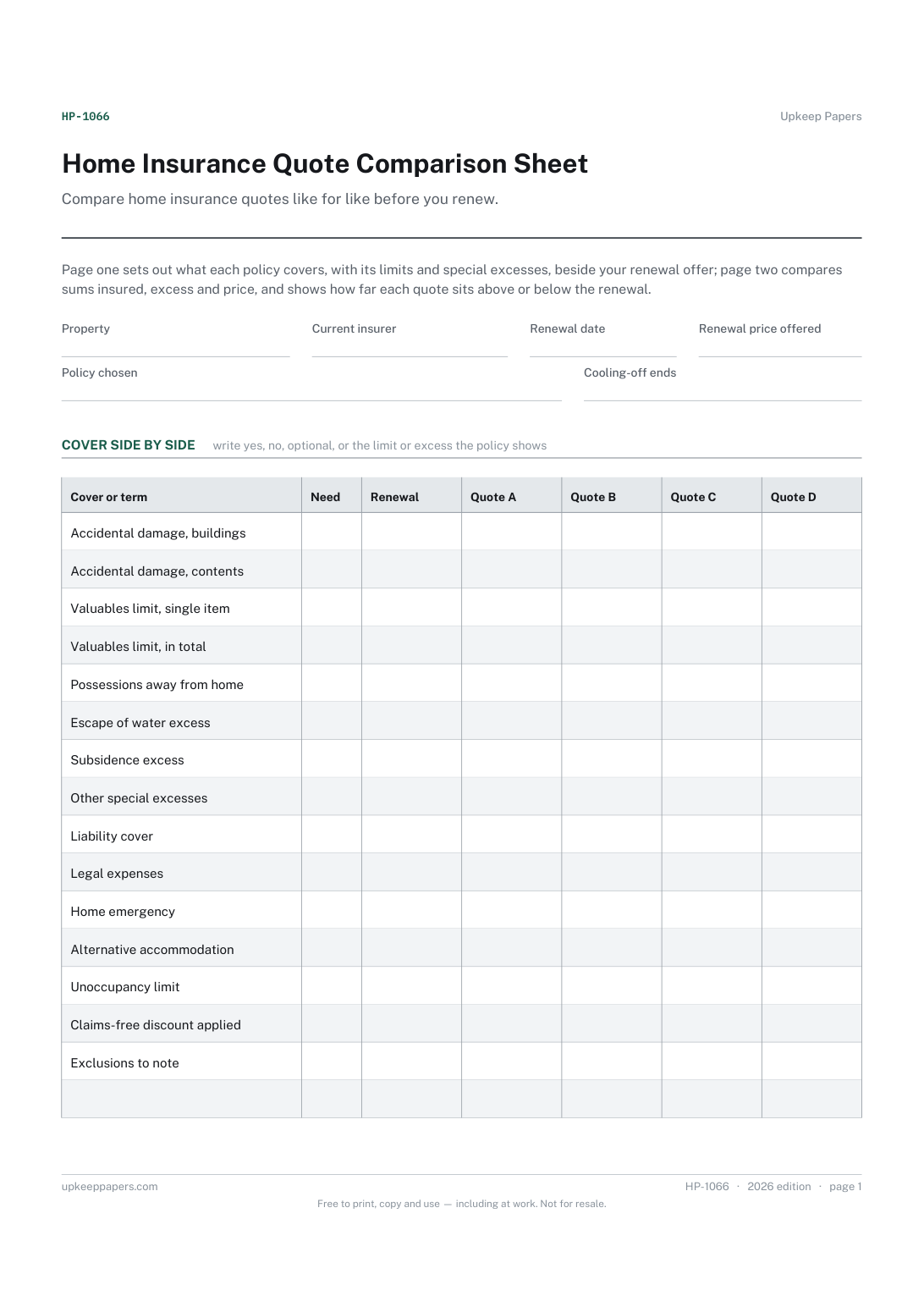
What each quote covers, and the limits and special excesses that differ.
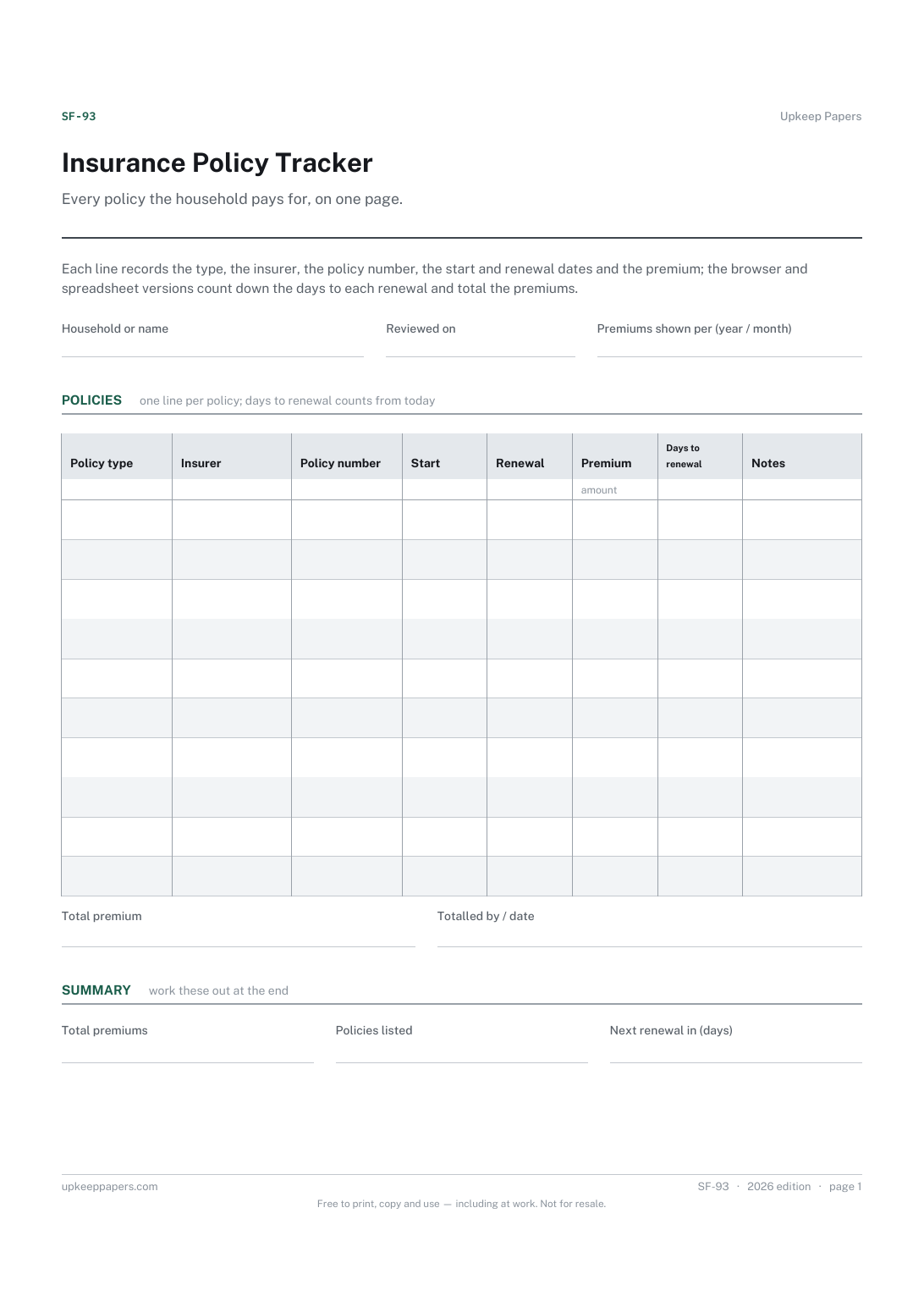
Which policy renews next, and how many days away that is.
Printable sheets, workbooks and tools on the same subject.
List what you own before you need to, so a claim or a police report starts from a document rather than from trying to remember a burgled room.
Room-by-room contents with what each thing cost and what it would cost to replace, totalled per room and overall — the list an insurer asks for.

Every sheet, binder, game and puzzle on Upkeep Papers is free to download, with no email and no account. Making them is not free: each one takes days of research, design and checking, and the site costs money to run. If something here saved you time, you can buy us a coffee. It is entirely optional: nothing is locked, and nothing changes if you don’t.
Buy us a coffee Opens PayPal in a new tab. Any amount, and nothing changes if you would rather not.