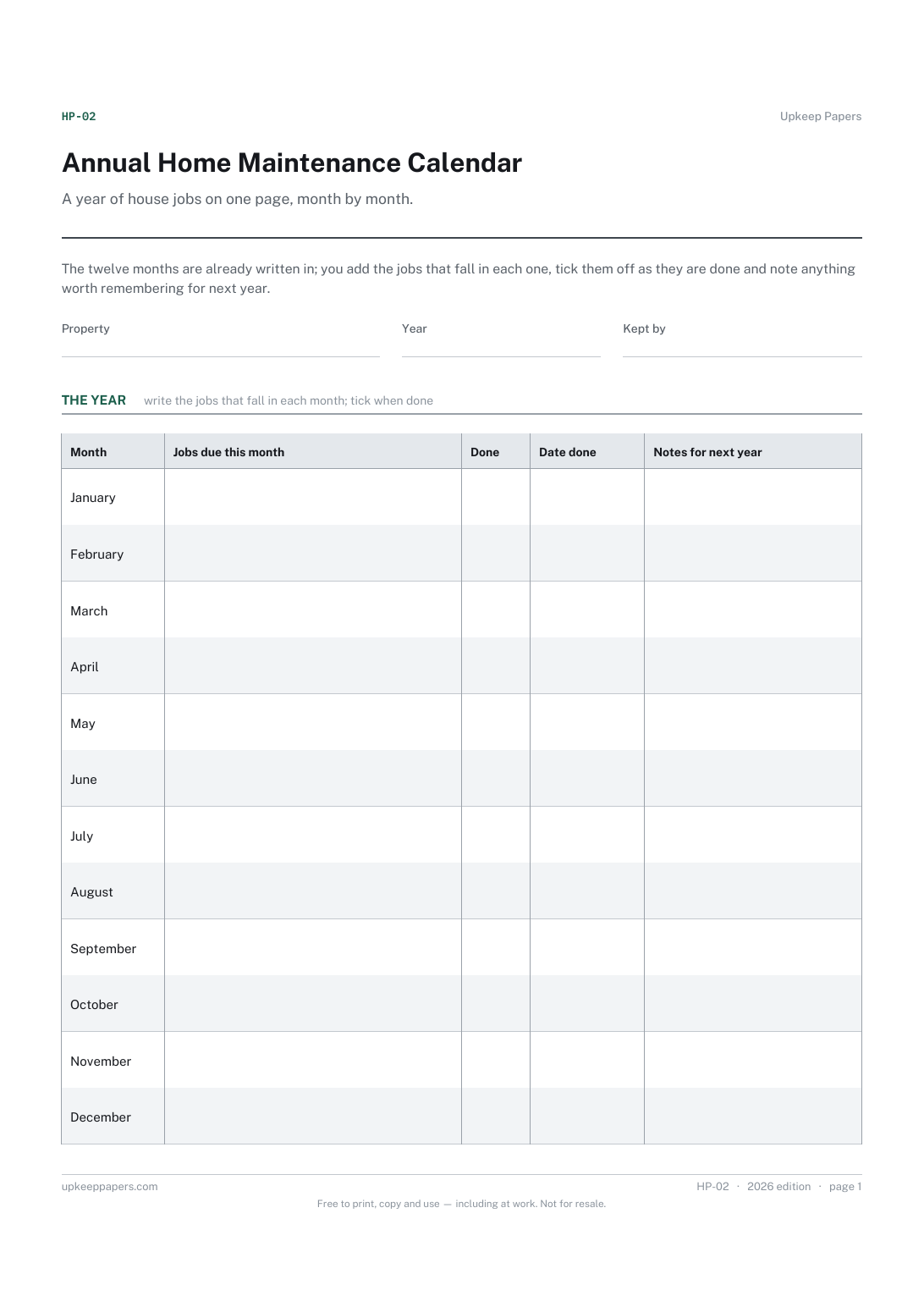
Annual Home Maintenance Calendar
Which jobs fall in which month, decided once and written down.
HP-02 Calendar PDF Online
Everything here is free. Making it takes time and money. Everything here is free.
 Buy us a coffee
 Home and property records · HP-01 · Planner
Free home maintenance planner — every recurring job with its area, frequency, last done and next due dates, and what is coming up. PDF and browser versions.
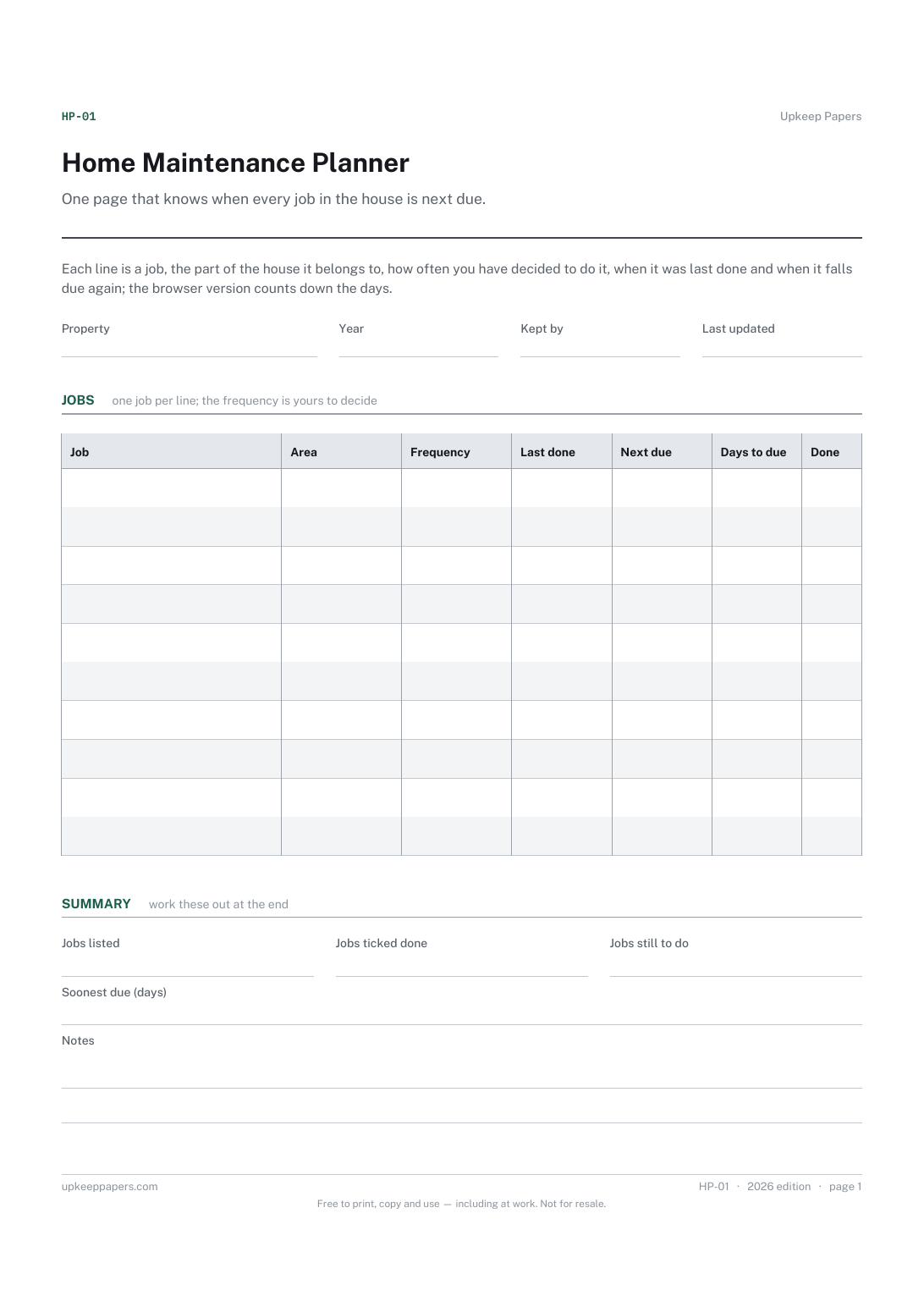
One page. The A4 and US Letter files are laid out identically, so neither is shrunk to fit.
Print it and write on it
Fillable PDF type and save
Or no download needed
Fill it in onlineThe fillable versions have real form fields — open them in any PDF reader, type into them and save. Printing help.
The same sheet, on screen. Totals and figures are worked out as you type, rows can be added or removed, and you can print it or download the completed version as a PDF. Everything stays in your browser — your entries are kept in this browser's own storage on this device, nothing is uploaded, and there is no account.
One page that knows when every job in the house is next due. Each line is a job, the part of the house it belongs to, how often you have decided to do it, when it was last done and when it falls due again; the browser version counts down the days.
Homeowners and long-term tenants who want the recurring jobs — gutters, alarms, filters, servicing, drains — written down once instead of remembered at the wrong moment.
The printable is laid out inside a box that fits both A4 and US Letter, so the two files are identical and neither one is scaled. The fillable PDF has real form fields. The online version keeps what you enter in your own browser and builds the completed PDF on your device.
Download the A4 or US Letter file to match the paper in your printer, open it in a PDF reader and print at 100% — not "fit to page", which shrinks the writing space. Both files leave a 14 mm margin, which clears the unprintable edge on home printers. To print the online version with your entries in it, use the Print this sheet button, which prints only the sheet and none of the page around it. More on printing.
Because the right list depends on the house. A flat with electric heating and a rural house with a septic tank, a wood burner and a private water supply have almost nothing in common. Intervals also come from manufacturers and local conditions, not from us, so the frequency column is yours to fill.
This planner is organised by job: one line per task with its own dates. The calendar is organised by month, with the jobs due in each month written against it. Many people fill the planner first and copy the next-due months onto the calendar.
In the browser version it is the number of days between today and the next-due date you entered. A negative figure means the job is overdue. On paper the column is blank for you to write in.
Yes, in your own browser on that device. Nothing is sent anywhere. Use the download to keep a copy or move it to another computer.
Which jobs fall in which month, decided once and written down.
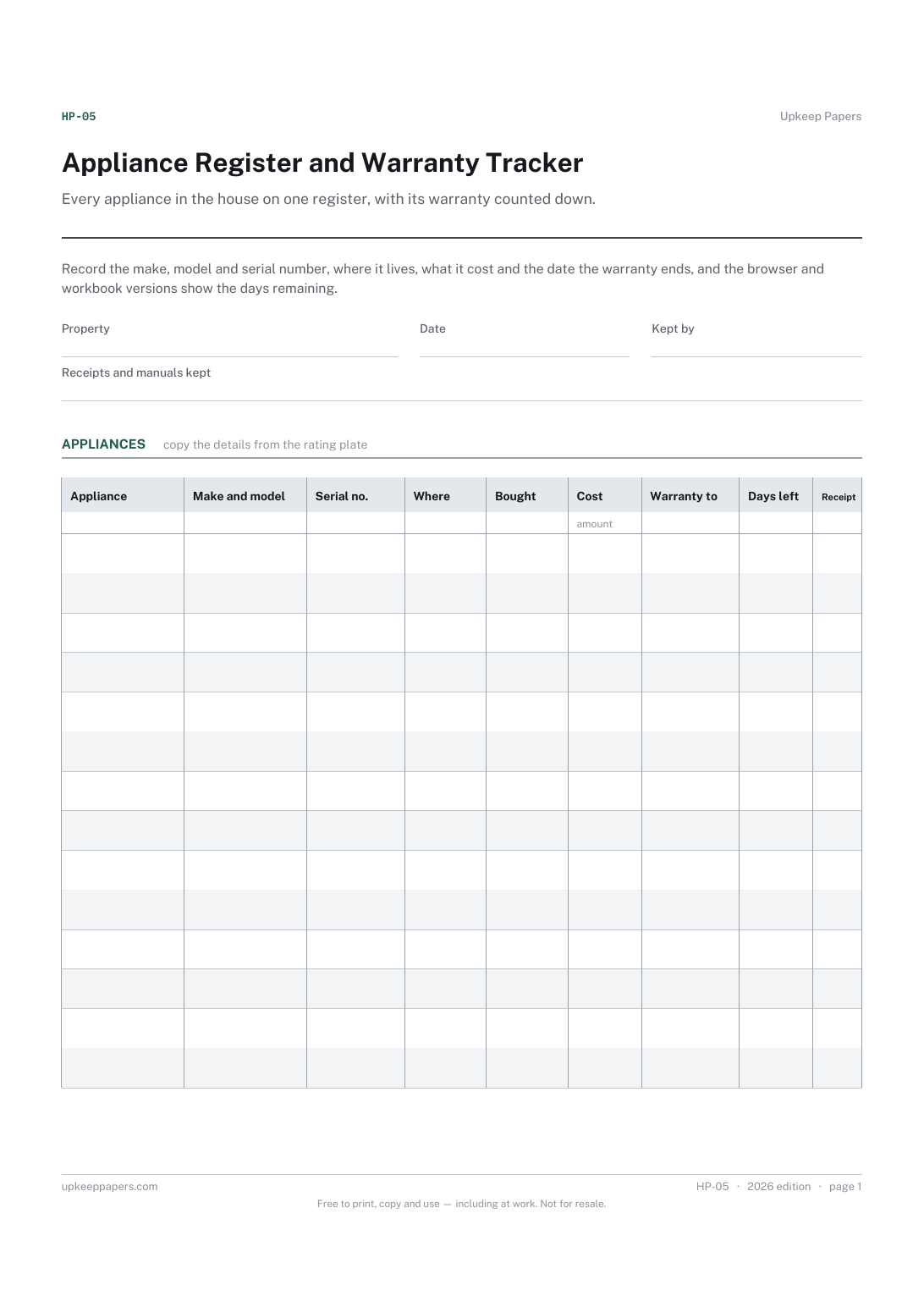
Make, model and serial number for every appliance, ready for a repair call.
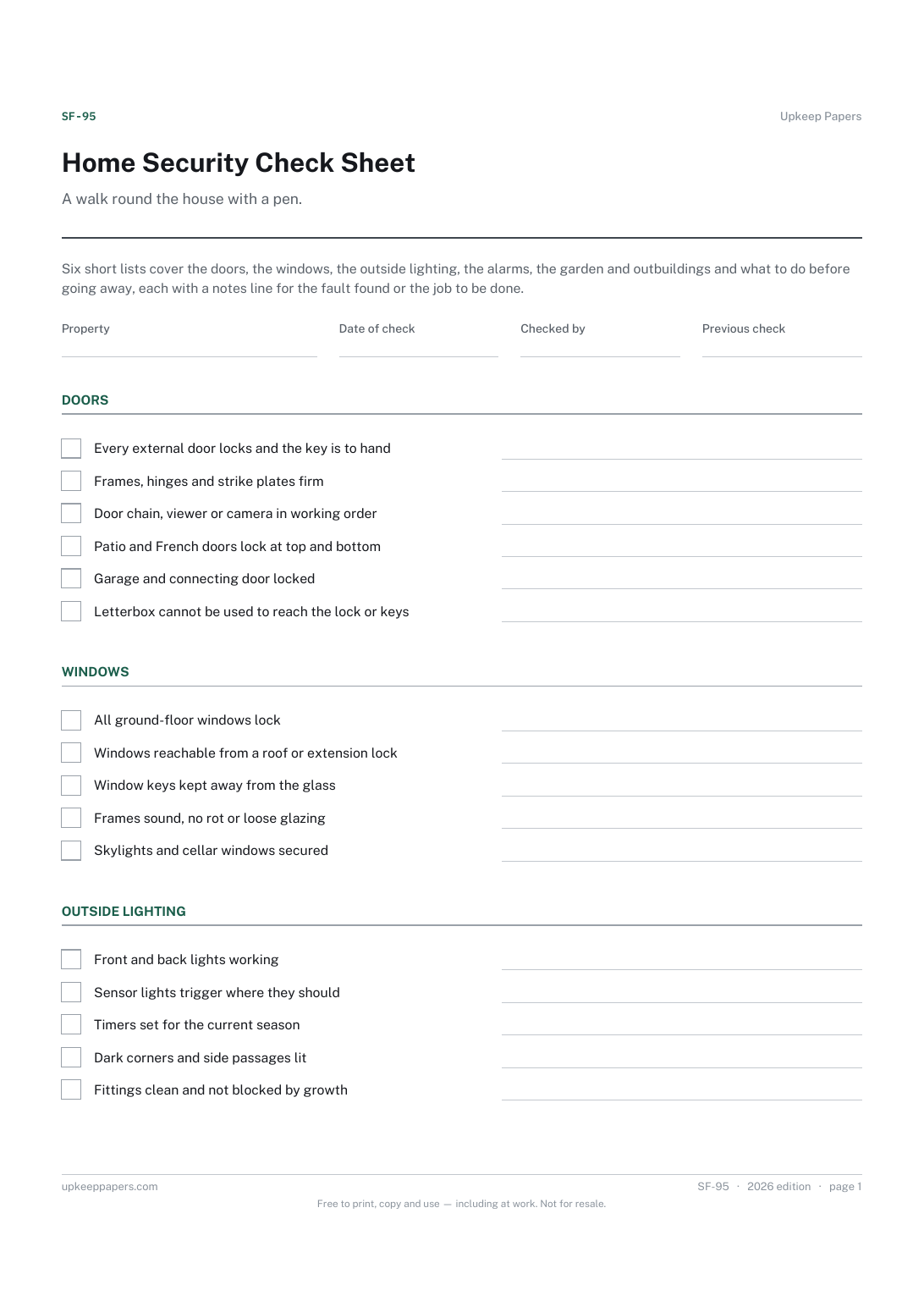
Which doors and windows actually lock, and which only look as if they do.
Printable sheets, workbooks and tools on the same subject.
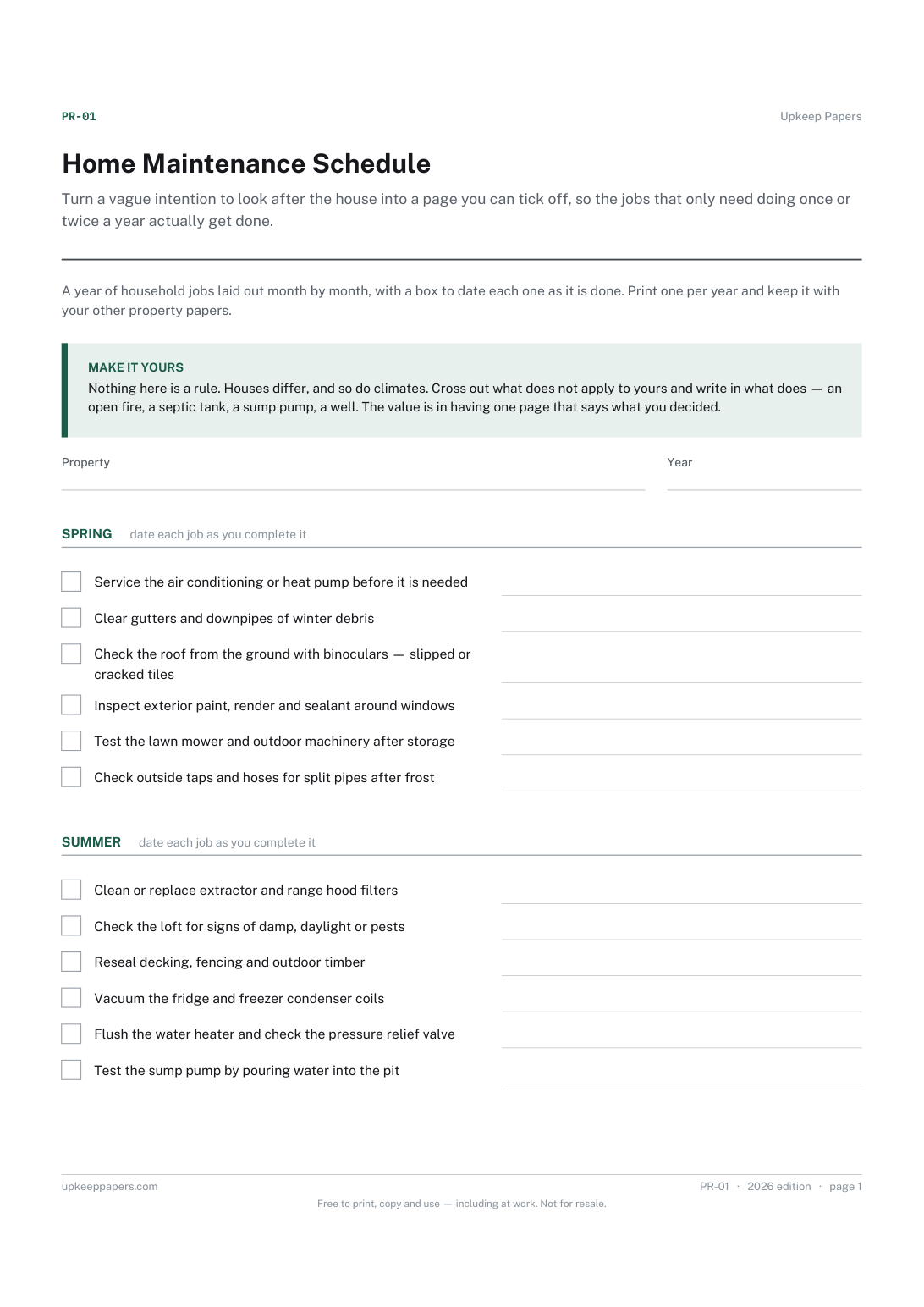
Turn a vague intention to look after the house into a page you can tick off, so the jobs that only need doing once or twice a year actually get done.
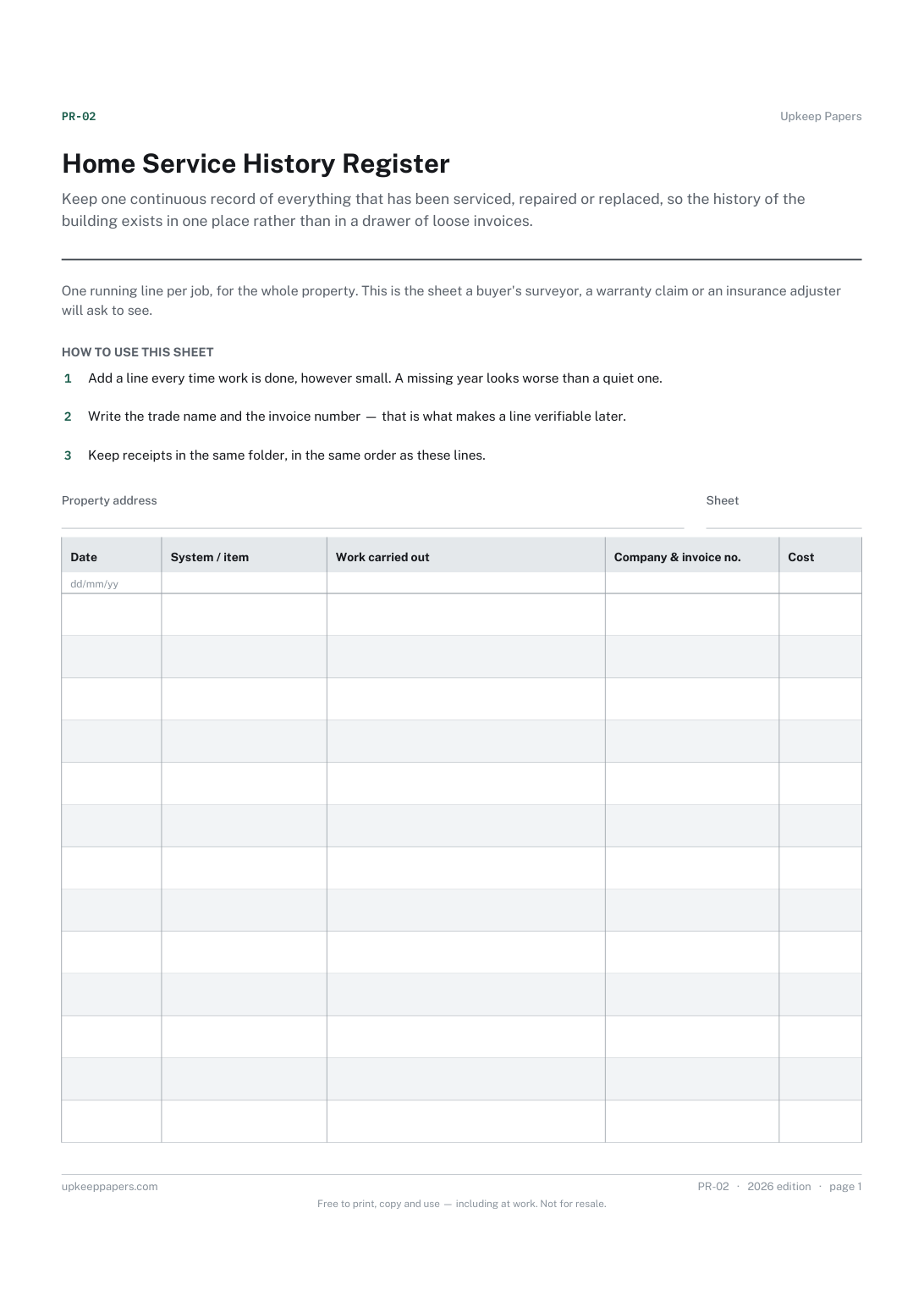
Keep one continuous record of everything that has been serviced, repaired or replaced, so the history of the building exists in one place rather than in a drawer of loose invoices.
Answer a dozen questions about your house and get a personalised year of maintenance, month by month.

Every sheet, binder, game and puzzle on Upkeep Papers is free to download, with no email and no account. Making them is not free: each one takes days of research, design and checking, and the site costs money to run. If something here saved you time, you can buy us a coffee. It is entirely optional: nothing is locked, and nothing changes if you don’t.
Buy us a coffee Opens PayPal in a new tab. Any amount, and nothing changes if you would rather not.