
Digital Life and Content · DL-775 · Record
Website Traffic Monthly Record
Website traffic monthly record — sessions, users, page views, top page and source, sign-ups and conversion, month by month. PDF, Excel and browser.
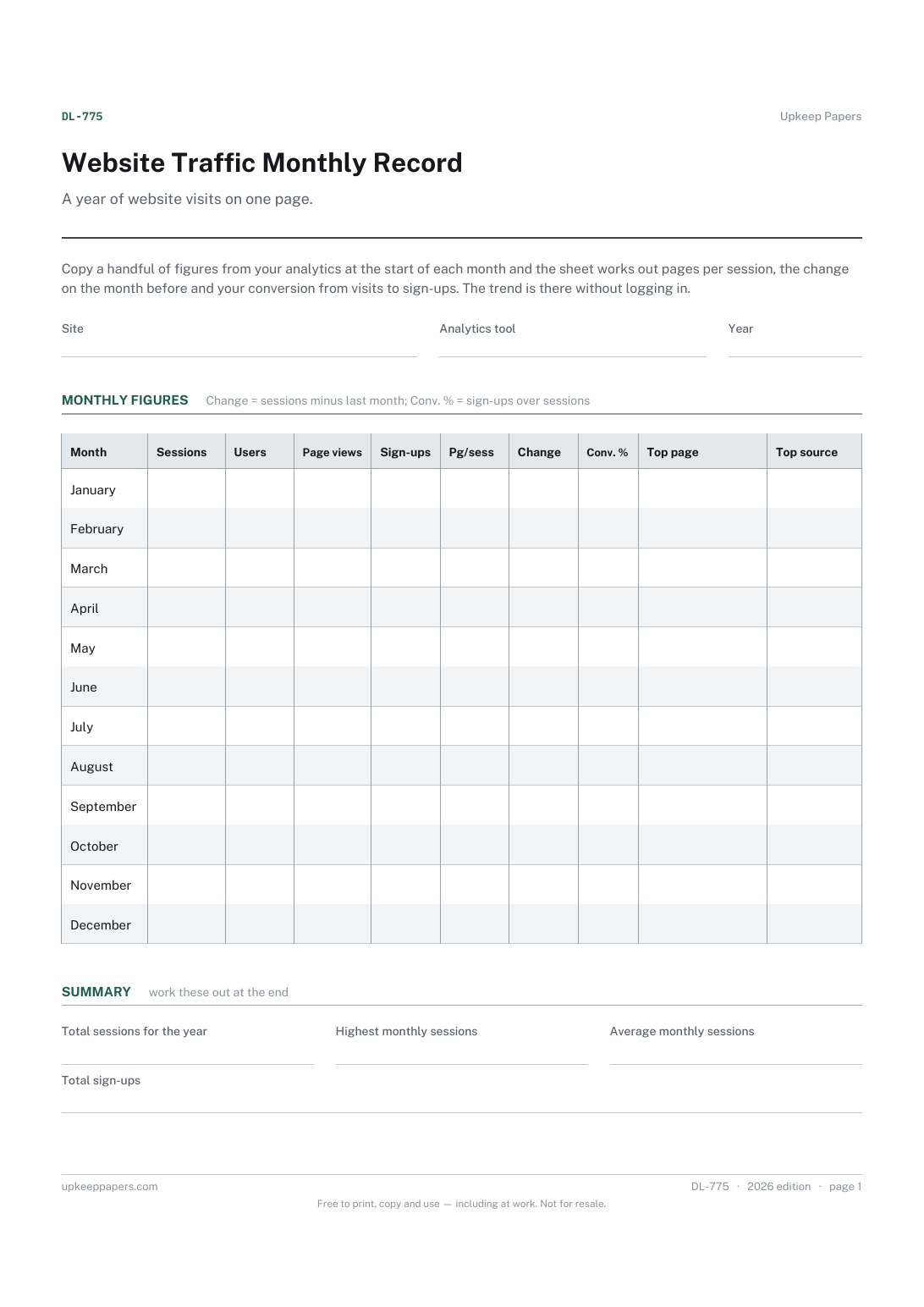
One page. The A4 and US Letter files are laid out identically, so neither is shrunk to fit.
Print it and write on it
Fillable PDF type and save
Spreadsheet formulas included
The fillable versions have real form fields — open them in any PDF reader, type into them and save. Printing help.
Fill it in online
The same sheet, on screen. Totals and figures are worked out as you type, rows can be added or removed, and you can print it or download the completed version as a PDF. Everything stays in your browser — your entries are kept in this browser's own storage on this device, nothing is uploaded, and there is no account.
Who this is for
A year of website visits on one page. Copy a handful of figures from your analytics at the start of each month and the sheet works out pages per session, the change on the month before and your conversion from visits to sign-ups. The trend is there without logging in.
Small business owners, bloggers, clubs and freelancers who look at their website analytics now and then and want the monthly figures kept somewhere simple.
What this helps you track
- Sessions, users and page views for each month
- Enquiries or sign-ups the site brought in
- Pages per session and conversion from sessions to sign-ups
- The change in sessions on the month before
- The top page and top traffic source each month
How to use it
- Write the site, the analytics tool you use and the year at the top.
- In the first days of each month, open your analytics for the previous month and copy sessions, users, page views and sign-ups into its row.
- Note the most visited page and the source that brought in the most visitors.
- Pages per session, change and conversion are worked out in the browser and the Excel workbook; on paper divide as the column headings say.
- At the year end, read the summary for total sessions, the busiest month and the monthly average.
Formats
- Printable PDF (A4 and US Letter)
- Fillable PDF with form fields
- Fill in online, saved in your browser
- Excel / Google Sheets workbook
The printable is laid out inside a box that fits both A4 and US Letter, so the two files are identical and neither one is scaled. The fillable PDF has real form fields. The workbook uses plain formulas only — SUM, IF, COUNTIF and the like — so it opens in Excel, LibreOffice and Google Sheets without anything breaking, and every calculated cell is grey so you can see which figures it worked out.
How to print
Download the A4 or US Letter file to match the paper in your printer, open it in a PDF reader and print at 100% — not "fit to page", which shrinks the writing space. Both files leave a 14 mm margin, which clears the unprintable edge on home printers. To print the online version with your entries in it, use the Print this sheet button, which prints only the sheet and none of the page around it. More on printing.
Questions
What is the difference between sessions and users?
A session is one visit; a user is one person or device, who may visit several times. Analytics tools define both in their own way, so copy the figures from the same report each month.
What counts as a sign-up?
Whatever you want the site to produce: enquiry forms sent, newsletter sign-ups, bookings. Decide at the start of the year and count the same thing every month.
Why copy figures by hand when the tool keeps them?
Tools change, accounts lapse and reports are redesigned. A monthly record you own keeps the history in one place and takes a few minutes each month.
How is conversion worked out?
Sign-ups divided by sessions, as a percentage. It shows how often a visit turned into what you wanted, and is only as reliable as the counts you enter.
Related resources
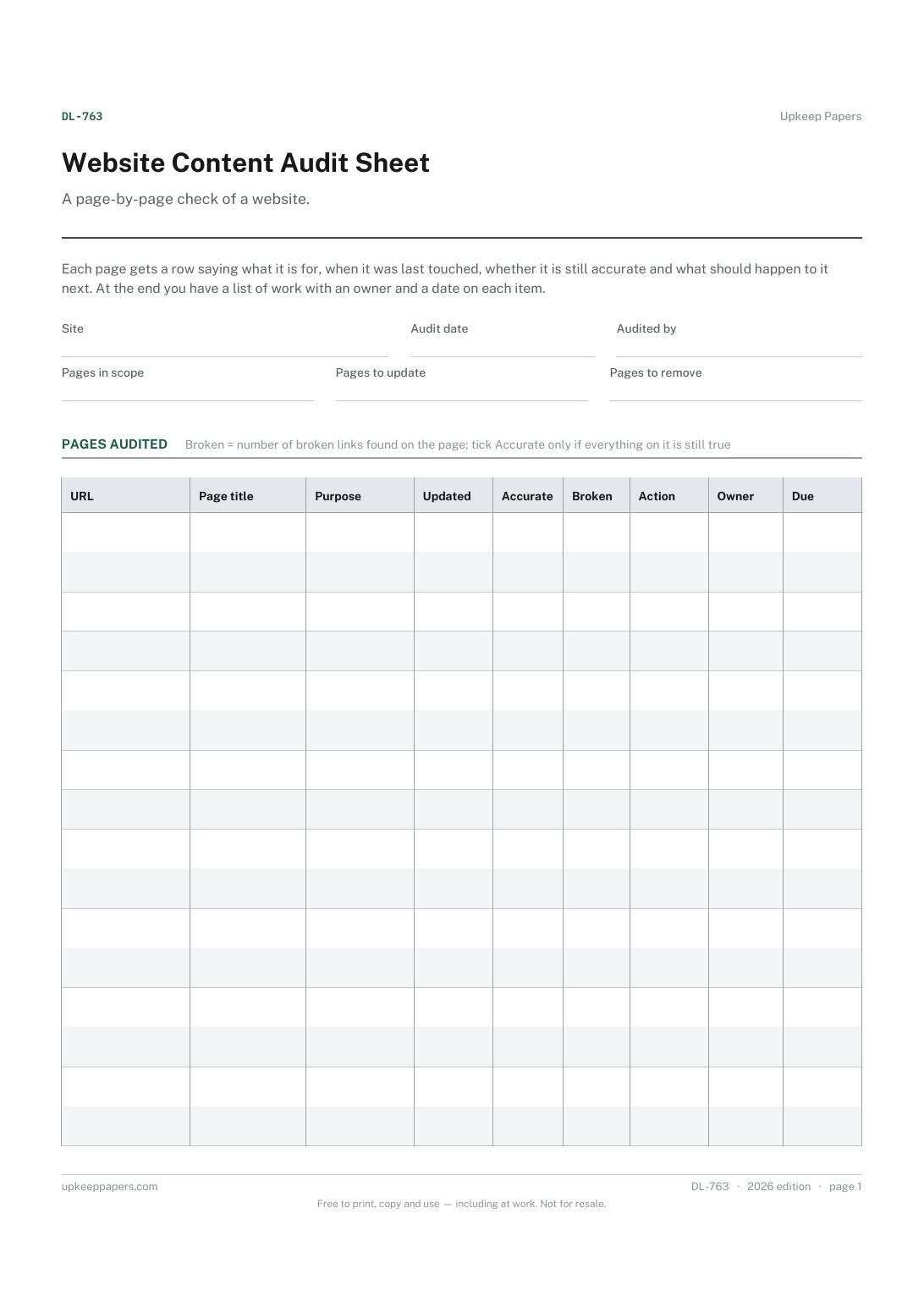
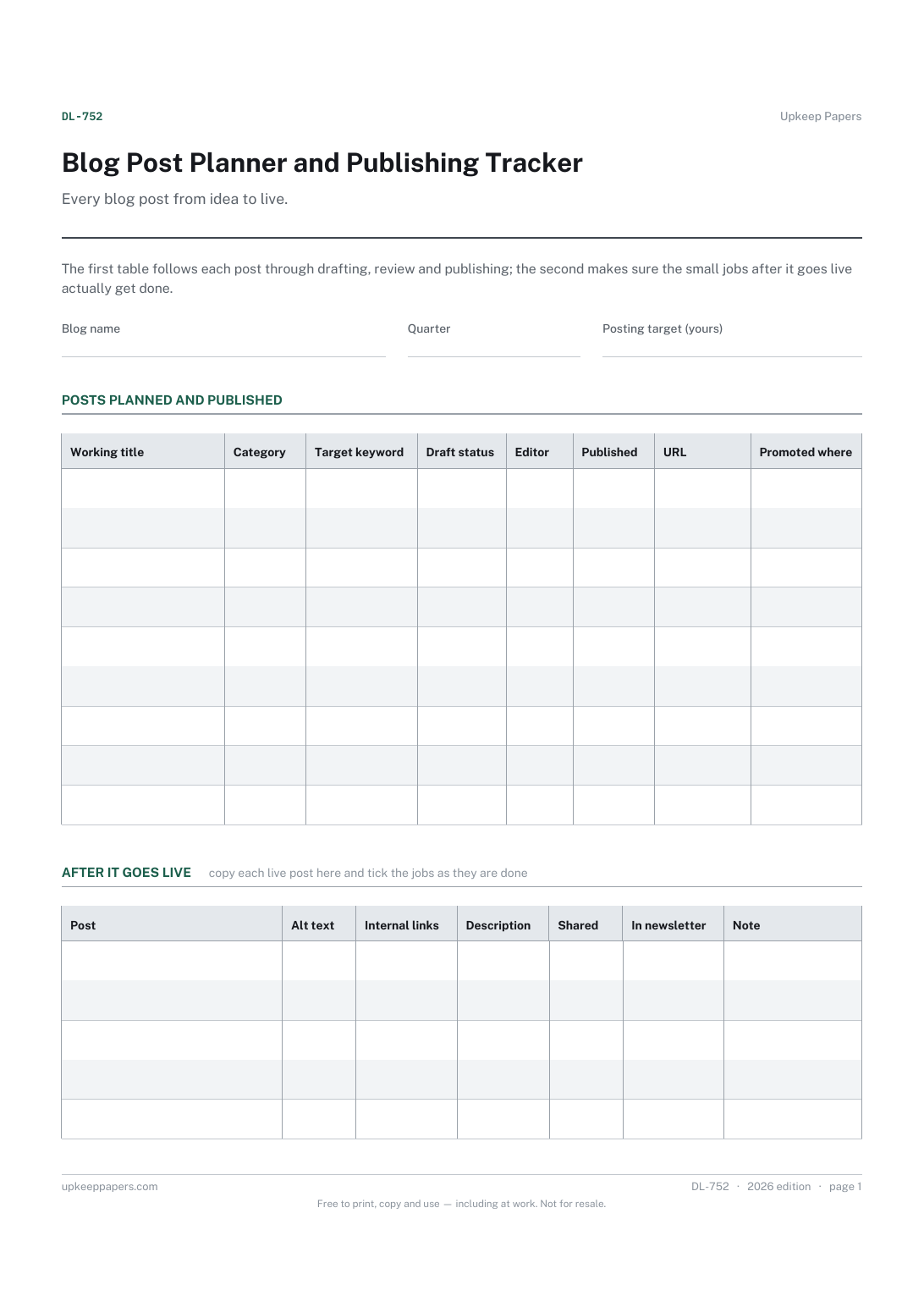
Blog Post Planner and Publishing Tracker
Which posts are planned for the quarter and what each one is about.
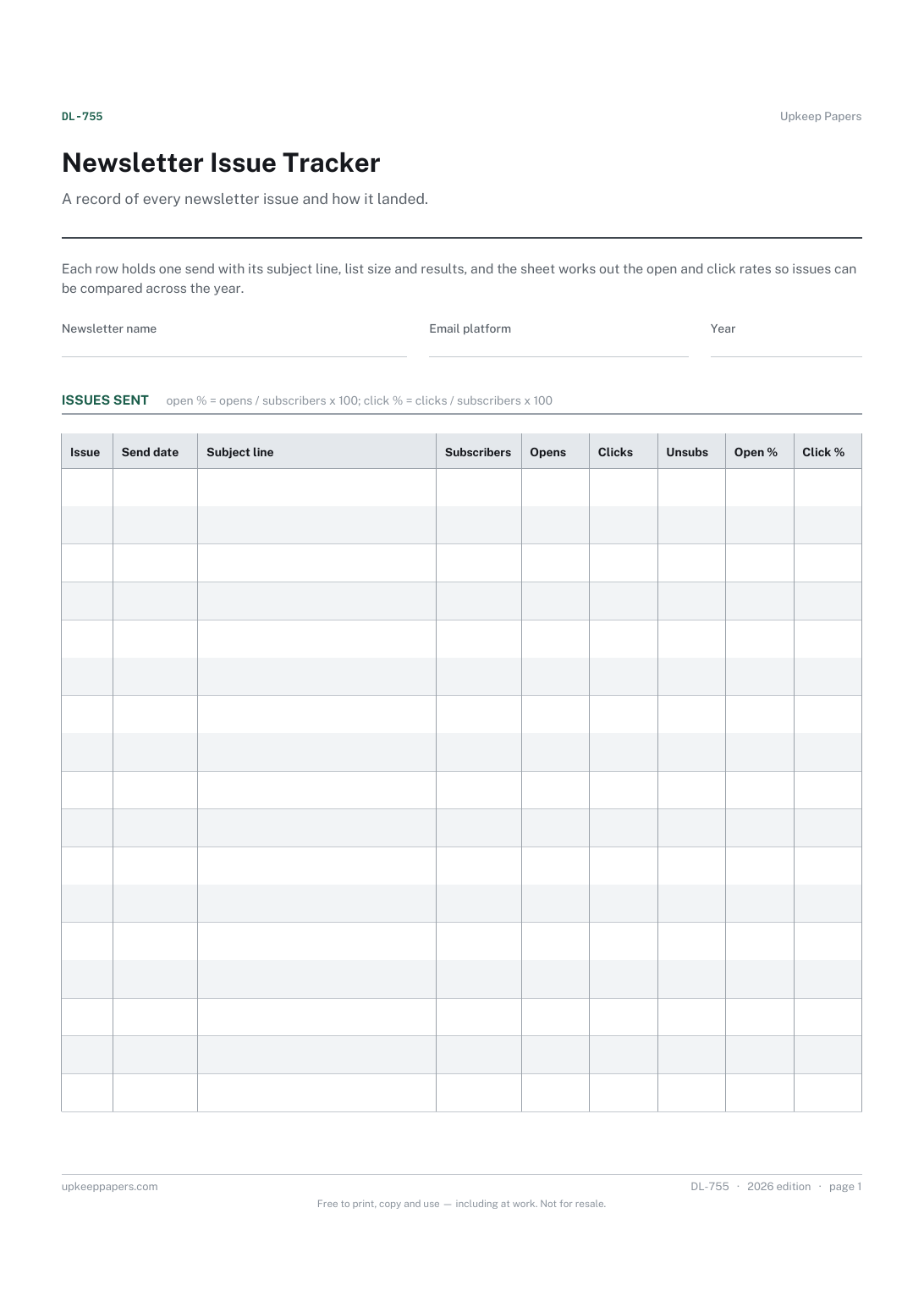
Newsletter Issue Tracker
When each issue went out and what its subject line was.
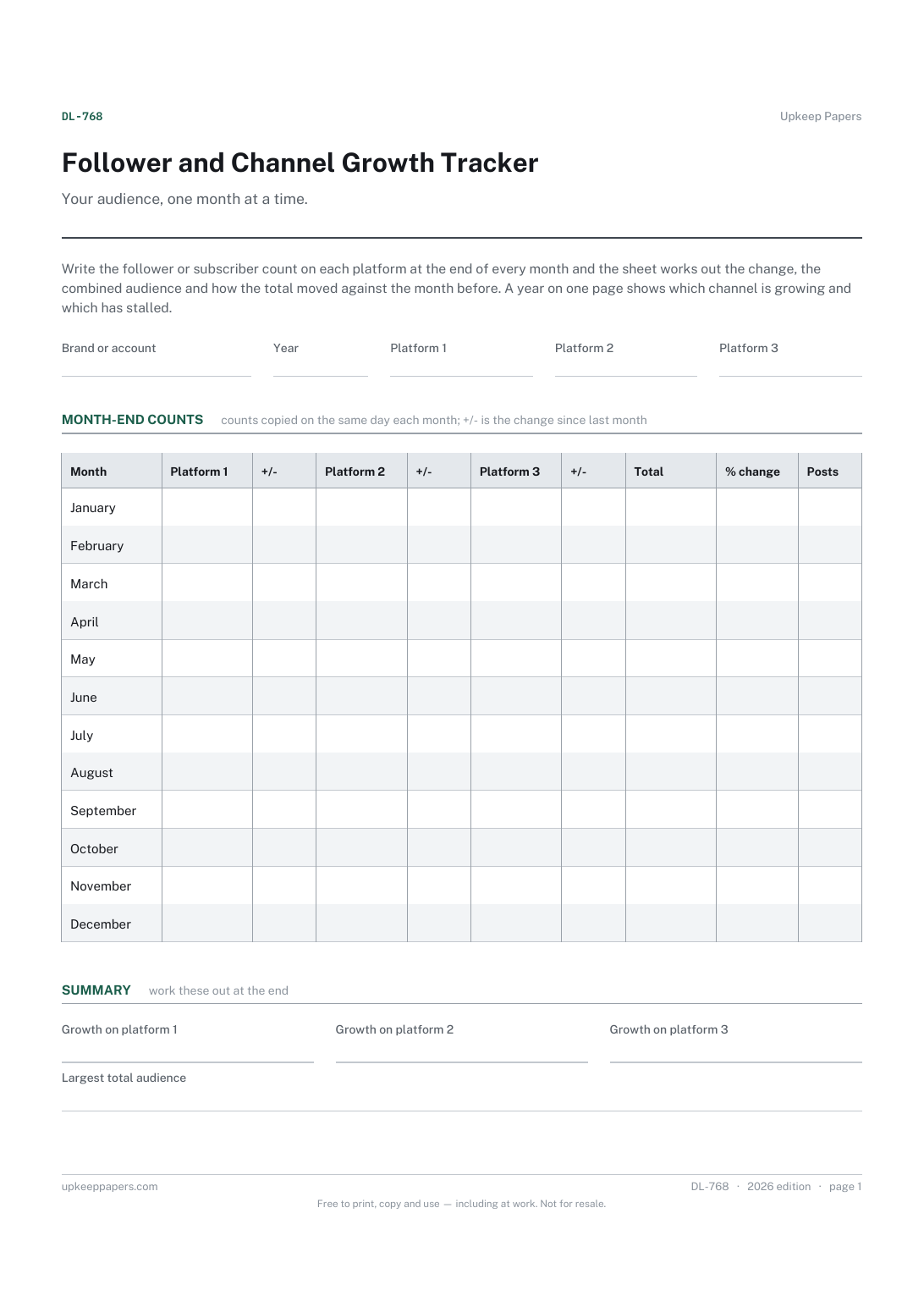
Follower and Channel Growth Tracker
Follower or subscriber counts on up to three platforms at each month end.
Also in the library
Printable sheets, workbooks and tools on the same subject.
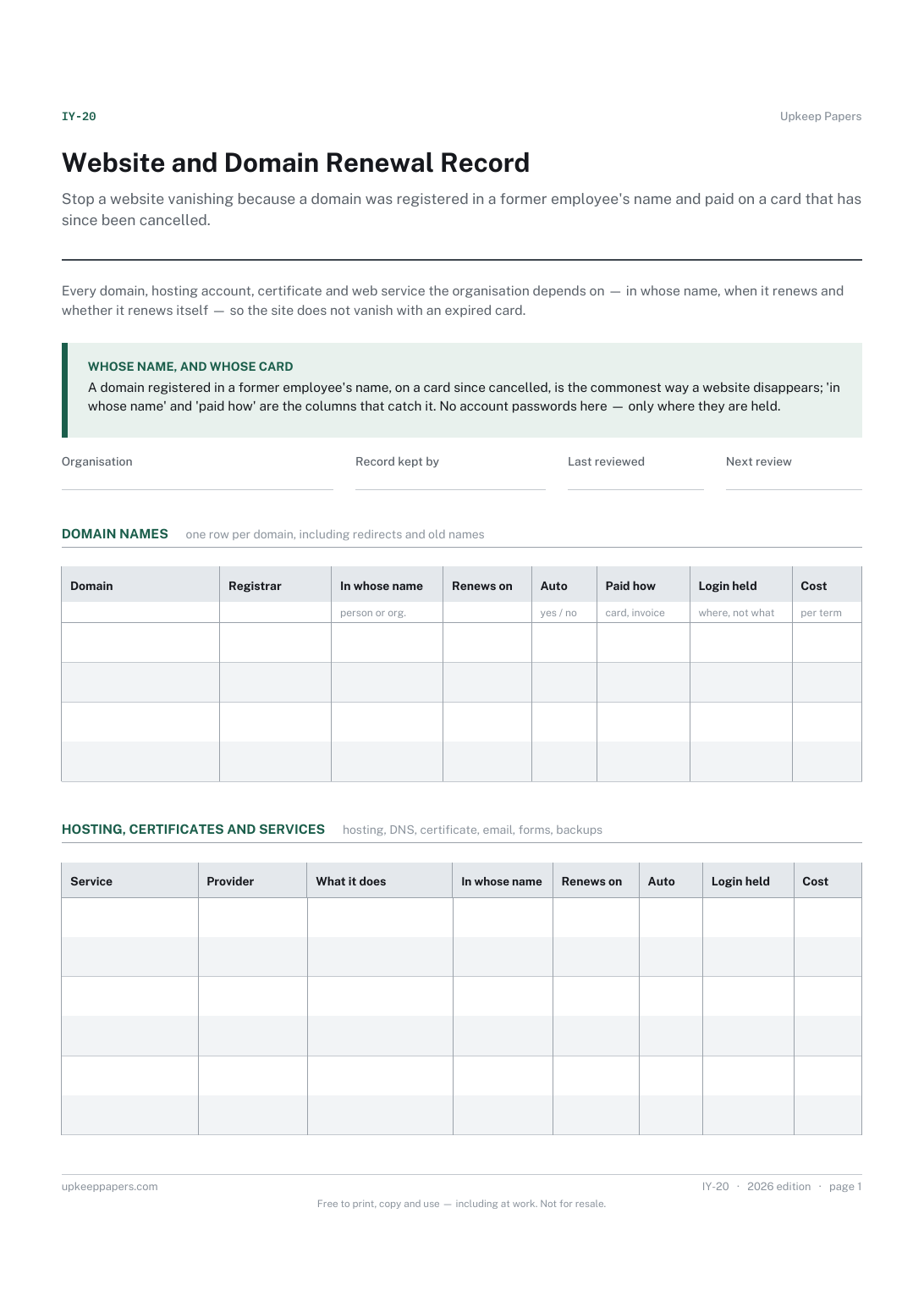
Website and Domain Renewal Record
Stop a website vanishing because a domain was registered in a former employee's name and paid on a card that has since been cancelled.
