Website Traffic Monthly Record
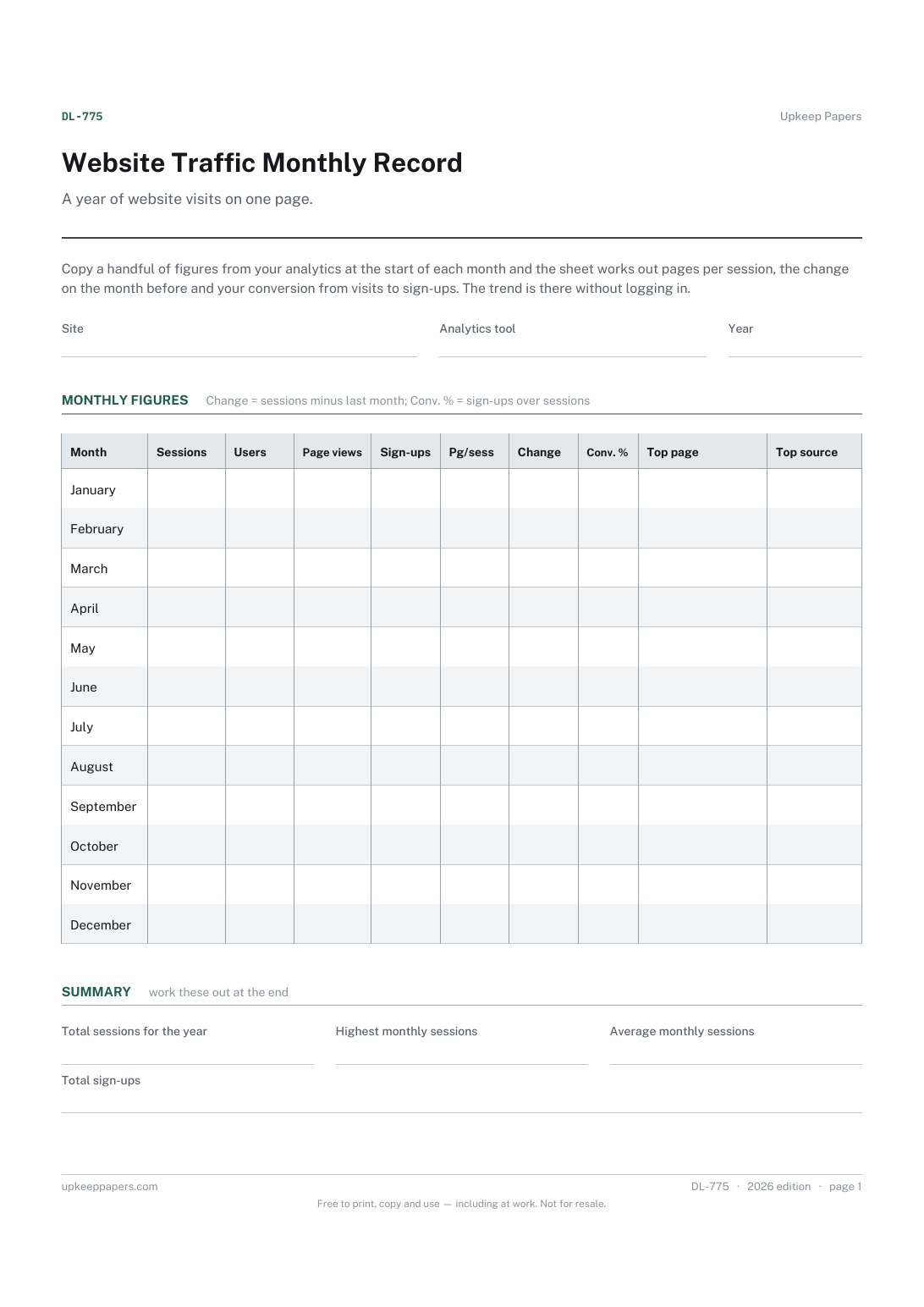
Sessions, users and page views for each month.
DL-775 Record PDF Excel Online
Everything here is free. Making it takes time and money. Everything here is free.
 Buy us a coffee
 Digital Life and Content · DL-763 · Form
Free website content audit template — every page with its purpose, accuracy, broken links and the action it needs. Printable PDF and browser versions.
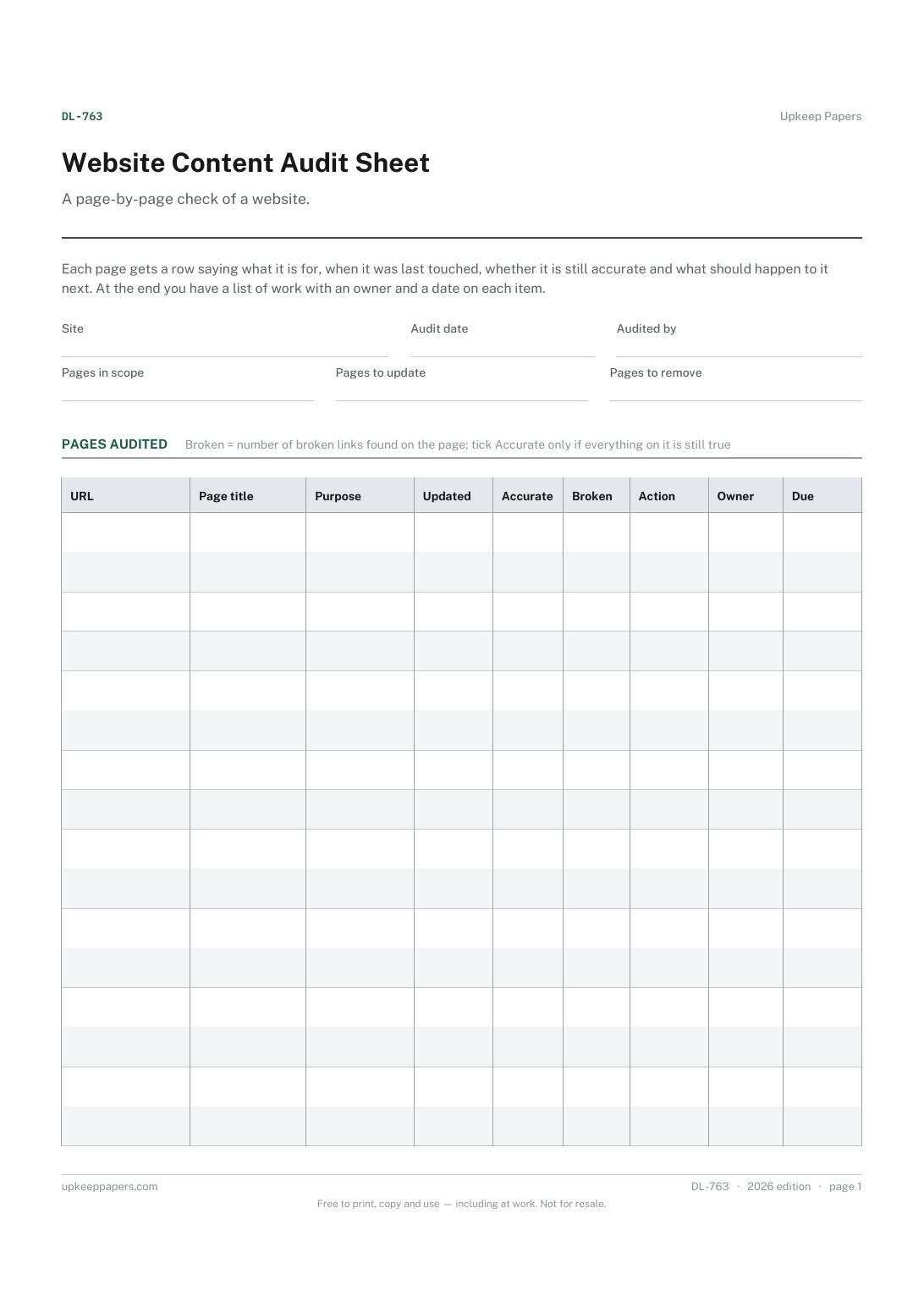
One page. The A4 and US Letter files are laid out identically, so neither is shrunk to fit.
Print it and write on it
Fillable PDF type and save
Or no download needed
Fill it in onlineThe fillable versions have real form fields — open them in any PDF reader, type into them and save. Printing help.
The same sheet, on screen. Tick, type, add or remove rows, then print it or download the completed version as a PDF. Everything stays in your browser — your entries are kept in this browser's own storage on this device, nothing is uploaded, and there is no account.
A page-by-page check of a website. Each page gets a row saying what it is for, when it was last touched, whether it is still accurate and what should happen to it next. At the end you have a list of work with an owner and a date on each item.
Small business owners, charity and club web volunteers, and site editors who have inherited a website and need to know what is on it before changing anything.
The printable is laid out inside a box that fits both A4 and US Letter, so the two files are identical and neither one is scaled. The fillable PDF has real form fields. The online version keeps what you enter in your own browser and builds the completed PDF on your device.
Download the A4 or US Letter file to match the paper in your printer, open it in a PDF reader and print at 100% — not "fit to page", which shrinks the writing space. Both files leave a 14 mm margin, which clears the unprintable edge on home printers. To print the online version with your entries in it, use the Print this sheet button, which prints only the sheet and none of the page around it. More on printing.
As many as you can check properly in the time you have. On a large site, set the scope to one section at a time and write it in the pages-in-scope box so the next audit knows where to pick up.
Update means the page stays but its content needs correcting or refreshing. Merge means two or more pages say much the same thing and should become one, with the old addresses sent on to the new page.
No. Clicking each link on the page works for a small site. A link-checking tool is quicker on a larger one, and you can copy its count into the broken links column.
There is no set interval; it depends on how fast your content goes out of date. Many owners do it when prices, staff or services change, or before a redesign.
Sessions, users and page views for each month.
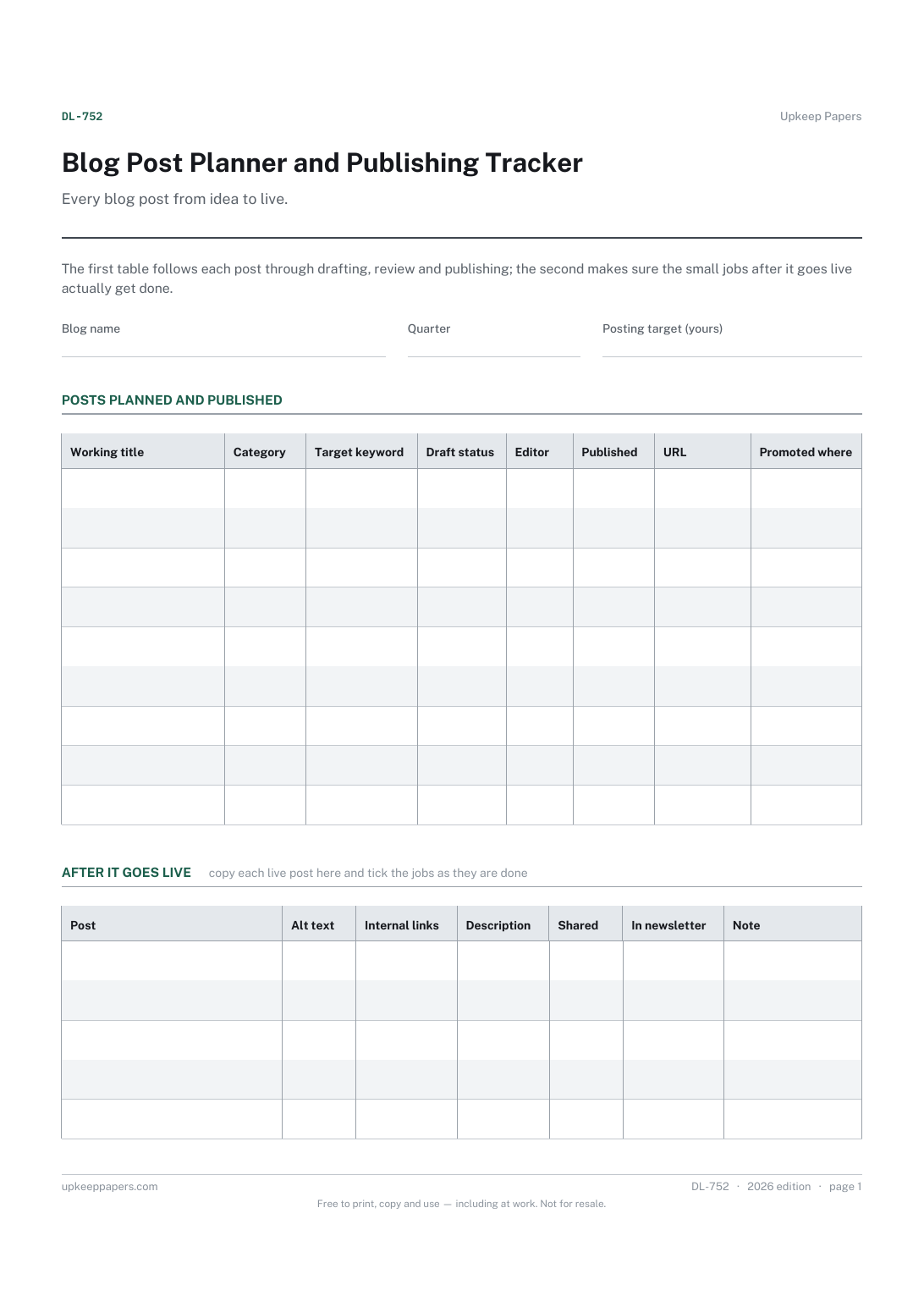
Which posts are planned for the quarter and what each one is about.
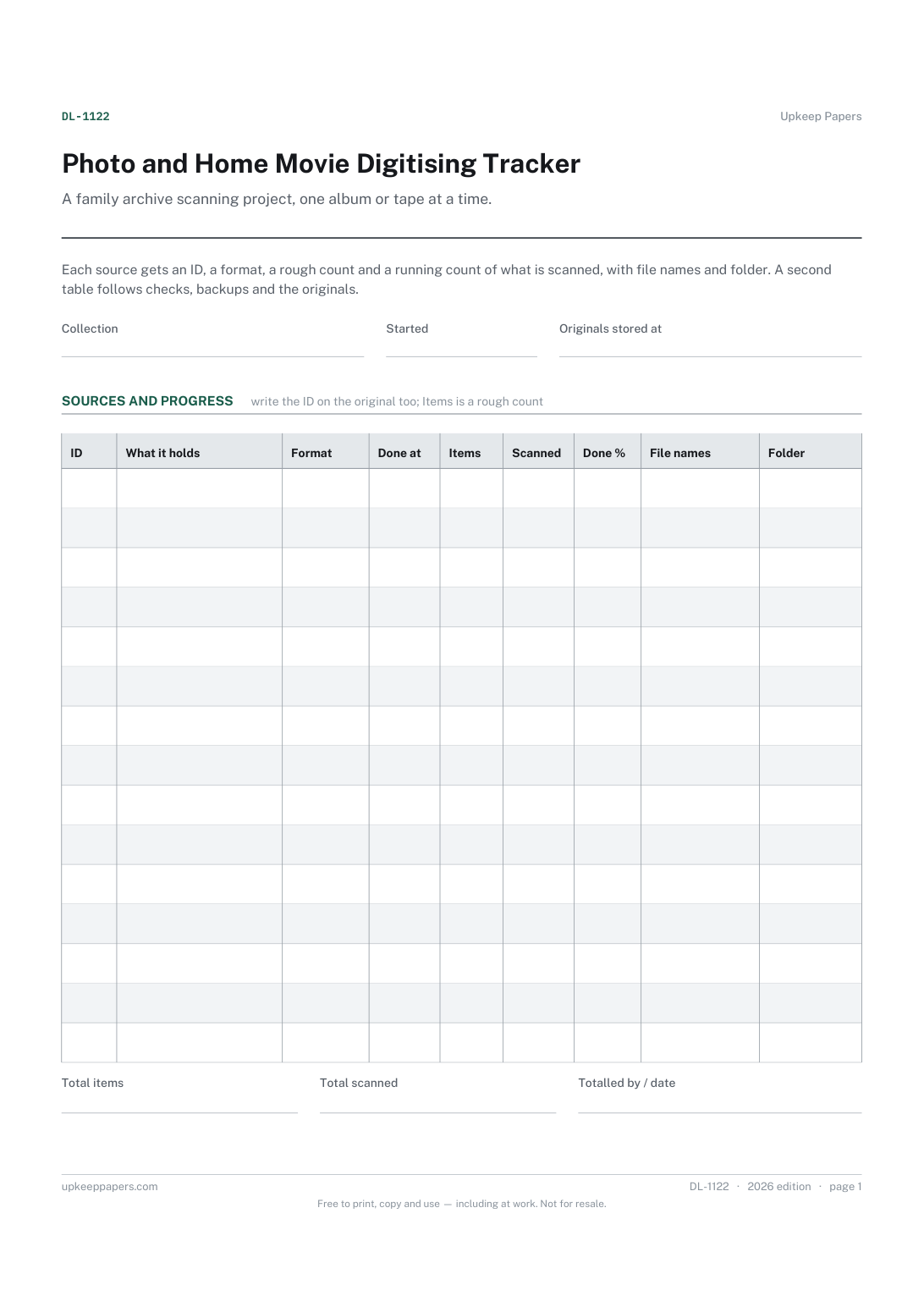
Every album, box, reel and tape in the project, with an ID for each.
Printable sheets, workbooks and tools on the same subject.
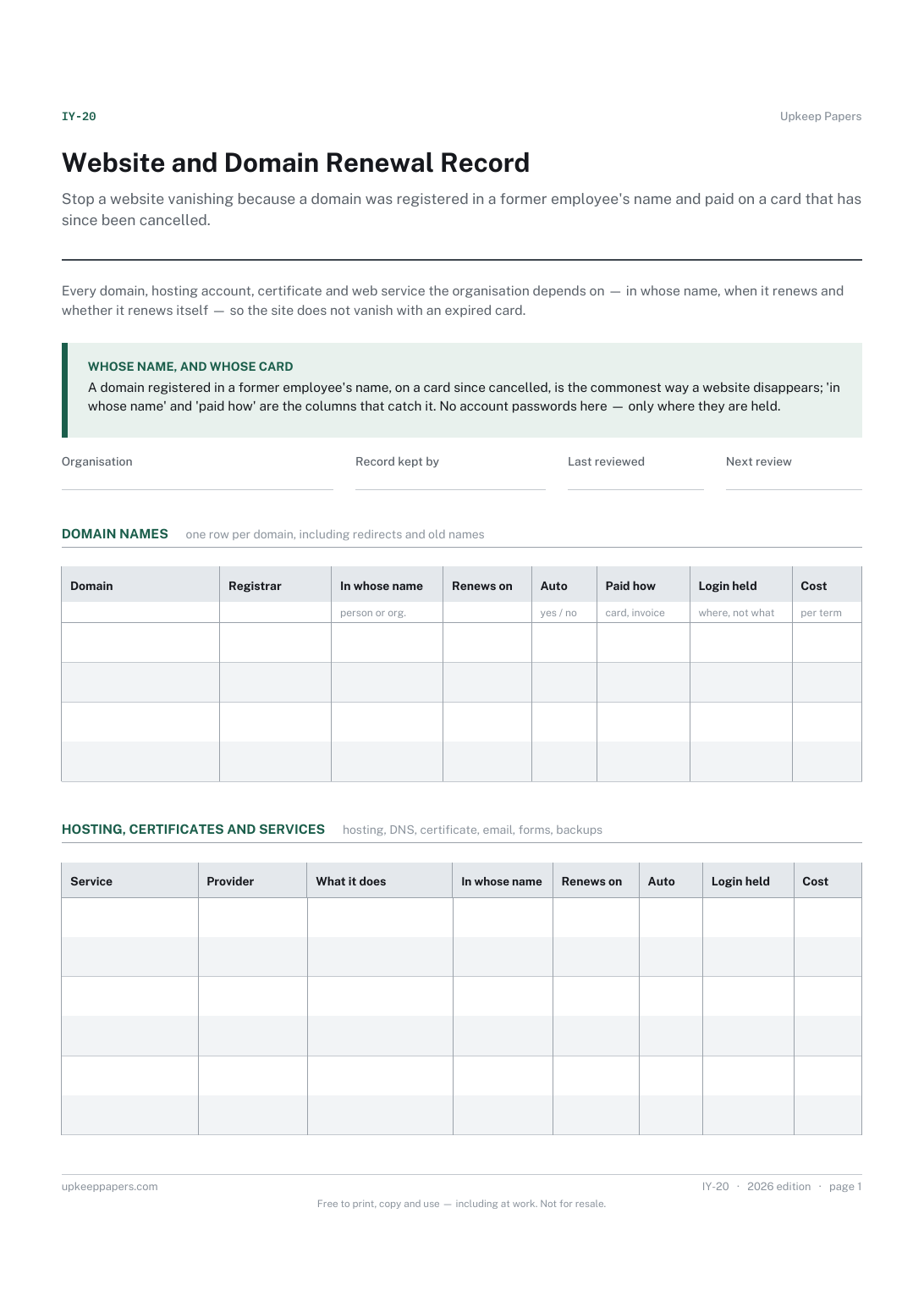
Stop a website vanishing because a domain was registered in a former employee's name and paid on a card that has since been cancelled.

Every sheet, binder, game and puzzle on Upkeep Papers is free to download, with no email and no account. Making them is not free: each one takes days of research, design and checking, and the site costs money to run. If something here saved you time, you can buy us a coffee. It is entirely optional: nothing is locked, and nothing changes if you don’t.
Buy us a coffee Opens PayPal in a new tab. Any amount, and nothing changes if you would rather not.