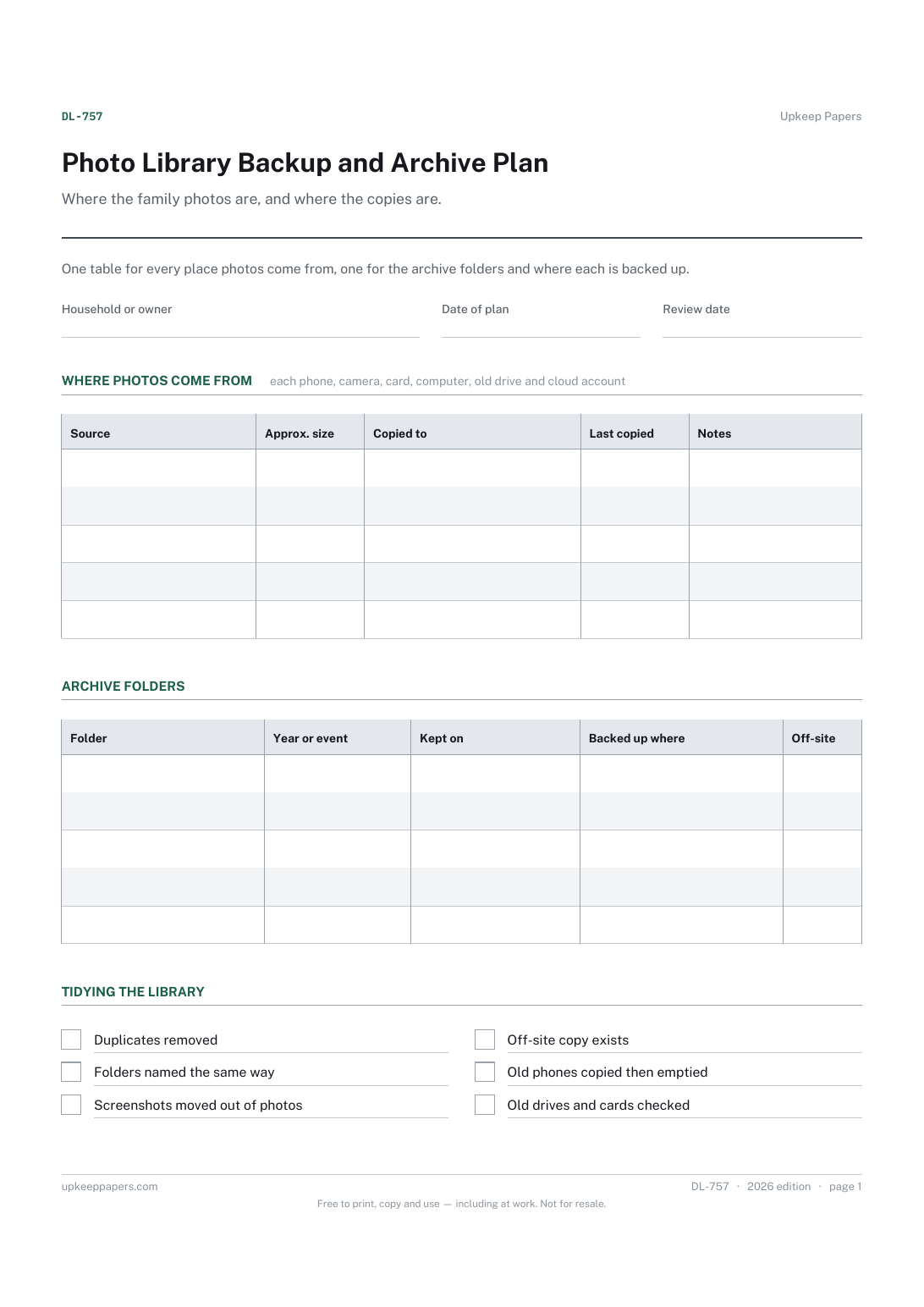
Photo Library Backup and Archive Plan
Every source of photos in the house, including old phones and drives.
DL-757 Planner PDF Online
Everything here is free. Making it takes time and money. Everything here is free.
 Buy us a coffee
 Digital Life and Content · DL-759 · Checklist
Digital declutter checklist — clear files, photos, apps, inboxes, bookmarks, cloud folders and old accounts, area by area. Printable PDF and browser.
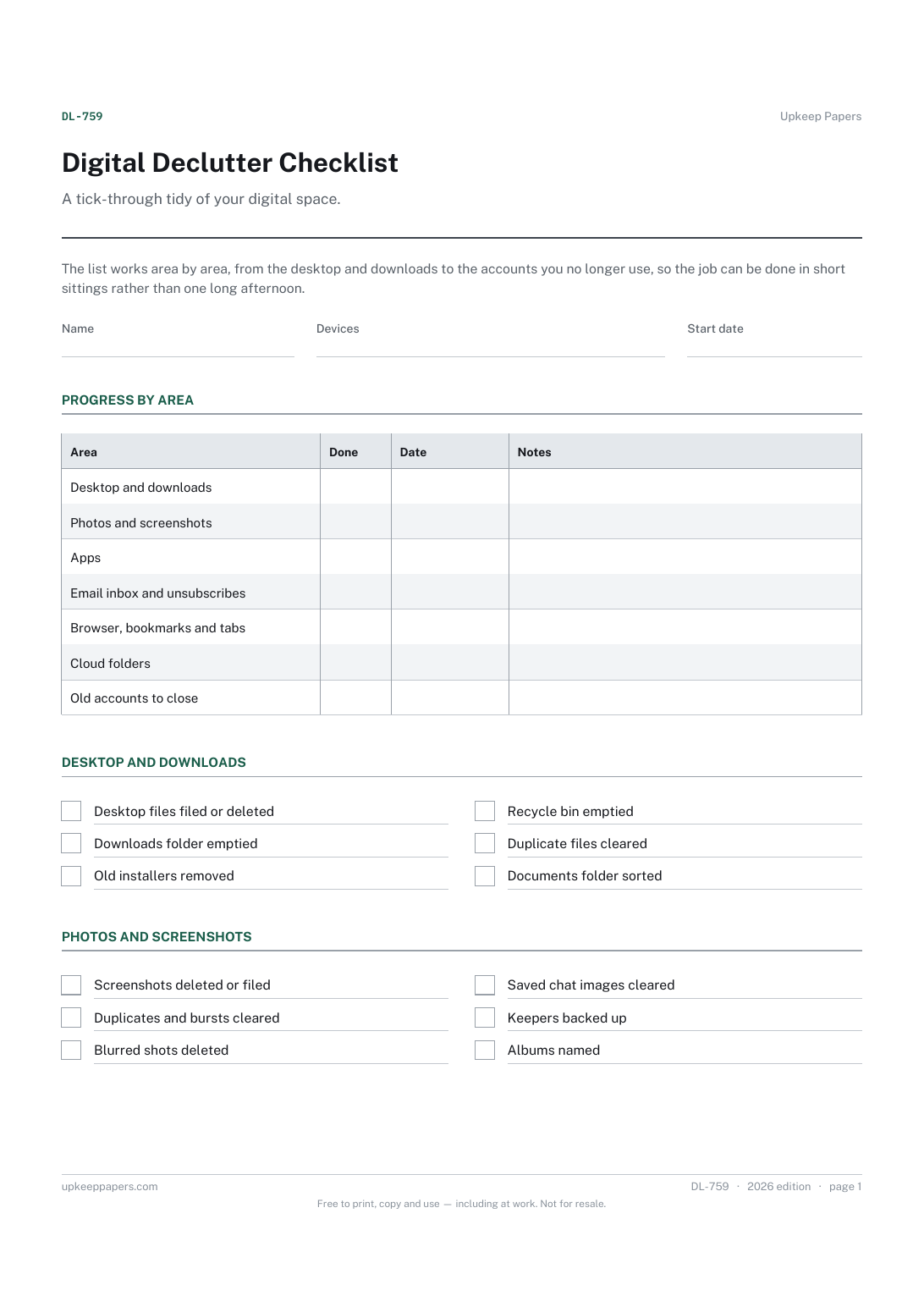
2 pages. The A4 and US Letter files are laid out identically, so neither is shrunk to fit.
Print it and write on it
Fillable PDF type and save
Or no download needed
Fill it in onlineThe fillable versions have real form fields — open them in any PDF reader, type into them and save. Printing help.
The same sheet, on screen. Tick, type, add or remove rows, then print it or download the completed version as a PDF. Everything stays in your browser — your entries are kept in this browser's own storage on this device, nothing is uploaded, and there is no account.
A tick-through tidy of your digital space. The list works area by area, from the desktop and downloads to the accounts you no longer use, so the job can be done in short sittings rather than one long afternoon.
Anyone whose phone is full, whose inbox has stopped being useful or who has lost count of the accounts they have signed up for, and people setting up a new device who want to move across only what they need.
The printable is laid out inside a box that fits both A4 and US Letter, so the two files are identical and neither one is scaled. The fillable PDF has real form fields. The online version keeps what you enter in your own browser and builds the completed PDF on your device.
Download the A4 or US Letter file to match the paper in your printer, open it in a PDF reader and print at 100% — not "fit to page", which shrinks the writing space. Both files leave a 14 mm margin, which clears the unprintable edge on home printers. To print the online version with your entries in it, use the Print this sheet button, which prints only the sheet and none of the page around it. More on printing.
It depends entirely on how much has built up. Doing one area per sitting keeps it manageable, and the ticks show where you got to when you come back.
If you are not sure you will never need something, yes. The personal data backup schedule and photo backup plan help make sure there is a copy before anything is cleared.
Download anything you want to keep, remove saved payment details, then use the service's own close or delete option. Note the date on the sheet and keep any confirmation email.
No. A detox is about how much time you spend on screens. This sheet is about what is stored on them: files, apps, messages and accounts.
Every source of photos in the house, including old phones and drives.
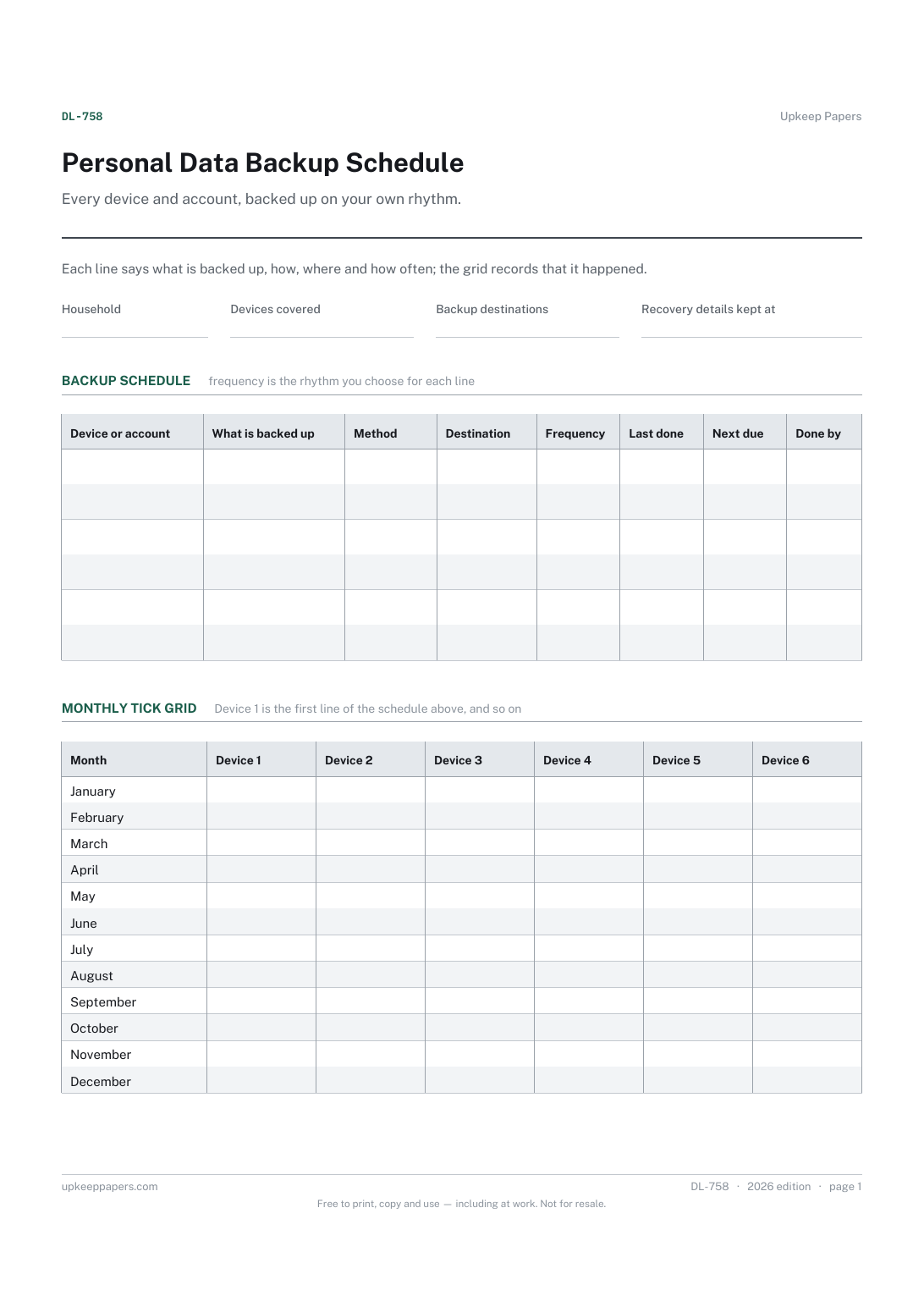
Every device and account that holds something worth keeping.
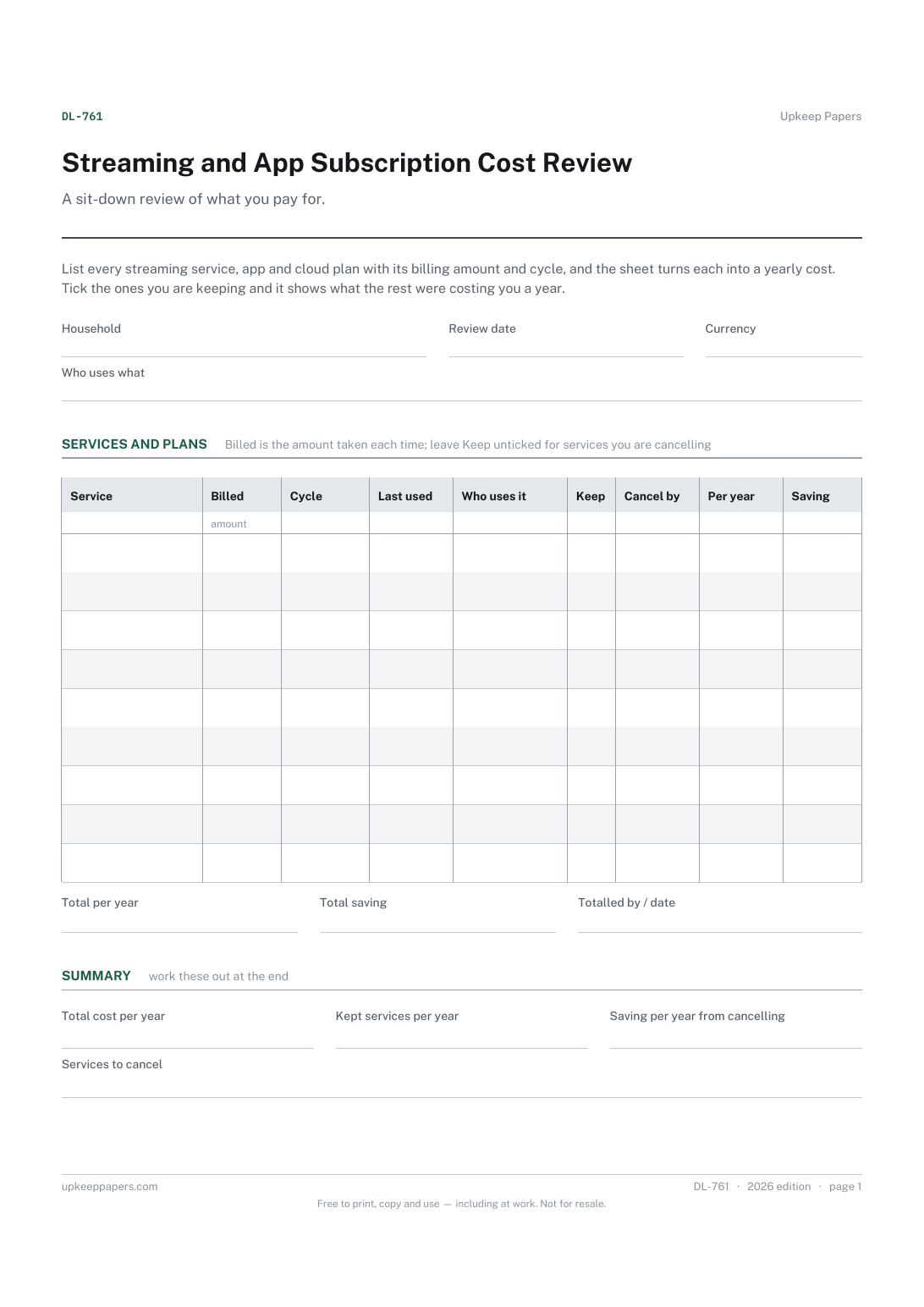
Every streaming, app and cloud subscription in one list.
Printable sheets, workbooks and tools on the same subject.
Get the decision written down and dated, which is where decluttering actually fails — not in the sorting but in the pile that migrates to the garage.
Have a list of what you actually hold online, without writing down a single credential.

Every sheet, binder, game and puzzle on Upkeep Papers is free to download, with no email and no account. Making them is not free: each one takes days of research, design and checking, and the site costs money to run. If something here saved you time, you can buy us a coffee. It is entirely optional: nothing is locked, and nothing changes if you don’t.
Buy us a coffee Opens PayPal in a new tab. Any amount, and nothing changes if you would rather not.