
Business and work · BW-481 · Planner
Staff Holiday Planner
Free staff holiday planner — requests with dates and cover, plus a balance per person from your own entitlement figures. PDF, Excel and browser versions.
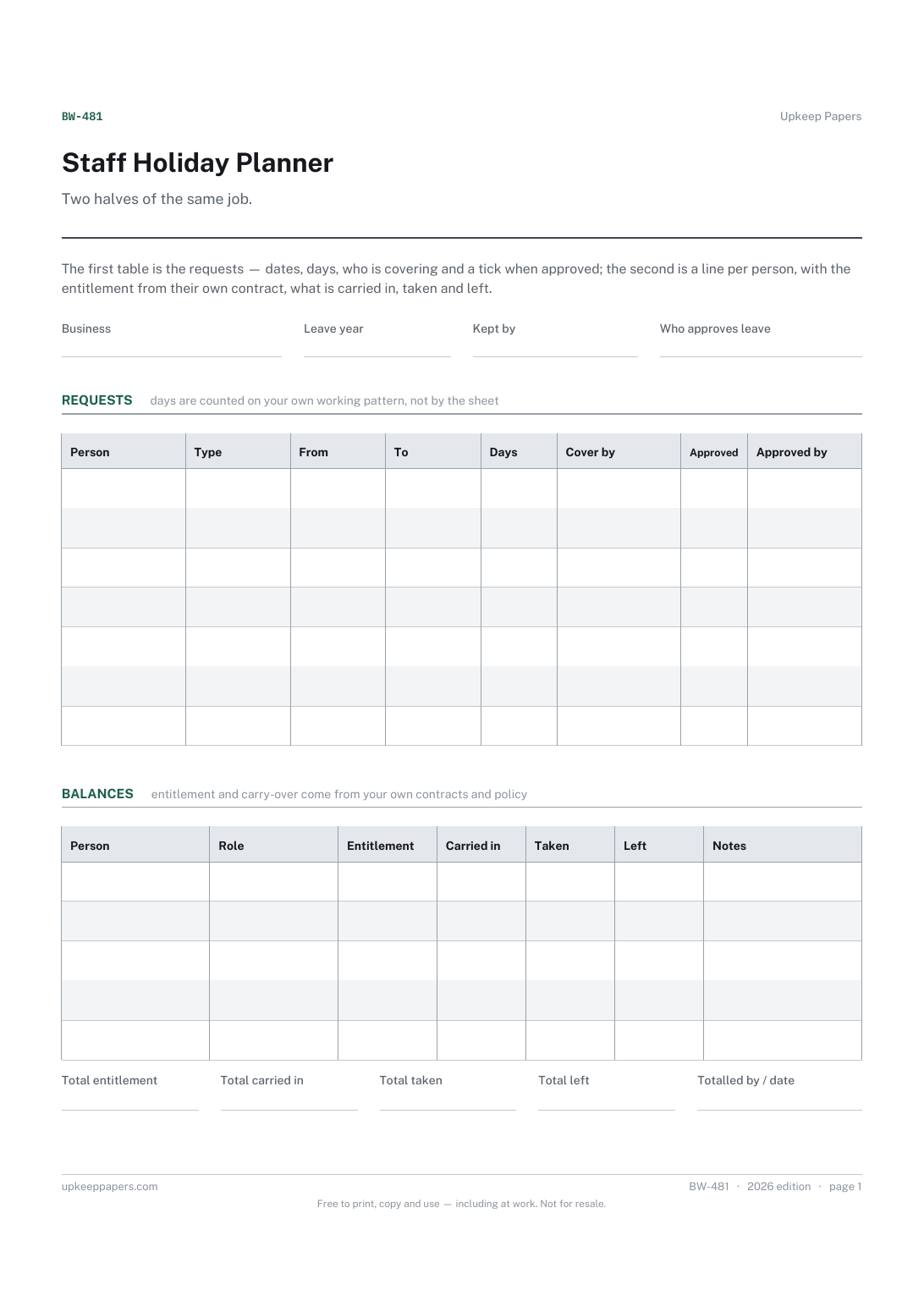
2 pages. The A4 and US Letter files are laid out identically, so neither is shrunk to fit.
Print it and write on it
Fillable PDF type and save
Spreadsheet formulas included
The fillable versions have real form fields — open them in any PDF reader, type into them and save. Printing help.
Fill it in online
The same sheet, on screen. Totals and figures are worked out as you type, rows can be added or removed, and you can print it or download the completed version as a PDF. Everything stays in your browser — your entries are kept in this browser's own storage on this device, nothing is uploaded, and there is no account.
Who this is for
Two halves of the same job. The first table is the requests — dates, days, who is covering and a tick when approved; the second is a line per person, with the entitlement from their own contract, what is carried in, taken and left.
Small employers running leave on a wall chart or in an inbox, supervisors who need to see whether two people have asked for the same fortnight, and anyone keeping a record of who approved what.
What this helps you track
- What each person is entitled to, taken from their own contract
- Days carried in, days taken and days left, worked out
- Every request with the dates it covers and the days it uses
- Who is covering the work while they are away
- Which requests have been approved, and by whom
How to use it
- Write the business, the leave year and who keeps the planner at the top.
- Add each request to the first table as it comes in: the person, the dates from and to, and the number of days it uses under your own working pattern.
- Fill the balances table below it with one line per person. The entitlement and any carry-over come from your own contracts and policy — no figure on this sheet is ours.
- Write who will cover the work before approving anything, not afterwards.
- Tick approved and write who approved it and when. An unticked row is still a request.
- Update the taken column in the balances table as leave is actually taken; the days left and the summary are worked out in the browser and the workbook.
Formats
- Printable PDF (A4 and US Letter)
- Fillable PDF with form fields
- Fill in online, saved in your browser
- Excel / Google Sheets workbook
The printable is laid out inside a box that fits both A4 and US Letter, so the two files are identical and neither one is scaled. The fillable PDF has real form fields. The workbook uses plain formulas only — SUM, IF, COUNTIF and the like — so it opens in Excel, LibreOffice and Google Sheets without anything breaking, and every calculated cell is grey so you can see which figures it worked out.
How to print
Download the A4 or US Letter file to match the paper in your printer, open it in a PDF reader and print at 100% — not "fit to page", which shrinks the writing space. Both files leave a 14 mm margin, which clears the unprintable edge on home printers. To print the online version with your entries in it, use the Print this sheet button, which prints only the sheet and none of the page around it. More on printing.
Questions
How much leave is somebody entitled to?
This planner does not say and carries no figure. Entitlement is set by the contract and by the rules where you are, so take it from those and enter it in the entitlement column.
How are the days in a request counted?
You enter them. A day means different things on different working patterns — part time, shifts, compressed weeks — so the sheet takes the number you give it rather than counting between two dates.
What about carry-over between years?
There is a carried-in column for whatever your policy allows. Whether carry-over is permitted at all, and how much, is set by your contracts and the rules where you are.
Can two people's requests clash?
The planner shows them; it does not stop them. Sorting the request lines by the from date makes an overlap obvious, and the cover column is where you record how it was resolved.
Does it handle sickness or unpaid leave?
The type column has room for unpaid leave and time in lieu. Keep sickness records separately — they are a different kind of record with different handling.
Related resources
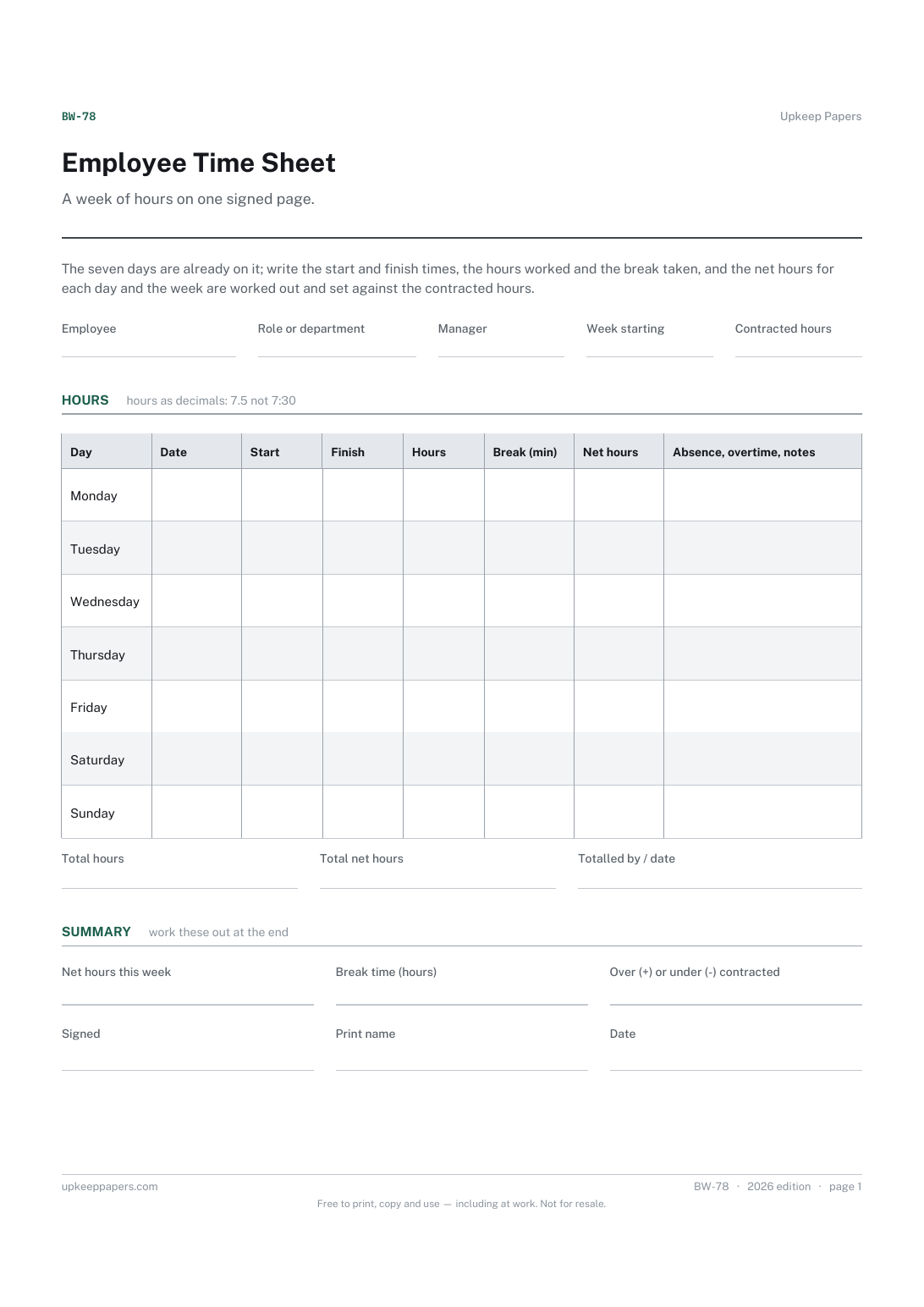
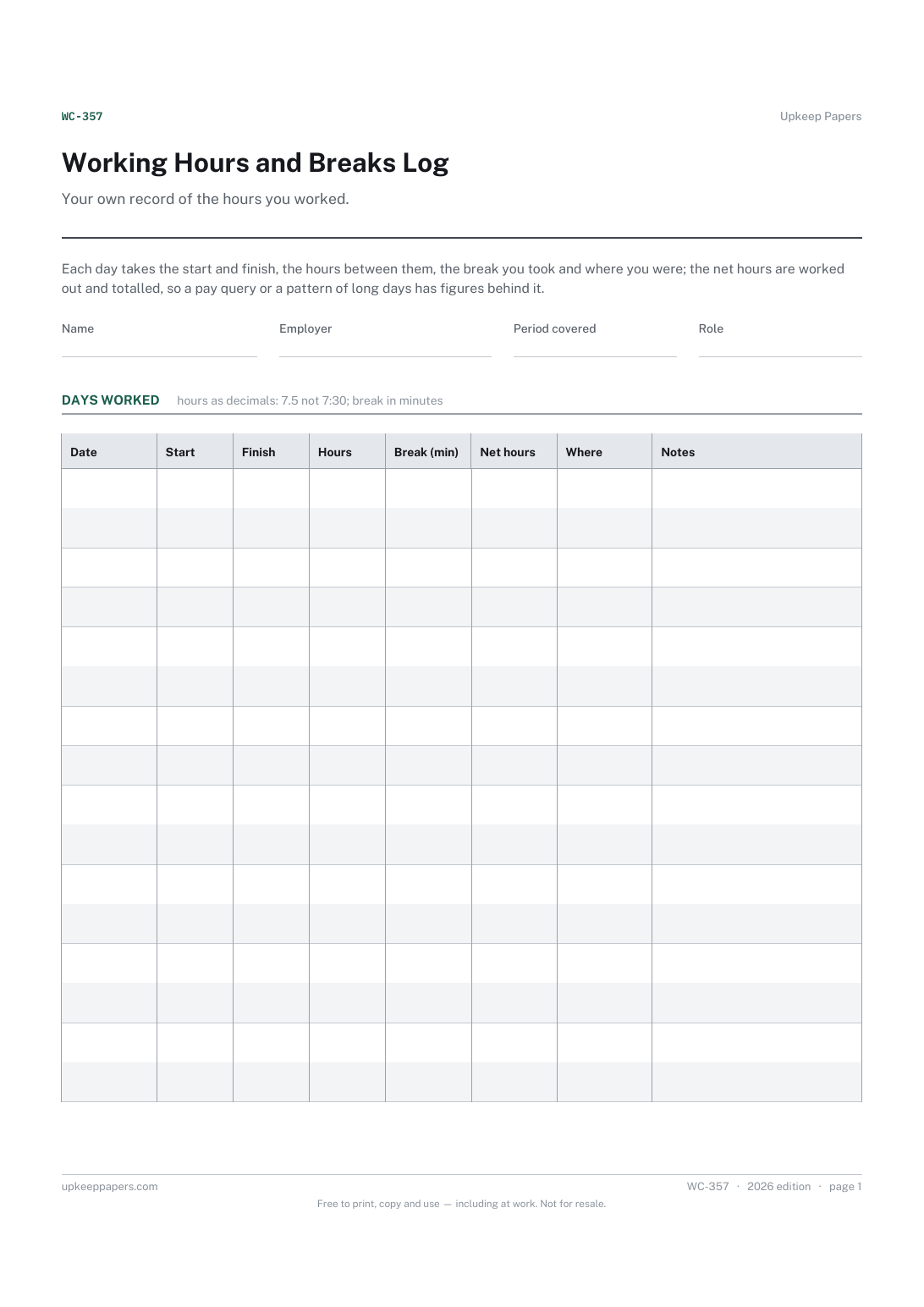
Working Hours and Breaks Log
Hours worked each day, net of the break you took.
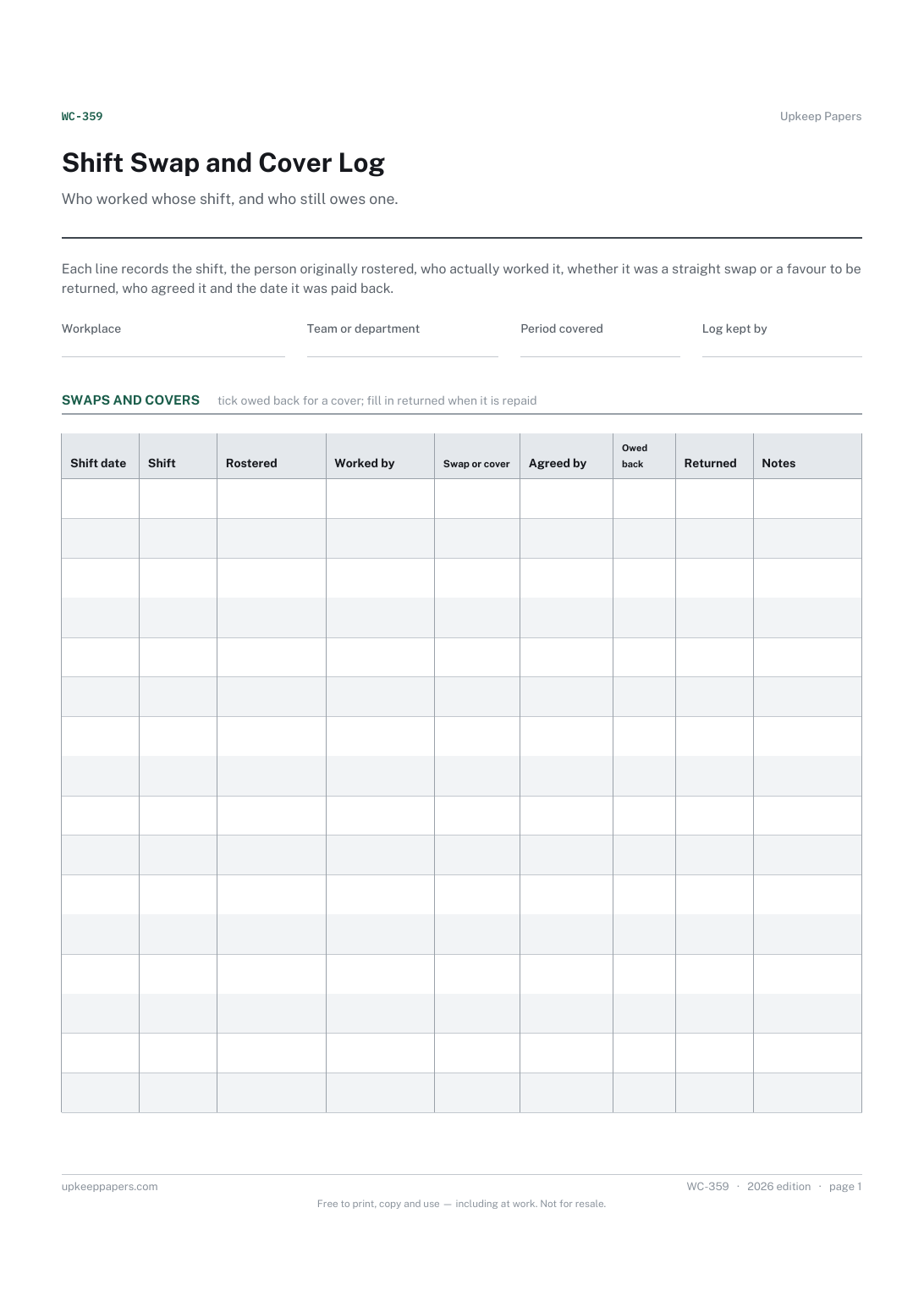
Also in the library
Printable sheets, workbooks and tools on the same subject.

Annual Leave Record
Keep one page per person showing what leave was requested, approved and actually taken, with the balance visible to both sides.

Staff Rota Sheet
Get a week's cover onto one page where the whole team can see it, so the gaps show up before the week starts.

Time Off Request Form
Handle leave requests the same way every time, and keep a record of what was decided and why.
