
Business and work · BW-476 · Register
Supplier and Contractor Register
Free supplier and contractor register — who supplies what, contact and account details, the terms you agreed, insurance expiry and spend to date. PDF and Excel.
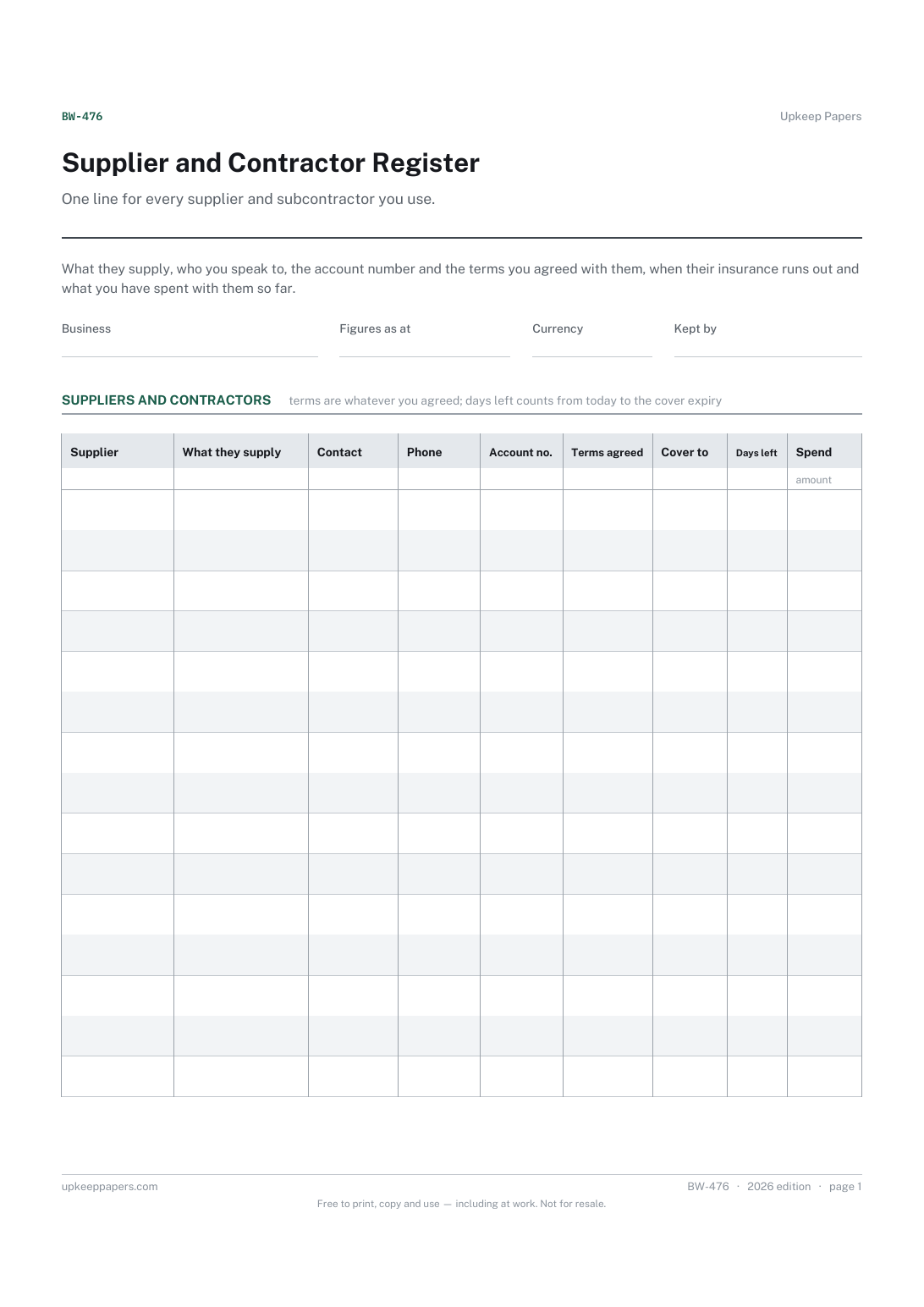
2 pages. The A4 and US Letter files are laid out identically, so neither is shrunk to fit.
Print it and write on it
Fillable PDF type and save
Spreadsheet formulas included
The fillable versions have real form fields — open them in any PDF reader, type into them and save. Printing help.
Fill it in online
The same sheet, on screen. Totals and figures are worked out as you type, rows can be added or removed, and you can print it or download the completed version as a PDF. Everything stays in your browser — your entries are kept in this browser's own storage on this device, nothing is uploaded, and there is no account.
Who this is for
One line for every supplier and subcontractor you use. What they supply, who you speak to, the account number and the terms you agreed with them, when their insurance runs out and what you have spent with them so far.
Trades and small firms who subcontract work out, anyone who needs a contractor's cover checked before they start, and businesses where one person holds all the supplier details in their head or their phone.
What this helps you track
- Who supplies what, and the account number to quote
- A named contact and a number that reaches them
- The terms you agreed with each one, in your own words
- When each contractor's insurance cover expires, counted down from today
- What you have spent with each supplier over the period
How to use it
- Write your business, the date the figures were taken and the currency at the top.
- Add a line per supplier or subcontractor, with a short description of what they actually supply rather than their trading name alone.
- Record the named contact and the number or email that reaches that person, not a switchboard.
- Write the terms exactly as you agreed them with that supplier. The sheet suggests none and has no view on what is normal.
- Enter the expiry date on the insurance certificate you were given; the days-left column counts down in the browser and the workbook and shows a minus figure once it has passed.
- Update the spend column at the end of each period, and ask again for a certificate before the days-left figure reaches nil.
Formats
- Printable PDF (A4 and US Letter)
- Fillable PDF with form fields
- Fill in online, saved in your browser
- Excel / Google Sheets workbook
The printable is laid out inside a box that fits both A4 and US Letter, so the two files are identical and neither one is scaled. The fillable PDF has real form fields. The workbook uses plain formulas only — SUM, IF, COUNTIF and the like — so it opens in Excel, LibreOffice and Google Sheets without anything breaking, and every calculated cell is grey so you can see which figures it worked out.
How to print
Download the A4 or US Letter file to match the paper in your printer, open it in a PDF reader and print at 100% — not "fit to page", which shrinks the writing space. Both files leave a 14 mm margin, which clears the unprintable edge on home printers. To print the online version with your entries in it, use the Print this sheet button, which prints only the sheet and none of the page around it. More on printing.
Questions
What insurance should a contractor hold?
That depends entirely on the work, the country and often the client, so this register asks only for the expiry date on the certificate you were shown. What is needed is a question for your insurer and the rules where you are.
Why record terms rather than print a standard set?
Because payment terms are agreed between you and the supplier and differ on every account. The column takes whatever you agreed; nothing here suggests a figure.
Is this the same as the purchase order log?
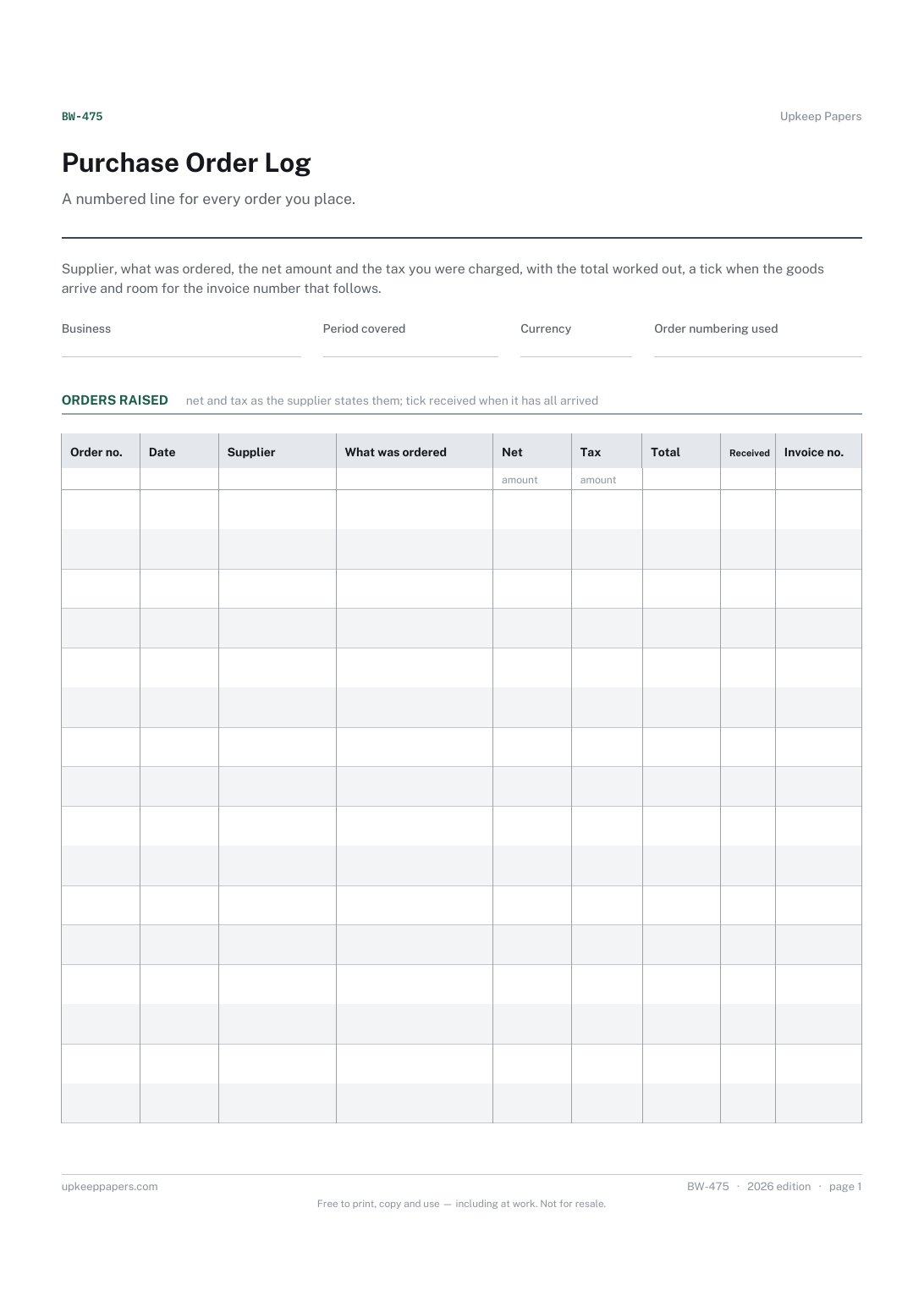
No. The log is a line per order. This register is a line per supplier, holding the details you need before you place an order at all. Most businesses keep both.
How do I fill the spend column?
Total what you have paid that supplier over the period from your expense records or the purchase order log, and write the date the figures were taken at the top so the total means something.
Can I use it for one-off subcontractors?
Yes, and it is worth doing. The line that records who did that job two years ago, and whether they were insured, is the one you will want when a question comes back.
Related resources
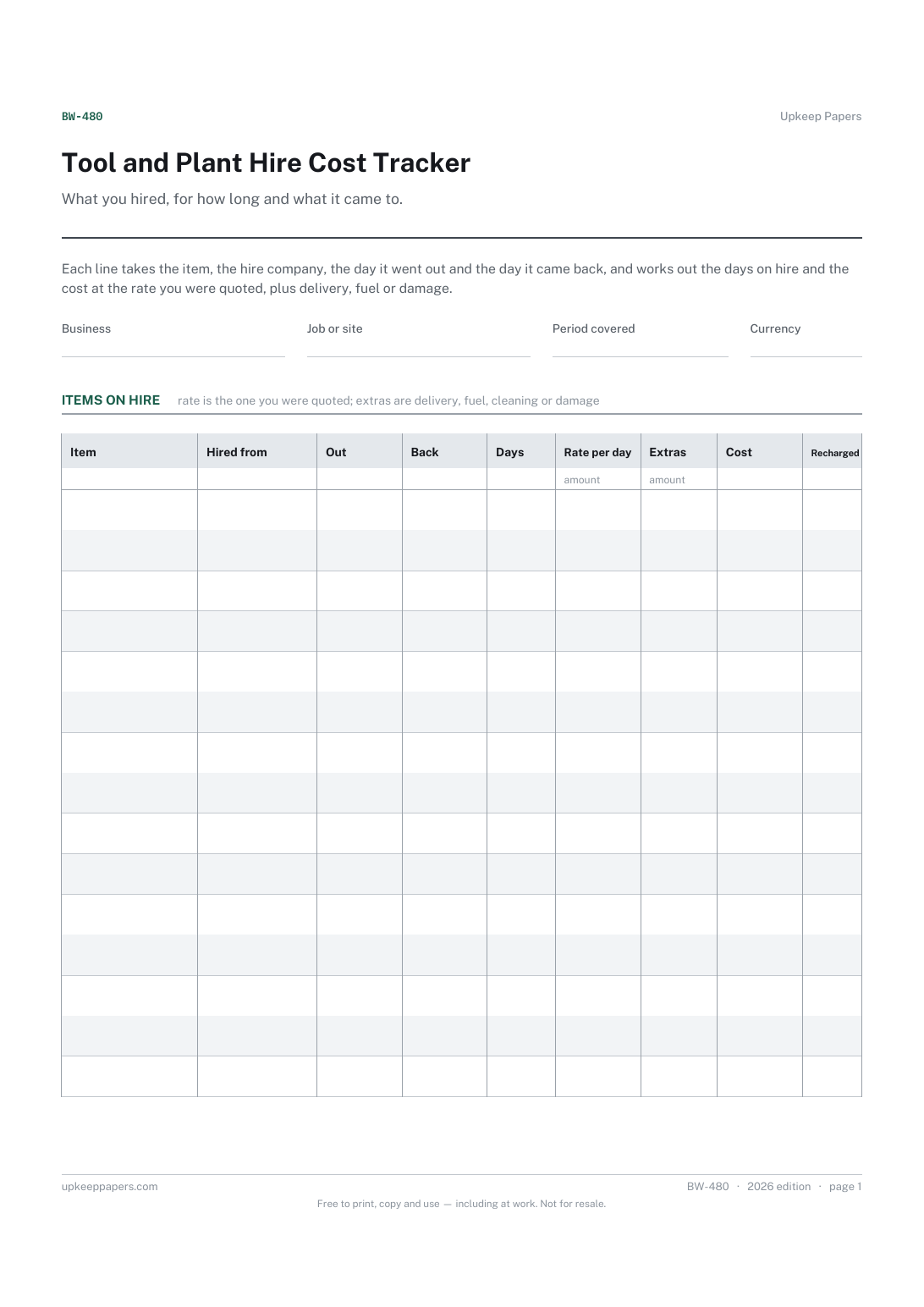
Tool and Plant Hire Cost Tracker
Every item on hire, and who it is hired from.
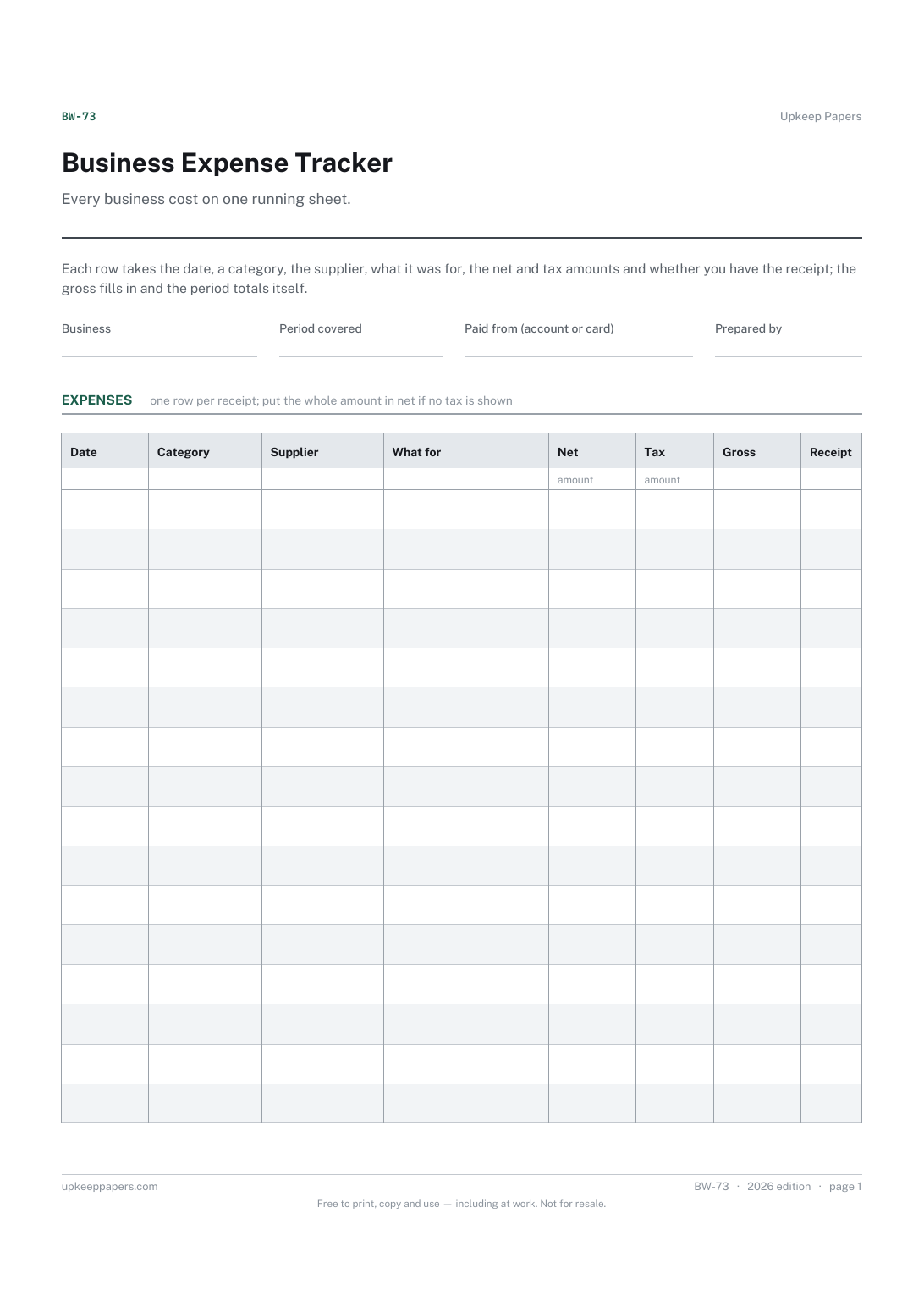
Business Expense Tracker
What the business spent in the period, net, tax and gross.
Also in the library
Printable sheets, workbooks and tools on the same subject.

Supplier and Vendor Record
Keep the ordering knowledge out of one person's head and on a page anybody could pick up.
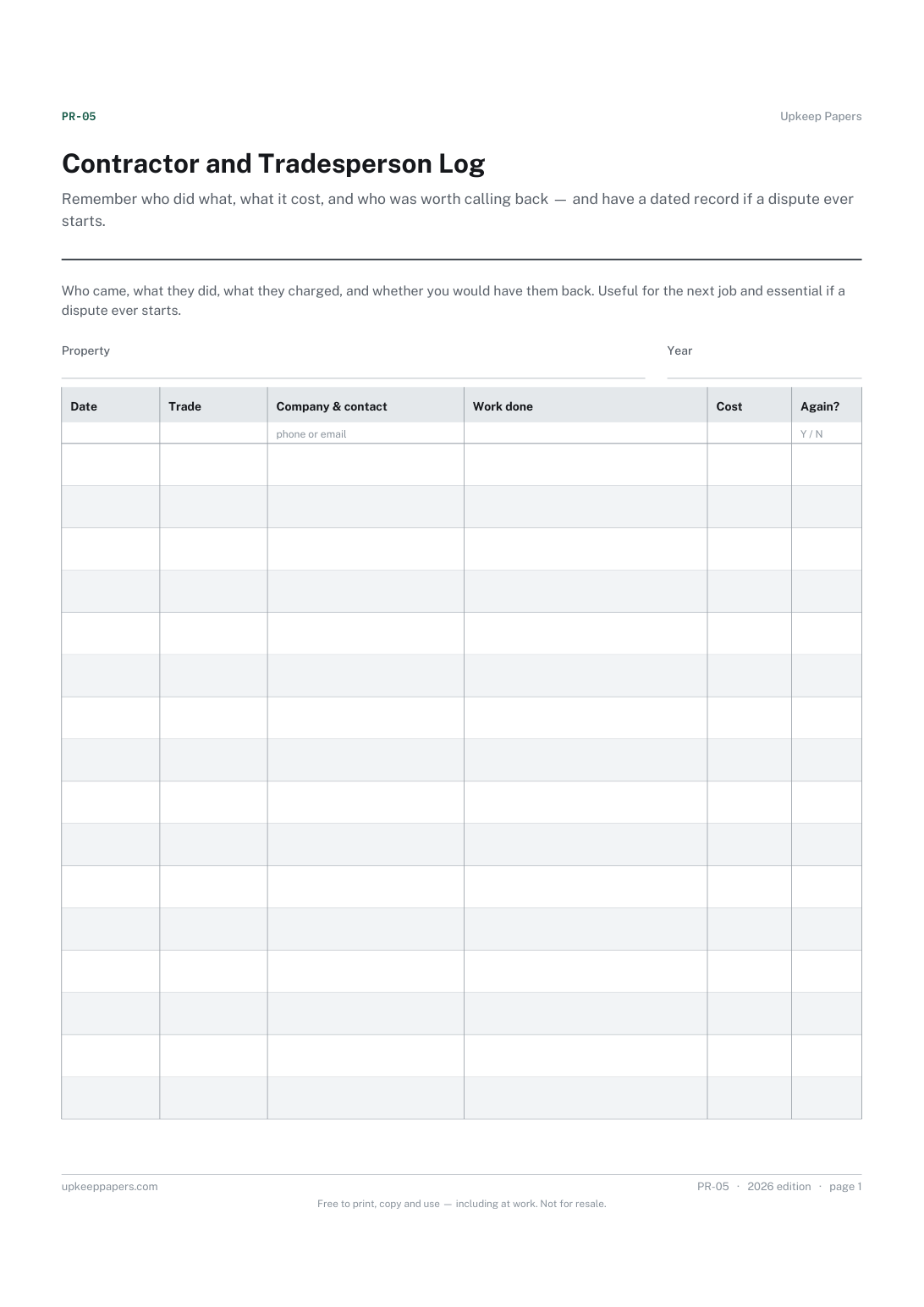
Contractor and Tradesperson Log
Remember who did what, what it cost, and who was worth calling back — and have a dated record if a dispute ever starts.
