Customer Contact Spreadsheet
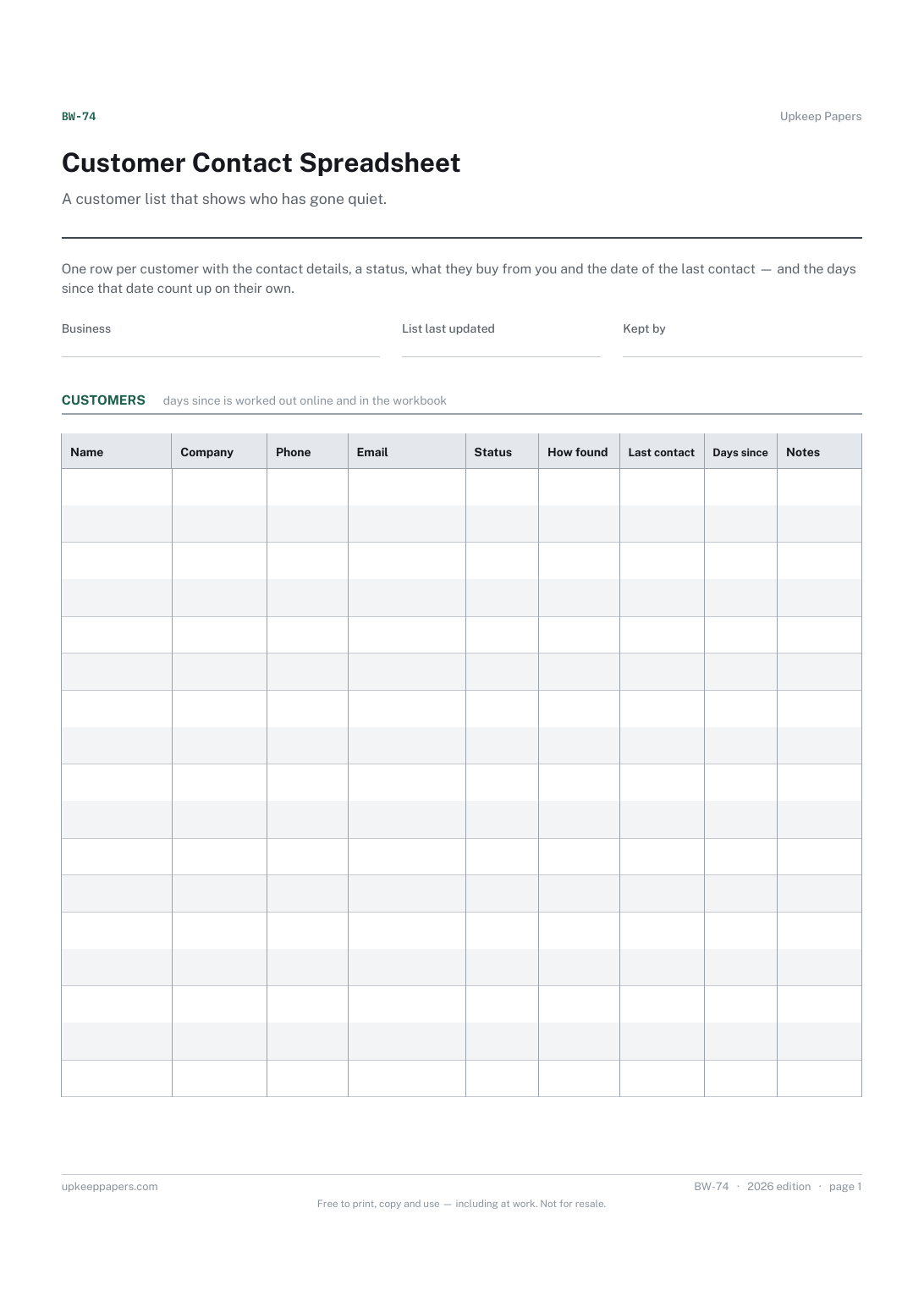
Every customer's phone, email and address on one sheet.
BW-74 Register PDF Excel Online
Everything here is free. Making it takes time and money. Everything here is free.
 Buy us a coffee
 Business and work · BW-478 · Checklist
Free client onboarding checklist — details to collect, paperwork to agree, set-up steps and the first week, ticked off. PDF and fill-in-online versions.
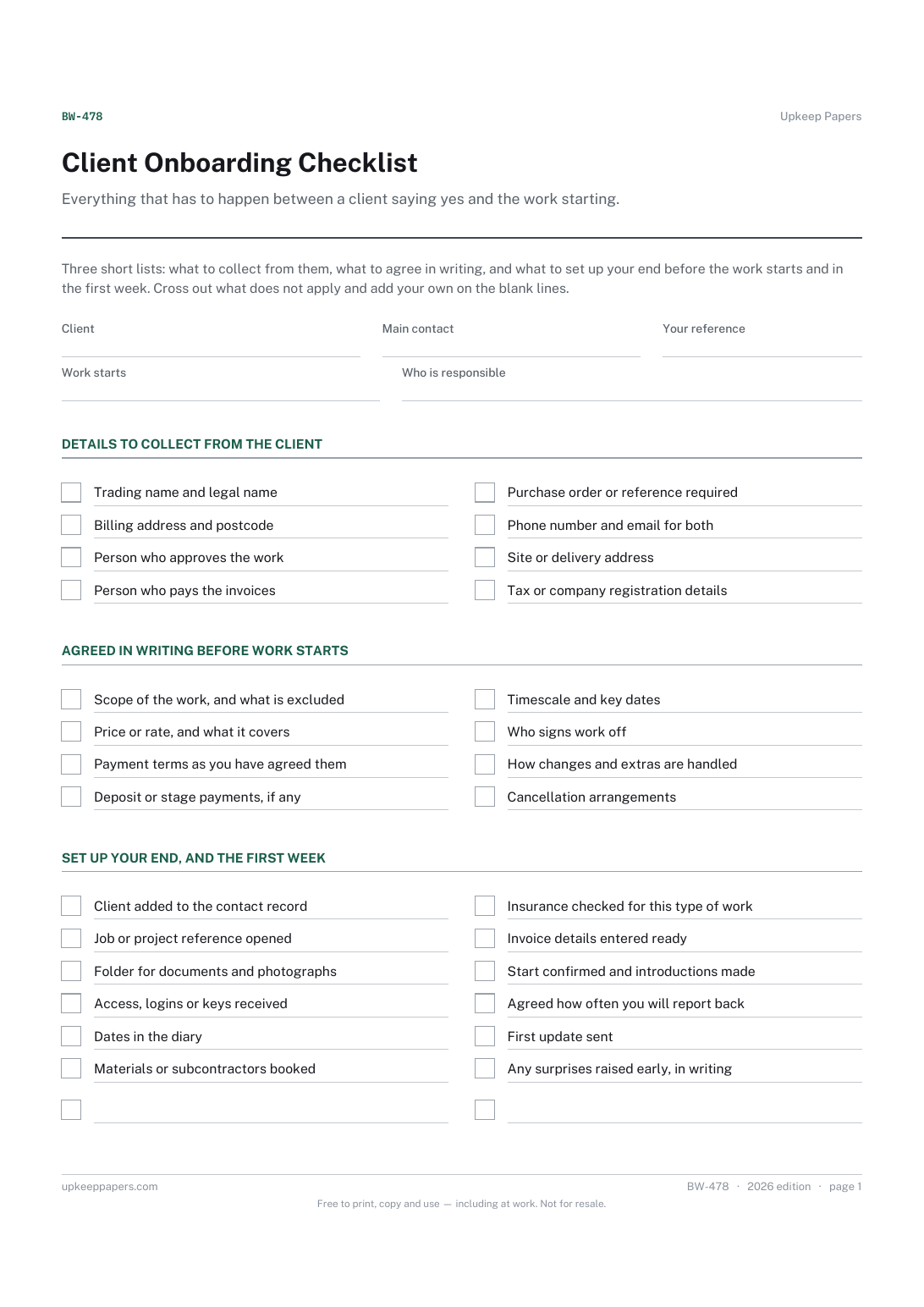
One page. The A4 and US Letter files are laid out identically, so neither is shrunk to fit.
Print it and write on it
Fillable PDF type and save
Or no download needed
Fill it in onlineThe fillable versions have real form fields — open them in any PDF reader, type into them and save. Printing help.
The same sheet, on screen. Tick, type, add or remove rows, then print it or download the completed version as a PDF. Everything stays in your browser — your entries are kept in this browser's own storage on this device, nothing is uploaded, and there is no account.
Everything that has to happen between a client saying yes and the work starting. Three short lists: what to collect from them, what to agree in writing, and what to set up your end before the work starts and in the first week. Cross out what does not apply and add your own on the blank lines.
Freelancers, agencies and small firms taking on a new client, and anyone who has started a job and then discovered nobody had agreed who signs things off.
The printable is laid out inside a box that fits both A4 and US Letter, so the two files are identical and neither one is scaled. The fillable PDF has real form fields. The online version keeps what you enter in your own browser and builds the completed PDF on your device.
Download the A4 or US Letter file to match the paper in your printer, open it in a PDF reader and print at 100% — not "fit to page", which shrinks the writing space. Both files leave a 14 mm margin, which clears the unprintable edge on home printers. To print the online version with your entries in it, use the Print this sheet button, which prints only the sheet and none of the page around it. More on printing.
No. It reminds you to agree things in writing and to keep a copy, but what a contract should say, and what it must contain to be binding, depends on the work and the rules where you are. Use your own terms or take advice.
That is between you and the client, and nothing on this sheet suggests a figure or a number of days. The list asks only that whatever you agree is written down before the work starts.
Probably, and that is what the crossing out is for. Most people use half the lines for a one-day job and all of them for a client they will be working with for a year.
Yes. Fill the browser version in with the lines your business always uses, download it as a PDF and print that for each new client; the ticks save in your own browser and can be cleared for the next one.
Every customer's phone, email and address on one sheet.
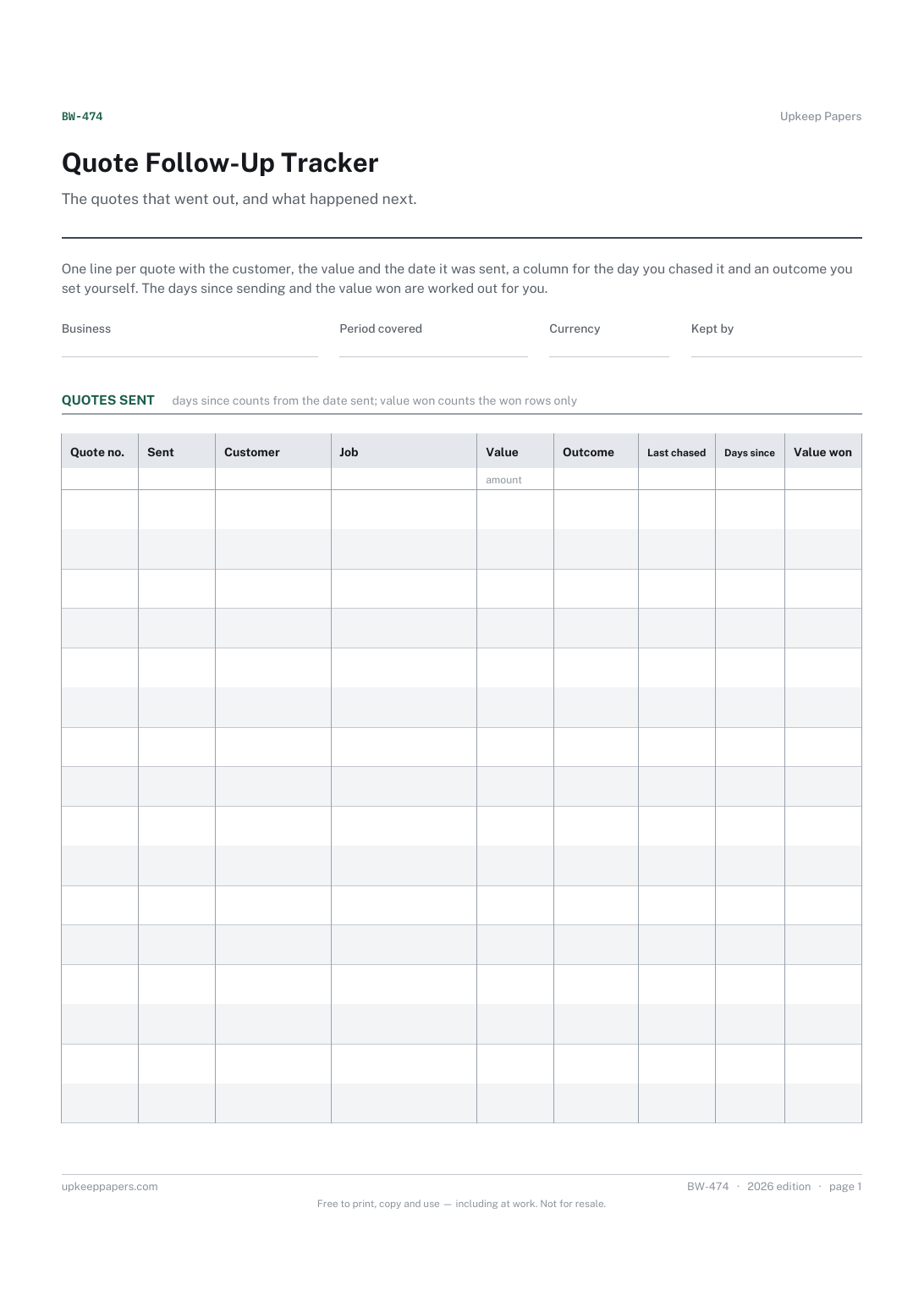
Every quote you have sent, with its reference and value.
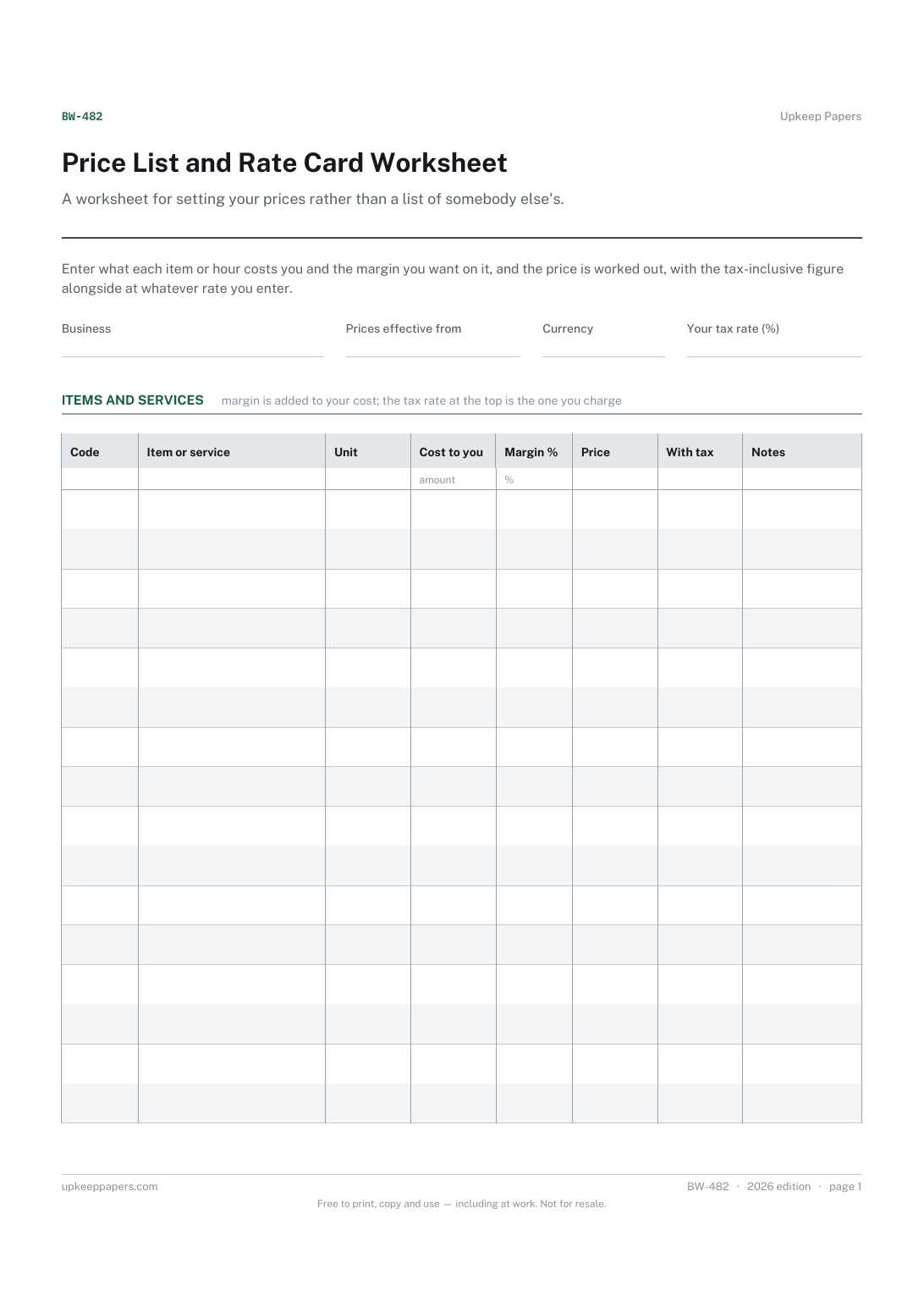
Every item or service you sell, with your own code for it.
Printable sheets, workbooks and tools on the same subject.
Keep one card per customer so the history of what was done, what it cost and when the next visit is due lives in one place.
A customer list that is also a value list — contact details, how they found you, what they have spent, and when you last spoke.

Every sheet, binder, game and puzzle on Upkeep Papers is free to download, with no email and no account. Making them is not free: each one takes days of research, design and checking, and the site costs money to run. If something here saved you time, you can buy us a coffee. It is entirely optional: nothing is locked, and nothing changes if you don’t.
Buy us a coffee Opens PayPal in a new tab. Any amount, and nothing changes if you would rather not.