
Business and work · BW-479 · Log
Delivery and Dispatch Log
Free delivery and dispatch log — what left, when, for whom, by which carrier, at what cost, with who signed and a proof tick. PDF, Excel and browser.
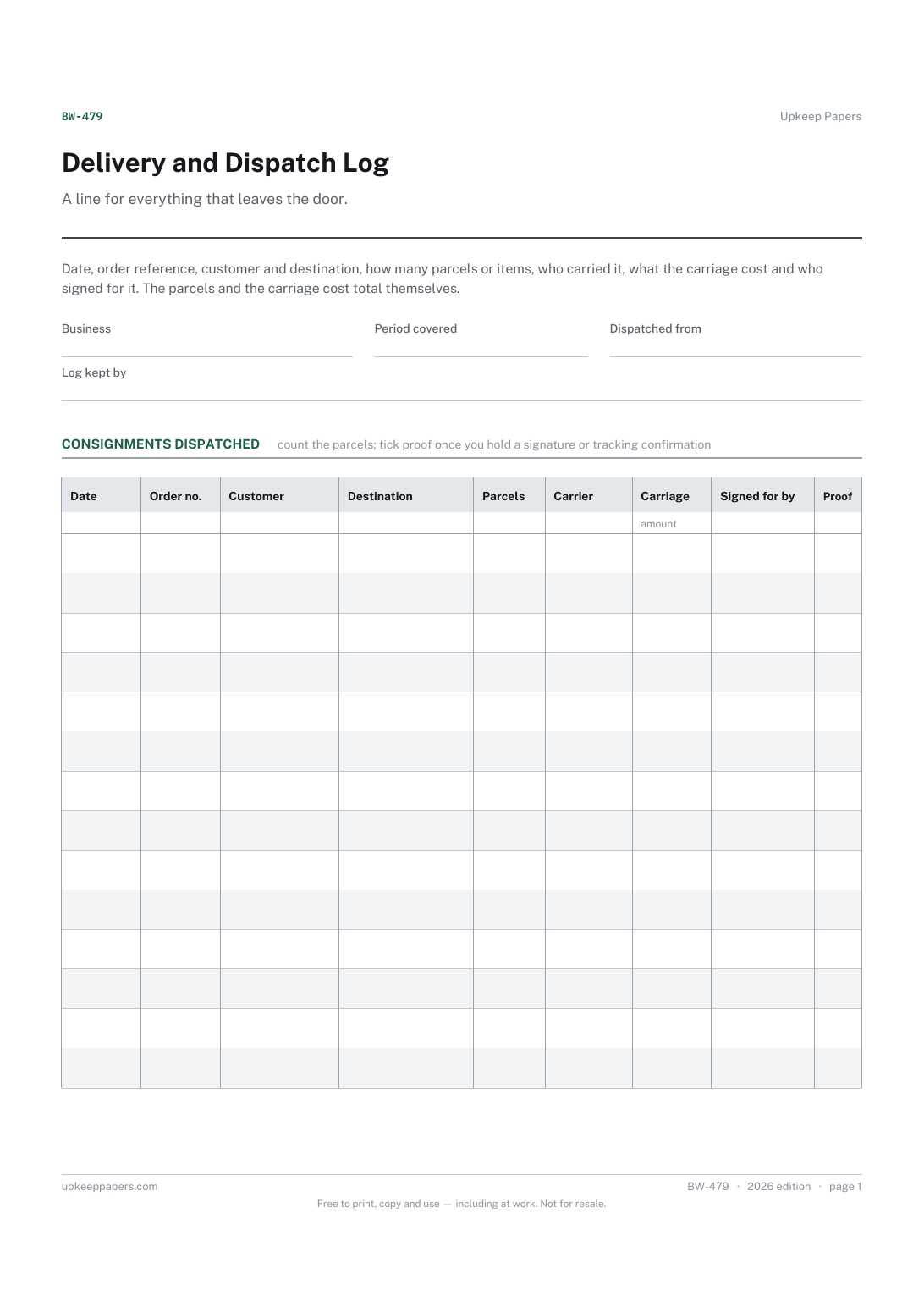
2 pages. The A4 and US Letter files are laid out identically, so neither is shrunk to fit.
Print it and write on it
Fillable PDF type and save
Spreadsheet formulas included
The fillable versions have real form fields — open them in any PDF reader, type into them and save. Printing help.
Fill it in online
The same sheet, on screen. Totals and figures are worked out as you type, rows can be added or removed, and you can print it or download the completed version as a PDF. Everything stays in your browser — your entries are kept in this browser's own storage on this device, nothing is uploaded, and there is no account.
Who this is for
A line for everything that leaves the door. Date, order reference, customer and destination, how many parcels or items, who carried it, what the carriage cost and who signed for it. The parcels and the carriage cost total themselves.
Small businesses sending goods out by van, courier or post, workshops dispatching finished work, and anyone who has had to prove that something was sent and could not find the docket.
What this helps you track
- What was dispatched, on which day and against which order
- Where it went, and how many parcels or items made up the consignment
- Which carrier took it and what the carriage cost
- Who signed for it at the other end
- Whether you hold proof of delivery, and the period's carriage total
How to use it
- Write your business, the period and who is keeping the log at the top.
- Add a line as each consignment goes out, with your order or invoice reference so the dispatch can be matched to the paperwork.
- Count the parcels or items rather than guessing; that number is what a carrier query will turn on.
- Choose the carrier and enter the carriage cost from the docket or the courier's confirmation.
- Write the name of whoever signed, and tick the proof column once you hold a signature, photograph or tracking confirmation.
- The totals and the summary are worked out in the browser and the workbook; on paper, add the columns at the foot and carry the outstanding lines forward.
Formats
- Printable PDF (A4 and US Letter)
- Fillable PDF with form fields
- Fill in online, saved in your browser
- Excel / Google Sheets workbook
The printable is laid out inside a box that fits both A4 and US Letter, so the two files are identical and neither one is scaled. The fillable PDF has real form fields. The workbook uses plain formulas only — SUM, IF, COUNTIF and the like — so it opens in Excel, LibreOffice and Google Sheets without anything breaking, and every calculated cell is grey so you can see which figures it worked out.
How to print
Download the A4 or US Letter file to match the paper in your printer, open it in a PDF reader and print at 100% — not "fit to page", which shrinks the writing space. Both files leave a 14 mm margin, which clears the unprintable edge on home printers. To print the online version with your entries in it, use the Print this sheet button, which prints only the sheet and none of the page around it. More on printing.
Questions
What counts as proof of delivery?
Whatever you can produce later: a signed docket, a carrier's tracking page, a photograph at the door. The tick says you hold something; the notes column is the place to say what and where it is filed.
Should a collection be logged?
Yes — set the carrier to collected and write who collected it in the signed column. Goods that leave with the customer go missing as often as goods that leave with a courier.
How long should I keep the log?
Long enough to answer a query, which in practice means longer than you think. How long records must be kept is set by the rules where you are, so check rather than guess.
Can I use it for goods coming in?
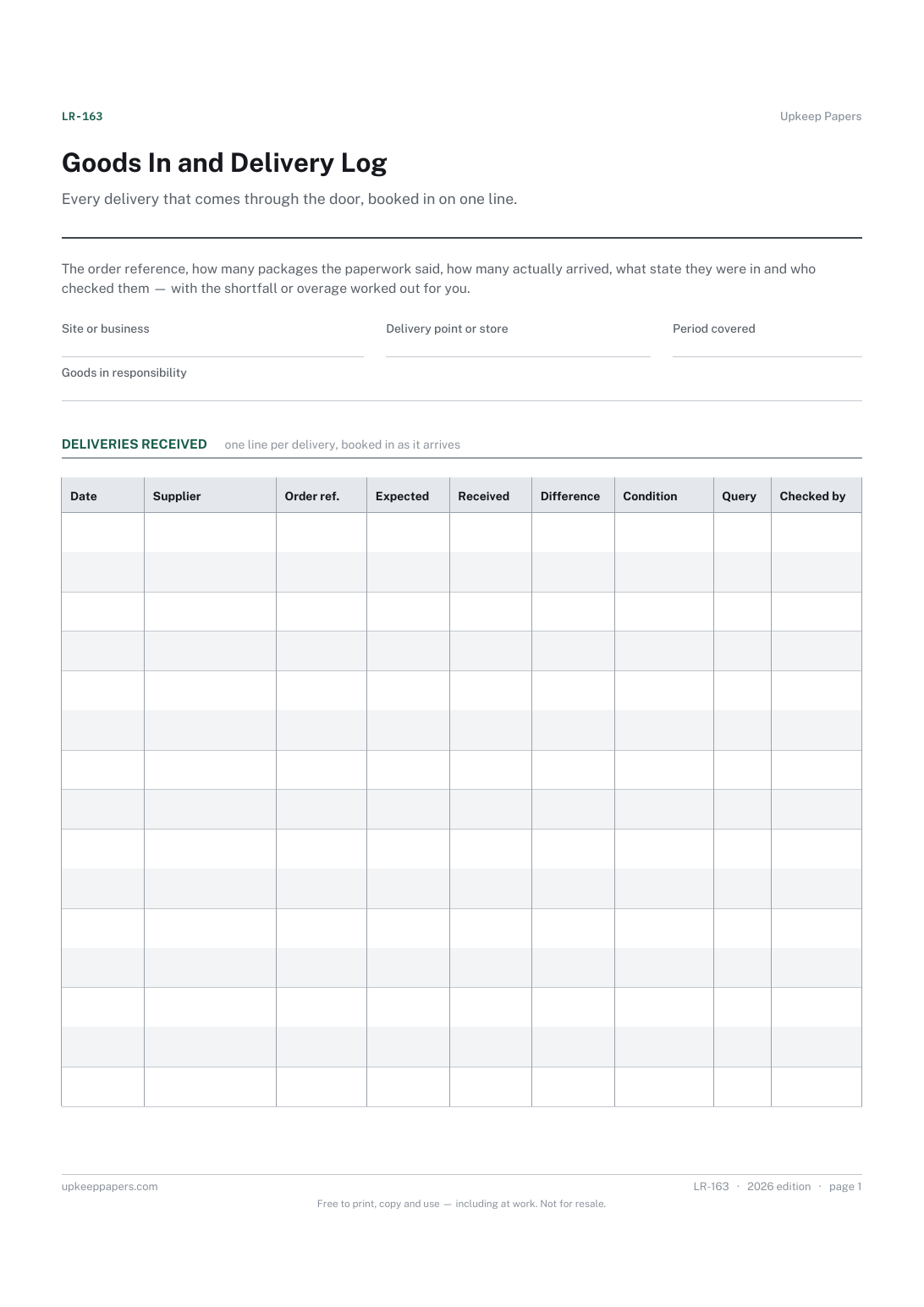
This one is built for what goes out. A separate goods-in log keeps deliveries received apart from consignments sent, which is easier to search than one mixed book.
Related resources
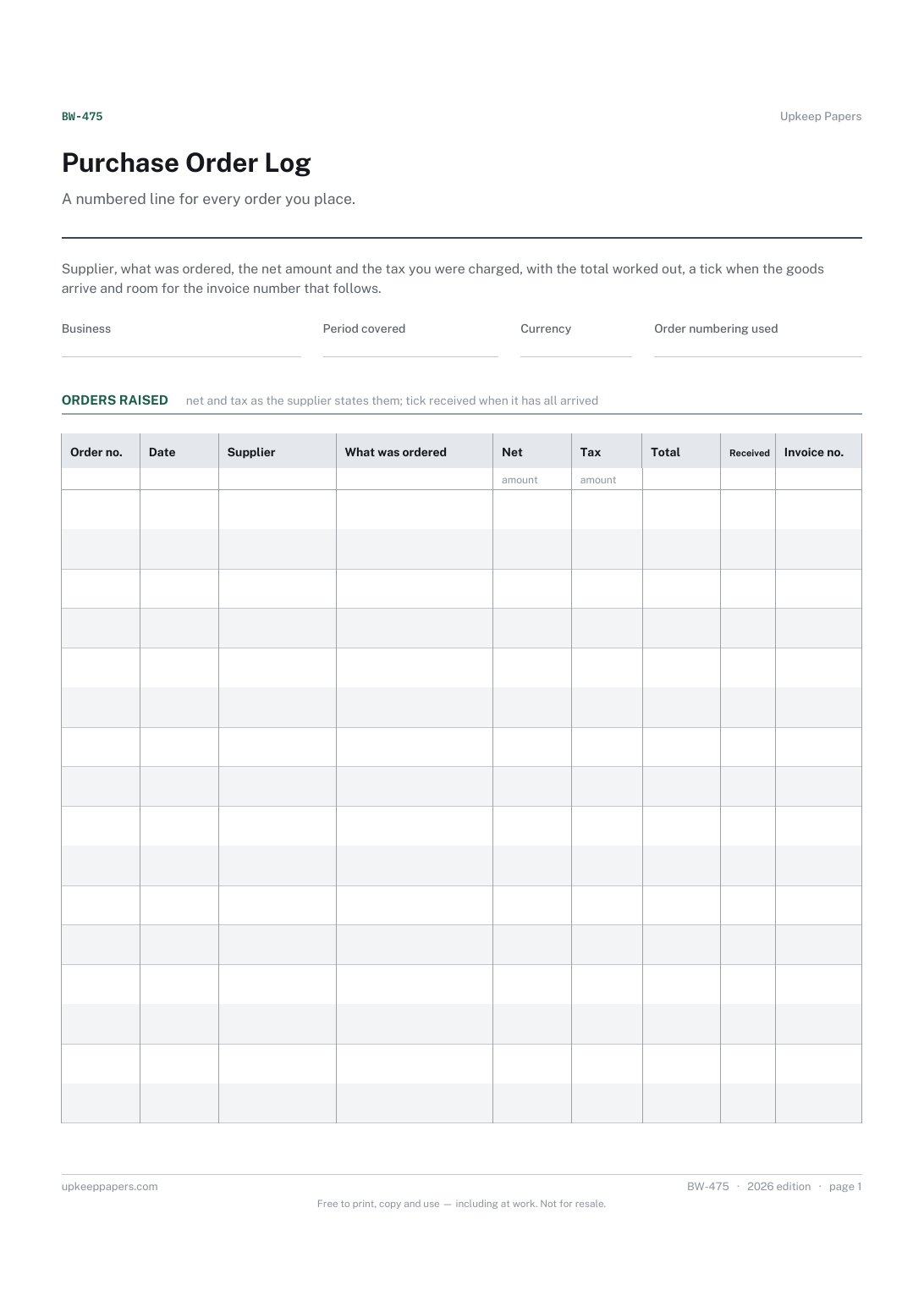
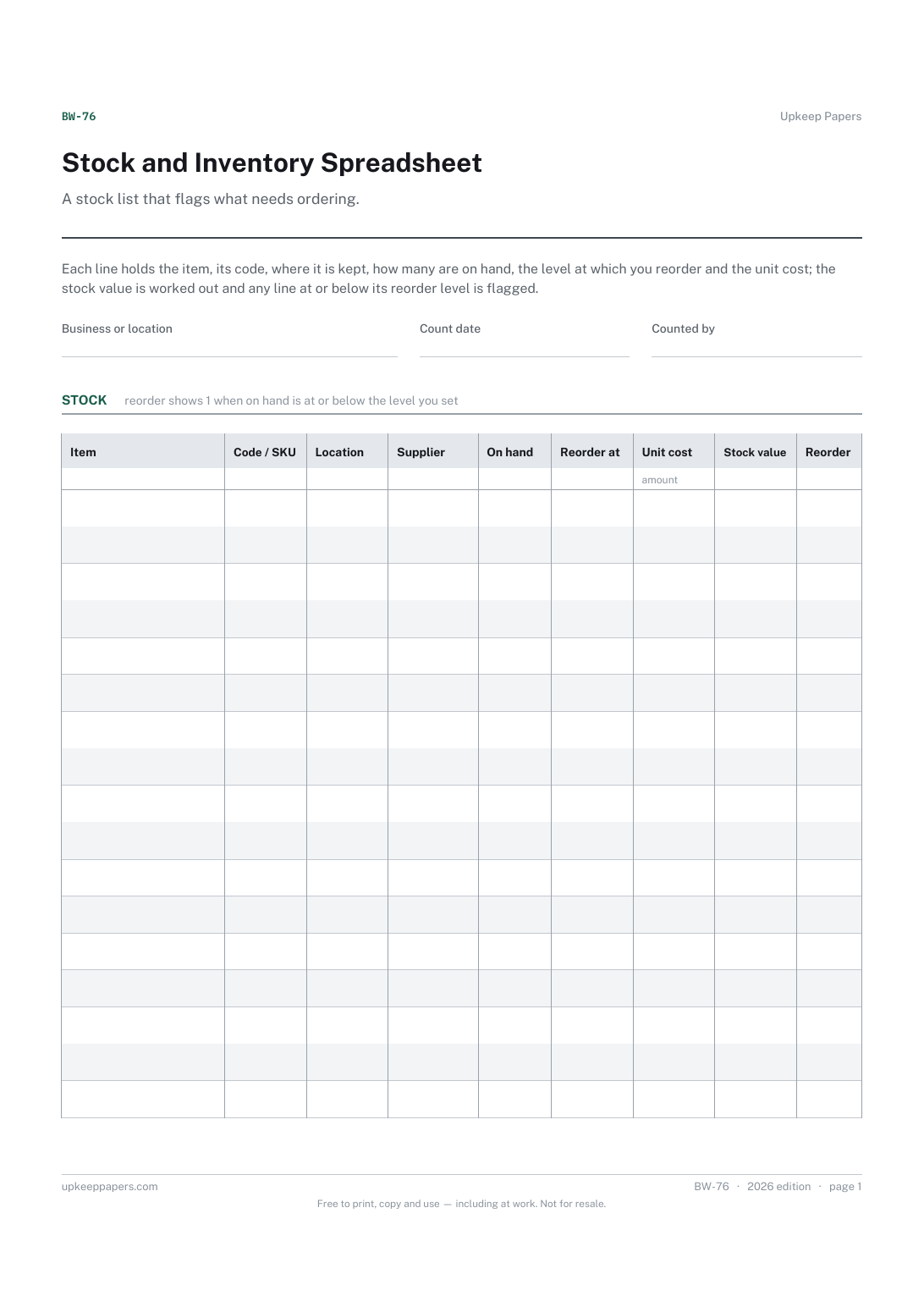
Stock and Inventory Spreadsheet
How many of each item are on hand, and where.
Also in the library
Printable sheets, workbooks and tools on the same subject.

Delivery Note
Send goods with a note, or check a delivery in properly, with the discrepancy line that settles arguments weeks later.

Load and Delivery Manifest
Give a driver one sheet showing the whole run, with a signature line per drop and a place to record refusals and returns.
