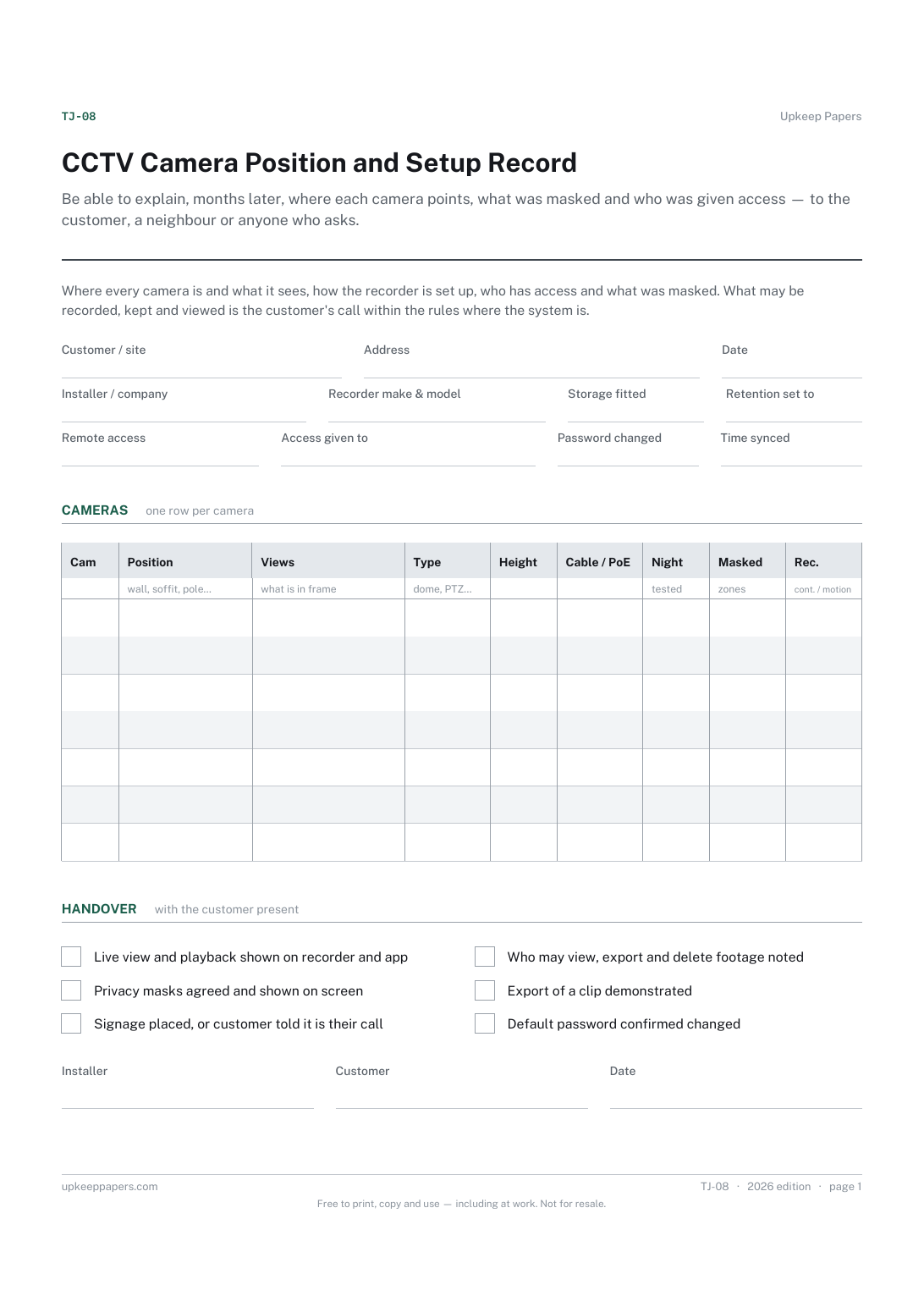
CCTV Camera Position and Setup Record
Be able to explain, months later, where each camera points, what was masked and who was given access — to the customer, a neighbour or anyone who asks.
TJ-08 1 page
Everything here is free. Making it takes time and money. Everything here is free.
 Buy us a coffee
 Trade job forms · TJ-02
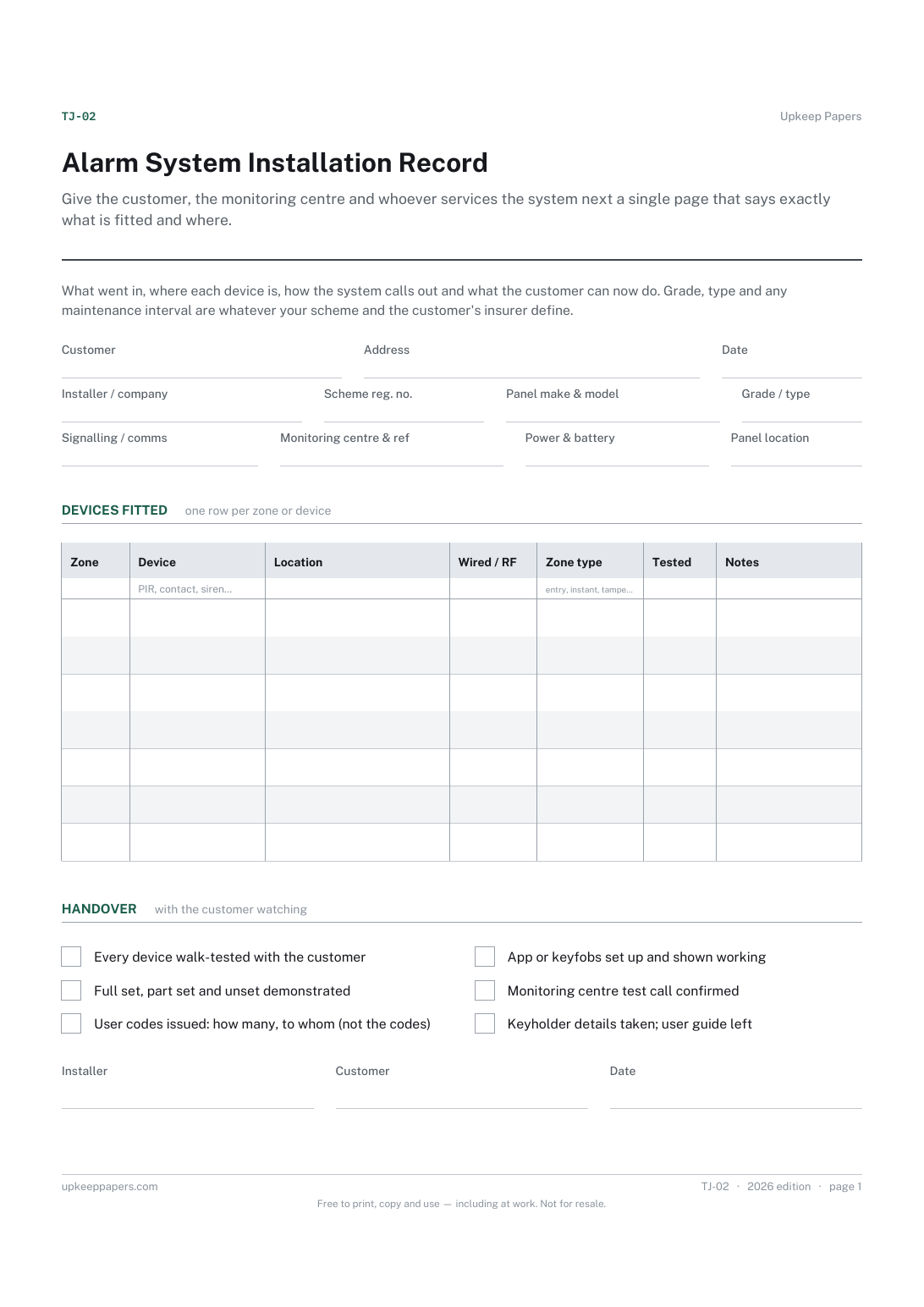
A free printable alarm installation sheet — panel, signalling and power, every zone and device with its location, and the handover the customer signs for.
One page. Choose your paper size — both versions are laid out identically, so neither one gets shrunk to fit.
Print it and write on it
Fill it in type and save
The fillable versions have real form fields — open them in any PDF reader, type into them and save. Printing help.
Give the customer, the monitoring centre and whoever services the system next a single page that says exactly what is fitted and where.
Intruder alarm installers fitting or taking over a domestic or small commercial system.
One page, top to bottom:
Printed under the title: What went in, where each device is, how the system calls out and what the customer can now do. Grade, type and any maintenance interval are whatever your scheme and the customer's insurer define.
Write-on lines: Customer · Address · Date · Installer / company · Scheme reg. no. · Panel make & model · Grade / type · Signalling / comms · Monitoring centre & ref · Power & battery · Panel location
Table, 7 rows: Zone · Device · Location · Wired / RF · Zone type · Tested · Notes
Signature strip: Installer · Customer · Date
In the blanks provided, using whatever your scheme, the customer's insurer and the rules where you work say applies. The sheet does not suggest a grade or an interval because those are yours to decide and to answer for.
No. Record how many codes were issued and who holds them, so a later engineer knows what exists. The codes themselves stay with the users.
Be able to explain, months later, where each camera points, what was masked and who was given access — to the customer, a neighbour or anyone who asks.
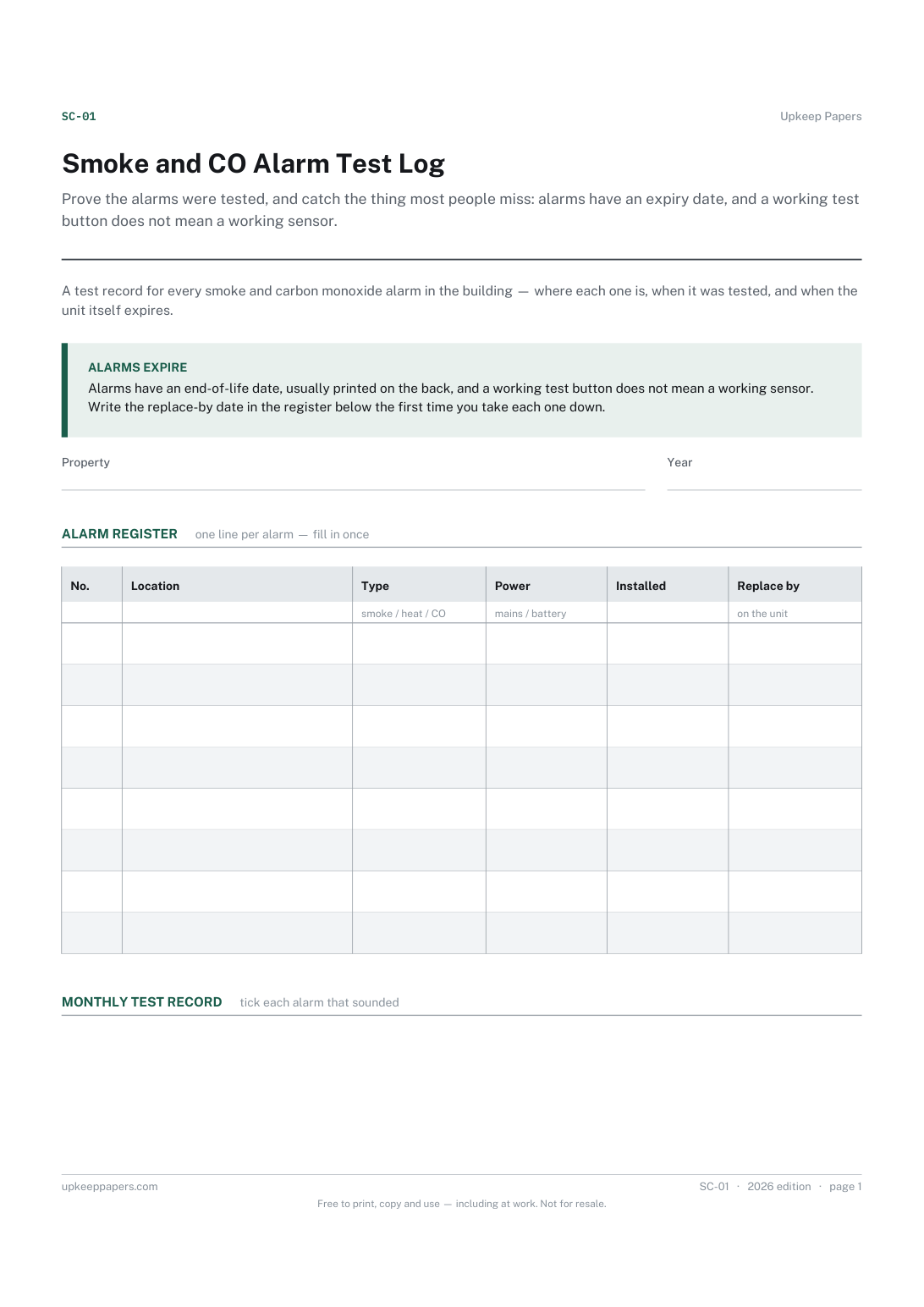
Prove the alarms were tested, and catch the thing most people miss: alarms have an expiry date, and a working test button does not mean a working sensor.
Get the customer's signature that the work is done while you are still standing there, with anything outstanding written down rather than remembered differently.
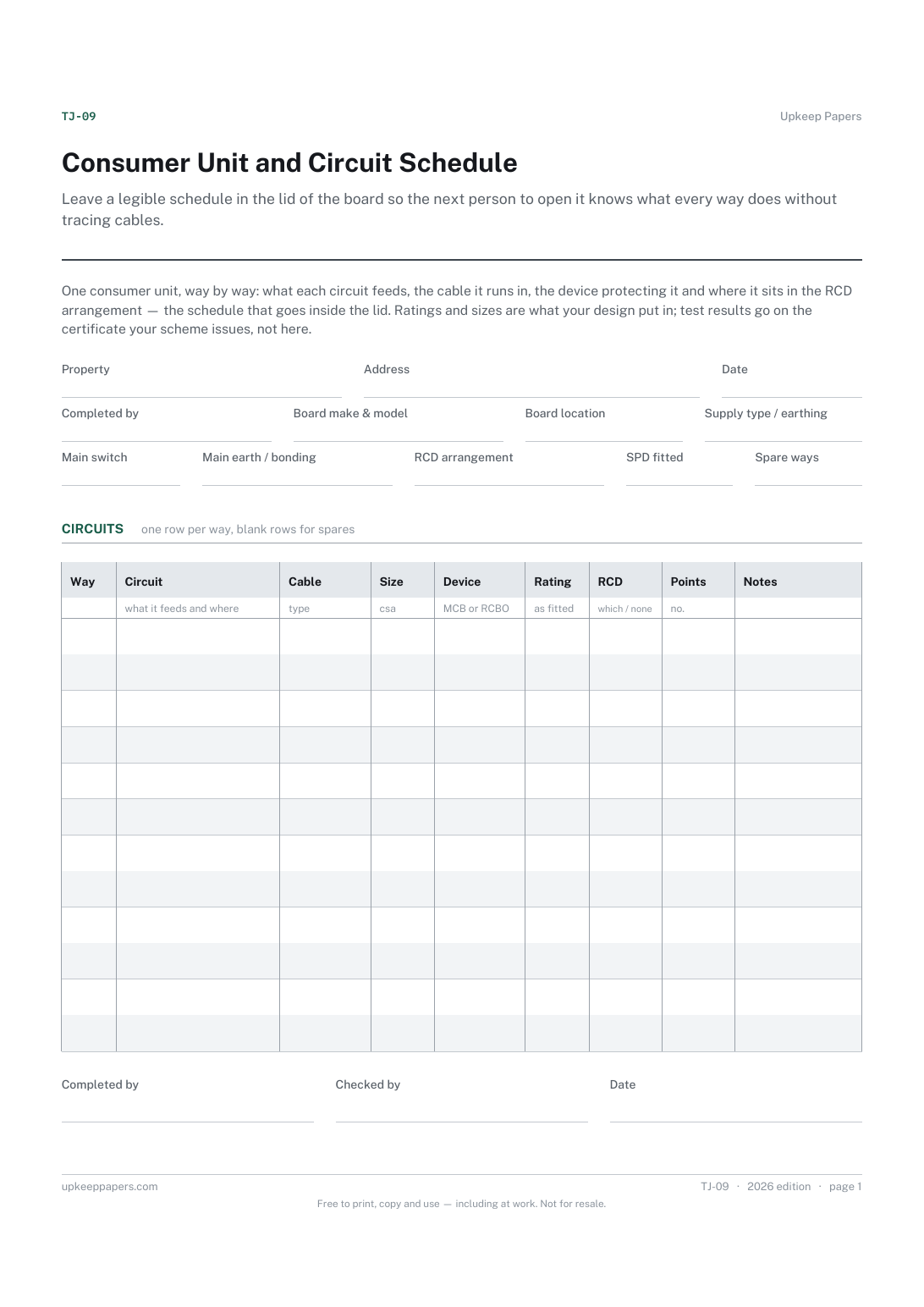
Leave a legible schedule in the lid of the board so the next person to open it knows what every way does without tracing cables.

Every sheet, binder, game and puzzle on Upkeep Papers is free to download, with no email and no account. Making them is not free: each one takes days of research, design and checking, and the site costs money to run. If something here saved you time, you can buy us a coffee. It is entirely optional: nothing is locked, and nothing changes if you don’t.
Buy us a coffee Opens PayPal in a new tab. Any amount, and nothing changes if you would rather not.