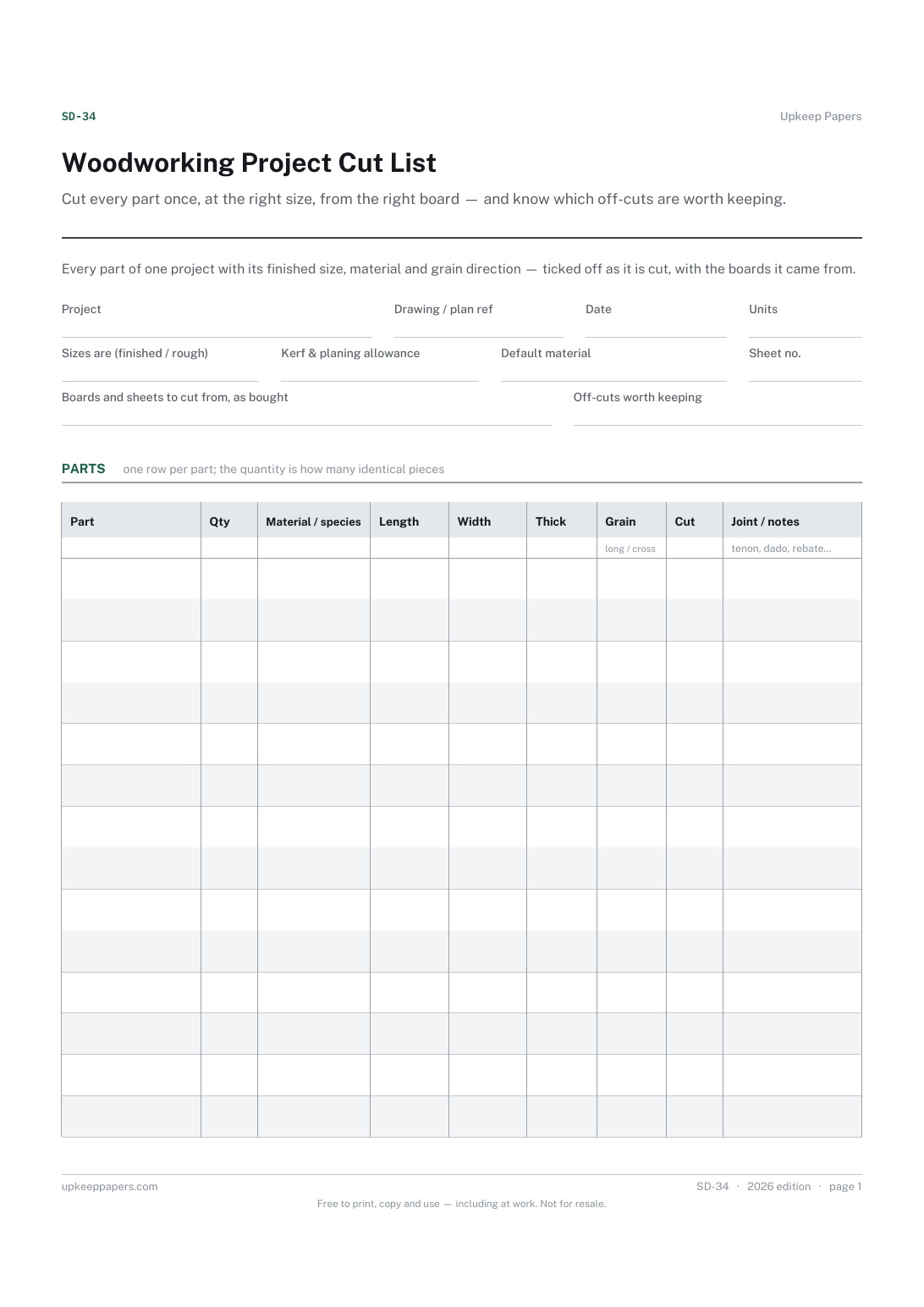
Woodworking Project Cut List
Cut every part once, at the right size, from the right board — and know which off-cuts are worth keeping.
SD-34 1 page
Everything here is free. Making it takes time and money. Everything here is free.
 Buy us a coffee
 Studio crafts and making · SD-32
A free printable vinyl cutting job sheet — design file, vinyl type and colour, blade, force and speed, the test cut, and how each piece was applied.
2 pages. Choose your paper size — both versions are laid out identically, so neither one gets shrunk to fit.
Print it and write on it
Fill it in type and save
The fillable versions have real form fields — open them in any PDF reader, type into them and save. Printing help.
Stop re-finding the right cut and press settings for every material by writing down the ones that worked on the job where they worked.
Small sign makers, garment decorators, craft-cutter owners and anyone running a vinyl cutter and heat press for orders or for themselves.
2 pages, in this order:
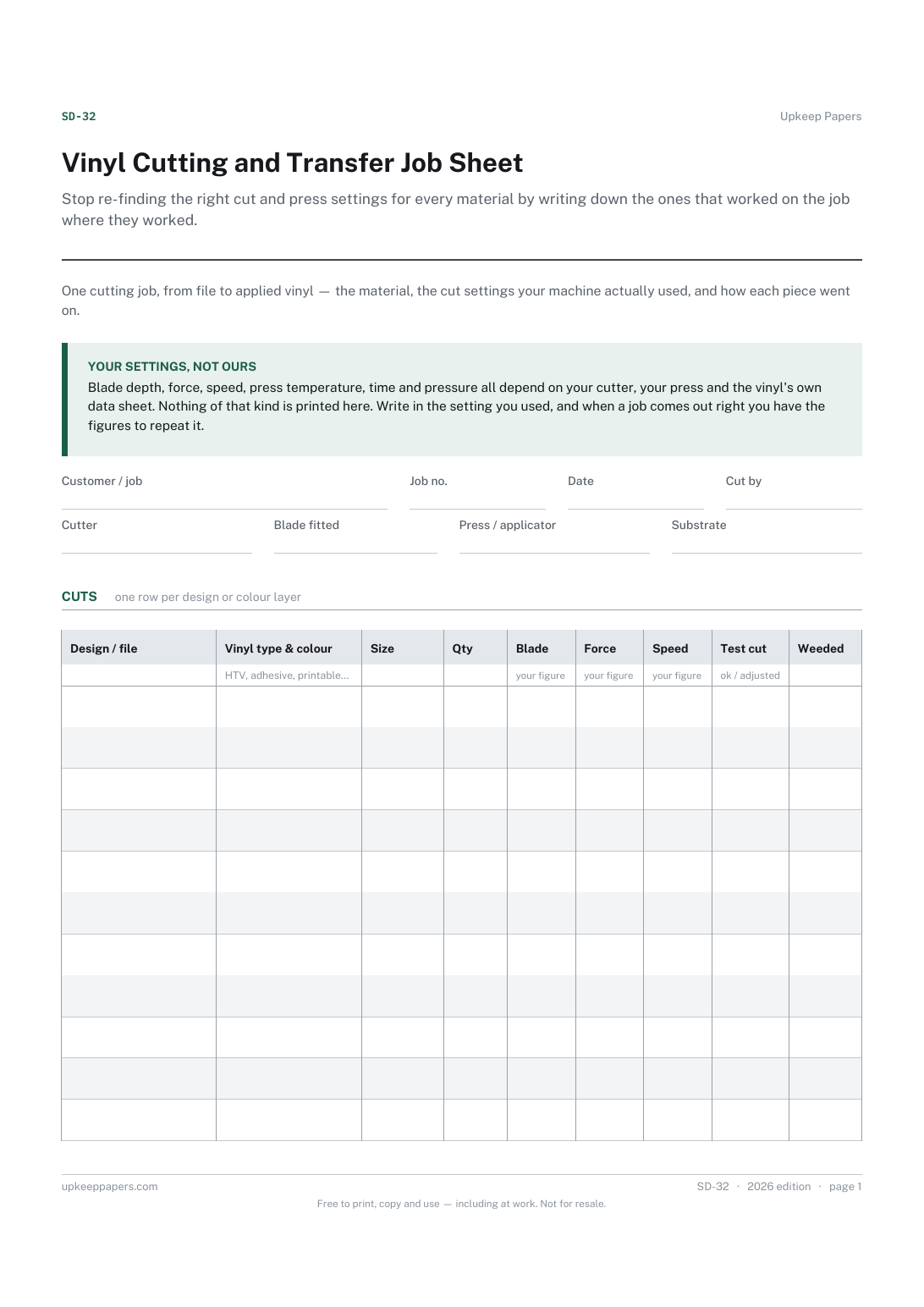
Printed under the title: One cutting job, from file to applied vinyl — the material, the cut settings your machine actually used, and how each piece went on.
Your settings, not ours. Blade depth, force, speed, press temperature, time and pressure all depend on your cutter, your press and the vinyl's own data sheet. Nothing of that kind is printed here. Write in the setting you used, and when a job comes out right you have the figures to repeat it.
Write-on lines: Customer / job · Job no. · Date · Cut by · Cutter · Blade fitted · Press / applicator · Substrate
Table, 11 rows: Design / file · Vinyl type & colour · Size · Qty · Blade · Force · Speed · Test cut · Weeded
Table, 8 rows: Item · Applied to · Method · Setting used · Result · Notes
Ruled lines: Notes — artwork changes, customer instructions, what to do differently next time
Because they are yours. The right figures depend on your cutter, your blade, the press and the vinyl's own data sheet, and a number printed here would be wrong for most people who use the sheet. Write in what you used; over time the sheet becomes your own settings book.
Whether the test cut weeded cleanly at the first setting or you changed something. That one word is what tells you next time whether to start where you finished.
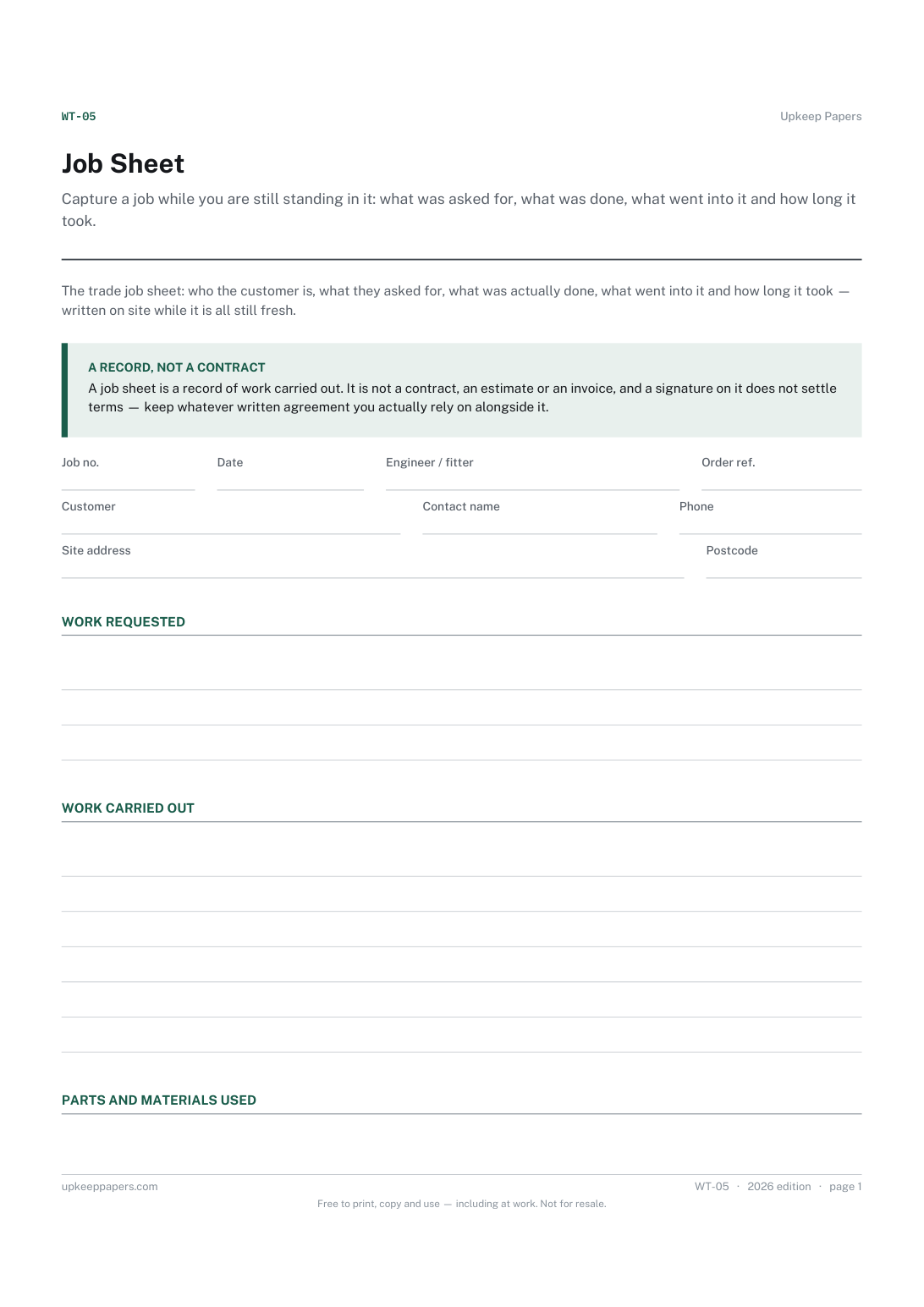
Cut every part once, at the right size, from the right board — and know which off-cuts are worth keeping.
Record the settings that produced each print, so a good result can be repeated and a failed one diagnosed instead of guessed at.
Capture a job while you are still standing in it: what was asked for, what was done, what went into it and how long it took.
Keep one card per customer so the history of what was done, what it cost and when the next visit is due lives in one place.

Every sheet, binder, game and puzzle on Upkeep Papers is free to download, with no email and no account. Making them is not free: each one takes days of research, design and checking, and the site costs money to run. If something here saved you time, you can buy us a coffee. It is entirely optional: nothing is locked, and nothing changes if you don’t.
Buy us a coffee Opens PayPal in a new tab. Any amount, and nothing changes if you would rather not.