CNC Job and Tooling Sheet
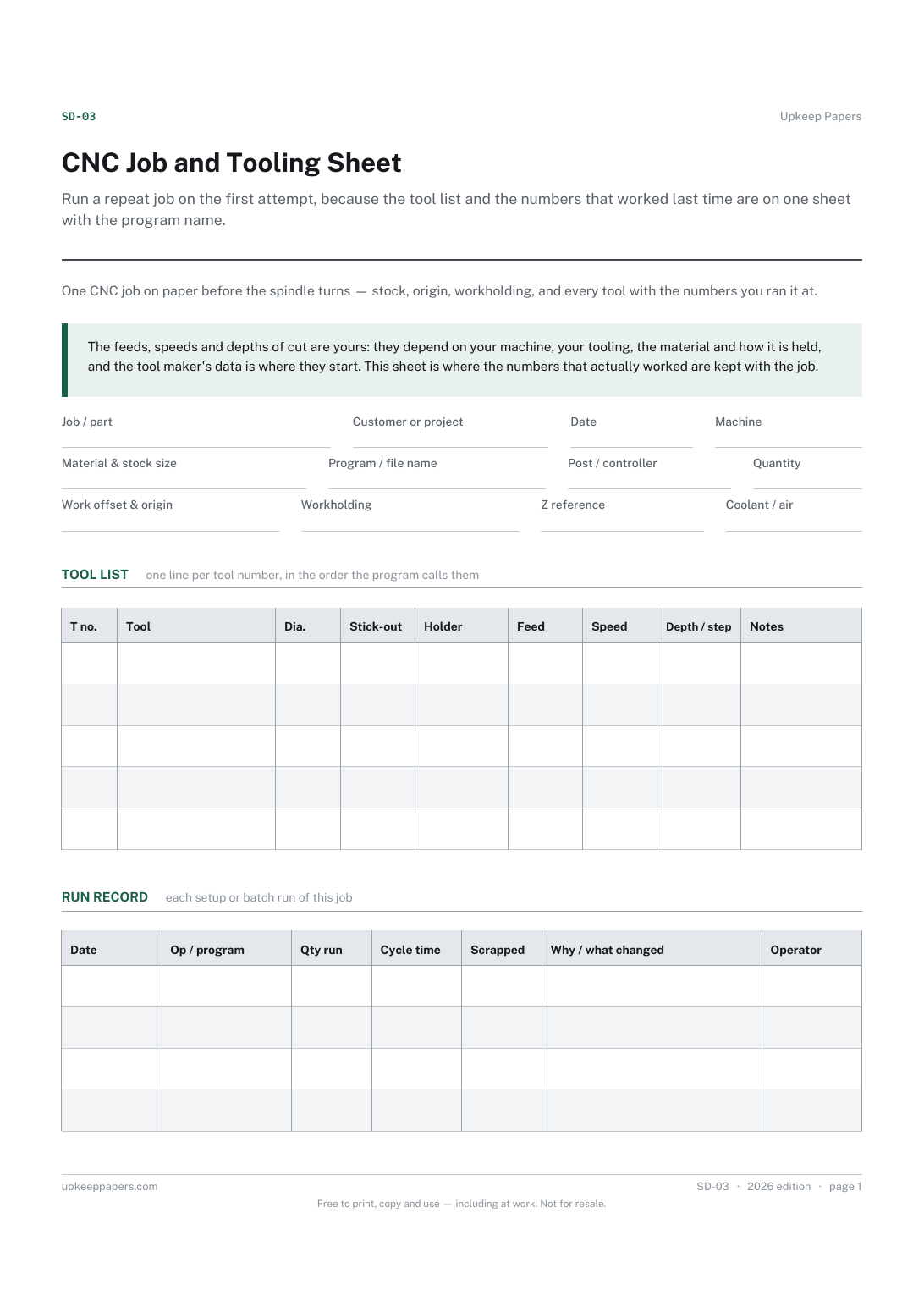
Run a repeat job on the first attempt, because the tool list and the numbers that worked last time are on one sheet with the program name.
SD-03 1 page
Everything here is free. Making it takes time and money. Everything here is free.
 Buy us a coffee
 Studio crafts and making · SD-08
A free printable embroidery job sheet — design file, hoop, stabiliser and needle, every thread stop in machine order, and a run record with rejects and reasons.
One page. Choose your paper size — both versions are laid out identically, so neither one gets shrunk to fit.
Print it and write on it
Fill it in type and save
The fillable versions have real form fields — open them in any PDF reader, type into them and save. Printing help.
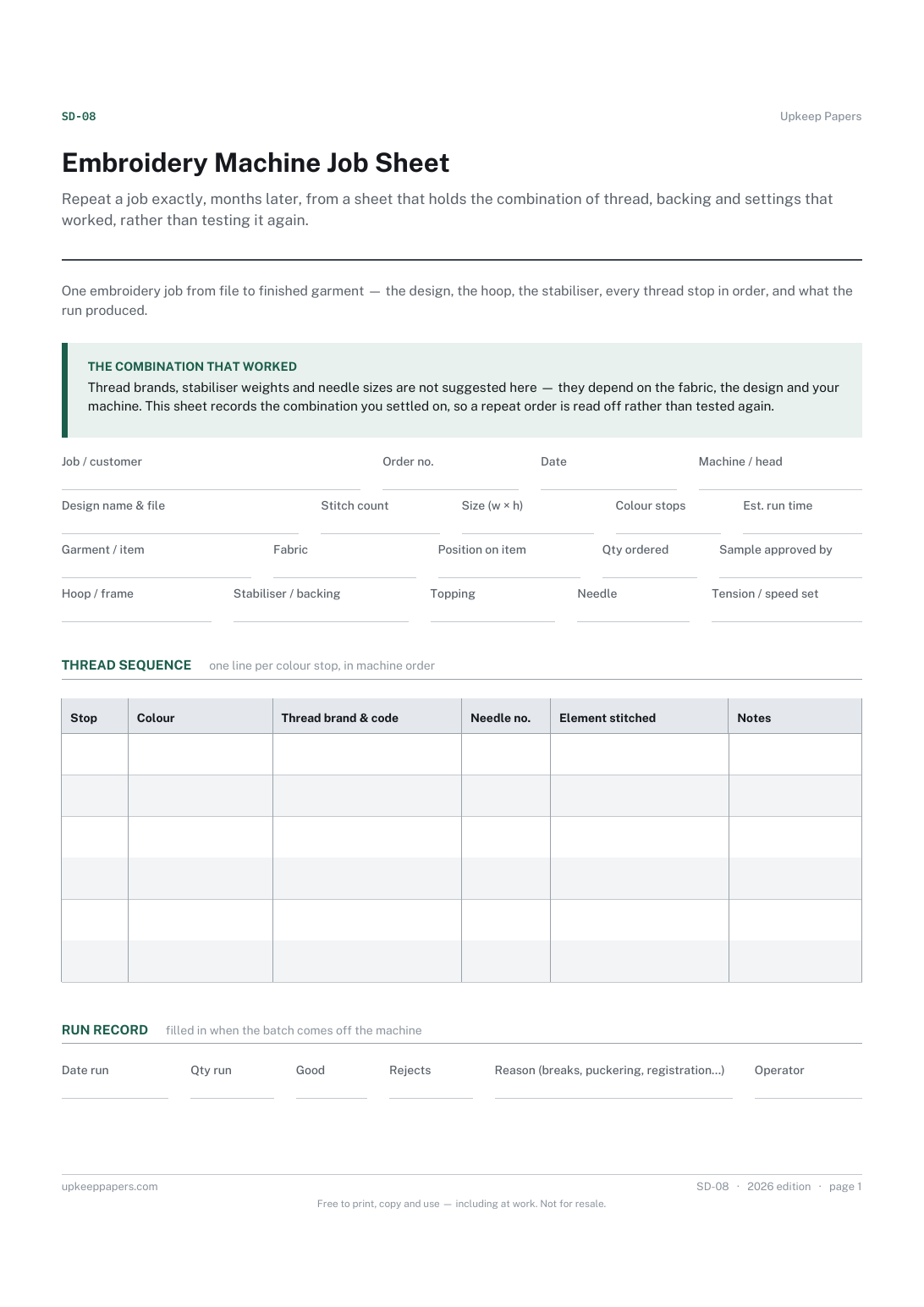
Repeat a job exactly, months later, from a sheet that holds the combination of thread, backing and settings that worked, rather than testing it again.
Small embroidery businesses, home machine embroiderers taking orders, and workwear or club-kit suppliers running a single-head or multi-head machine.
One page, top to bottom:
Printed under the title: One embroidery job from file to finished garment — the design, the hoop, the stabiliser, every thread stop in order, and what the run produced.
The combination that worked. Thread brands, stabiliser weights and needle sizes are not suggested here — they depend on the fabric, the design and your machine. This sheet records the combination you settled on, so a repeat order is read off rather than tested again.
Write-on lines: Job / customer · Order no. · Date · Machine / head · Design name & file · Stitch count · Size (w × h) · Colour stops · Est. run time · Garment / item · Fabric · Position on item · Qty ordered · Sample approved by · Hoop / frame · Stabiliser / backing · Topping · Needle · Tension / speed set
Table, 6 rows: Stop · Colour · Thread brand & code · Needle no. · Element stitched · Notes
Write-on lines: Date run · Qty run · Good · Rejects · Reason (breaks, puckering, registration…) · Operator
Because the right backing depends on the fabric and the design density, and the right thread on what your machine runs well. The sheet is where you record the combination you chose for this job, so it is repeatable without guessing.
Because a colour name is not enough to reorder or match a repeat. The brand and code identify the exact cone.
Run a repeat job on the first attempt, because the tool list and the numbers that worked last time are on one sheet with the program name.
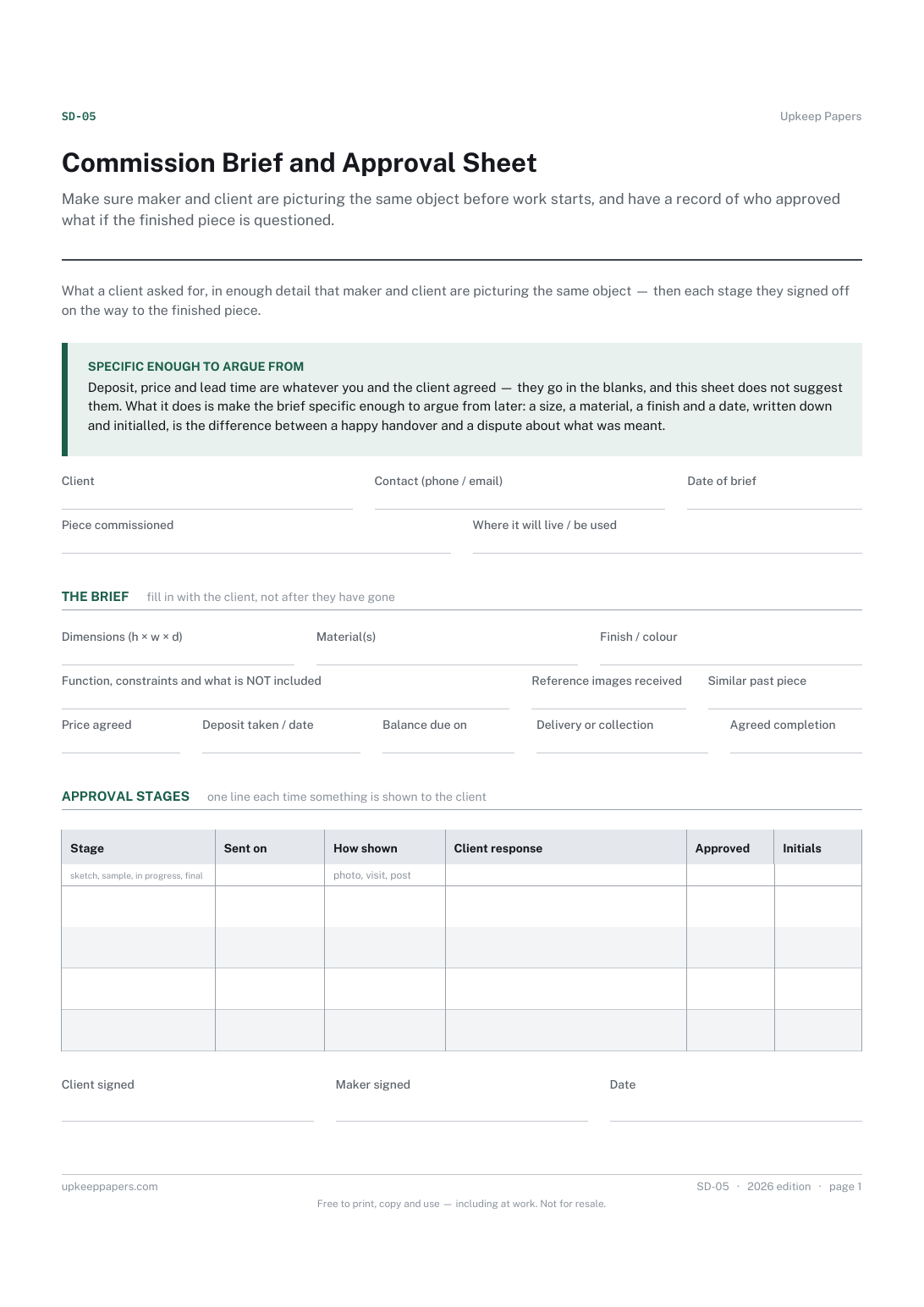
Make sure maker and client are picturing the same object before work starts, and have a record of who approved what if the finished piece is questioned.
Record the alterations you made to a pattern, so the next garment from it starts from a fitted version instead of the envelope.
Keep one card per customer so the history of what was done, what it cost and when the next visit is due lives in one place.

Every sheet, binder, game and puzzle on Upkeep Papers is free to download, with no email and no account. Making them is not free: each one takes days of research, design and checking, and the site costs money to run. If something here saved you time, you can buy us a coffee. It is entirely optional: nothing is locked, and nothing changes if you don’t.
Buy us a coffee Opens PayPal in a new tab. Any amount, and nothing changes if you would rather not.