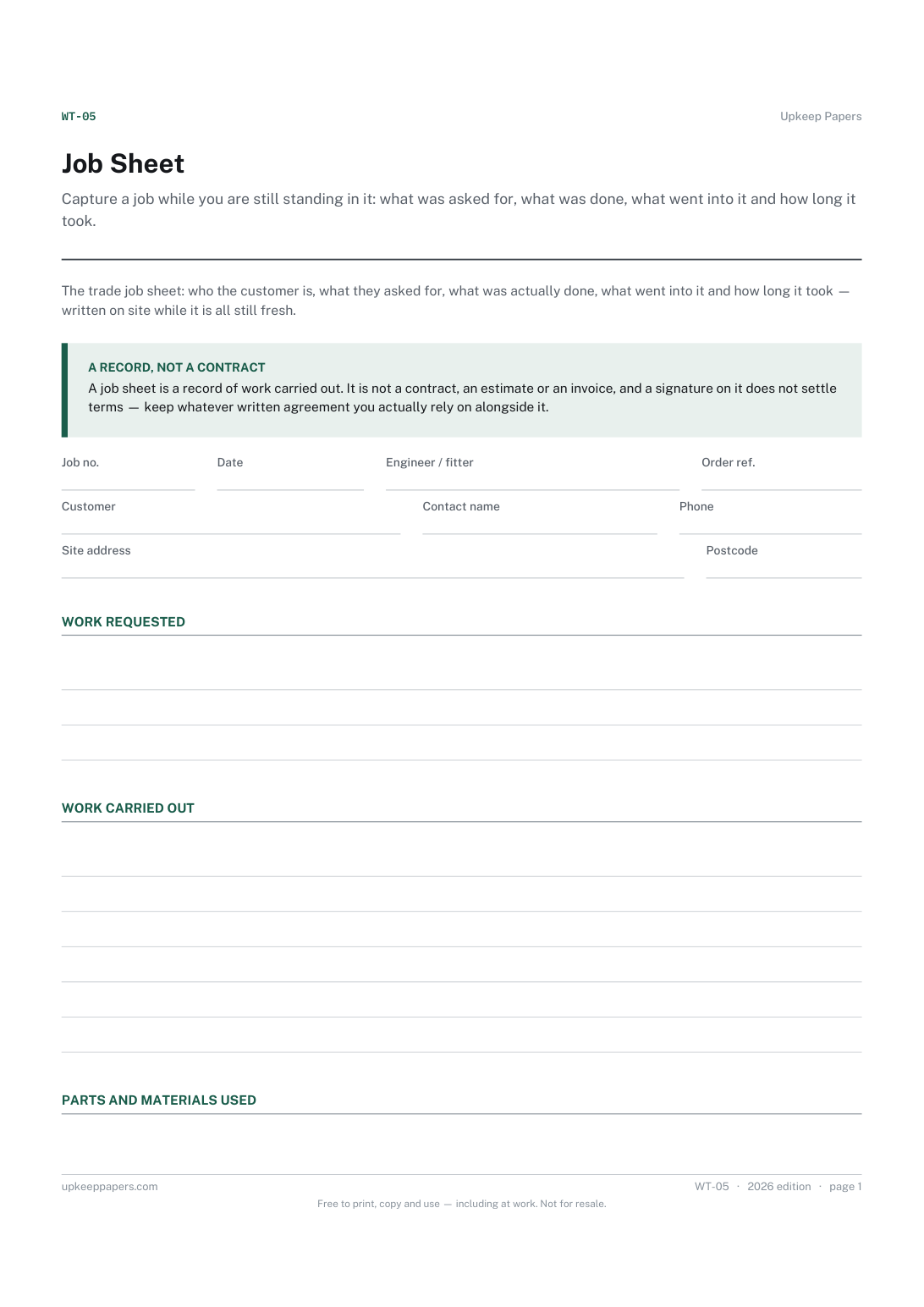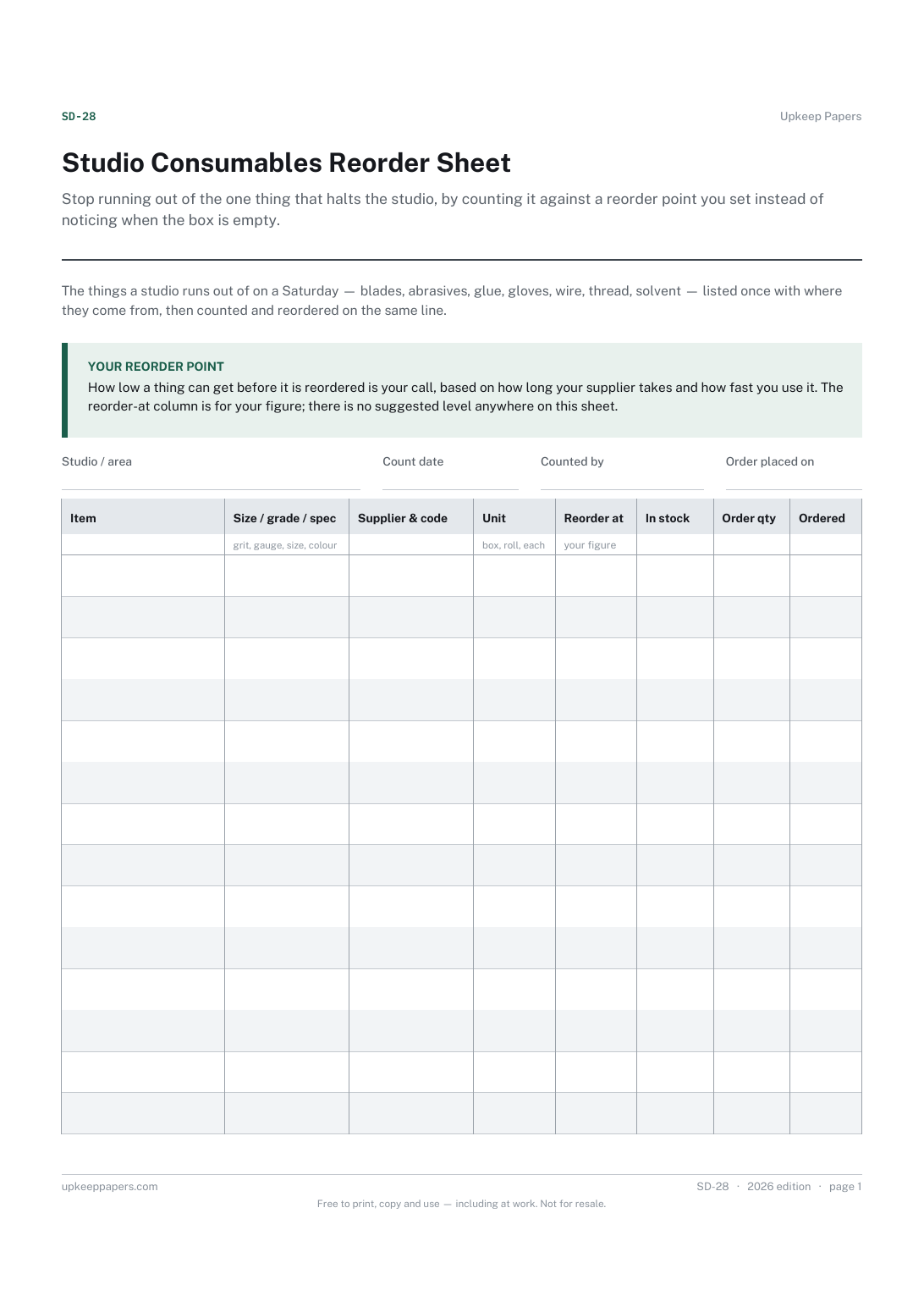
Studio Consumables Reorder Sheet
Stop running out of the one thing that halts the studio, by counting it against a reorder point you set instead of noticing when the box is empty.
SD-28 1 page
Everything here is free. Making it takes time and money. Everything here is free.
 Buy us a coffee
 Studio crafts and making · SD-26
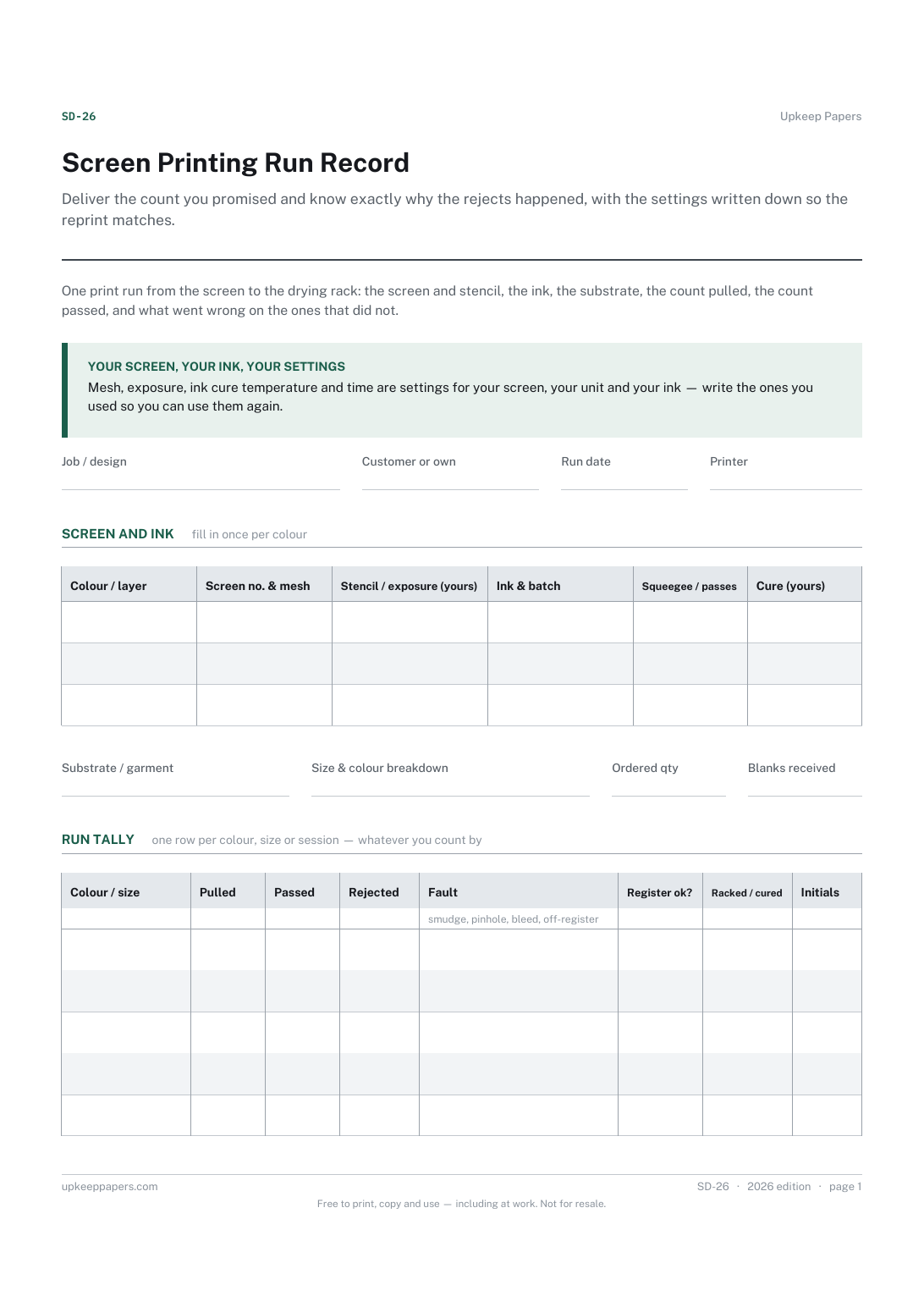
Screen printing record sheet — one run from screen to rack: screens and mesh, exposure, ink and batch, substrate, count pulled, passed and rejected.
One page. Choose your paper size — both versions are laid out identically, so neither one gets shrunk to fit.
Print it and write on it
Fill it in type and save
The fillable versions have real form fields — open them in any PDF reader, type into them and save. Printing help.
Deliver the count you promised and know exactly why the rejects happened, with the settings written down so the reprint matches.
Textile and paper screen printers, garment decorators, print studios, community print rooms and art departments.
One page, top to bottom:
Printed under the title: One print run from the screen to the drying rack: the screen and stencil, the ink, the substrate, the count pulled, the count passed, and what went wrong on the ones that did not.
Your screen, your ink, your settings. Mesh, exposure, ink cure temperature and time are settings for your screen, your unit and your ink — write the ones you used so you can use them again.
Write-on lines: Job / design · Customer or own · Run date · Printer
Table, 3 rows: Colour / layer · Screen no. & mesh · Stencil / exposure (yours) · Ink & batch · Squeegee / passes · Cure (yours)
Write-on lines: Substrate / garment · Size & colour breakdown · Ordered qty · Blanks received
Table, 5 rows: Colour / size · Pulled · Passed · Rejected · Fault · Register ok? · Racked / cured · Initials
Because they belong to your exposure unit, your emulsion, your ink and your dryer. The right figures are the ones that worked on your kit, which is why every one of those columns is labelled as yours to fill in.
Because the difference is where shortfalls come from. If the customer sent fewer than they think, you want that written down before the first pull.
Stop running out of the one thing that halts the studio, by counting it against a reorder point you set instead of noticing when the box is empty.
Keep a catalogue of finished work and where it went, which is the record galleries, insurers and tax authorities ask for and working artists rarely have.
Capture a job while you are still standing in it: what was asked for, what was done, what went into it and how long it took.
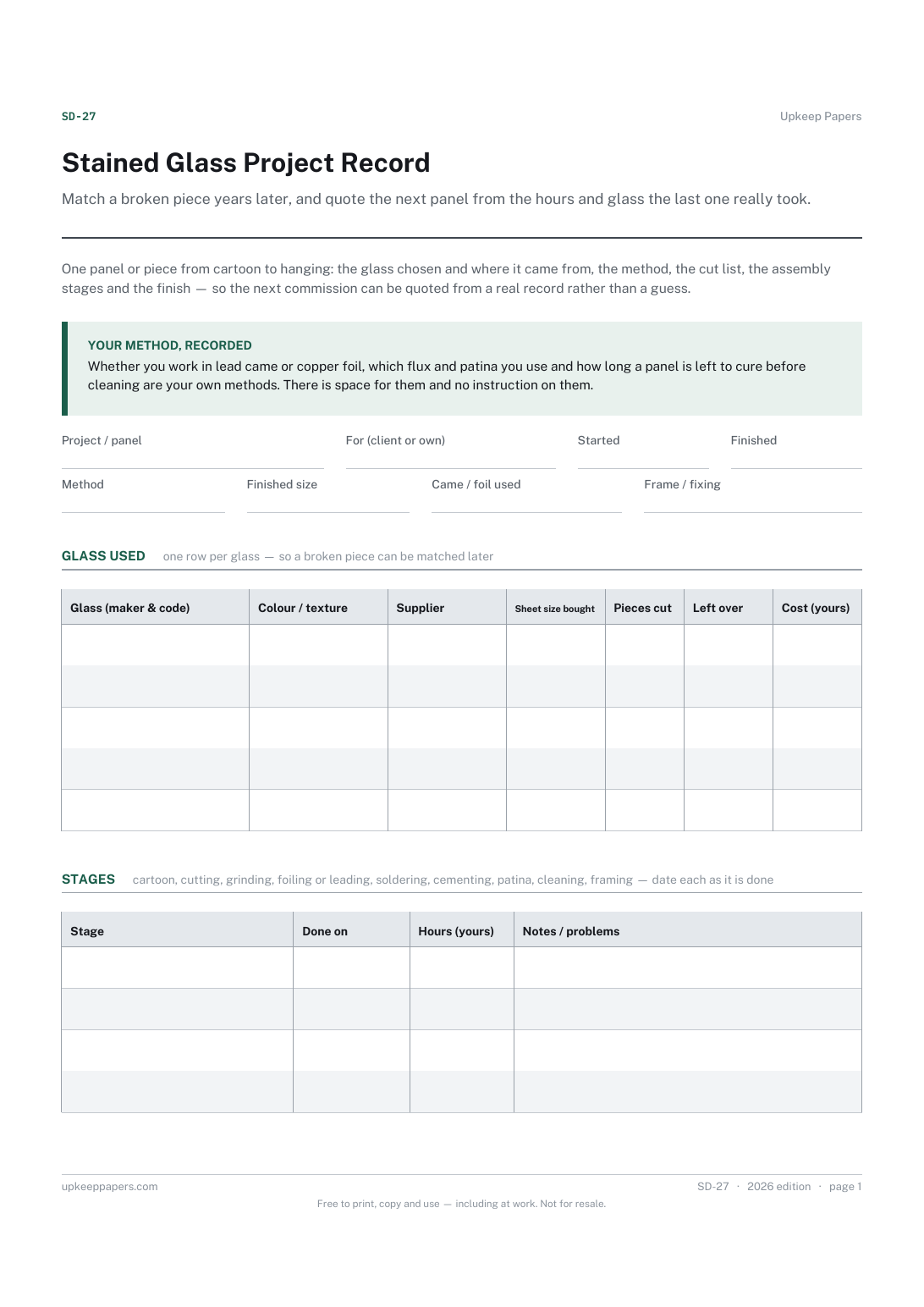
Match a broken piece years later, and quote the next panel from the hours and glass the last one really took.

Every sheet, binder, game and puzzle on Upkeep Papers is free to download, with no email and no account. Making them is not free: each one takes days of research, design and checking, and the site costs money to run. If something here saved you time, you can buy us a coffee. It is entirely optional: nothing is locked, and nothing changes if you don’t.
Buy us a coffee Opens PayPal in a new tab. Any amount, and nothing changes if you would rather not.