Keg and Cask Stock Rotation Sheet
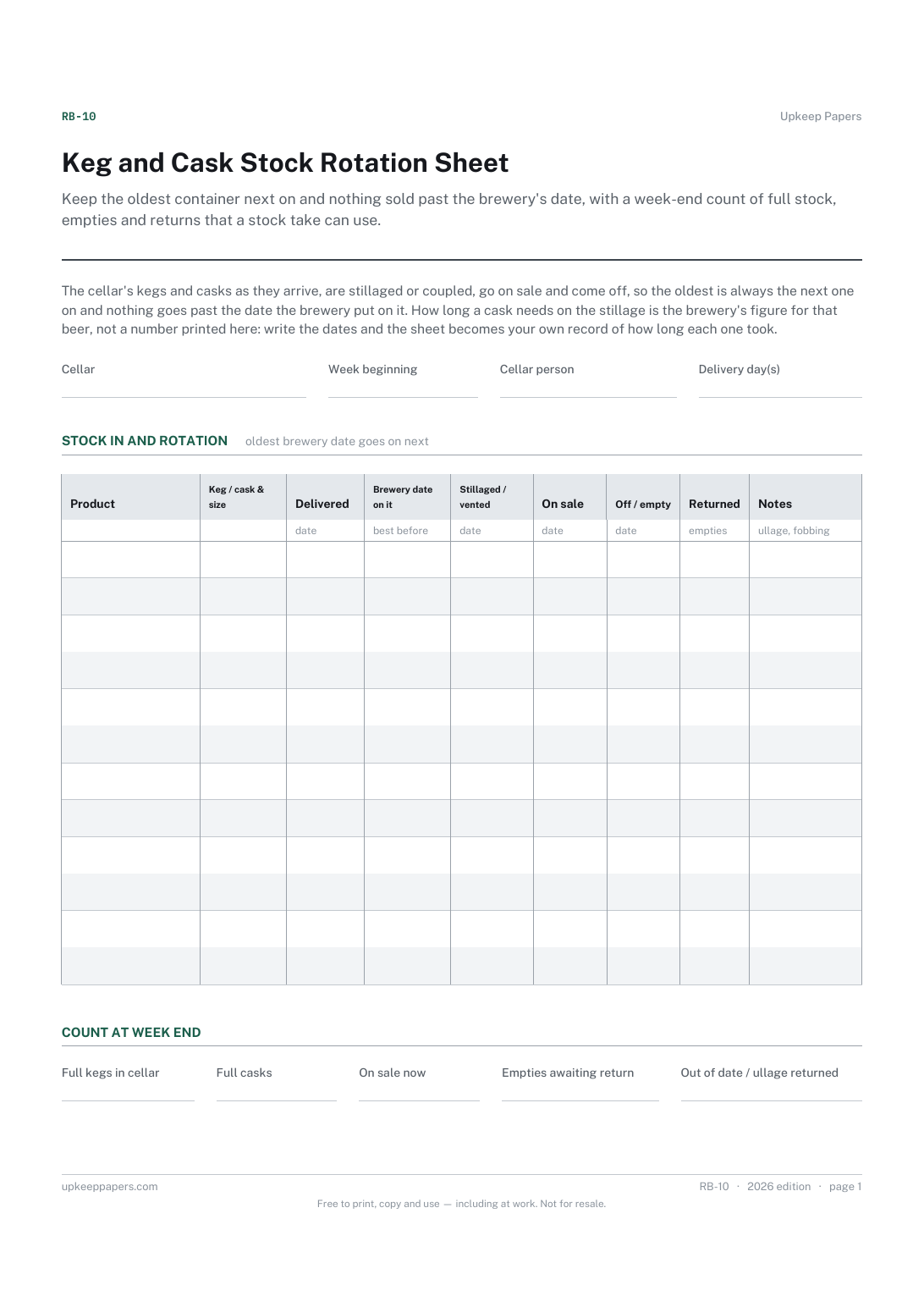
Keep the oldest container next on and nothing sold past the brewery's date, with a week-end count of full stock, empties and returns that a stock take can use.
RB-10 1 page
Everything here is free. Making it takes time and money. Everything here is free.
 Buy us a coffee
 Restaurants and bars · RB-02
A free printable beer line cleaning record — the cellar lines listed once, then every clean with product used, rinse, beer back on, who did it and next due.
One page. Choose your paper size — both versions are laid out identically, so neither one gets shrunk to fit.
Print it and write on it
Fill it in type and save
The fillable versions have real form fields — open them in any PDF reader, type into them and save. Printing help.
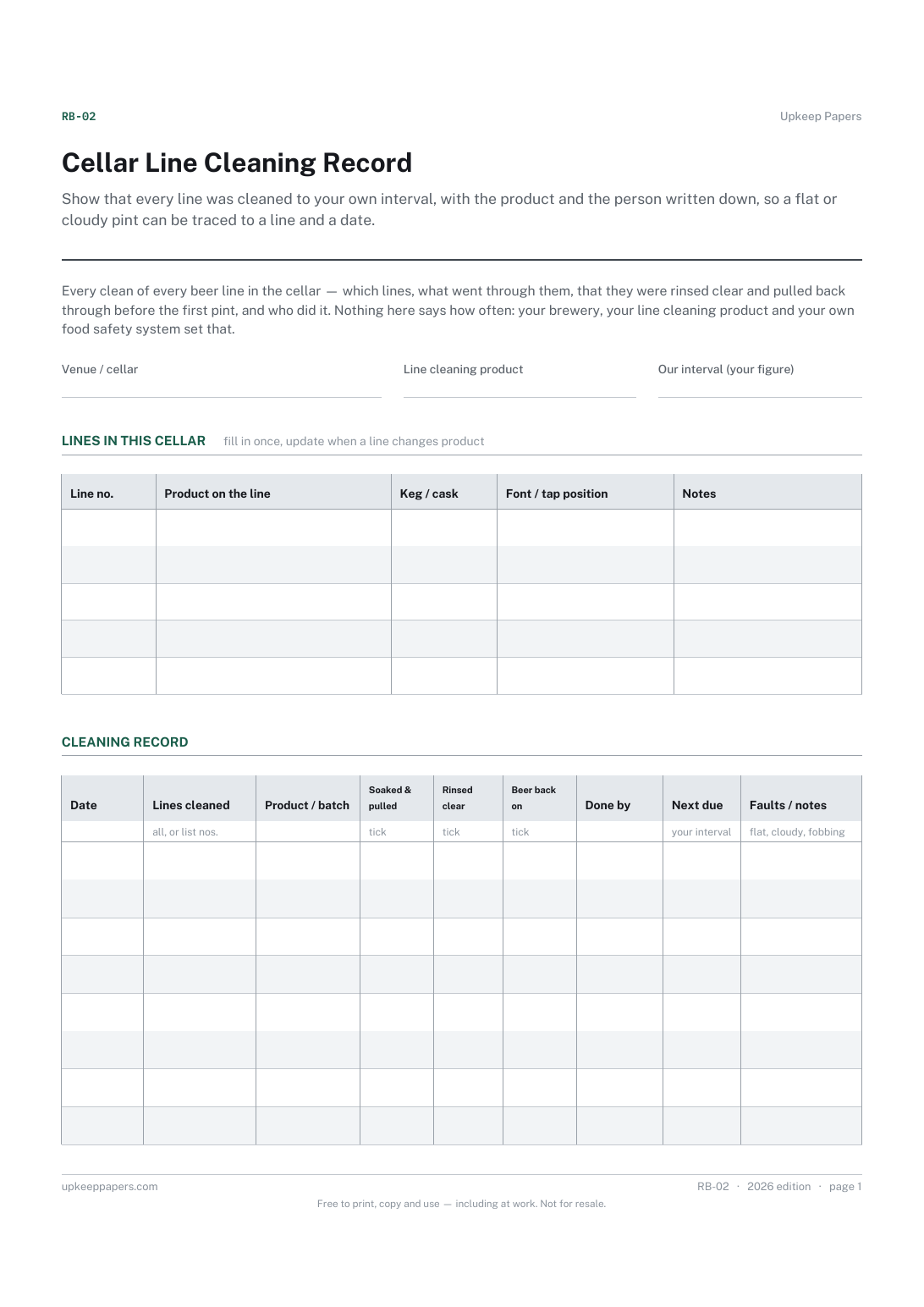
Show that every line was cleaned to your own interval, with the product and the person written down, so a flat or cloudy pint can be traced to a line and a date.
Cellar staff, bar managers and licensees in pubs, bars and clubs with draught beer on keg or cask lines.
One page, top to bottom:
Printed under the title: Every clean of every beer line in the cellar — which lines, what went through them, that they were rinsed clear and pulled back through before the first pint, and who did it. Nothing here says how often: your brewery, your line cleaning product and your own food safety system set that.
Write-on lines: Venue / cellar · Line cleaning product · Our interval (your figure)
Table, 5 rows: Line no. · Product on the line · Keg / cask · Font / tap position · Notes
Table, 8 rows: Date · Lines cleaned · Product / batch · Soaked & pulled · Rinsed clear · Beer back on · Done by · Next due · Faults / notes
Because the interval, the product, its dilution and its contact time are set by the product's own instructions, the brewery's technical service and your own food safety system. Write yours in the blank; the record then shows whether it was kept.
Anything that was wrong on the line before or after the clean: fobbing, cloudy or flat beer, a stiff coupler, a leaking connector. It is the line's history, and it is what the brewery technician will ask for.
Keep the oldest container next on and nothing sold past the brewery's date, with a week-end count of full stock, empties and returns that a stock take can use.
Set out who cleans what and how often, with initials against each day so the rota is a record rather than an intention.
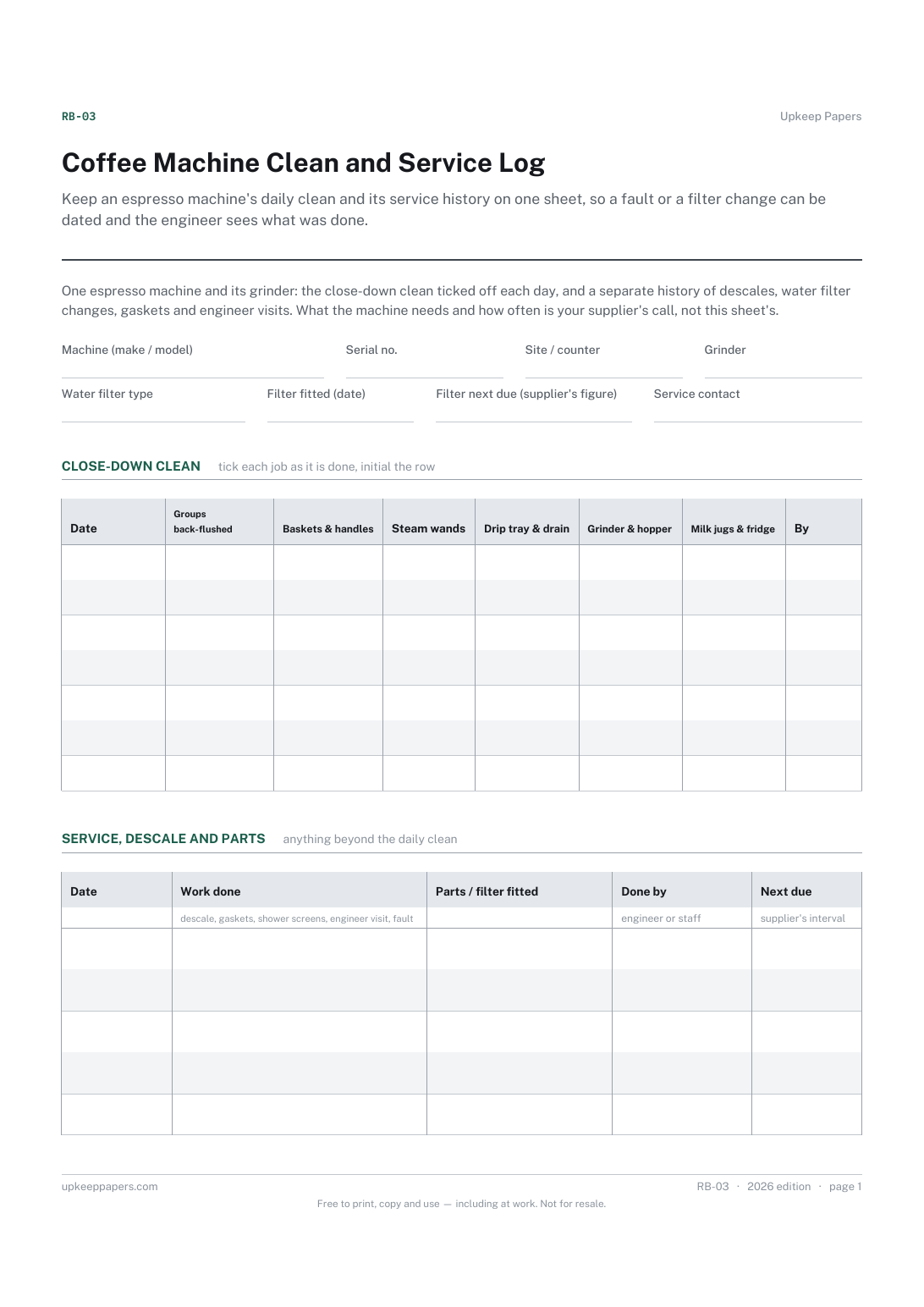
Keep an espresso machine's daily clean and its service history on one sheet, so a fault or a filter change can be dated and the engineer sees what was done.
Turn the first and last twenty minutes of the day into two short lists that get initialled, instead of a routine somebody remembers most of the time.

Every sheet, binder, game and puzzle on Upkeep Papers is free to download, with no email and no account. Making them is not free: each one takes days of research, design and checking, and the site costs money to run. If something here saved you time, you can buy us a coffee. It is entirely optional: nothing is locked, and nothing changes if you don’t.
Buy us a coffee Opens PayPal in a new tab. Any amount, and nothing changes if you would rather not.