
Self-Employed Bookkeeping Sheets · SB-725 · Log
Credit Notes and Refunds Log
Credit notes and refunds log: each credit against its original invoice, the reason, and any refund paid, with totals. PDF and browser versions.
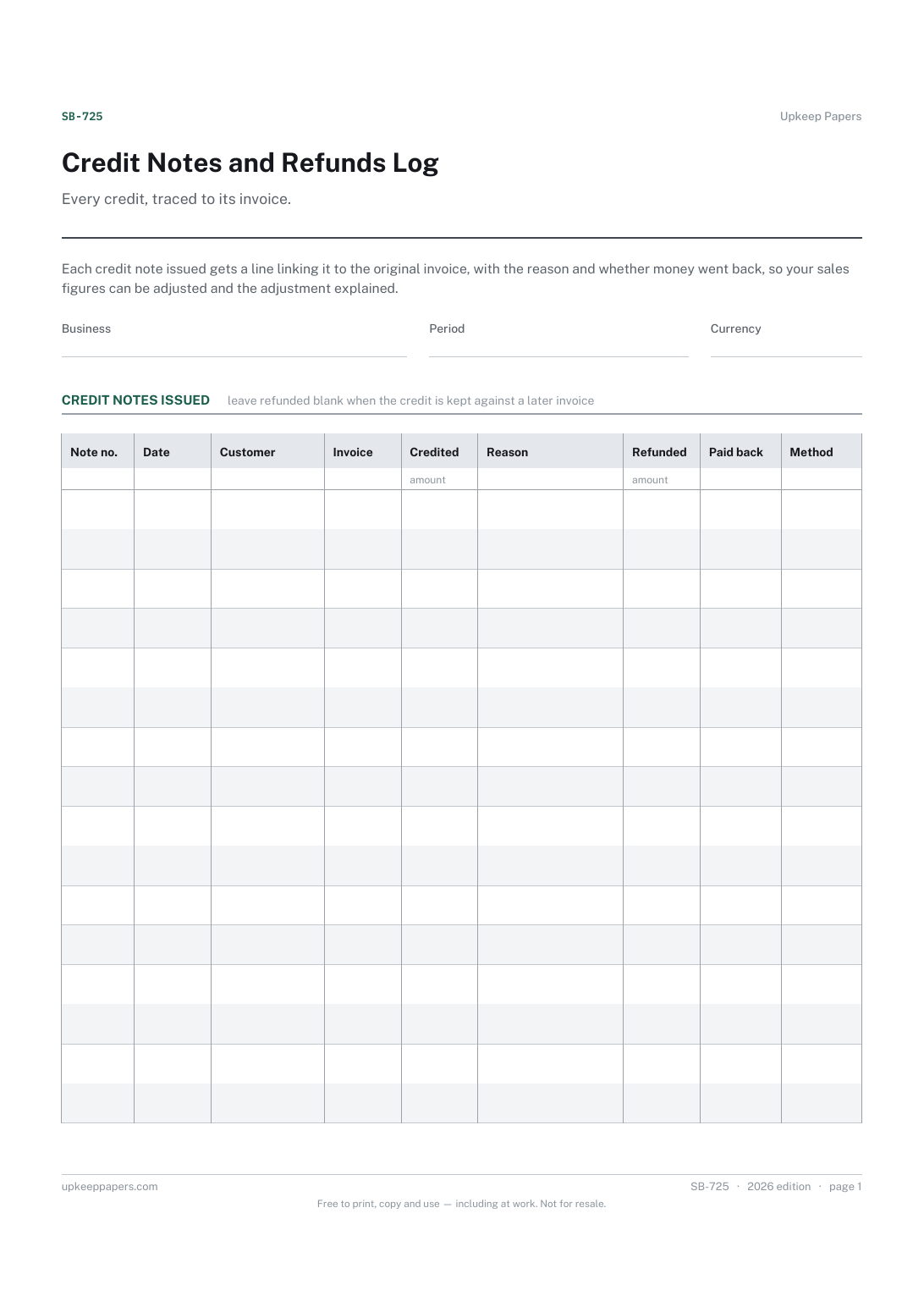
2 pages. The A4 and US Letter files are laid out identically, so neither is shrunk to fit.
Print it and write on it
Fillable PDF type and save
Or no download needed
Fill it in onlineThe fillable versions have real form fields — open them in any PDF reader, type into them and save. Printing help.
Fill it in online
The same sheet, on screen. Totals and figures are worked out as you type, rows can be added or removed, and you can print it or download the completed version as a PDF. Everything stays in your browser — your entries are kept in this browser's own storage on this device, nothing is uploaded, and there is no account.
Who this is for
Every credit, traced to its invoice. Each credit note issued gets a line linking it to the original invoice, with the reason and whether money went back, so your sales figures can be adjusted and the adjustment explained.
Sole traders and freelancers who occasionally reduce or cancel an invoice, give a refund, or settle a dispute with a partial credit.
What this helps you track
- Each credit note number and the invoice it reduces
- The customer, the amount and the reason
- Whether money was refunded, when and how
- The period's total credited and total refunded
- A trail to explain lower sales figures later
How to use it
- Write the business and the period the log covers at the top.
- Give each credit note the next number in your own sequence and enter the date and customer.
- Write the original invoice number and the amount credited, and a short, specific reason.
- If money was paid back, enter the amount refunded, the date and how it was paid; if the credit was set against a later invoice, leave the refund blank and say so in the notes.
- Add up the credited and refunded columns at the period end, or let the browser version total them.
- Adjust your sales records by the total credited, and file each credit note with its invoice.
Formats
- Printable PDF (A4 and US Letter)
- Fillable PDF with form fields
- Fill in online, saved in your browser
The printable is laid out inside a box that fits both A4 and US Letter, so the two files are identical and neither one is scaled. The fillable PDF has real form fields. The online version keeps what you enter in your own browser and builds the completed PDF on your device.
How to print
Download the A4 or US Letter file to match the paper in your printer, open it in a PDF reader and print at 100% — not "fit to page", which shrinks the writing space. Both files leave a 14 mm margin, which clears the unprintable edge on home printers. To print the online version with your entries in it, use the Print this sheet button, which prints only the sheet and none of the page around it. More on printing.
Questions
What is the difference between a credit note and a refund?
A credit note reduces what a customer owes on an invoice. A refund is money actually paid back. A credit can be refunded, or kept against a future invoice, which is why the log records both.
Can I just edit or delete the original invoice?
It is usually clearer to leave the invoice as issued and record a credit note against it, so the numbering has no gaps and the change is explained. Check the rules where you are if you are unsure.
How do I number credit notes?
Use a sequence of your own that cannot be confused with your invoice numbers, such as a prefix, and never reuse a number. The log keeps them in order.
Should I record refunds made through a card or platform?
Yes. Note the platform as the method. It helps when matching the refund to your bank or platform statement at month-end.
Related resources
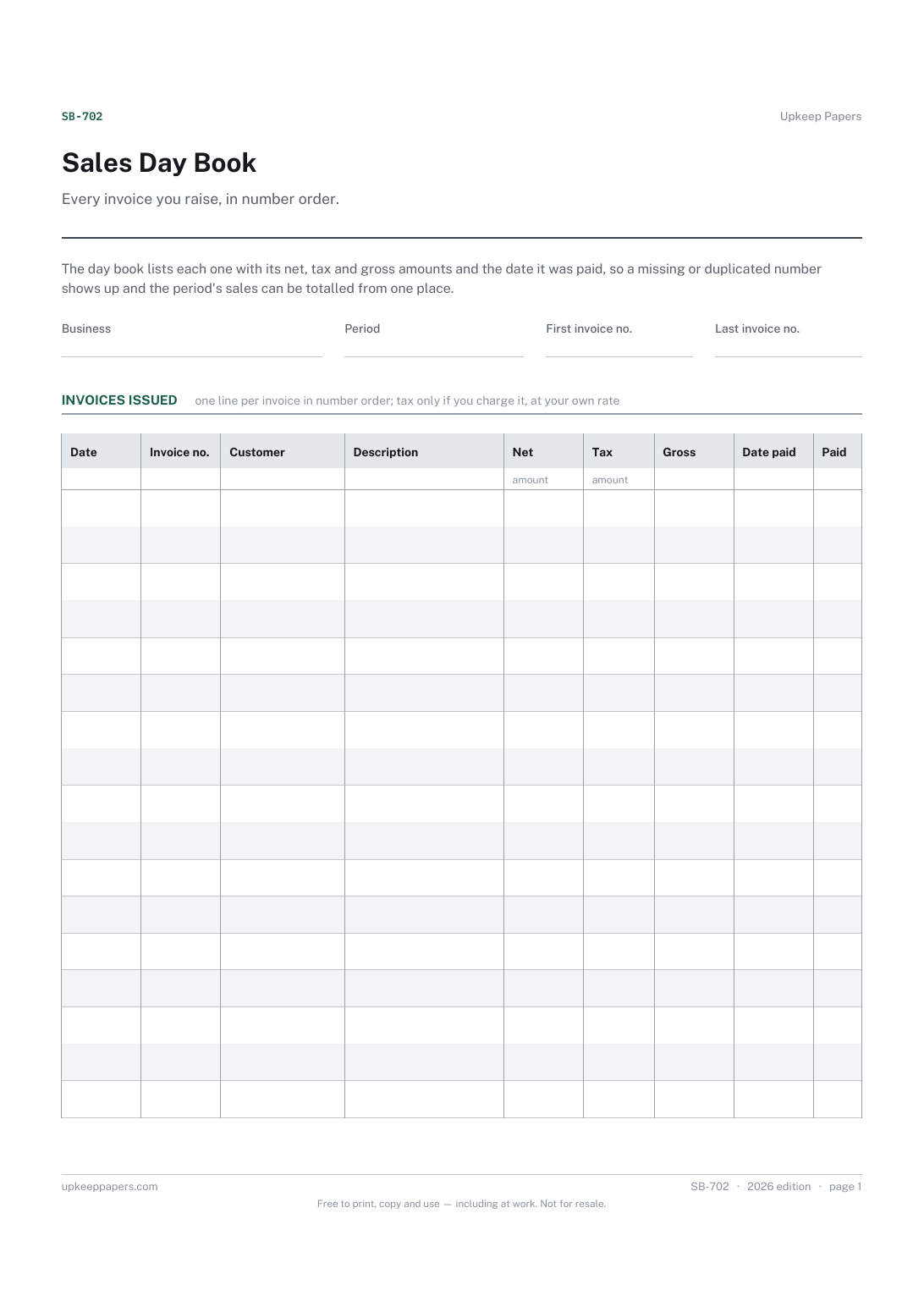
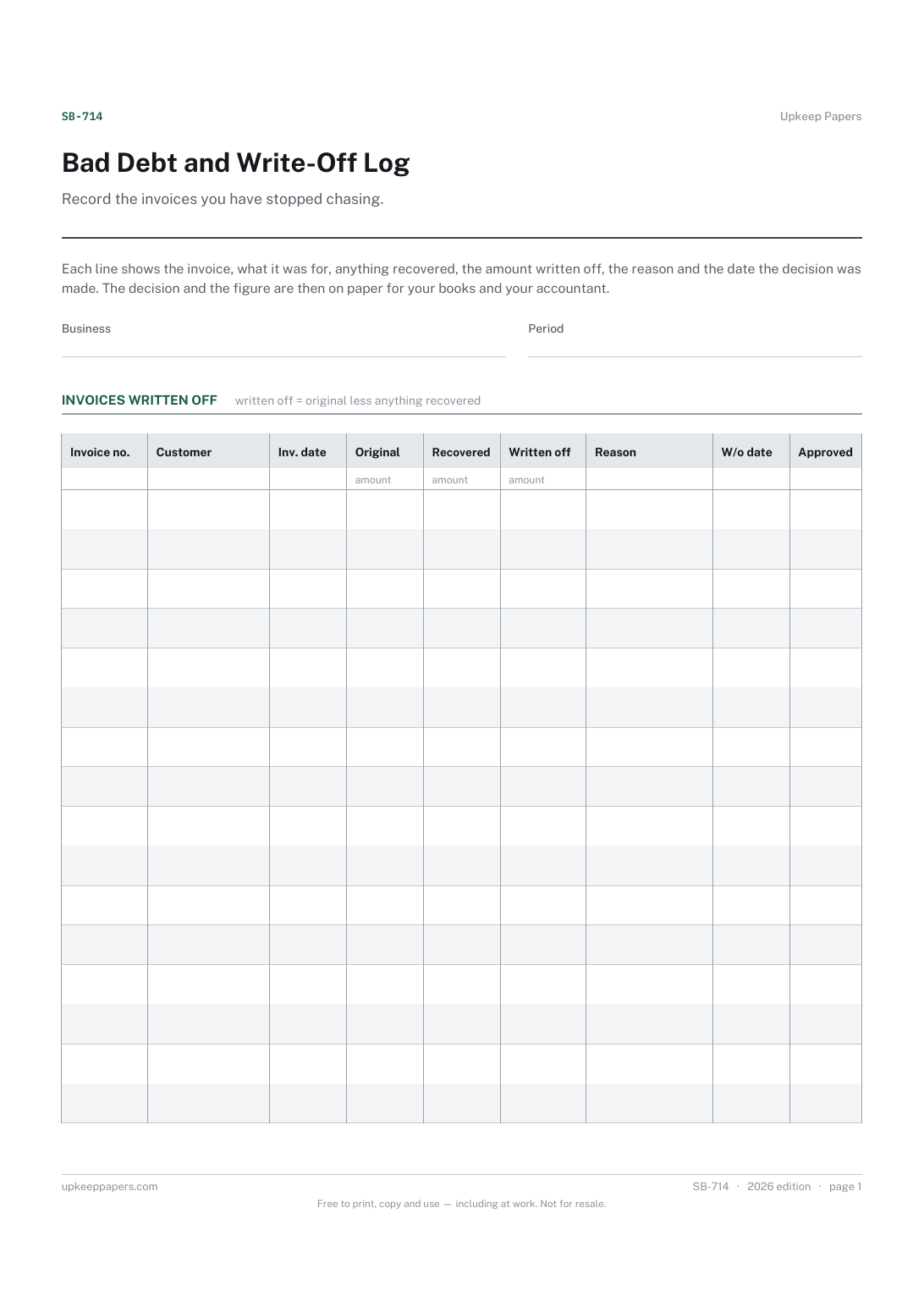
Bad Debt and Write-Off Log
Which invoices were written off and for which customers.
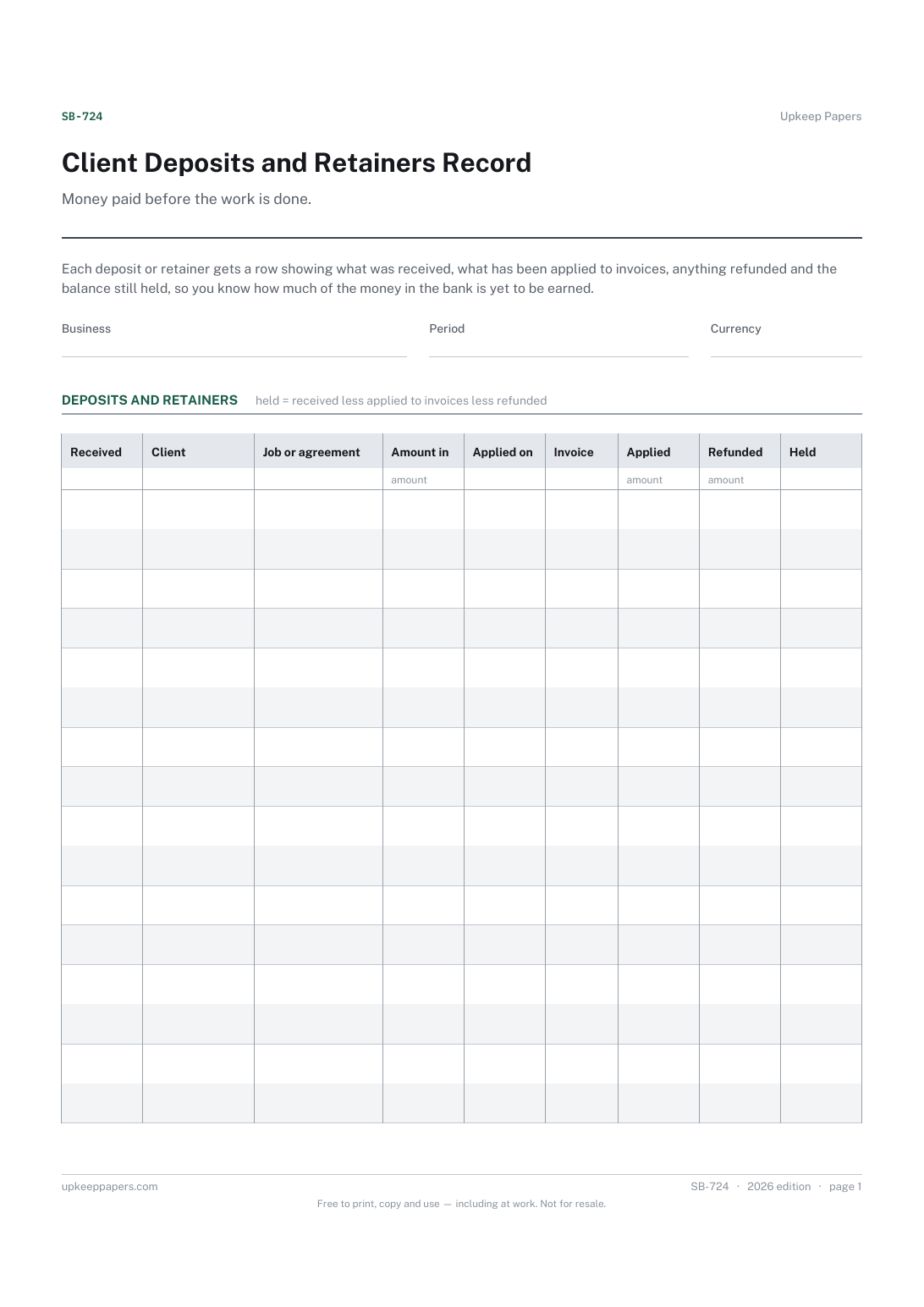
Client Deposits and Retainers Record
Every deposit or retainer received, by client and job.
Also in the library
Printable sheets, workbooks and tools on the same subject.

Invoice and Payment Tracker
See at a glance which invoices are out, which are late and when each was last chased, which is the information that actually gets invoices paid.

Sales Record Sheet
Keep one line per sale as it happens, with the payment recorded beside it, so the month adds up from something written on the day.
