
Self-Employed Bookkeeping Sheets · SB-724 · Record
Client Deposits and Retainers Record
Client deposits and retainers record: money received in advance, applied to invoices, refunded and still held, per client. PDF, Excel and browser.
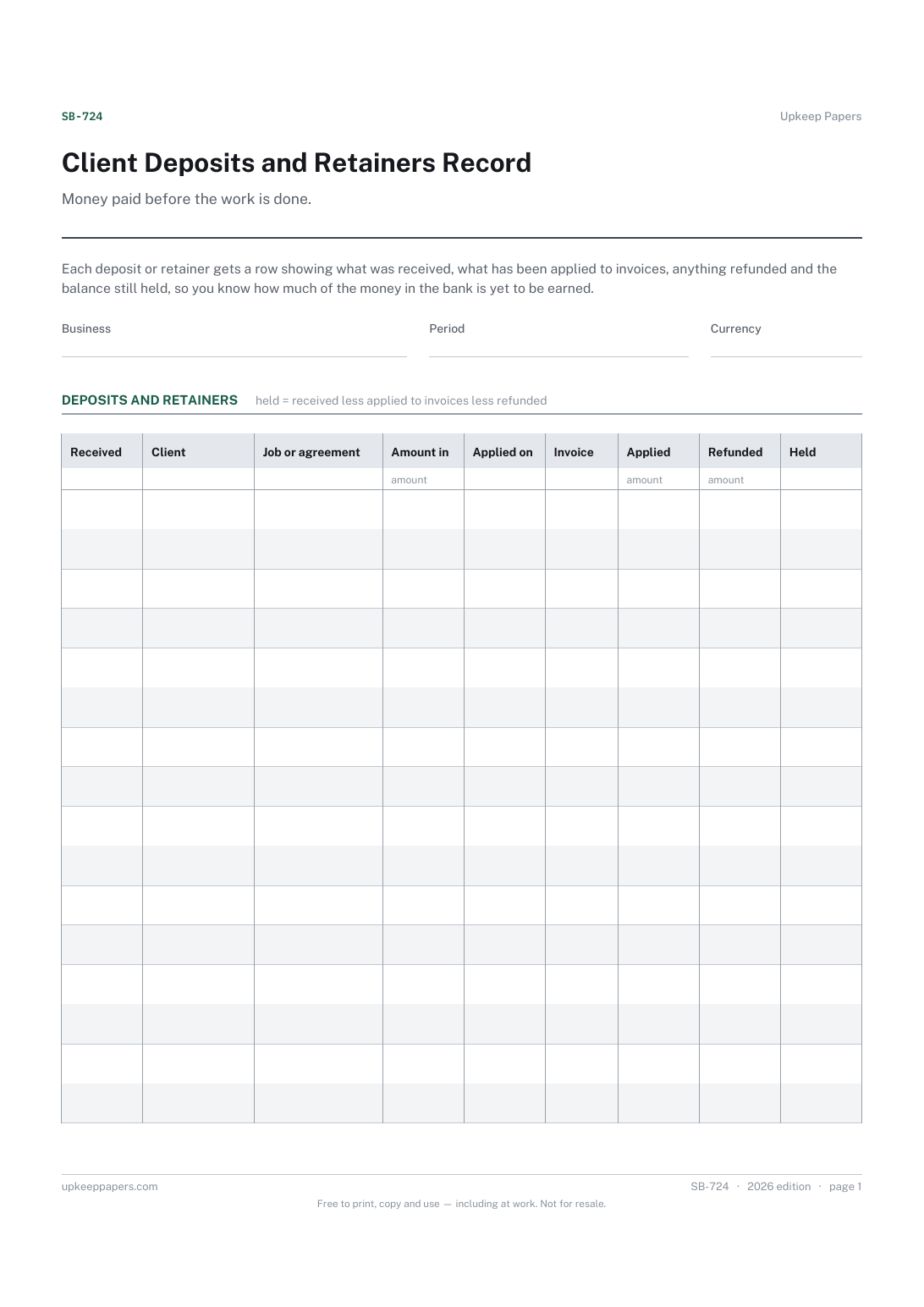
2 pages. The A4 and US Letter files are laid out identically, so neither is shrunk to fit.
Print it and write on it
Fillable PDF type and save
Spreadsheet formulas included
The fillable versions have real form fields — open them in any PDF reader, type into them and save. Printing help.
Fill it in online
The same sheet, on screen. Totals and figures are worked out as you type, rows can be added or removed, and you can print it or download the completed version as a PDF. Everything stays in your browser — your entries are kept in this browser's own storage on this device, nothing is uploaded, and there is no account.
Who this is for
Money paid before the work is done. Each deposit or retainer gets a row showing what was received, what has been applied to invoices, anything refunded and the balance still held, so you know how much of the money in the bank is yet to be earned.
Freelancers, tradespeople and consultants who take deposits, booking fees or monthly retainers before the work is delivered.
What this helps you track
- Every deposit or retainer received, by client and job
- Which invoice each one has been applied to, and when
- Anything refunded to the client
- The balance still held for each client
- The totals held across all clients
How to use it
- Write the business and the period the record covers at the top.
- Add a row whenever a deposit or retainer arrives: the date, the client, the job or agreement and the amount.
- When you invoice the work, enter the date, the invoice number and the amount of the deposit used against it.
- If money goes back to the client, enter it in the refunded column and say why in the notes.
- The balance held and the totals are worked out in the browser and the workbook; on paper, take applied and refunded from received.
- Check the total balance held against your bank at each month-end, so advance money is never mistaken for earnings.
Formats
- Printable PDF (A4 and US Letter)
- Fillable PDF with form fields
- Fill in online, saved in your browser
- Excel / Google Sheets workbook
The printable is laid out inside a box that fits both A4 and US Letter, so the two files are identical and neither one is scaled. The fillable PDF has real form fields. The workbook uses plain formulas only — SUM, IF, COUNTIF and the like — so it opens in Excel, LibreOffice and Google Sheets without anything breaking, and every calculated cell is grey so you can see which figures it worked out.
How to print
Download the A4 or US Letter file to match the paper in your printer, open it in a PDF reader and print at 100% — not "fit to page", which shrinks the writing space. Both files leave a 14 mm margin, which clears the unprintable edge on home printers. To print the online version with your entries in it, use the Print this sheet button, which prints only the sheet and none of the page around it. More on printing.
Questions
Why keep deposits separate from sales?
Because a deposit is not earned until the work is done. Recording it here until it is applied to an invoice stops you counting the same money twice, once as a deposit and again on the invoice.
What if a deposit is used across several invoices?
Add the amounts together in the applied column and list the invoice numbers, or use a new row for the same client with nothing in received and the second application, and read the client's rows together.
What about a monthly retainer?
Give each month's payment its own row. When the month's work is invoiced, apply the retainer to it; any part not used stays in the balance held until you agree what happens to it with the client.
Does this sheet say how deposits are taxed?
No. When a deposit counts as income for tax purposes depends on your rules and your accounting basis. Check the rules where you are or ask an accountant.
Related resources
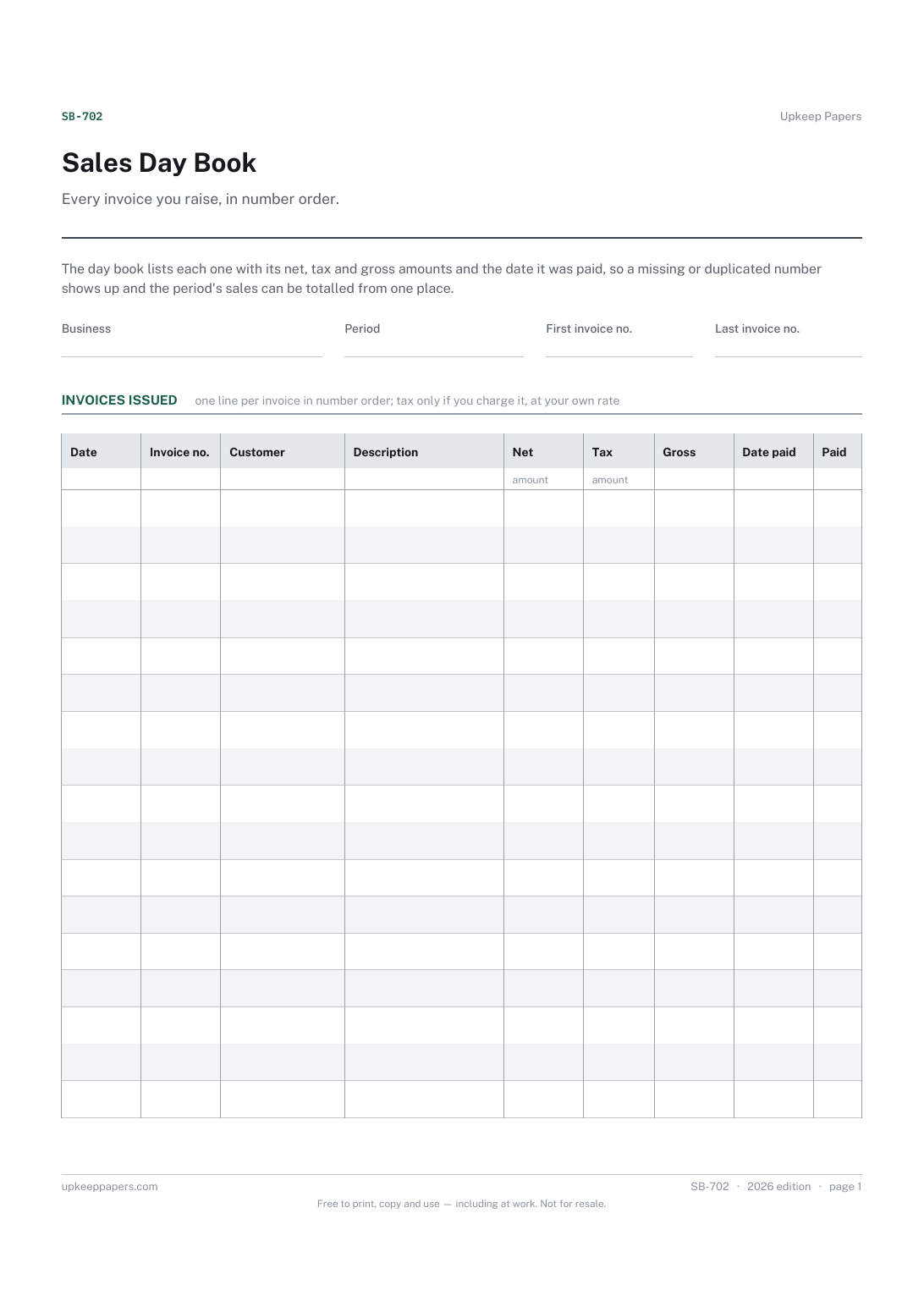
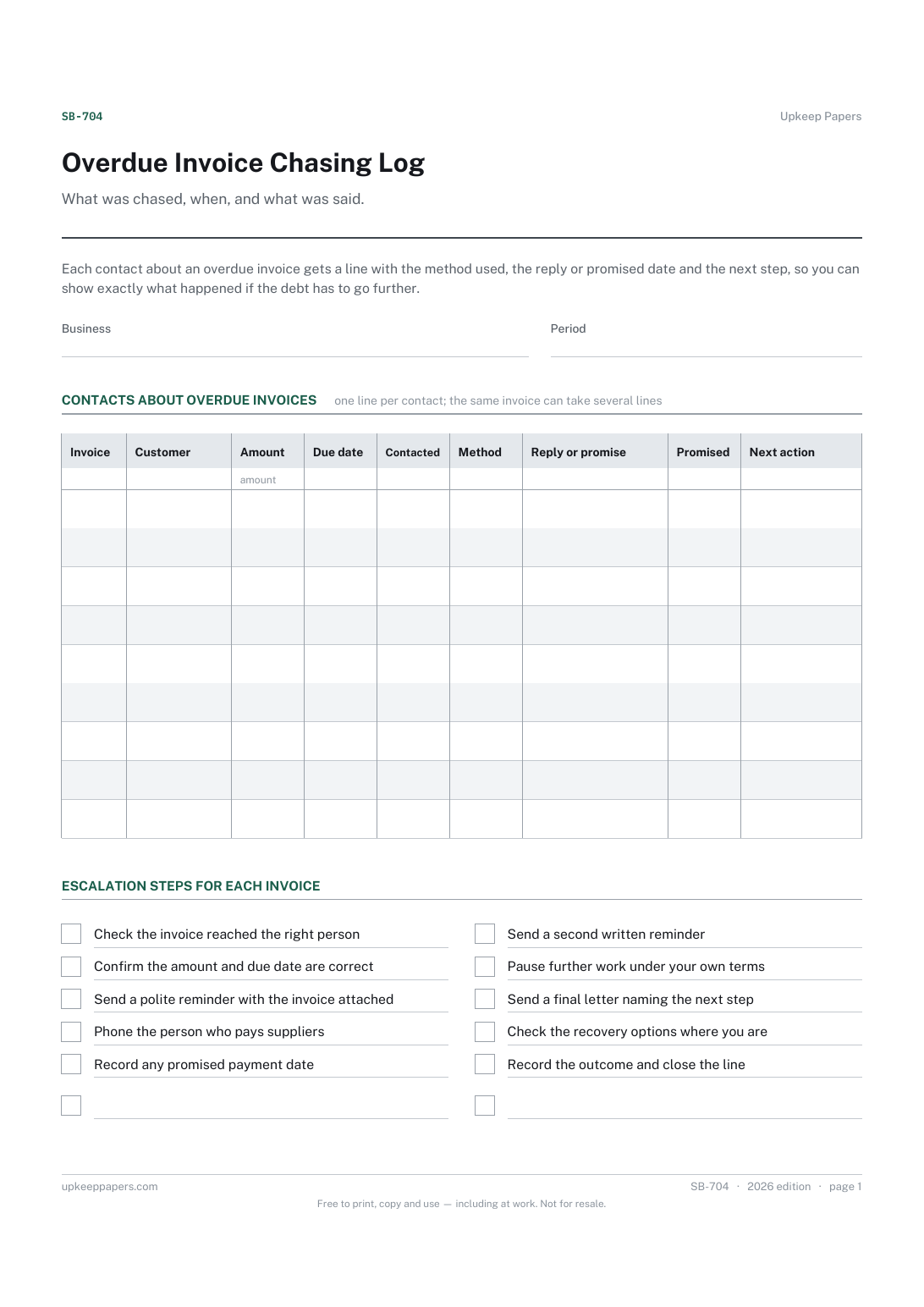
Overdue Invoice Chasing Log
Each overdue invoice, its amount and the date it fell due.
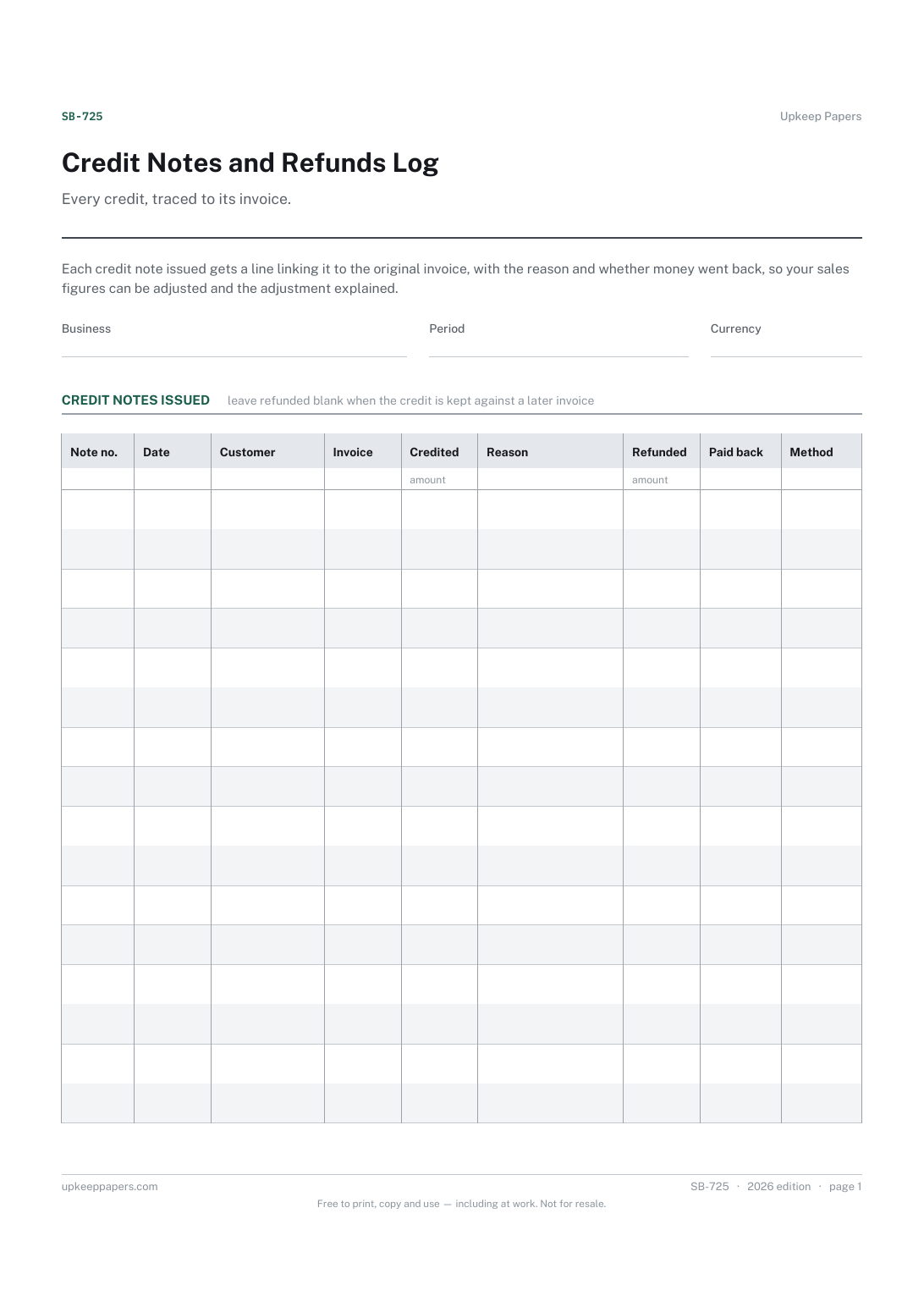
Credit Notes and Refunds Log
Each credit note number and the invoice it reduces.
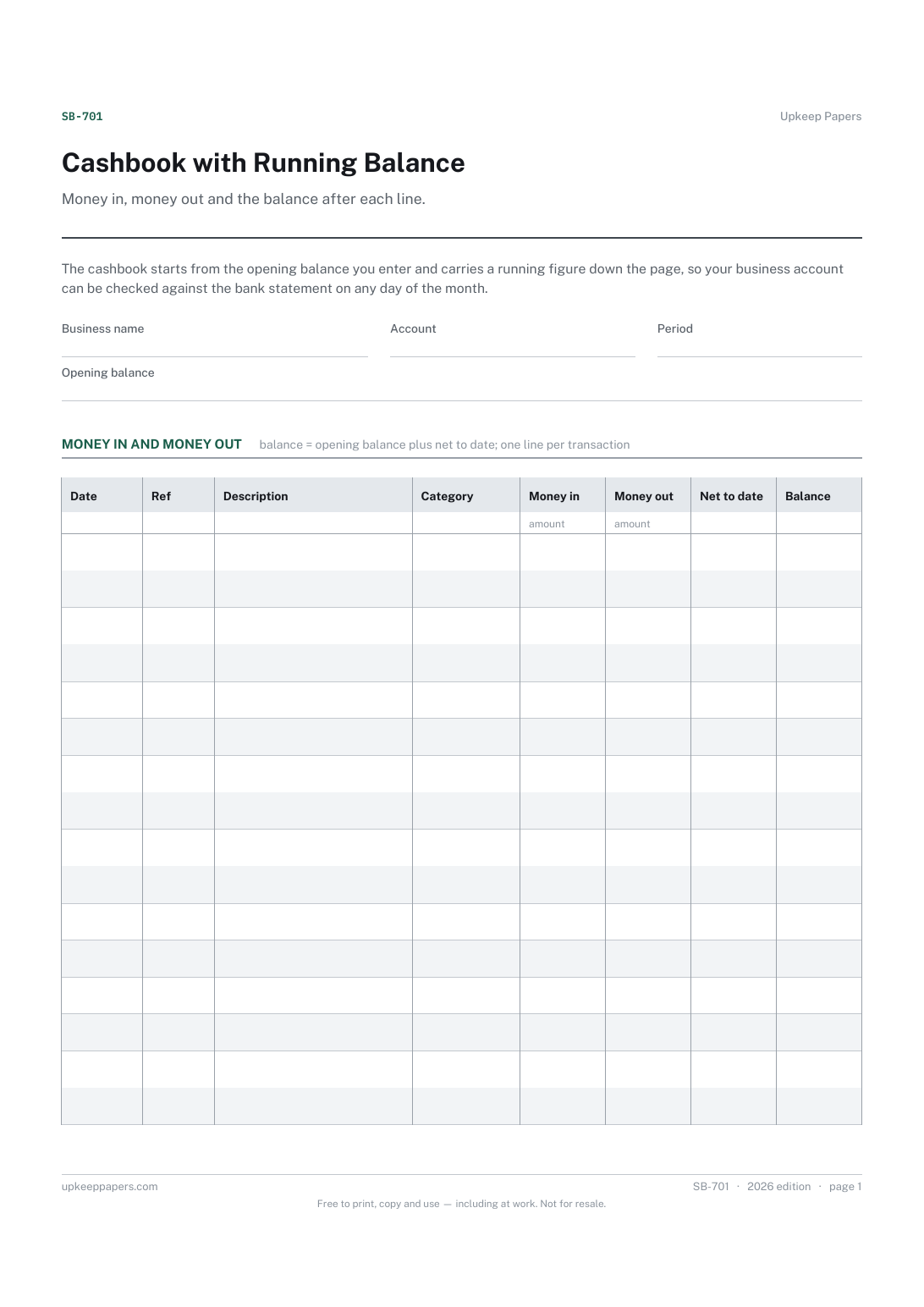
Cashbook with Running Balance
Every receipt and payment for the period, in date order.
Also in the library
Printable sheets, workbooks and tools on the same subject.

Deposit and Payment Receipt
Give a receipt for money taken and keep an identical copy, with the balance still owed written on both halves.

Invoice Tracker and Aged Debt Spreadsheet
Every invoice raised, what has been paid against it, and how many days overdue the rest is — with the aged debt split that tells you who to chase first.
