
Self-Employed Bookkeeping Sheets · SB-703 · Record
Purchase Day Book
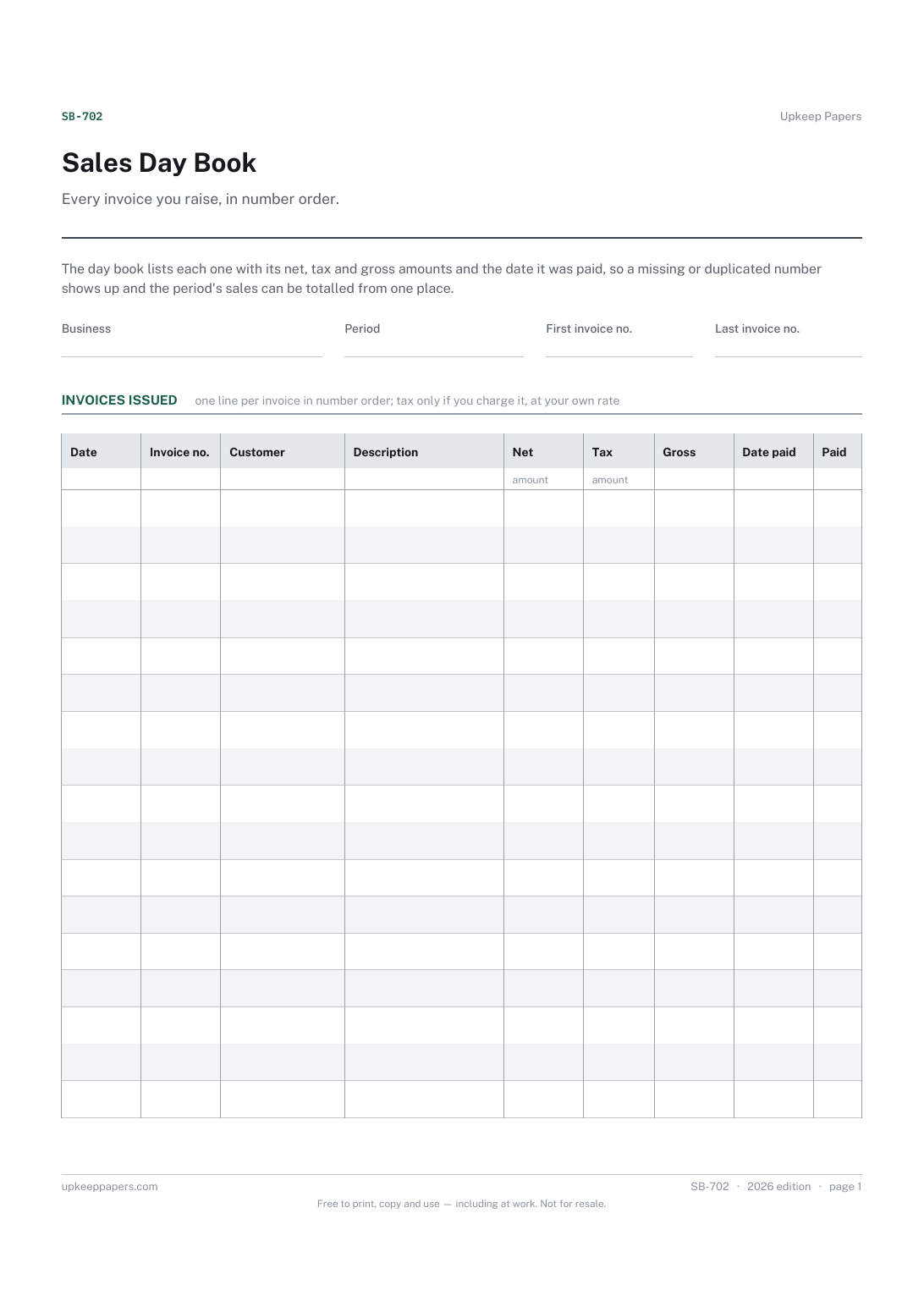
Free purchase day book: supplier invoices recorded when received, with net, tax, gross, date settled and the amount still owed. PDF, Excel and browser.
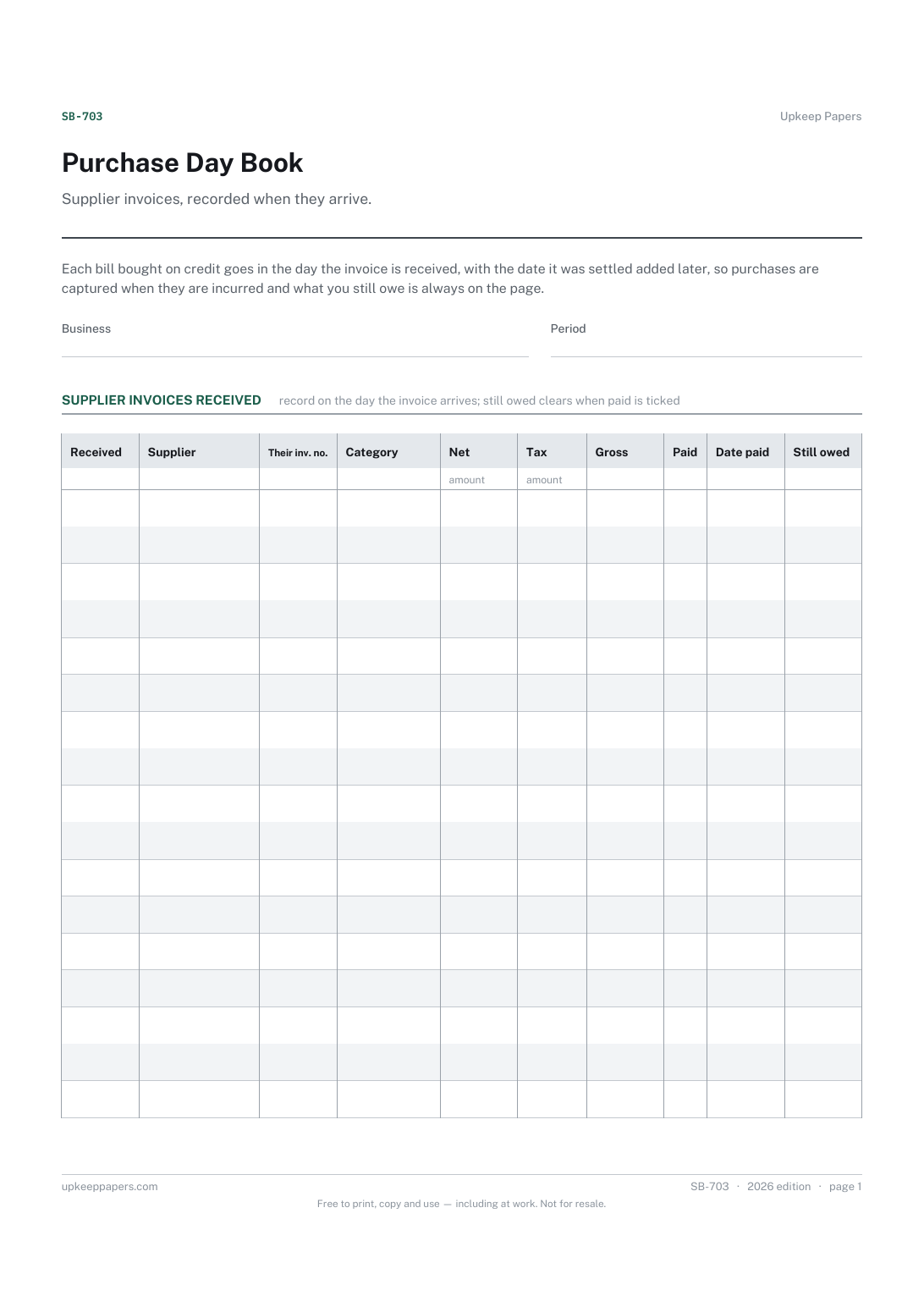
2 pages. The A4 and US Letter files are laid out identically, so neither is shrunk to fit.
Print it and write on it
Fillable PDF type and save
Spreadsheet formulas included
The fillable versions have real form fields — open them in any PDF reader, type into them and save. Printing help.
Fill it in online
The same sheet, on screen. Totals and figures are worked out as you type, rows can be added or removed, and you can print it or download the completed version as a PDF. Everything stays in your browser — your entries are kept in this browser's own storage on this device, nothing is uploaded, and there is no account.
Who this is for
Supplier invoices, recorded when they arrive. Each bill bought on credit goes in the day the invoice is received, with the date it was settled added later, so purchases are captured when they are incurred and what you still owe is always on the page.
Sole traders and freelancers who buy on account from suppliers and pay later, and anyone whose accountant has asked for purchases recorded when invoiced rather than when paid.
What this helps you track
- Every supplier invoice received, with its date and number
- The category each purchase belongs to
- Net, tax and gross amounts for the period
- Which invoices are still unpaid and what is owed in total
How to use it
- Write the business and the period in the header.
- Add a line for each supplier invoice on the day you receive it, copying the supplier's own invoice number so it can be traced.
- Choose a category and enter the net and tax exactly as shown on the invoice.
- When you settle it, tick paid and write the date paid; the gross and still-owed columns and the totals are worked out in the browser and the workbook.
- At the end of the month compare the still-owed figure for each supplier with their statement.
Formats
- Printable PDF (A4 and US Letter)
- Fillable PDF with form fields
- Fill in online, saved in your browser
- Excel / Google Sheets workbook
The printable is laid out inside a box that fits both A4 and US Letter, so the two files are identical and neither one is scaled. The fillable PDF has real form fields. The workbook uses plain formulas only — SUM, IF, COUNTIF and the like — so it opens in Excel, LibreOffice and Google Sheets without anything breaking, and every calculated cell is grey so you can see which figures it worked out.
How to print
Download the A4 or US Letter file to match the paper in your printer, open it in a PDF reader and print at 100% — not "fit to page", which shrinks the writing space. Both files leave a 14 mm margin, which clears the unprintable edge on home printers. To print the online version with your entries in it, use the Print this sheet button, which prints only the sheet and none of the page around it. More on printing.
Questions
Why record purchases when invoiced rather than when paid?
It shows what the business has committed to, not only what has left the bank, and it keeps the timing right if your accounts are prepared on that basis. Which basis you use is a question for your accountant or tax authority.
What goes in the category column?
The headings you total at the year end, such as stock, materials, subcontractors, equipment or services. Choose Other and add a note for anything that does not fit, and keep the list the same all year.
How do I record a part payment?
The sheet treats an invoice as paid or owed. For a part payment, leave paid unticked and write the amount and date in the notes until the balance is settled.
Do cash purchases go in here too?
Only if you want every purchase in one list. Many sole traders record cash and card purchases in the cashbook and keep this book for invoices paid later.
Related resources
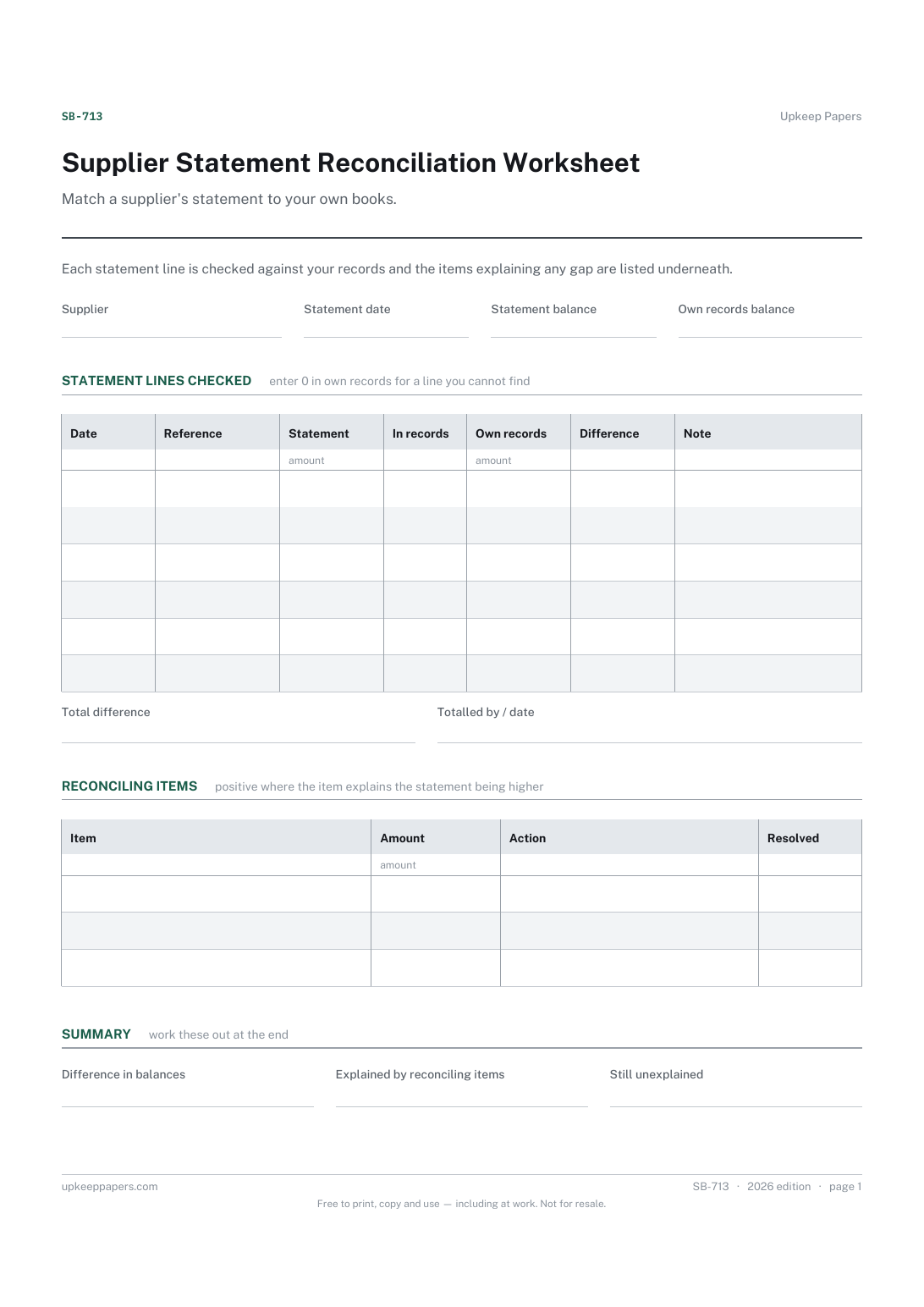
Supplier Statement Reconciliation Worksheet
The statement balance and the balance your own records show.
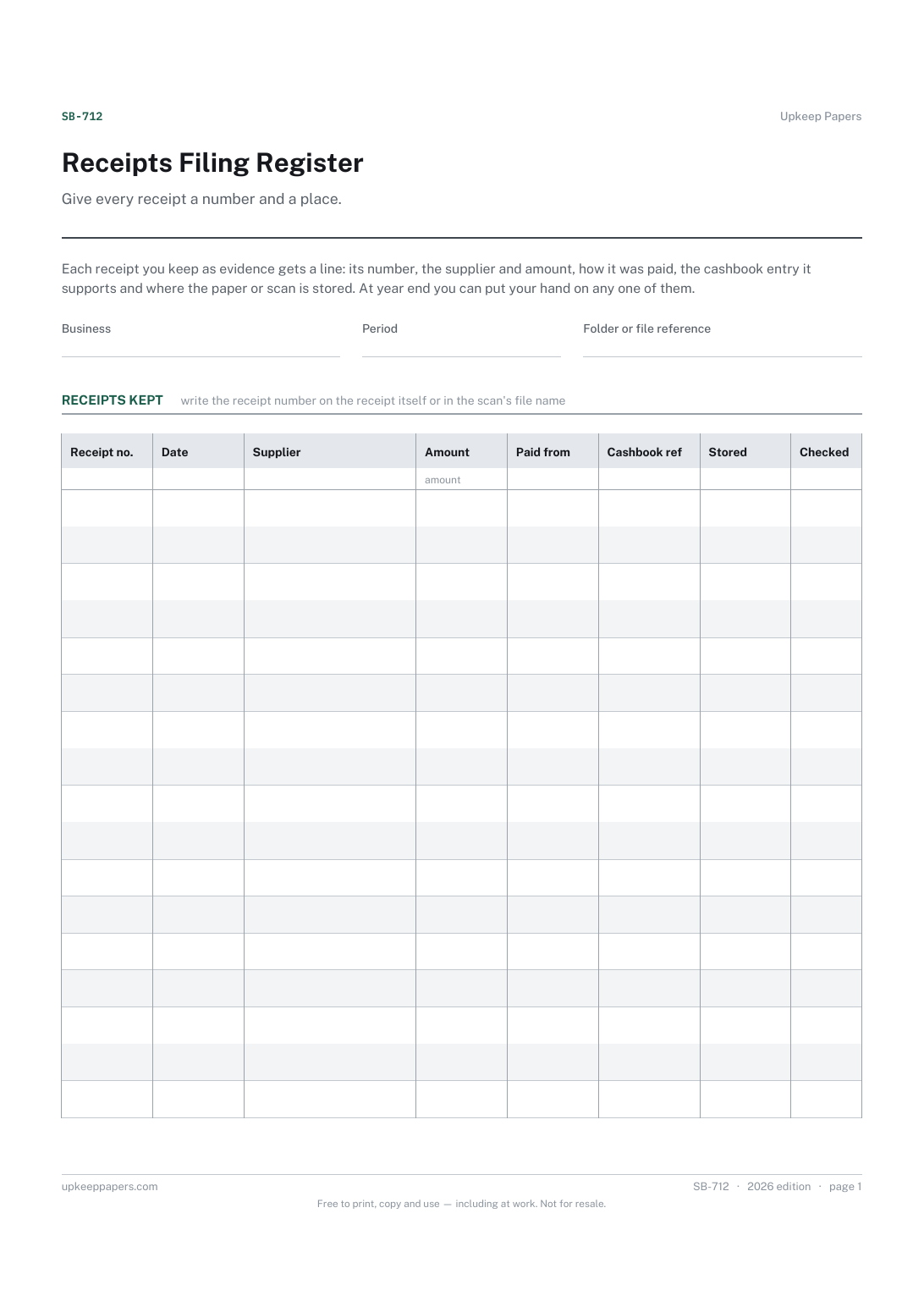
Receipts Filing Register
A running number written on each receipt and in the register.
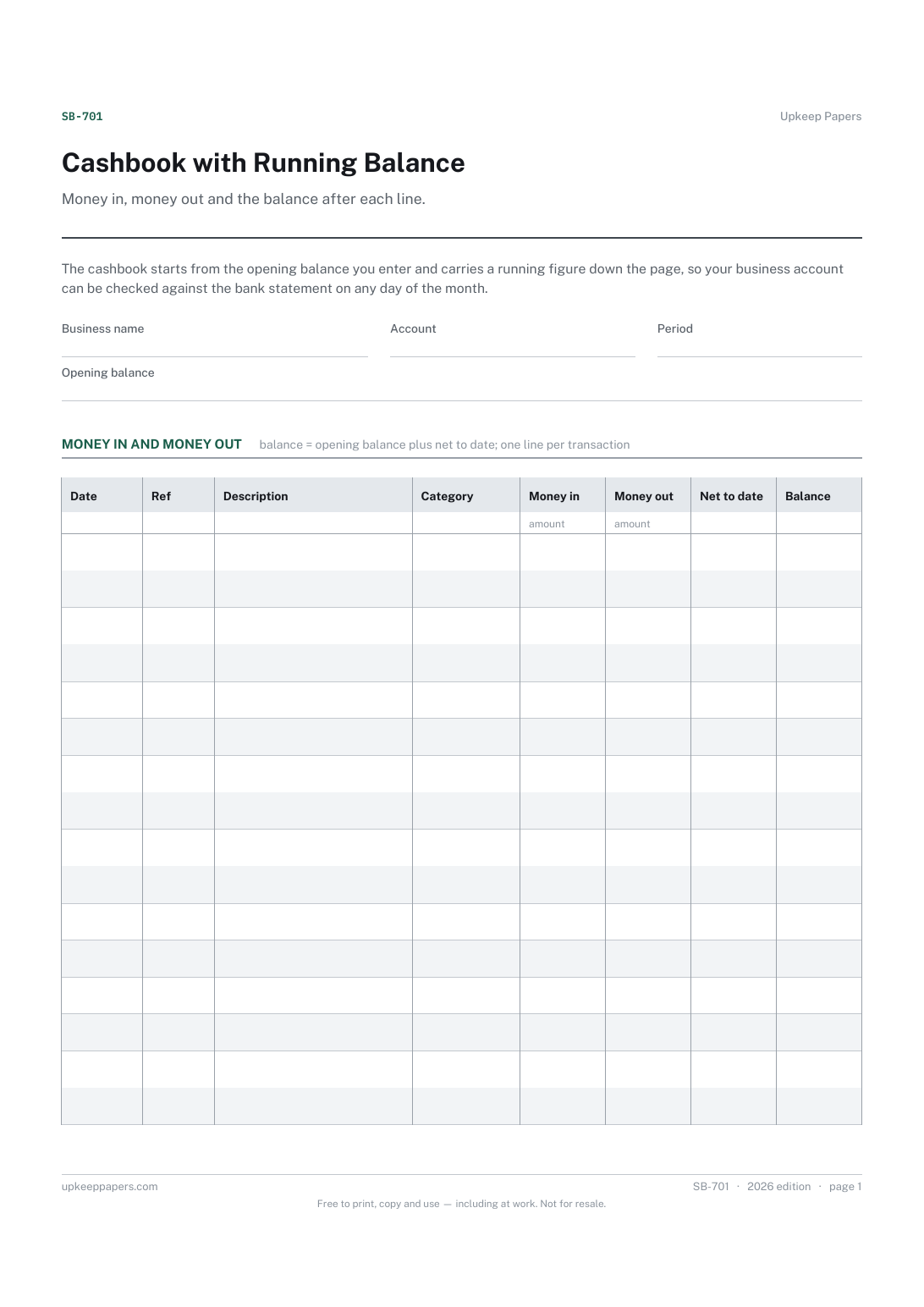
Cashbook with Running Balance
Every receipt and payment for the period, in date order.
Also in the library
Printable sheets, workbooks and tools on the same subject.

Supplier and Vendor Record
Keep the ordering knowledge out of one person's head and on a page anybody could pick up.

Small Business Income and Expense Spreadsheet
Simple books for a small business — money in, money out, categorised, with a monthly profit line and a year-end category breakdown.
