
Self-Employed Bookkeeping Sheets · SB-704 · Log
Overdue Invoice Chasing Log
Free overdue invoice chasing log: every reminder, call and promise to pay, with next actions and an escalation checklist. Printable PDF and browser.
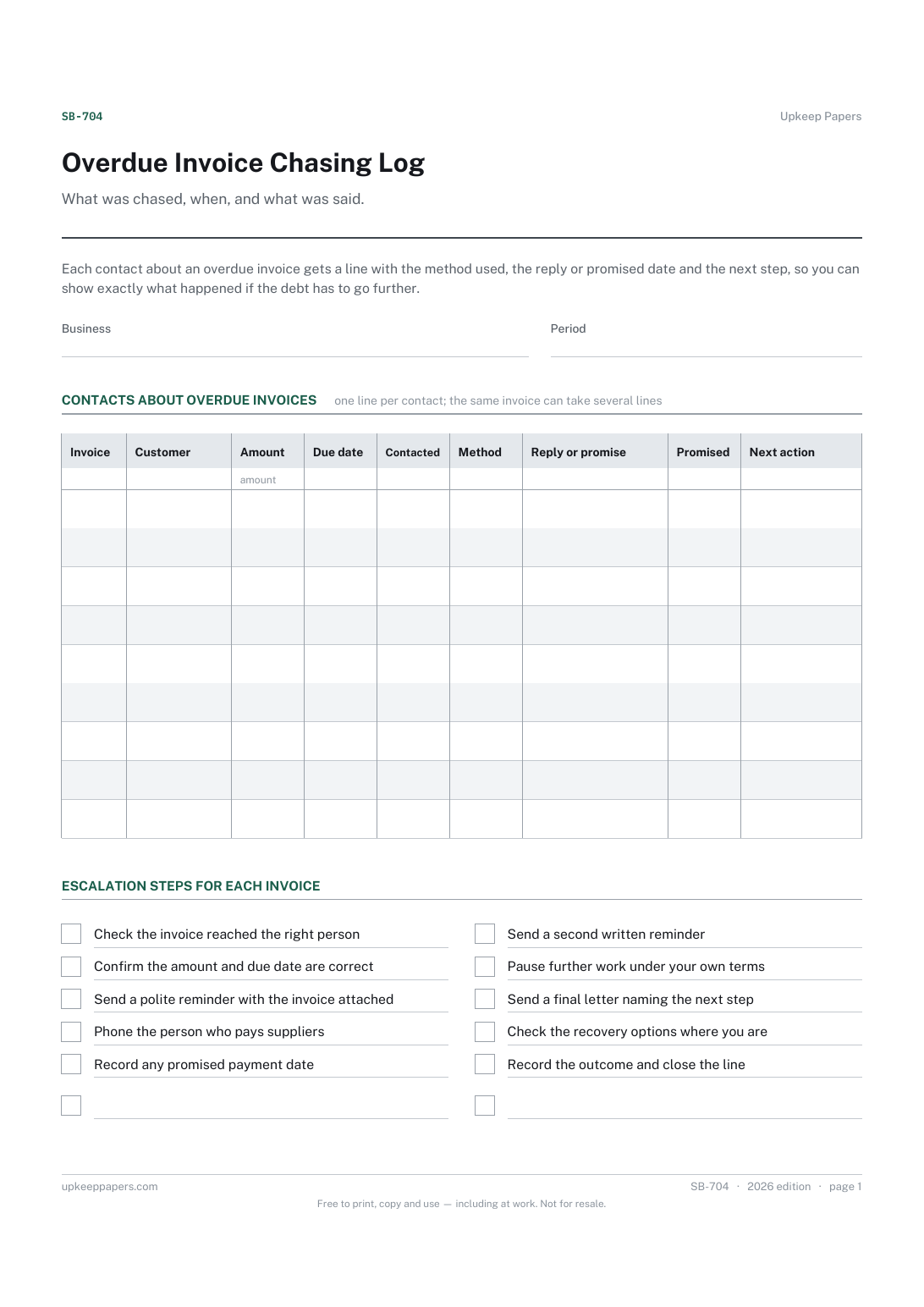
2 pages. The A4 and US Letter files are laid out identically, so neither is shrunk to fit.
Print it and write on it
Fillable PDF type and save
Or no download needed
Fill it in onlineThe fillable versions have real form fields — open them in any PDF reader, type into them and save. Printing help.
Fill it in online
The same sheet, on screen. Tick, type, add or remove rows, then print it or download the completed version as a PDF. Everything stays in your browser — your entries are kept in this browser's own storage on this device, nothing is uploaded, and there is no account.
Who this is for
What was chased, when, and what was said. Each contact about an overdue invoice gets a line with the method used, the reply or promised date and the next step, so you can show exactly what happened if the debt has to go further.
Sole traders and freelancers with customers who pay late, and anyone who has lost track of whether the second reminder went out or what the customer promised on the phone.
What this helps you track
- Each overdue invoice, its amount and the date it fell due
- Every reminder, call and letter, with the date and method
- What the customer said, and any date they promised to pay
- The next action and the escalation steps already taken
How to use it
- Write the business and the period, then add a line for an invoice as soon as it passes the due date on your terms.
- Record every contact on its own line, even a short phone call, with the date and the method used.
- Write down the reply in the customer's own words where you can, and any date they promise to pay by.
- Set the next action and date before you close the line, and work through the escalation checklist in order.
- Keep the paper log with the invoice copies, or fill in the browser version, which saves in your own browser.
Formats
- Printable PDF (A4 and US Letter)
- Fillable PDF with form fields
- Fill in online, saved in your browser
The printable is laid out inside a box that fits both A4 and US Letter, so the two files are identical and neither one is scaled. The fillable PDF has real form fields. The online version keeps what you enter in your own browser and builds the completed PDF on your device.
How to print
Download the A4 or US Letter file to match the paper in your printer, open it in a PDF reader and print at 100% — not "fit to page", which shrinks the writing space. Both files leave a 14 mm margin, which clears the unprintable edge on home printers. To print the online version with your entries in it, use the Print this sheet button, which prints only the sheet and none of the page around it. More on printing.
Questions
When does an invoice count as overdue?
When the payment date on your own terms has passed. The sheet does not assume any number of days; write the due date from the invoice and start the log the day after it.
Why write down phone calls?
Because a promise made on the phone is easy to deny later. A dated note of who you spoke to and what they said is often the most useful line on the sheet if the debt is disputed.
Can I add interest or late charges?
Only where your own terms and the rules where you are allow it. The sheet has no rate or charge built in; check the position for your country and your contract before adding anything to an invoice.
What if the invoice is never paid?
Record the last action and the decision you made, then move the invoice to the bad debt and write-off log so it can be dealt with in your accounts.
Related resources
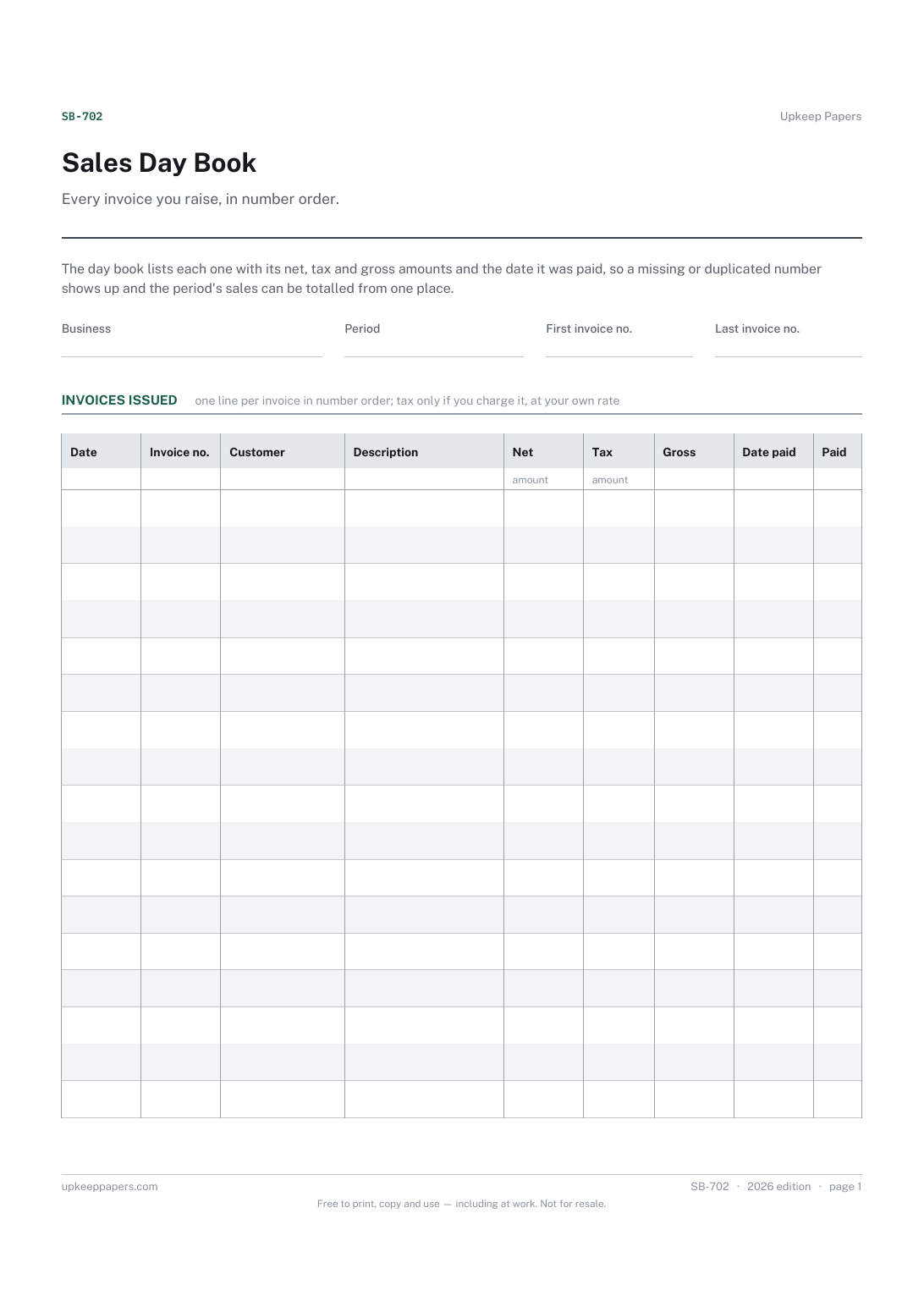
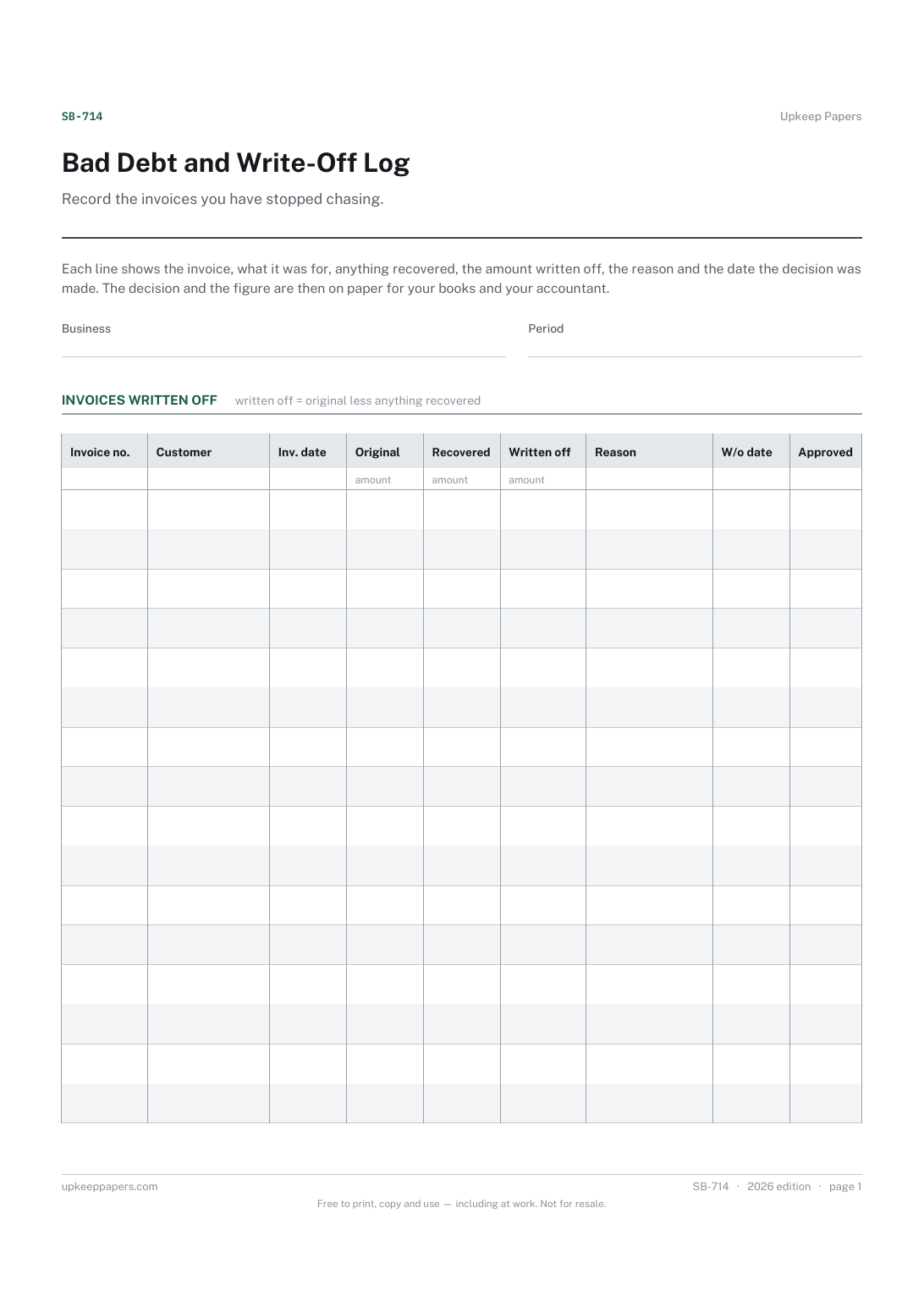
Bad Debt and Write-Off Log
Which invoices were written off and for which customers.
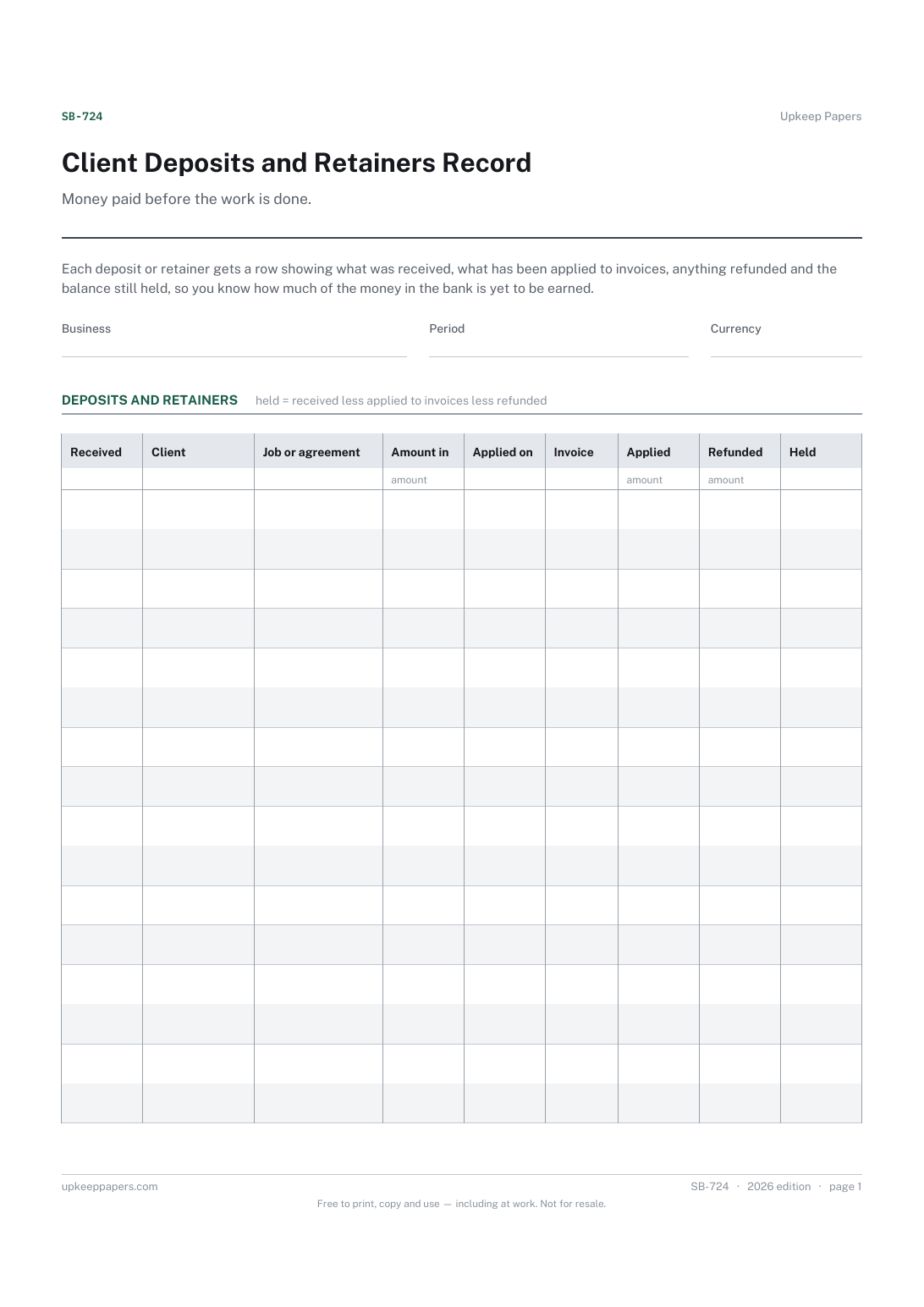
Client Deposits and Retainers Record
Every deposit or retainer received, by client and job.
Also in the library
Printable sheets, workbooks and tools on the same subject.

Invoice and Payment Tracker
See at a glance which invoices are out, which are late and when each was last chased, which is the information that actually gets invoices paid.

Invoice Tracker and Aged Debt Spreadsheet
Every invoice raised, what has been paid against it, and how many days overdue the rest is — with the aged debt split that tells you who to chase first.
