Flooring Quantity Calculator
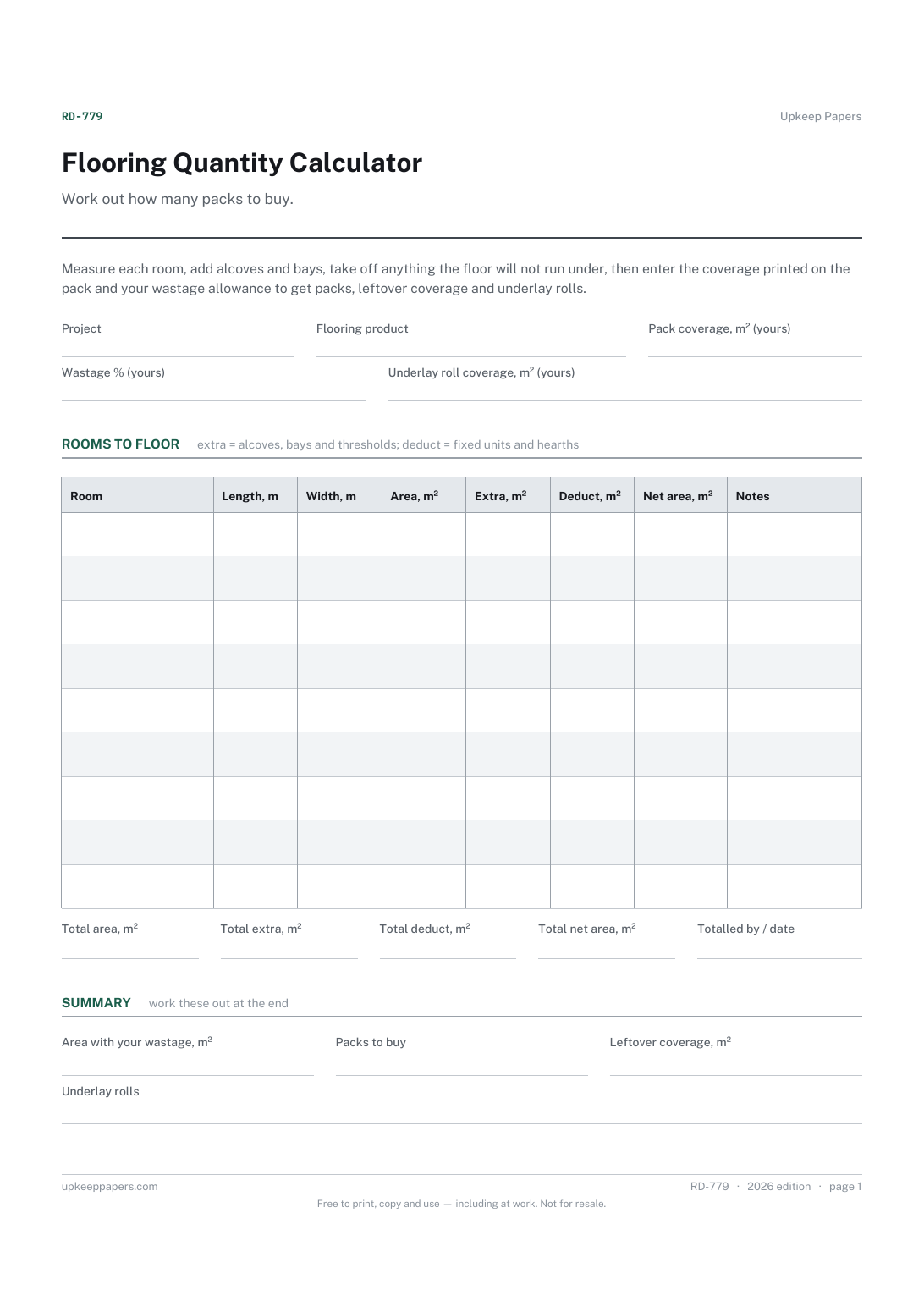
The net floor area of each room, including alcoves and bays.
RD-779 Form PDF Excel Online
Everything here is free. Making it takes time and money. Everything here is free.
 Buy us a coffee
 Renovation and DIY Projects · RD-778 · Form
Tile quantity calculator — measure each area, take off openings and get tiles and boxes to order with your own wastage allowance. Excel, PDF and browser.
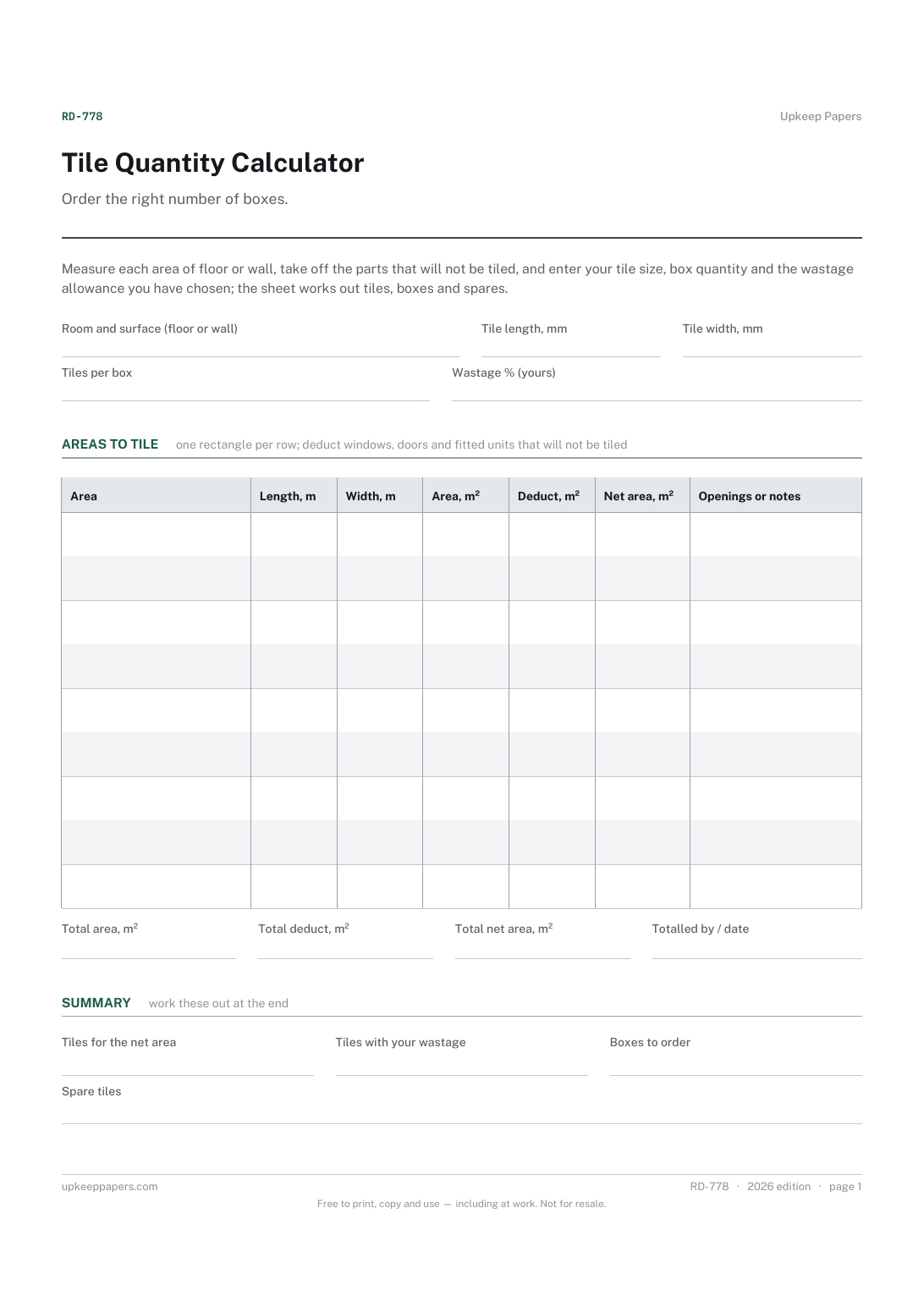
One page. The A4 and US Letter files are laid out identically, so neither is shrunk to fit.
Print it and write on it
Fillable PDF type and save
Spreadsheet formulas included
The fillable versions have real form fields — open them in any PDF reader, type into them and save. Printing help.
The same sheet, on screen. Totals and figures are worked out as you type, rows can be added or removed, and you can print it or download the completed version as a PDF. Everything stays in your browser — your entries are kept in this browser's own storage on this device, nothing is uploaded, and there is no account.
Order the right number of boxes. Measure each area of floor or wall, take off the parts that will not be tiled, and enter your tile size, box quantity and the wastage allowance you have chosen; the sheet works out tiles, boxes and spares.
Homeowners tiling a floor, a splashback or a bathroom wall themselves, and anyone checking the quantity on a tiler's quote or a supplier's order before paying for it.
The printable is laid out inside a box that fits both A4 and US Letter, so the two files are identical and neither one is scaled. The fillable PDF has real form fields. The workbook uses plain formulas only — SUM, IF, COUNTIF and the like — so it opens in Excel, LibreOffice and Google Sheets without anything breaking, and every calculated cell is grey so you can see which figures it worked out.
Download the A4 or US Letter file to match the paper in your printer, open it in a PDF reader and print at 100% — not "fit to page", which shrinks the writing space. Both files leave a 14 mm margin, which clears the unprintable edge on home printers. To print the online version with your entries in it, use the Print this sheet button, which prints only the sheet and none of the page around it. More on printing.
The sheet does not suggest one. The right allowance depends on the tile size, the pattern, how many cuts the room needs and whether the tiles break easily, so use the figure your tiler or supplier gives you, or your own judgement.
Most rooms are easier to measure as a few rectangles than as one awkward shape. An L-shaped floor becomes two rows, and a wall with a boxed-in pipe becomes the wall plus a small extra area.
One square metre is divided by the area of one tile, using the length and width you enter in millimetres. Include the grout joint in the size if you want it counted.
You cannot buy part of a tile or part of a box, so each figure is rounded up to the next whole one. The spare tiles figure shows what the last box leaves over.
The net floor area of each room, including alcoves and bays.
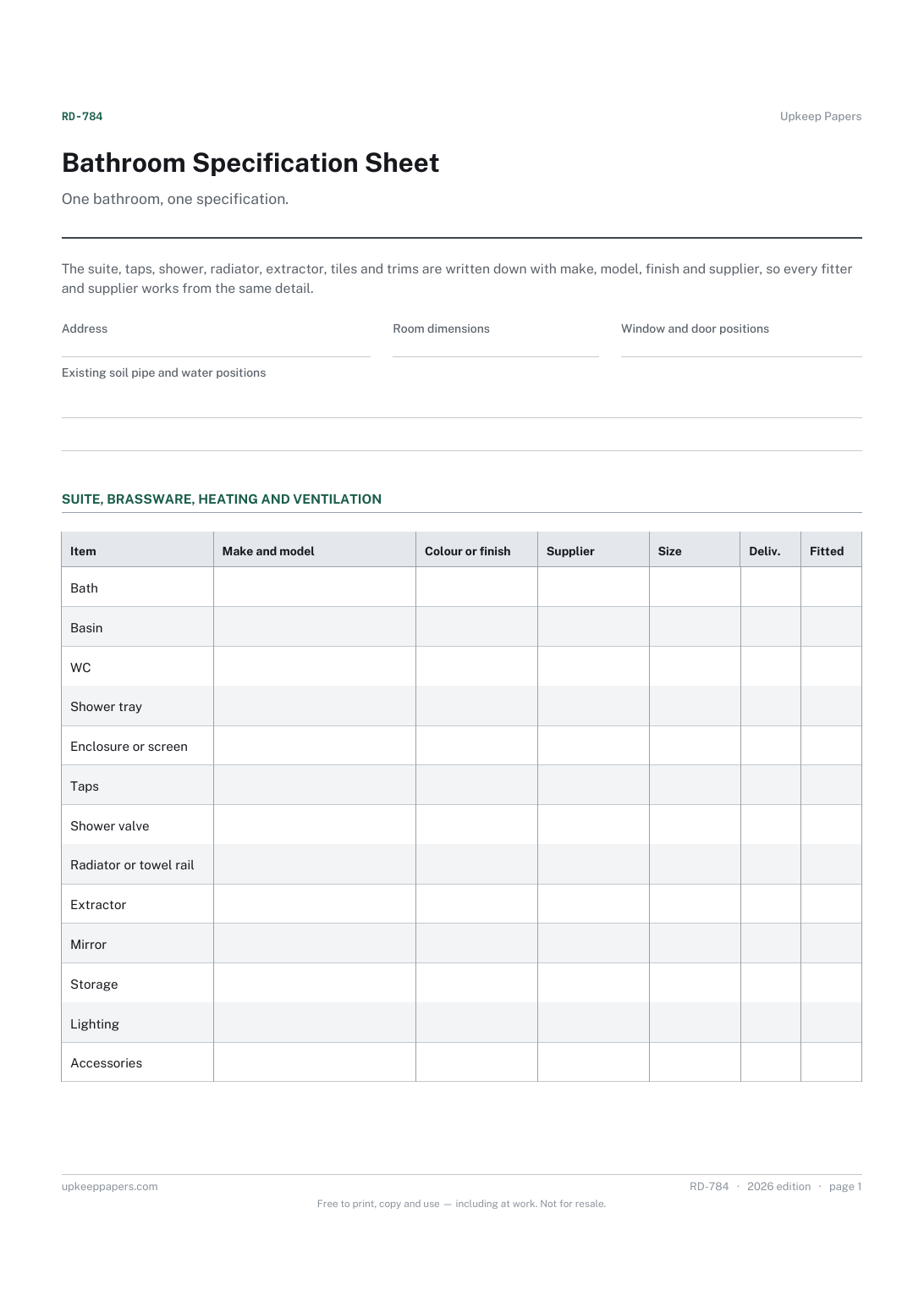
The room, its dimensions and where the soil pipe and water supplies are now.
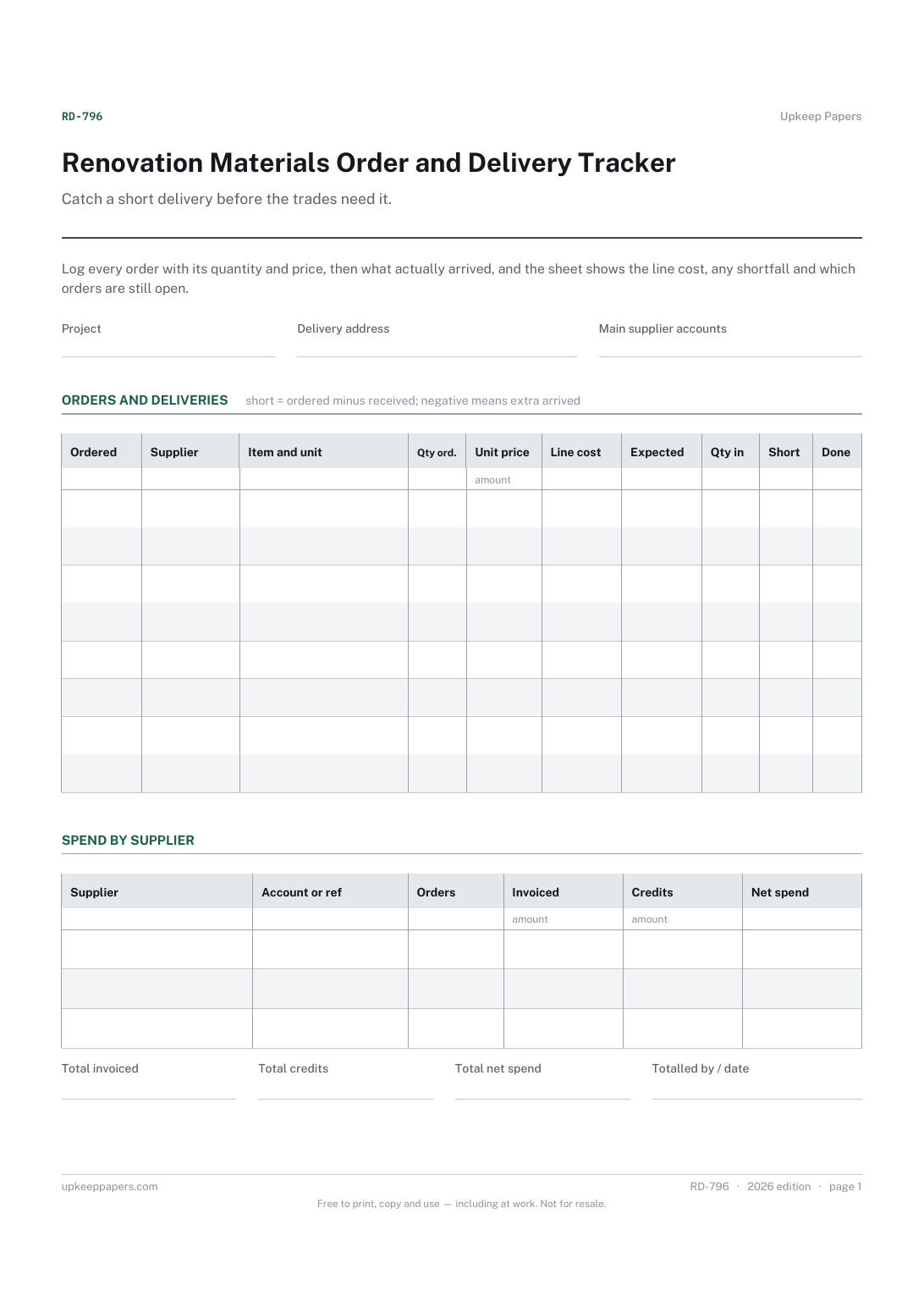
Every order placed, with the supplier, item, quantity and unit price.
Printable sheets, workbooks and tools on the same subject.
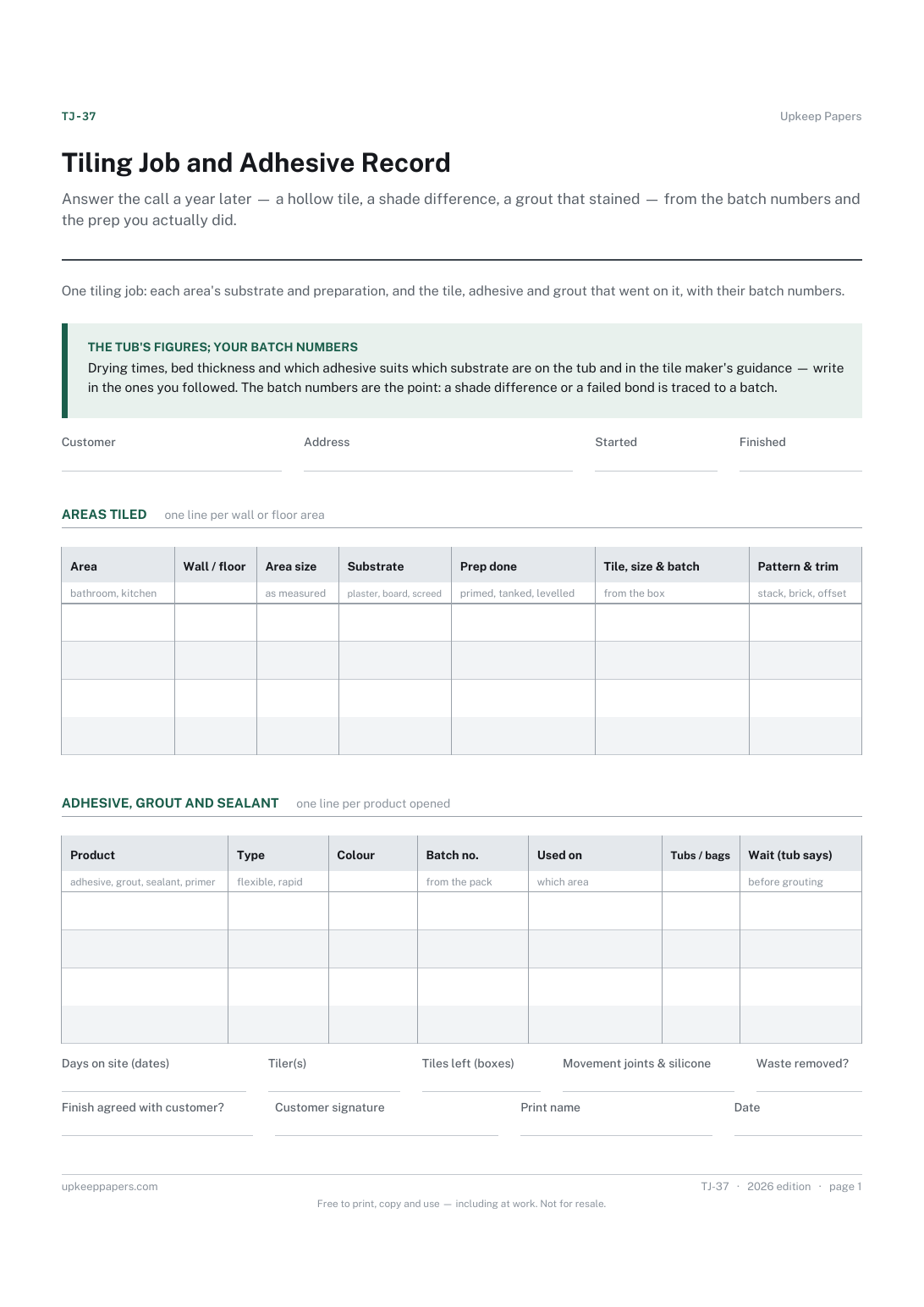
Answer the call a year later — a hollow tile, a shade difference, a grout that stained — from the batch numbers and the prep you actually did.

Every sheet, binder, game and puzzle on Upkeep Papers is free to download, with no email and no account. Making them is not free: each one takes days of research, design and checking, and the site costs money to run. If something here saved you time, you can buy us a coffee. It is entirely optional: nothing is locked, and nothing changes if you don’t.
Buy us a coffee Opens PayPal in a new tab. Any amount, and nothing changes if you would rather not.