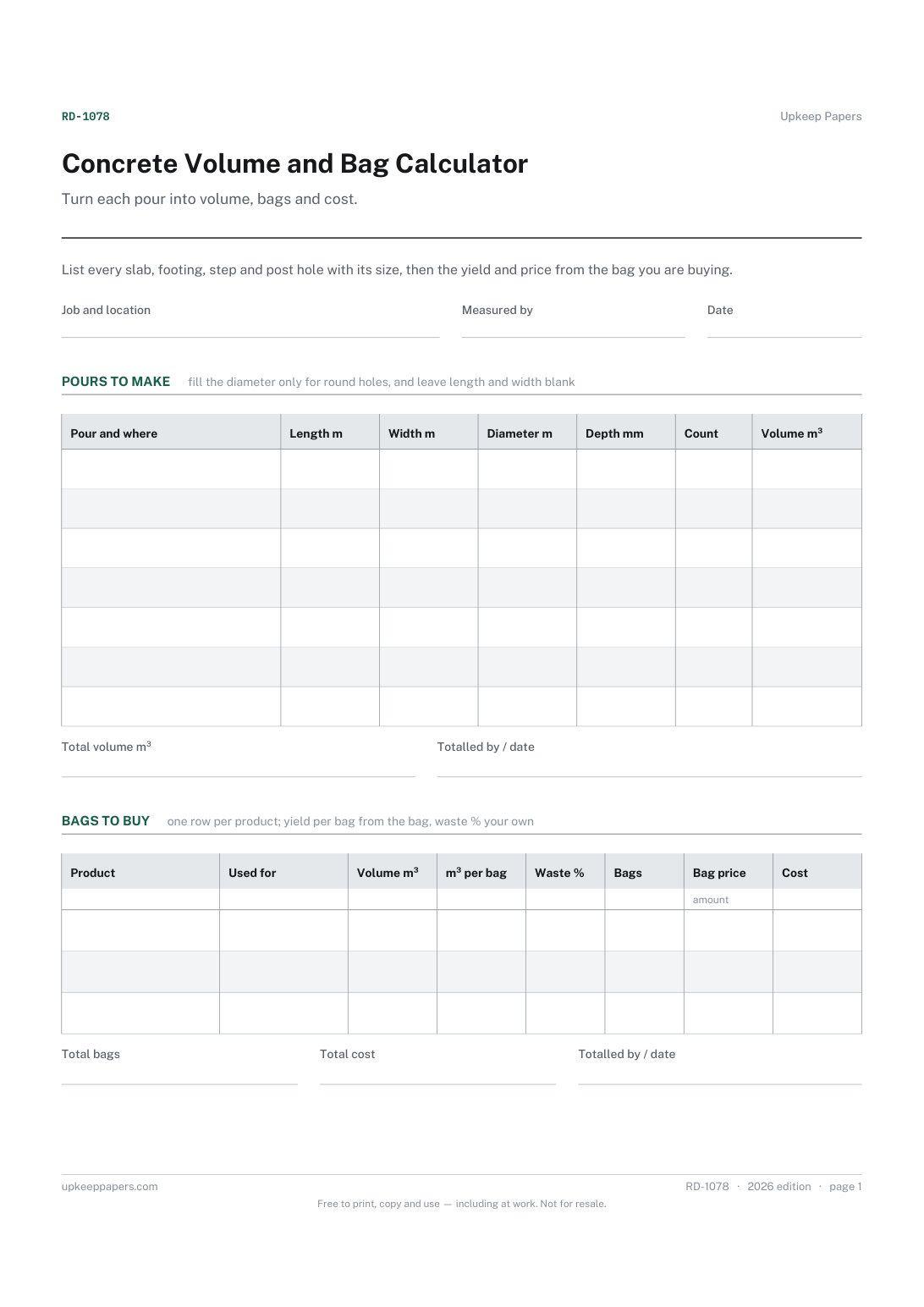
Concrete Volume and Bag Calculator
The volume of every slab, footing, step and post hole you plan to pour.
RD-1078 Form PDF Excel Online
Everything here is free. Making it takes time and money. Everything here is free.
 Buy us a coffee
 Renovation and DIY Projects · RD-1079 · Form
Free brick and block calculator: wall areas less openings, units from the maker's figure per m², then bricks, blocks and mortar to order. Excel, PDF, browser.
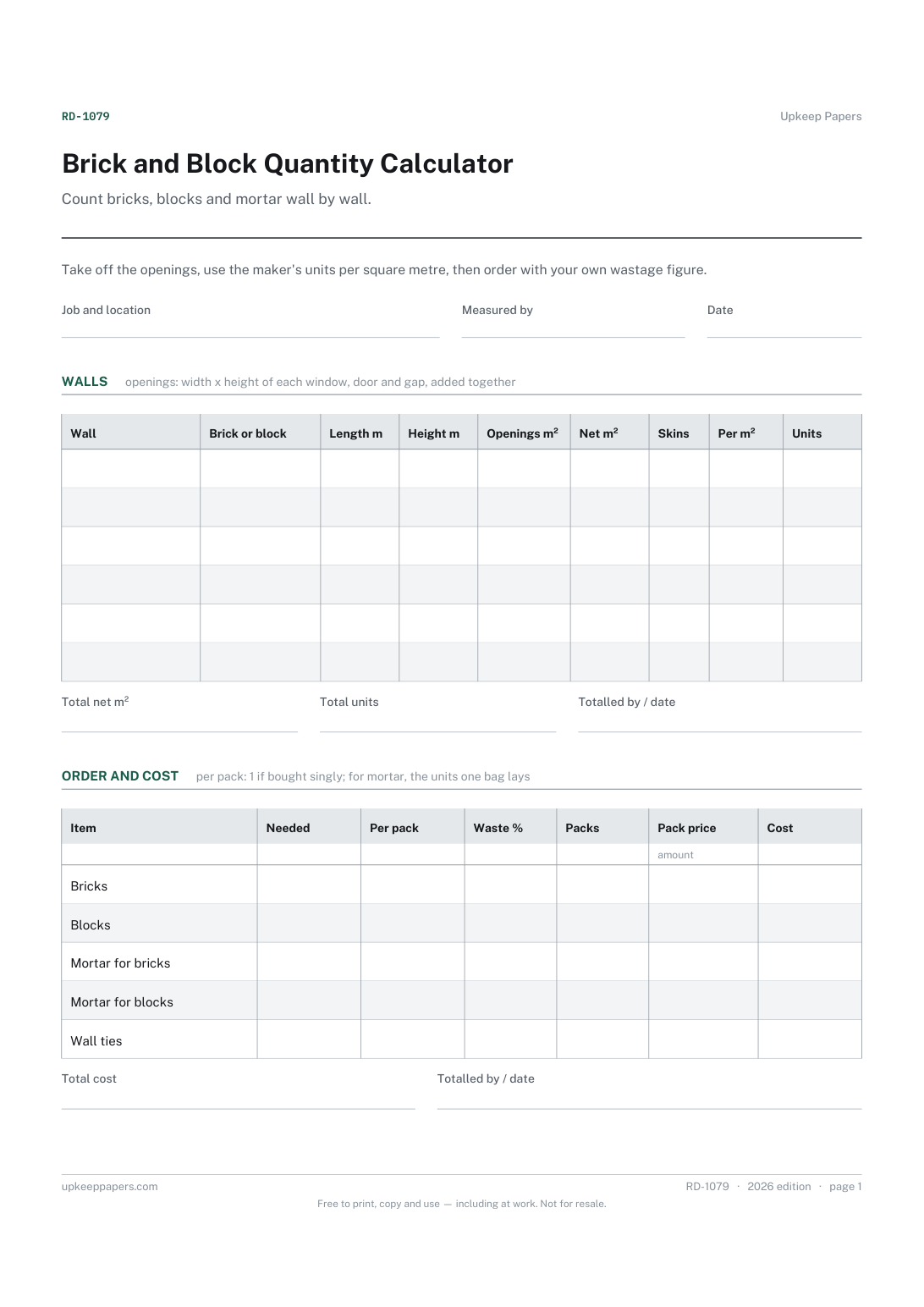
One page. The A4 and US Letter files are laid out identically, so neither is shrunk to fit.
Print it and write on it
Fillable PDF type and save
Spreadsheet formulas included
The fillable versions have real form fields — open them in any PDF reader, type into them and save. Printing help.
The same sheet, on screen. Totals and figures are worked out as you type, rows can be added or removed, and you can print it or download the completed version as a PDF. Everything stays in your browser — your entries are kept in this browser's own storage on this device, nothing is uploaded, and there is no account.
Count bricks, blocks and mortar wall by wall. Take off the openings, use the maker's units per square metre, then order with your own wastage figure.
DIYers building a garden wall, a planter or a small outbuilding, self-builders, and homeowners checking the quantities on a builder's or merchant's quote for an extension.
The printable is laid out inside a box that fits both A4 and US Letter, so the two files are identical and neither one is scaled. The fillable PDF has real form fields. The workbook uses plain formulas only — SUM, IF, COUNTIF and the like — so it opens in Excel, LibreOffice and Google Sheets without anything breaking, and every calculated cell is grey so you can see which figures it worked out.
Download the A4 or US Letter file to match the paper in your printer, open it in a PDF reader and print at 100% — not "fit to page", which shrinks the writing space. Both files leave a 14 mm margin, which clears the unprintable edge on home printers. To print the online version with your entries in it, use the Print this sheet button, which prints only the sheet and none of the page around it. More on printing.
From the brick or block maker's data sheet or the merchant's product page. It depends on the unit size and the joint, so the sheet supplies none. Enter the figure for one skin; the skins column doubles it for a double-skin wall.
Mortar bags usually state roughly how many bricks or blocks one bag lays. Put the units to be laid in the needed column and that figure in per pack. Use separate rows for bricks and blocks, because the figure differs between them.
Deduct each window, door and gap that will not be built. Lintels, ties, cavity trays and other fittings are not worked out here; add them as their own rows in the order table with the quantities from your plans.
No. It counts materials for the wall you have already decided on. Thickness, foundations, ties and anything structural should come from your plans, a builder or the rules where you are.
The volume of every slab, footing, step and post hole you plan to pour.
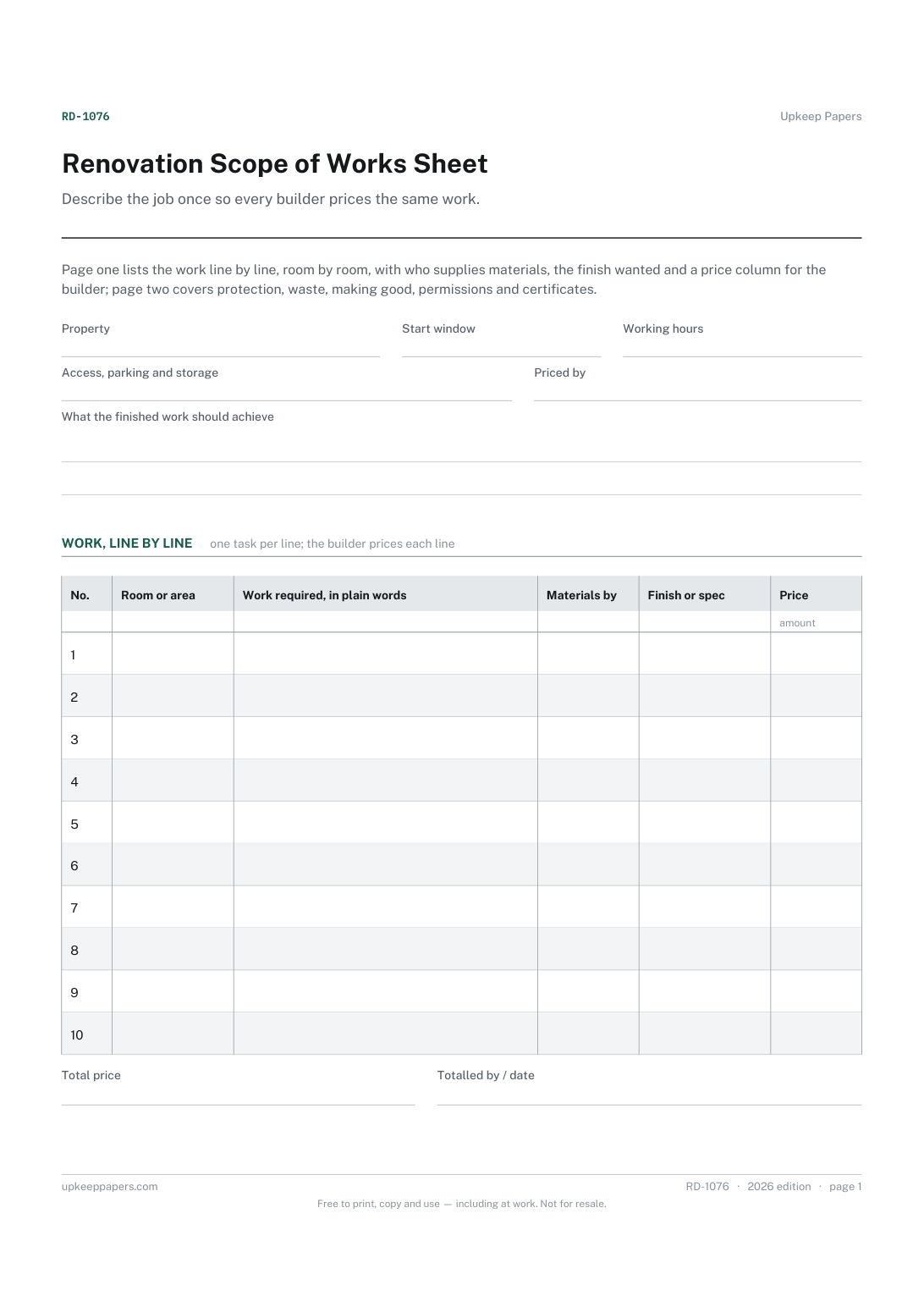
Every piece of work, numbered, so quotes and questions can refer to it.
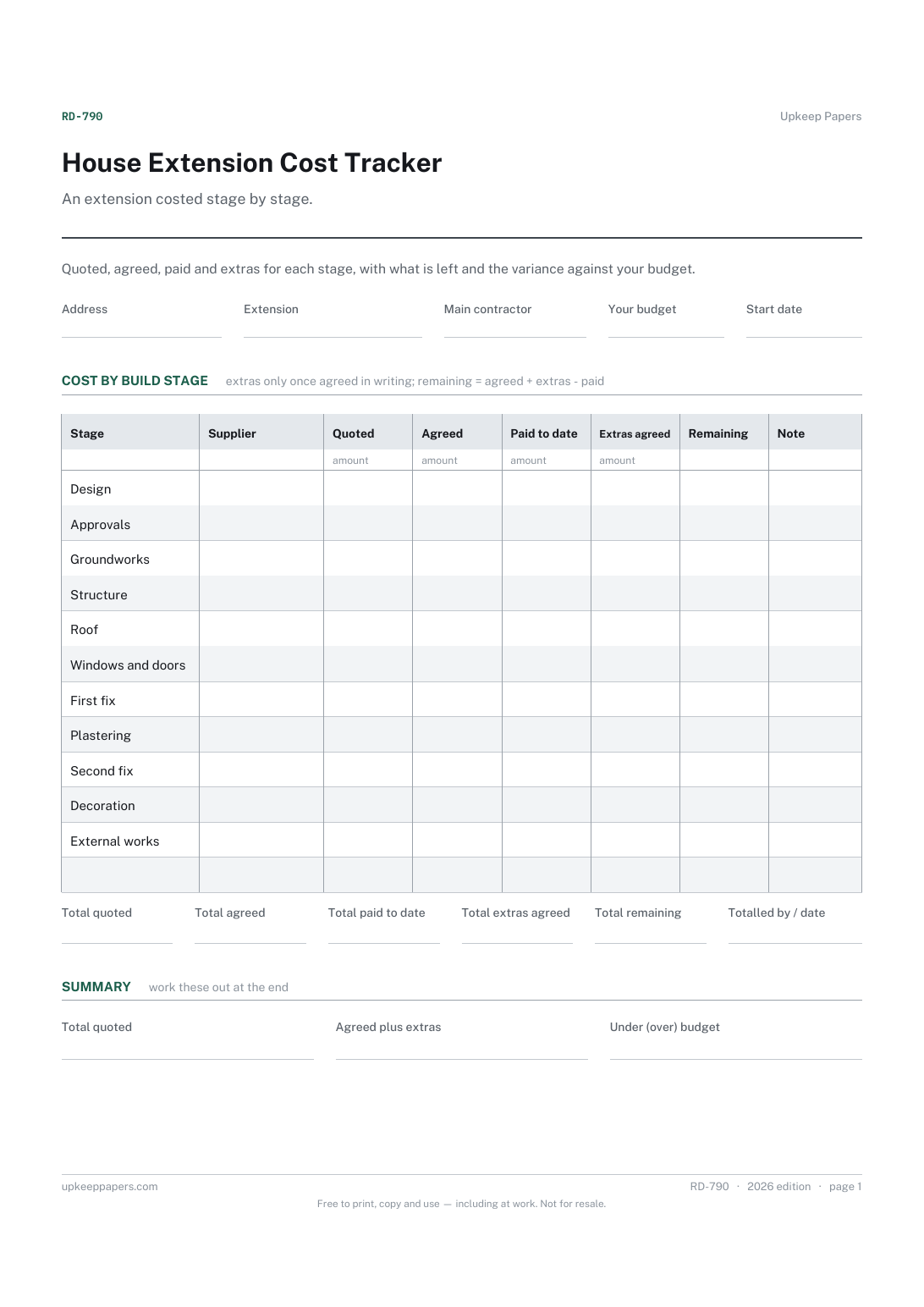
The quoted and agreed figure for every stage of the build.
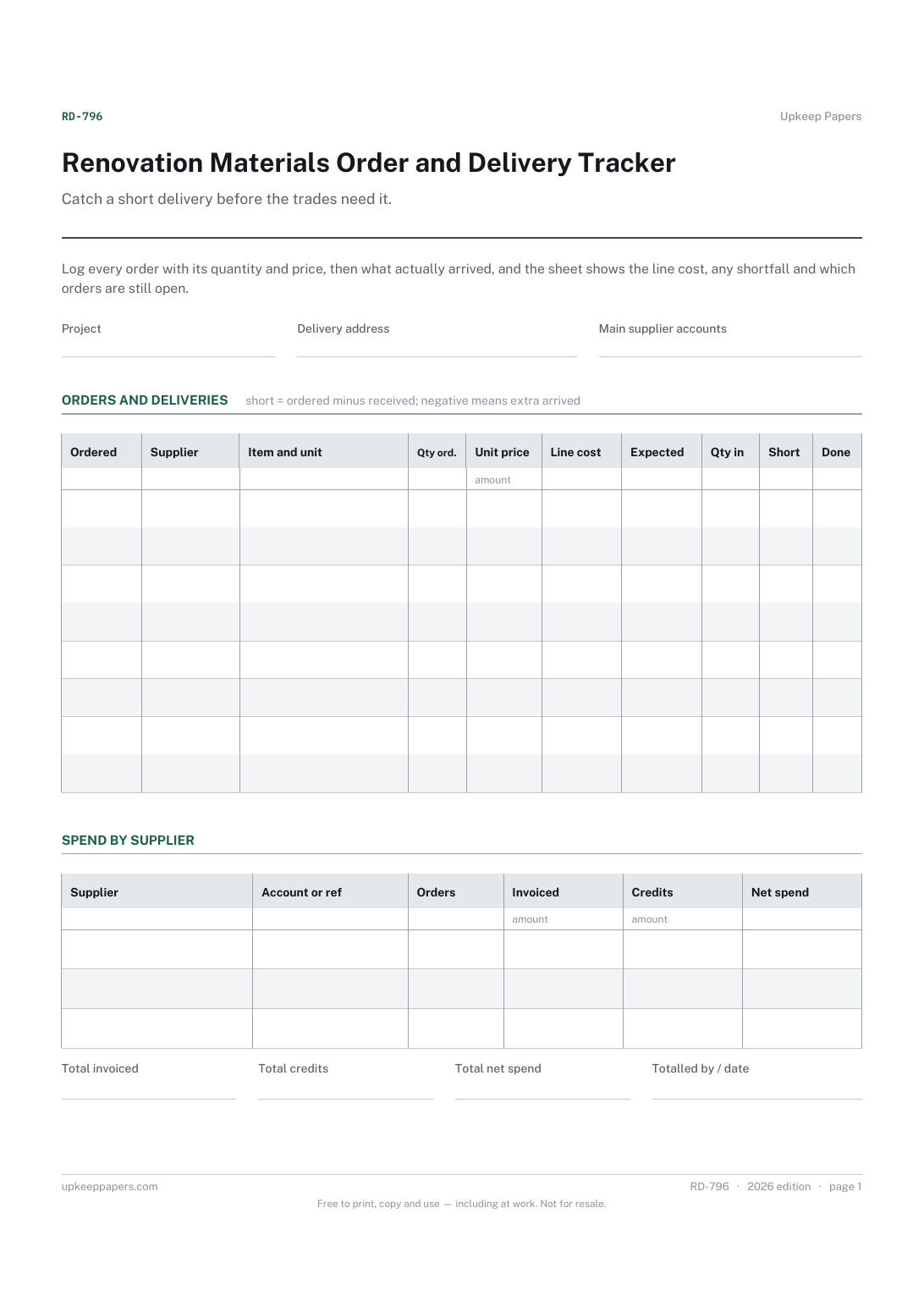
Every order placed, with the supplier, item, quantity and unit price.
Printable sheets, workbooks and tools on the same subject.
A room-by-room build budget holding quoted against actual, with the variance on every line and a contingency you set yourself.

Every sheet, binder, game and puzzle on Upkeep Papers is free to download, with no email and no account. Making them is not free: each one takes days of research, design and checking, and the site costs money to run. If something here saved you time, you can buy us a coffee. It is entirely optional: nothing is locked, and nothing changes if you don’t.
Buy us a coffee Opens PayPal in a new tab. Any amount, and nothing changes if you would rather not.