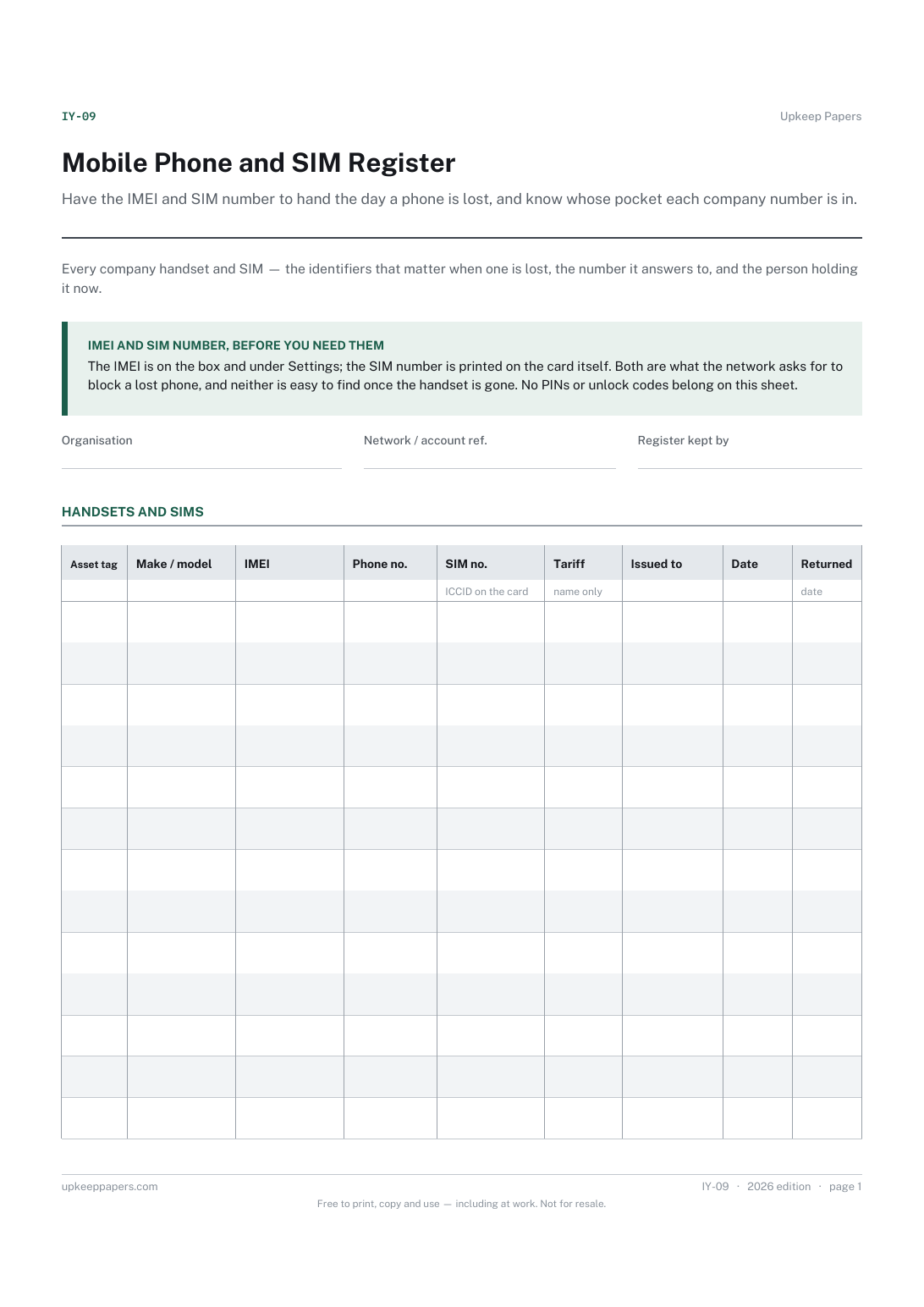
Mobile Phone and SIM Register
Have the IMEI and SIM number to hand the day a phone is lost, and know whose pocket each company number is in.
IY-09 1 page
Everything here is free. Making it takes time and money. Everything here is free.
 Buy us a coffee
 IT and office systems · IY-05
A free printable laptop and device issue form — asset tag, serial, accessories, who signed for it, and the condition it came back in.
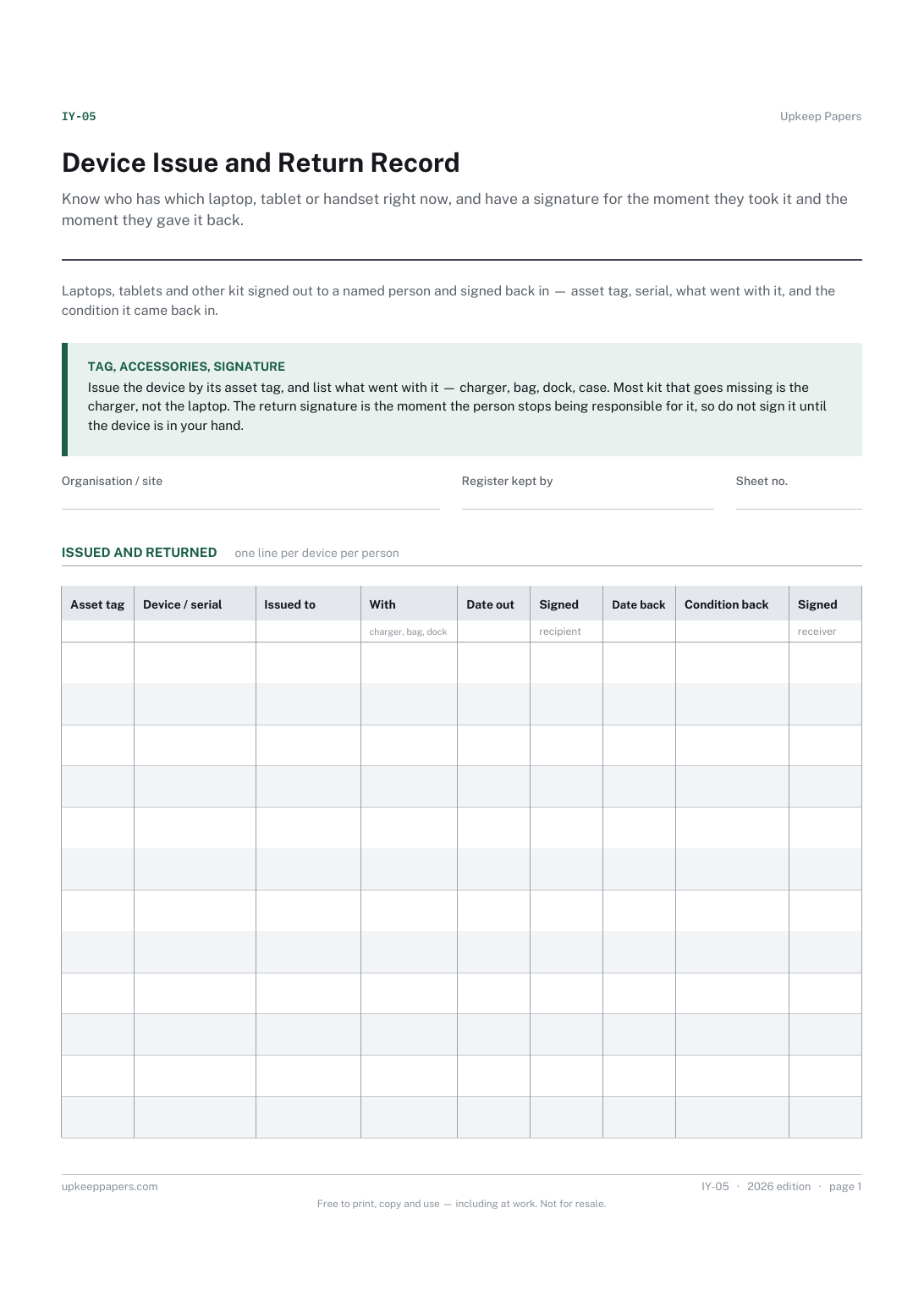
One page. Choose your paper size — both versions are laid out identically, so neither one gets shrunk to fit.
Print it and write on it
Fill it in type and save
The fillable versions have real form fields — open them in any PDF reader, type into them and save. Printing help.
Know who has which laptop, tablet or handset right now, and have a signature for the moment they took it and the moment they gave it back.
Offices issuing kit to staff, contractors and new starters, and anyone running a pool of shared devices.
One page, top to bottom:
Printed under the title: Laptops, tablets and other kit signed out to a named person and signed back in — asset tag, serial, what went with it, and the condition it came back in.
Tag, accessories, signature. Issue the device by its asset tag, and list what went with it — charger, bag, dock, case. Most kit that goes missing is the charger, not the laptop. The return signature is the moment the person stops being responsible for it, so do not sign it until the device is in your hand.
Write-on lines: Organisation / site · Register kept by · Sheet no.
Table, 12 rows: Asset tag · Device / serial · Issued to · With · Date out · Signed · Date back · Condition back · Signed
That register is for tools and kit lent for a job and due back on a date. This sheet is for computing devices issued to a named person for as long as they need them, with the accessories and the serial that identify the exact unit.
No, and there is no column for them. If a device needs a code handed over, do that separately and never on a register that sits in a drawer.
Have the IMEI and SIM number to hand the day a phone is lost, and know whose pocket each company number is in.
Record what the business owns rather than what is in the shed: a numbered list with cost and disposal, which is what an insurer or an accountant asks for.
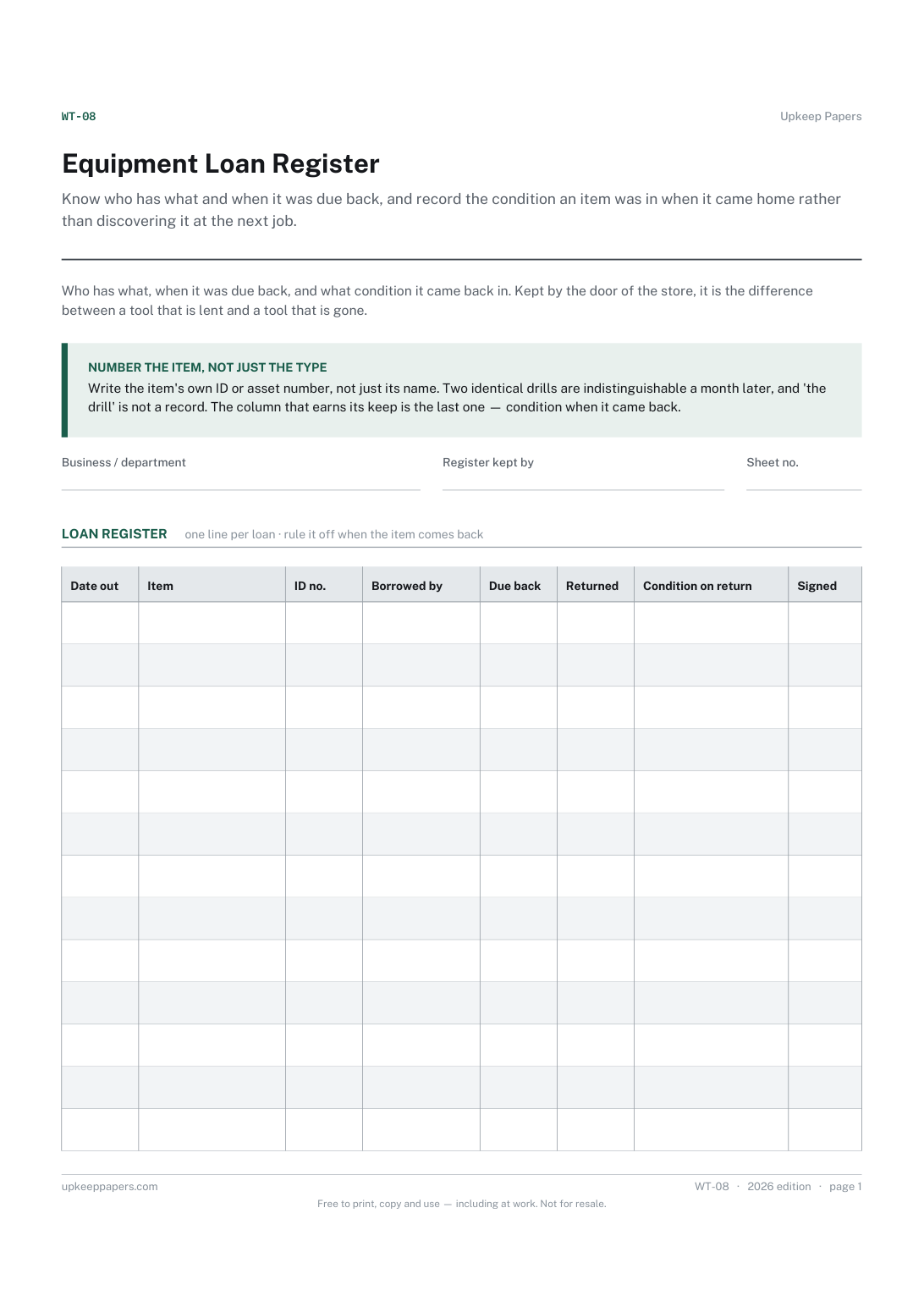
Know who has what and when it was due back, and record the condition an item was in when it came home rather than discovering it at the next job.
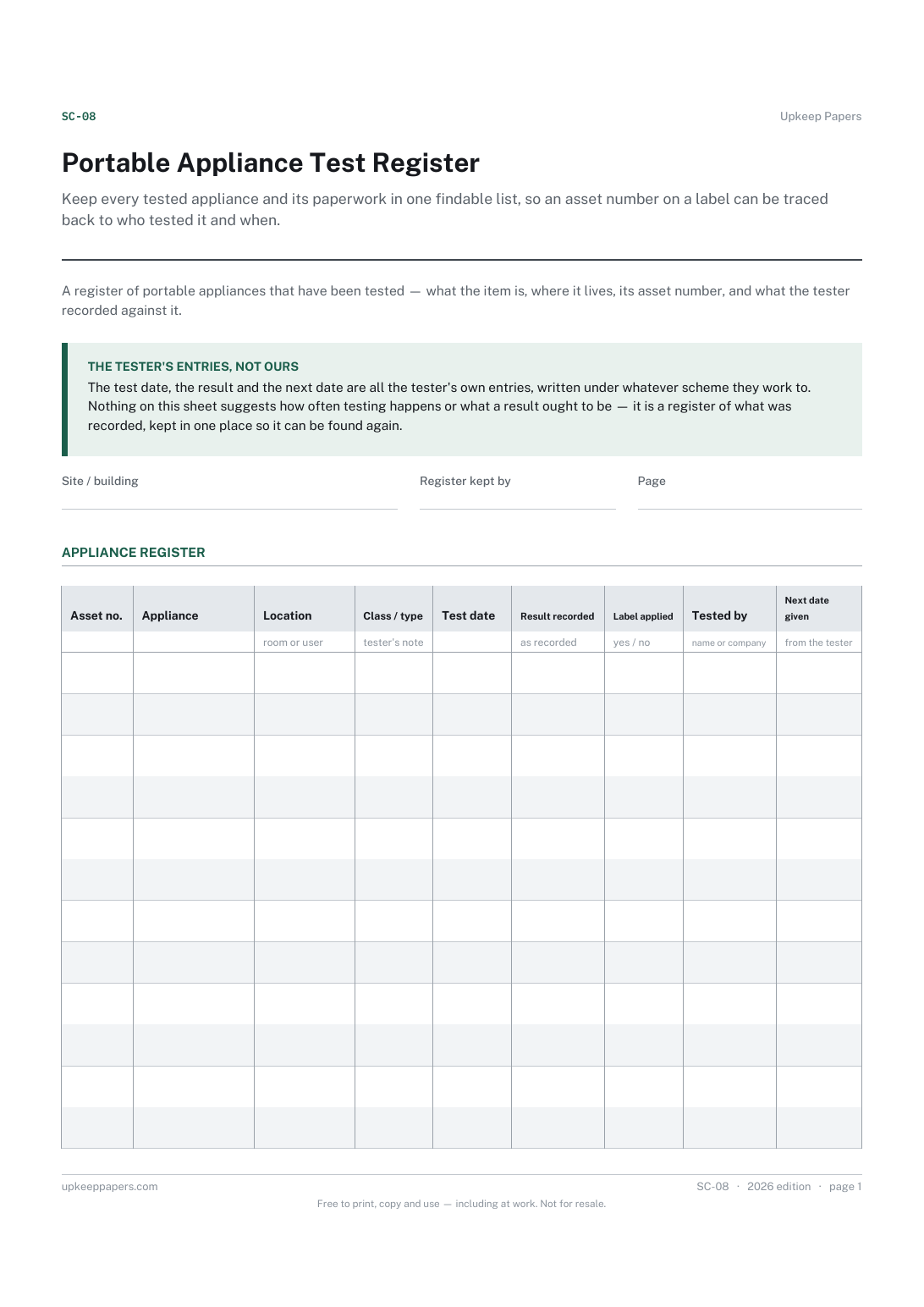
Keep every tested appliance and its paperwork in one findable list, so an asset number on a label can be traced back to who tested it and when.

Every sheet, binder, game and puzzle on Upkeep Papers is free to download, with no email and no account. Making them is not free: each one takes days of research, design and checking, and the site costs money to run. If something here saved you time, you can buy us a coffee. It is entirely optional: nothing is locked, and nothing changes if you don’t.
Buy us a coffee Opens PayPal in a new tab. Any amount, and nothing changes if you would rather not.