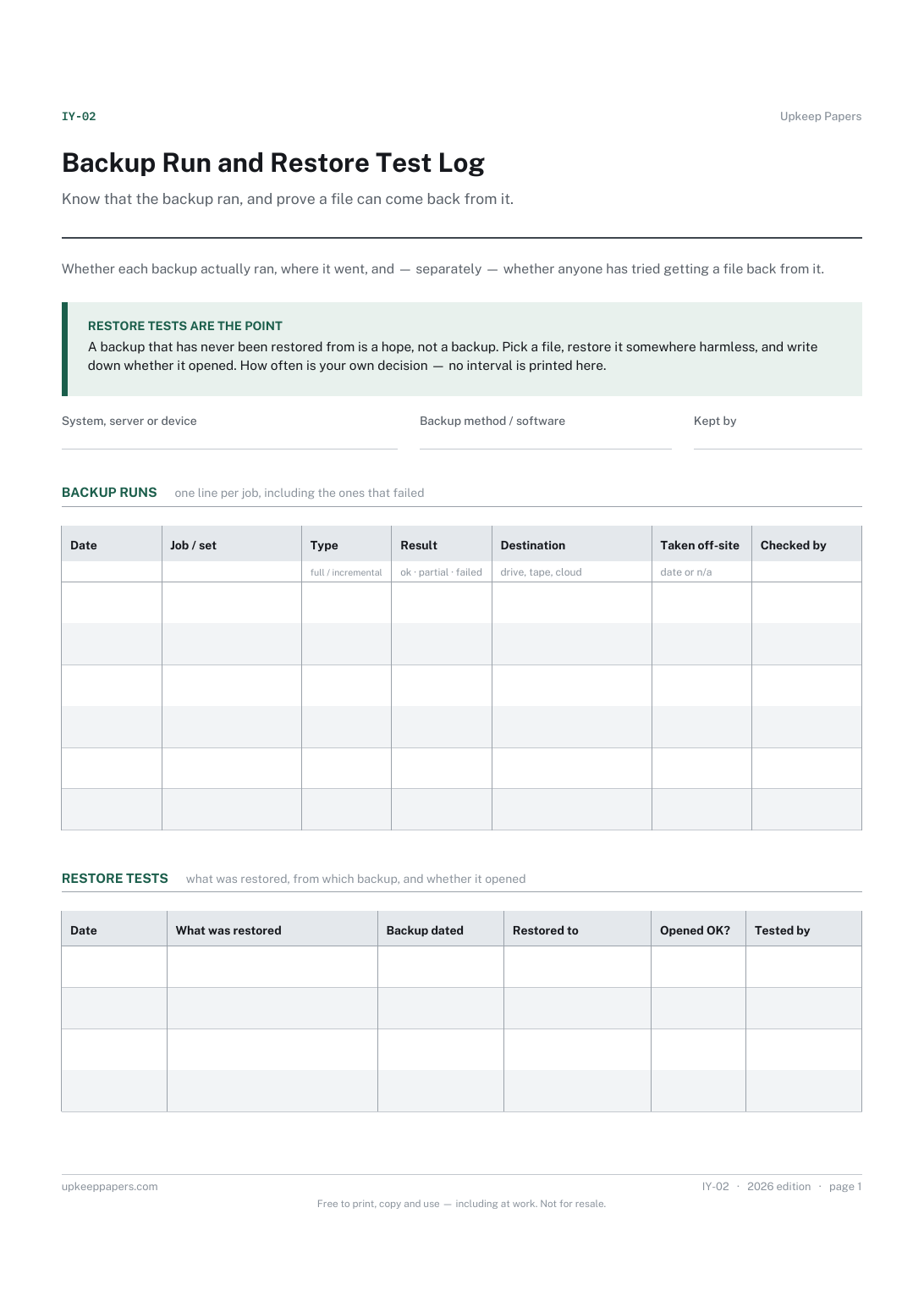
Backup Run and Restore Test Log
Know that the backup ran, and prove a file can come back from it. Assumed backups are the ones that fail on the day they are needed.
IY-02 1 page
Everything here is free. Making it takes time and money. Everything here is free.
 Buy us a coffee
 IT and office systems · IY-03
A free printable IT change record — one sheet per change to a live system, with the reason, rollback plan, implementation steps and sign-off.
One page. Choose your paper size — both versions are laid out identically, so neither one gets shrunk to fit.
Print it and write on it
Fill it in type and save
The fillable versions have real form fields — open them in any PDF reader, type into them and save. Printing help.
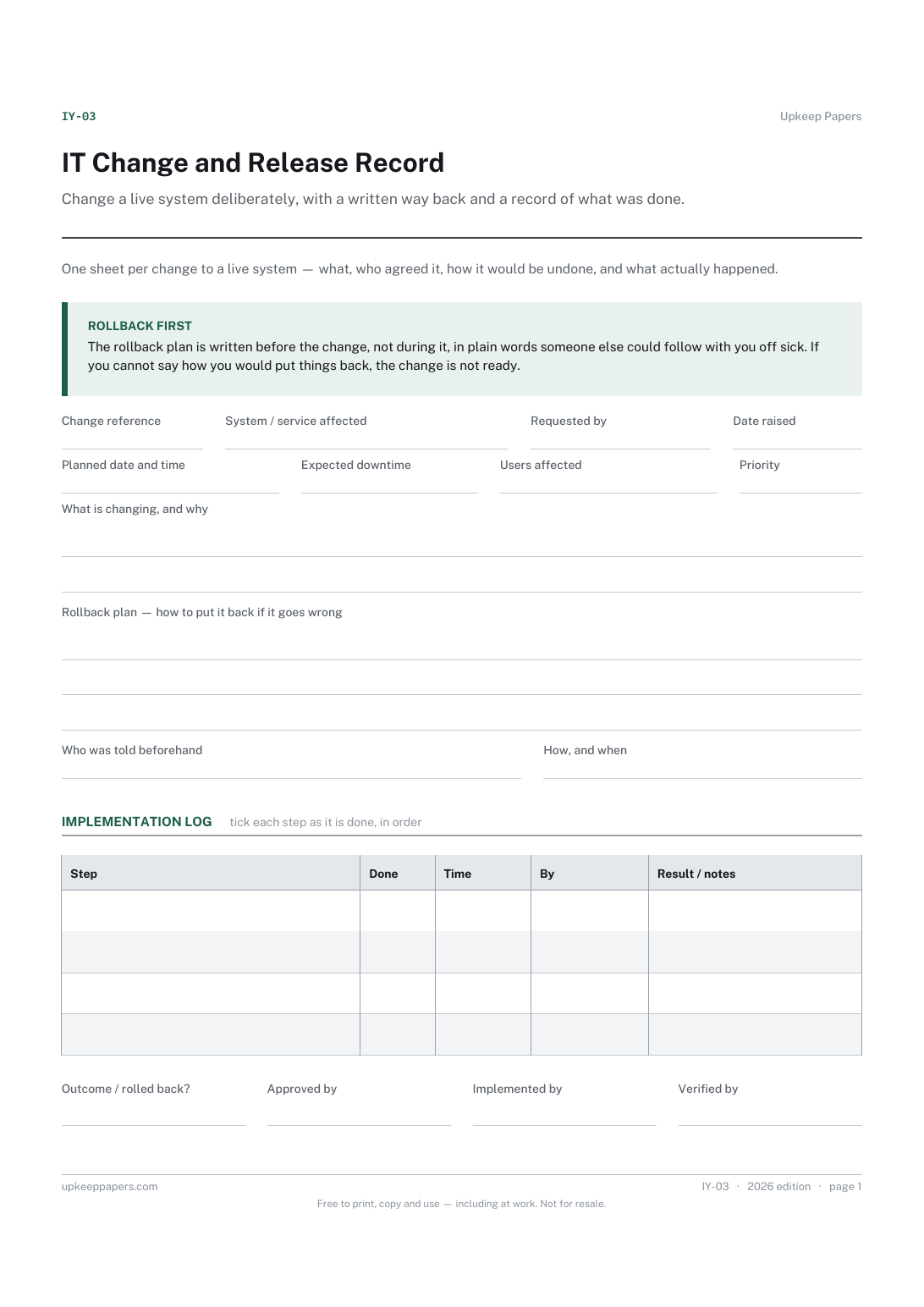
Change a live system deliberately, with a written way back and a record of what was done. Agreed beforehand, verified afterwards, by name.
Small IT teams, office managers who look after the systems, and contractors making changes on a client's site.
One page, top to bottom:
Printed under the title: One sheet per change to a live system — what, who agreed it, how it would be undone, and what actually happened.
Rollback first. The rollback plan is written before the change, not during it, in plain words someone else could follow with you off sick. If you cannot say how you would put things back, the change is not ready.
Write-on lines: Change reference · System / service affected · Requested by · Date raised · Planned date and time · Expected downtime · Users affected · Priority
Ruled lines: What is changing, and why
Ruled lines: Rollback plan — how to put it back if it goes wrong
Write-on lines: Who was told beforehand · How, and when
Table, 4 rows: Step · Done · Time · By · Result / notes
Signature strip: Outcome / rolled back? · Approved by · Implemented by · Verified by
No. A firmware update on the firewall or a new printer driver on every desk is exactly the kind of small change that goes wrong at half past four on a Friday. What counts as a change worth recording is your own team's decision.
Because the person who made the change is the least reliable judge of whether it worked. Someone else checking that the users can log in closes the loop.
Know that the backup ran, and prove a file can come back from it. Assumed backups are the ones that fail on the day they are needed.
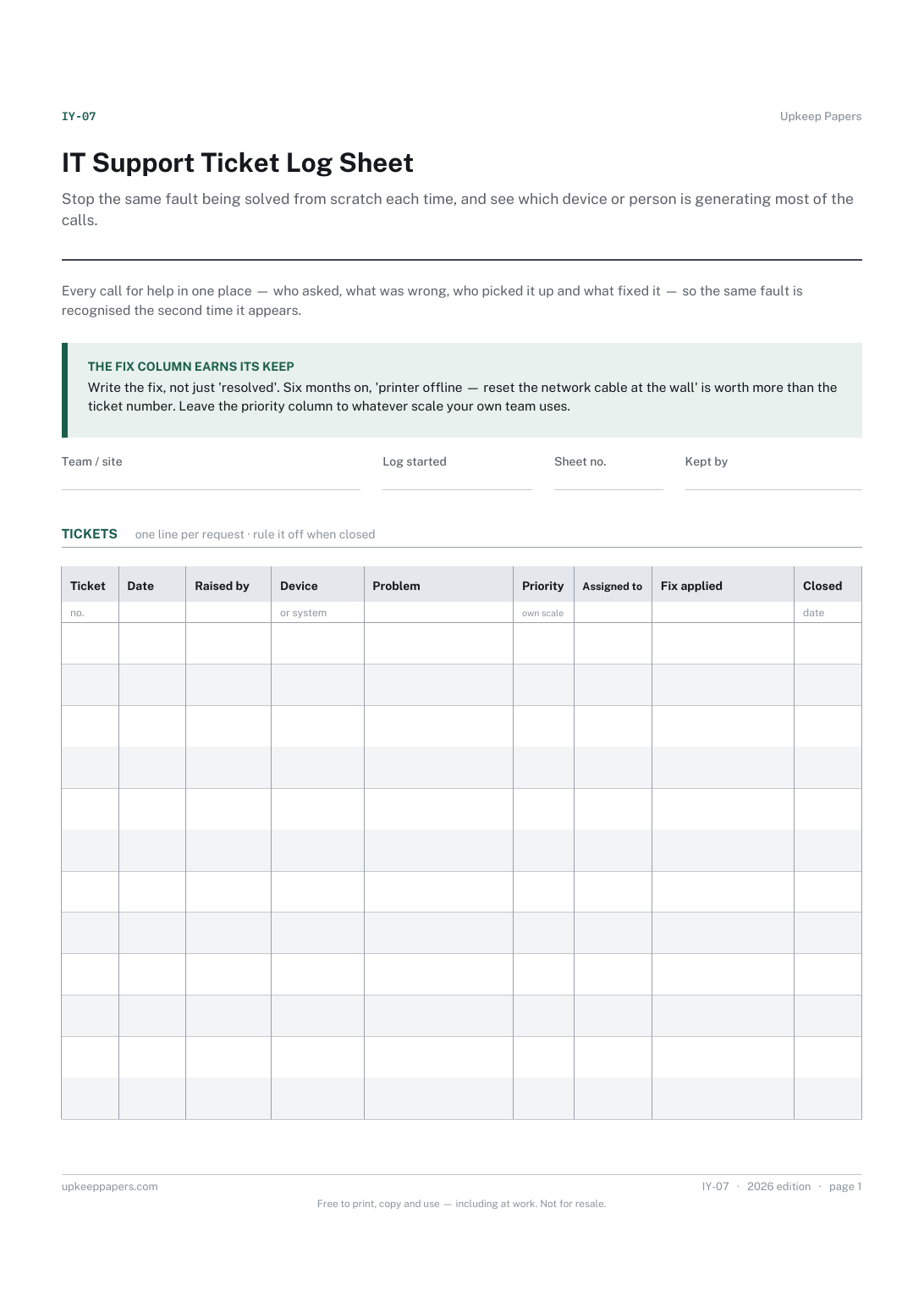
Stop the same fault being solved from scratch each time, and see which device or person is generating most of the calls.
Track the things that have already happened separately from the things that might, so today's problems do not crowd out next month's risks.
Hold the risks a group has identified in one place, with the controls that already exist recorded alongside them rather than assumed.

Every sheet, binder, game and puzzle on Upkeep Papers is free to download, with no email and no account. Making them is not free: each one takes days of research, design and checking, and the site costs money to run. If something here saved you time, you can buy us a coffee. It is entirely optional: nothing is locked, and nothing changes if you don’t.
Buy us a coffee Opens PayPal in a new tab. Any amount, and nothing changes if you would rather not.