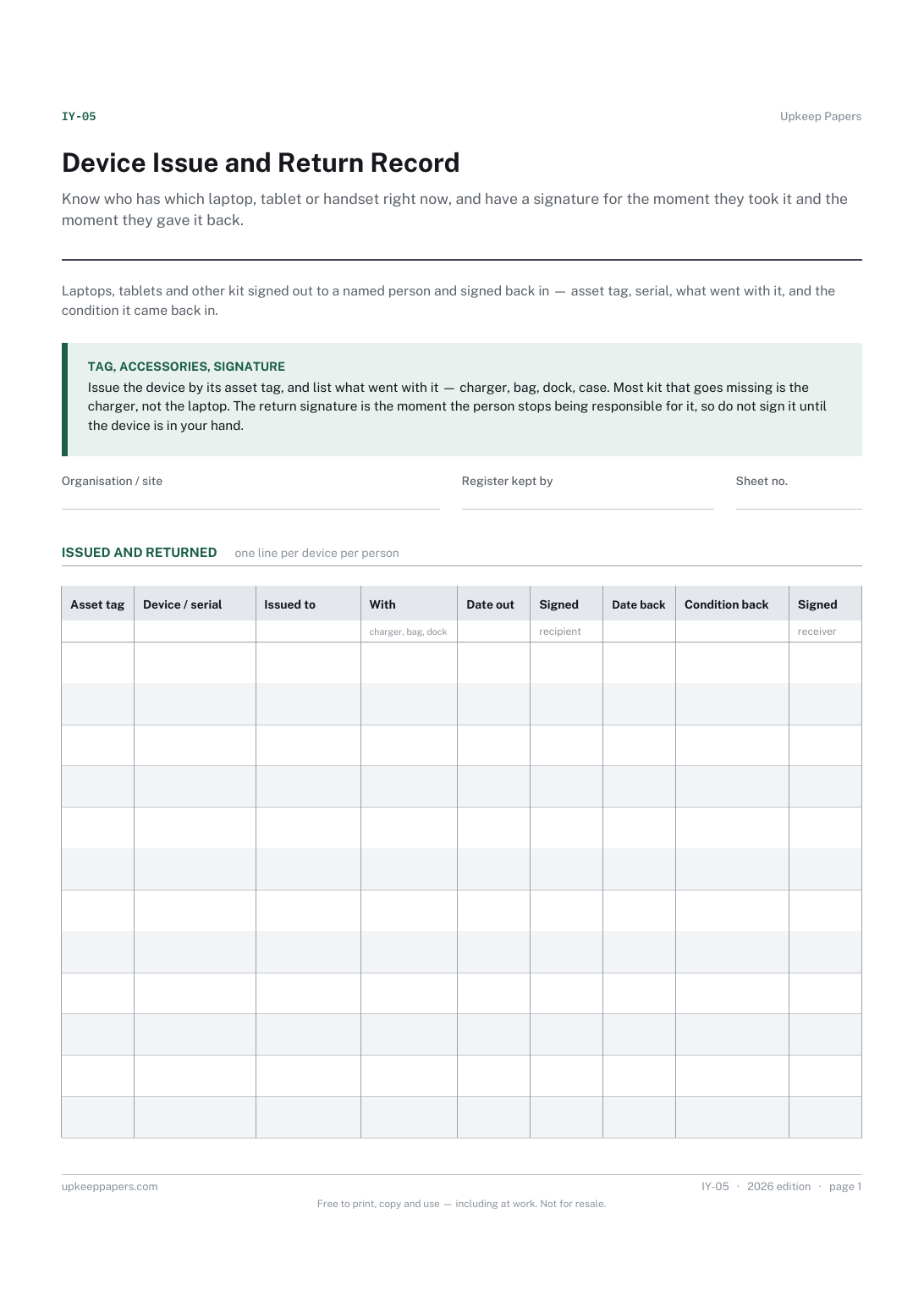
Device Issue and Return Record
Know who has which laptop, tablet or handset right now, and have a signature for the moment they took it and the moment they gave it back.
IY-05 1 page
Everything here is free. Making it takes time and money. Everything here is free.
 Buy us a coffee
 IT and office systems · IY-06
A free printable workstation assessment sheet — screen, keyboard, chair, desk and surroundings checked with the user, and an action table for what needs fixing.
2 pages. Choose your paper size — both versions are laid out identically, so neither one gets shrunk to fit.
Print it and write on it
Fill it in type and save
The fillable versions have real form fields — open them in any PDF reader, type into them and save. Printing help.
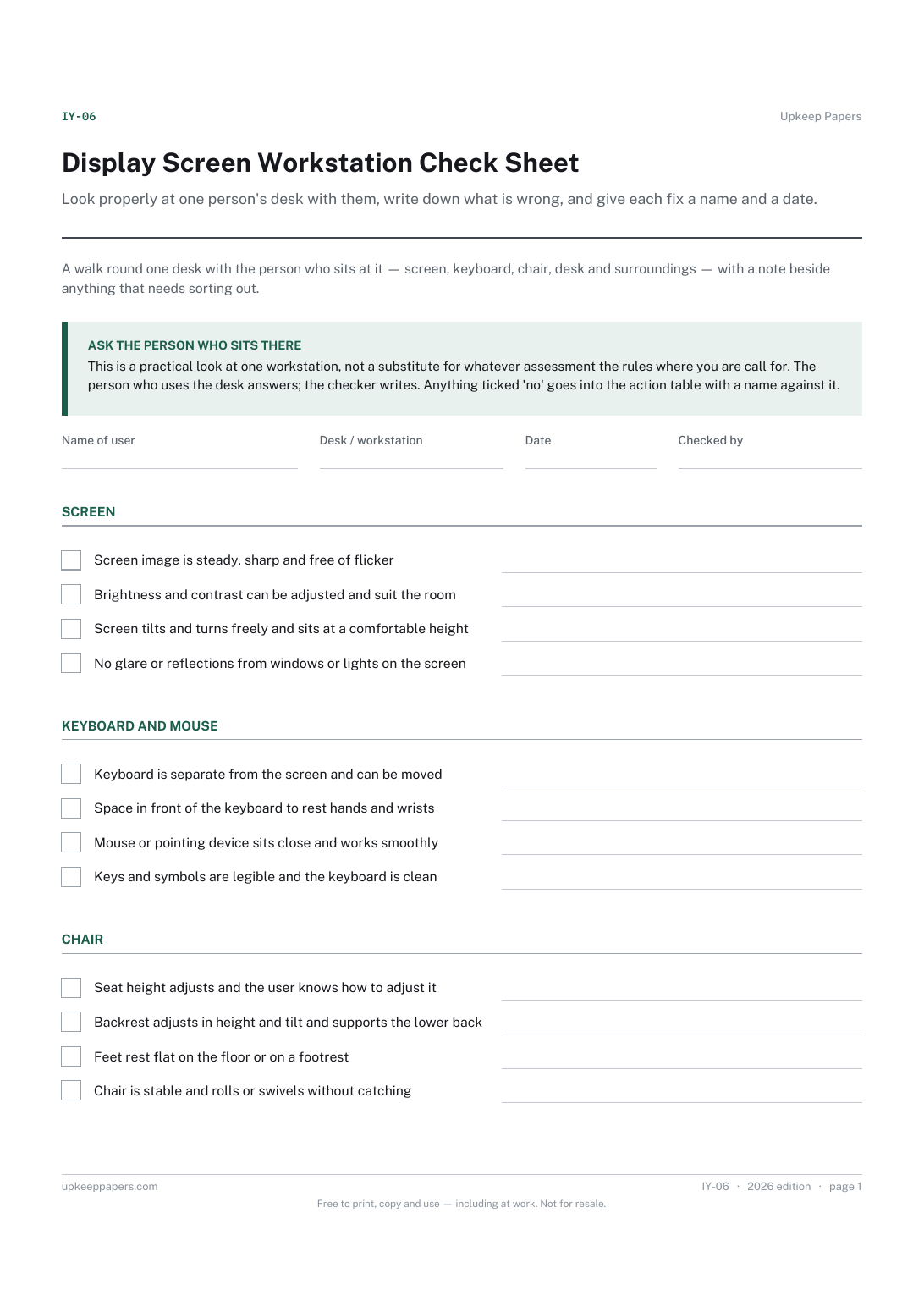
Look properly at one person's desk with them, write down what is wrong, and give each fix a name and a date.
Office managers, team leads and anyone asked to look at a colleague's desk set-up, including at home.
2 pages, in this order:
Printed under the title: A walk round one desk with the person who sits at it — screen, keyboard, chair, desk and surroundings — with a note beside anything that needs sorting out.
Ask the person who sits there. This is a practical look at one workstation, not a substitute for whatever assessment the rules where you are call for. The person who uses the desk answers; the checker writes. Anything ticked 'no' goes into the action table with a name against it.
Write-on lines: Name of user · Desk / workstation · Date · Checked by
Table, 11 rows: Action needed · Who will do it · By when · Done
It may or may not — that depends on the rules where you are, which this sheet does not state. It is a practical check of the desk; treat any formal requirement as a separate question for whoever advises you on it.
Because a desk with one bad chair is not seven-out-of-ten, it is a desk with a bad chair. The action table is the score.
Know who has which laptop, tablet or handset right now, and have a signature for the moment they took it and the moment they gave it back.
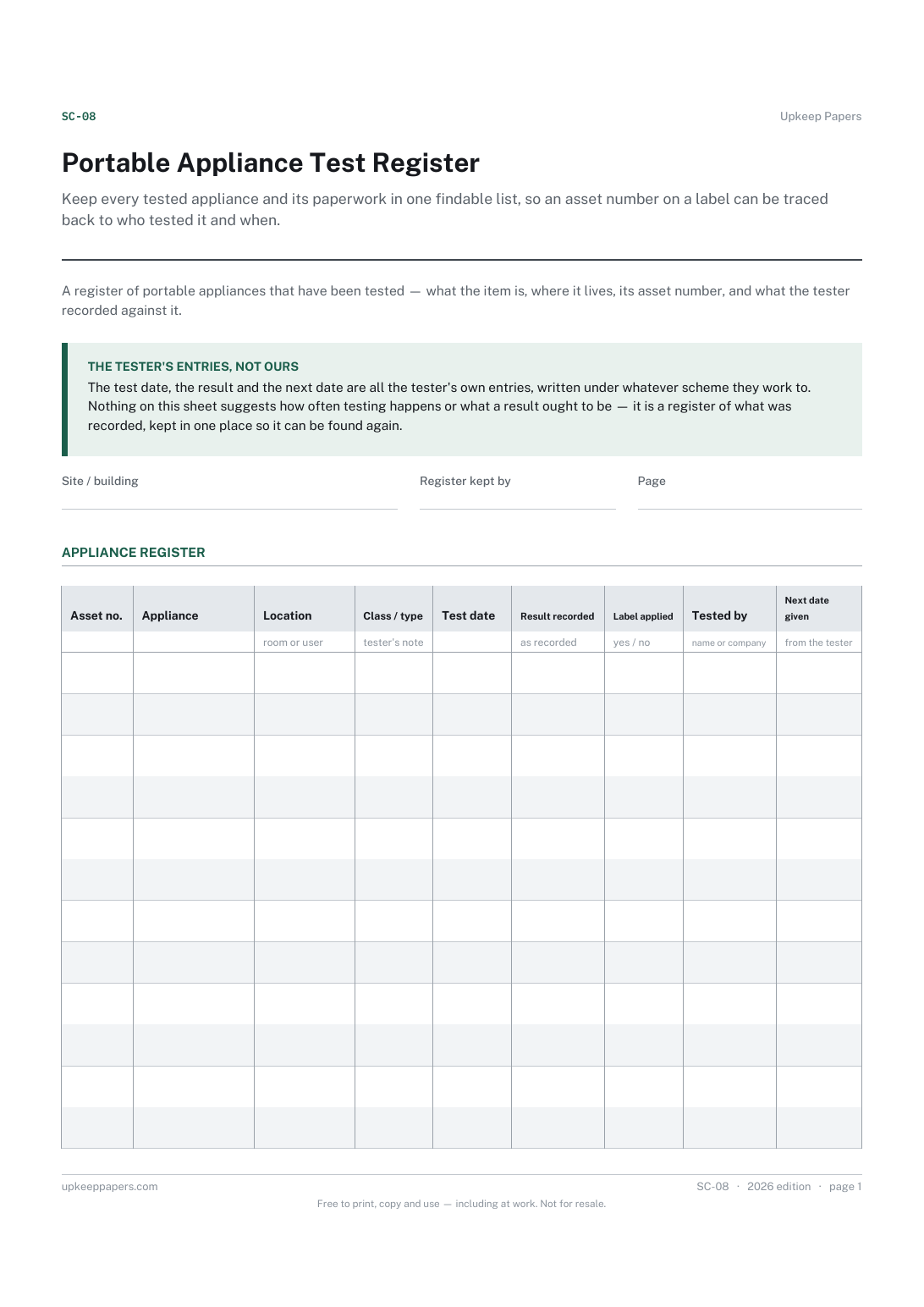
Keep every tested appliance and its paperwork in one findable list, so an asset number on a label can be traced back to who tested it and when.
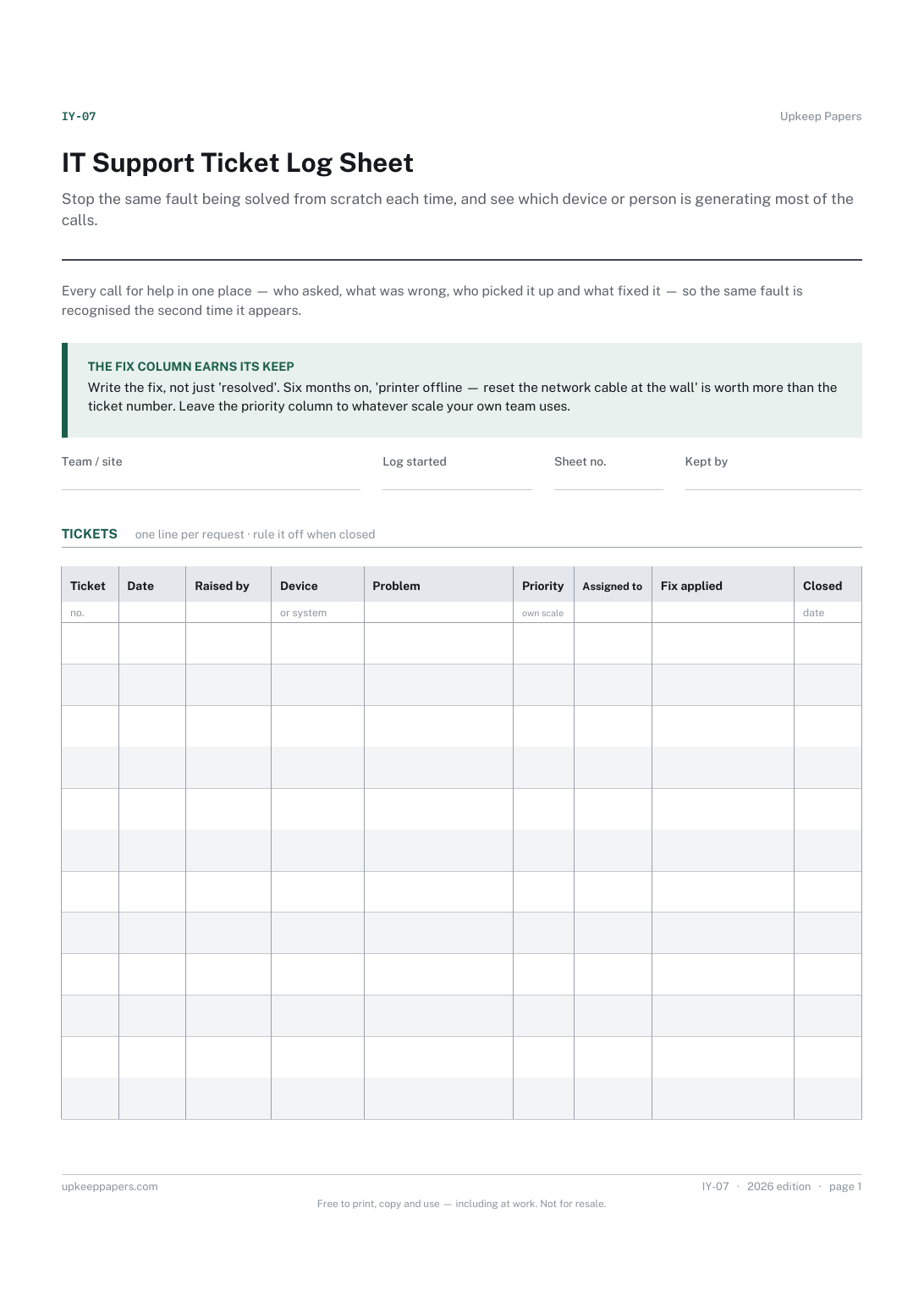
Stop the same fault being solved from scratch each time, and see which device or person is generating most of the calls.
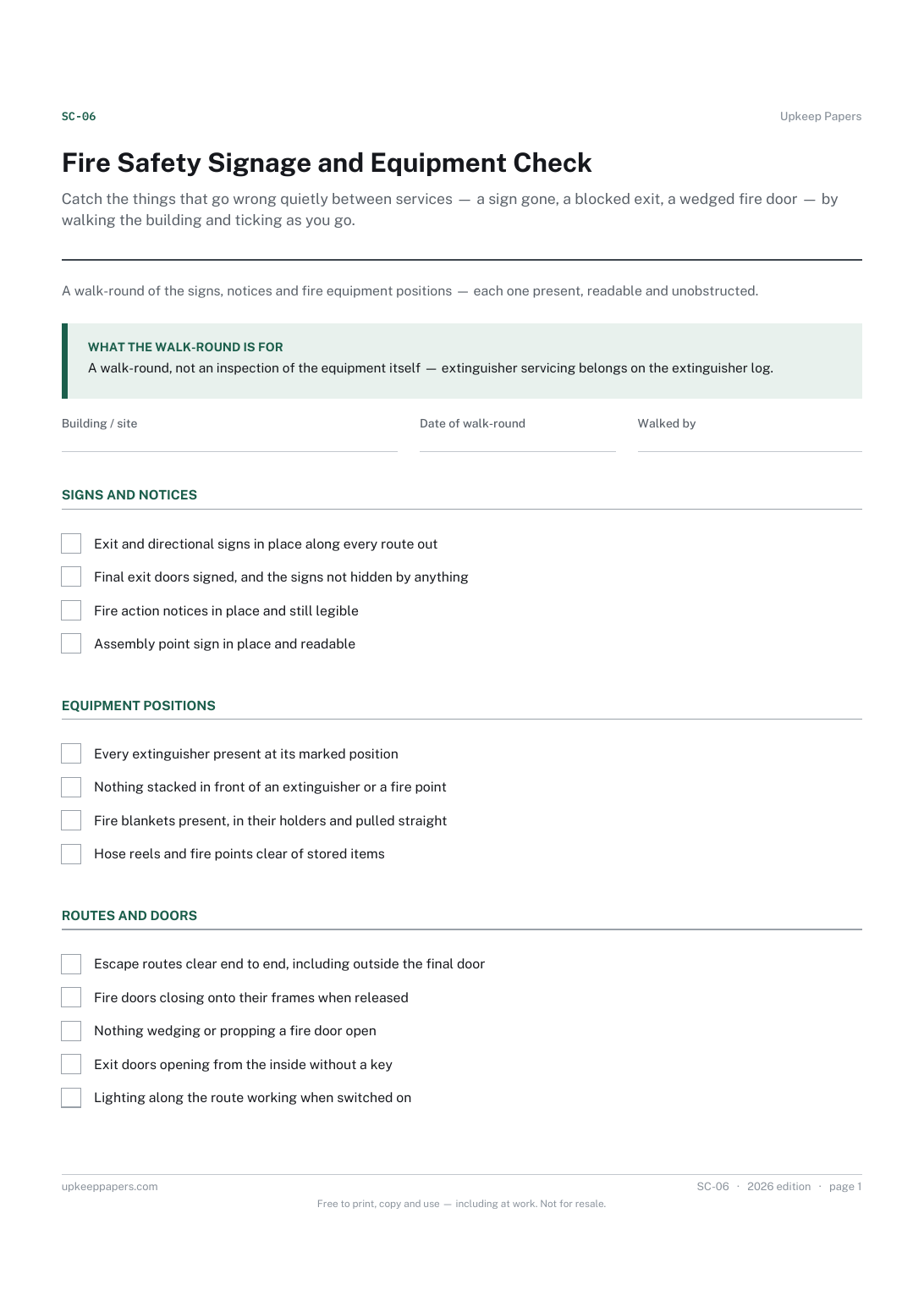
Catch the things that go wrong quietly between services — a sign gone, a blocked exit, a wedged fire door — by walking the building and ticking as you go.

Every sheet, binder, game and puzzle on Upkeep Papers is free to download, with no email and no account. Making them is not free: each one takes days of research, design and checking, and the site costs money to run. If something here saved you time, you can buy us a coffee. It is entirely optional: nothing is locked, and nothing changes if you don’t.
Buy us a coffee Opens PayPal in a new tab. Any amount, and nothing changes if you would rather not.