IT Change and Release Record
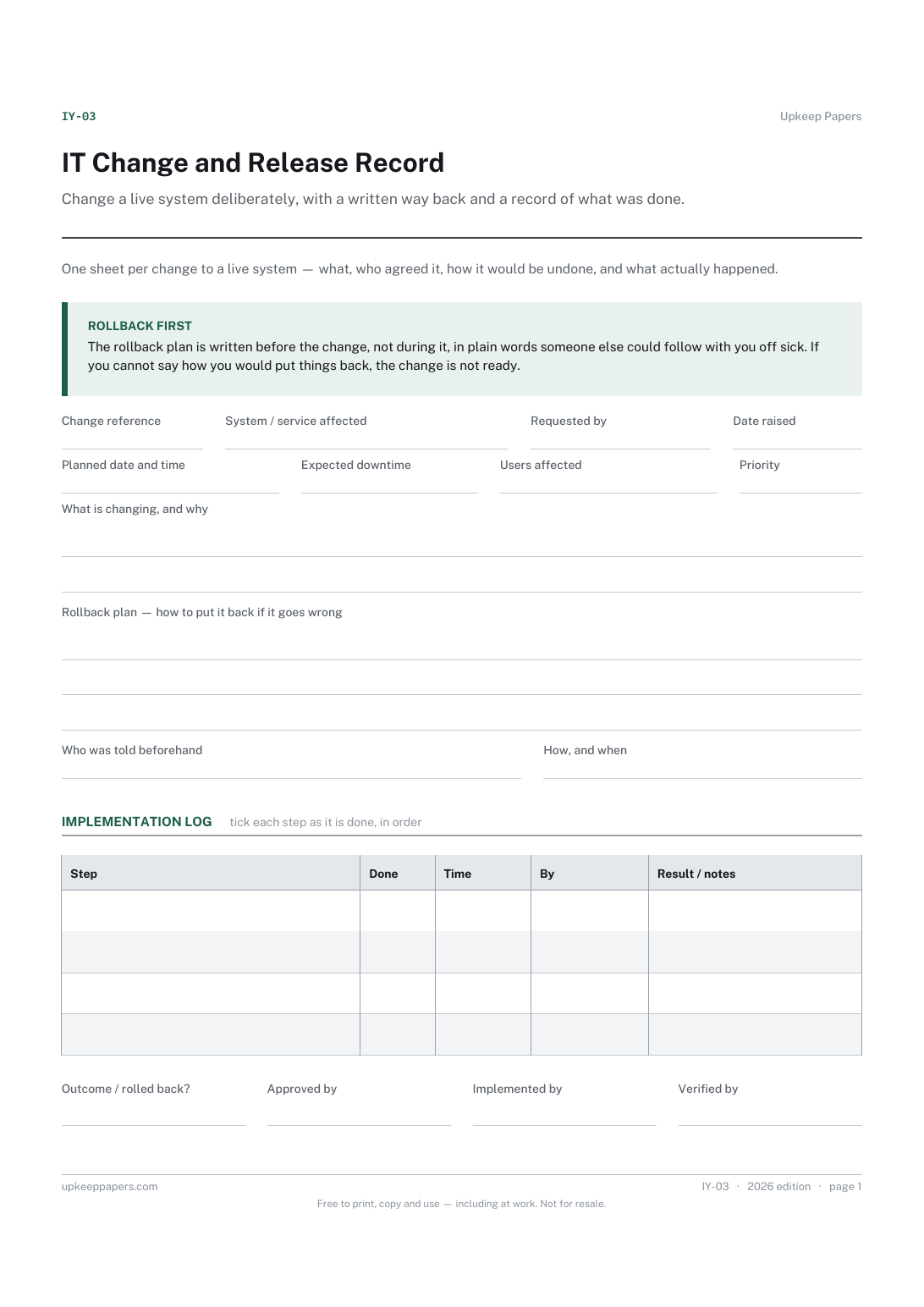
Change a live system deliberately, with a written way back and a record of what was done. Agreed beforehand, verified afterwards, by name.
IY-03 1 page
Everything here is free. Making it takes time and money. Everything here is free.
 Buy us a coffee
 IT and office systems · IY-02
A free printable backup log sheet — each run with its result and destination, and a separate table for restore tests showing a file actually came back.
One page. Choose your paper size — both versions are laid out identically, so neither one gets shrunk to fit.
Print it and write on it
Fill it in type and save
The fillable versions have real form fields — open them in any PDF reader, type into them and save. Printing help.
Know that the backup ran, and prove a file can come back from it. Assumed backups are the ones that fail on the day they are needed.
Small businesses, practices and charities that run their own backups, and the one person in the office who is quietly responsible for them.
One page, top to bottom:
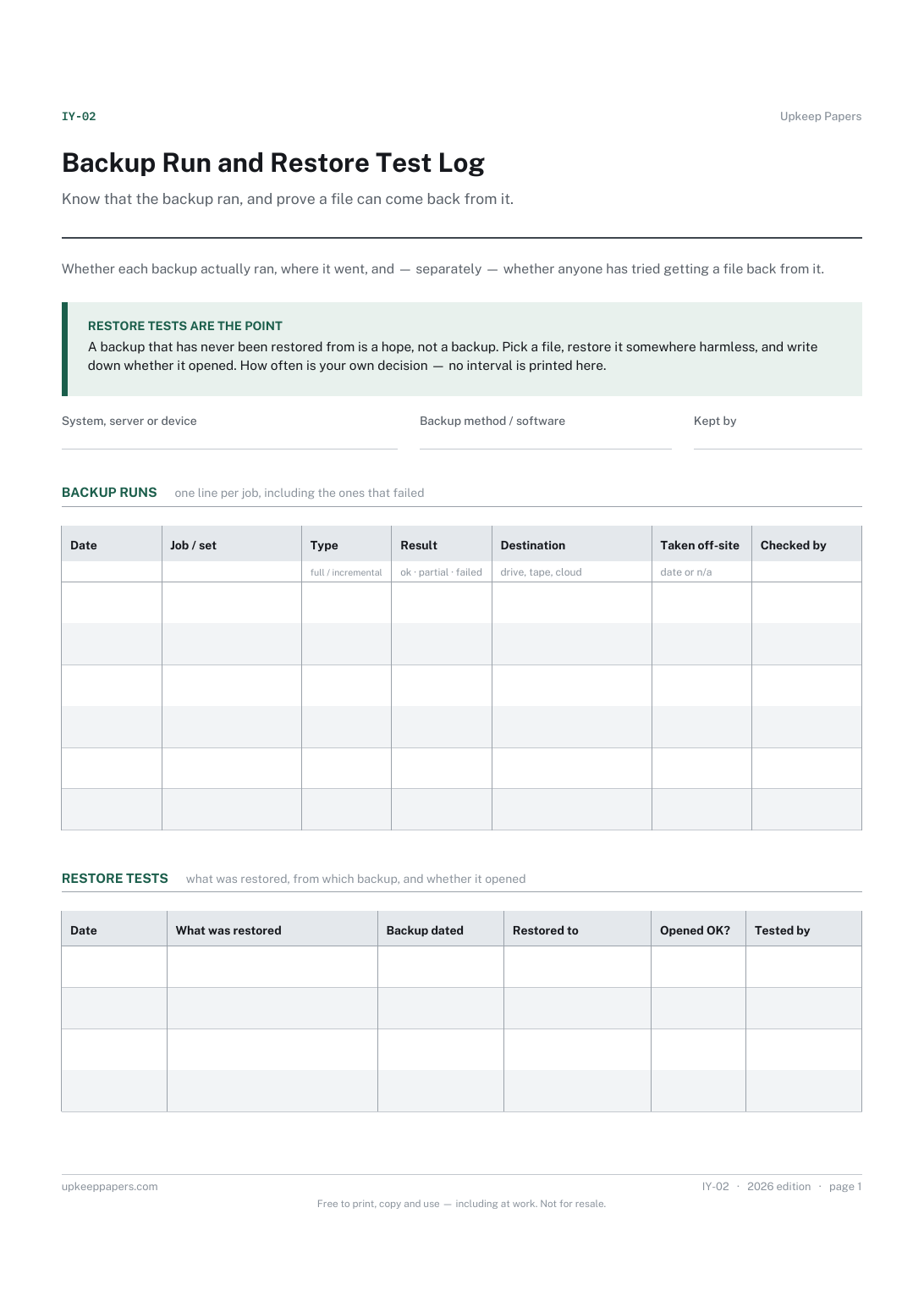
Printed under the title: Whether each backup actually ran, where it went, and — separately — whether anyone has tried getting a file back from it.
Restore tests are the point. A backup that has never been restored from is a hope, not a backup. Pick a file, restore it somewhere harmless, and write down whether it opened. How often is your own decision — no interval is printed here.
Write-on lines: System, server or device · Backup method / software · Kept by
Table, 6 rows: Date · Job / set · Type · Result · Destination · Taken off-site · Checked by
Table, 4 rows: Date · What was restored · Backup dated · Restored to · Opened OK? · Tested by
That is your call, and the sheet does not set it. What it does is make the gap visible: if the restore table has no entries this year, that is the finding.
Because a run of failures is the pattern that matters. A log that only records successes looks fine until the week the drive was full and nobody noticed.
Change a live system deliberately, with a written way back and a record of what was done. Agreed beforehand, verified afterwards, by name.
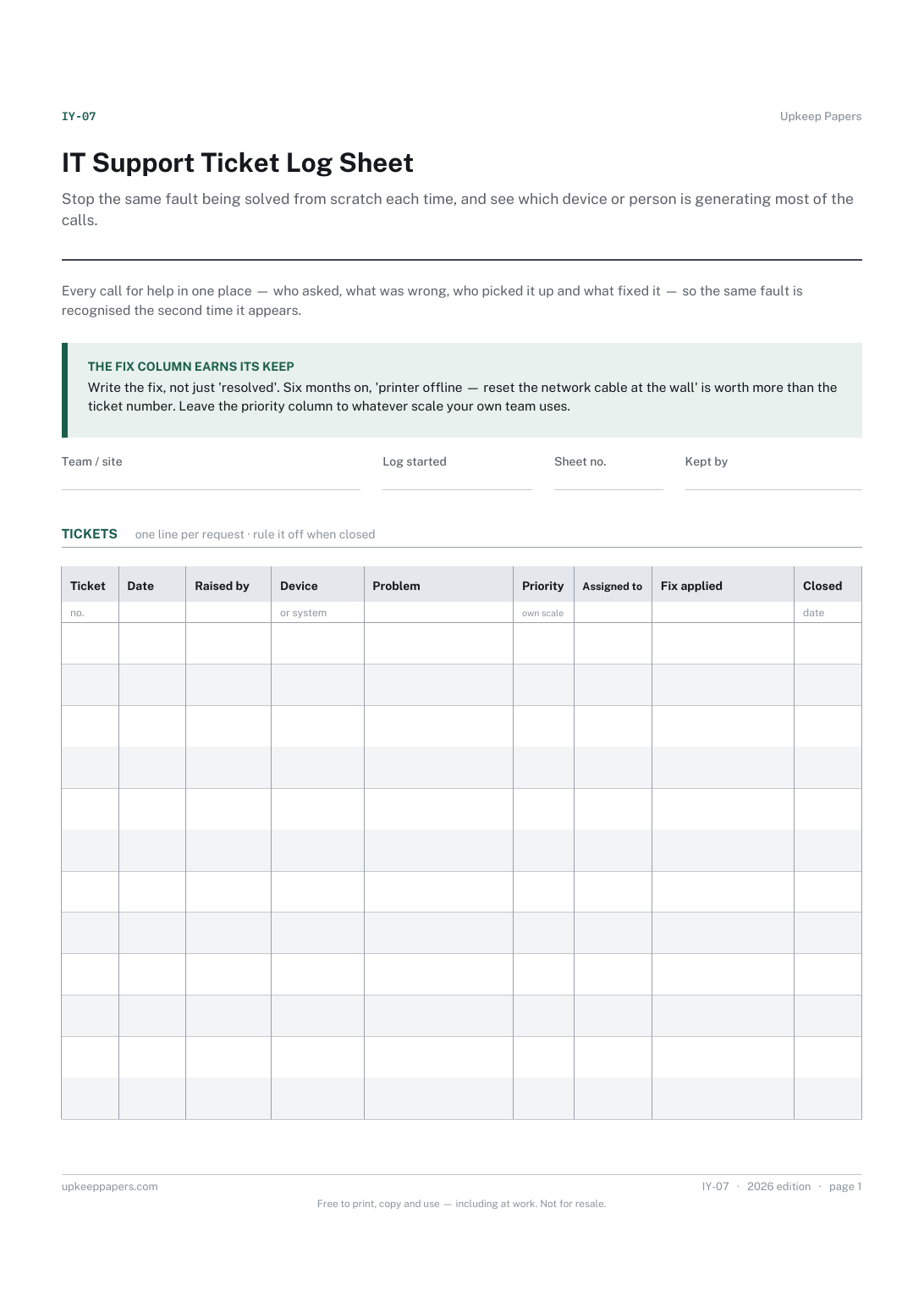
Stop the same fault being solved from scratch each time, and see which device or person is generating most of the calls.
Record what the business owns rather than what is in the shed: a numbered list with cost and disposal, which is what an insurer or an accountant asks for.
Hold the risks a group has identified in one place, with the controls that already exist recorded alongside them rather than assumed.
The same subject, with a version you can fill in on screen.
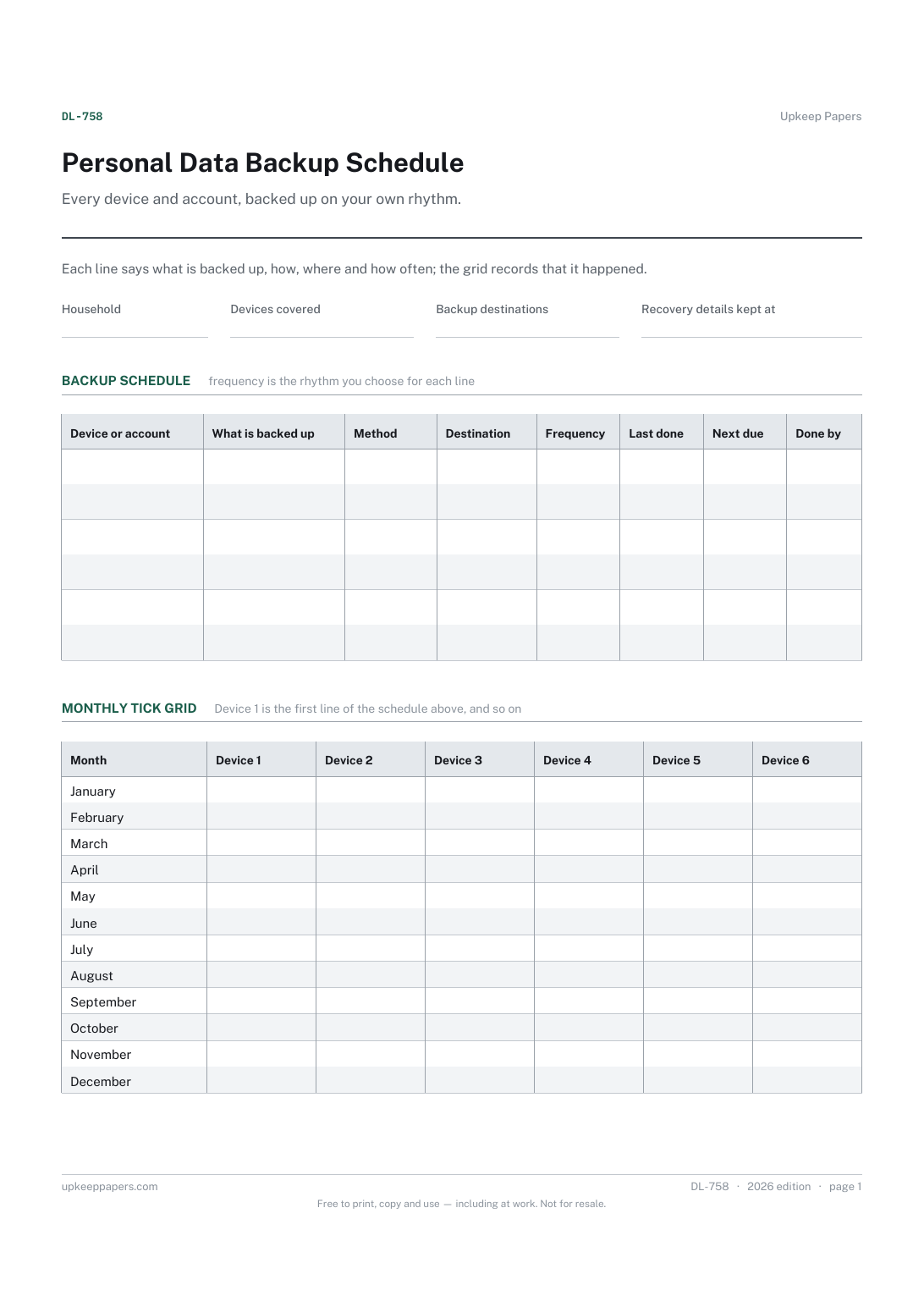
Every device and account that holds something worth keeping.

Every sheet, binder, game and puzzle on Upkeep Papers is free to download, with no email and no account. Making them is not free: each one takes days of research, design and checking, and the site costs money to run. If something here saved you time, you can buy us a coffee. It is entirely optional: nothing is locked, and nothing changes if you don’t.
Buy us a coffee Opens PayPal in a new tab. Any amount, and nothing changes if you would rather not.