Home Service History Register
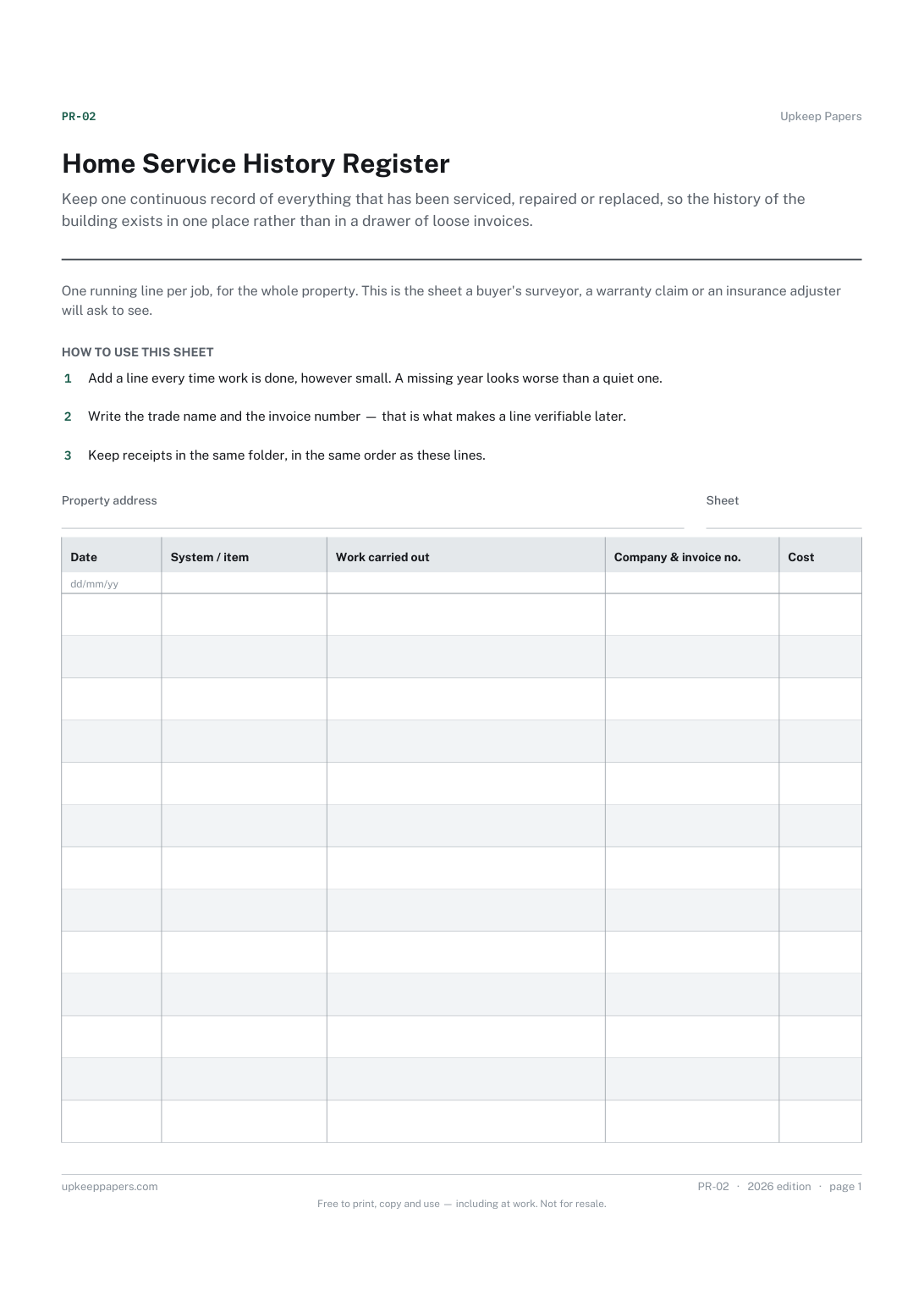
Keep one continuous record of everything that has been serviced, repaired or replaced, so the history of the building exists in one place rather than in a drawer of loose invoices.
PR-02 1 page
Everything here is free. Making it takes time and money. Everything here is free.
 Buy us a coffee
 Home systems · HS-13
A free printable solar panel log — generation and export meter readings month by month, alongside inverter faults, cleaning, shading notes and servicing.
One page. Choose your paper size — both versions are laid out identically, so neither one gets shrunk to fit.
Print it and write on it
Fill it in type and save
The fillable versions have real form fields — open them in any PDF reader, type into them and save. Printing help.
Notice a system quietly under-performing, by keeping generation figures next to the faults, shading and cleaning that explain them.
Owners of a domestic solar PV system, and anyone taking one on with a property and no history for it.
One page, top to bottom:
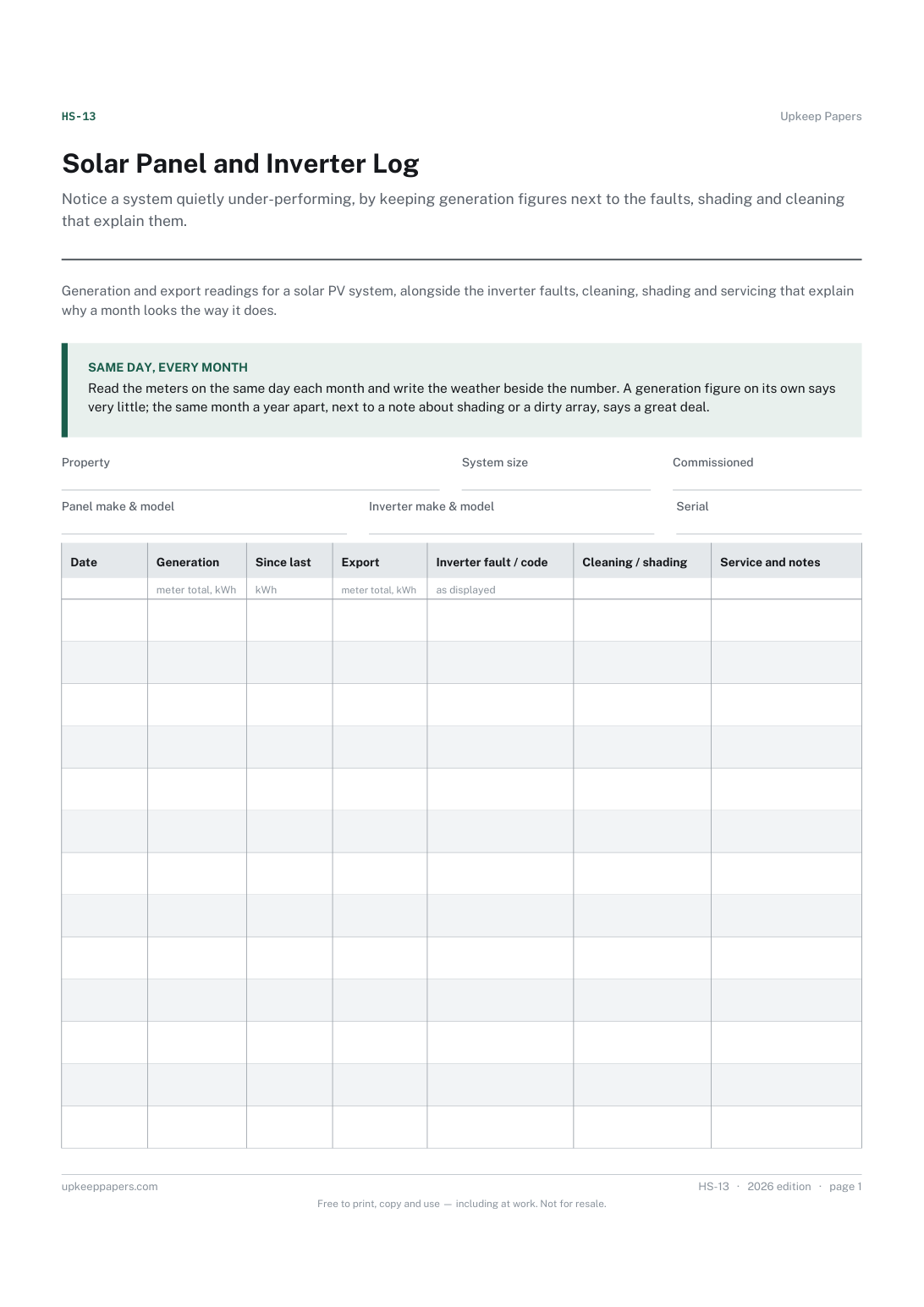
Printed under the title: Generation and export readings for a solar PV system, alongside the inverter faults, cleaning, shading and servicing that explain why a month looks the way it does.
Same day, every month. Read the meters on the same day each month and write the weather beside the number. A generation figure on its own says very little; the same month a year apart, next to a note about shading or a dirty array, says a great deal.
Write-on lines: Property · System size · Commissioned · Panel make & model · Inverter make & model · Serial
Table, 13 rows: Date · Generation · Since last · Export · Inverter fault / code · Cleaning / shading · Service and notes
Because a low month is only informative if you know why. A new hedge, a dirty array or a fortnight of fog explains a drop that would otherwise look like a fault — and a drop with no explanation is the one to chase.
Write the total exactly as the meter shows it, then calculate the difference in the next column. Totals can be checked against the meter later; a monthly figure written on its own cannot.
Keep one continuous record of everything that has been serviced, repaired or replaced, so the history of the building exists in one place rather than in a drawer of loose invoices.
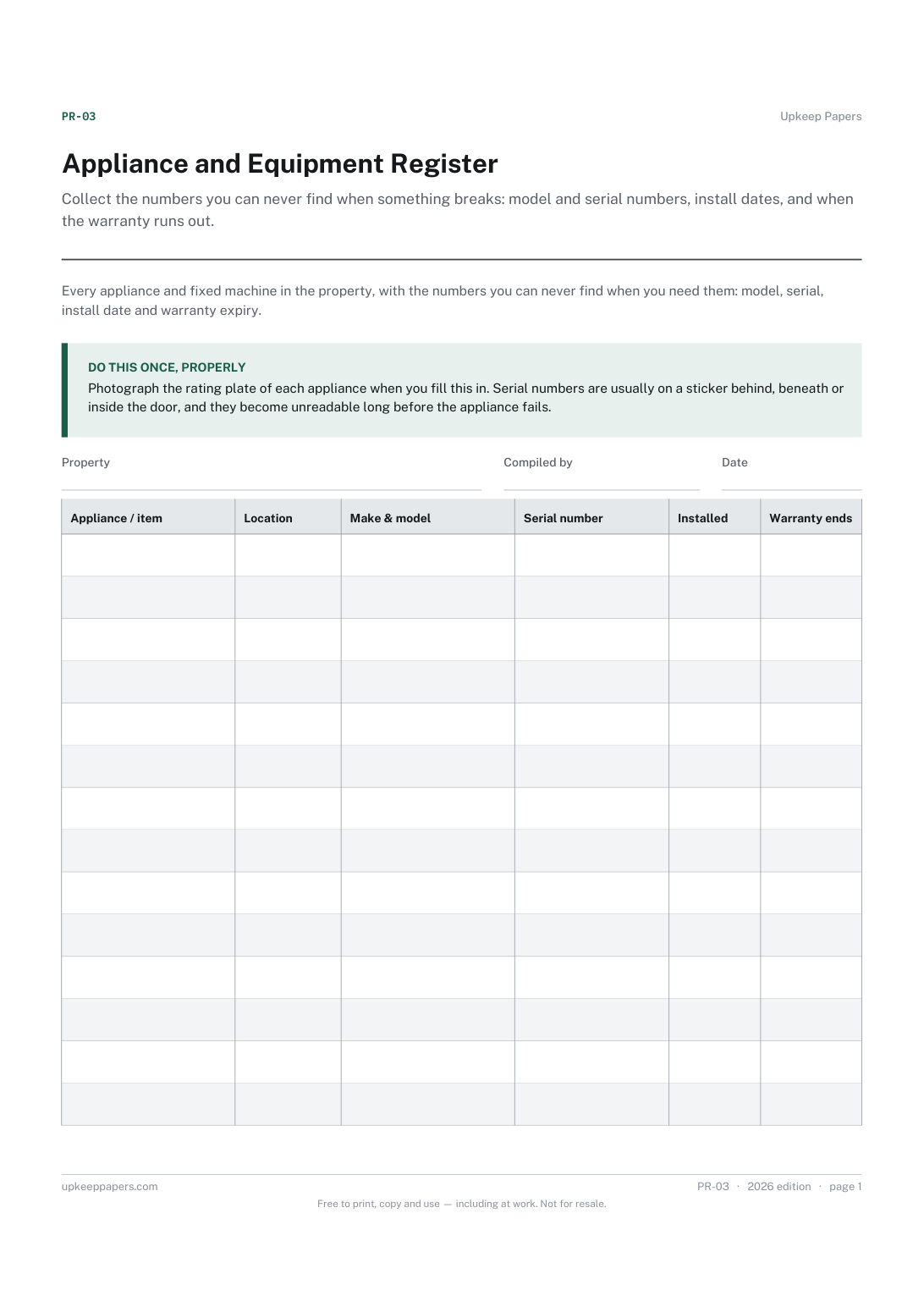
Collect the numbers you can never find when something breaks: model and serial numbers, install dates, and when the warranty runs out.
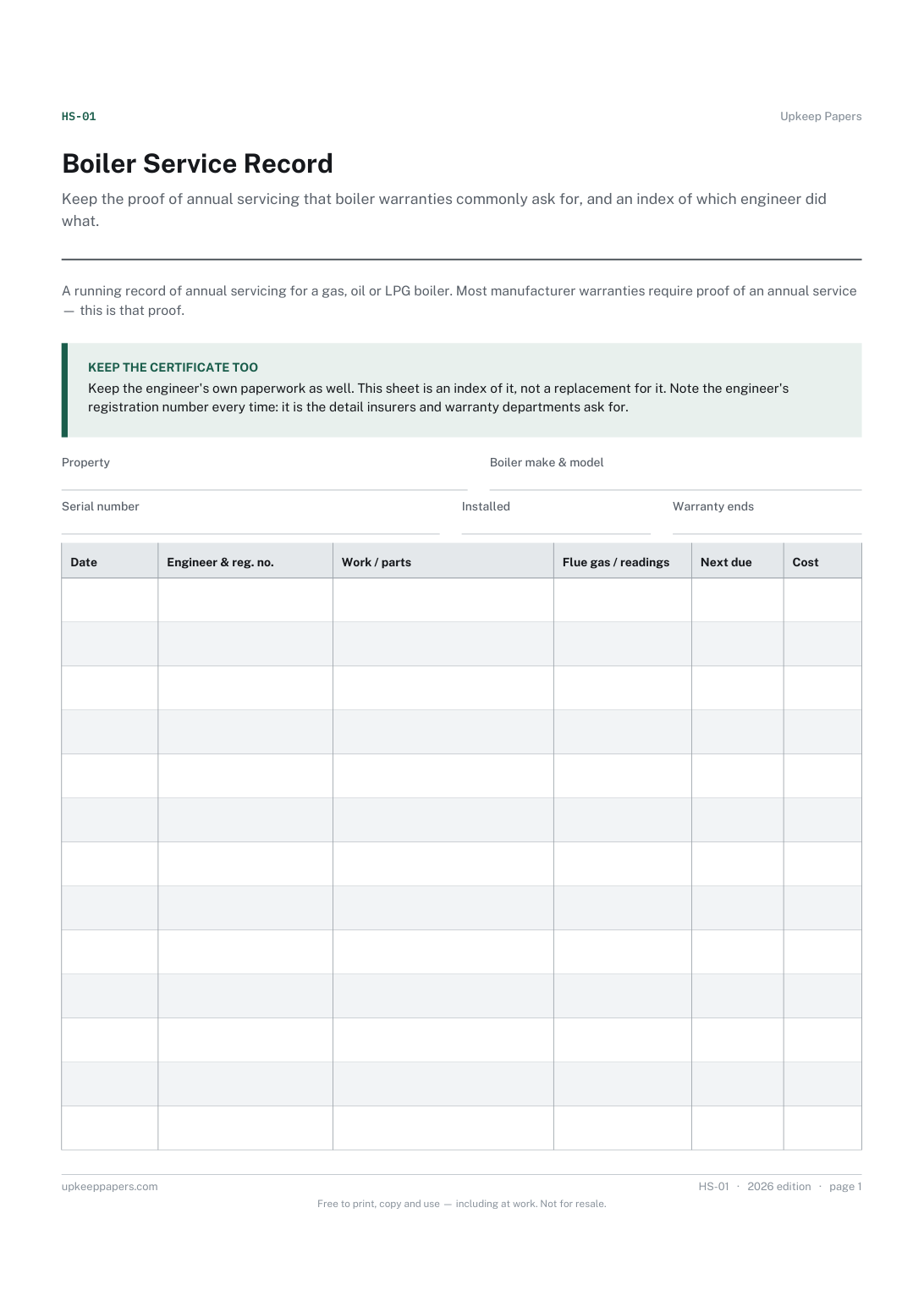
Keep the proof of annual servicing that boiler warranties commonly ask for, and an index of which engineer did what.
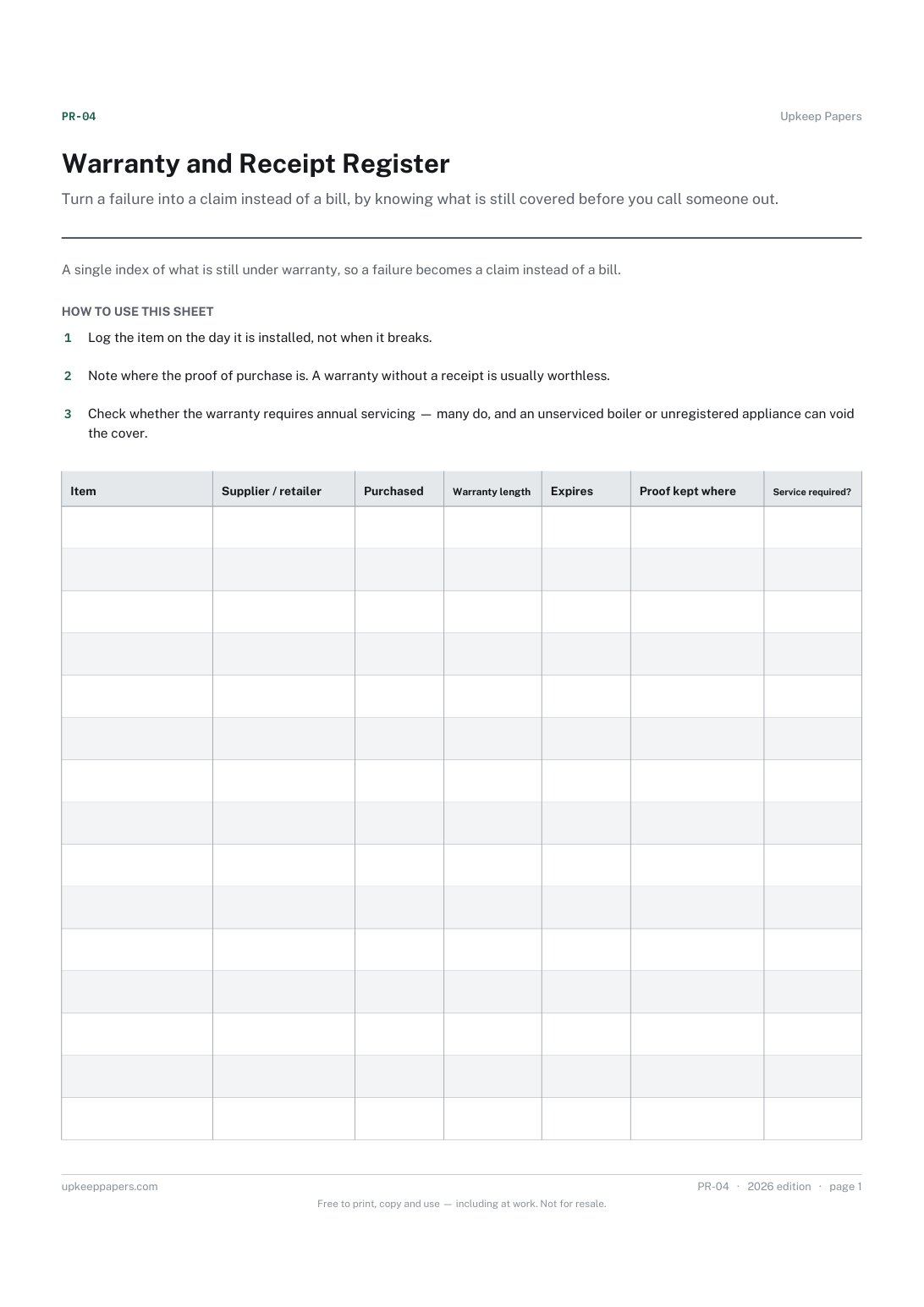
Turn a failure into a claim instead of a bill, by knowing what is still covered before you call someone out.
The same subject, with a version you can fill in on screen.
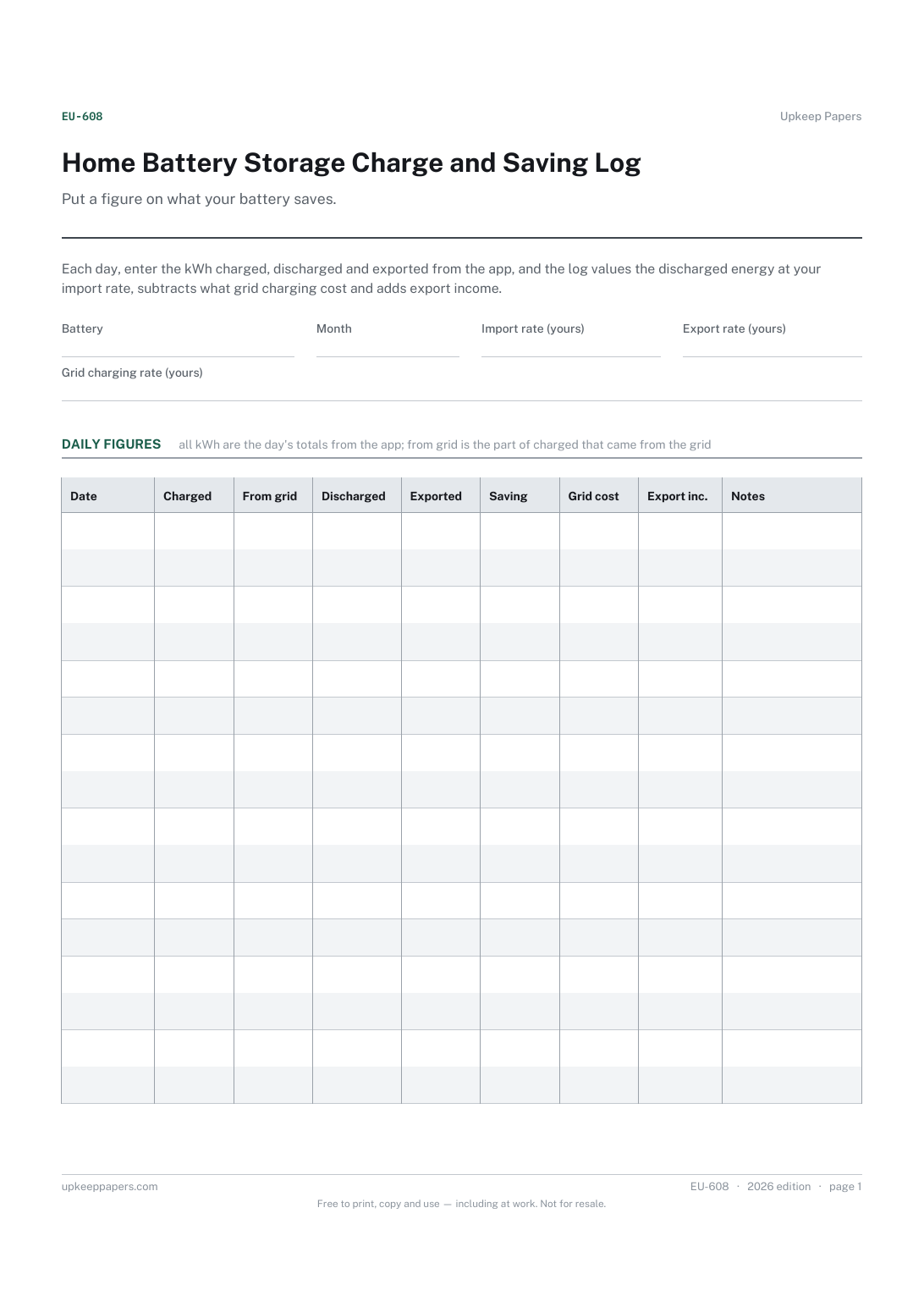
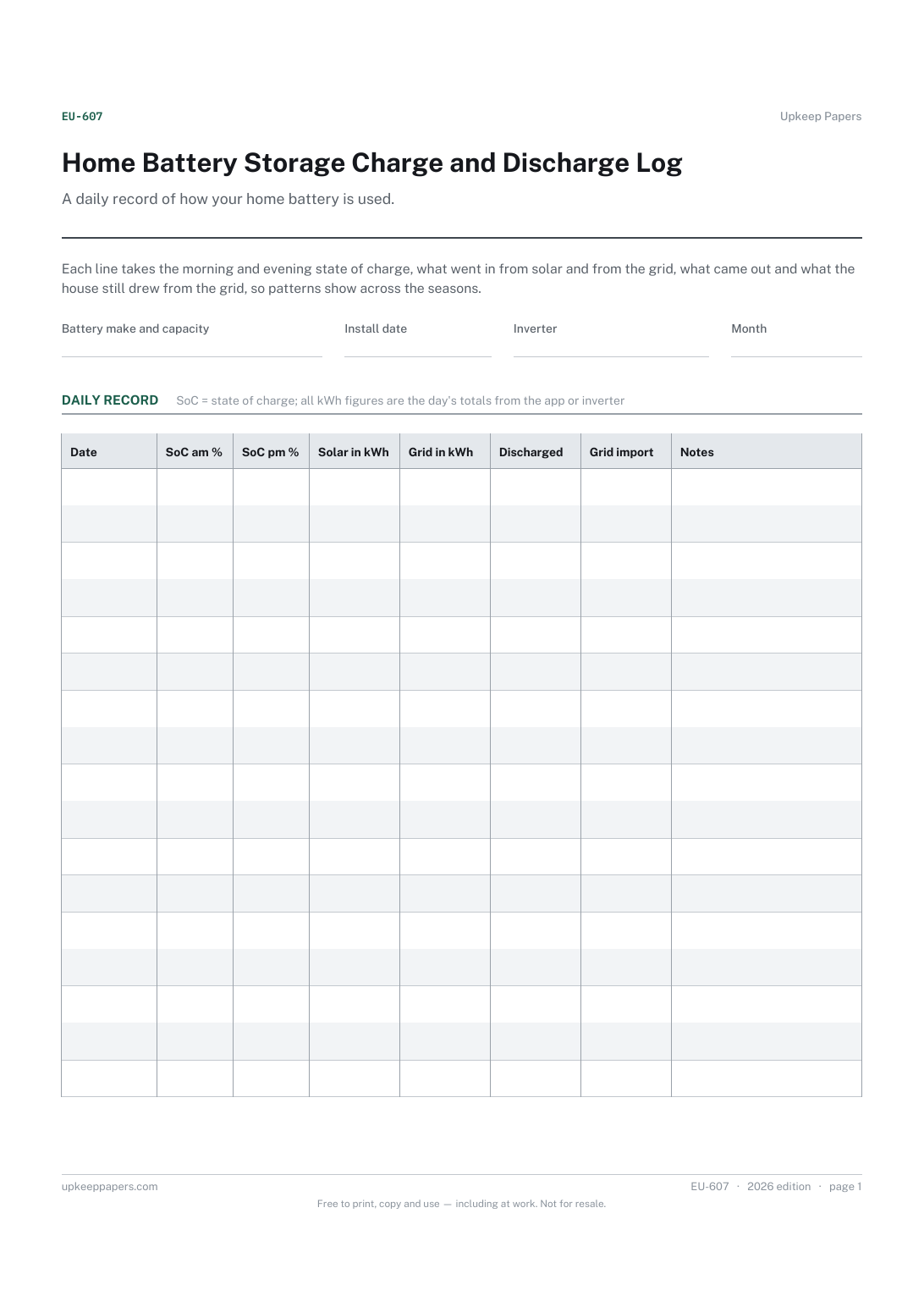
Daily charged, discharged and exported kWh.
Morning and evening state of charge day by day.
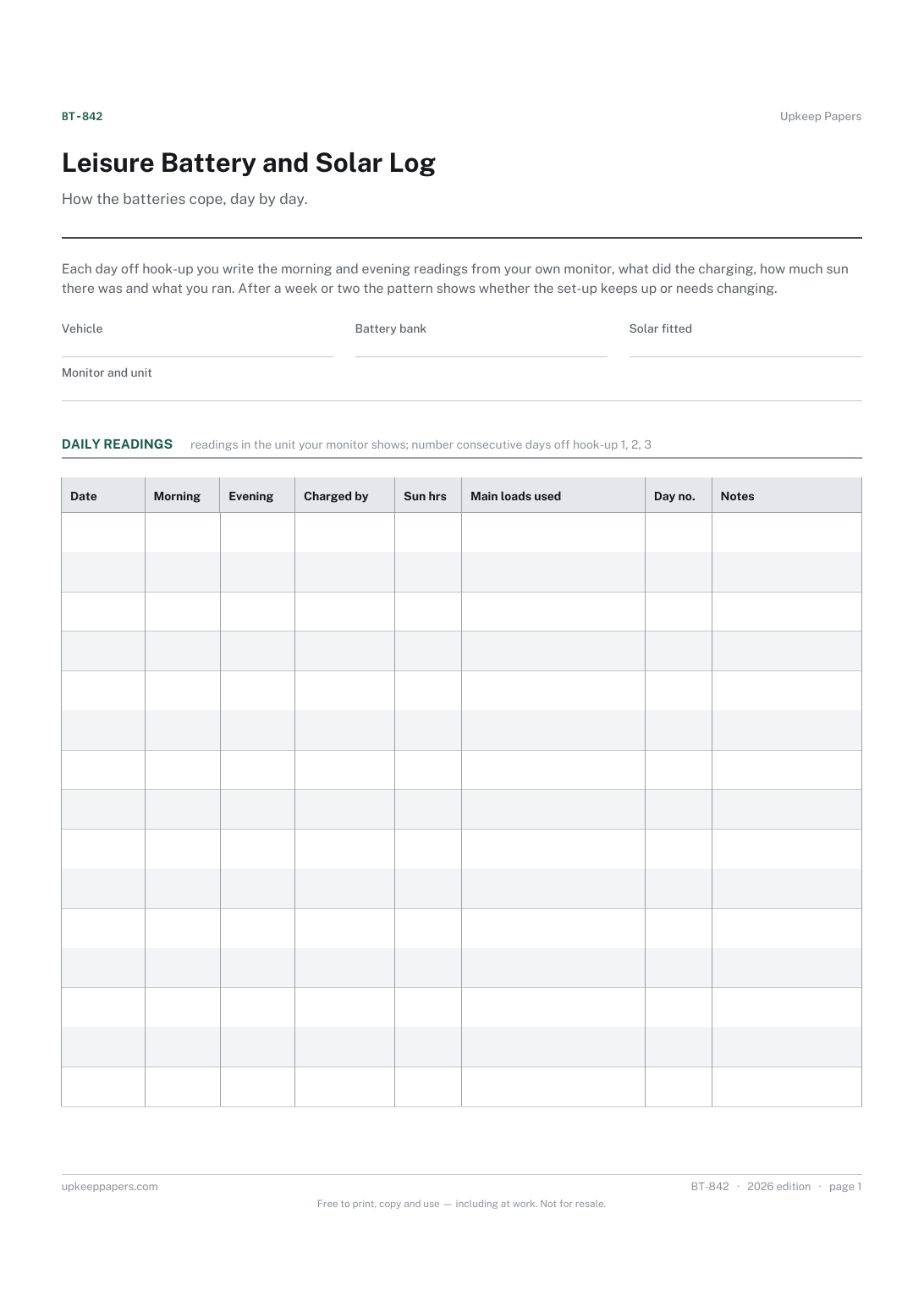
The battery reading morning and evening on each day.
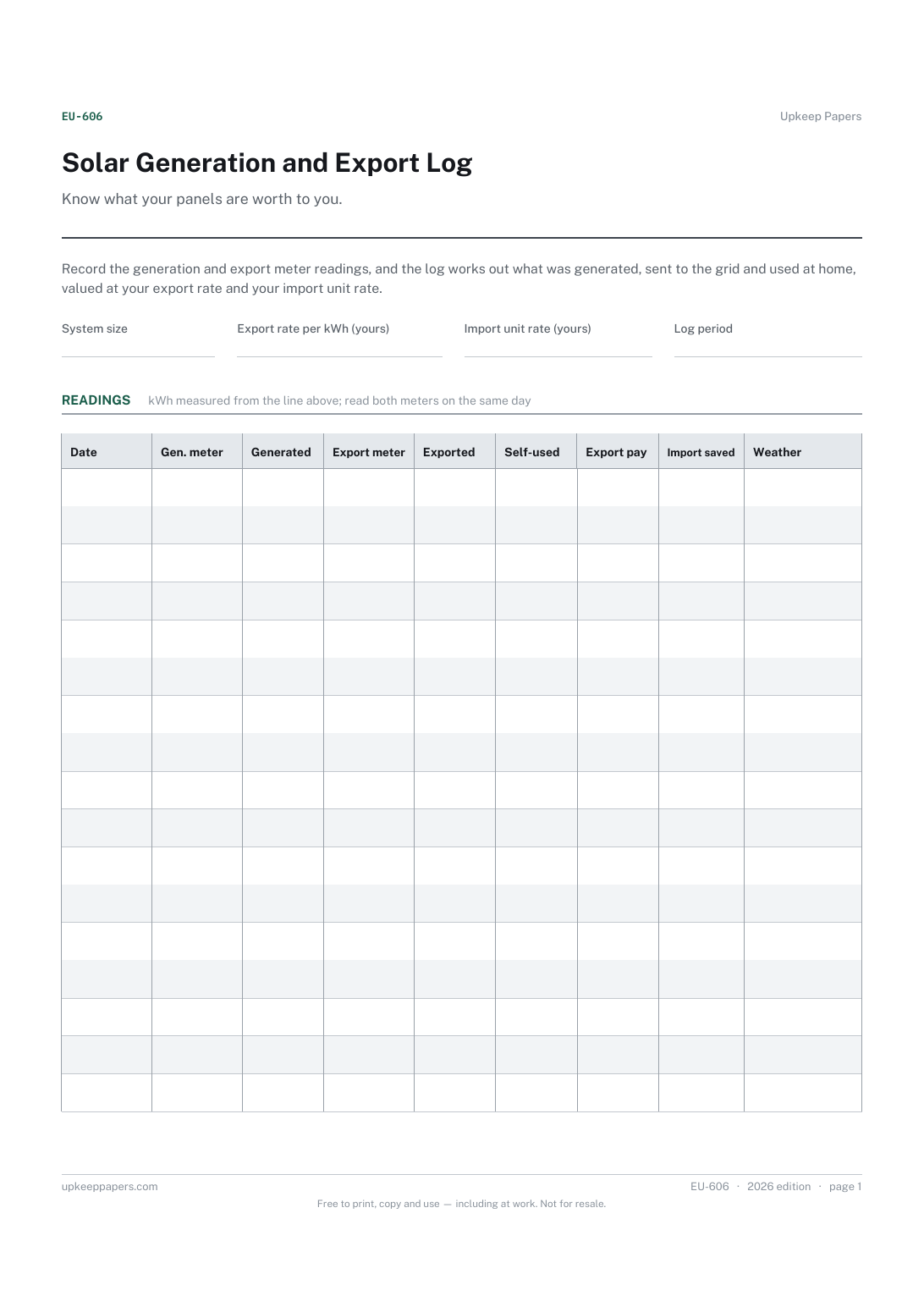
Generated and exported kWh between readings.

Every sheet, binder, game and puzzle on Upkeep Papers is free to download, with no email and no account. Making them is not free: each one takes days of research, design and checking, and the site costs money to run. If something here saved you time, you can buy us a coffee. It is entirely optional: nothing is locked, and nothing changes if you don’t.
Buy us a coffee Opens PayPal in a new tab. Any amount, and nothing changes if you would rather not.