Home Battery Storage Charge and Saving Log
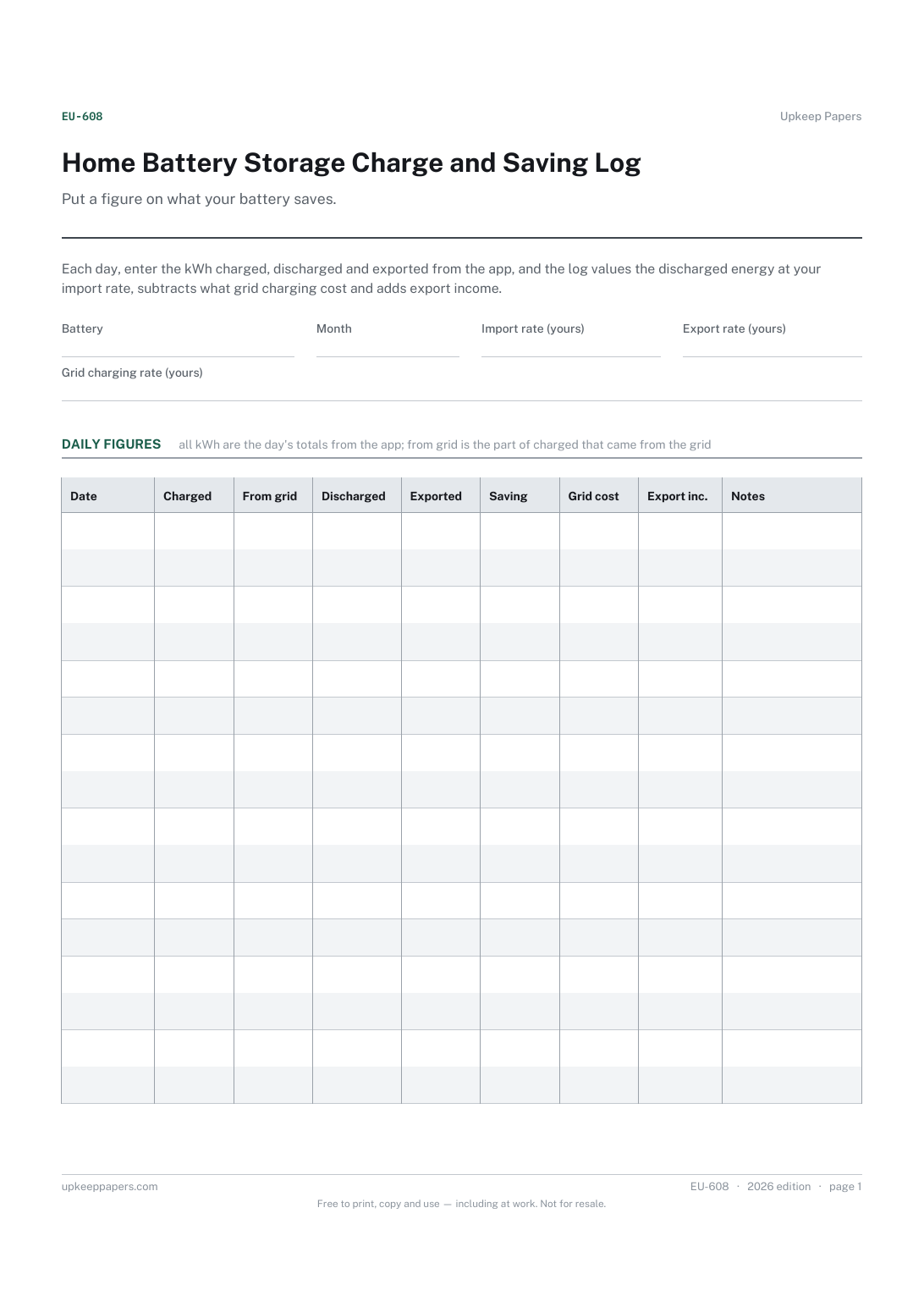
Daily charged, discharged and exported kWh.
EU-608 Log PDF Excel Online
Everything here is free. Making it takes time and money. Everything here is free.
 Buy us a coffee
 Energy and Utilities · EU-607 · Log
Free home battery log — state of charge morning and evening, charge from solar or grid, discharge and grid import each day. Printable PDF and browser.
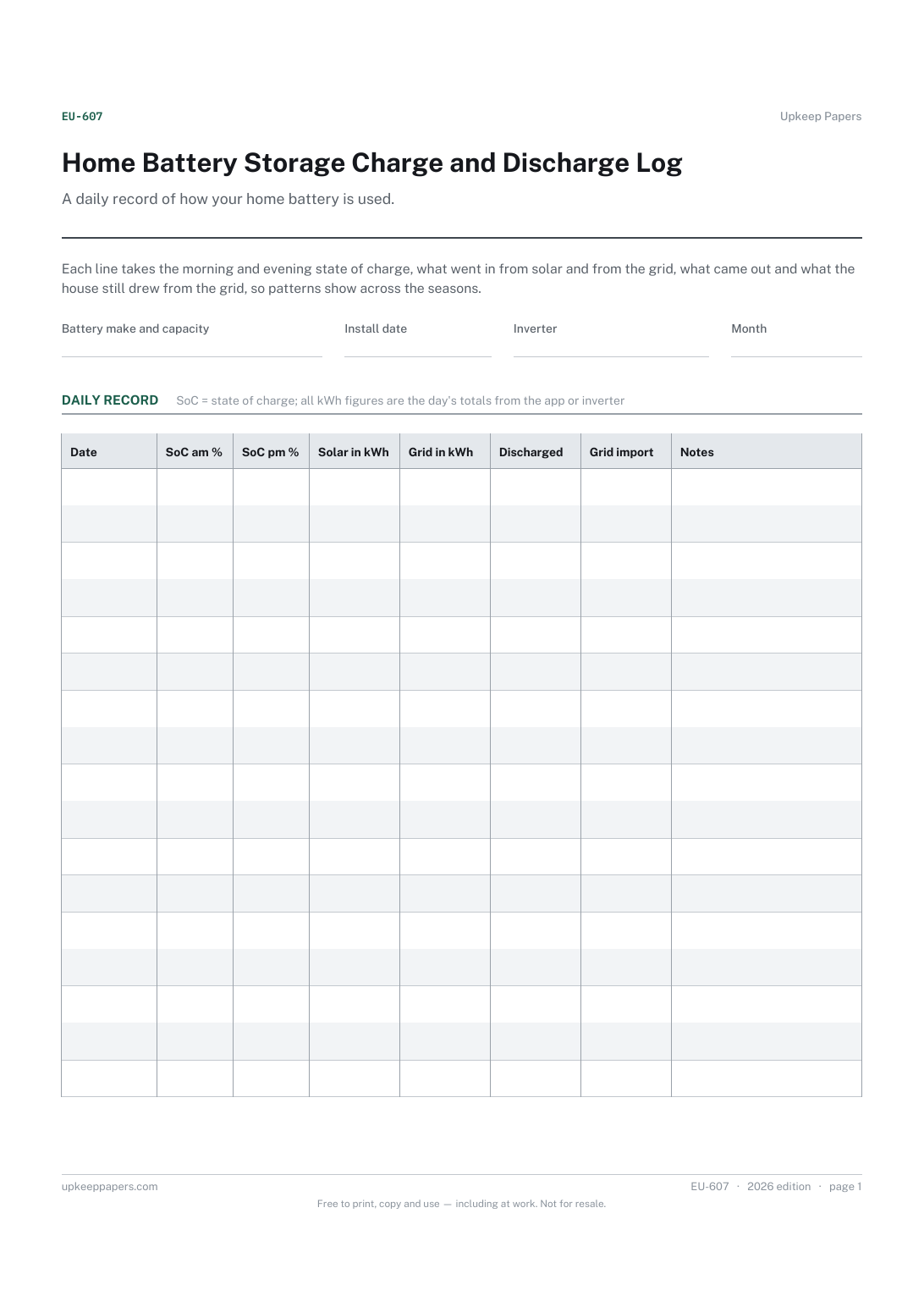
2 pages. The A4 and US Letter files are laid out identically, so neither is shrunk to fit.
Print it and write on it
Fillable PDF type and save
Or no download needed
Fill it in onlineThe fillable versions have real form fields — open them in any PDF reader, type into them and save. Printing help.
The same sheet, on screen. Tick, type, add or remove rows, then print it or download the completed version as a PDF. Everything stays in your browser — your entries are kept in this browser's own storage on this device, nothing is uploaded, and there is no account.
A daily record of how your home battery is used. Each line takes the morning and evening state of charge, what went in from solar and from the grid, what came out and what the house still drew from the grid, so patterns show across the seasons.
Households with a storage battery, with or without solar, who want to see whether their charging settings suit the time of year.
The printable is laid out inside a box that fits both A4 and US Letter, so the two files are identical and neither one is scaled. The fillable PDF has real form fields. The online version keeps what you enter in your own browser and builds the completed PDF on your device.
Download the A4 or US Letter file to match the paper in your printer, open it in a PDF reader and print at 100% — not "fit to page", which shrinks the writing space. Both files leave a 14 mm margin, which clears the unprintable edge on home printers. To print the online version with your entries in it, use the Print this sheet button, which prints only the sheet and none of the page around it. More on printing.
From your battery app or inverter display, which usually shows daily totals. The sheet does not calculate anything; it keeps a record you can look back on after the app's history has scrolled away.
The morning figure shows what was left or charged overnight, and the evening figure shows what solar added. Together they show whether the battery is running empty or sitting full.
This log is about how the battery behaves: charge source, state of charge and grid import. The charge and saving log puts a value on the discharged energy at your own import rate, with an Excel workbook.
Yes. The browser version saves in your own browser on this device, so you can add a line each evening without printing anything.
Daily charged, discharged and exported kWh.
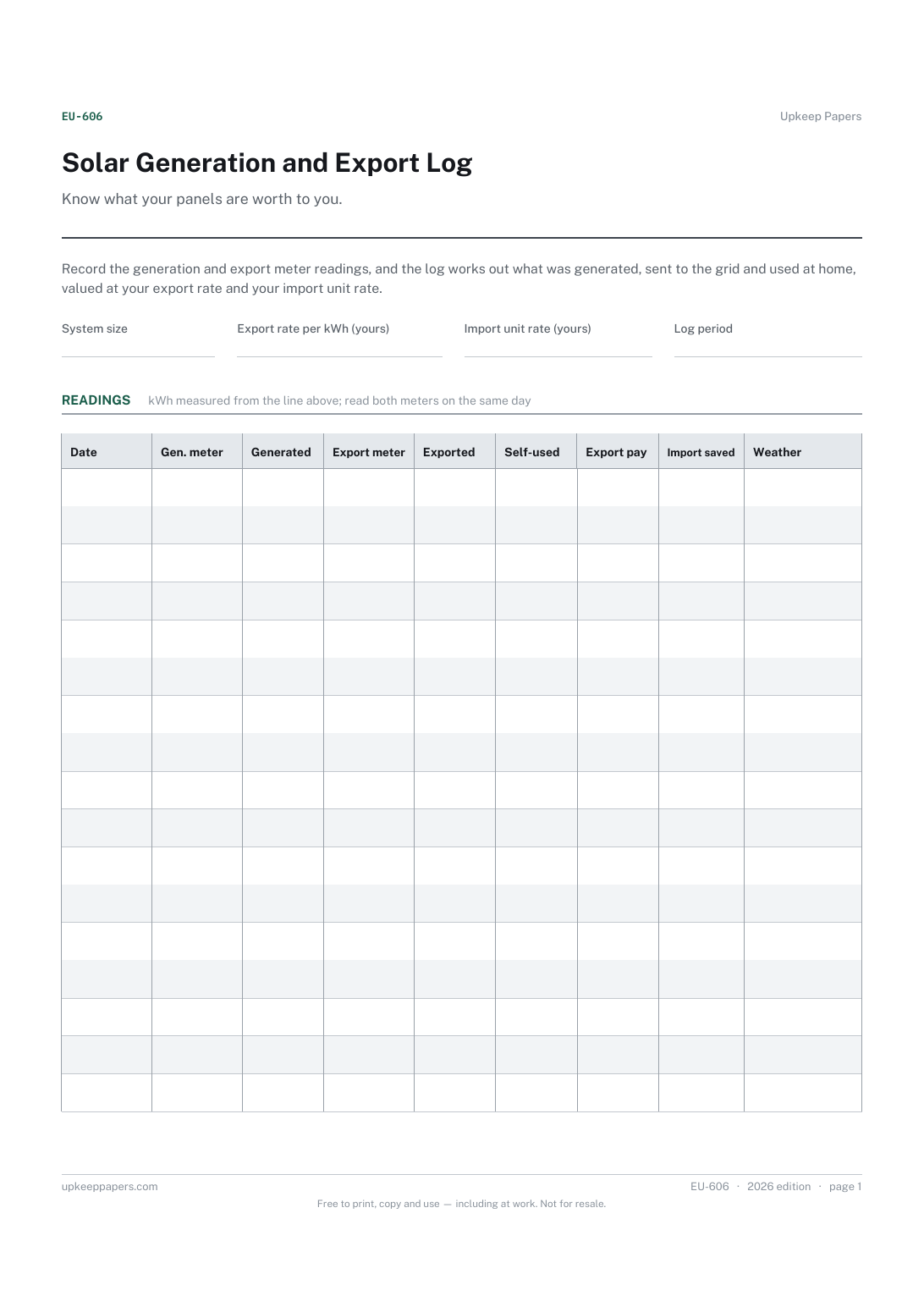
Generated and exported kWh between readings.
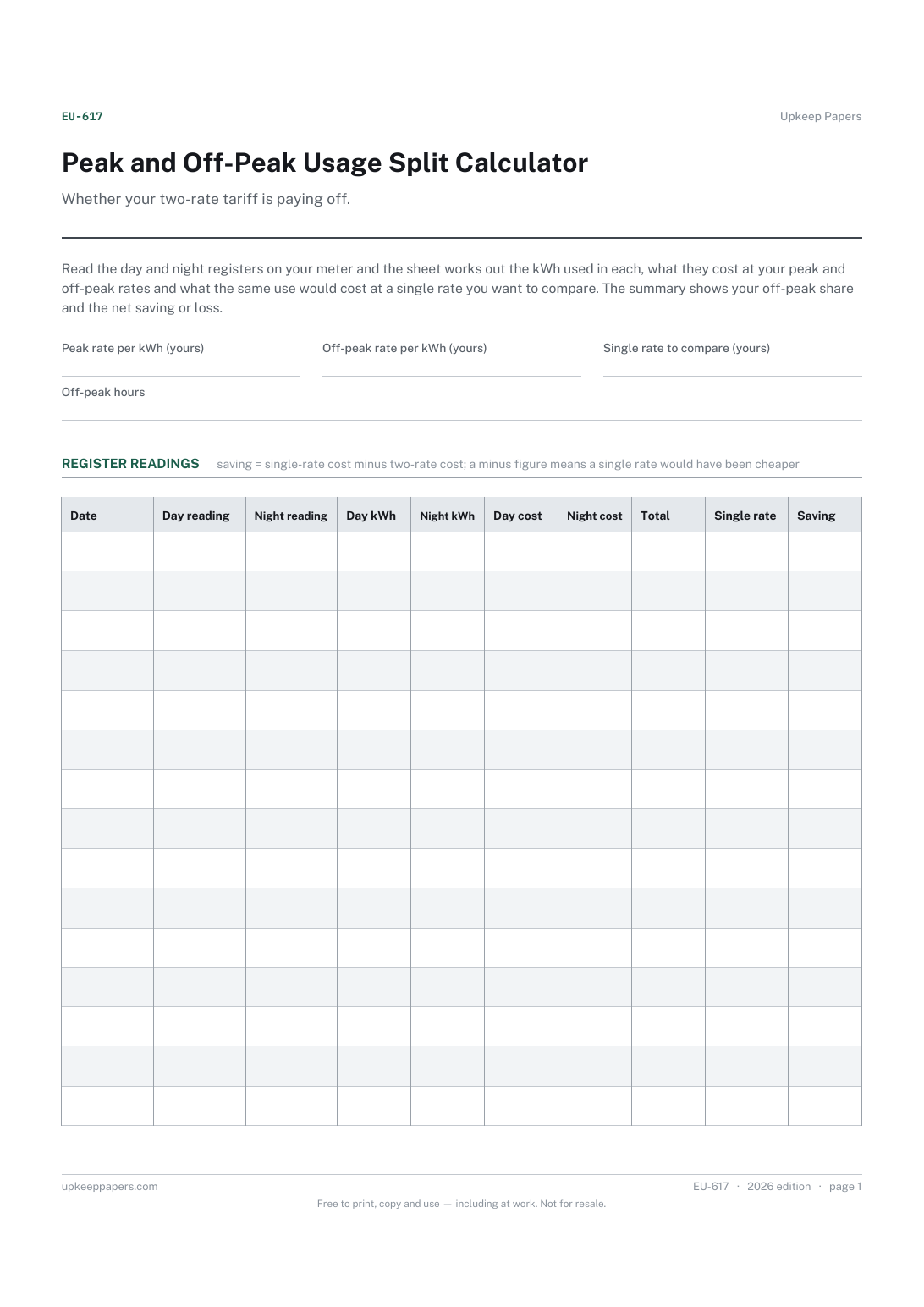
Day and night register readings with their dates.
Printable sheets, workbooks and tools on the same subject.
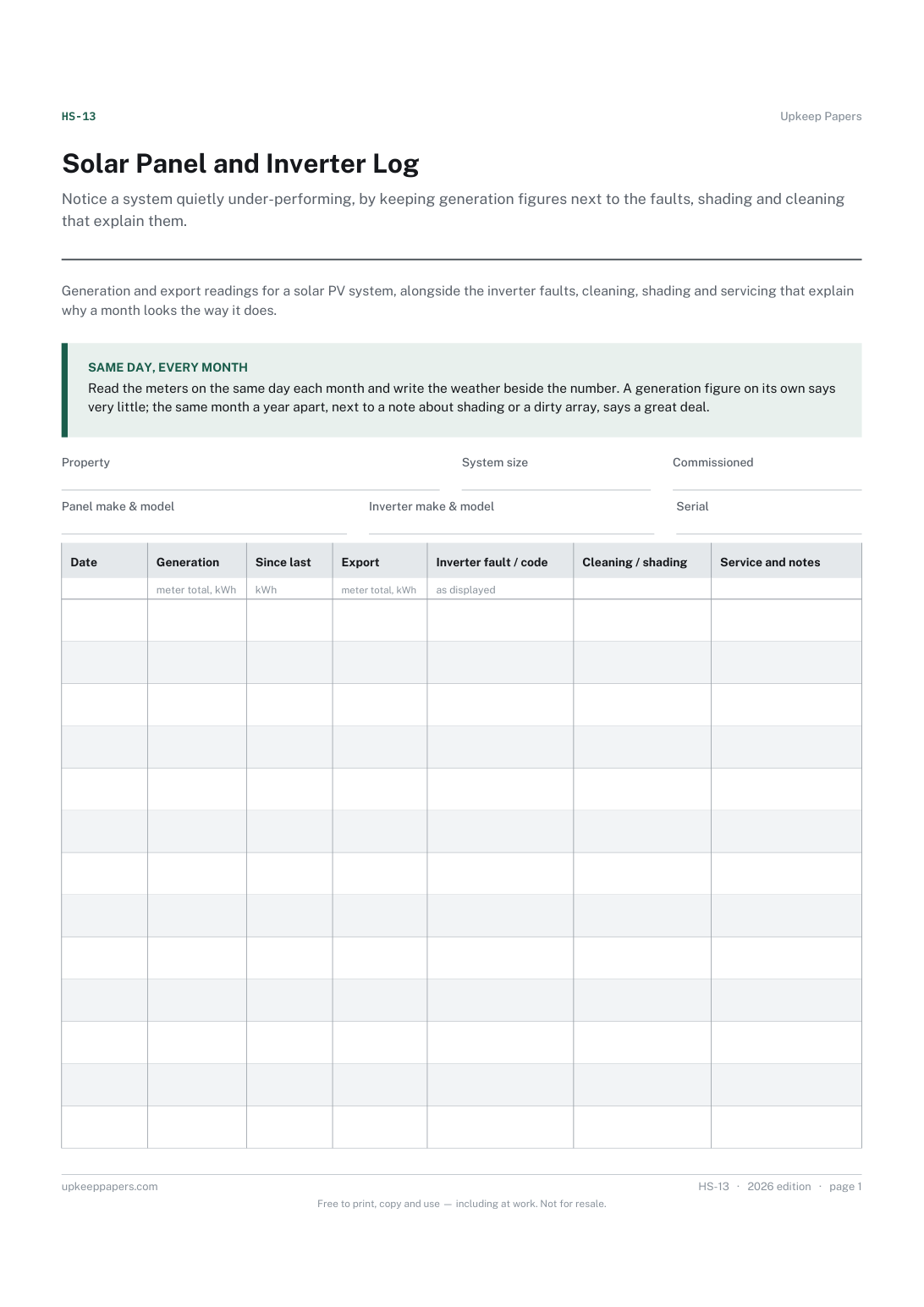
Notice a system quietly under-performing, by keeping generation figures next to the faults, shading and cleaning that explain them.

Every sheet, binder, game and puzzle on Upkeep Papers is free to download, with no email and no account. Making them is not free: each one takes days of research, design and checking, and the site costs money to run. If something here saved you time, you can buy us a coffee. It is entirely optional: nothing is locked, and nothing changes if you don’t.
Buy us a coffee Opens PayPal in a new tab. Any amount, and nothing changes if you would rather not.