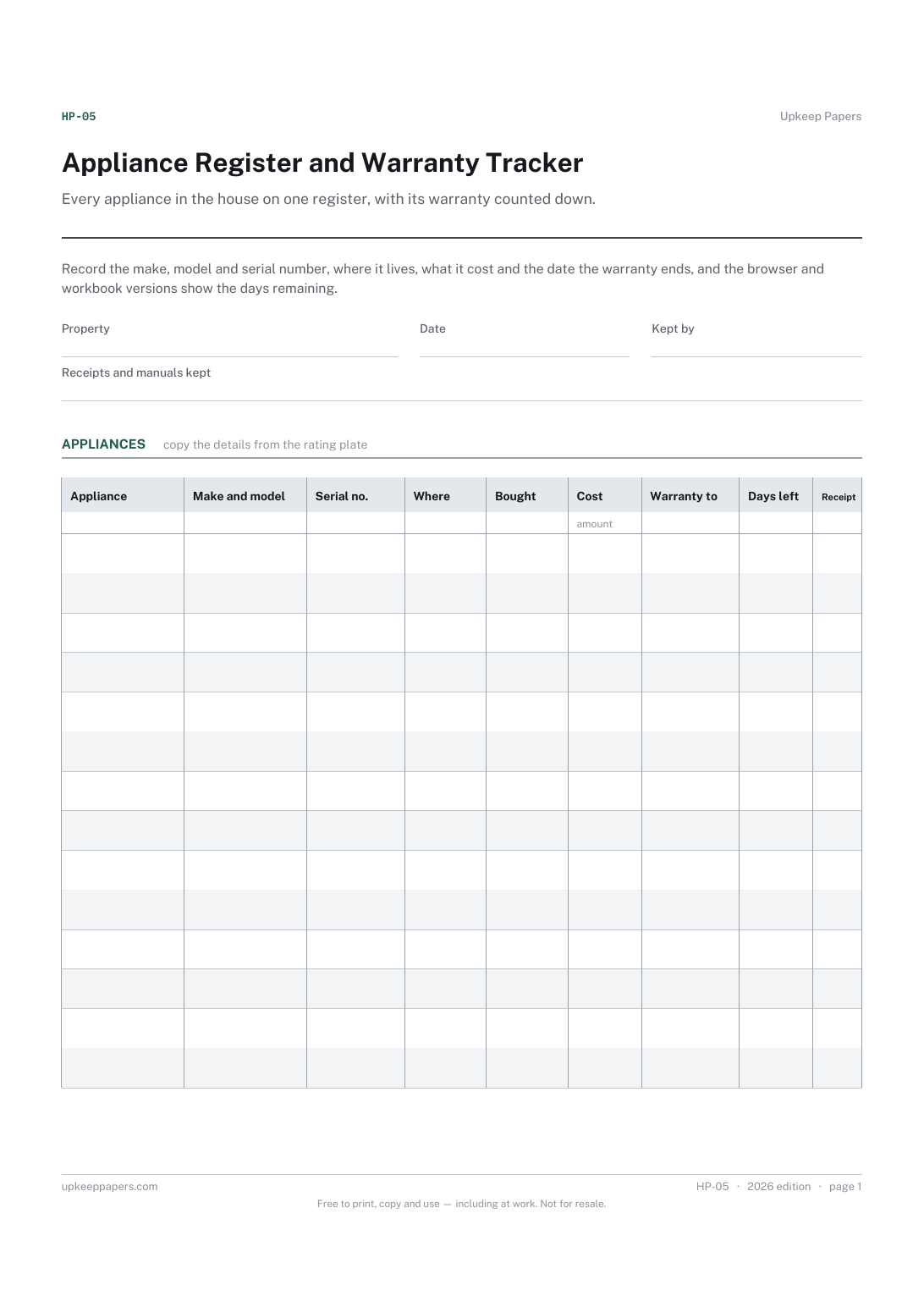
Appliance Register and Warranty Tracker
Make, model and serial number for every appliance, ready for a repair call.
HP-05 Register PDF Excel Online
Everything here is free. Making it takes time and money. Everything here is free.
 Buy us a coffee
 Safety, records and practical forms · SF-1113 · Log
Free product registration and recall log: what is registered with its maker, when recall lists were checked, and any recall acted on. Printable PDF and browser.
2 pages. The A4 and US Letter files are laid out identically, so neither is shrunk to fit.
Print it and write on it
Fillable PDF type and save
Or no download needed
Fill it in onlineThe fillable versions have real form fields — open them in any PDF reader, type into them and save. Printing help.
The same sheet, on screen. Tick, type, add or remove rows, then print it or download the completed version as a PDF. Everything stays in your browser — your entries are kept in this browser's own storage on this device, nothing is uploaded, and there is no account.
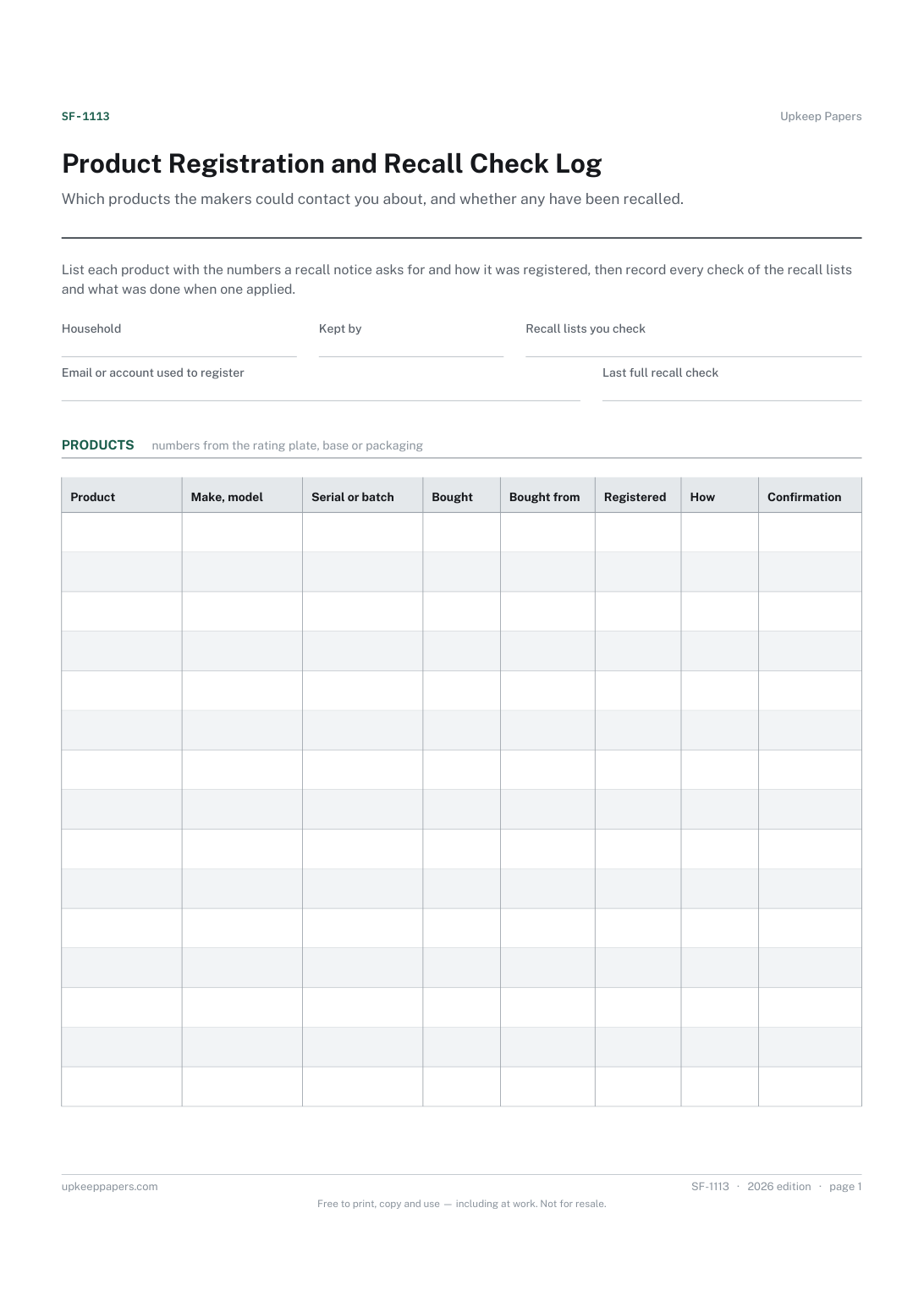
Which products the makers could contact you about, and whether any have been recalled. List each product with the numbers a recall notice asks for and how it was registered, then record every check of the recall lists and what was done when one applied.
Households with appliances, heaters, chargers, furniture and children's products, people who bought something second-hand that was never registered, and anyone who has seen a recall notice and could not remember which model they own.
The printable is laid out inside a box that fits both A4 and US Letter, so the two files are identical and neither one is scaled. The fillable PDF has real form fields. The online version keeps what you enter in your own browser and builds the completed PDF on your device.
Download the A4 or US Letter file to match the paper in your printer, open it in a PDF reader and print at 100% — not "fit to page", which shrinks the writing space. Both files leave a 14 mm margin, which clears the unprintable edge on home printers. To print the online version with your entries in it, use the Print this sheet button, which prints only the sheet and none of the page around it. More on printing.
Registration gives the maker a way to contact you directly if a safety repair or recall affects your model, rather than relying on you seeing a notice. It is often a card in the box or a page on the maker's website.
Many countries run an official product recall list or safety website, and makers and retailers publish their own. Write the ones you use at the top, so whoever checks next looks in the same places.
Usually the make, the model and the serial or batch number, which is why the products table asks for them. They are on the rating plate, the base or the packaging, so write them down while they are easy to read.
The appliance register and warranty tracker records what you own and when cover ends. This log follows safety: registration with the maker, recall checks and what happened when a recall applied. Baby equipment has its own recall check sheet.
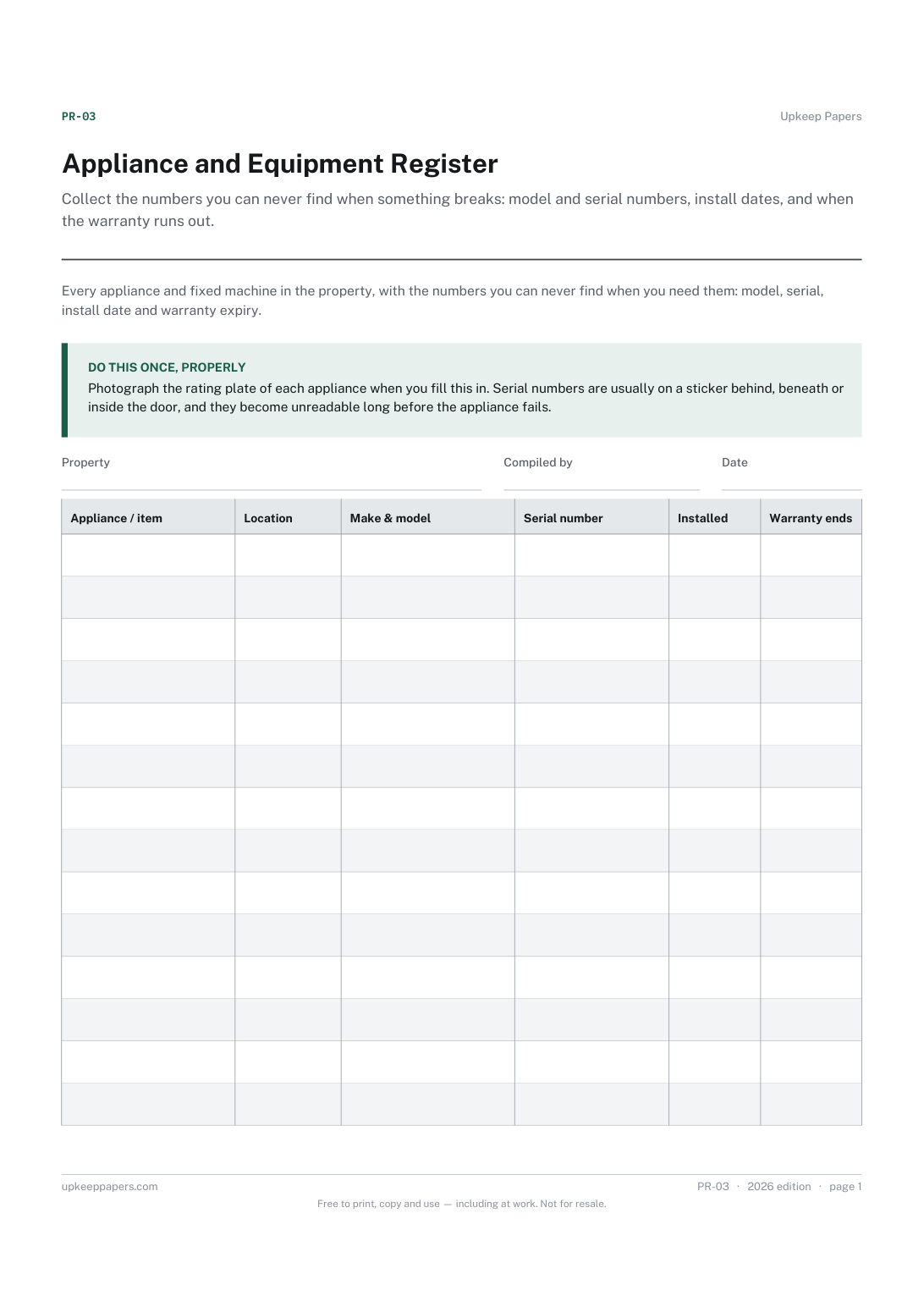
Make, model and serial number for every appliance, ready for a repair call.
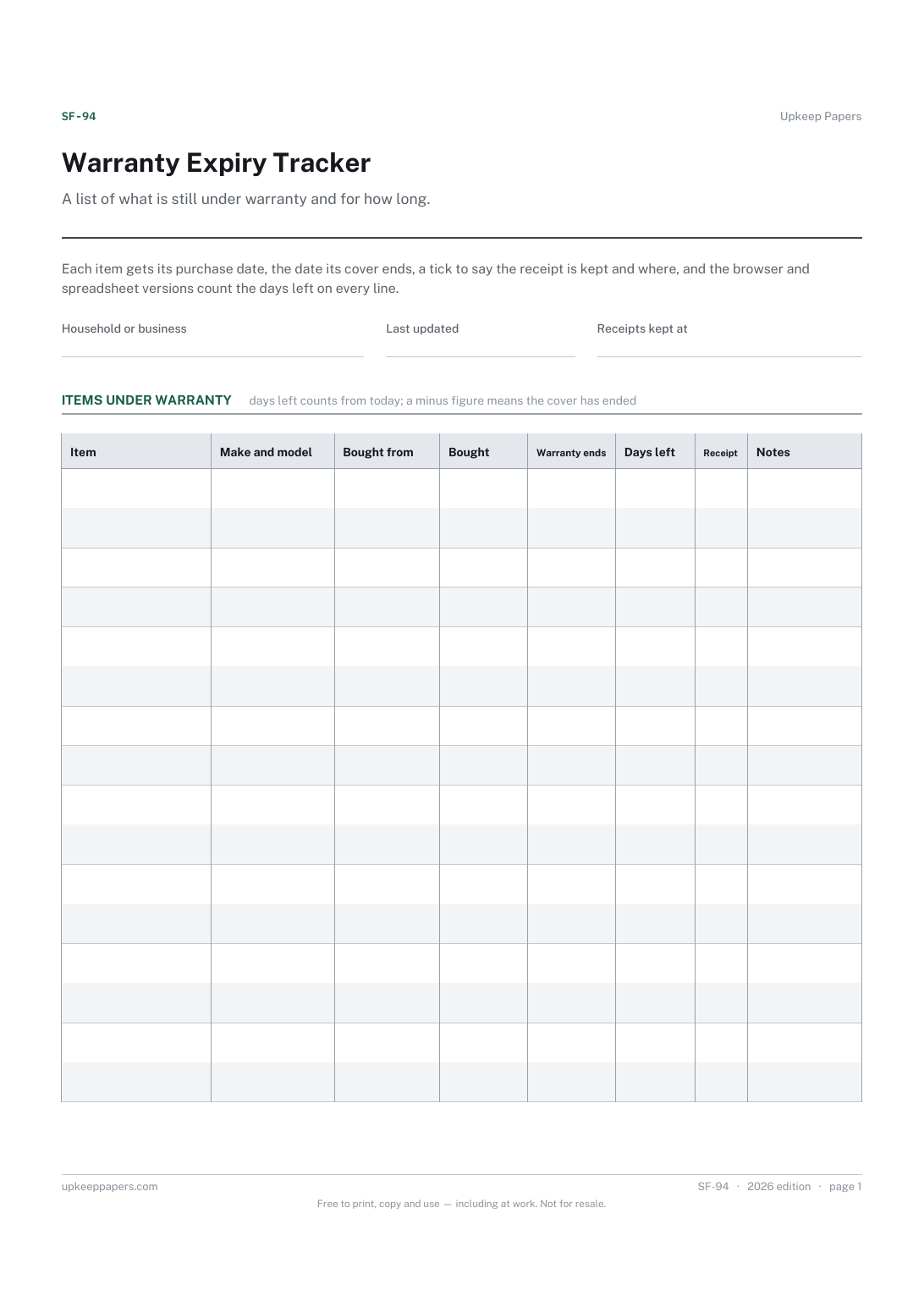
Which items are still covered today, and which ran out last month.
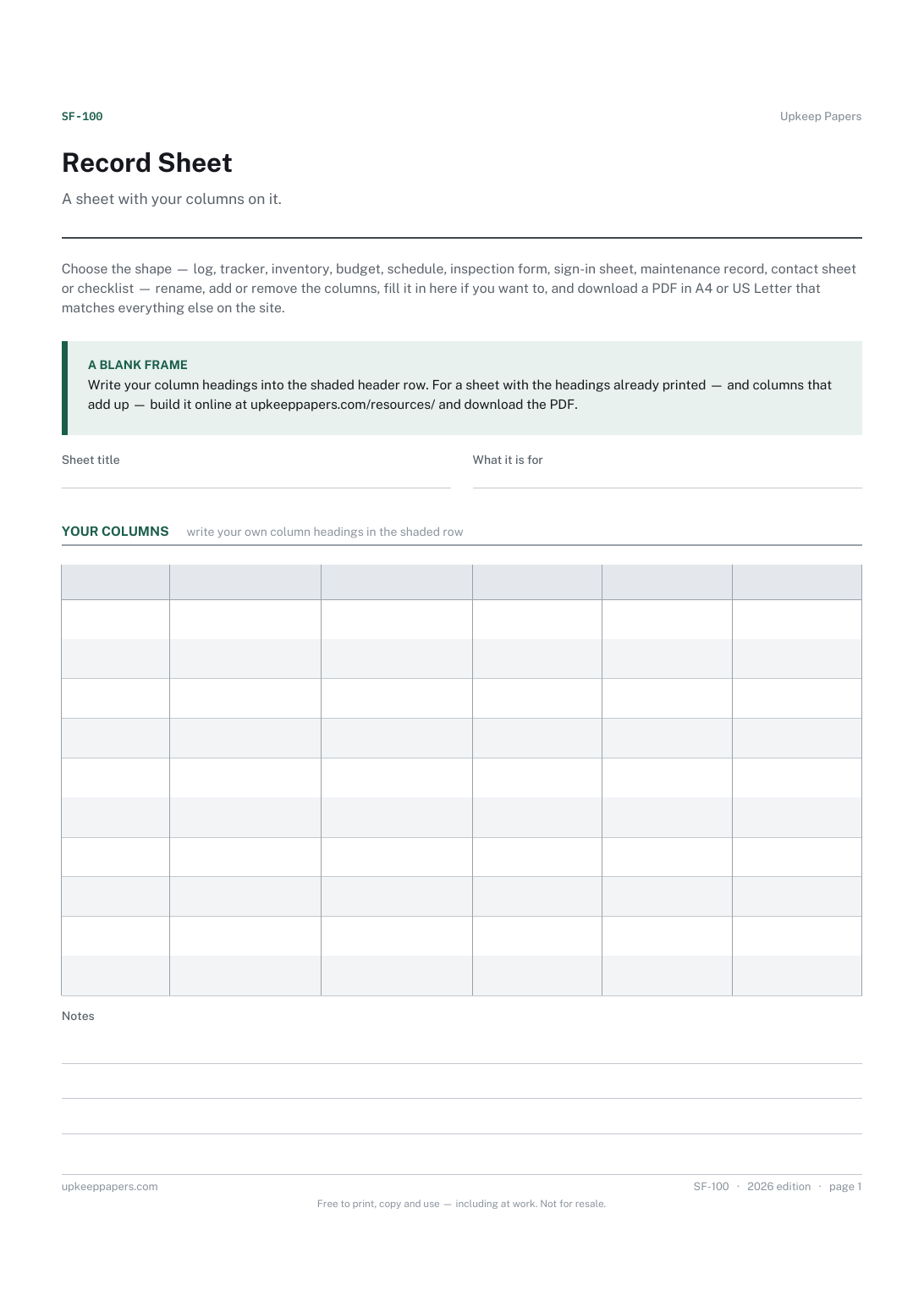
A sheet with exactly the columns you need, and none you do not.
Printable sheets, workbooks and tools on the same subject.
Collect the numbers you can never find when something breaks: model and serial numbers, install dates, and when the warranty runs out.
Every appliance with its purchase date and warranty length, working out the expiry date and how many days are left before cover runs out.

Every sheet, binder, game and puzzle on Upkeep Papers is free to download, with no email and no account. Making them is not free: each one takes days of research, design and checking, and the site costs money to run. If something here saved you time, you can buy us a coffee. It is entirely optional: nothing is locked, and nothing changes if you don’t.
Buy us a coffee Opens PayPal in a new tab. Any amount, and nothing changes if you would rather not.