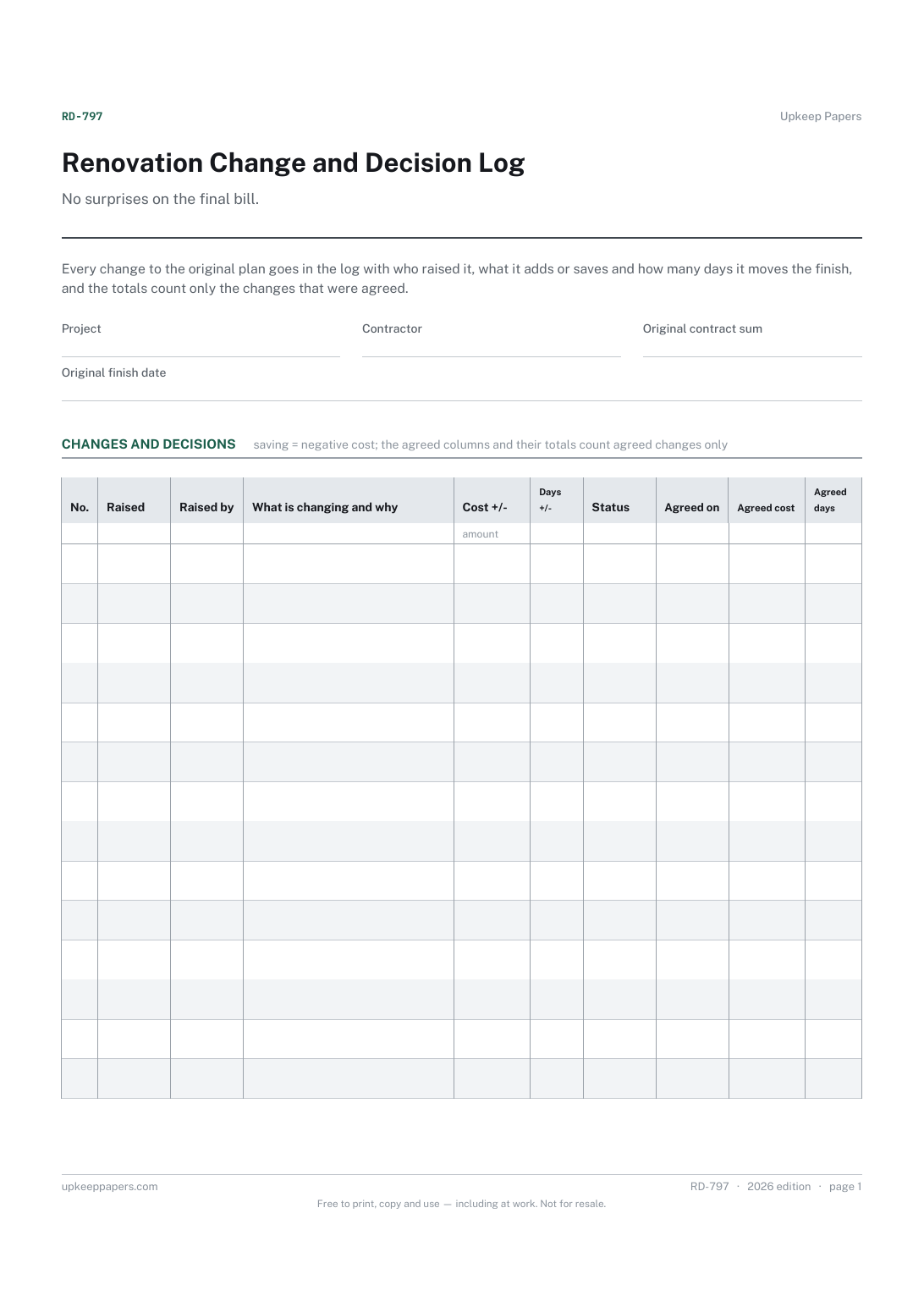
Renovation Change and Decision Log
Every change raised, when and by whom.
RD-797 Log PDF Excel Online
Everything here is free. Making it takes time and money. Everything here is free.
 Buy us a coffee
 Renovation and DIY Projects · RD-786 · Record
Renovation approvals record: every application, consent, notice and neighbour agreement with references, dates and conditions. Printable PDF and browser.
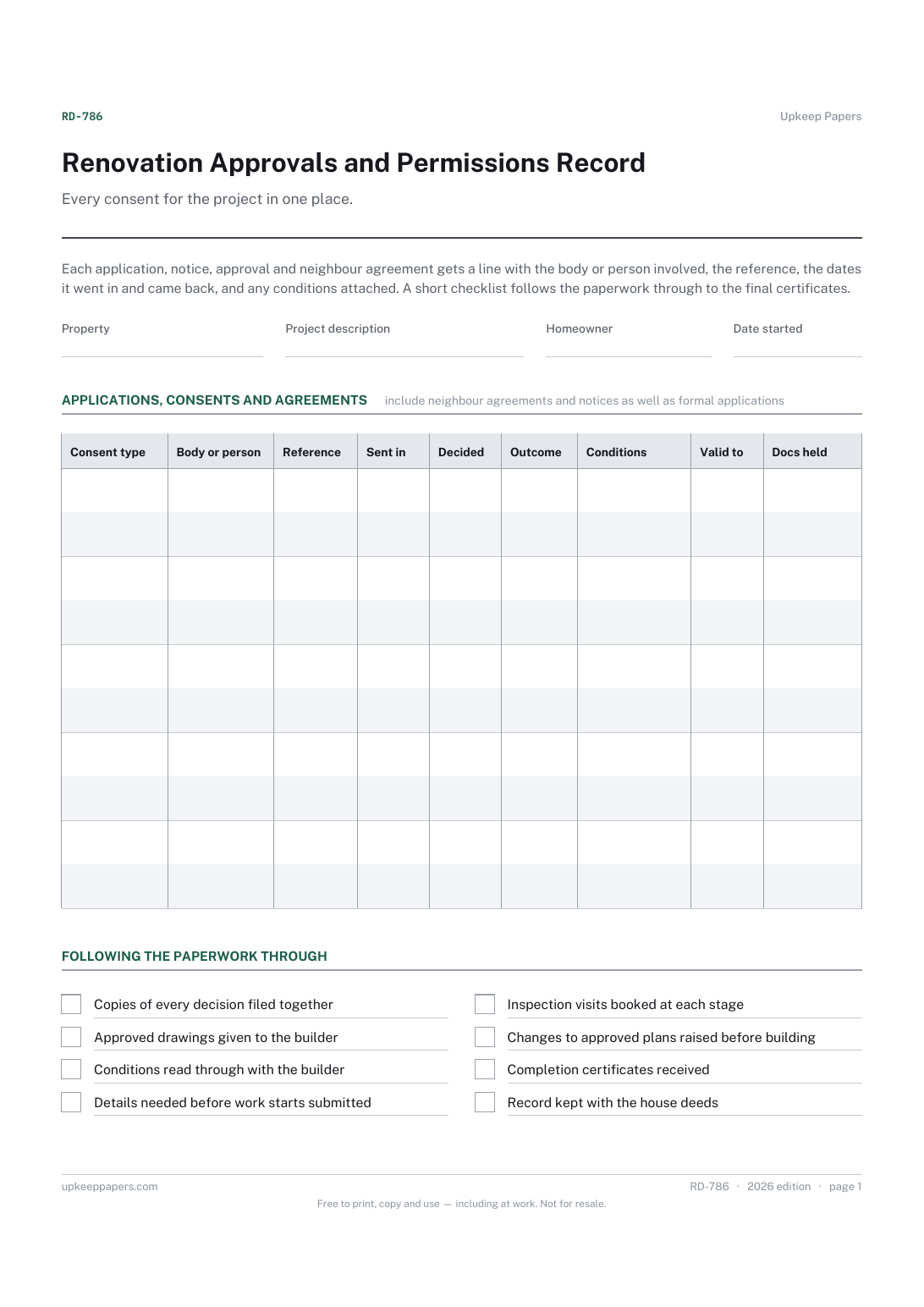
One page. The A4 and US Letter files are laid out identically, so neither is shrunk to fit.
Print it and write on it
Fillable PDF type and save
Or no download needed
Fill it in onlineThe fillable versions have real form fields — open them in any PDF reader, type into them and save. Printing help.
The same sheet, on screen. Tick, type, add or remove rows, then print it or download the completed version as a PDF. Everything stays in your browser — your entries are kept in this browser's own storage on this device, nothing is uploaded, and there is no account.
Every consent for the project in one place. Each application, notice, approval and neighbour agreement gets a line with the body or person involved, the reference, the dates it went in and came back, and any conditions attached. A short checklist follows the paperwork through to the final certificates.
Homeowners planning an extension, loft conversion, structural change or other work that involves applications, notices or agreements, and anyone who will one day need to show a buyer's solicitor what was approved and when.
The printable is laid out inside a box that fits both A4 and US Letter, so the two files are identical and neither one is scaled. The fillable PDF has real form fields. The online version keeps what you enter in your own browser and builds the completed PDF on your device.
Download the A4 or US Letter file to match the paper in your printer, open it in a PDF reader and print at 100% — not "fit to page", which shrinks the writing space. Both files leave a 14 mm margin, which clears the unprintable edge on home printers. To print the online version with your entries in it, use the Print this sheet button, which prints only the sheet and none of the page around it. More on printing.
This record does not say, because the answer depends on the work and on where you live. Check the rules with your local council, building control body or other authority, and with your designer or builder, then list each one here.
The conditions written on the decision itself, in brief: materials to be agreed, details to be submitted before work starts, hours of work or anything else. Put the full text in the documents held column by noting where the letter is filed.
Yes. Any written agreement, notice or award with a neighbour belongs on the same record, with the date it was signed and where your copy is kept. It is part of the project's paperwork like any other consent.
Because a later buyer, lender or insurer may ask to see what was approved. The reference numbers and the certificate dates make that request a quick one.
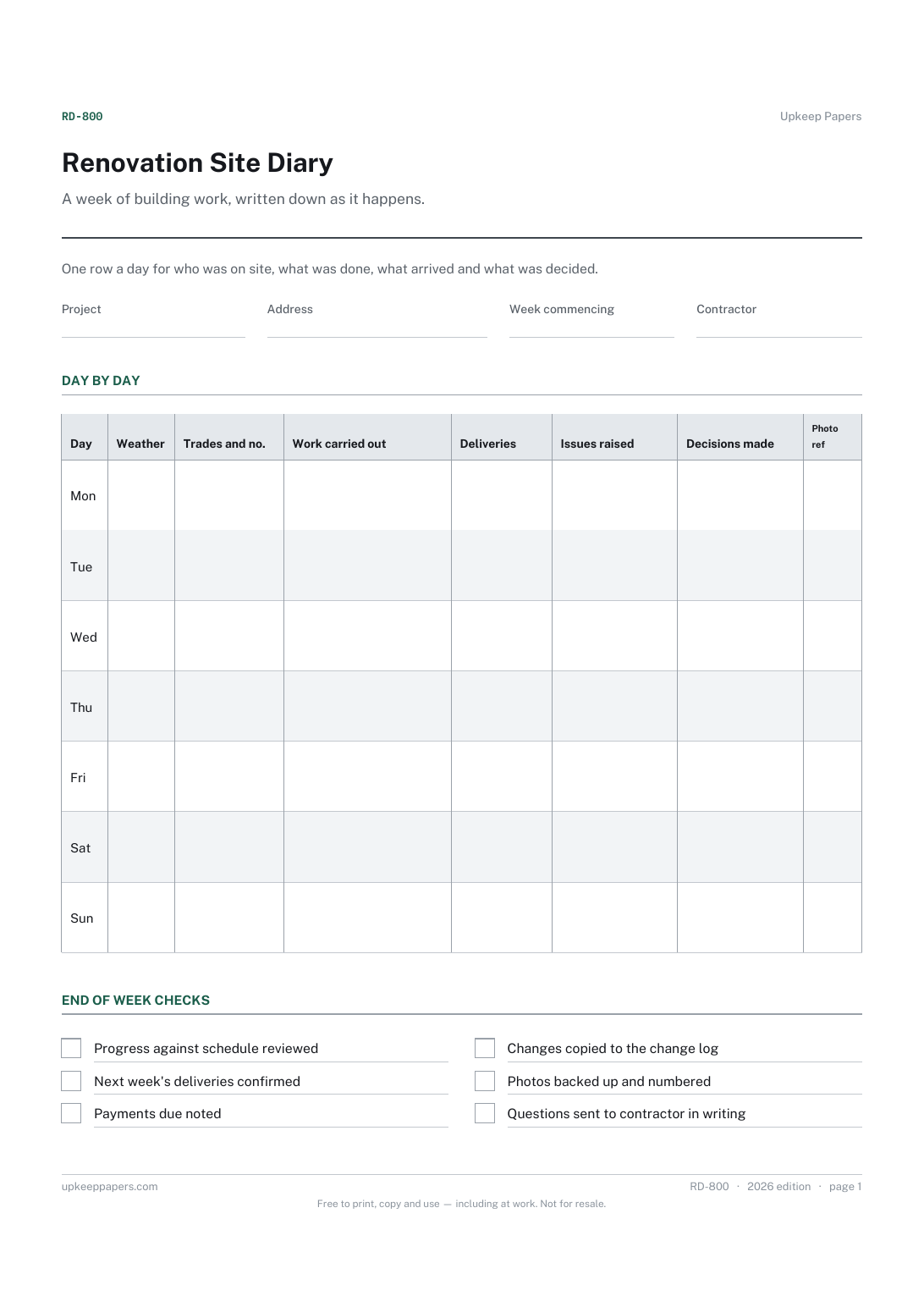
Every change raised, when and by whom.
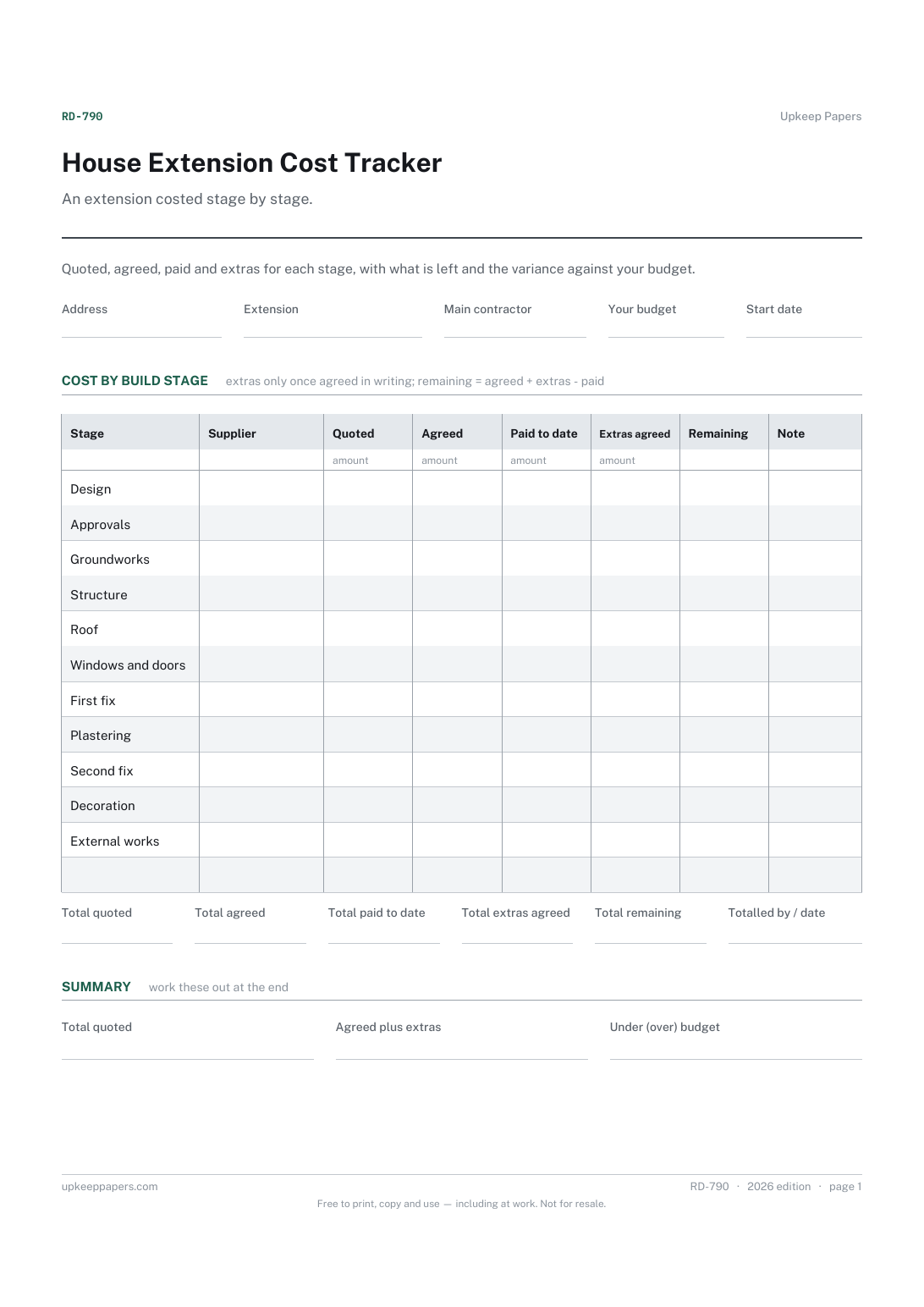
The quoted and agreed figure for every stage of the build.
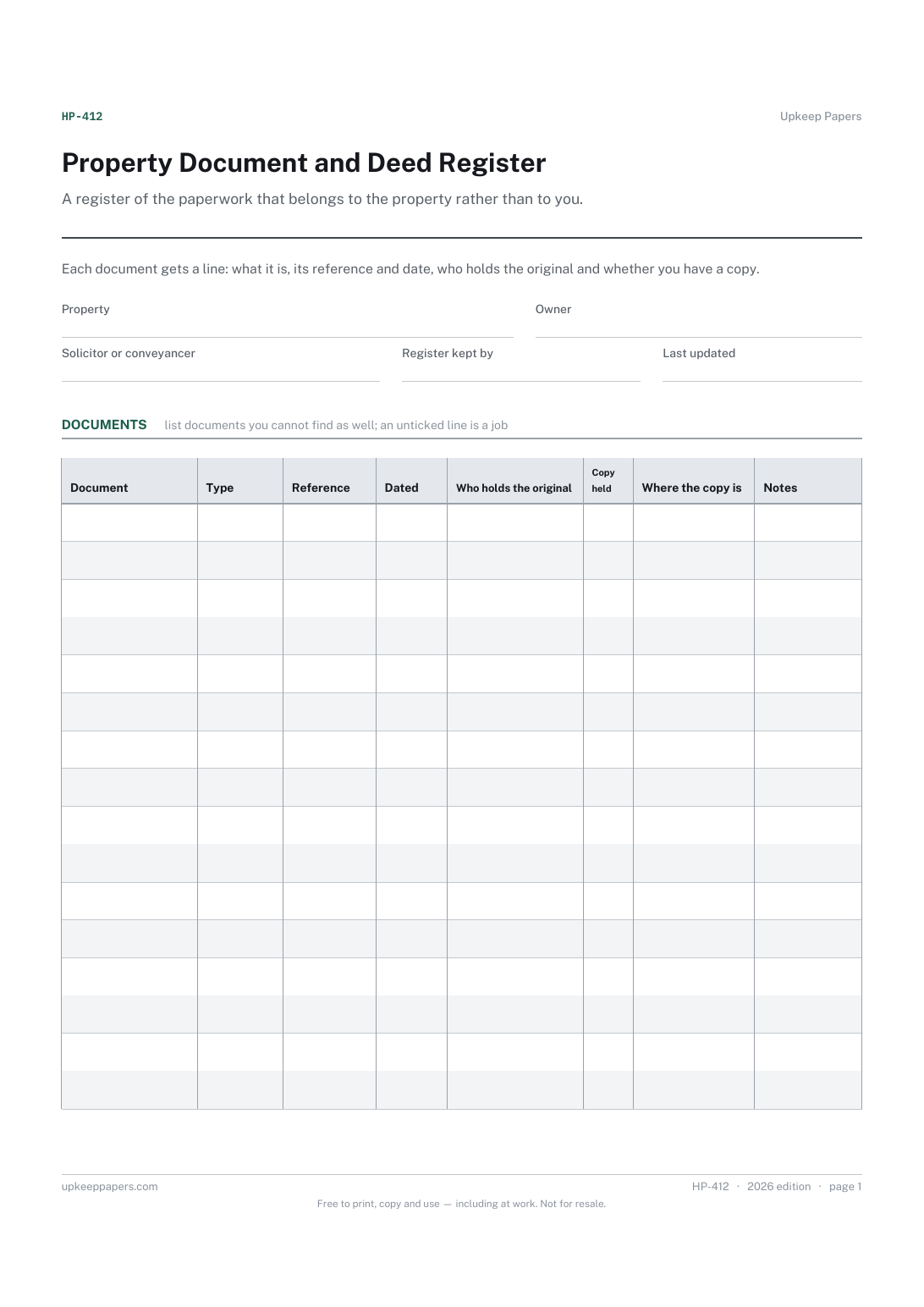
Which documents exist for the property and what each one is.
Printable sheets, workbooks and tools on the same subject.
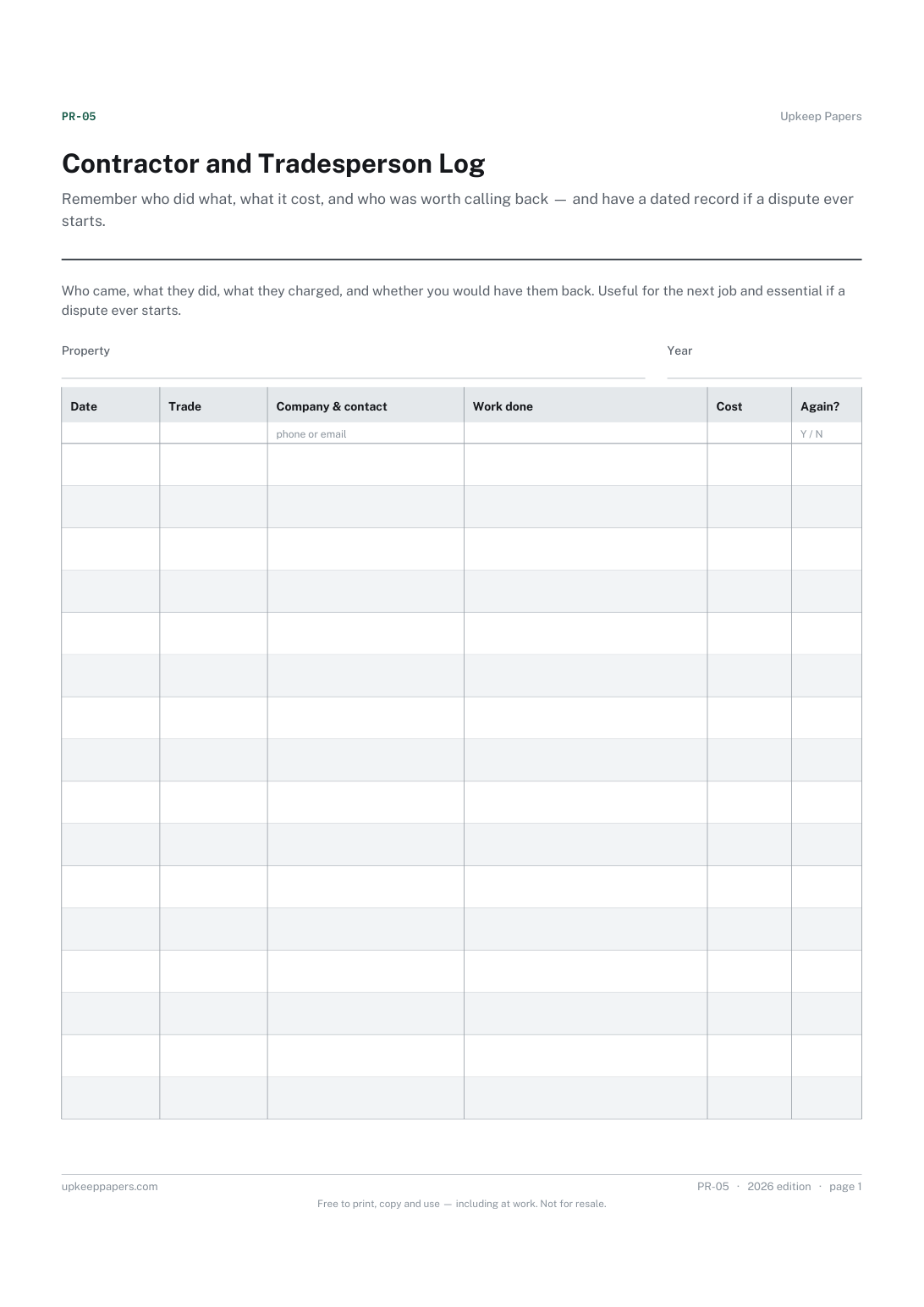
Remember who did what, what it cost, and who was worth calling back — and have a dated record if a dispute ever starts.

Every sheet, binder, game and puzzle on Upkeep Papers is free to download, with no email and no account. Making them is not free: each one takes days of research, design and checking, and the site costs money to run. If something here saved you time, you can buy us a coffee. It is entirely optional: nothing is locked, and nothing changes if you don’t.
Buy us a coffee Opens PayPal in a new tab. Any amount, and nothing changes if you would rather not.