
Fitness and Training · FT-667 · Log
Cardio Machine Workout Log
Free cardio workout log for treadmill, bike, rower, cross-trainer and stair machine sessions, with time and distance totals. Excel, PDF and browser.
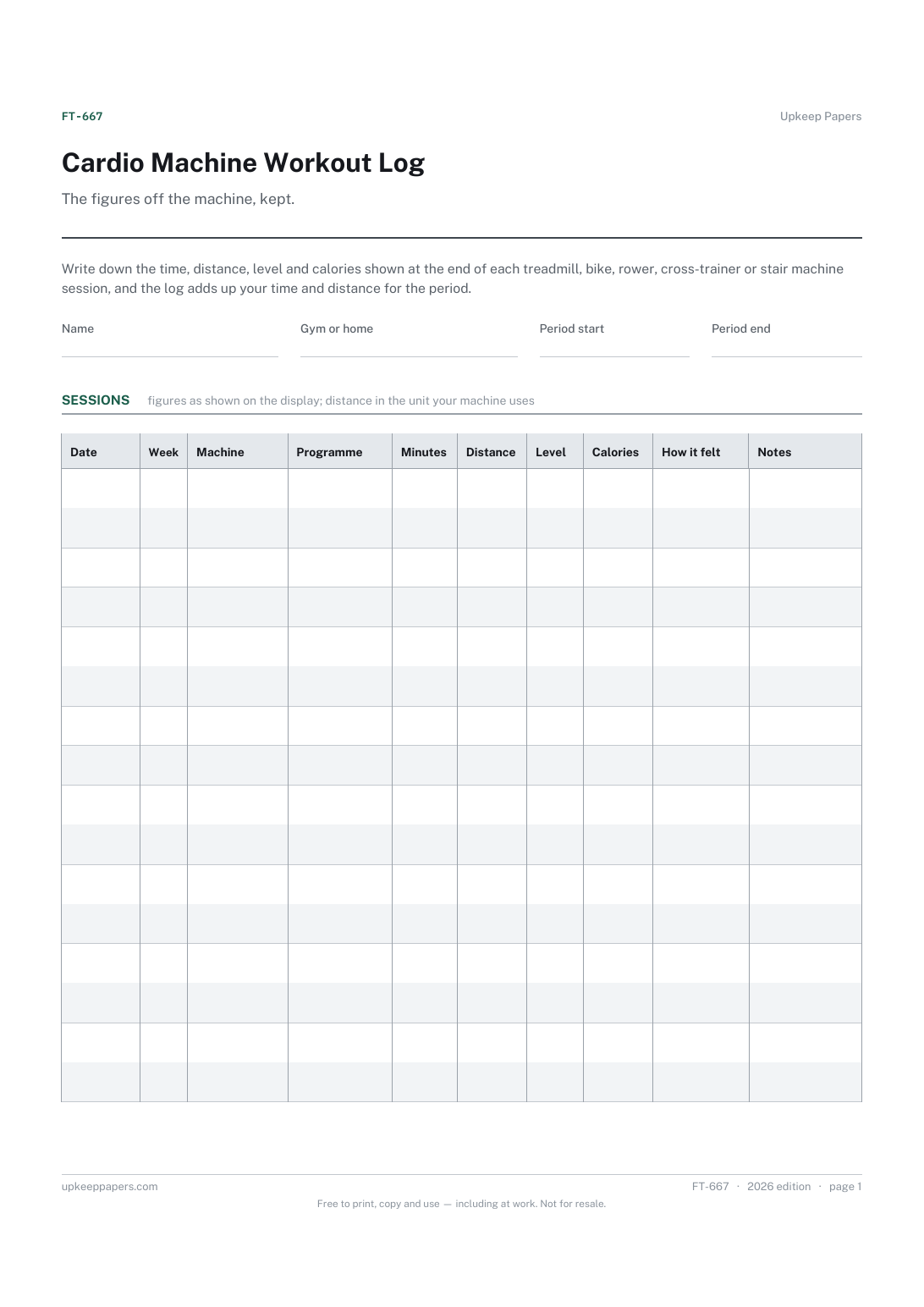
2 pages. The A4 and US Letter files are laid out identically, so neither is shrunk to fit.
Print it and write on it
Fillable PDF type and save
Spreadsheet formulas included
The fillable versions have real form fields — open them in any PDF reader, type into them and save. Printing help.
Fill it in online
The same sheet, on screen. Totals and figures are worked out as you type, rows can be added or removed, and you can print it or download the completed version as a PDF. Everything stays in your browser — your entries are kept in this browser's own storage on this device, nothing is uploaded, and there is no account.
Who this is for
The figures off the machine, kept. Write down the time, distance, level and calories shown at the end of each treadmill, bike, rower, cross-trainer or stair machine session, and the log adds up your time and distance for the period.
Gym-goers and home exercisers who use cardio machines and want the numbers somewhere other than a screen that resets the moment they step off.
What this helps you track
- Every session with the machine, programme and level used
- Time and distance as shown on the display
- Calories as the machine reported them
- How each session felt
- Time and distance totals and the number of sessions
How to use it
- Write your name, whether you train at a gym or at home, and the dates the log covers.
- At the end of each session, copy the time, distance, level and calories from the display.
- Pick the machine, note the programme or setting and write how the session felt.
- Totals and the week number are worked out in the browser and the workbook; on paper, add the columns at the foot.
- To see totals for one machine, filter the machine column in the workbook.
- Start a new sheet each week or month, whichever period you set at the top.
Formats
- Printable PDF (A4 and US Letter)
- Fillable PDF with form fields
- Fill in online, saved in your browser
- Excel / Google Sheets workbook
The printable is laid out inside a box that fits both A4 and US Letter, so the two files are identical and neither one is scaled. The fillable PDF has real form fields. The workbook uses plain formulas only — SUM, IF, COUNTIF and the like — so it opens in Excel, LibreOffice and Google Sheets without anything breaking, and every calculated cell is grey so you can see which figures it worked out.
How to print
Download the A4 or US Letter file to match the paper in your printer, open it in a PDF reader and print at 100% — not "fit to page", which shrinks the writing space. Both files leave a 14 mm margin, which clears the unprintable edge on home printers. To print the online version with your entries in it, use the Print this sheet button, which prints only the sheet and none of the page around it. More on printing.
Questions
Are the calorie figures accurate?
They are whatever the machine displays, and machines work them out in different ways. The log records them as shown; treat them as a way to compare sessions on the same machine rather than an exact figure.
How do I record time?
In minutes, as a decimal if needed, so a 25 minute 30 second session is 25.5. That way the totals add up correctly in the browser and the workbook.
What does the week column do?
It counts weeks from the period start date in the header: week 1 is the first seven days, and so on. Sorting or filtering by it gives weekly totals in the workbook.
Can I compare levels between machines?
Not reliably, because levels and resistance settings differ from one make and model to another. Compare a level only against the same machine.
Related resources
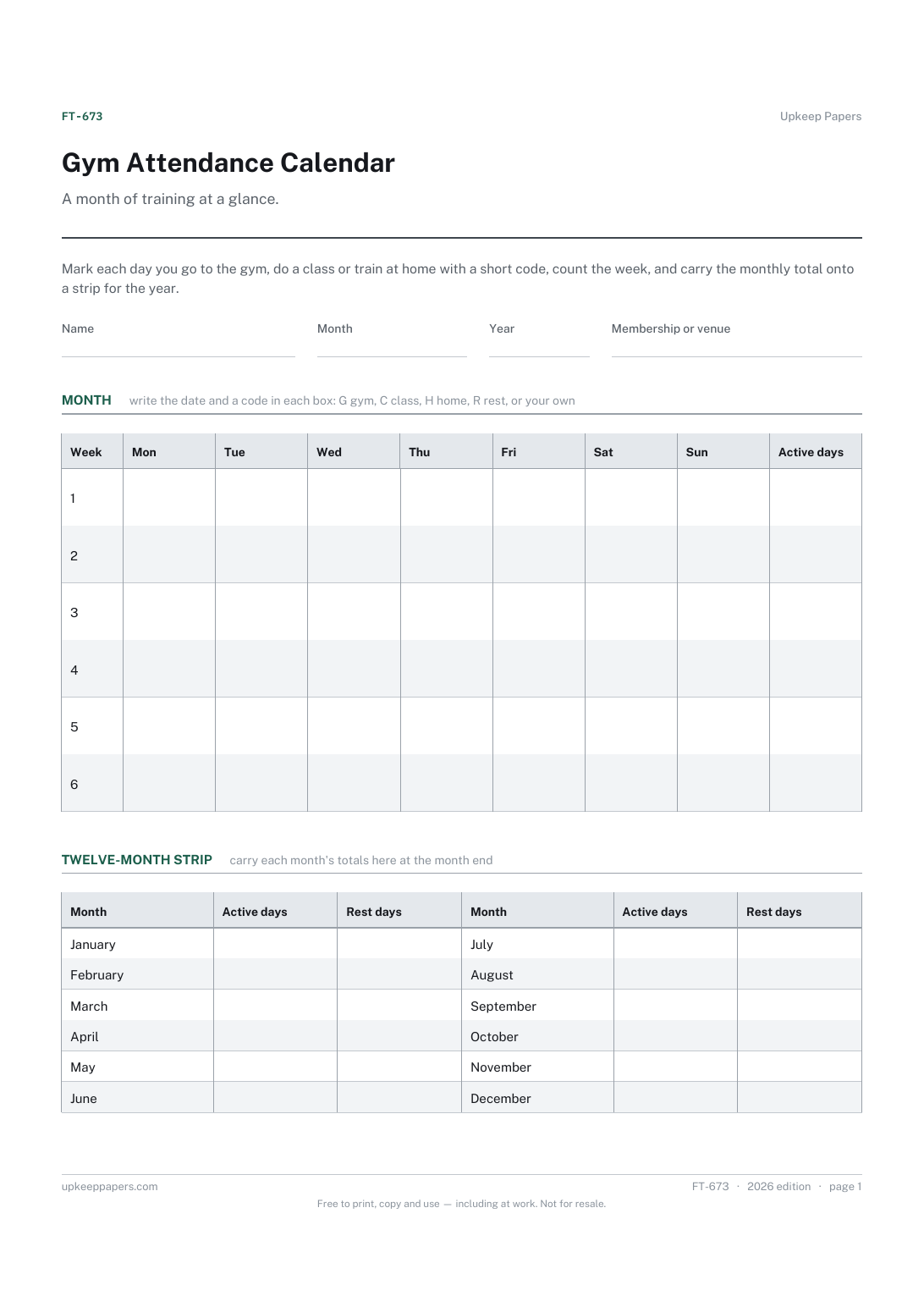
Gym Attendance Calendar
Which days you trained and what kind of session it was.
Also in the library
Printable sheets, workbooks and tools on the same subject.

Training and Session Log
Record what you actually did in each session, so progress over a block is something you can look at rather than something you try to remember.
