
Estate and Legacy Planning · EL-823 · Tracker
House Clearance and Property Sale Tracker
House clearance tracker spreadsheet for a late relative's home: rooms cleared, costs, proceeds and sale stages, with a net figure. Excel, PDF and browser.
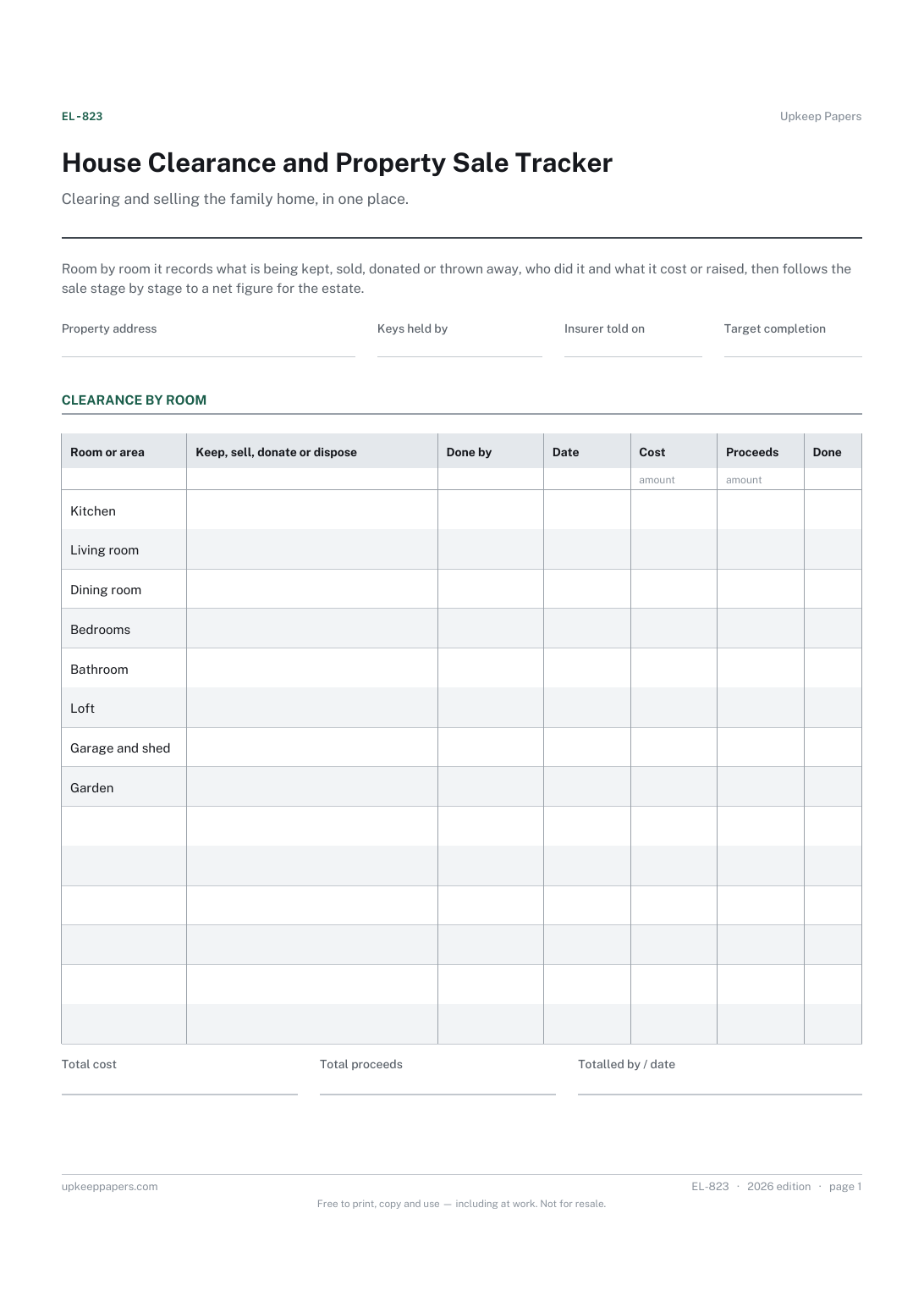
2 pages. The A4 and US Letter files are laid out identically, so neither is shrunk to fit.
Print it and write on it
Fillable PDF type and save
Spreadsheet formulas included
The fillable versions have real form fields — open them in any PDF reader, type into them and save. Printing help.
Fill it in online
The same sheet, on screen. Totals and figures are worked out as you type, rows can be added or removed, and you can print it or download the completed version as a PDF. Everything stays in your browser — your entries are kept in this browser's own storage on this device, nothing is uploaded, and there is no account.
Who this is for
Clearing and selling the family home, in one place. Room by room it records what is being kept, sold, donated or thrown away, who did it and what it cost or raised, then follows the sale stage by stage to a net figure for the estate.
Executors and families clearing and selling the home of someone who has died, especially when the work is shared or done from a distance.
What this helps you track
- Which rooms and areas have been cleared, by whom and when
- Where the contents went: kept, sold, donated or disposed of
- Clearance costs and the money raised from selling contents
- Each stage of the property sale, with contacts and costs
- The net figure once costs are set against proceeds
How to use it
- Write the property address, who holds keys, the date the insurer was told and your target completion date.
- Work through the rooms in the clearance table, noting what is being done with the contents, who is doing it and any cost or money raised.
- As the sale moves on, fill in the date, contact and any cost for each stage, and the amount received at completion.
- Totals and the net figure are worked out in the browser and the workbook; on paper, add the columns and subtract costs from proceeds.
- Keep receipts and sale paperwork with the tracker, and carry the net figure into the estate accounts.
Formats
- Printable PDF (A4 and US Letter)
- Fillable PDF with form fields
- Fill in online, saved in your browser
- Excel / Google Sheets workbook
The printable is laid out inside a box that fits both A4 and US Letter, so the two files are identical and neither one is scaled. The fillable PDF has real form fields. The workbook uses plain formulas only — SUM, IF, COUNTIF and the like — so it opens in Excel, LibreOffice and Google Sheets without anything breaking, and every calculated cell is grey so you can see which figures it worked out.
How to print
Download the A4 or US Letter file to match the paper in your printer, open it in a PDF reader and print at 100% — not "fit to page", which shrinks the writing space. Both files leave a 14 mm margin, which clears the unprintable edge on home printers. To print the online version with your entries in it, use the Print this sheet button, which prints only the sheet and none of the page around it. More on printing.
Questions
Why tell the insurer?
Many home insurance policies have conditions about empty or unoccupied property. The sheet does not say what those are; the field is there to record when you told the insurer and what they said about cover while the house is empty.
What goes in the proceeds column?
Money raised by selling contents during the clearance, such as furniture, appliances or a car. The amount received from the property sale itself goes in the sale table, so both are counted in the net figure.
How is the net figure worked out?
All proceeds from contents and the sale, less clearance costs and sale costs entered on the sheet. It is a working figure for your own records, not a statement of what the estate is worth.
Can I add rooms or stages?
Yes. Cross out any that do not apply and add rows for outbuildings, the garden, a garage or extra sale steps. The browser and workbook let you add as many rows as you need.
Related resources
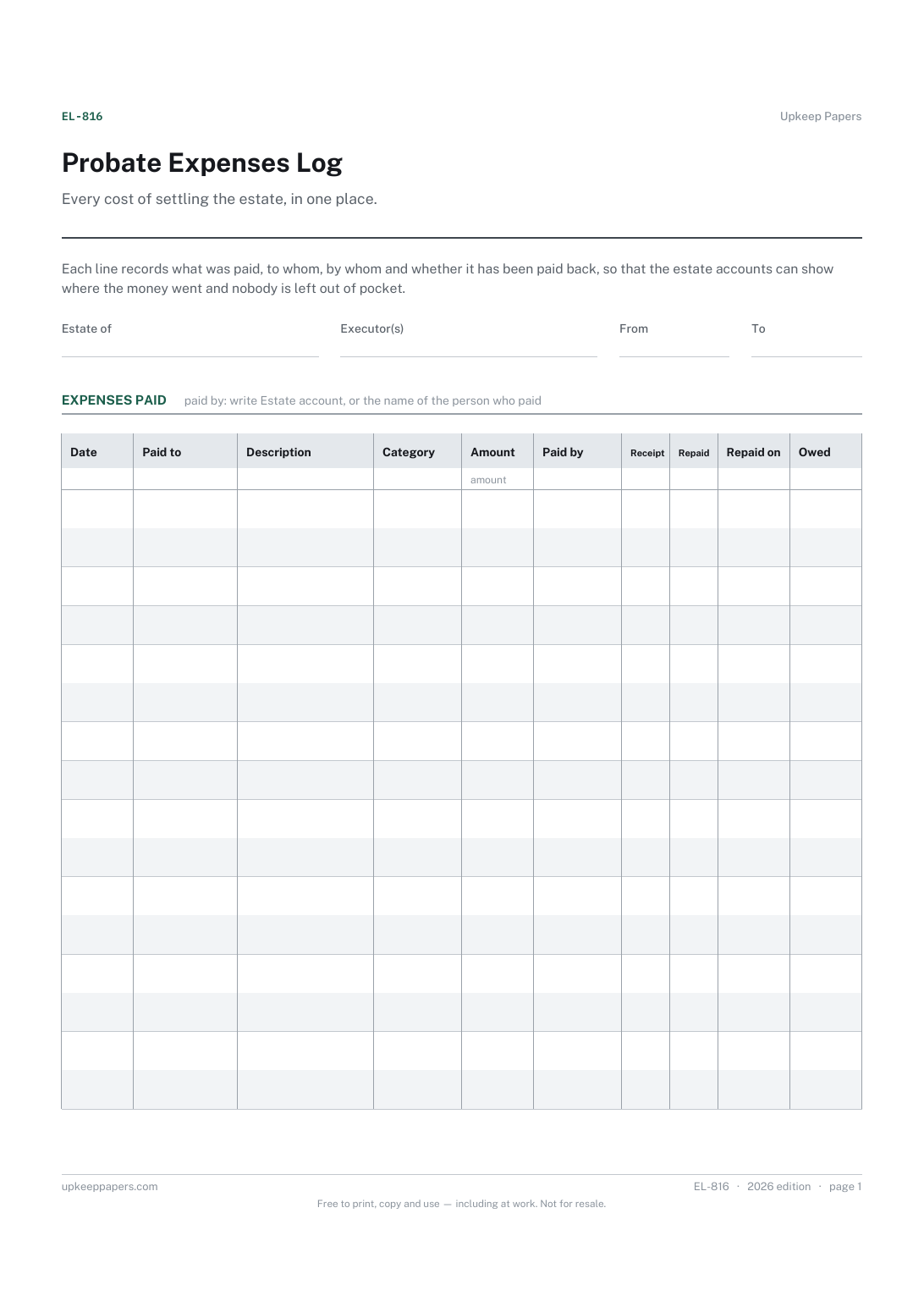
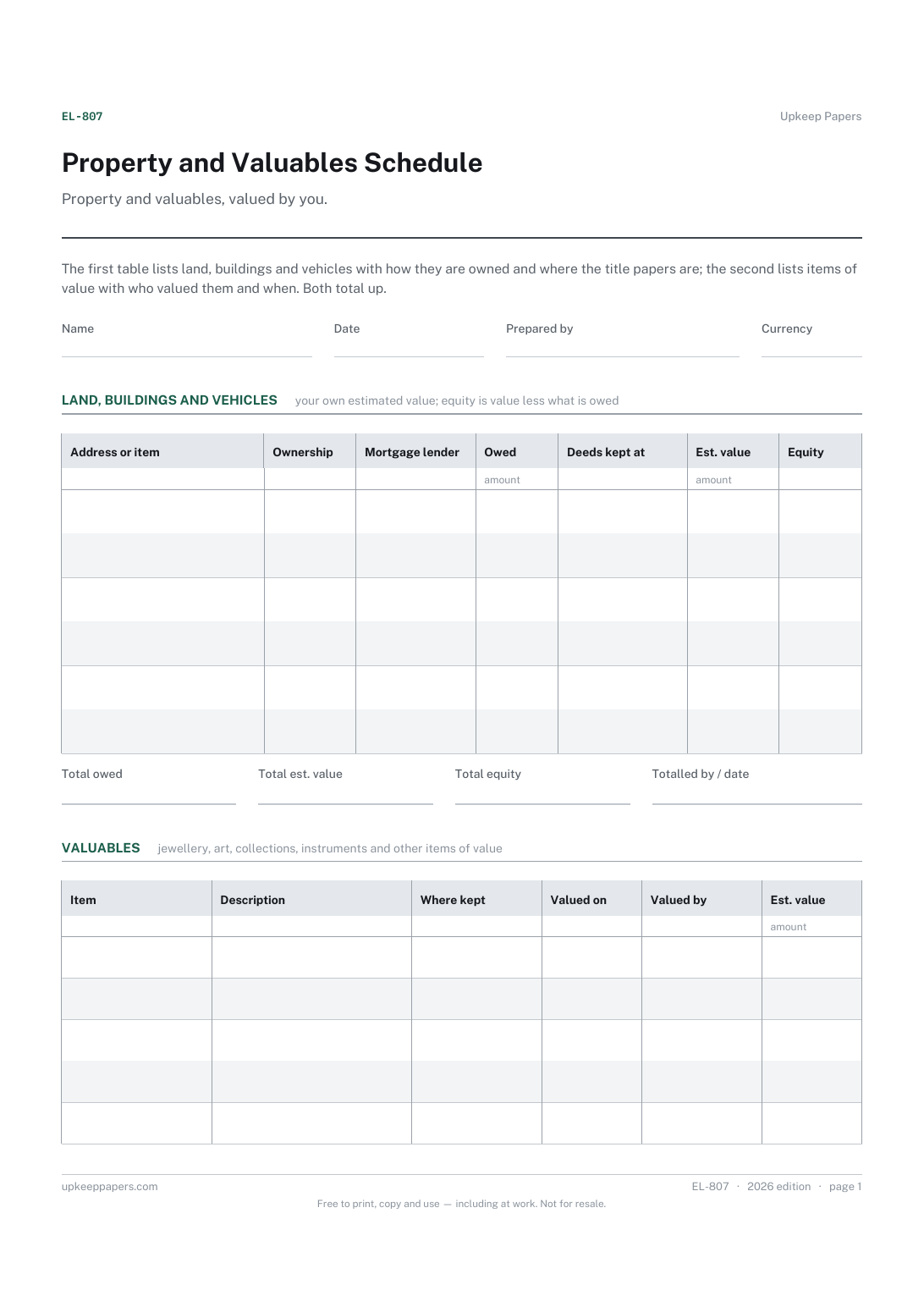
Property and Valuables Schedule
Each property or vehicle, how it is owned and where its papers are kept.
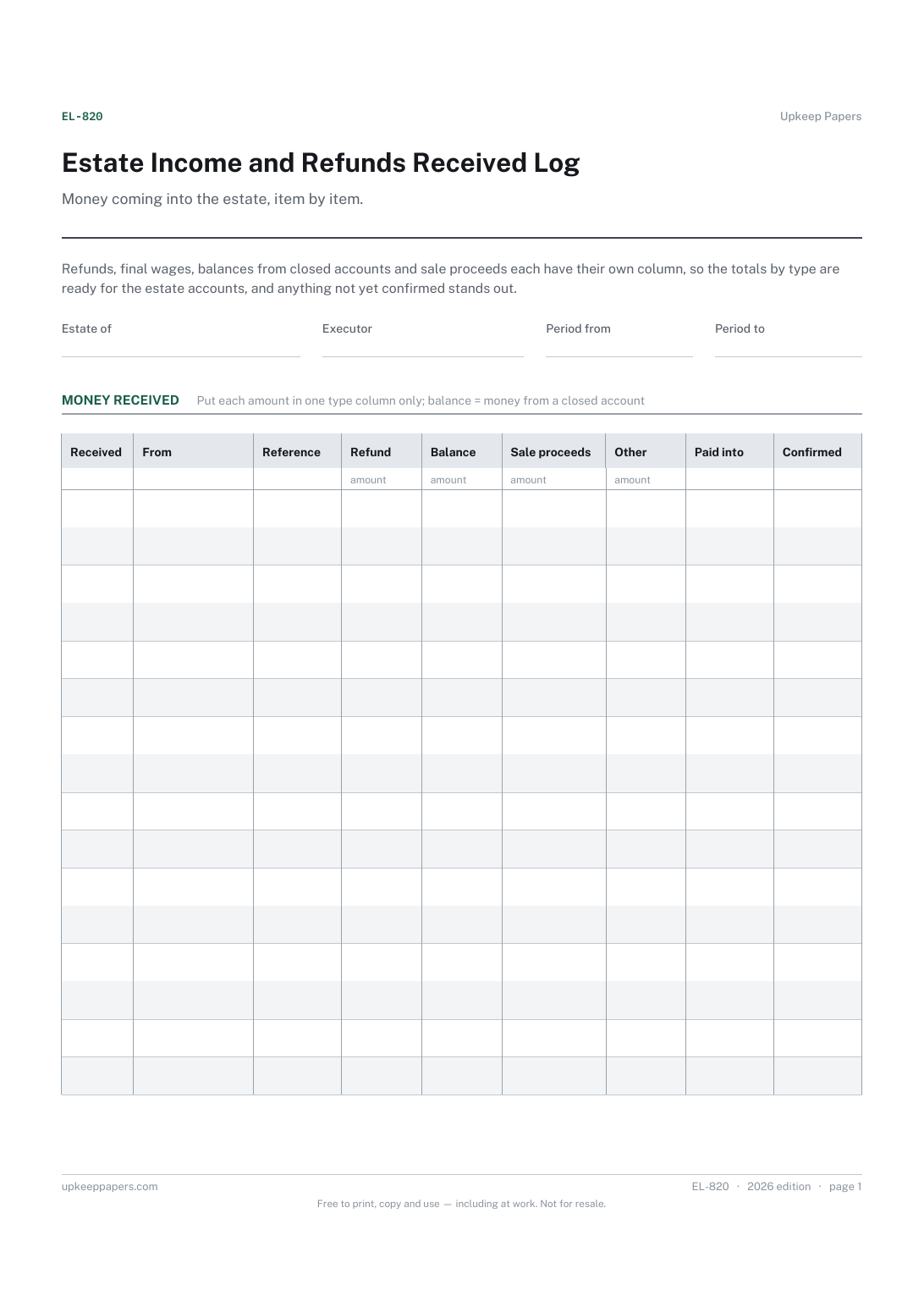
Estate Income and Refunds Received Log
Each amount received, who it came from and when.
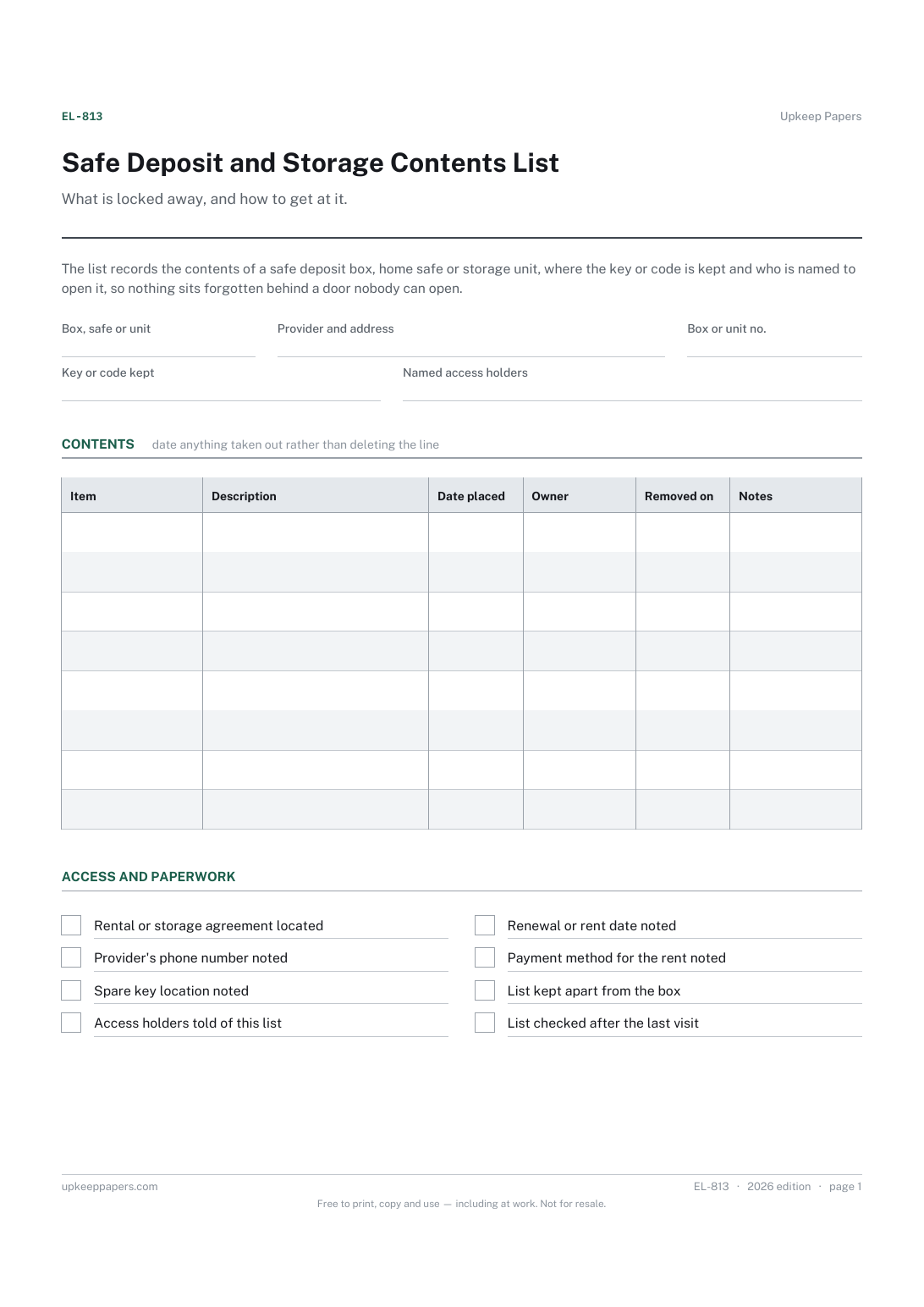
Safe Deposit and Storage Contents List
Where the box, safe or unit is and who provides it.
Also in the library
Printable sheets, workbooks and tools on the same subject.

Garage and Loft Inventory
Know what is in the boxes without going up into the loft, by numbering the boxes and keeping the list on paper.

Home Inventory Spreadsheet
Room-by-room contents with what each thing cost and what it would cost to replace, totalled per room and overall — the list an insurer asks for.
