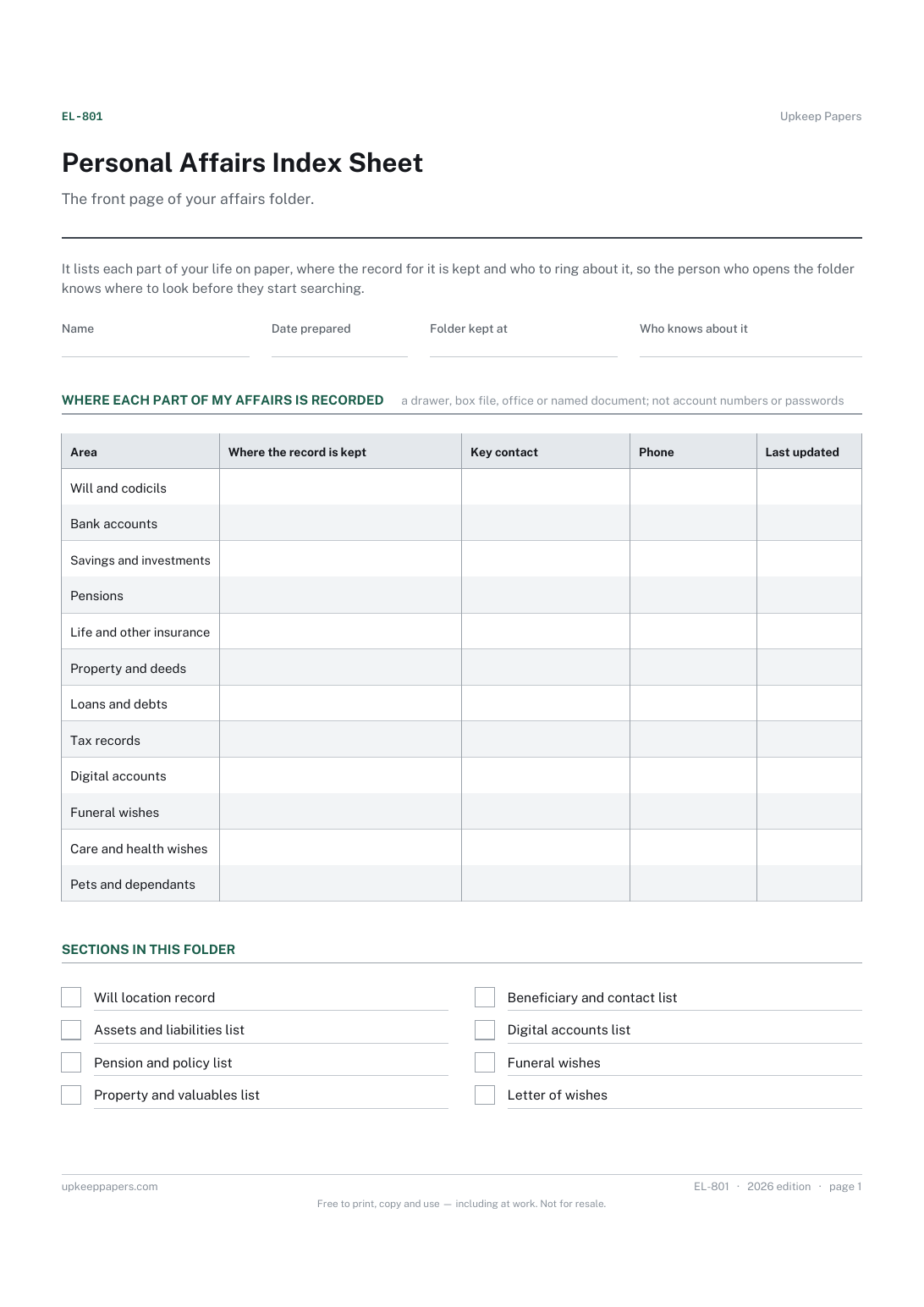
Personal Affairs Index Sheet
Where the folder itself is kept and who knows it exists.
EL-801 Form PDF Online
Everything here is free. Making it takes time and money. Everything here is free.
 Buy us a coffee
 Estate and Legacy Planning · EL-808 · Inventory
Free digital legacy inventory: online accounts, devices and content with your wish for each one — close, memorialise, pass on or delete. PDF and browser.
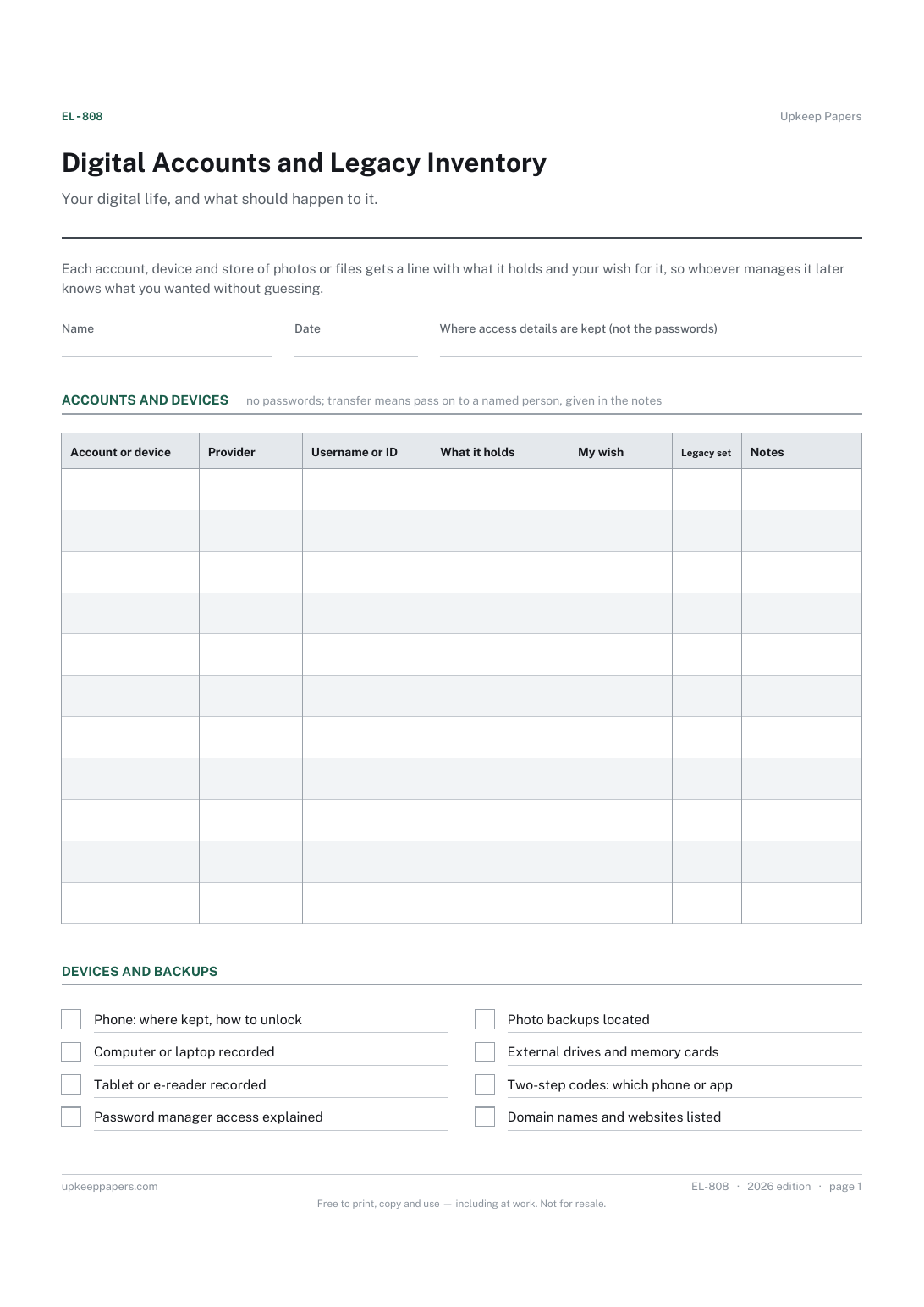
One page. The A4 and US Letter files are laid out identically, so neither is shrunk to fit.
Print it and write on it
Fillable PDF type and save
Or no download needed
Fill it in onlineThe fillable versions have real form fields — open them in any PDF reader, type into them and save. Printing help.
The same sheet, on screen. Tick, type, add or remove rows, then print it or download the completed version as a PDF. Everything stays in your browser — your entries are kept in this browser's own storage on this device, nothing is uploaded, and there is no account.
Your digital life, and what should happen to it. Each account, device and store of photos or files gets a line with what it holds and your wish for it, so whoever manages it later knows what you wanted without guessing.
Anyone with email, social media, cloud storage, online shops or paid services, and the family member or executor who will one day have to deal with them.
The printable is laid out inside a box that fits both A4 and US Letter, so the two files are identical and neither one is scaled. The fillable PDF has real form fields. The online version keeps what you enter in your own browser and builds the completed PDF on your device.
Download the A4 or US Letter file to match the paper in your printer, open it in a PDF reader and print at 100% — not "fit to page", which shrinks the writing space. Both files leave a 14 mm margin, which clears the unprintable edge on home printers. To print the online version with your entries in it, use the Print this sheet button, which prints only the sheet and none of the page around it. More on printing.
No. Record where access details are kept, such as a password manager and how it can be opened, or a sealed envelope with your solicitor. A list of passwords on paper in the folder is a risk to you while you are alive.
Some social networks can turn an account into a memorial page instead of deleting it. Whether that is offered, and how, depends on the provider; check their own help pages when you fill in your wish.
A setting some providers offer that lets a named person access or manage parts of an account after your death. Where it exists, setting it up is usually more reliable than leaving instructions alone.
Some may be, especially those holding money, credit or content you own, and the rules and providers' terms differ. Check the rules where you are, and list anything with a balance on the assets and liabilities schedule too.
Where the folder itself is kept and who knows it exists.
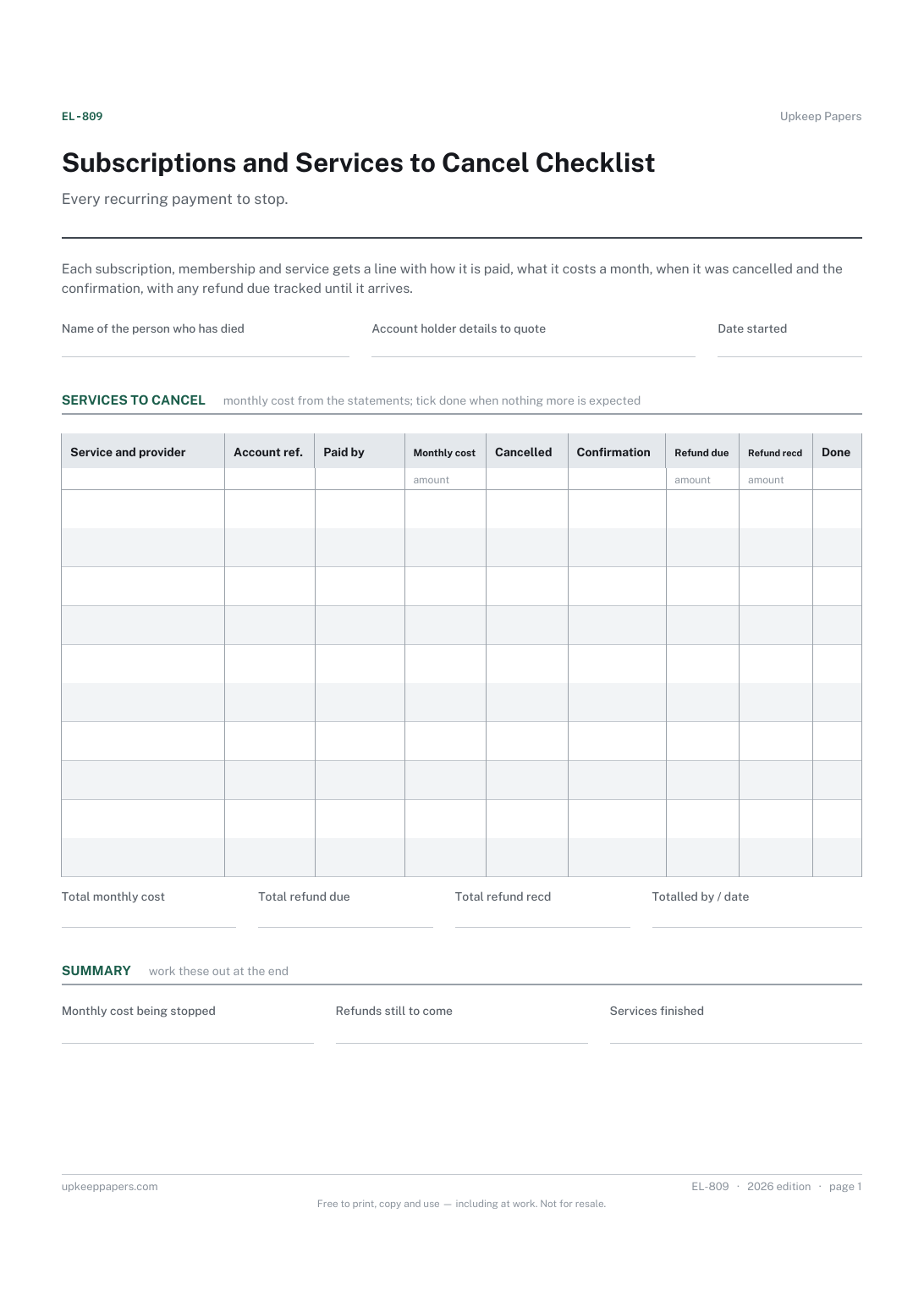
Every subscription, membership and service still being paid.
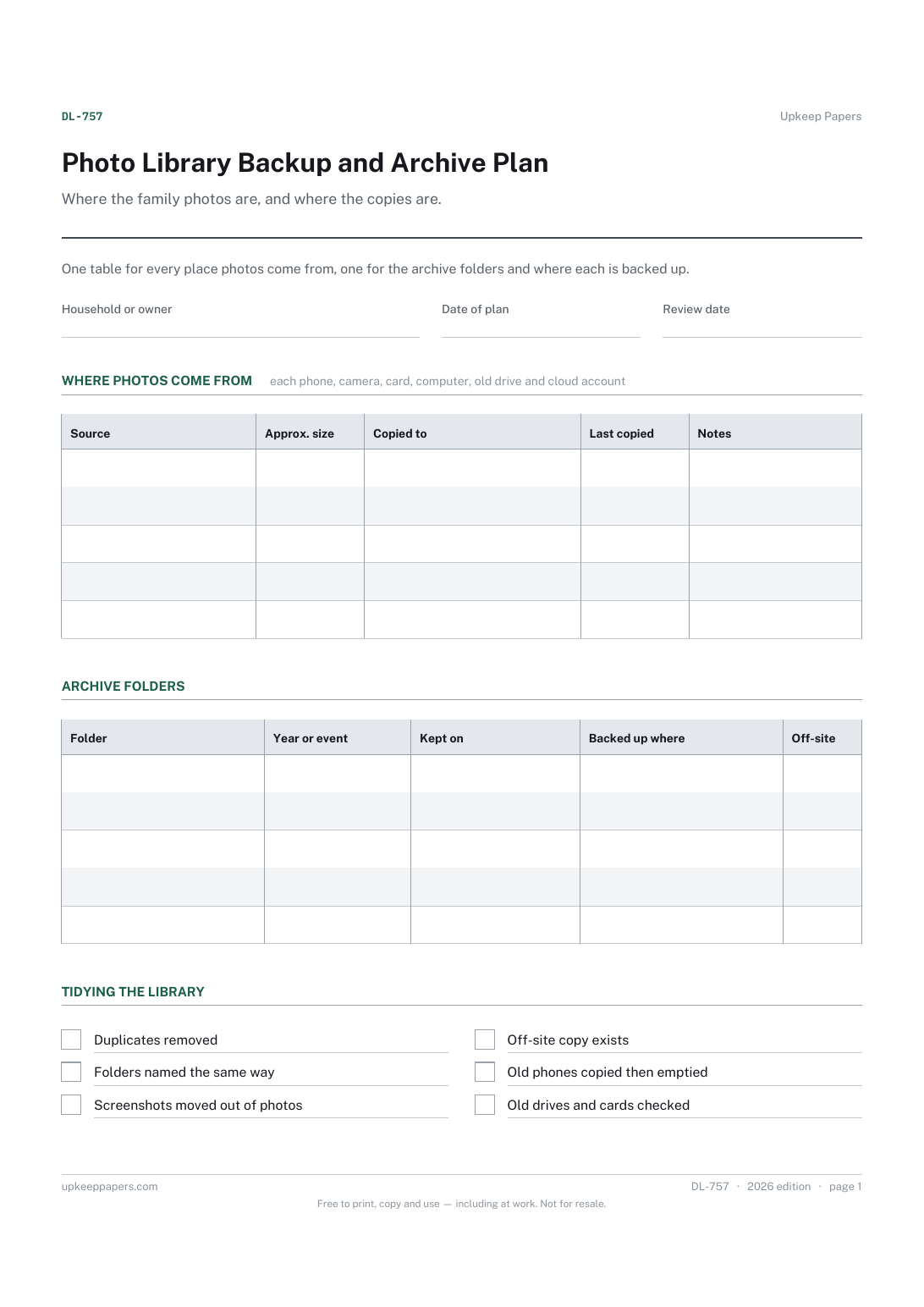
Every source of photos in the house, including old phones and drives.
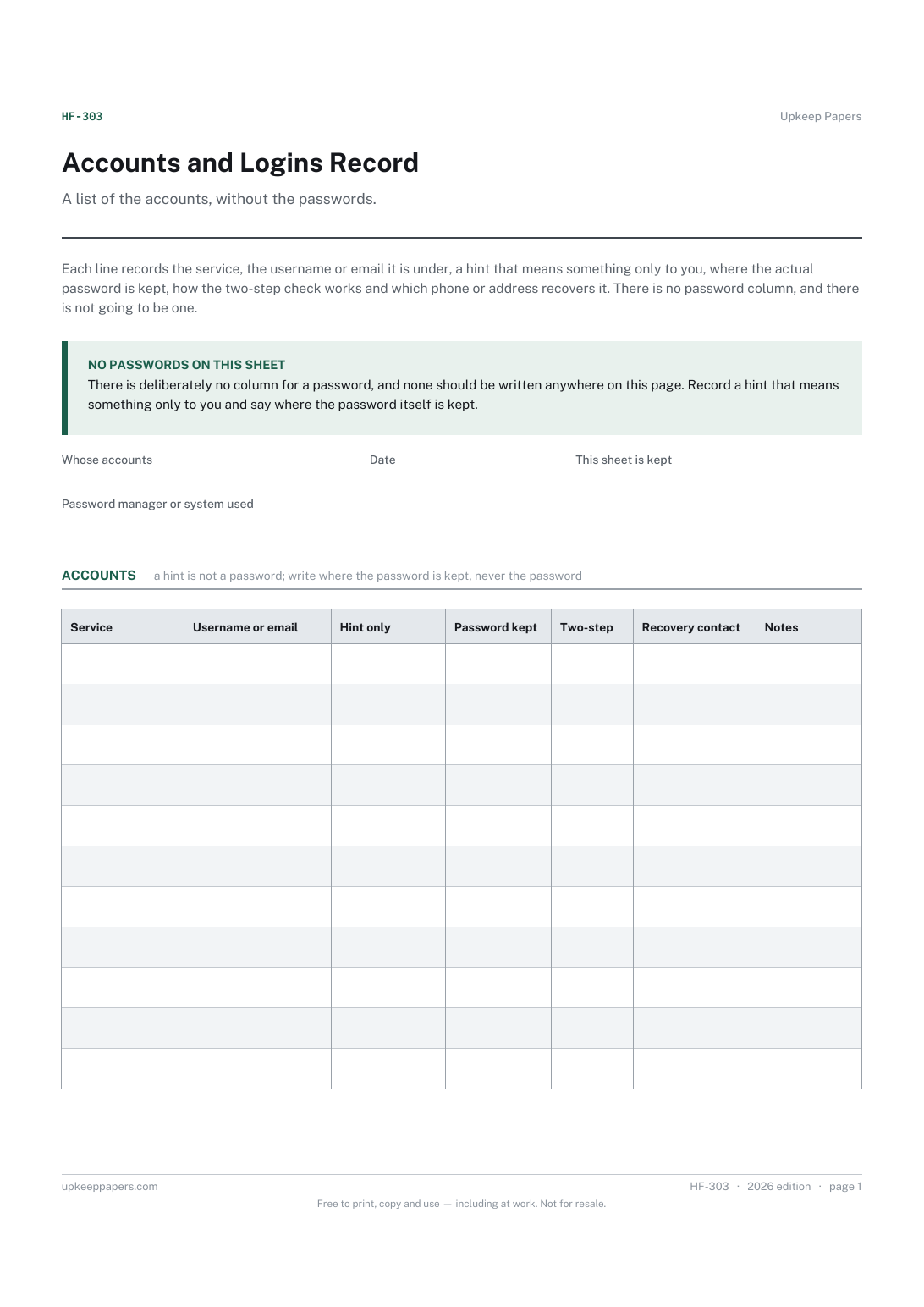
Every account the household holds, with the service and the login name.

Every sheet, binder, game and puzzle on Upkeep Papers is free to download, with no email and no account. Making them is not free: each one takes days of research, design and checking, and the site costs money to run. If something here saved you time, you can buy us a coffee. It is entirely optional: nothing is locked, and nothing changes if you don’t.
Buy us a coffee Opens PayPal in a new tab. Any amount, and nothing changes if you would rather not.